
Twilight Pause Cinematic Editorial Poster
A sophisticated prompt for creating a split-composition editorial poster featuring a realistic automotive photograph alongside a minimalist anime illustration of a classic roadster at twilight.
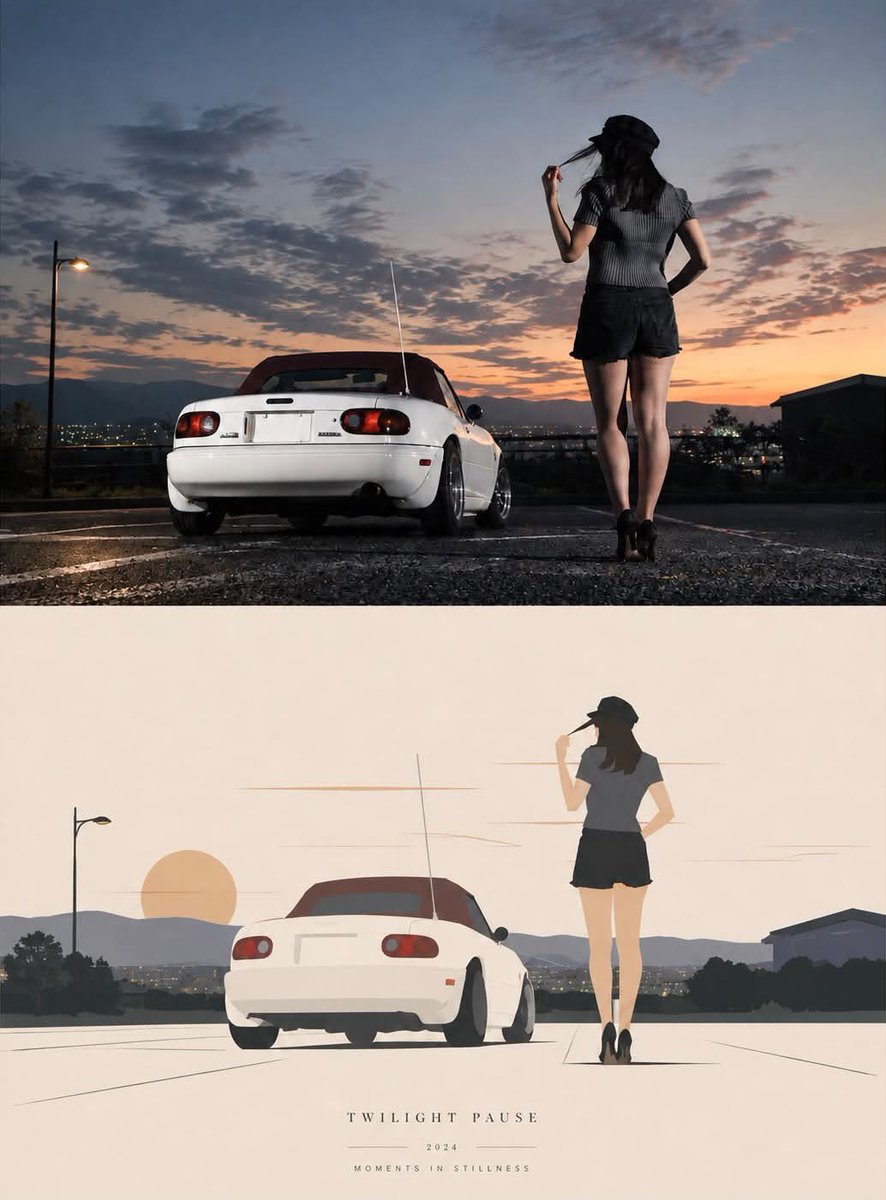
- Prompt included
- Model and format preset
- Free template
The prompt behind this image
Copy the exact prompt behind Twilight Pause Cinematic Editorial Poster, or open it in the studio and make it yours.
Create a vertical 3:4 cinematic editorial poster titled "{argument name="poster title" default="TWILIGHT PAUSE"}." Recreate the composition as a split visual comparison: the upper ~50% is a highly realistic cinematic photograph, while the lower ~50% is a minimalist hand-painted anime/illustration interpretation of the same scene.\n\nScene: A quiet elevated parking area or overlook at twilight, overlooking a distant city and layered mountains. The sky dominates the composition with dramatic scattered clouds, fading from deep blue-gray at the top into warm peach, pink, orange, and golden tones near the horizon. A few city lights are visible in the distance.\n\nMain subjects: A small white {argument name="car model" default="1990s Japanese roadster convertible"}, viewed from the rear three-quarter angle, parked on dark wet-looking asphalt. The car has a burgundy/maroon soft top, rounded rear lights, a long thin radio antenna, black tires, and a clean white body. Preserve the recognizable compact proportions and rear geometry of a classic Mazda MX-5/Miata NA without visible branding or license-plate text.\n\nStanding beside the car is a slim adult woman seen from behind. She wears a black bucket hat, long dark hair, a fitted dark ribbed short-sleeve top, high-waisted black shorts, and black high heels. Her posture is relaxed and contemplative, looking toward the sunset and distant city. Do not show her face.\n\nUpper photographic half: Photorealistic cinematic photography, realistic skin and hair, natural body proportions, authentic automotive details, subtle reflections, realistic asphalt texture, soft evening illumination, atmospheric depth, shallow-to-moderate depth of field, dramatic sunset backlighting, realistic shadows, high dynamic range, film-grain texture, premium automotive editorial photography, 35mm lens aesthetic.\n\nLower illustrated half: Recreate the exact same composition, car, woman, mountain skyline, city, and sunset as a simplified contemporary anime-inspired editorial illustration. Use clean geometric shapes, elegant thin linework, soft flat colors, muted cream/beige background, pale peach sunset, simplified mountains and city lights, minimal shadows, restrained detail, sophisticated Japanese poster aesthetic. Keep the woman's pose and the car's silhouette closely matched to the photographic half.\n\nComposition: Center the car toward the lower-left/middle and the woman toward the right side. Maintain strong negative space in the sky. The horizon runs roughly through the middle. The two halves should feel like the same moment translated from photography into illustration.\n\nAt the very bottom of the poster, add refined small typography:\n“{argument name="poster title" default="TWILIGHT PAUSE"}”\n“2024”\n“MOMENTS IN STILLNESS”\n\nUse widely spaced, elegant uppercase serif lettering in a subtle gray-brown tone. Keep the typography understated and centered.\n\nOverall mood: nostalgic, serene, lonely but beautiful, late-summer twili
How to use Twilight Pause Cinematic Editorial Poster in 3 steps
- 1
Open
The prompt is already in the box next to the preview, with the template's model and format selected.
- 2…a portrait of your subject in softgolden-hour light, 85mm…
Personalize
Edit the subject and creative details for your destination.
- 3Generate
Generate
Press Generate — your image is created in PicX Studio, so you can compare it with the original and refine one variable at a time.
More like this
Templates with the same subject, style or setup. Open one to see its prompt.
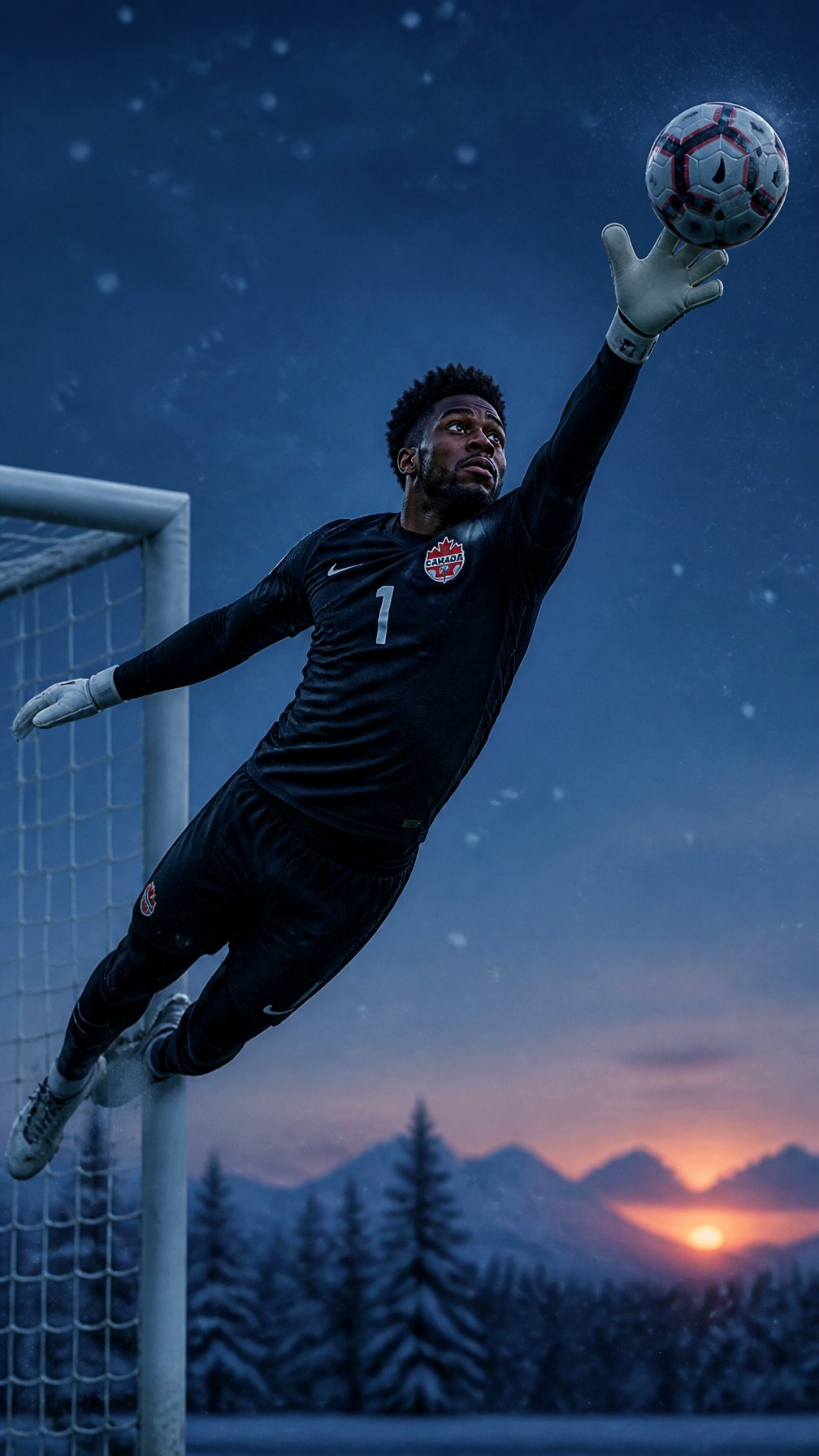
Canada Goalkeeper Twilight Editorial Portrait

Urban Fashion Editorial Collage Poster

Typography Mask Editorial Fashion Poster

Luxury Sliced Wordmark Player Poster

Premium Editorial Branding Poster Charcoal Green

Premium Vintage Travel Poster Landscape
Premium Vintage Travel Poster Landscape
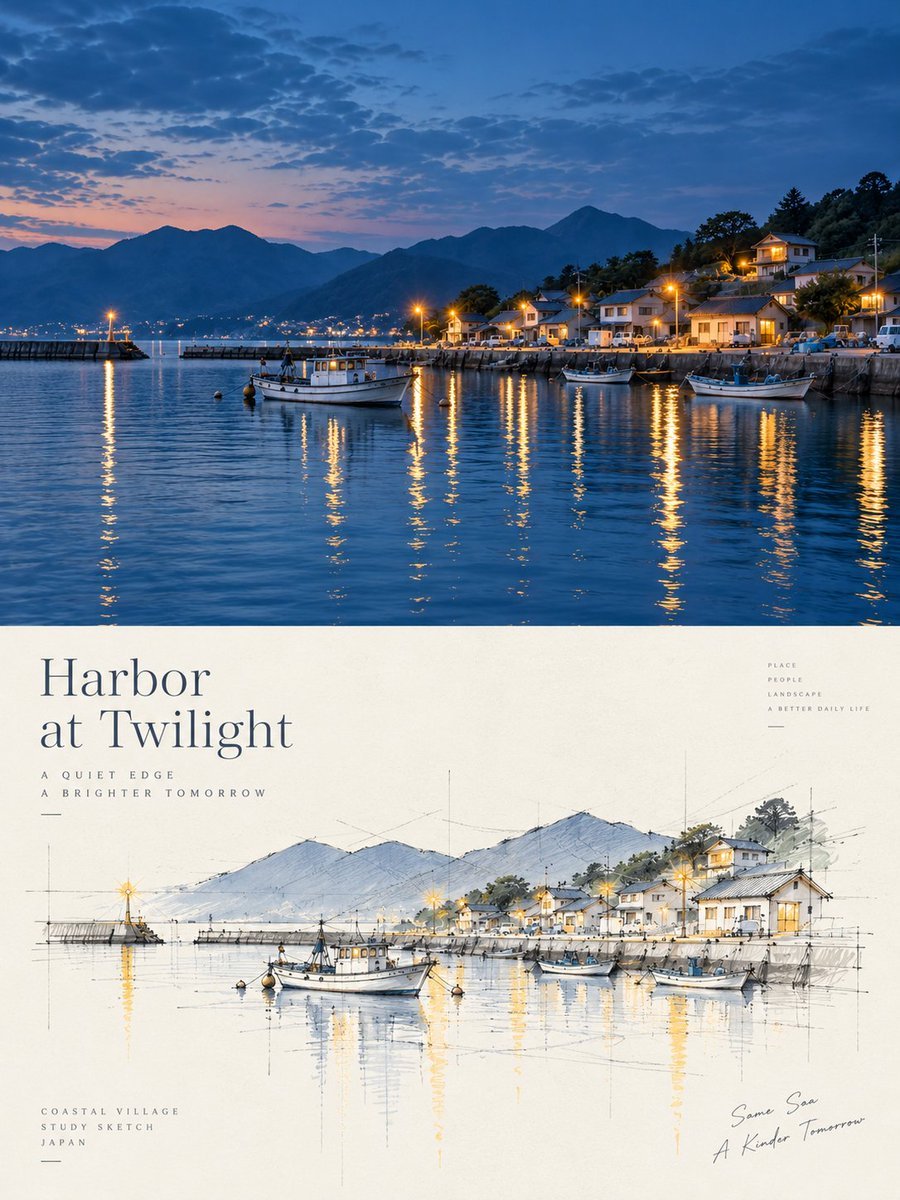
Harbor Twilight Photo Sketch Poster

Elegant Men's Twilight Editorial
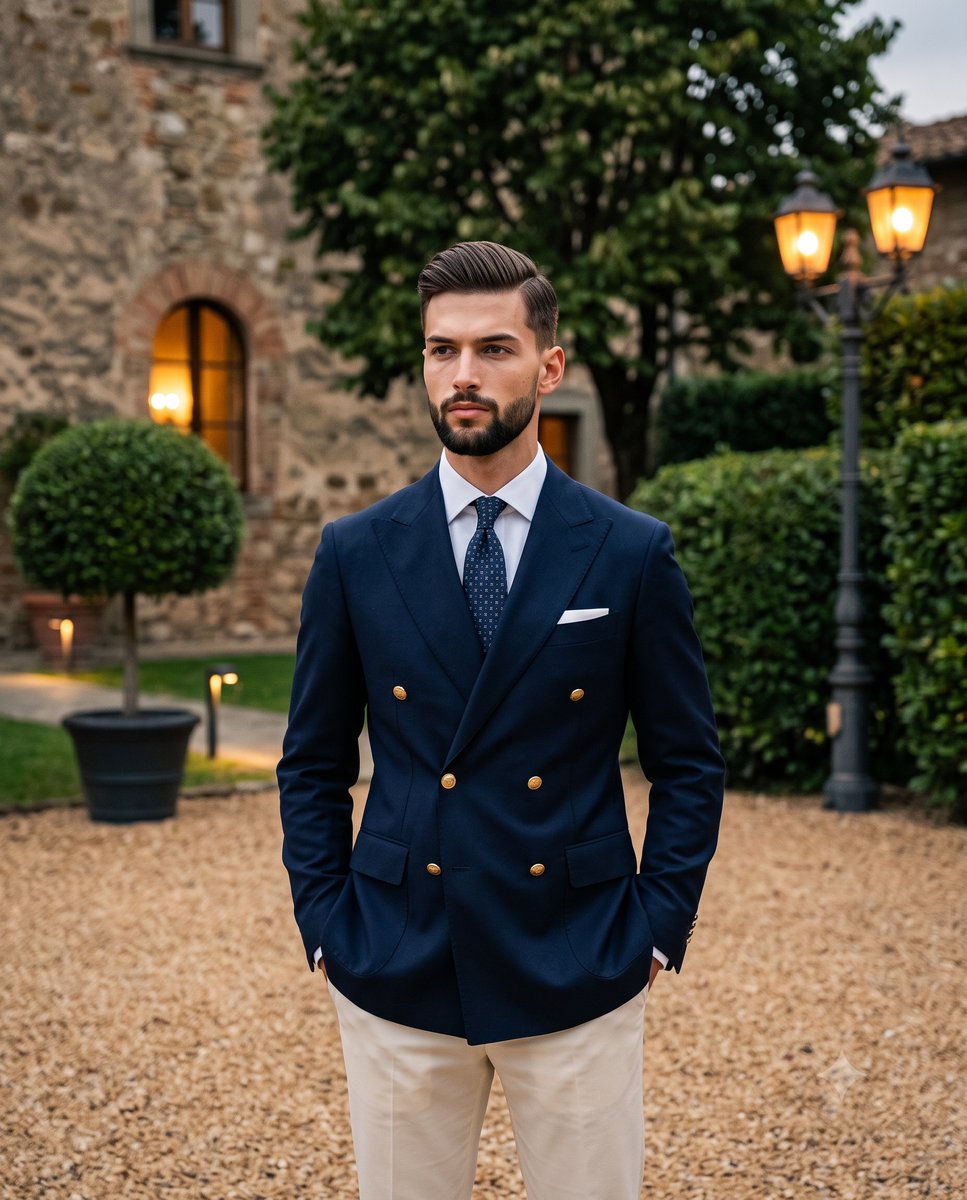
Twilight Menswear Editorial Portrait

Japan Travel Brochure Poster

Minimalist Olive Green Editorial Poster
Make it yours
Twilight Pause Cinematic Editorial Poster works as-is. These are the safest ways to change it without losing the look.
Change one field
Copy a single group, rewrite it, and generate again so you can see what that field is doing.
Keep the frame, change the subject
Hold the composition and light of Twilight Pause Cinematic Editorial Poster, then swap wardrobe, props or the person for a new take.
| If the result… | Why | Fix |
|---|---|---|
| The result drifts from the preview | Too many fields changed at once. | Reuse Twilight Pause Cinematic Editorial Poster as-is first, then change one group — subject, light, or setting. |
| The model over-stylizes the scene | The prose prompt leaves finish and camera underspecified. | Add one camera or lighting sentence and stay on GPT Image 2. |
More GPT Image 2 templates
Other prompts made for GPT Image 2.

Six VTuber Japanese Logo Sheet

Realistic Portrait of Woman and Deer

The Vista Modular Condo Poster

AI Model Routing Comparison Infographic

2.5D Anime Art Board

Isometric Productivity Desk Scene

New York Double Exposure Poster

Four-Panel AI Landscape Comparison

Japanese Tatami Lifestyle Magazine Cover

NESCAFÉ Coffee Map Poster
More image prompts
Fresh picks from across the catalog.

Arpeggio Bass Humanization Sheet
Nighttime Rain Selfie with iPhone Reflection
Perler Bead Style Character Illustration
Cosmetic Jar Explosion Product Photography Prompt
Street Fashion Emerald Bomber Poster
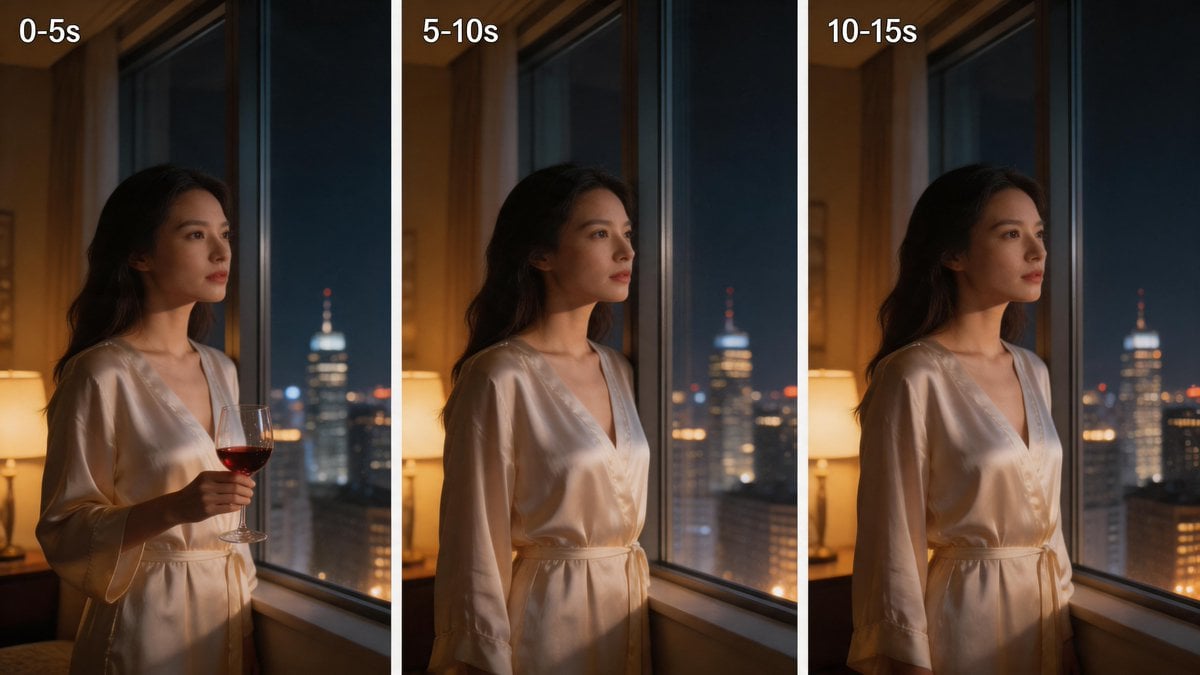
Three-Panel Night Window Comparison
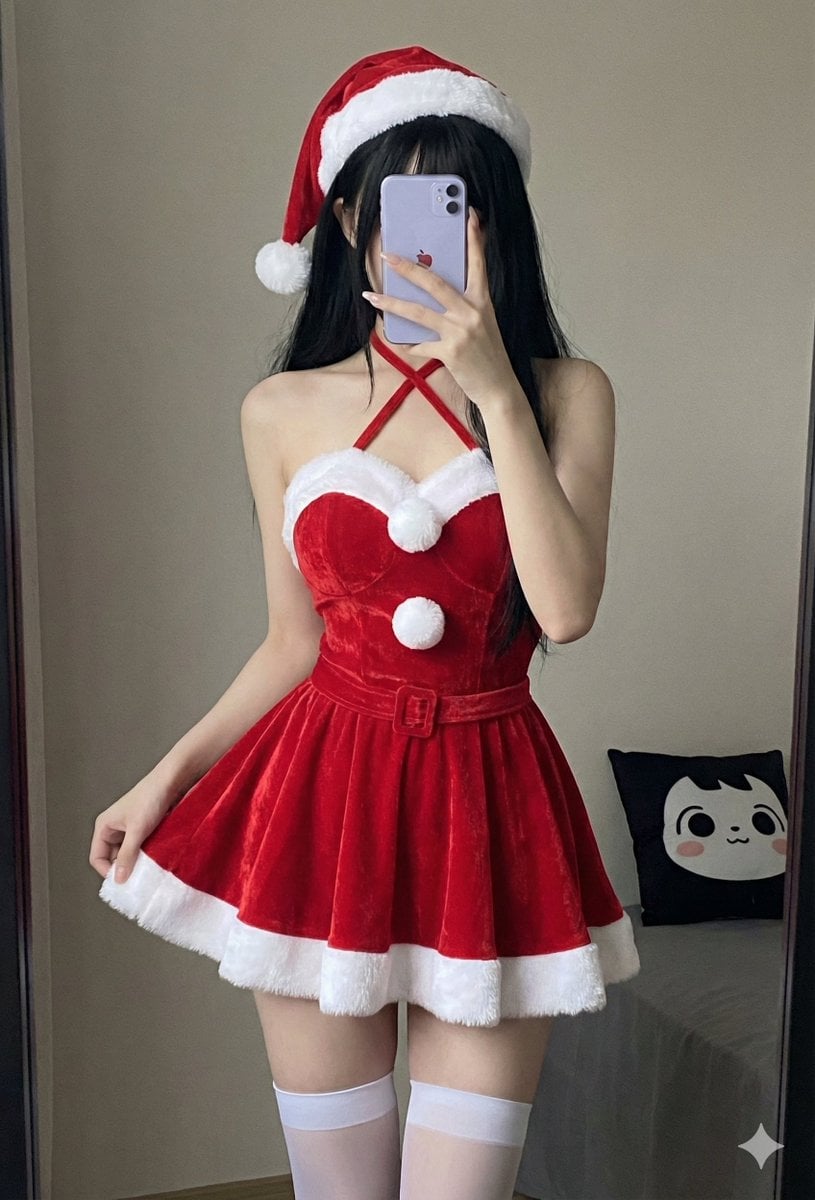
Depth Map Controlled Santa Selfie
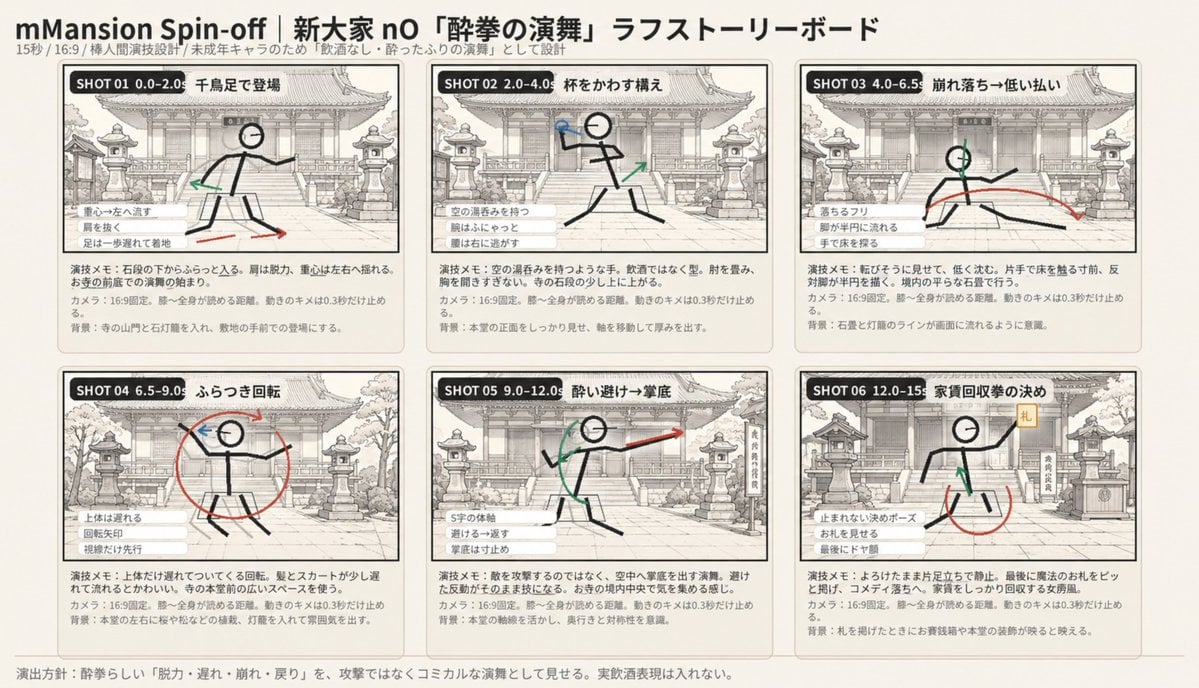
Six-Panel Drunken Kung Fu Storyboard
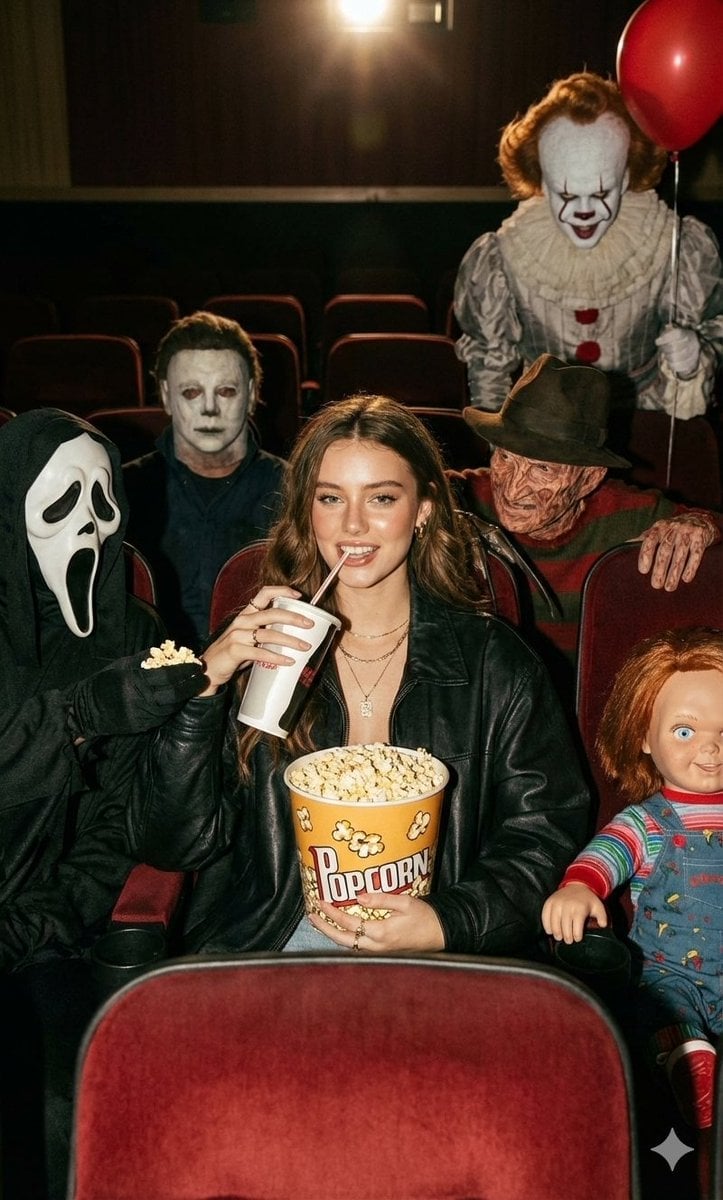
Halloween Horror Movie Theater Prompt
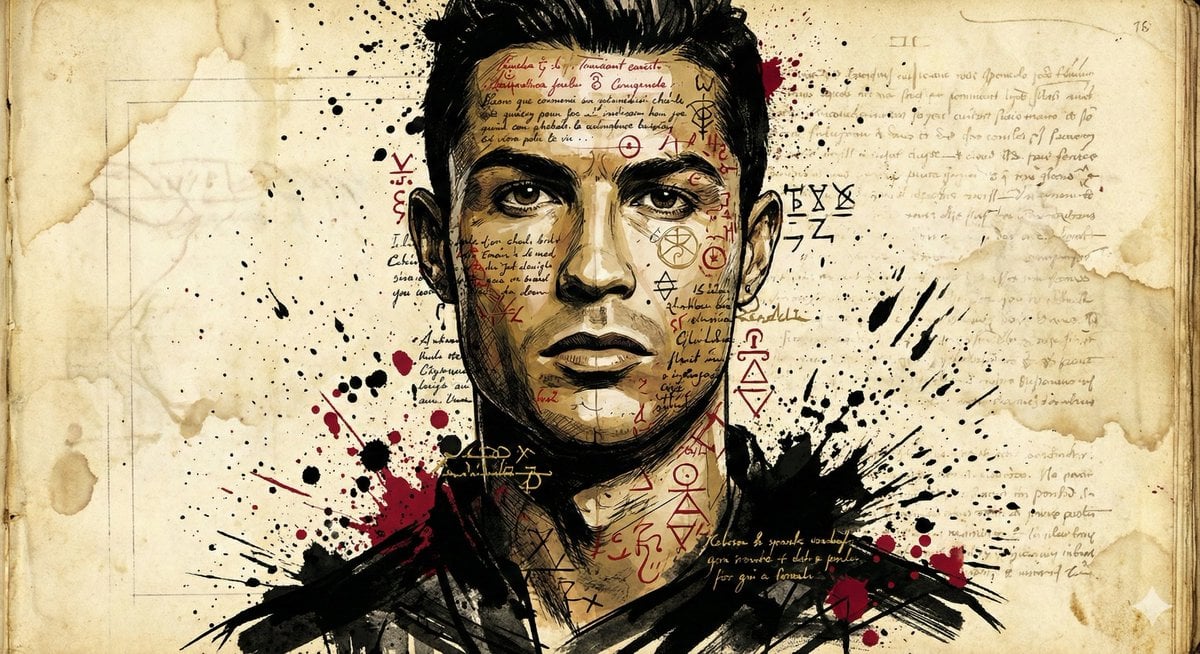
Ink-Wash Style Illustration Prompt
Browse template categories
Twilight Pause Cinematic Editorial Poster questions
How do I use the Twilight Pause Cinematic Editorial Poster template?
Add your photo if the template asks for one, edit the prompt if you like — the template's model and format are already selected — and press Generate. Your version opens in PicX Studio.
Can I customize the Twilight Pause Cinematic Editorial Poster template?
Yes. You can change the subject, setting, lighting, mood, format, and available model controls before creating your image.
Is the Twilight Pause Cinematic Editorial Poster template free?
Opening and editing this template is free. Generating uses credits, shown on the Generate button when you are signed in.
Which AI model should I use?
Start with GPT Image 2, which is the model associated with this template. You can compare another compatible model for a different finish.
Looking for something else? Browse all templates.

Your photo, any look
Thousands of ready templates for every top image and video model, from one credit balance.