
Cinematic BMX Storyboard Sheet
A grayscale production storyboard layout for a 15-second urban BMX riding scene, useful for planning AI video shots.
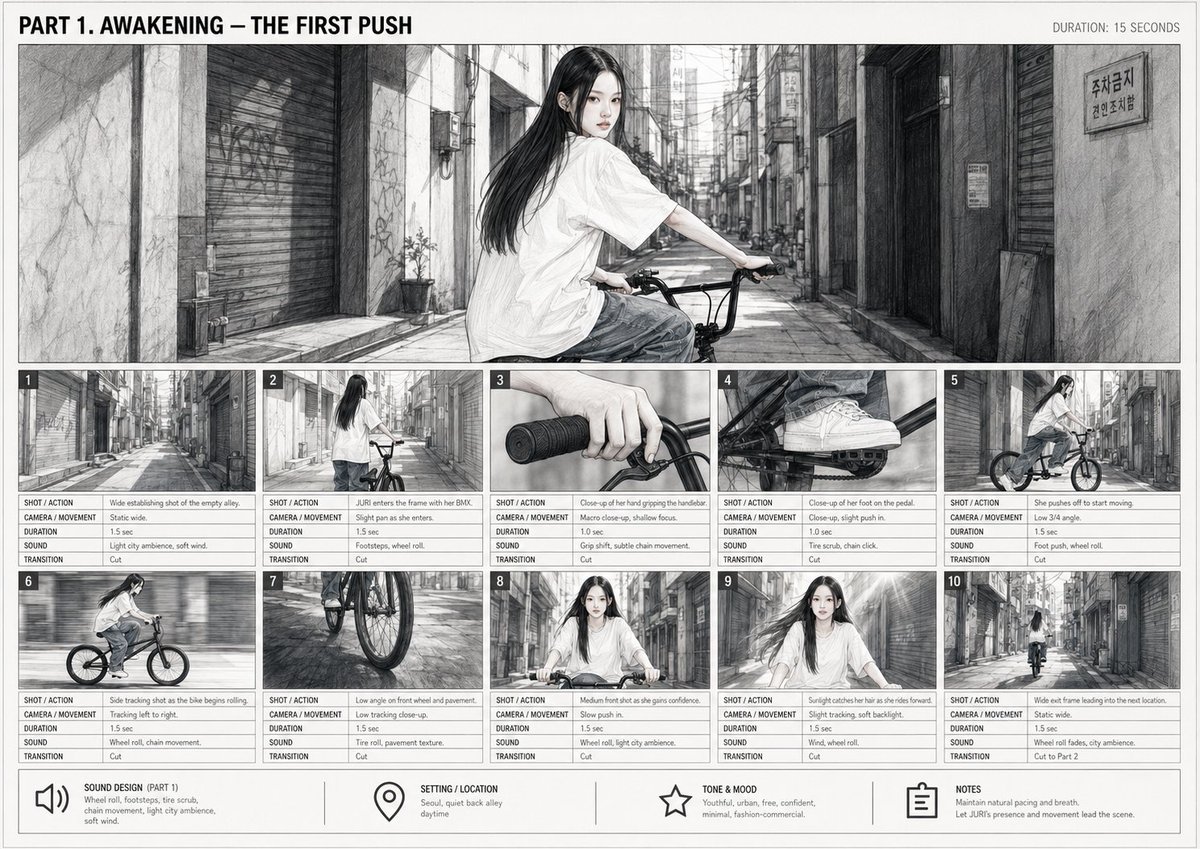
- Prompt included
- Model and format preset
- Premium template
The prompt behind this image
Copy the exact prompt behind Cinematic BMX Storyboard Sheet, or open it in the studio and make it yours.
Goal: Create a monochrome cinematic storyboard sheet for a short AI-video sequence titled {argument name="storyboard title" default="PART 1. AWAKENING — THE FIRST PUSH"}, showing a young woman with a BMX bicycle beginning to ride through a narrow urban back alley. Canvas: Landscape storyboard board, approximately 16:9, off-white paper background, thin black border, clean production-planning layout. Use grayscale pencil, ink wash, and subtle manga-realism rendering with light film grain. Top left contains the bold uppercase title; top right contains the small label “DURATION: 15 SECONDS”. Main hero panel: A large wide establishing frame spanning the top half of the page. Show {argument name="character name" default="JURI"}, a youthful East Asian woman with long straight black hair, pale skin, calm confident expression, oversized white T-shirt, loose gray pants, and white sneakers, seated on a black BMX bike. She is turned over her shoulder looking toward the viewer while holding the handlebars in a quiet, narrow Korean-style city alley with shuttered storefronts, concrete walls, pipes, graffiti, small signs, and strong linear perspective. Add a small Korean parking-related sign on the right wall for authenticity. Layout: Beneath the hero panel, create exactly 10 numbered storyboard thumbnails arranged in two rows of five. Each thumbnail has a small black number tab in the top-left corner and a compact production table underneath with exactly 5 labeled rows: “SHOT / ACTION”, “CAMERA / MOVEMENT”, “DURATION”, “SOUND”, and “TRANSITION”. Keep the typography tiny but legible, like a real director’s storyboard. Storyboard thumbnails, exactly 10 panels: 1. Wide establishing shot of the empty alley; static wide camera; 1.5 sec; light city ambience and soft wind; cut. 2. JURI enters the frame with the BMX from behind; slight pan as she enters; 1.5 sec; footsteps and wheel roll; cut. 3. Close-up of her hand gripping the handlebar; macro close-up with shallow focus; 1.0 sec; grip shift and subtle chain movement; cut. 4. Close-up of her foot on the pedal; close-up, slight push-in; 1.0 sec; tire scrub and chain click; cut. 5. She pushes off to start moving; low 3/4 angle; 1.5 sec; foot push and wheel roll; cut. 6. Side tracking shot as the bike begins rolling; tracking left to right; 1.5 sec; wheel roll and chain movement; cut. 7. Low angle on front wheel and pavement; low tracking close-up; 1.5 sec; tire roll and pavement texture; cut. 8. Medium front shot as she gains confidence; slow push-in; 1.5 sec; wheel roll and slight city ambience; cut. 9. Sunlight catches her hair as she rides forward; slight tracking with soft backlight; 1.5 sec; wind and wheel roll; cut. 10. Wide exit frame leading into the next location; static wide camera; 1.5 sec; wheel roll fading into city ambience; transition “Cut to Part 2”. Bottom information bar: Add exactly 4 boxed notes with simple black line icons and labels. 1) Speaker icon: “SOUND DESIGN (PART 1)” with notes about wheel roll, footsteps, tire scrub, chain movement, light city ambience, and soft wind. 2) Location pin icon: “SETTING / LOCATION” with “Seoul, quiet back alley, daytime.” 3) Star icon: “TONE & MOOD” with “Youthful, urban, free, confident, minimal, fashion-commercial.” 4) Clipboard icon: “NOTES” with “Maintain natural pacing and breath. Let JURI’s presence and movement lead the scene.” Visual style: Black-and-white storyboard concept art, realistic pencil linework, soft gray watercolor shading, cinematic Korean street atmosphere, precise panel borders, clean production sheet design. Avoid color except grayscale tones. No logos or watermarks. Keep all text in English except small incidental Korean signage in the alley.
How to use Cinematic BMX Storyboard Sheet in 3 steps
- 1Upload ImagePNG, JPG or paste
Add your photo
Upload the photo the template builds on. The prompt, model and format are already set.
- 2…a portrait of your subject in softgolden-hour light, 85mm…
Personalize
Edit the subject and creative details for your destination.
- 3Generate
Generate
Press Generate — your image is created in PicX Studio, so you can compare it with the original and refine one variable at a time.
More like this
Templates with the same subject, style or setup. Open one to see its prompt.
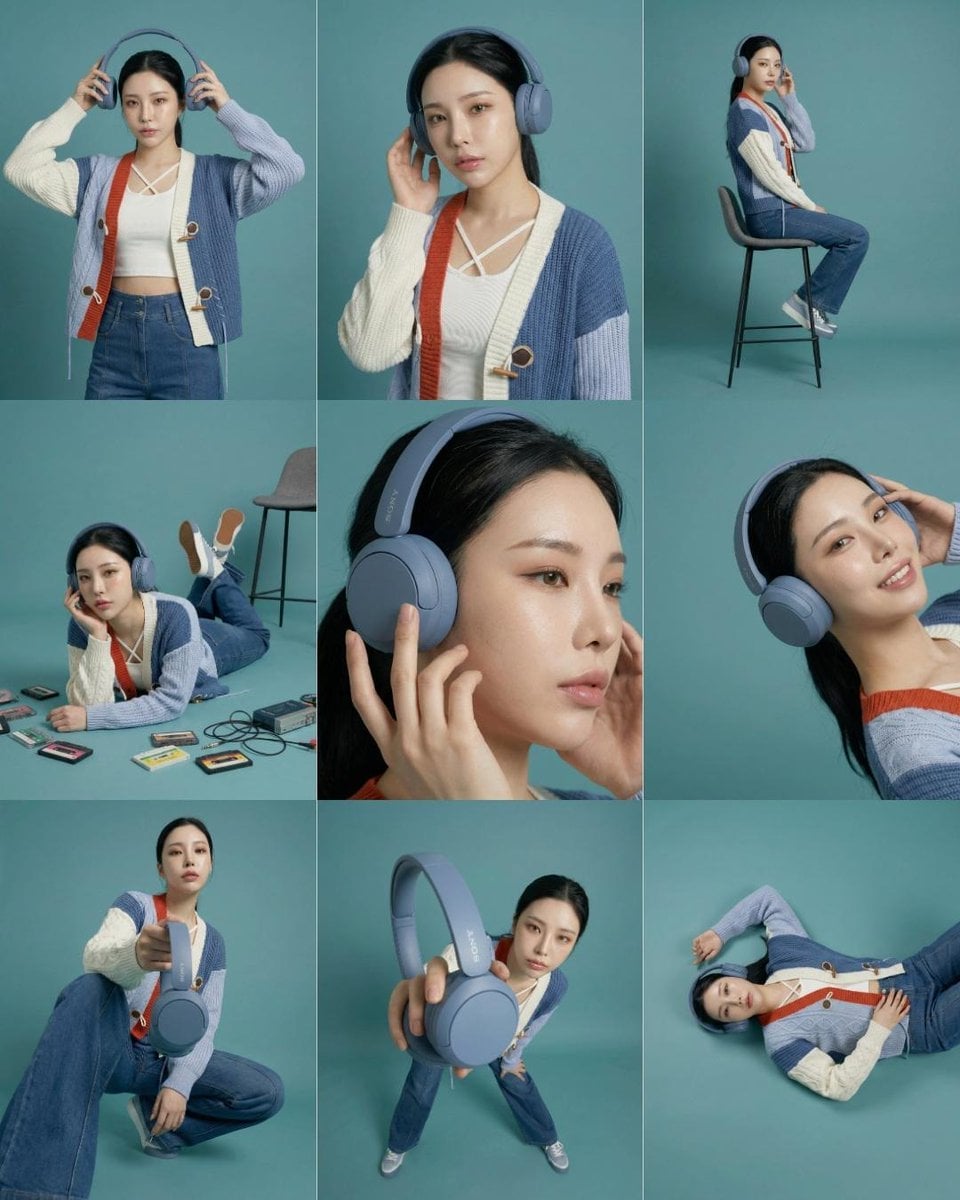
Headphones Lifestyle Nine Panel Grid
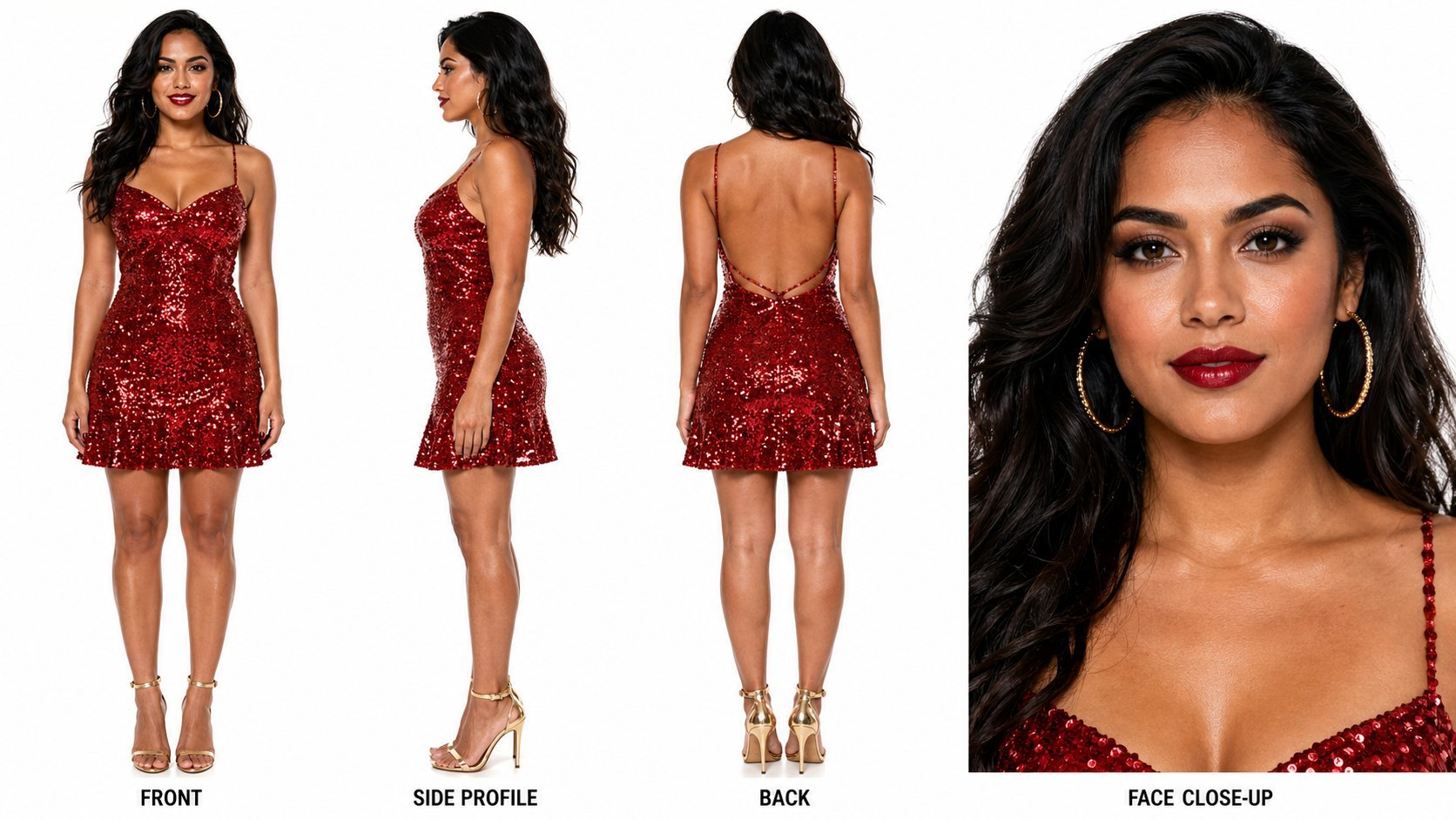
Dancer Character - Four View Reference Sheet
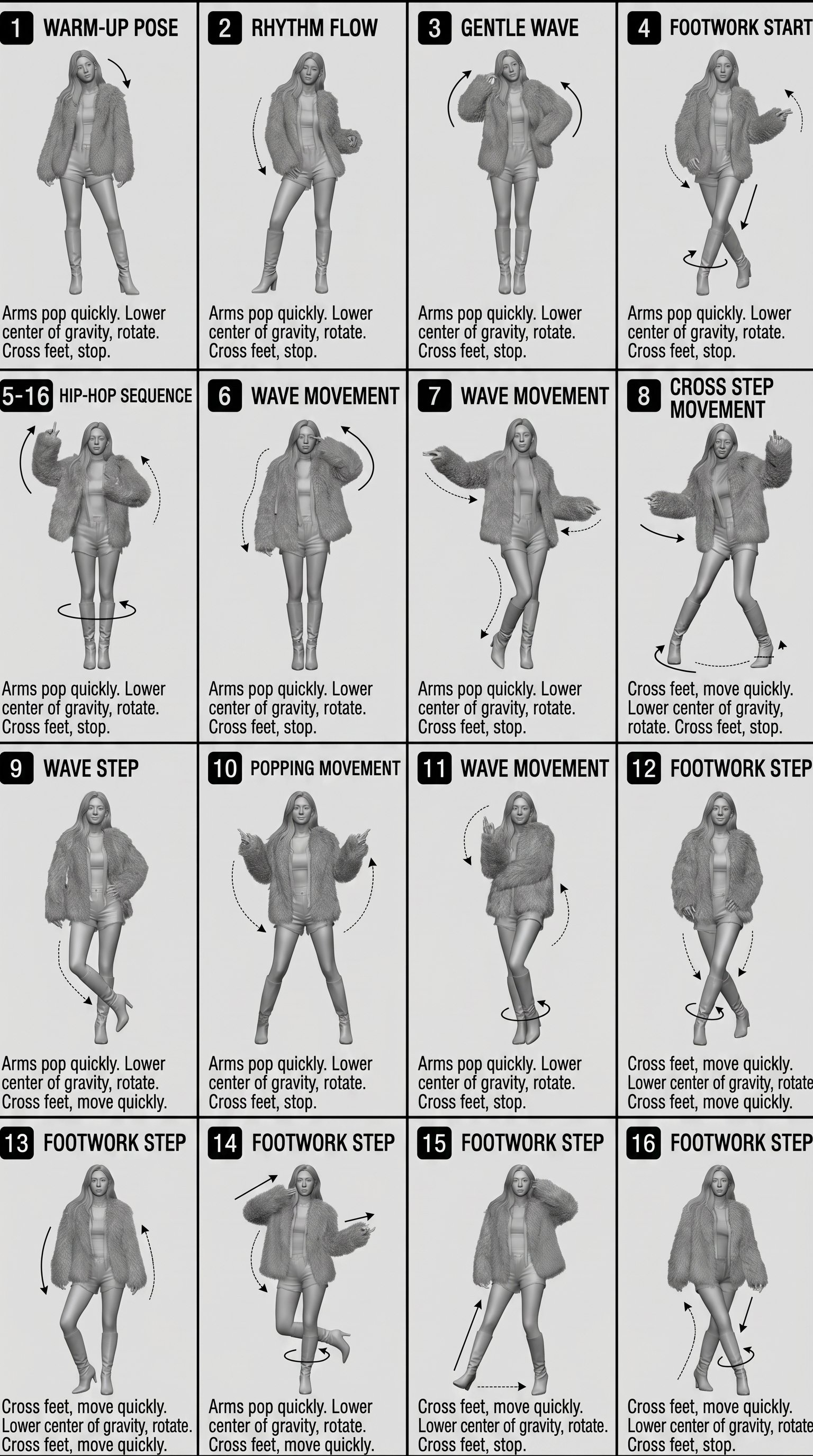
Movement Sheet - Dance Reference (Seedance 2.0)
Seedance - Storyboard to Movie
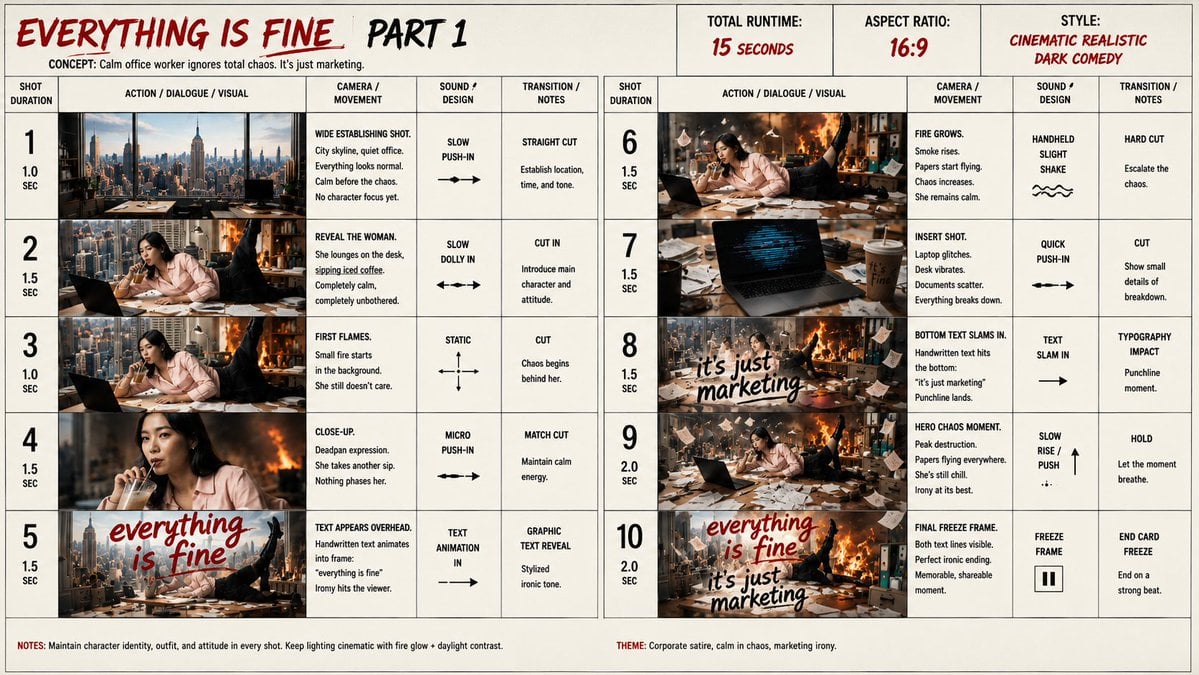
Everything Is Fine Storyboard Sheet
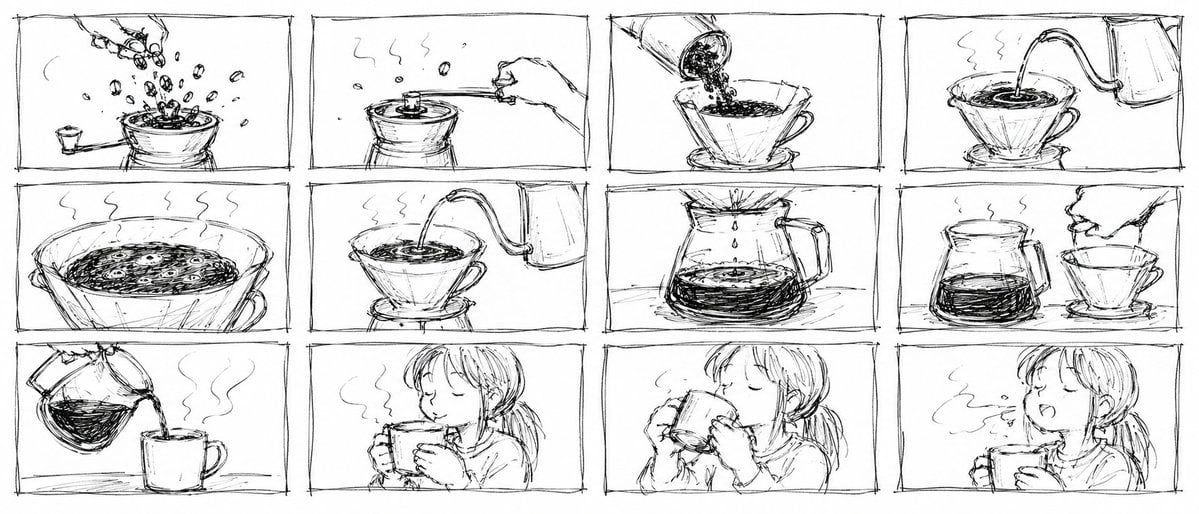
Pencil Sketch Coffee Storyboard
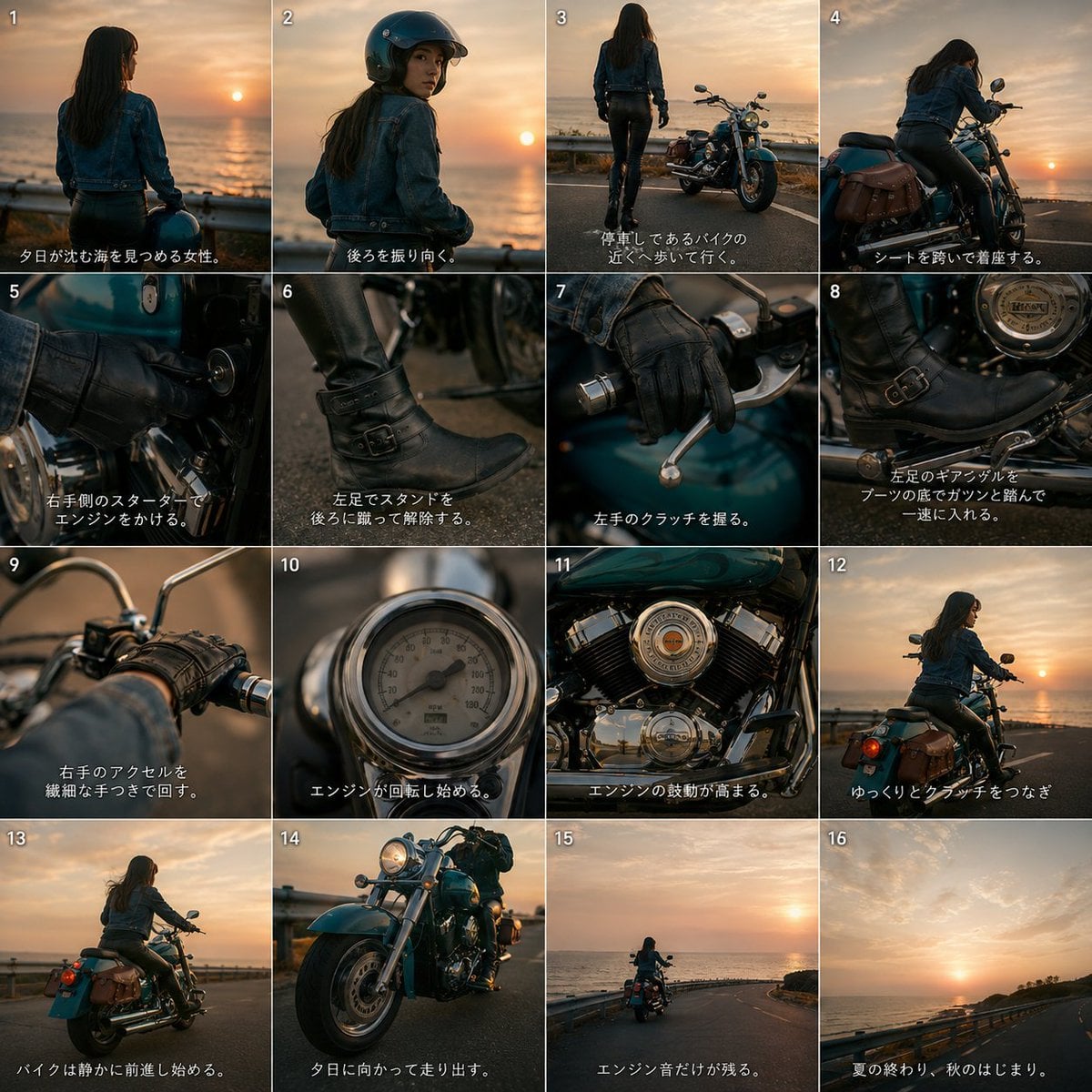
Cinematic Motorcycle Storyboard
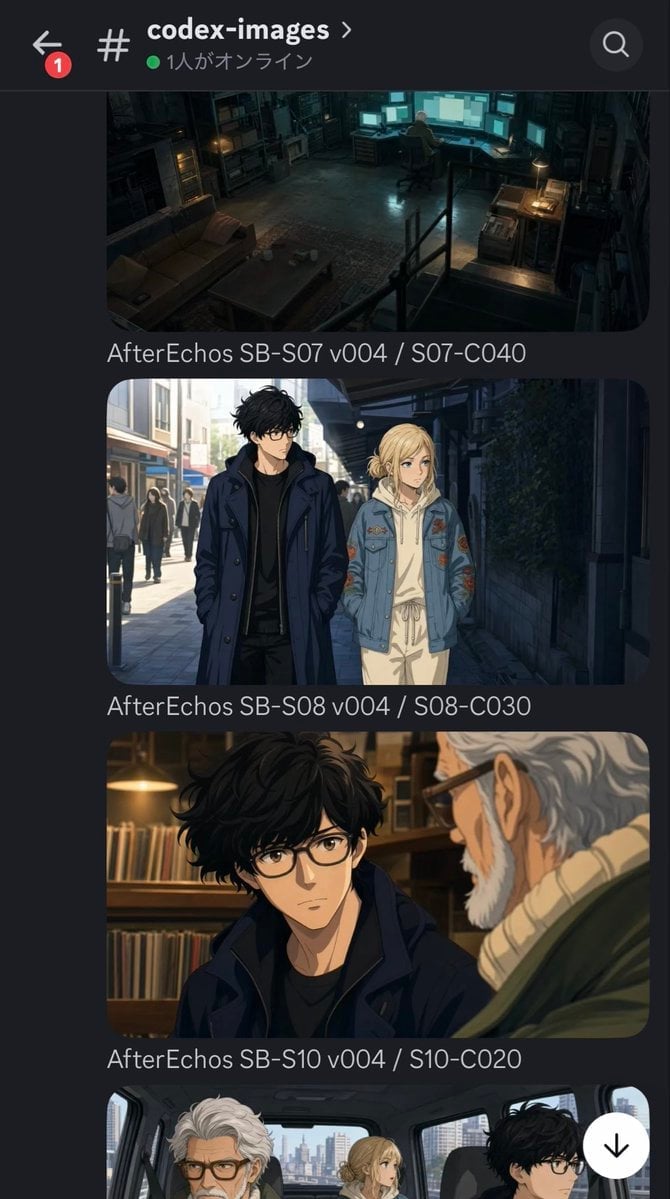
Discord Anime Storyboard Feed
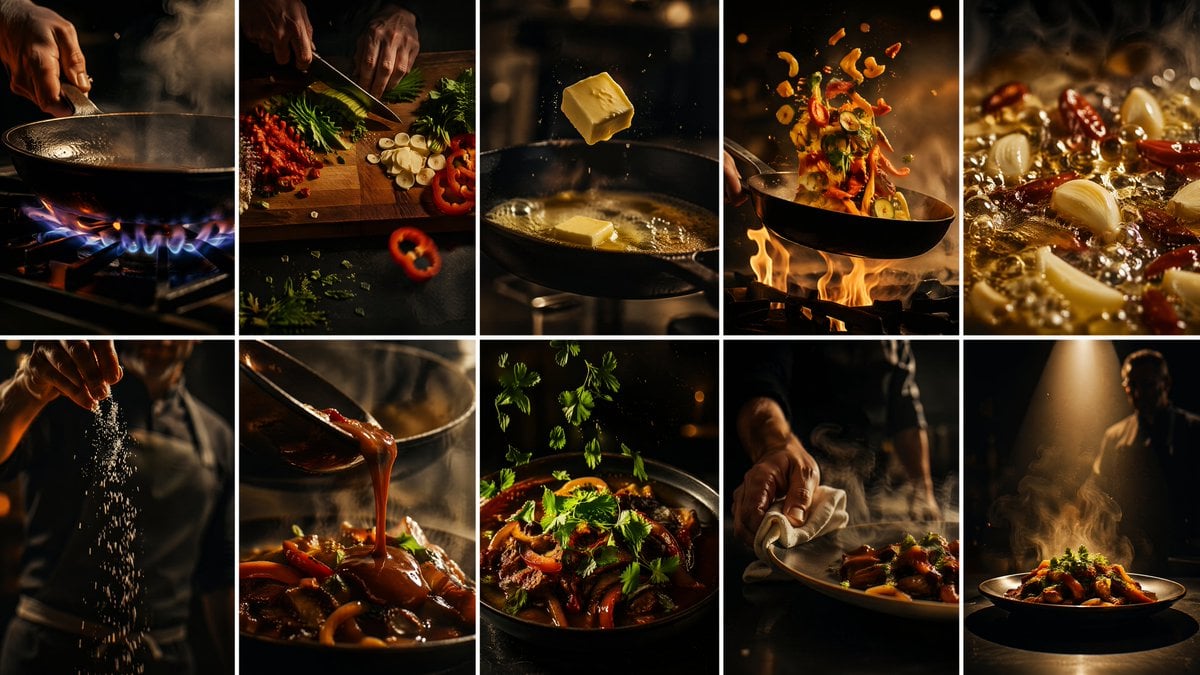
Cinematic Flame Chef Storyboard
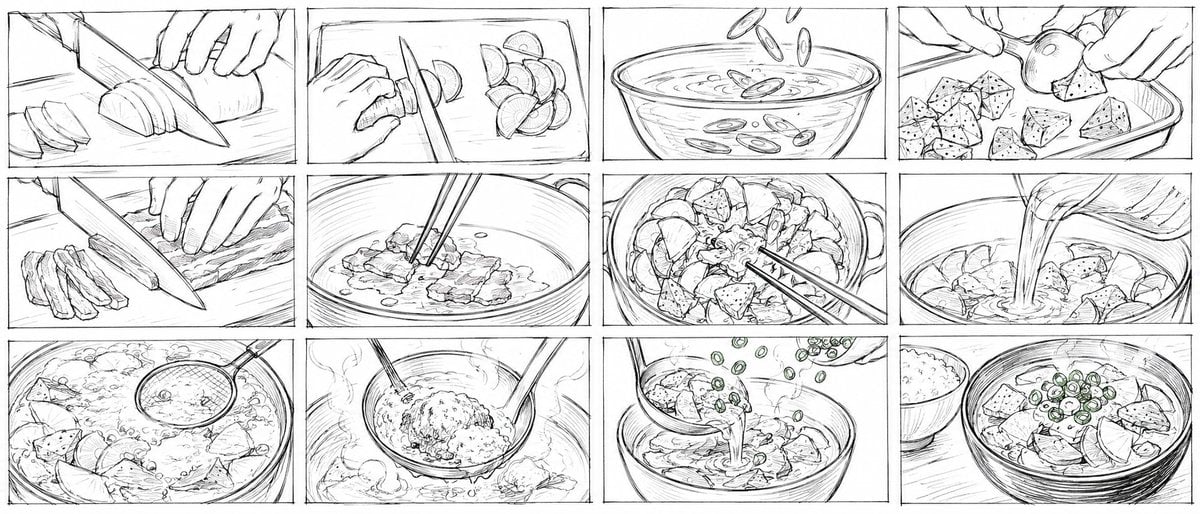
Rough Tonjiru Cooking Storyboard
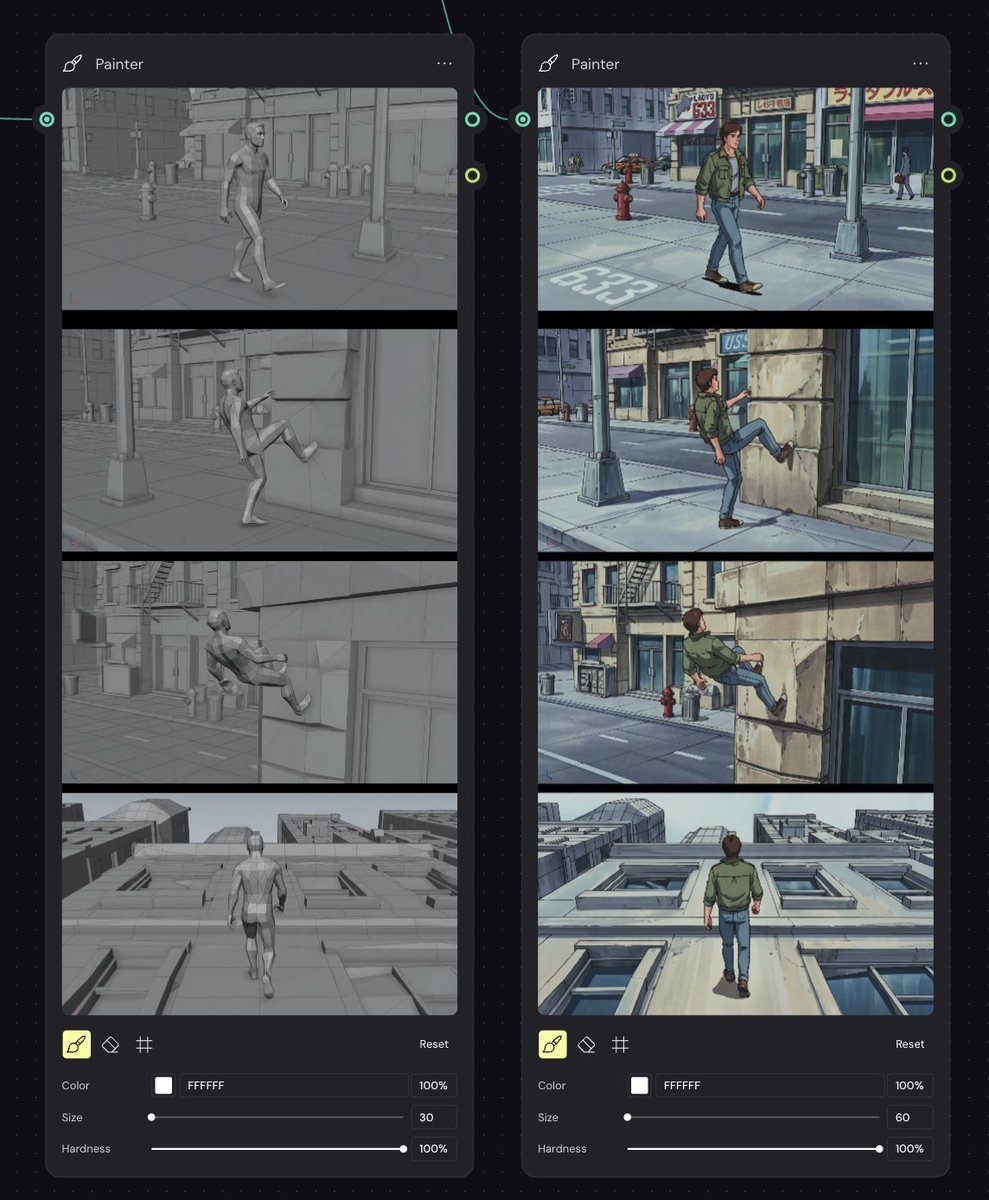
Storyboard Re-Render Workflow UI
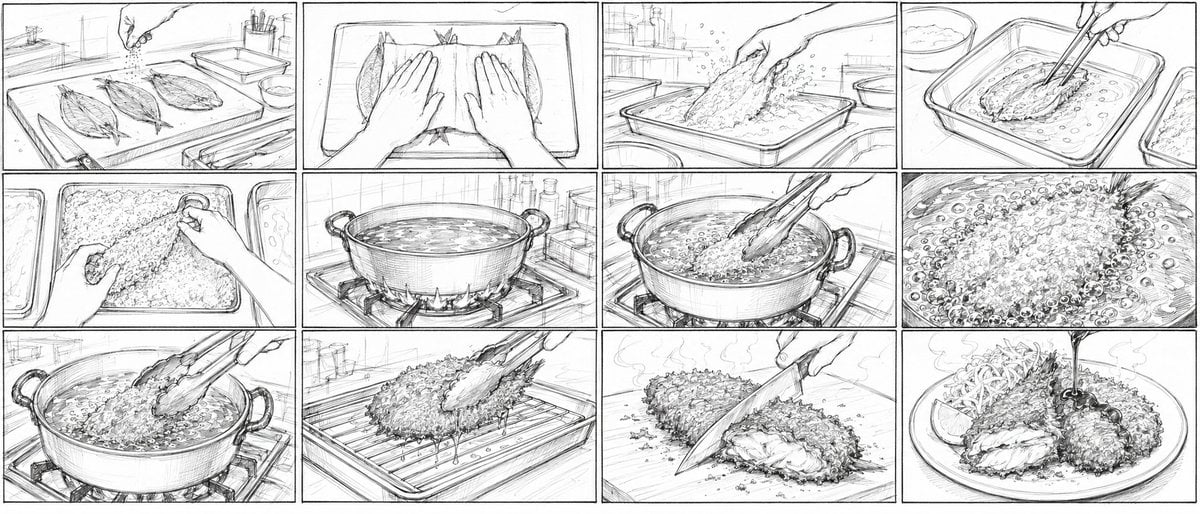
Aji Fry Anime Cooking Storyboard
Make it yours
Cinematic BMX Storyboard Sheet works as-is. These are the safest ways to change it without losing the look.
Change one field
Copy a single group, rewrite it, and generate again so you can see what that field is doing.
Keep the frame, change the subject
Hold the composition and light of Cinematic BMX Storyboard Sheet, then swap wardrobe, props or the person for a new take.
| If the result… | Why | Fix |
|---|---|---|
| The result drifts from the preview | Too many fields changed at once. | Reuse Cinematic BMX Storyboard Sheet as-is first, then change one group — subject, light, or setting. |
| The model over-stylizes the scene | The prose prompt leaves finish and camera underspecified. | Add one camera or lighting sentence and stay on GPT Image 2. |
More GPT Image 2 templates
Other prompts made for GPT Image 2.

Six VTuber Japanese Logo Sheet

Realistic Portrait of Woman and Deer

The Vista Modular Condo Poster

AI Model Routing Comparison Infographic

2.5D Anime Art Board

Isometric Productivity Desk Scene

New York Double Exposure Poster

Four-Panel AI Landscape Comparison

Japanese Tatami Lifestyle Magazine Cover

NESCAFÉ Coffee Map Poster
More image prompts
Fresh picks from across the catalog.

Anime-style Graphic Recording from Web Search Results
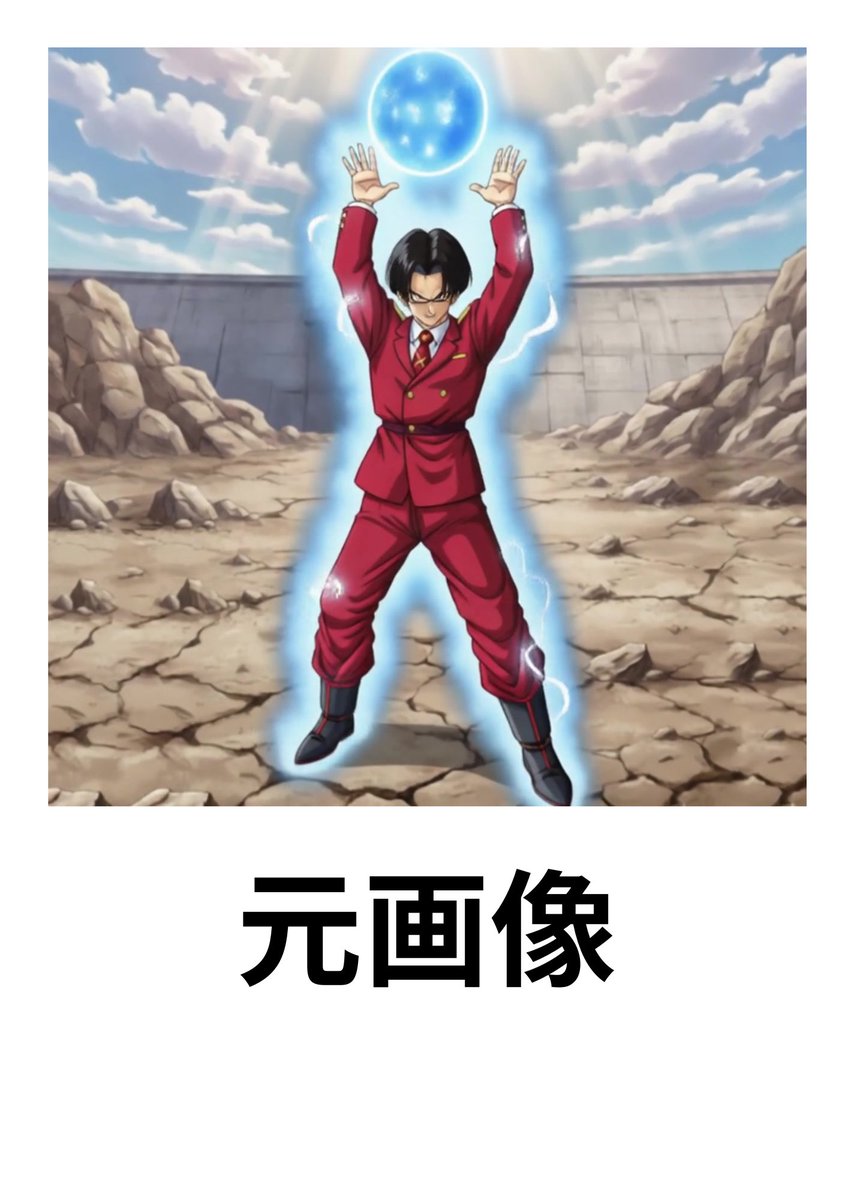
Character Headshot Comparison Prompt

Bag Check Lifestyle Infographic
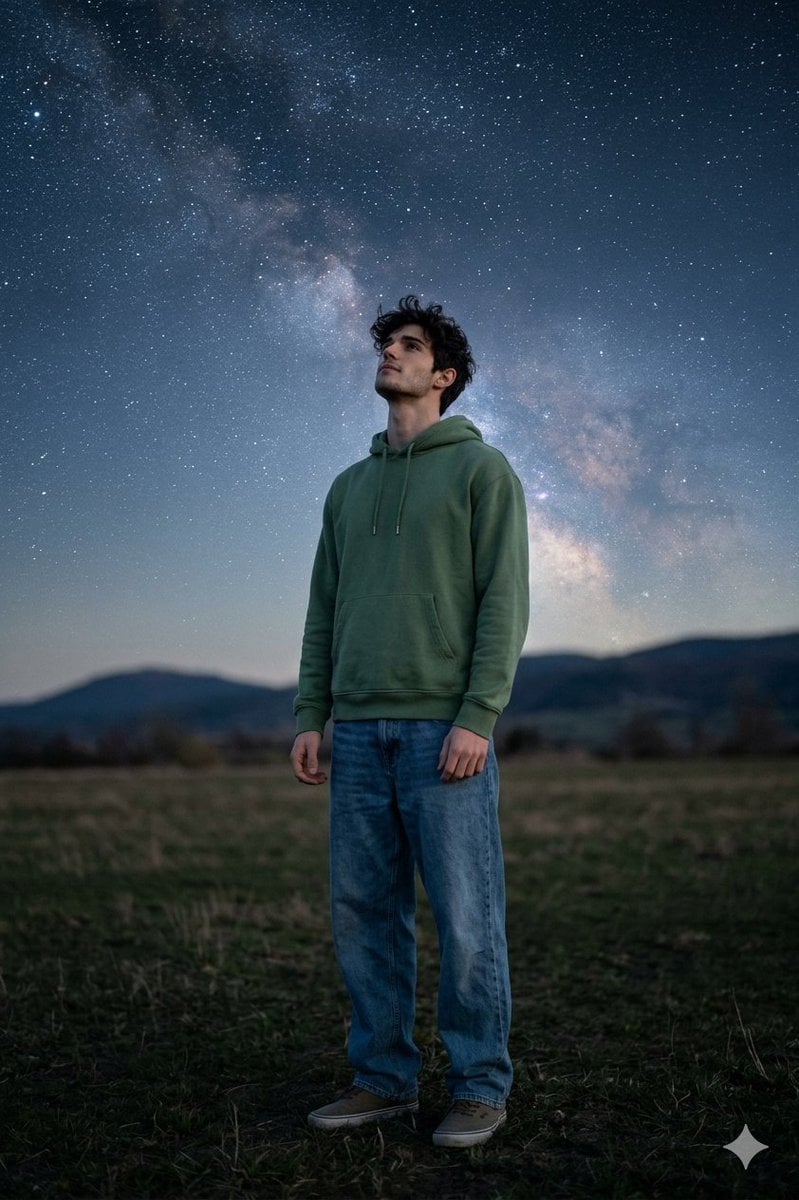
Man Under Starry Sky Cinematic Prompt
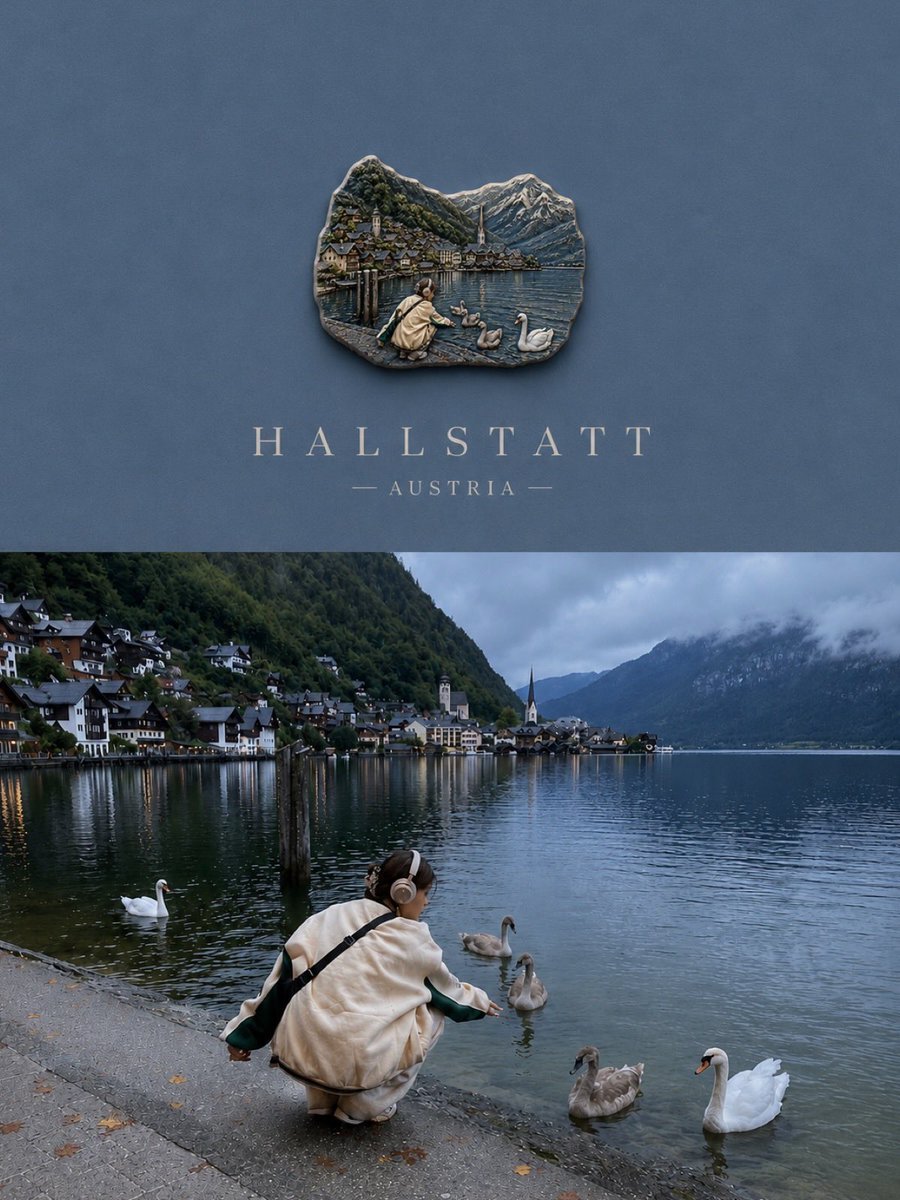
Luxury Travel Poster Split Layout
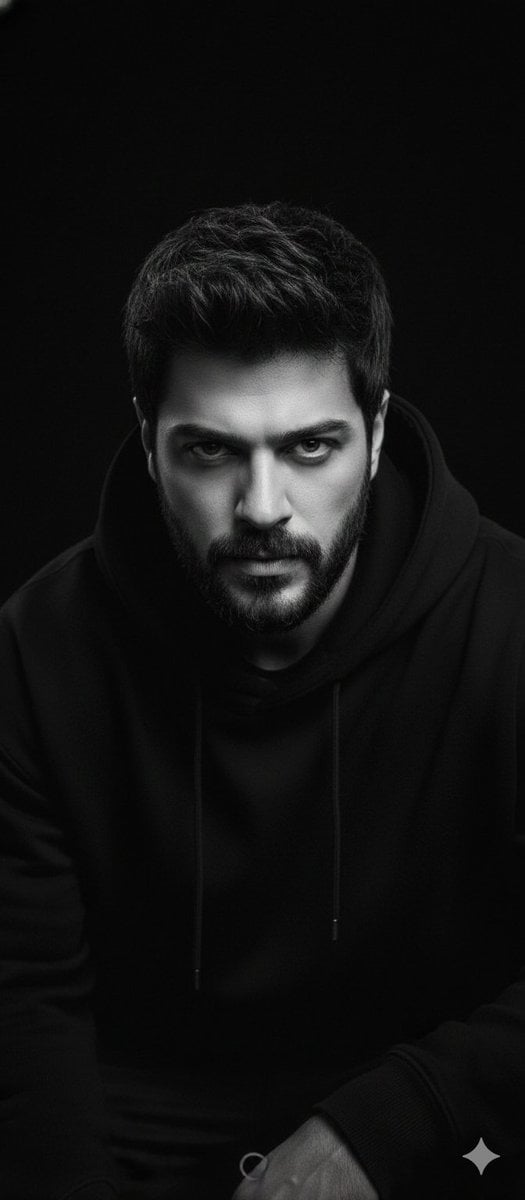
Black and White Portrait with 35mm Lens Look
Seedance - Street Bull Incident
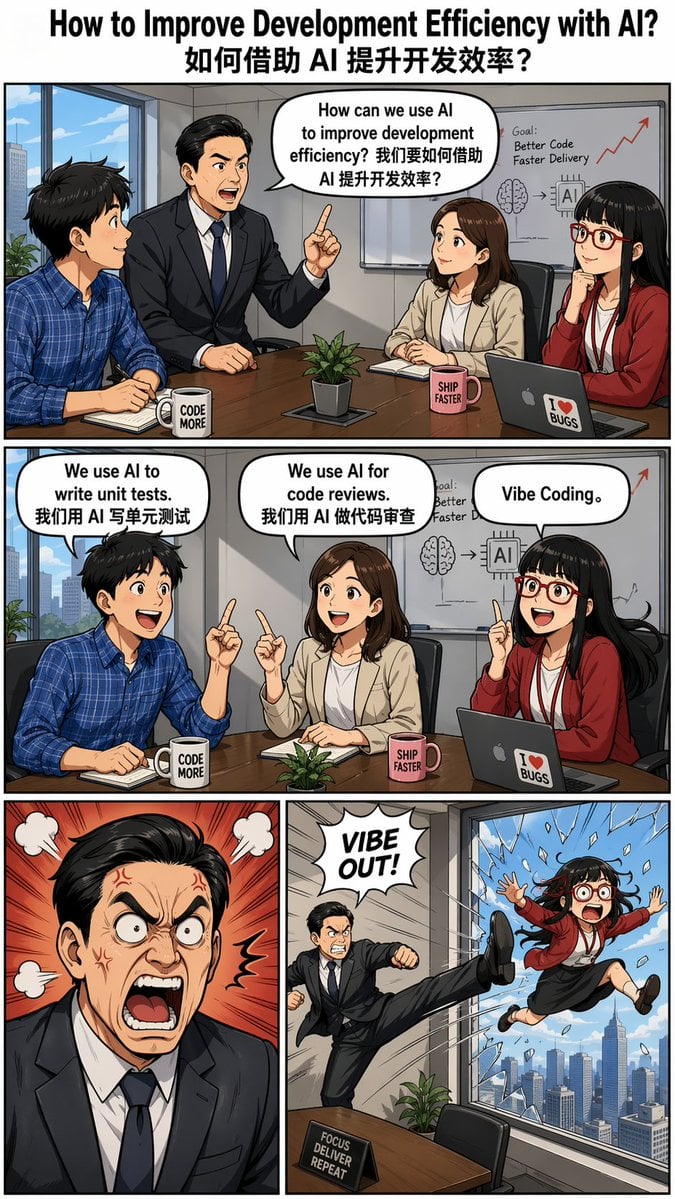
Out the Window meme comic prompt

X Ozayrr Irl Chatgpt Image 2 Vs Google
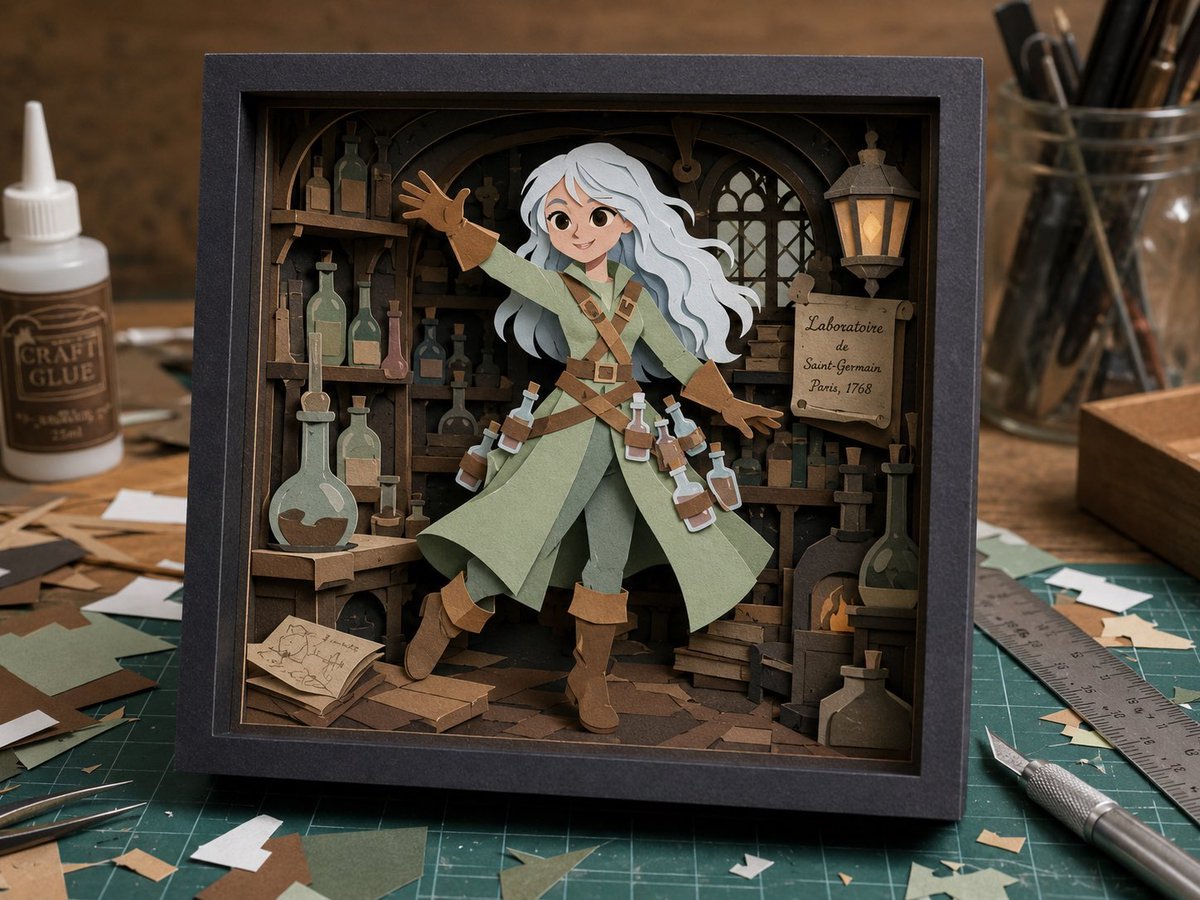
Craft Paper Alchemist Shadow Box
Browse template categories
Cinematic BMX Storyboard Sheet questions
How do I use the Cinematic BMX Storyboard Sheet template?
Add your photo if the template asks for one, edit the prompt if you like — the template's model and format are already selected — and press Generate. Your version opens in PicX Studio.
Can I customize the Cinematic BMX Storyboard Sheet template?
Yes. You can change the subject, setting, lighting, mood, format, and available model controls before creating your image.
Is the Cinematic BMX Storyboard Sheet template free?
Opening and editing this template is free. Generating uses credits, shown on the Generate button when you are signed in.
Which AI model should I use?
Start with GPT Image 2, which is the model associated with this template. You can compare another compatible model for a different finish.
Looking for something else? Browse all templates.

Your photo, any look
Thousands of ready templates for every top image and video model, from one credit balance.