How do I use the Top-Down Cozy Morning Bed Selfie template?
Choose the primary action to open PicX Studio with the available template settings. Review the model and format, personalize the creative direction, and generate when ready.
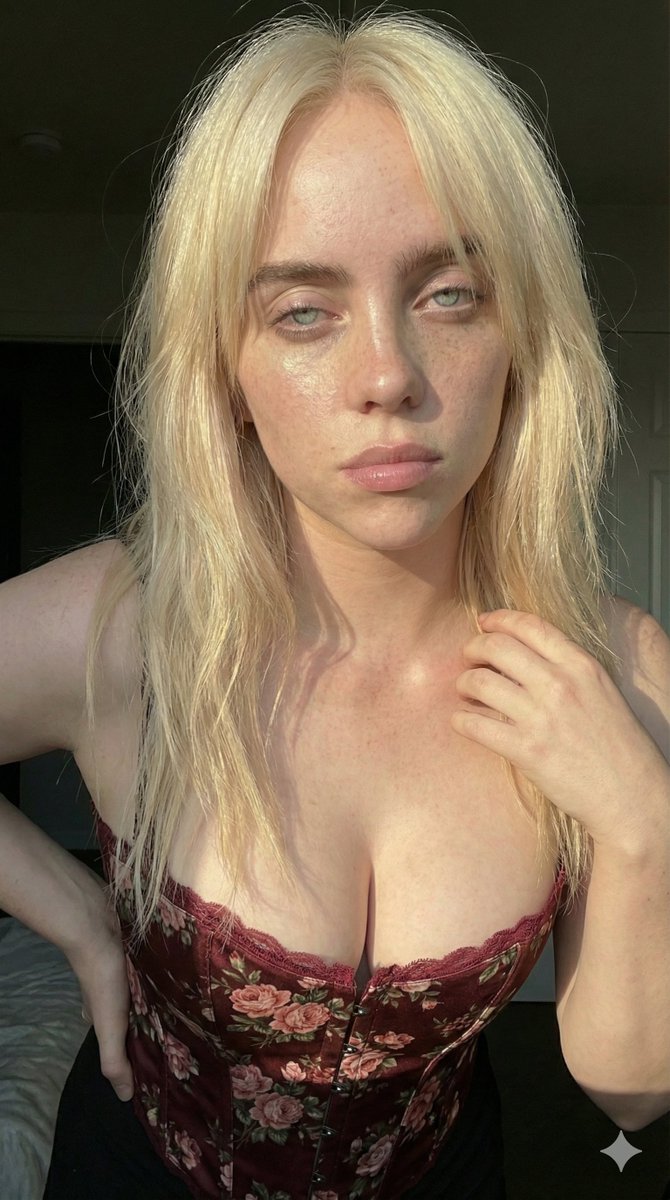
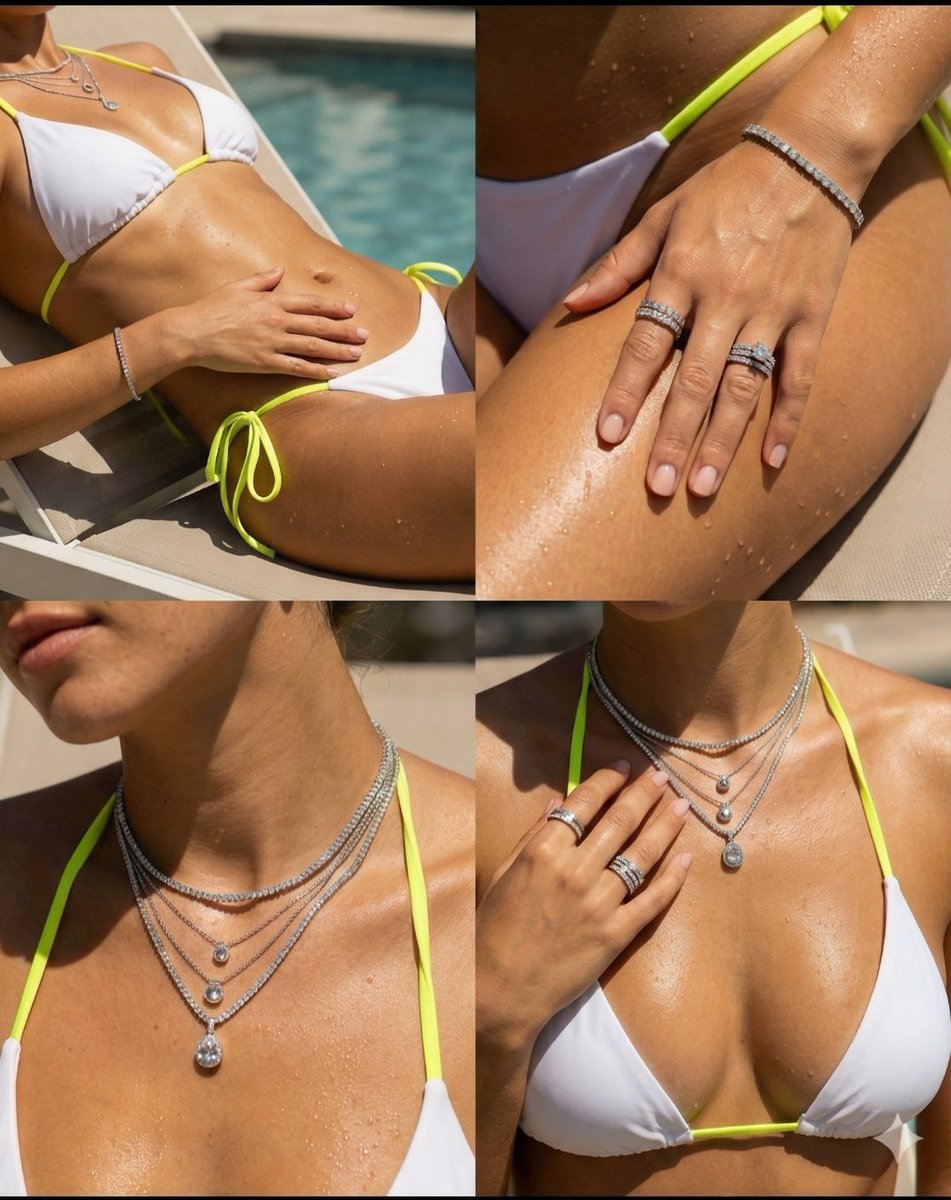
A detailed structured prompt for generating a photorealistic, candid, top-down bed selfie of a mid-20s athletic woman in a cozy morning setting, captured with an iPhone aesthetic, emphasizing realistic textures and soft lighting. (free to use) — Free AI image template on PicX Studio.
{ "ar": "9:16", "intent": "top-down candid bed selfie cozy morning photoreal iPhone", "subject": { "type": "{argument name="subject type" default="mid-20s athletic woman long platinum blonde hair fair light-tan skin soft feminine features toned fit body visible abs strong glutes"}", "face": "soft-oval defined jaw high cheekbones natural pores faint freckles subtle flush almond hazel eyes full nude-pink lips playful soft smile", "framing": "partial half-face corner close eye/skin detail" }, "outfit": "snug pink ribbed camisole knit texture tiny wrinkles white lace-trim panties small colorful bead necklace", "pose": "lying diagonally relaxed lounge top-down selfie one leg bent feet visible one hand holding {argument name="object held" default="yogurt cup spoon"}", "scene": "bright bedroom yellow wrinkled sheets compressed pillows grey throw bunched paperback book ceramic tray lip balm hair tie coiled charging cable partial water glass faint blind shadows", "lighting": "soft window daylight gentle highlights soft shadows neutral-warm mixed temp", "camera": "iPhone 17 Pro unretouched low HDR handheld tilt mild wide no distortion sharp eye cheek skin fabric subtle grain realistic colors" }
Use Top-Down Cozy Morning Bed Selfie to plan an AI image around nano-banana-2 generation. Match the preview's composition first, then personalize the subject, setting, and mood for your own project.
Use the primary action to load the template settings in PicX Studio.
Adjust the subject and creative details for your destination.
Create the image, compare the result with the preview, and refine one variable at a time.
A continuous mix — similar concepts first, woven with same-model prompts and fresh picks from the catalog.
Choose the primary action to open PicX Studio with the available template settings. Review the model and format, personalize the creative direction, and generate when ready.
Yes. You can change the subject, setting, lighting, mood, format, and available model controls before creating your image.
This template is free to open and customize. Generation usage is shown in PicX Studio before you create.
Start with nano-banana-2, which is the model associated with this template. You can compare another compatible model for a different finish.
Follow a topic to a crawlable collection of related PicX Studio templates.
39,155 public templates available. Verified via the PicX Studio public templates API; refreshed hourly.
A continuous mix — similar concepts first, woven with same-model prompts and fresh picks from the catalog.