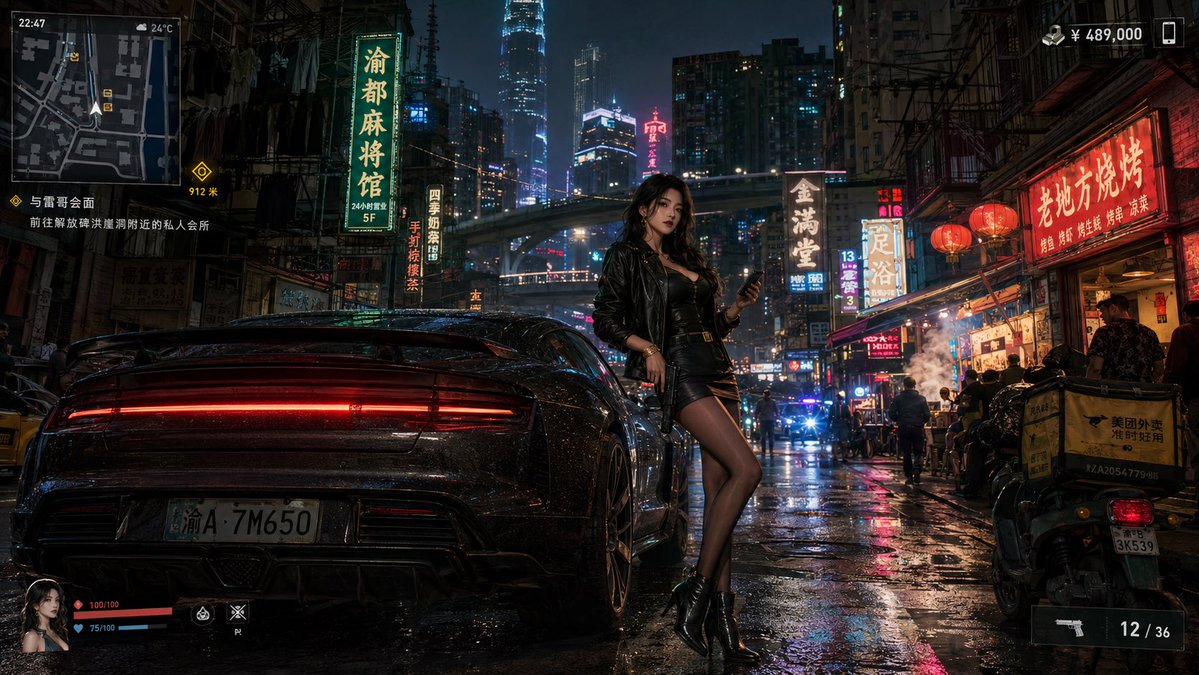
Neon Crime Game Street Screenshot
cinematic open-world crime game screenshot, GTA-style trailer frame · 16:9 widescreen · dense futuristic Chongqing/Hong Kong-inspired Chinese neon street at night · rain-soaked pavement after heavy rain, glossy reflections, humid haze and steam · towering skyscrapers, elevated highway cutting across the skyline, crowded alley restaurants, scooters, pedestrians, police lights far down the street, many vertical Chinese neon signs and red lanterns · gritty, expensive, dangerous, cyberpunk-noir, photorealistic game trailer still · 2 · black luxury sports car viewed from low rear three-quarter angle, parked on wet street, wide body, glowing continuous red taillight bar, dark reflective paint covered in rain droplets, visible license plate with Chinese character and number A·7M650 · left foreground · fashionable young woman leaning against the car, face intentionally blurred/obscured, confident pose, holding a smartphone in one hand · center foreground · 5 · black leather jacket, black fitted mini dress, sheer black stockings, black ankle boots, small crossbody bag · diegetic modern action game UI overlay, sharp translucent dark panels, white text, yellow markers, red and blue health bars · 5 · minimap · top left · square street map with roads, player arrow, icons, time 22:47 and weather 24°C · mission objective · left under minimap · 与晋哥会面 / 前往解放碑洪崖洞附近的私人会所 · 912 m · cash and phone indicators · top right · ¥ 489,000 with a smartphone icon · player status panel · bottom left · small female portrait, red health bar 100/100, blue armor or stamina bar 75/100, two ability icons · weapon ammo panel · bottom right · pistol icon with ammo 12 / 36 · 10 · 渝都麻将馆, 5F, 四季如妳茶馆, 手打柠檬茶, 金满堂, 足浴, 老地方烧烤, 美团外卖, 13, 24小时营业 · low cinematic camera at street level, car dominates the left half, woman centered beside the rear wheel, lively restaurant frontage and scooters on the right, deep urban canyon perspective leading to glowing towers · high contrast neon lighting, red lantern glow, cyan and magenta reflections on wet asphalt, rim light around the woman and car, realistic bloom · ultra-detailed photorealistic 3D game render, Unreal Engine look, ray-traced reflections, cinematic color grading, sharp foreground, atmospheric depth, no cartoon style · {argument name="city" default="Chongqing-inspired neon metropolis"} · {argument name="vehicle" default="black luxury sports car"} · {argument name="character outfit" default="black leather jacket and mini dress"} · {argument name="mission text" default="与晋哥会面 / 前往解放碑洪崖洞附近的私人会所"} · {argument name="cash amount" default="¥ 489,000"}

















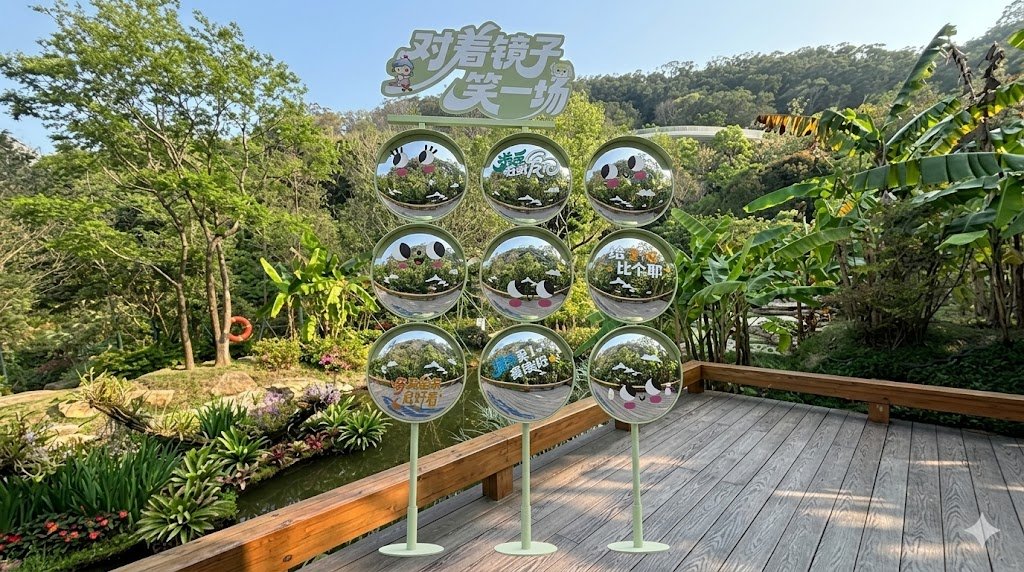
![Naive doodle-style subject illustration — A doodle-style {argument name="subject" default="[subject]"}, naive lines, humorous shape exaggeration](https://pbs.twimg.com/media/G6Wl2YxbsAARB2b.jpg)