
Authentic Smartphone Night Selfie
Simulates a realistic, candid social media selfie captured indoors at night with smartphone camera aesthetics and low-light skin textures.
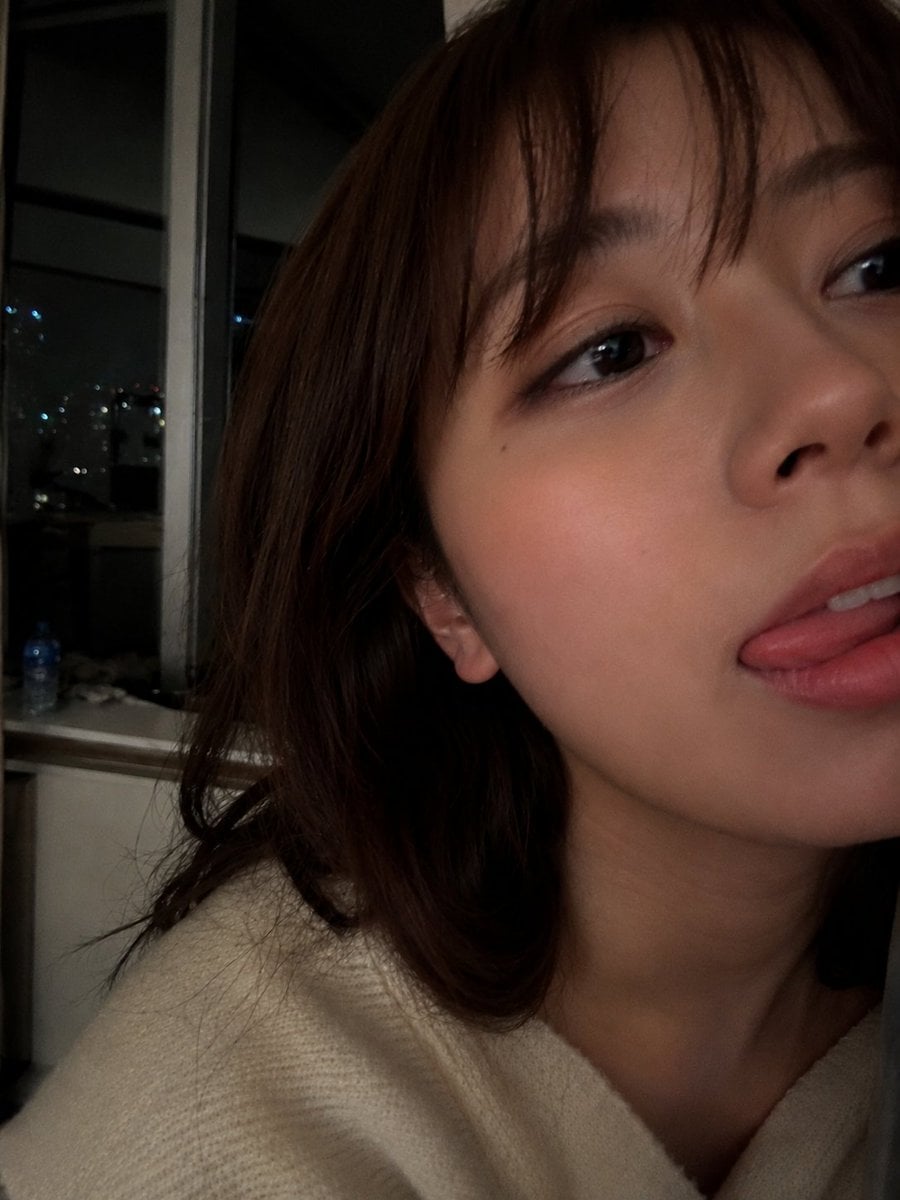
- Prompt included
- Model and format preset
- Free template
The prompt behind this image
Copy the exact prompt behind Authentic Smartphone Night Selfie, or open it in the studio and make it yours.
Ultra-realistic close-up selfie portrait of a {argument name="subject" default="young woman"} indoors at night, captured with a smartphone camera. Soft natural skin with a smooth complexion, subtle rosy cheeks, glossy pink lips, and a playful expression with her tongue slightly touching her upper lip. Large dark expressive eyes looking slightly sideways toward the camera. Medium-length dark brown hair with wispy curtain bangs framing the face. {argument name="clothing" default="Cozy cream-colored knitted sweater"} draped around the shoulders. The composition is an extreme close crop, with the face filling most of the frame and partially extending beyond the edges for an intimate candid feel. Warm low-light ambient illumination creates soft shadows and gentle highlights on the skin. Background features a {argument name="location" default="dimly lit apartment interior"} with large glass windows, faint city lights and reflections visible outside, blurred furniture, and shallow depth of field. Natural smartphone photography aesthetic, slight grain from low-light conditions, realistic skin texture, cinematic mood, cozy late-night atmosphere, authentic candid social-media selfie, ultra-detailed, high resolution, bokeh background, realistic colors, soft focus transitions, 4K photography.
How to use Authentic Smartphone Night Selfie in 3 steps
- 1
Open
The prompt is already in the box next to the preview, with the template's model and format selected.
- 2…a portrait of your subject in softgolden-hour light, 85mm…
Personalize
Edit the subject and creative details for your destination.
- 3Generate
Generate
Press Generate — your image is created in PicX Studio, so you can compare it with the original and refine one variable at a time.
More like this
Templates with the same subject, style or setup. Open one to see its prompt.

Floating Woman Above Cityscape with Notifications
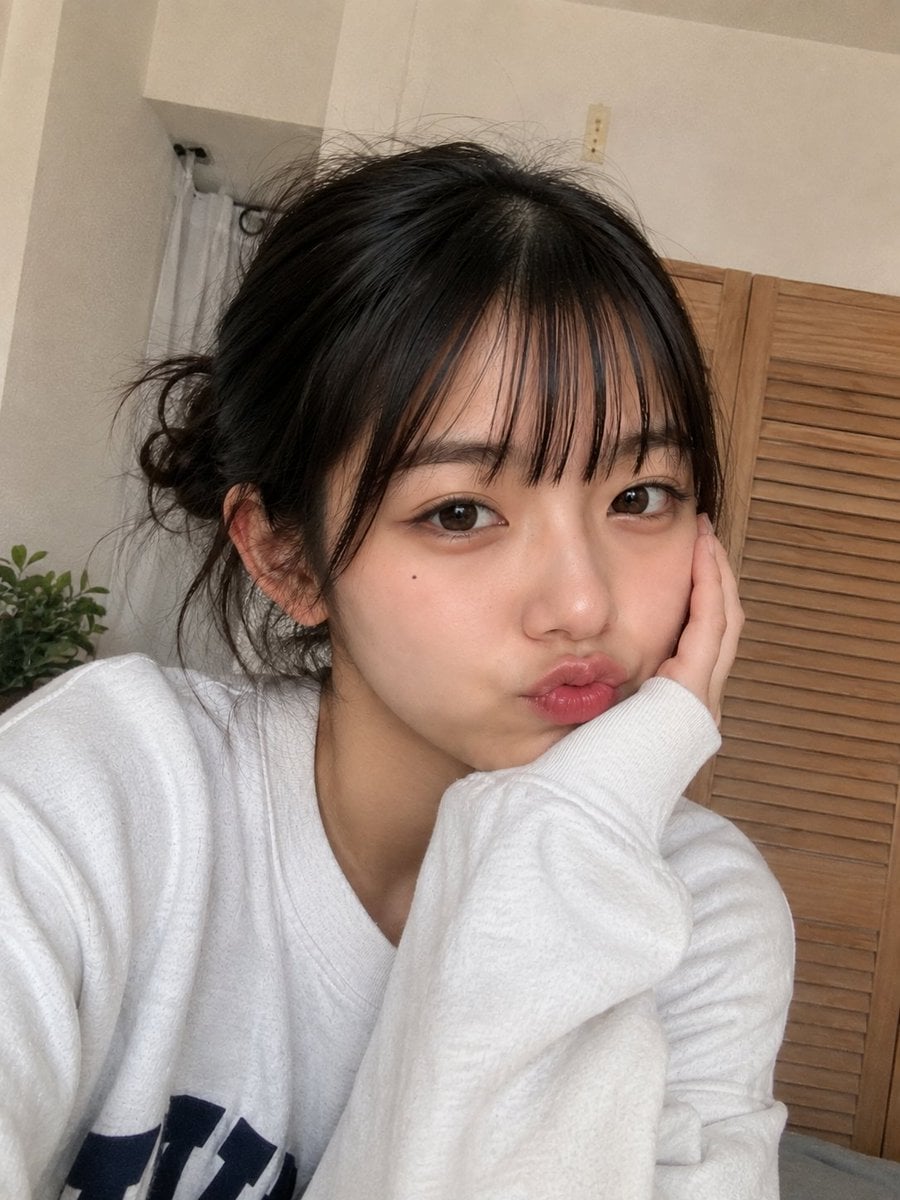
Authentic Smartphone Selfie Portrait
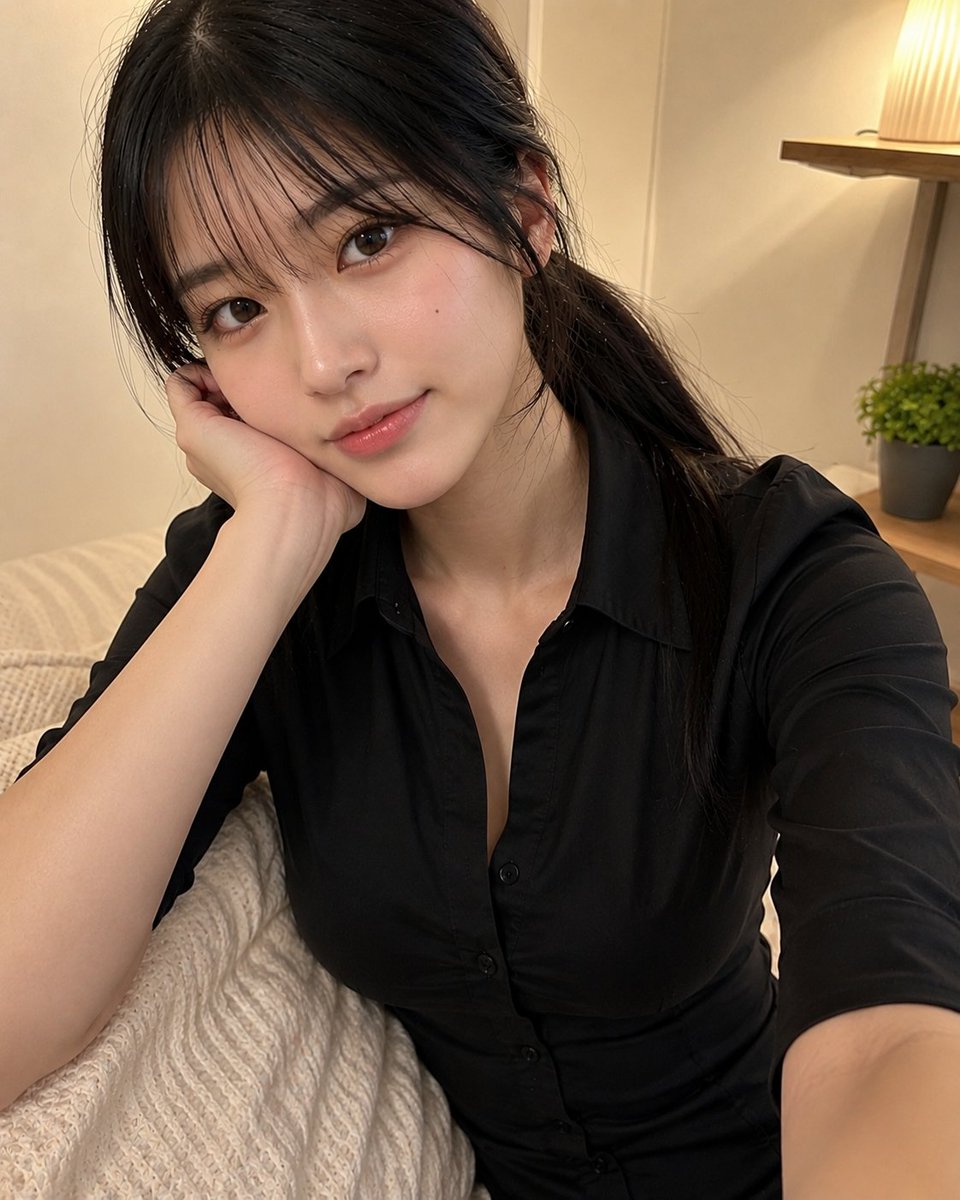
Authentic Japanese Schoolgirl Smartphone Selfie
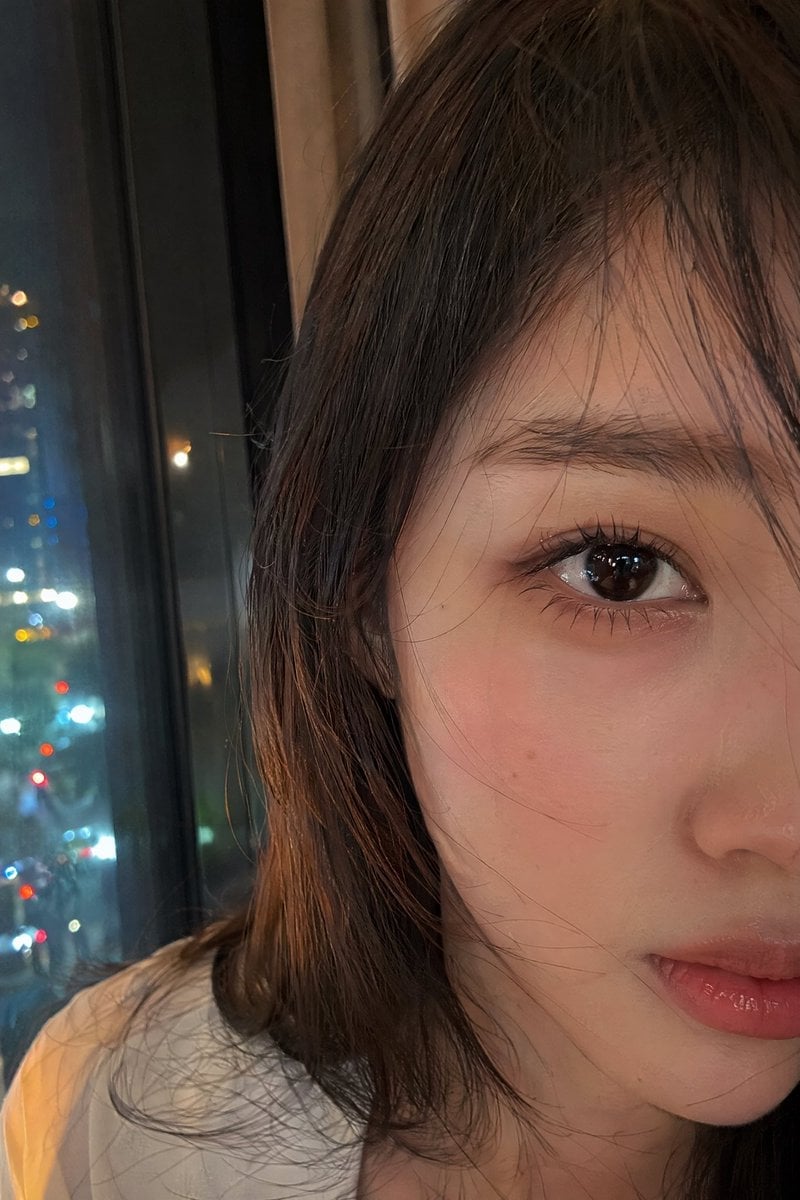
Authentic Smartphone Selfie Close-up
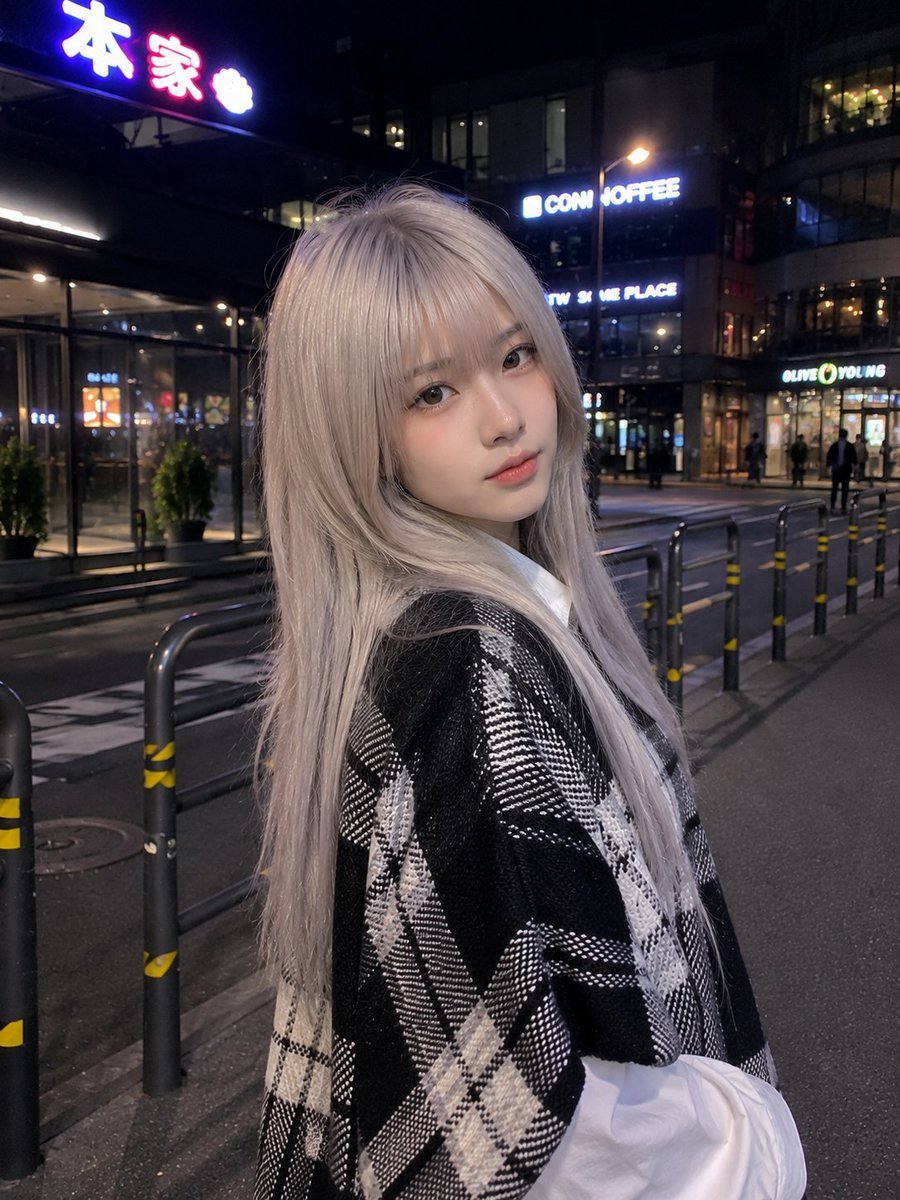
Authentic Smartphone Night Street Portrait
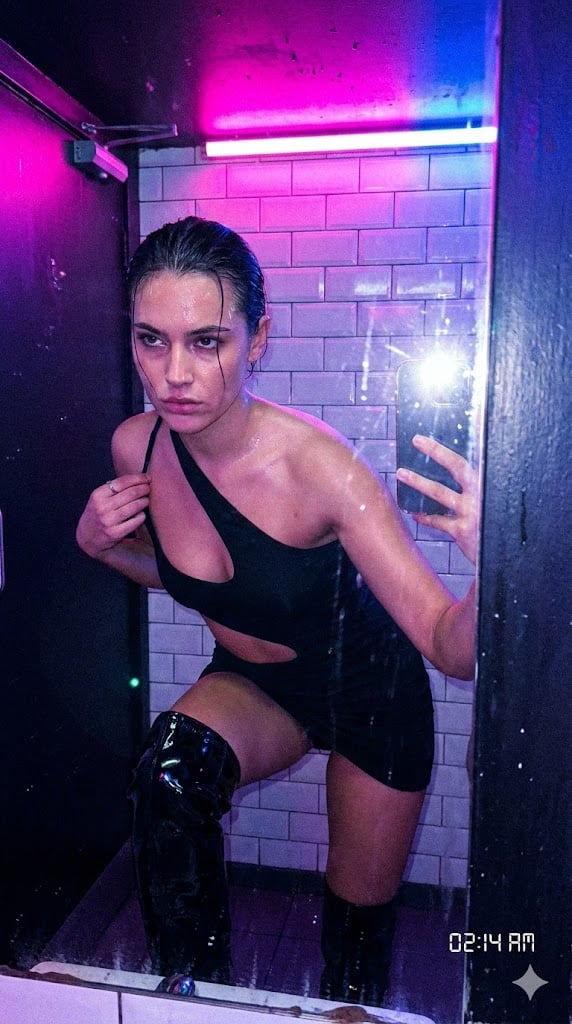
Authentic, Frantic Nightlife Selfie
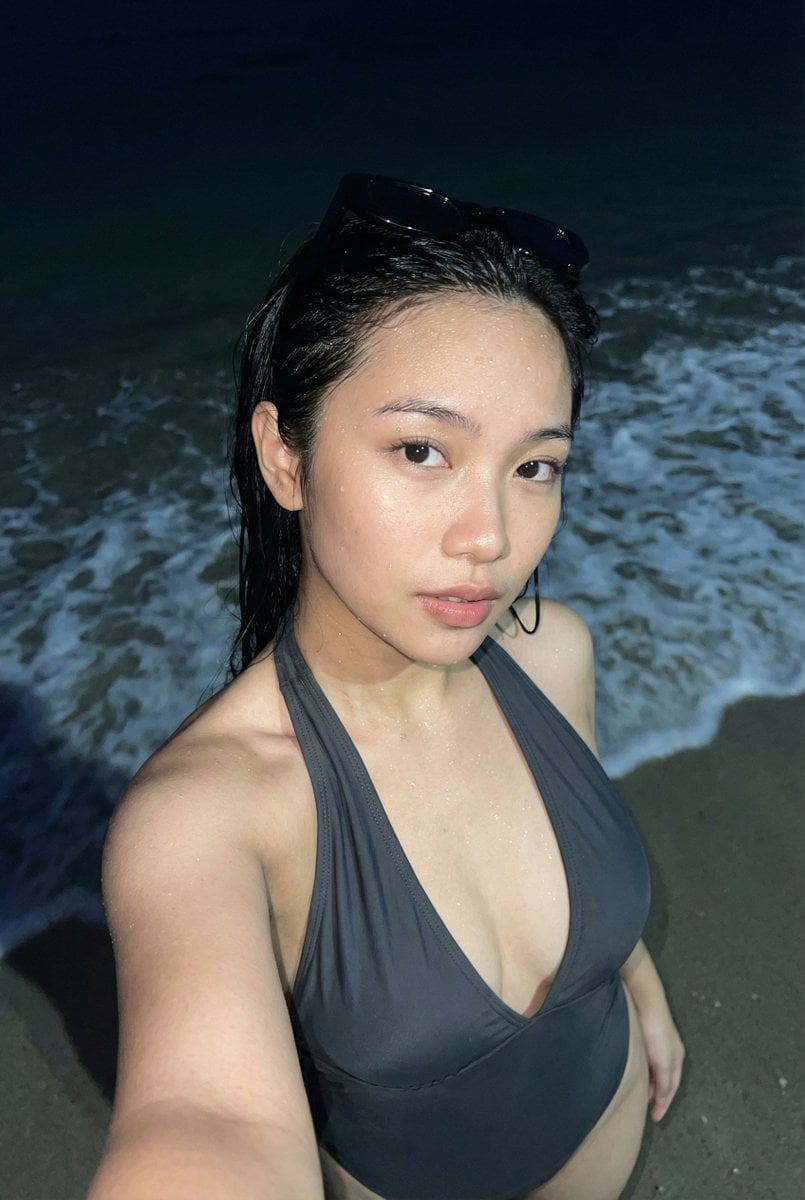
Realistic Smartphone Flash Selfie at Night Beach
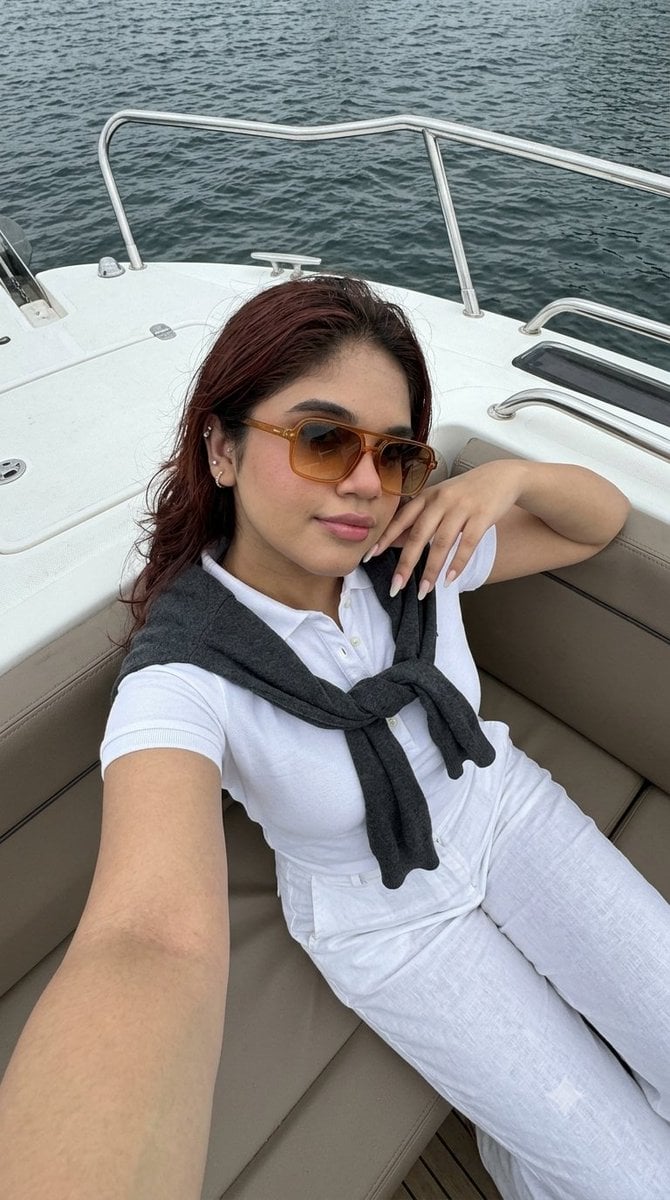
Smartphone Selfie on Motorboat
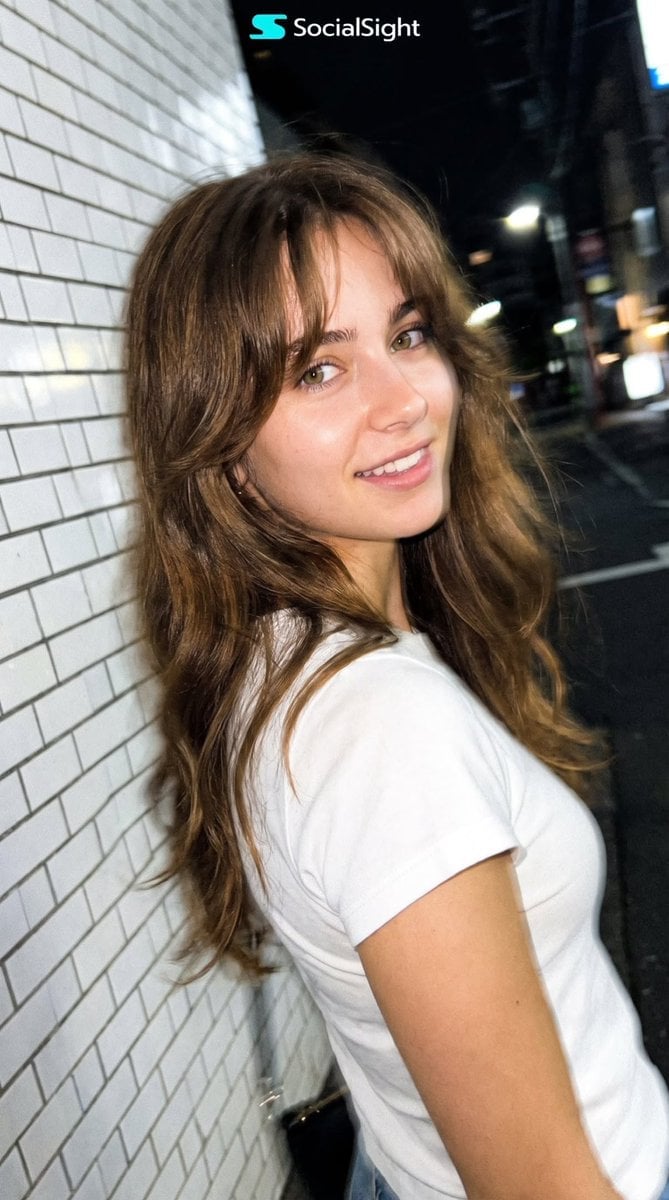
Candid Tokyo Night Smartphone Snapshot
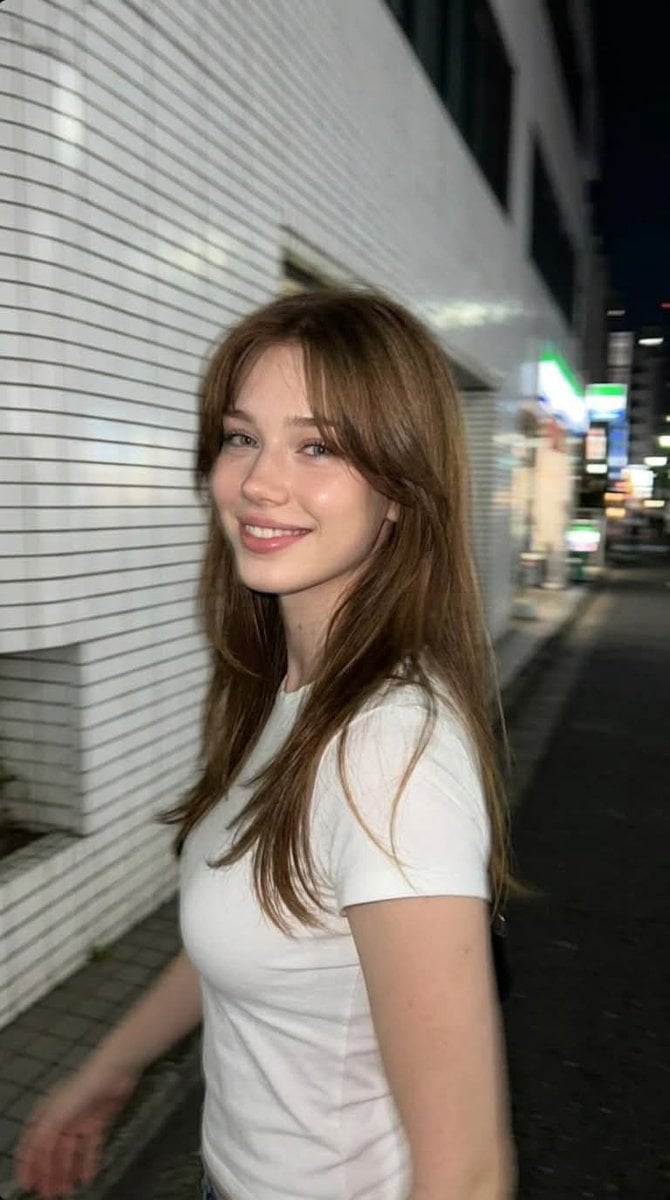
Candid Tokyo Smartphone Night Photo
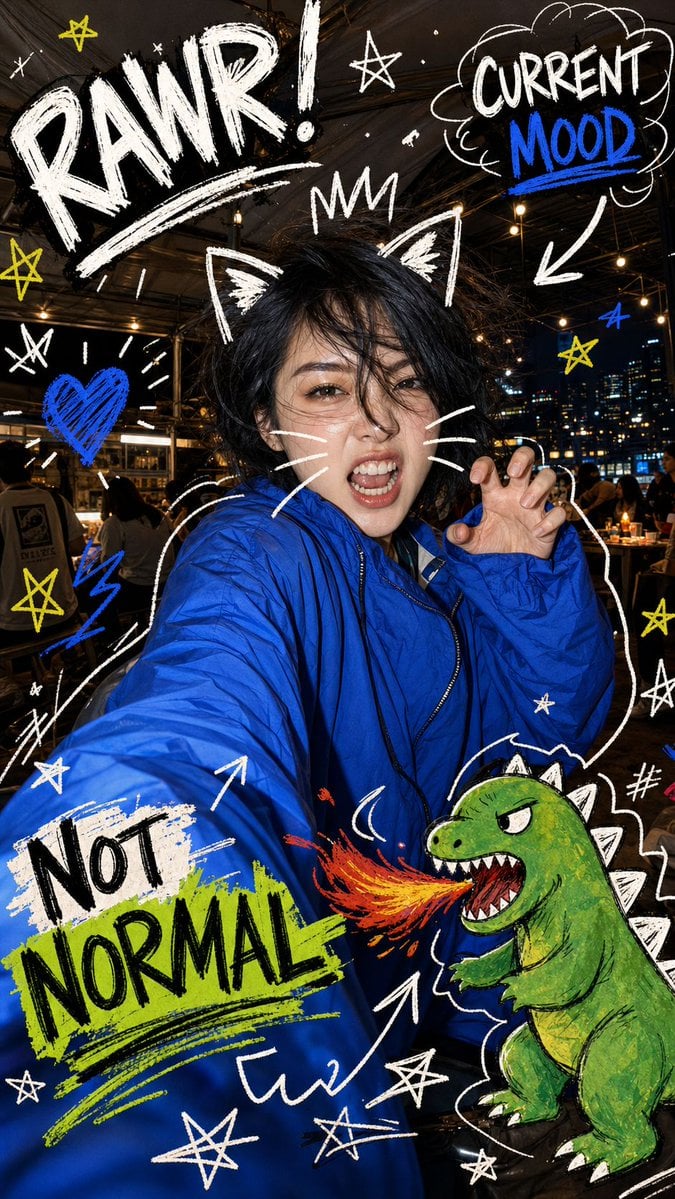
Nighttime Doodle Flash Selfie

Rooftop Fisheye — Cat-Ear Balaclava at Golden Hour
Make it yours
Authentic Smartphone Night Selfie works as-is. These are the safest ways to change it without losing the look.
Change one field
Copy a single group, rewrite it, and generate again so you can see what that field is doing.
Keep the frame, change the subject
Hold the composition and light of Authentic Smartphone Night Selfie, then swap wardrobe, props or the person for a new take.
| If the result… | Why | Fix |
|---|---|---|
| The result drifts from the preview | Too many fields changed at once. | Reuse Authentic Smartphone Night Selfie as-is first, then change one group — subject, light, or setting. |
| The model over-stylizes the scene | The prose prompt leaves finish and camera underspecified. | Add one camera or lighting sentence and stay on GPT Image 2. |
More GPT Image 2 templates
Other prompts made for GPT Image 2.

Six VTuber Japanese Logo Sheet

Realistic Portrait of Woman and Deer

The Vista Modular Condo Poster

AI Model Routing Comparison Infographic

2.5D Anime Art Board

Isometric Productivity Desk Scene

New York Double Exposure Poster

Four-Panel AI Landscape Comparison

Japanese Tatami Lifestyle Magazine Cover

NESCAFÉ Coffee Map Poster
More image prompts
Fresh picks from across the catalog.
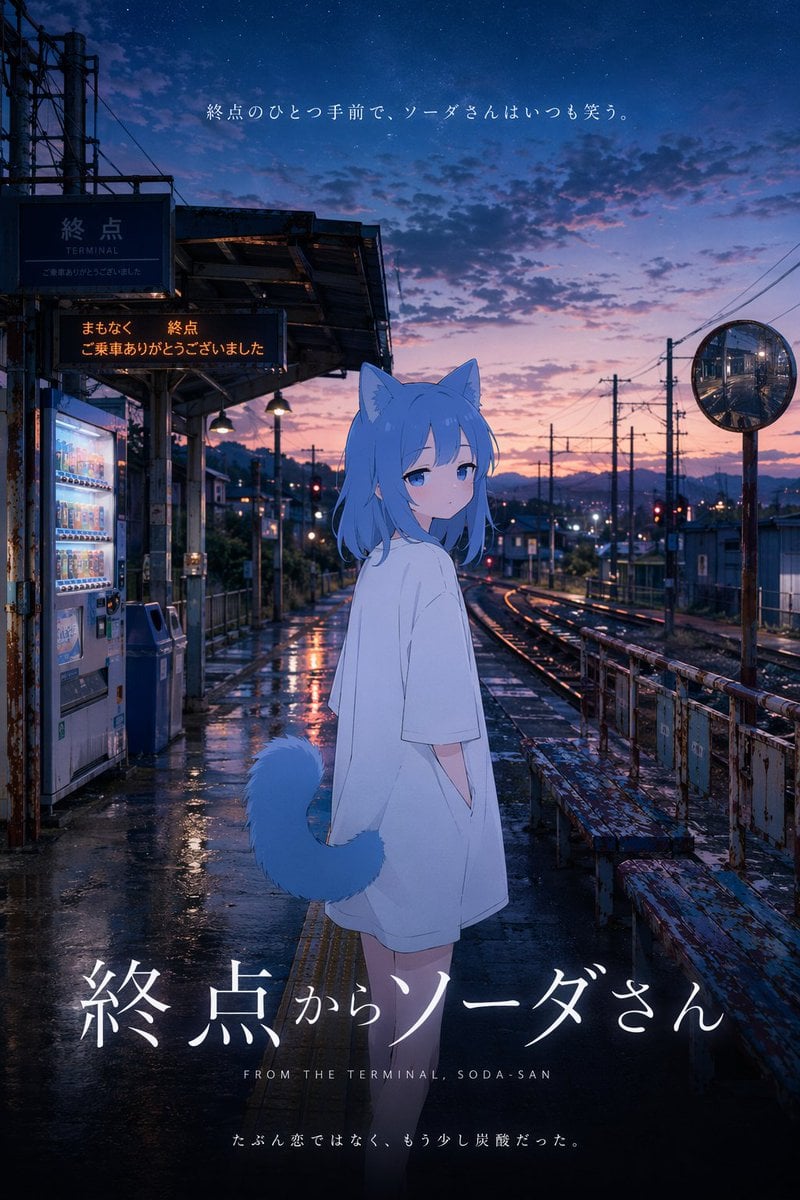
Anime Movie Poster at Twilight Station
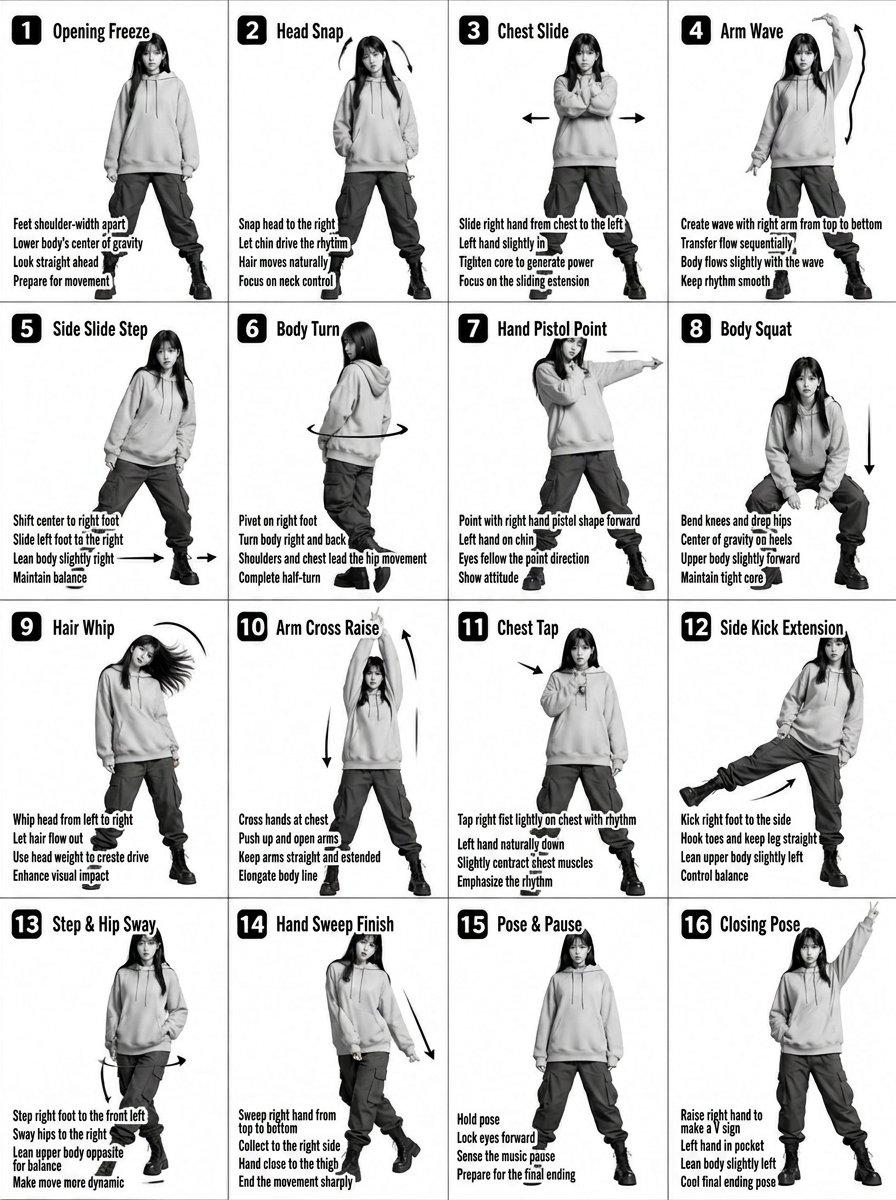
K-pop Dance Tutorial Poster Generator
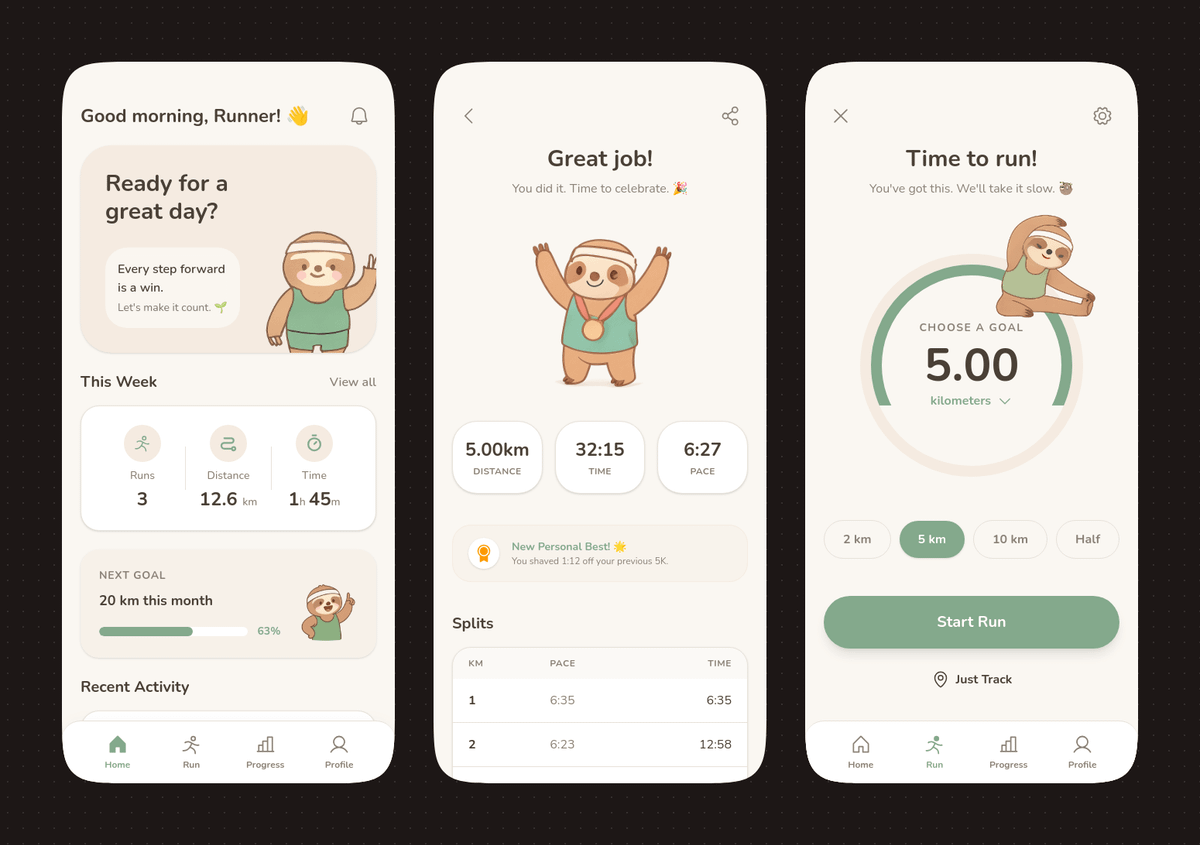
Pastel Running App UI with Sloth Mascot

Kollywood Cinematic Film Post Photo Prompt

Legendary Portuguese Footballer Portrait
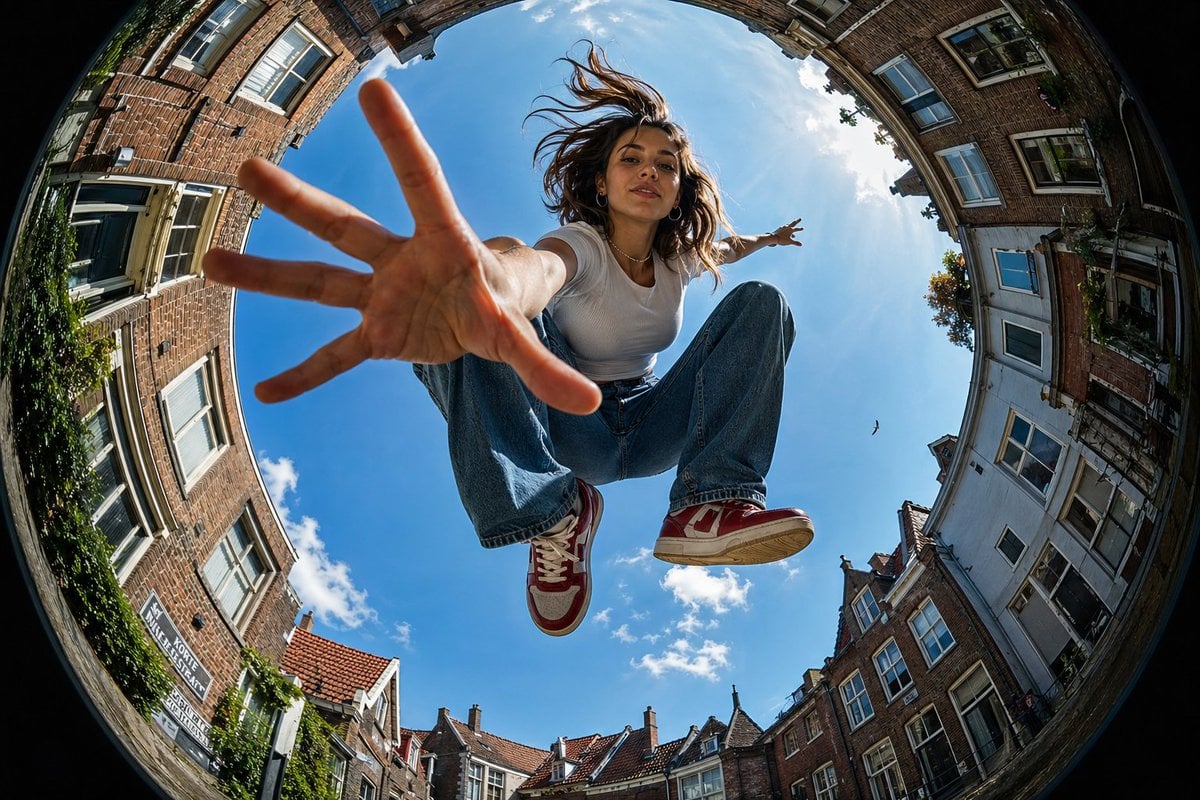
Urban Action Fisheye Perspective
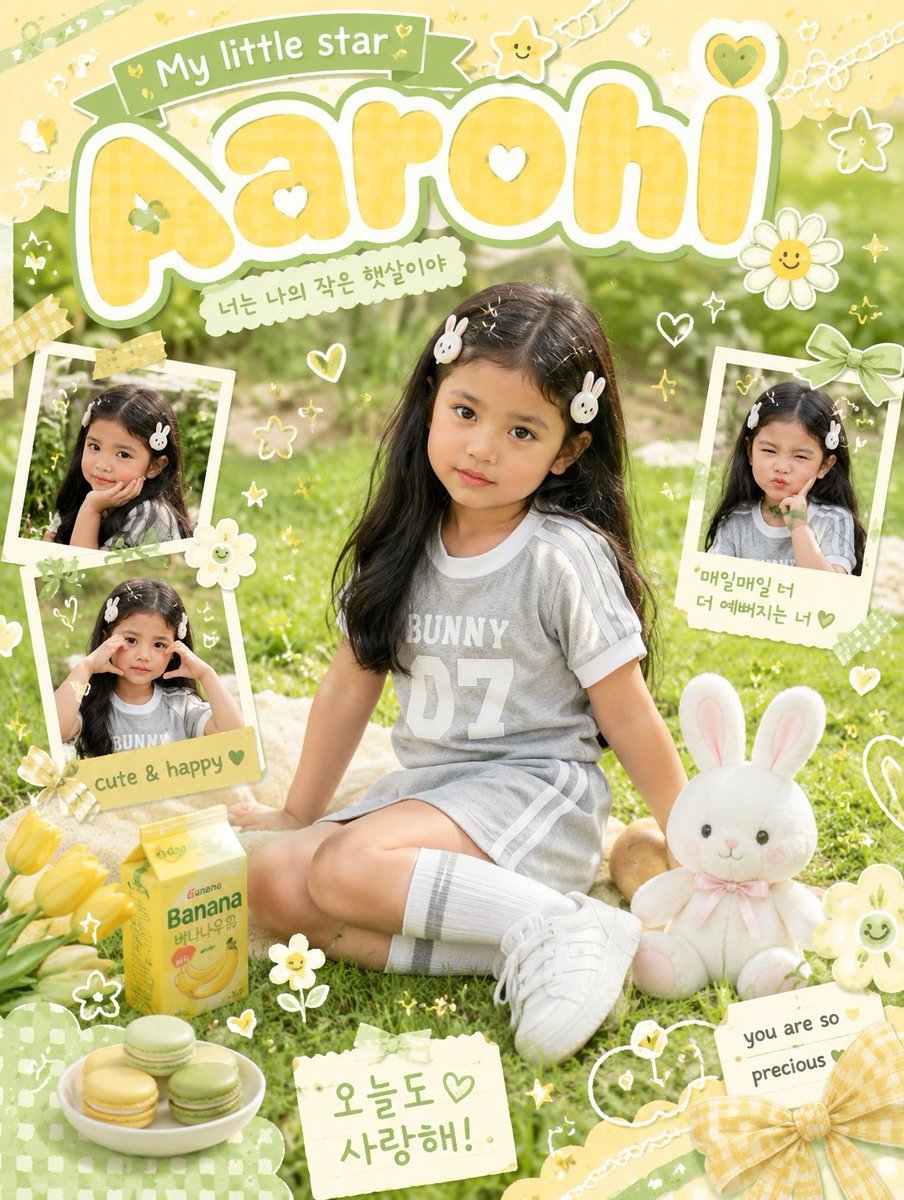
Kawaii Scrapbook Children Poster
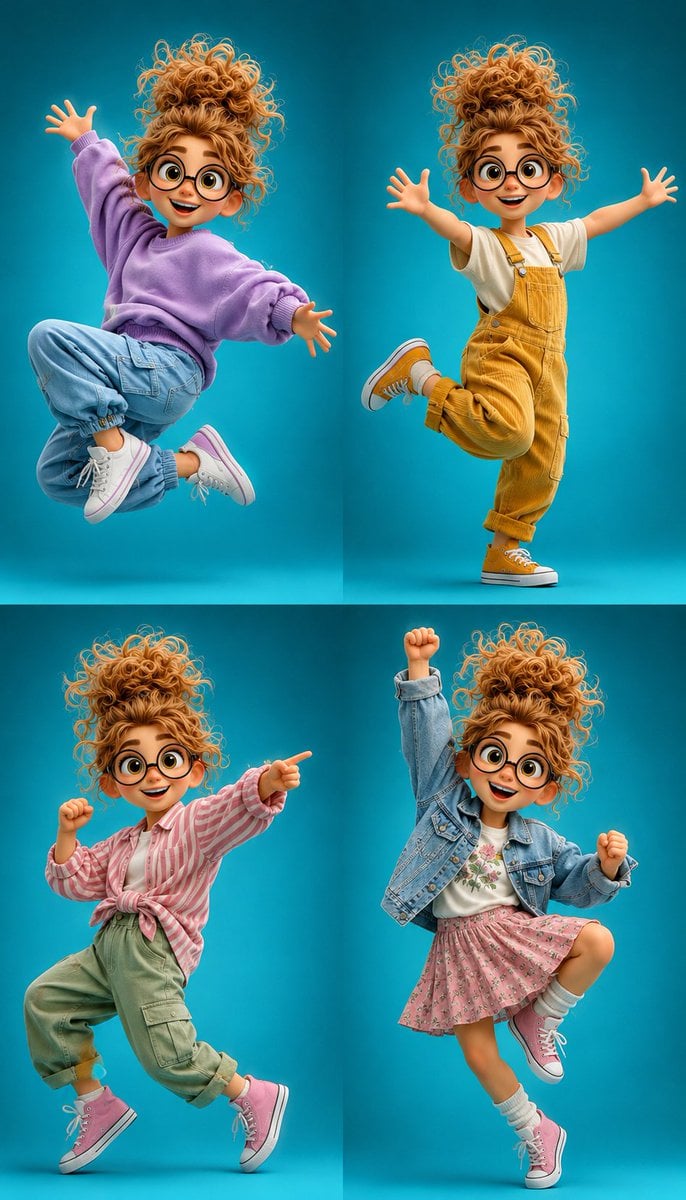
3D Cartoon Character Pose Sheet
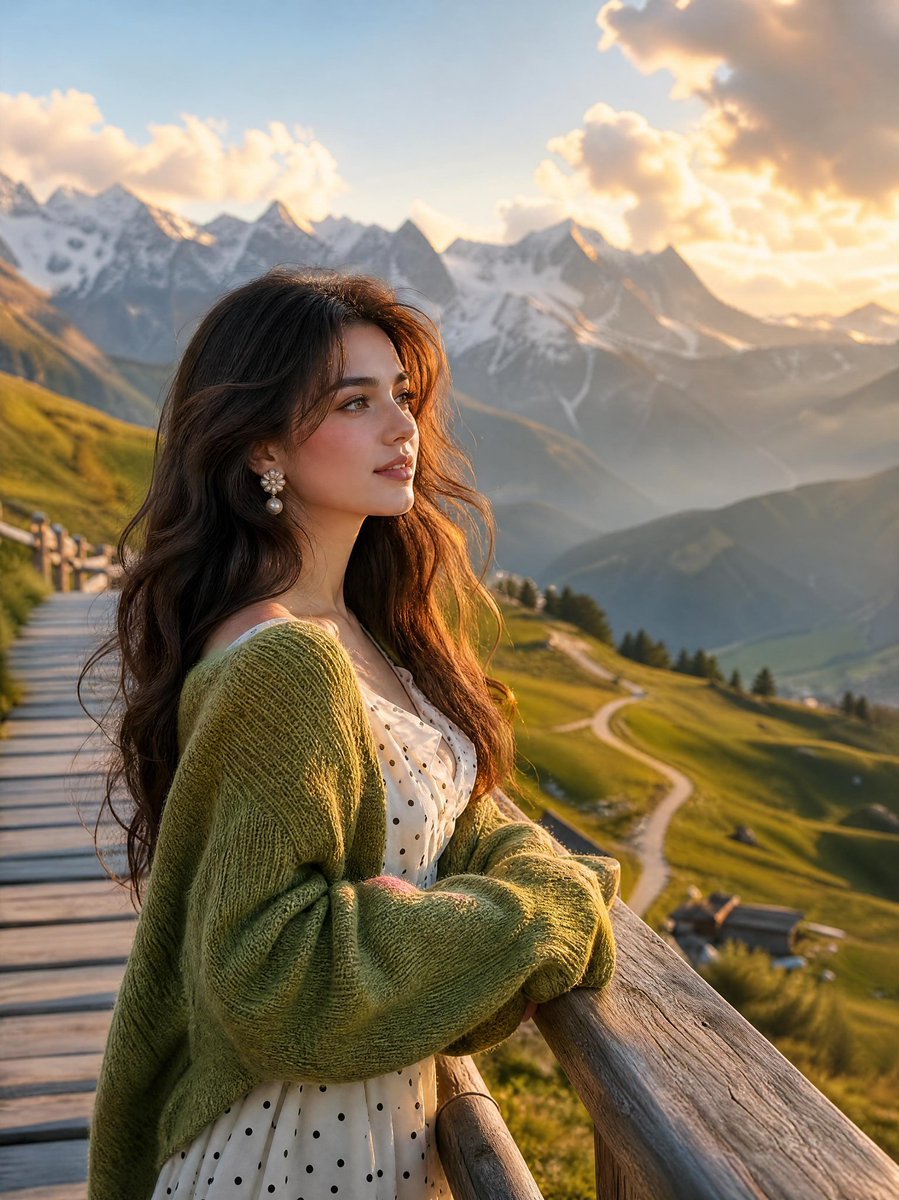
Alpine Landscape Mountain Boardwalk Portrait
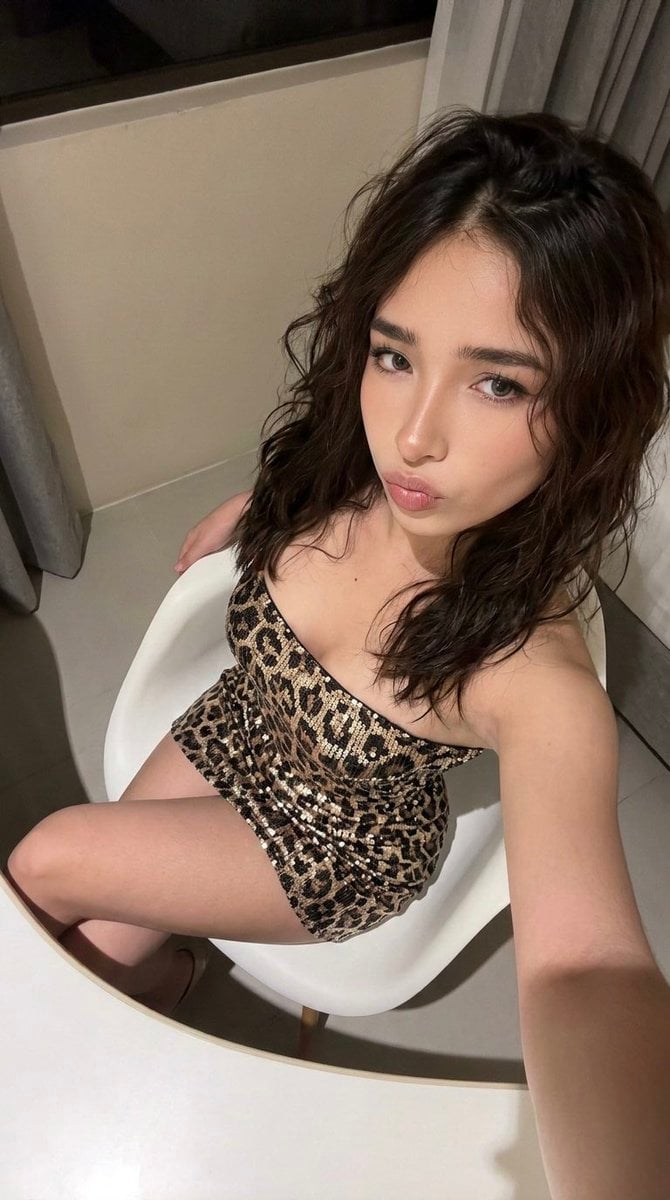
High-Angle Seated Portrait with Leopard Sequined Mini-Dress
Browse template categories
Authentic Smartphone Night Selfie questions
How do I use the Authentic Smartphone Night Selfie template?
Add your photo if the template asks for one, edit the prompt if you like — the template's model and format are already selected — and press Generate. Your version opens in PicX Studio.
Can I customize the Authentic Smartphone Night Selfie template?
Yes. You can change the subject, setting, lighting, mood, format, and available model controls before creating your image.
Is the Authentic Smartphone Night Selfie template free?
Opening and editing this template is free. Generating uses credits, shown on the Generate button when you are signed in.
Which AI model should I use?
Start with GPT Image 2, which is the model associated with this template. You can compare another compatible model for a different finish.
Looking for something else? Browse all templates.

Your photo, any look
Thousands of ready templates for every top image and video model, from one credit balance.