
Pastel Running App UI with Sloth Mascot
This prompt generates a polished three-screen mobile running app concept with soft pastel styling and a cute sloth mascot, ideal for app design showcases and editable UI mockups.
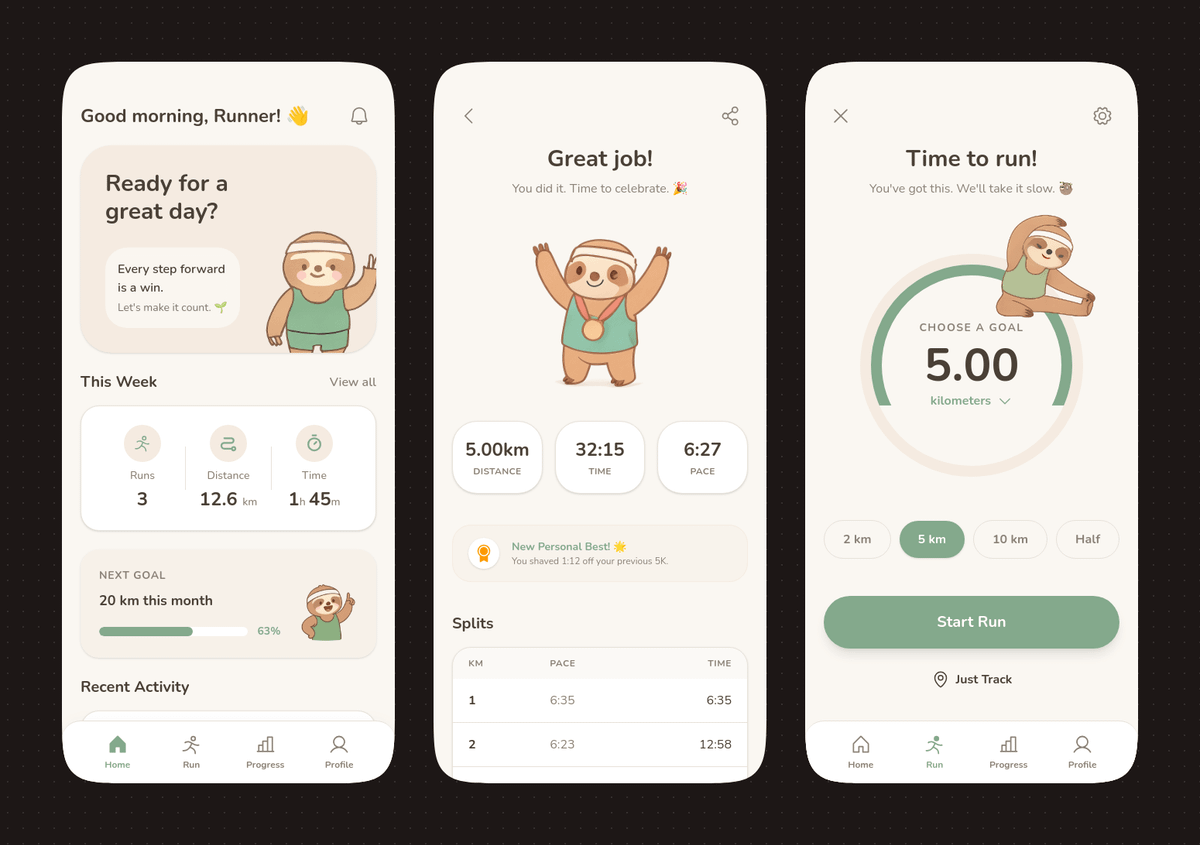
- Prompt included
- Model and format preset
- Free template
The prompt behind this image
Copy the exact prompt behind Pastel Running App UI with Sloth Mascot, or open it in the studio and make it yours.
- Type
- mobile fitness app UI mockup
- Style
- clean modern pastel app design, soft beige and warm white surfaces, muted sage green accents, rounded cards and buttons, subtle shadows, thin minimalist line icons, friendly playful branding with a sloth mascot, dribbble-style presentation on a dark brown dotted background
- Theme
- running tracker app
- Layout › Device Count
- 3
- Layout › Arrangement
- three tall smartphone screens side by side, evenly spaced, front view
- Layout › Background
- very dark brown with a faint evenly spaced dot grid
- Layout › Screens › 0 › Position
- left
- Layout › Screens › 0 › Screen Type
- home dashboard
- Layout › Screens › 0 › Header › Greeting
- Good morning, Runner! 👋
- Layout › Screens › 0 › Header › Left Icon
- none
- Layout › Screens › 0 › Header › Right Icon
- notification bell
- Layout › Screens › 0 › Hero Card › Headline
- Ready for a great day?
- Layout › Screens › 0 › Hero Card › Subcard Text Line 1
- Every step forward is a win.
- Layout › Screens › 0 › Hero Card › Subcard Text Line 2
- Let's make it count. 🌱
- Layout › Screens › 0 › Hero Card › Illustration
- cute sloth wearing a cream headband and mint-green workout outfit, standing and waving inside the card on the right
- Layout › Screens › 0 › Sections › 0 › Title
- This Week
- Layout › Screens › 0 › Sections › 0 › Position
- upper middle
- Layout › Screens › 0 › Sections › 0 › Count
- 3
- Layout › Screens › 0 › Sections › 0 › Labels
- Runs, Distance, Time
- Layout › Screens › 0 › Sections › 0 › Values
- 3, 12.6 km, 1h 45m
- Layout › Screens › 0 › Sections › 0 › Presentation
- single rounded stats card with three equal columns and pale green circular icons
- Layout › Screens › 0 › Sections › 1 › Title
- NEXT GOAL
- Layout › Screens › 0 › Sections › 1 › Position
- middle lower
- Layout › Screens › 0 › Sections › 1 › Count
- 1
Raw JSON
{"type":"mobile fitness app UI mockup","style":"clean modern pastel app design, soft beige and warm white surfaces, muted sage green accents, rounded cards and buttons, subtle shadows, thin minimalist line icons, friendly playful branding with a sloth mascot, dribbble-style presentation on a dark brown dotted background","theme":"running tracker app","layout":{"device_count":3,"arrangement":"three tall smartphone screens side by side, evenly spaced, front view","background":"very dark brown with a faint evenly spaced dot grid","screens":[{"position":"left","screen_type":"home dashboard","header":{"greeting":"Good morning, Runner! 👋","left_icon":"none","right_icon":"notification bell"},"hero_card":{"headline":"Ready for a great day?","subcard_text_line_1":"Every step forward is a win.","subcard_text_line_2":"Let's make it count. 🌱","illustration":"cute sloth wearing a cream headband and mint-green workout outfit, standing and waving inside the card on the right"},"sections":[{"title":"This Week","position":"upper middle","count":3,"labels":["Runs","Distance","Time"],"values":["3","12.6 km","1h 45m"],"presentation":"single rounded stats card with three equal columns and pale green circular icons"},{"title":"NEXT GOAL","position":"middle lower","count":1,"labels":["20 km this month"],"values":["63%"],"presentation":"rounded progress card with green progress bar and small waving sloth illustration on the right"},{"title":"Recent Activity","position":"lower","count":1,"labels":["Recent Activity"],"presentation":"top edge of another rounded card visible, cropped by the bottom navigation"}],"bottom_nav":{"count":4,"labels":["Home","Run","Progress","Profile"],"active":"Home"}},{"position":"center","screen_type":"run summary","header":{"left_icon":"back chevron","center_text":"Great job!","subtext":"You did it. Time to celebrate. 🎉","right_icon":"share"},"hero_illustration":"cute sloth wearing a headband, mint athletic outfit, and a gold medal, both arms raised in celebration","stats_row":{"count":3,"labels":["DISTANCE","TIME","PACE"],"values":["5.00km","32:15","6:27"],"presentation":"three rounded statistic pills"},"achievement_card":{"count":1,"title":"New Personal Best! 🌟","subtitle":"You shaved 1:12 off your previous 5K.","icon":"small gold medal badge"},"table_section":{"title":"Splits","count":2,"columns":["KM","PACE","TIME"],"rows":[["1","6:35","6:35"],["2","6:23","12:58"]],"presentation":"rounded white table card with light dividers"}},{"position":"right","screen_type":"run goal setup","header":{"left_icon":"close x","center_text":"Time to run!","subtext":"You've got this. We'll take it slow. 🦥","right_icon":"settings gear"},"goal_visual":{"type":"circular progress selector","top_label":"CHOOSE A GOAL","main_value":"5.00","unit":"kilometers","ring":"thick partial sage-green arc on a pale beige circle","illustration":"small sloth stretching on the upper-right edge of the circle"},"goal_options":{"count":4,"labels":["2 km","5 km","10 km","Half"],"active":"5 km"},"primary_cta":{"label":"Start Run","style":"large rounded sage-green button"},"secondary_action":{"label":"Just Track","icon":"location pin"},"bottom_nav":{"count":4,"labels":["Home","Run","Progress","Profile"],"active":"Run"}}]}}How to use Pastel Running App UI with Sloth Mascot in 3 steps
- 1Upload ImagePNG, JPG or paste
Add your photo
Upload the photo the template builds on. The prompt, model and format are already set.
- 2…a portrait of your subject in softgolden-hour light, 85mm…
Personalize
Edit the subject and creative details for your destination.
- 3Generate
Generate
Press Generate — your image is created in PicX Studio, so you can compare it with the original and refine one variable at a time.
More like this
Templates with the same subject, style or setup. Open one to see its prompt.

Eid al-Adha Cute Chaos — Fisheye Selfie with Farm Selfie, Mosque & Animals

Cute Layered Paper Cut Chibi Girl

Layered Paper Cut Illustration Template

Anime Rain Poncho Parade

Anime Street Performer Magic

Anime Ferry Boat Arrival

Anime Hidden Mickey Hunt

Anime Popcorn Cart Hero

Anime Nighttime Projection

Anime Character Meet Tent

Anime Splash Mountain Drop

Anime Balloon Seller Lane
Make it yours
Pastel Running App UI with Sloth Mascot works as-is. These are the safest ways to change it without losing the look.
Swap the setting
Keep the rest of the prompt and replace the location block. The current setting is “very dark brown with a faint evenly spaced dot grid”.
Change one field
Copy a single group, rewrite it, and generate again so you can see what that field is doing.
Keep the frame, change the subject
Hold the composition and light of Pastel Running App UI with Sloth Mascot, then swap wardrobe, props or the person for a new take.
| If the result… | Why | Fix |
|---|---|---|
| The result drifts from the preview | Too many fields changed at once. | Reuse Pastel Running App UI with Sloth Mascot as-is first, then change one group — subject, light, or setting. |
| GPT Image 2 ignores part of the JSON | Some models flatten or skip nested keys. | Keep the same values and paste them as a short paragraph instead. |
More GPT Image 2 templates
Other prompts made for GPT Image 2.

Six VTuber Japanese Logo Sheet

Realistic Portrait of Woman and Deer

The Vista Modular Condo Poster

AI Model Routing Comparison Infographic

2.5D Anime Art Board

Isometric Productivity Desk Scene

New York Double Exposure Poster

Four-Panel AI Landscape Comparison

Japanese Tatami Lifestyle Magazine Cover

NESCAFÉ Coffee Map Poster
More image prompts
Fresh picks from across the catalog.
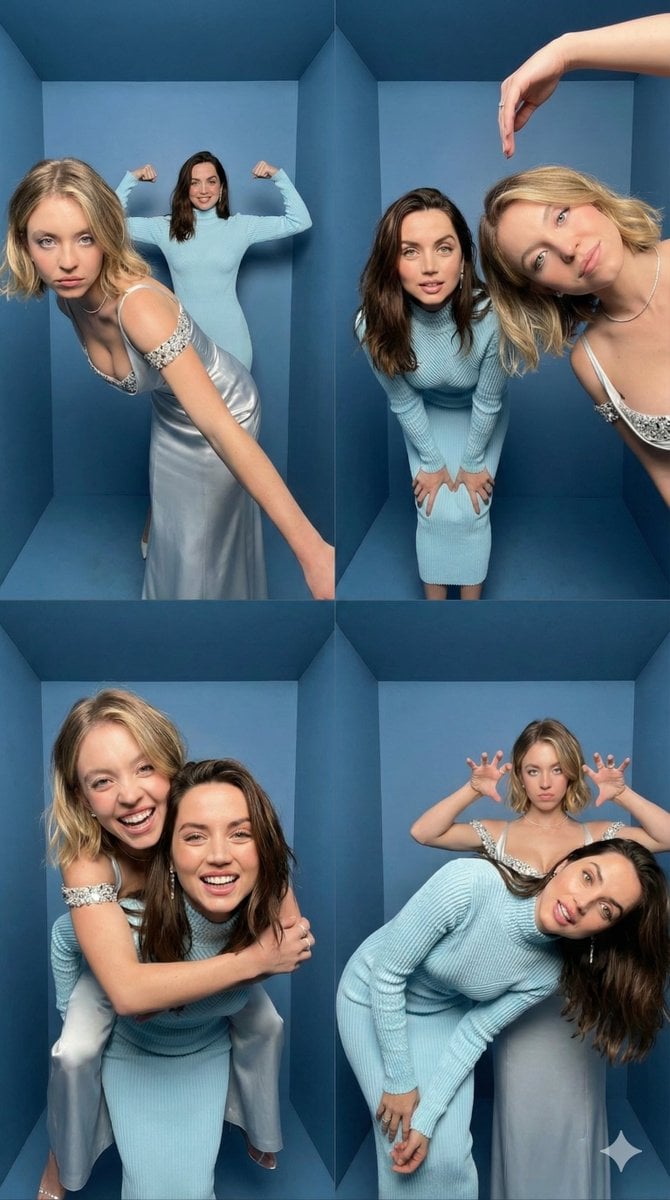
iPhone Photobooth Collage Prompt with Reference Lock
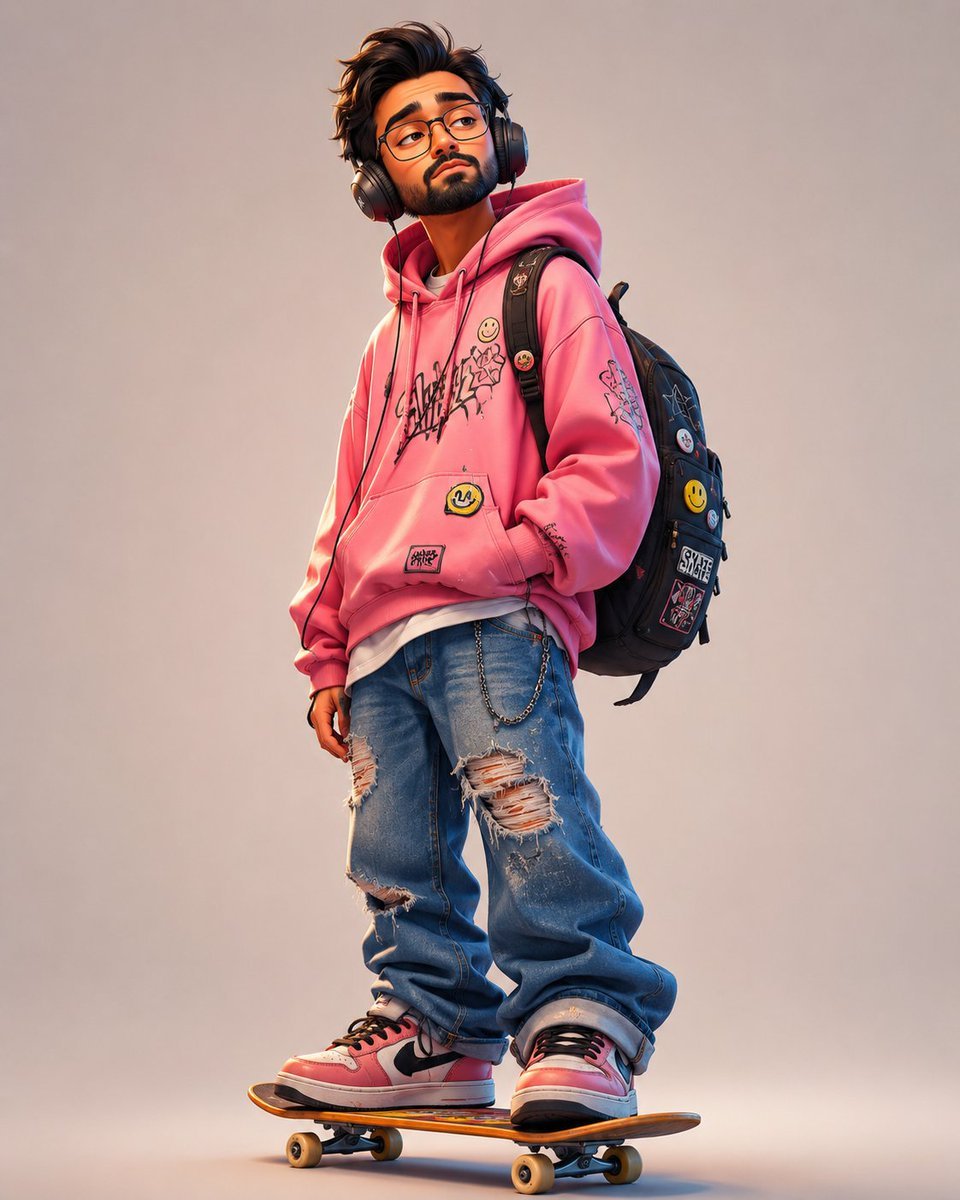
Anonymous Pink Hoodie Skater
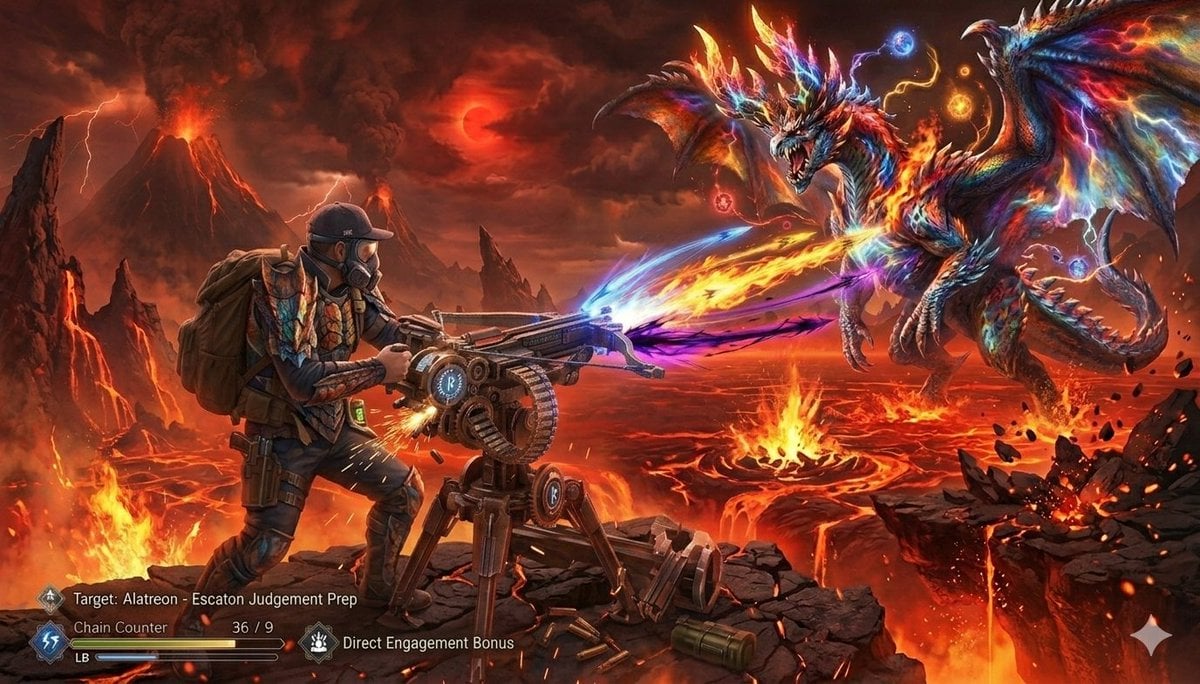
Monster Hunter Alatreon Battle Scene
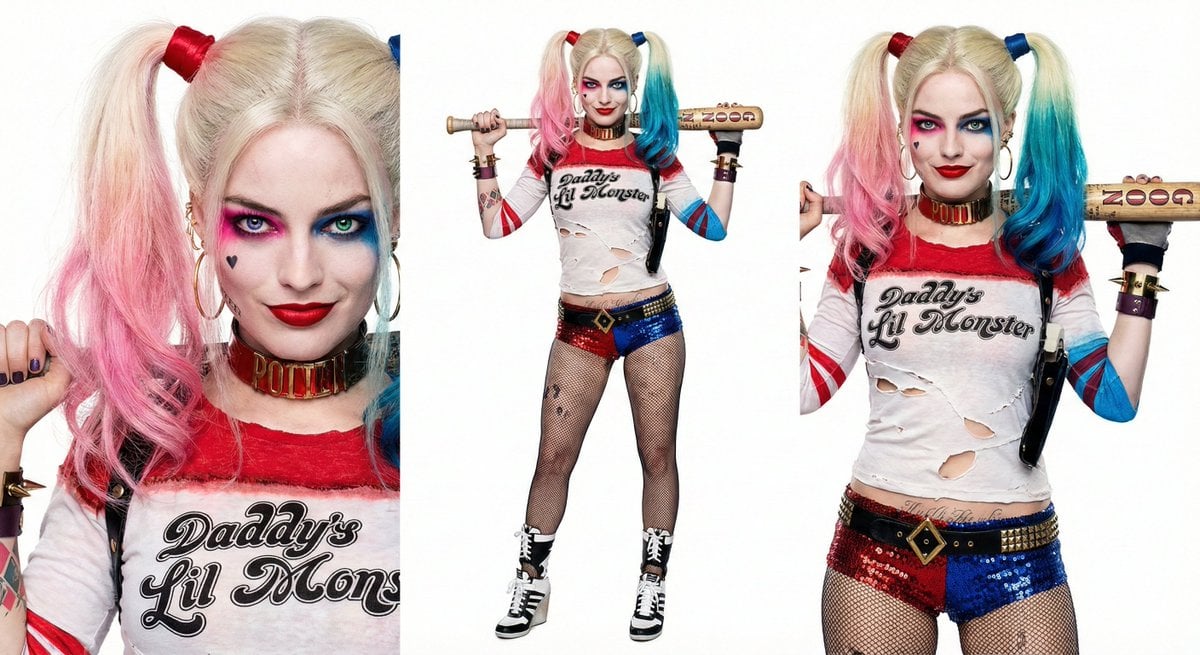
Harley Quinn Archetype Image Generation Prompt

Dramatic Cinematic Low-Angle Portrait Prompt (Reference Image Required)
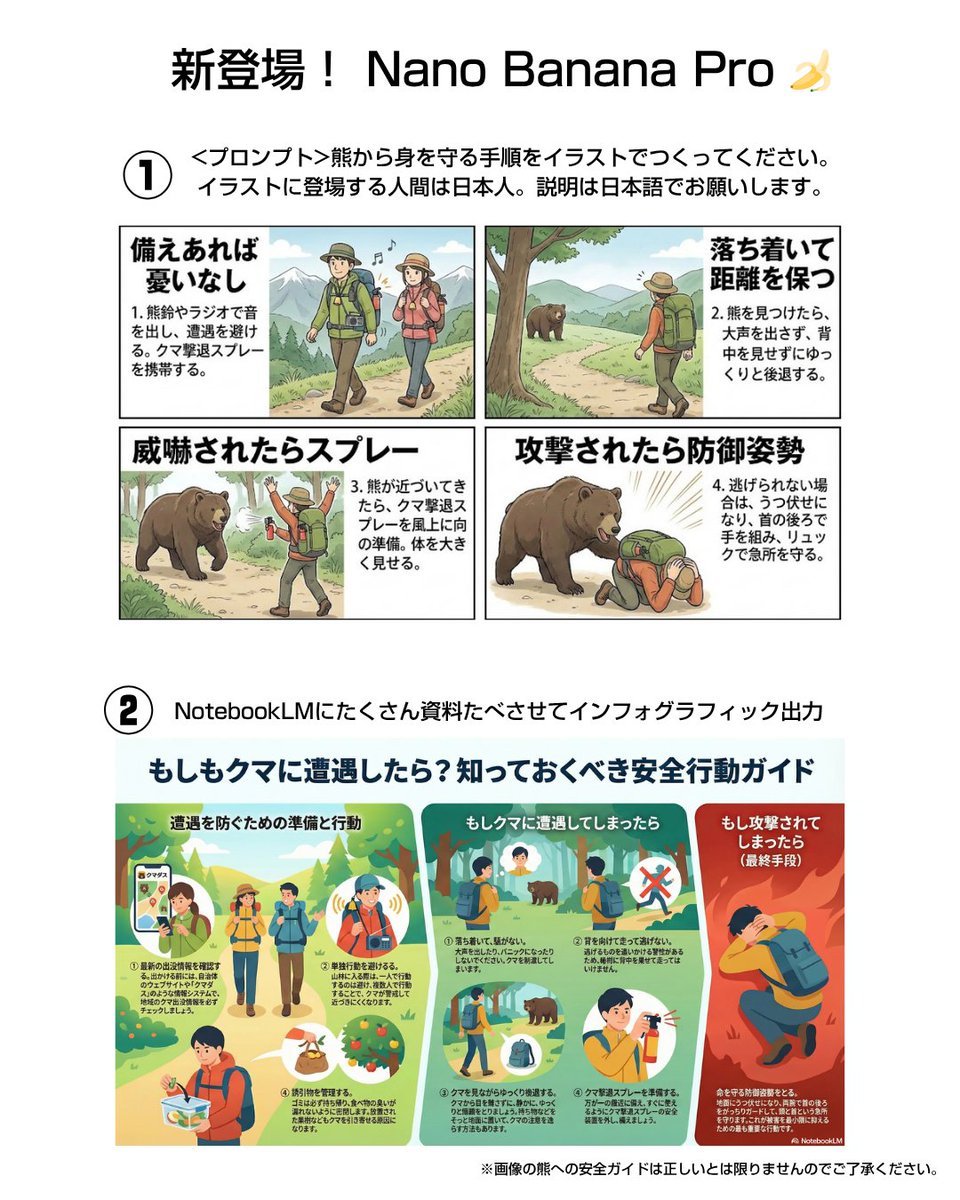
Bear safety instruction illustration in Japanese
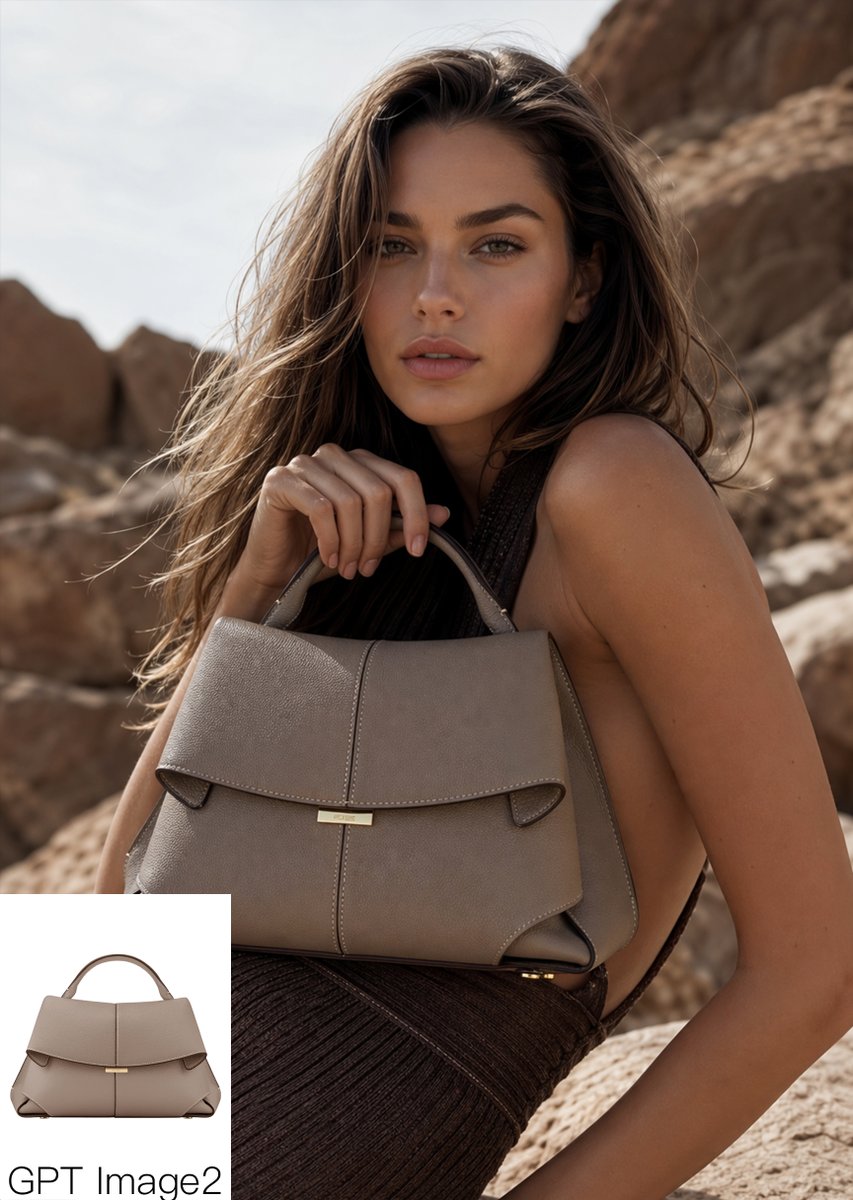
Luxury Desert Handbag Campaign
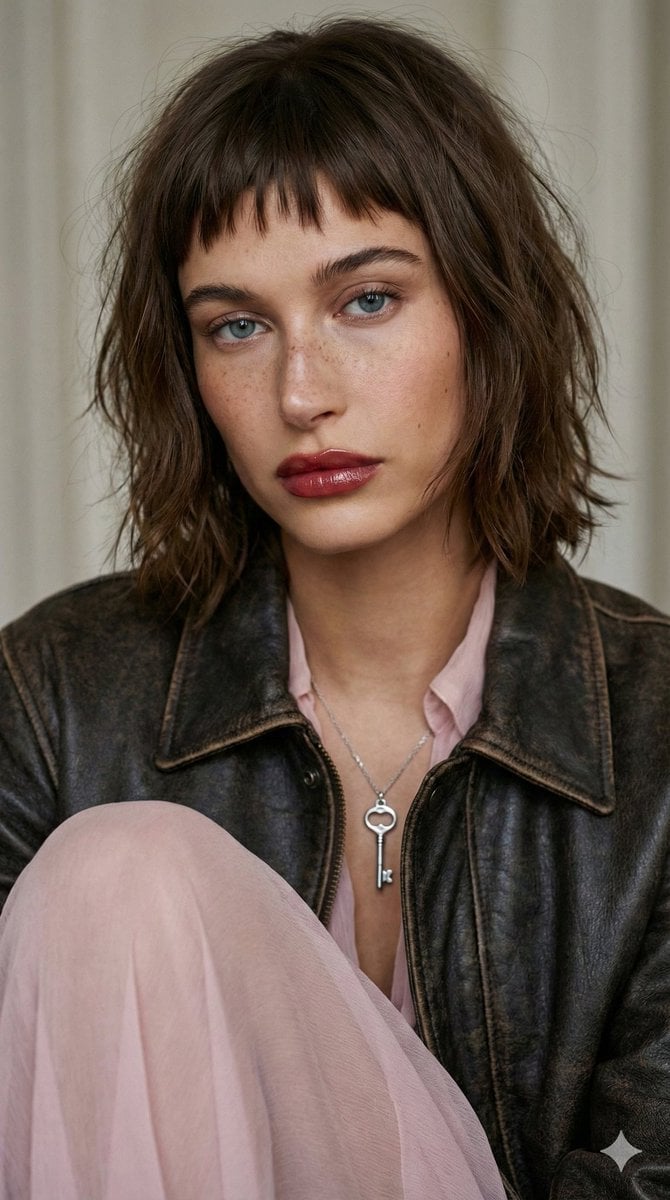
Editorial Fashion Portrait with Wolf-Cut Hairstyle Prompt
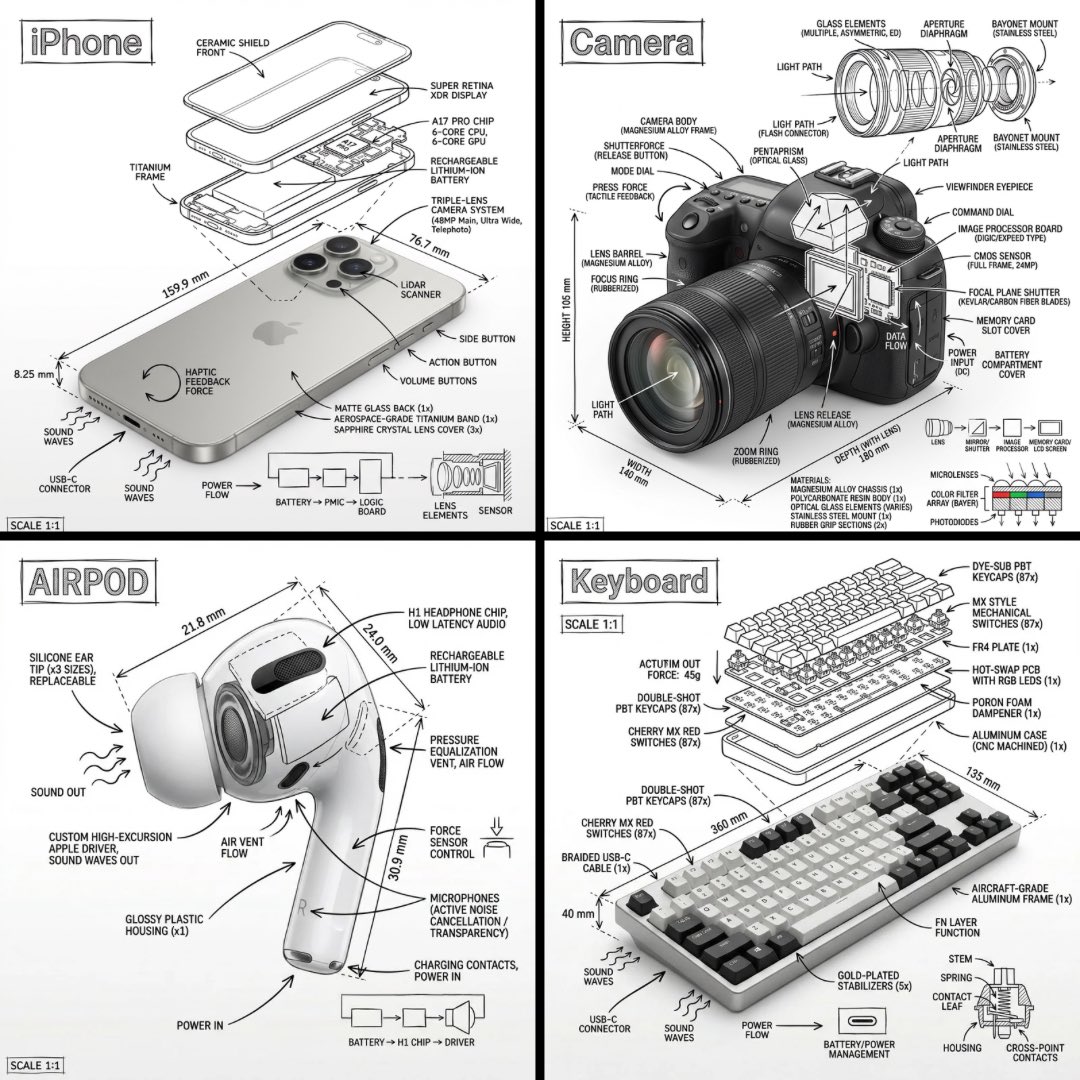
Technical Manual Infographic Style
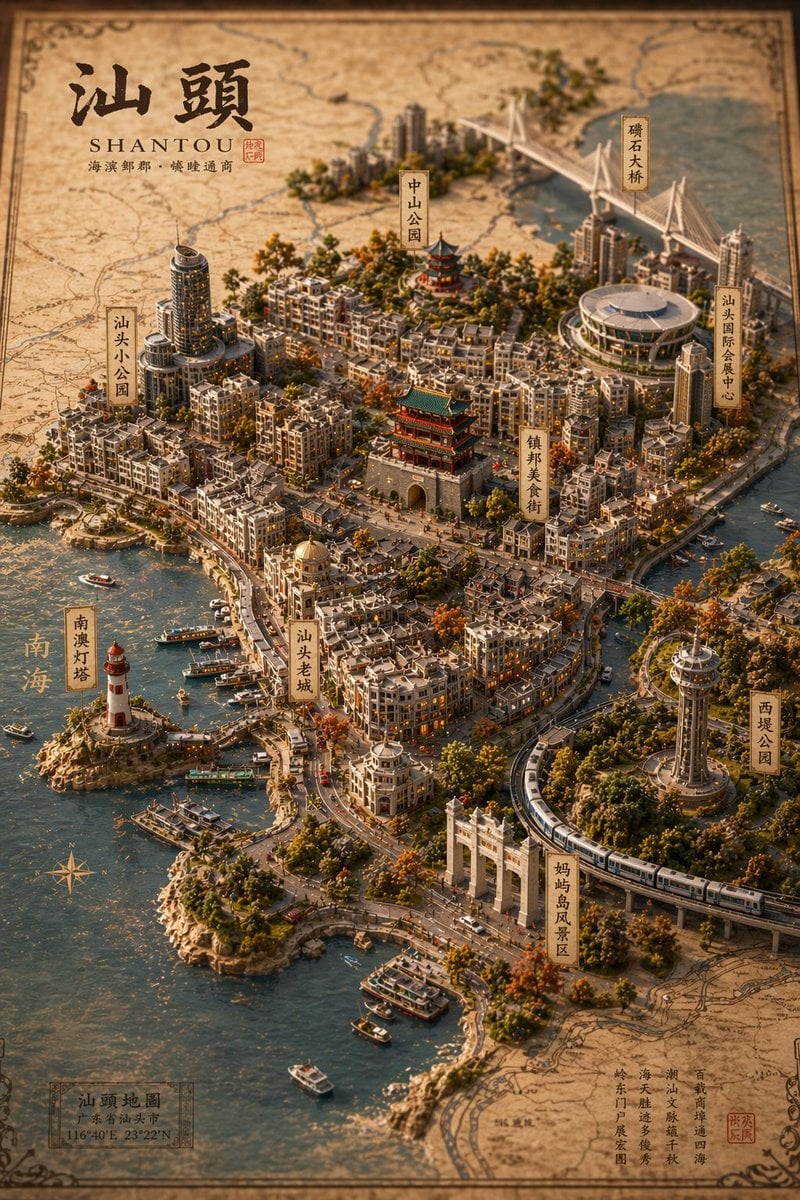
Vintage 3D Miniature City Map
Browse template categories
Pastel Running App UI with Sloth Mascot questions
How do I use the Pastel Running App UI with Sloth Mascot template?
Add your photo if the template asks for one, edit the prompt if you like — the template's model and format are already selected — and press Generate. Your version opens in PicX Studio.
Can I customize the Pastel Running App UI with Sloth Mascot template?
Yes. You can change the subject, setting, lighting, mood, format, and available model controls before creating your image.
Is the Pastel Running App UI with Sloth Mascot template free?
Opening and editing this template is free. Generating uses credits, shown on the Generate button when you are signed in.
Which AI model should I use?
Start with GPT Image 2, which is the model associated with this template. You can compare another compatible model for a different finish.
Looking for something else? Browse all templates.

Your photo, any look
Thousands of ready templates for every top image and video model, from one credit balance.