
Anime Supermarket Group Scene
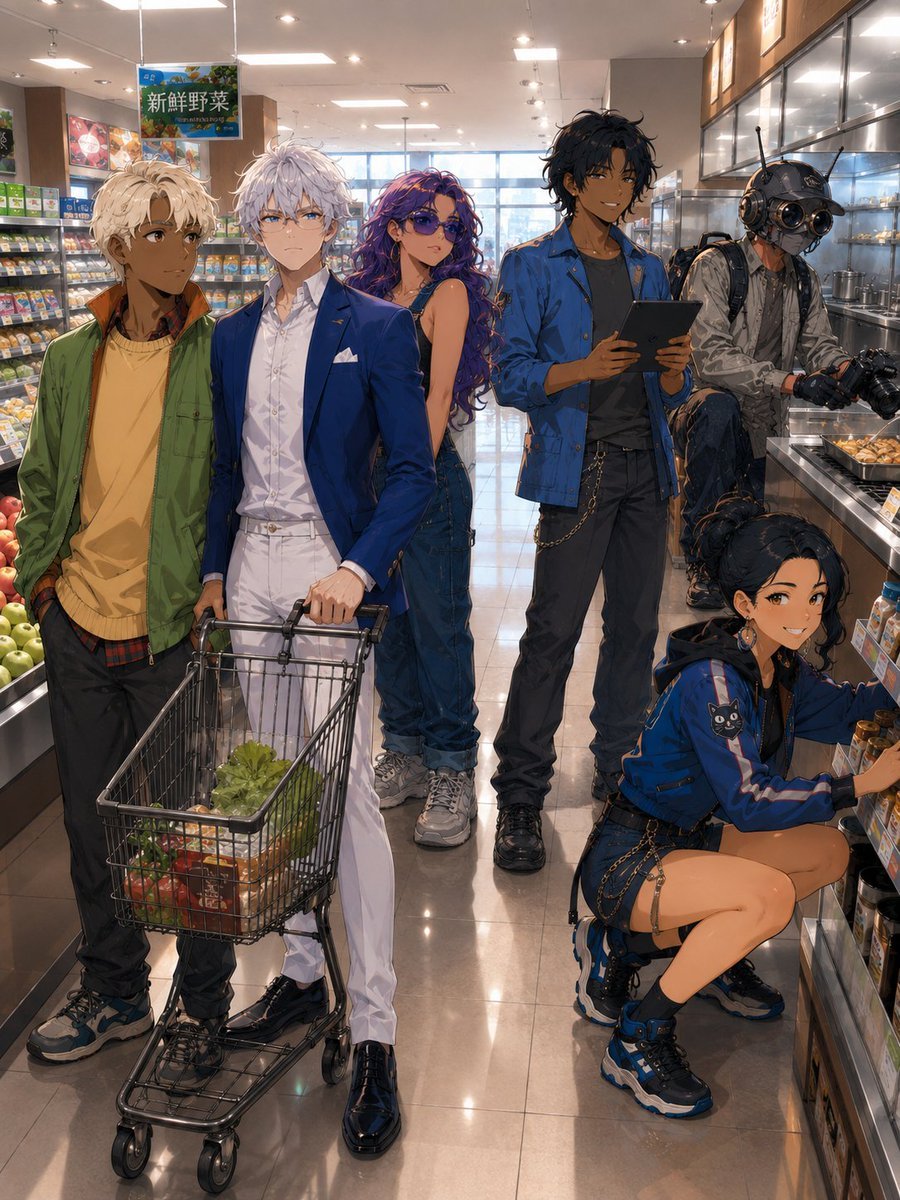
Generates a detailed semi-realistic anime group shot of six stylish characters shopping in a modern Japanese supermarket.
- Prompt included
- Model and format preset
- Free template
The prompt behind this image
Copy the exact prompt behind Anime Supermarket Group Scene, or open it in the studio and make it yours.
Create a detailed anime-style group scene inside a bright modern Japanese supermarket aisle. The image shows exactly 6 main characters arranged across the store: 1 blond young man on the far left wearing a green open jacket over a mustard yellow shirt, dark pants, and sneakers, standing casually near produce; 1 white-haired elegant young man in the front center wearing a royal blue blazer, white shirt, white trousers, black dress shoes, and a pocket square, holding a shopping cart; 1 young woman with long wavy purple hair standing behind the cart in a sleeveless dark denim jumpsuit and sneakers; 1 tall dark-haired young man slightly right of center wearing a blue work jacket over a dark shirt, black pants with a chain, boots, and holding a tablet; 1 cyberpunk photographer on the rear right wearing a metallic helmet with round goggles and antennae, a gray tech jacket, backpack, gloves, and holding a professional camera while seated or leaning near a refrigerated counter; and 1 crouching young woman in the lower right wearing a blue athletic jacket with a small black cat patch, shorts with chain straps, black-and-blue chunky sneakers, and earrings, reaching toward jars or bottles on a low shelf. Place them in a glossy supermarket interior with refrigerated shelves on both sides, fruit and vegetables visible on the left, packaged goods and drinks on the right, bright ceiling panels, hanging produce signs with Japanese text including “fresh vegetables,” reflections on the polished tile floor, and daylight from large windows in the back. The shopping cart contains exactly 4 visible grocery groups: leafy green lettuce, red tomatoes, orange carrots, and a small boxed or packaged item. Use polished semi-realistic anime rendering, rich detail, fashionable streetwear, cinematic depth, warm indoor lighting, accurate perspective, and a crowded but readable composition. Leave every character’s face intentionally obscured by a soft rectangular blur or neutral face-covering censor block, while preserving hair, pose, clothing, and body language. No extra characters, no readable brand logos, no watermark.
How to use Anime Supermarket Group Scene in 3 steps
- 1Upload ImagePNG, JPG or paste
Add your photo
Upload the photo the template builds on. The prompt, model and format are already set.
- 2…a portrait of your subject in softgolden-hour light, 85mm…
Personalize
Edit the subject and creative details for your destination.
- 3Generate
Generate
Press Generate — your image is created in PicX Studio, so you can compare it with the original and refine one variable at a time.
More like this
Templates with the same subject, style or setup. Open one to see its prompt.












Make it yours
Anime Supermarket Group Scene works as-is. These are the safest ways to change it without losing the look.
Change one field
Copy a single group, rewrite it, and generate again so you can see what that field is doing.
Keep the frame, change the subject
Hold the composition and light of Anime Supermarket Group Scene, then swap wardrobe, props or the person for a new take.
| If the result… | Why | Fix |
|---|---|---|
| The result drifts from the preview | Too many fields changed at once. | Reuse Anime Supermarket Group Scene as-is first, then change one group — subject, light, or setting. |
| The model over-stylizes the scene | The prose prompt leaves finish and camera underspecified. | Add one camera or lighting sentence and stay on GPT Image 2. |
More GPT Image 2 templates
Other prompts made for GPT Image 2.

Six VTuber Japanese Logo Sheet

Realistic Portrait of Woman and Deer

The Vista Modular Condo Poster

AI Model Routing Comparison Infographic

2.5D Anime Art Board

Isometric Productivity Desk Scene

New York Double Exposure Poster

Four-Panel AI Landscape Comparison

Japanese Tatami Lifestyle Magazine Cover

NESCAFÉ Coffee Map Poster
More image prompts
Fresh picks from across the catalog.
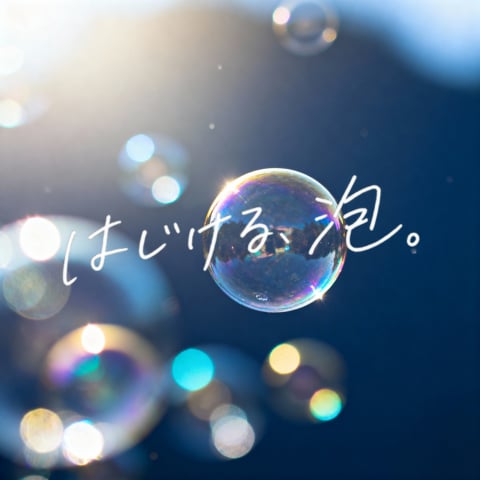
Dreamy Bubble with Handwritten Japanese Text
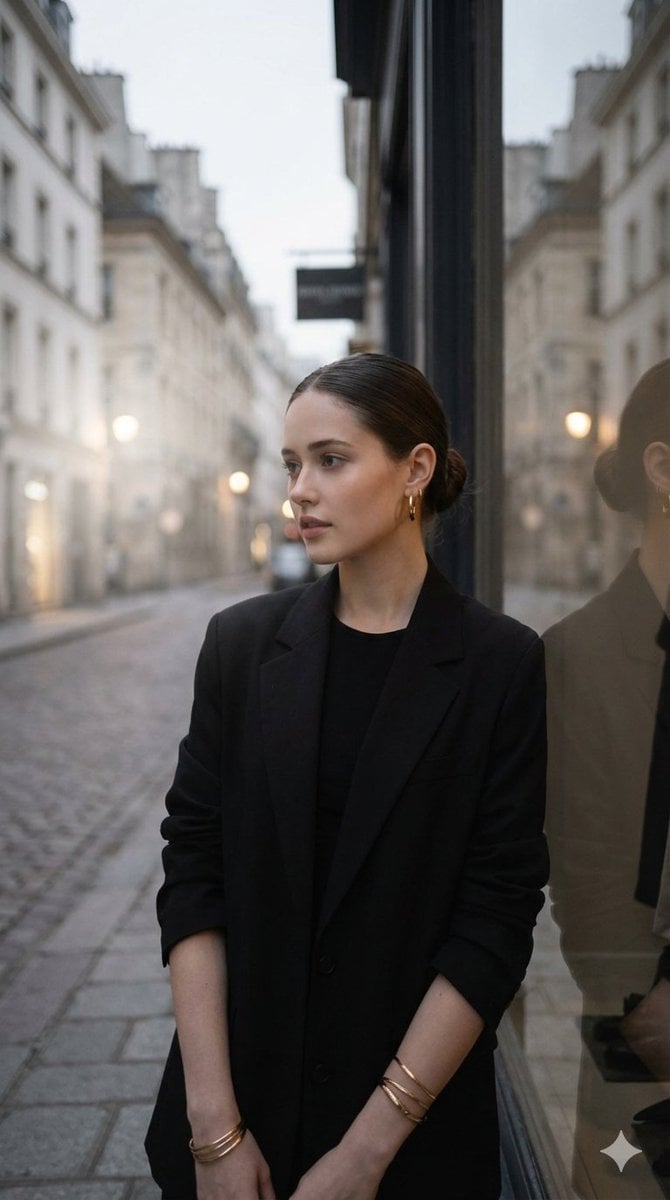
European Street Fashion Editorial
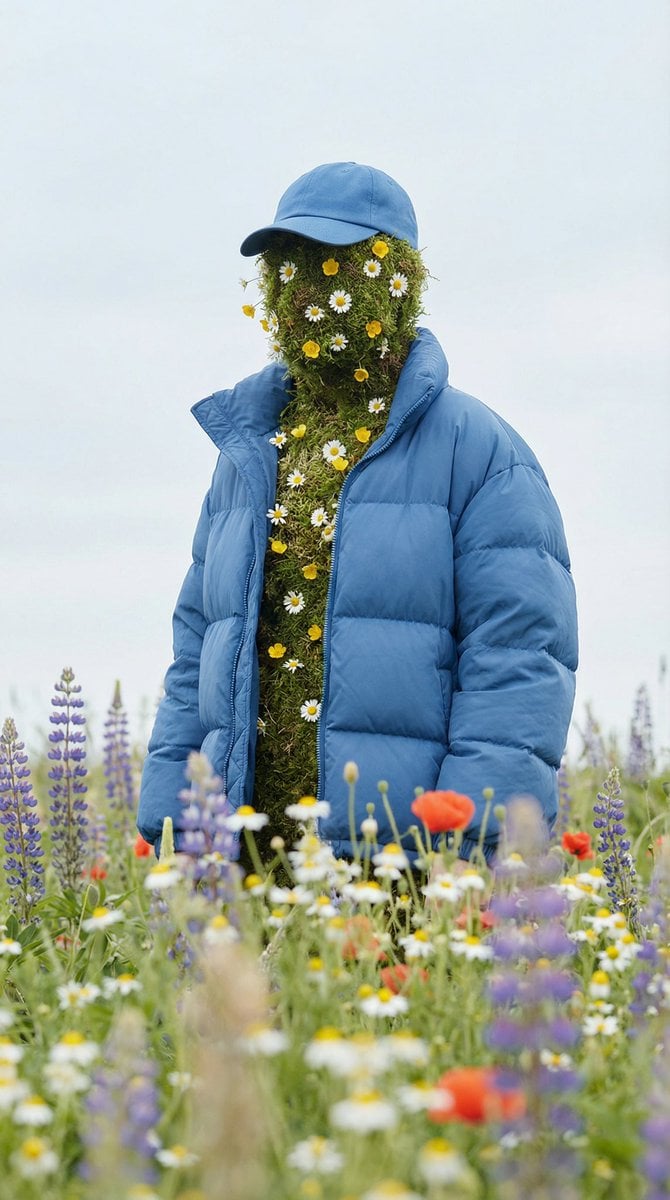
Surreal Nature Fashion Fusion Portrait
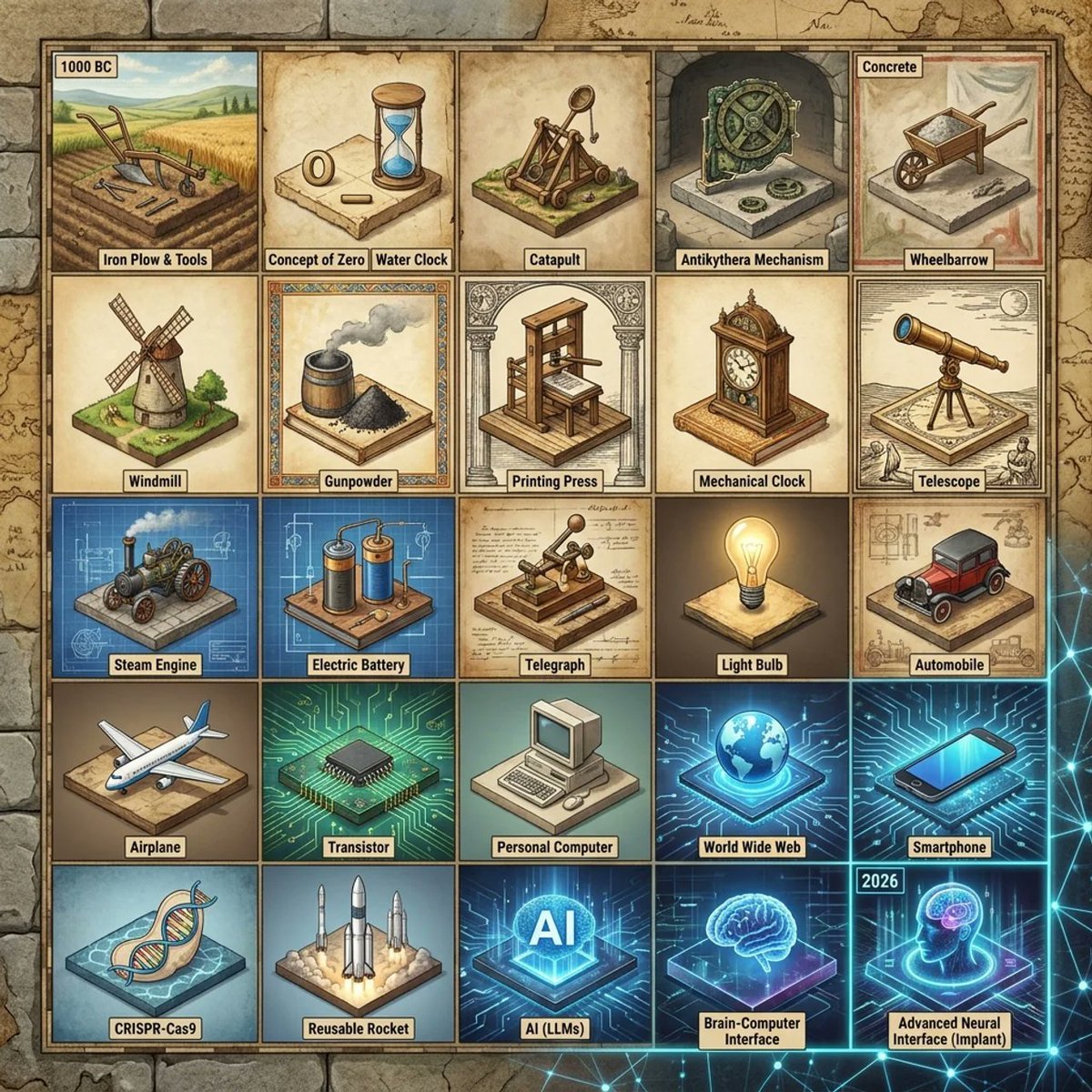
Historical Invention Timeline Grid
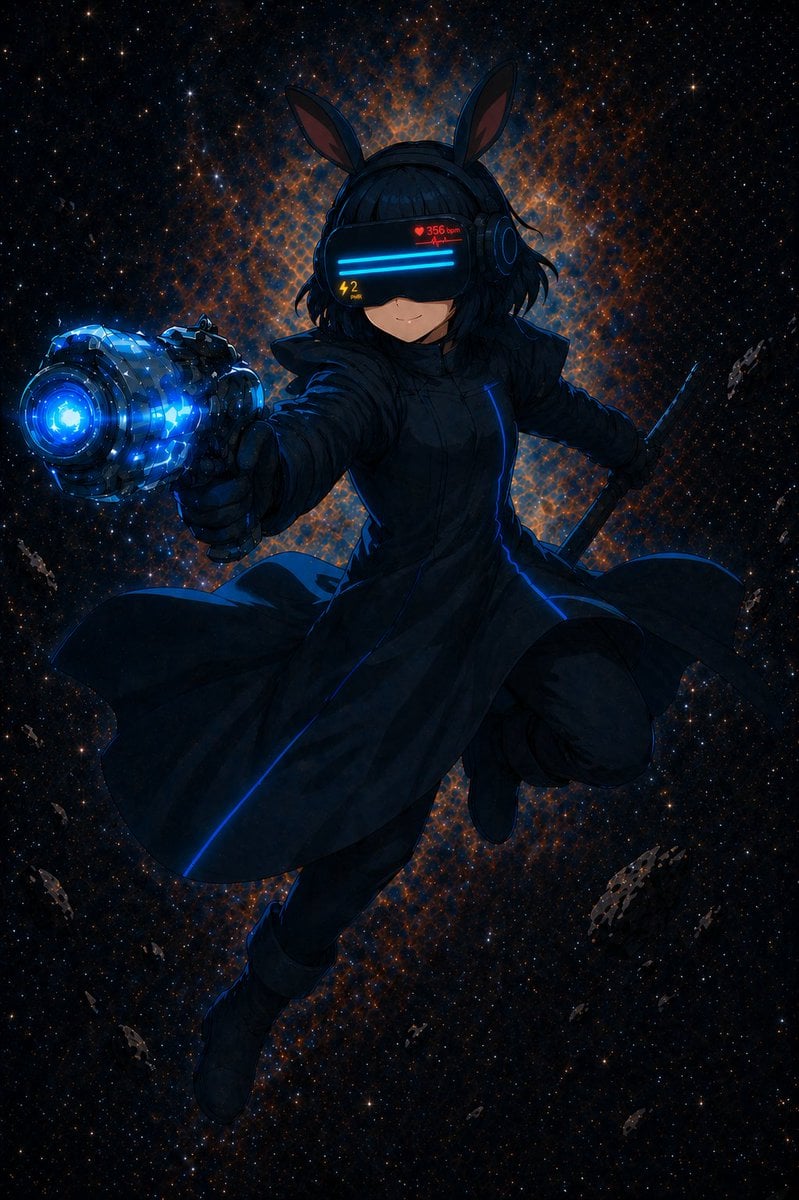
Cyber Bunny Visor Space Warrior
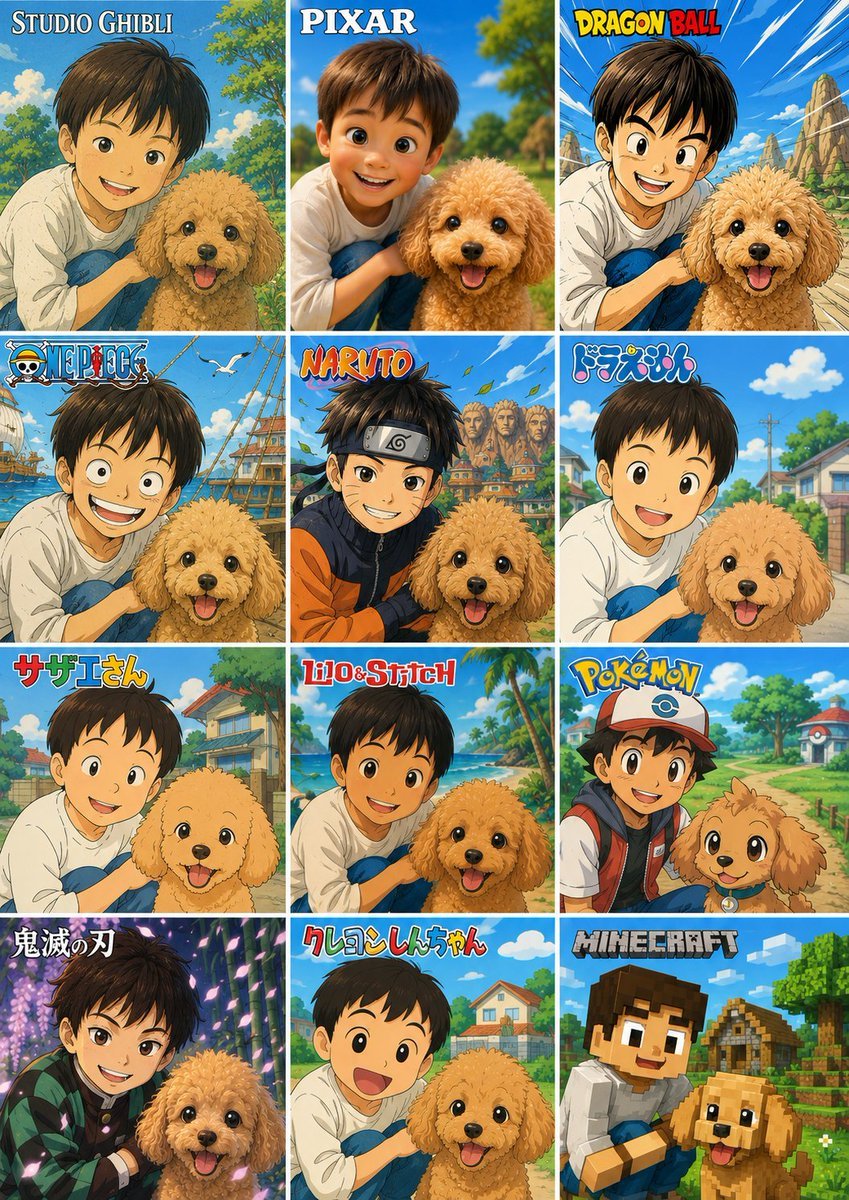
Style Anime Photo Transformation Grid
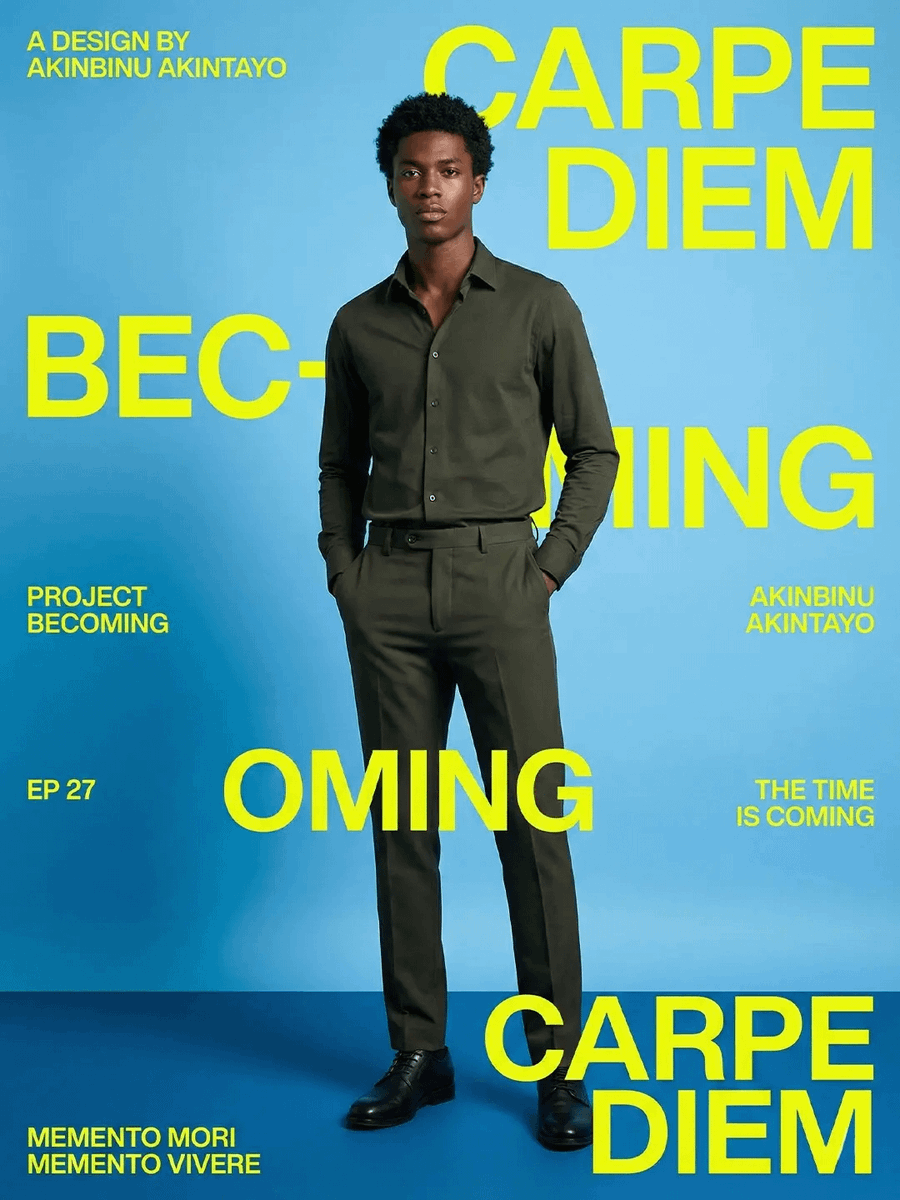
Carpe Diem Fashion Typography Poster
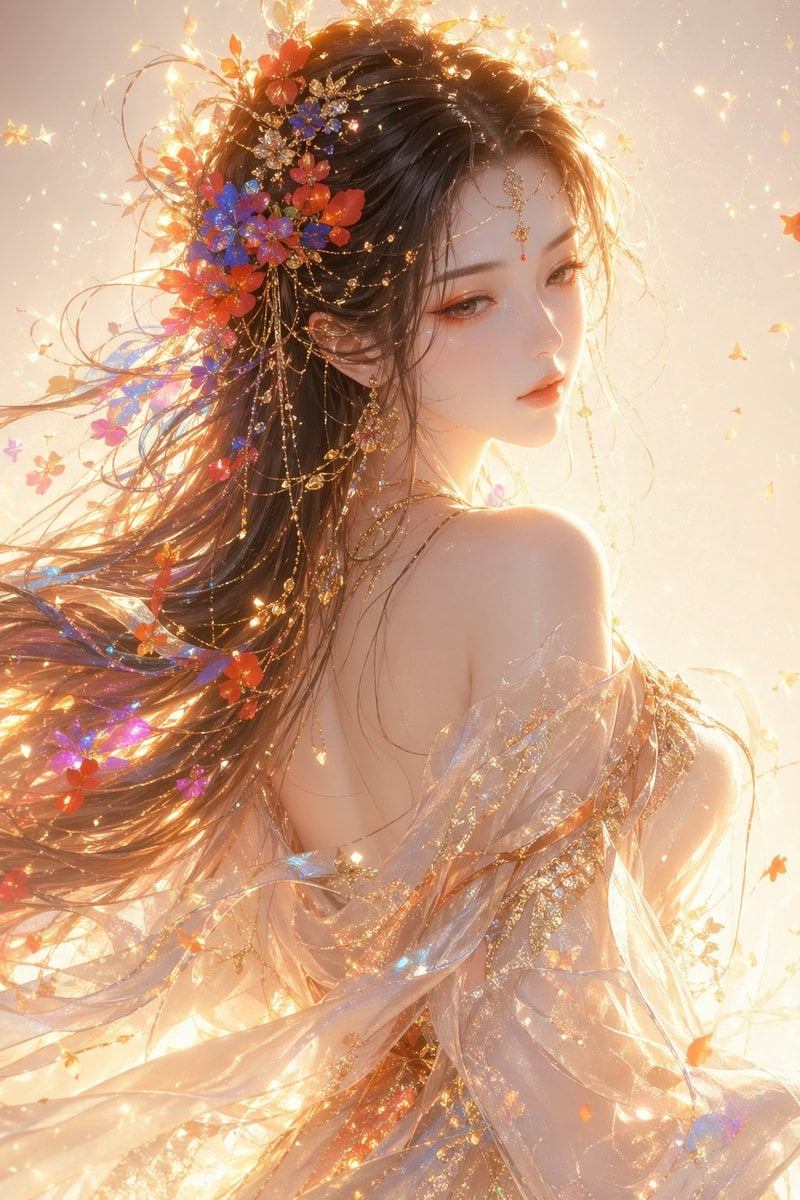
Oriental Fantasy Female Portrait Prompt
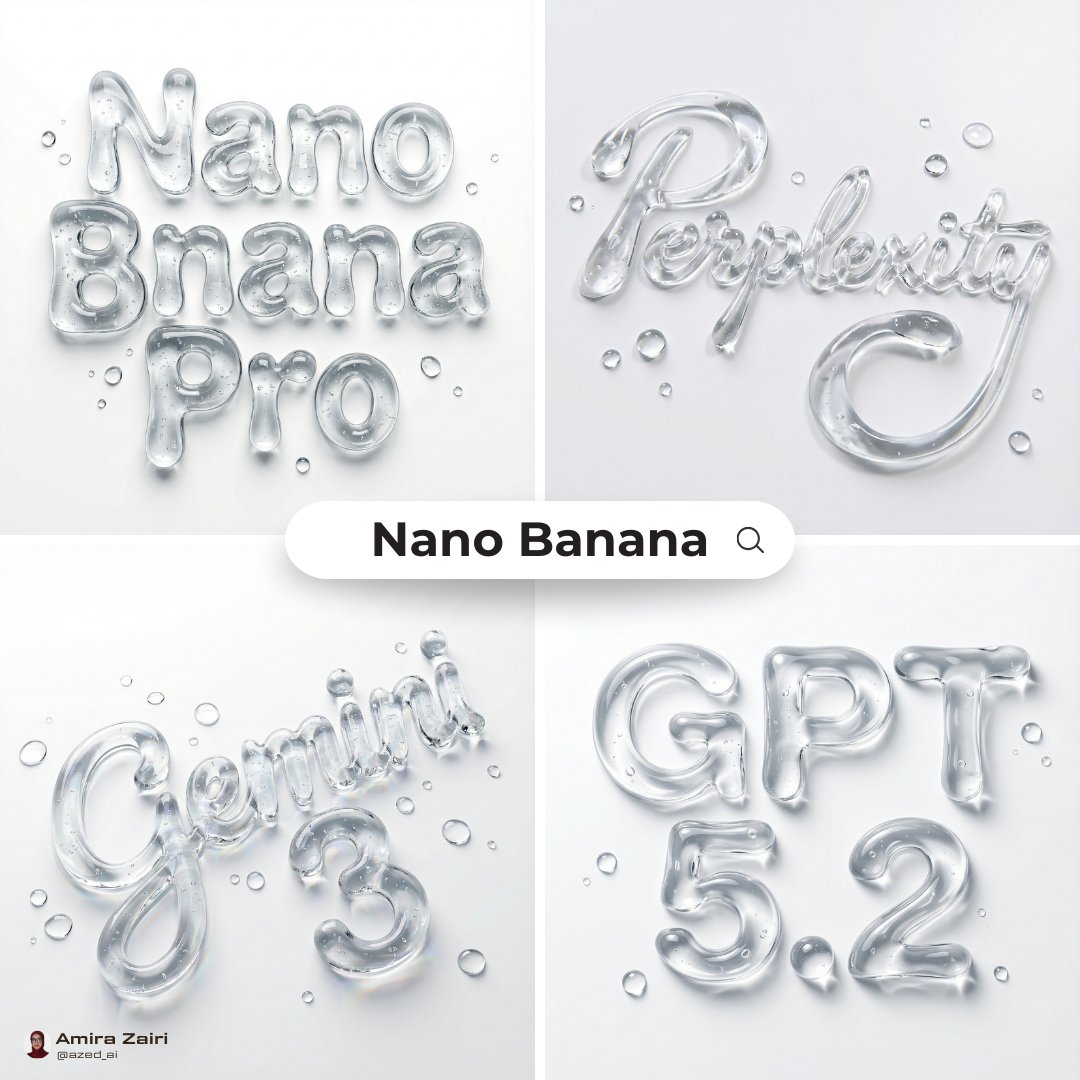
Abstract Liquid Typography Generation Prompt
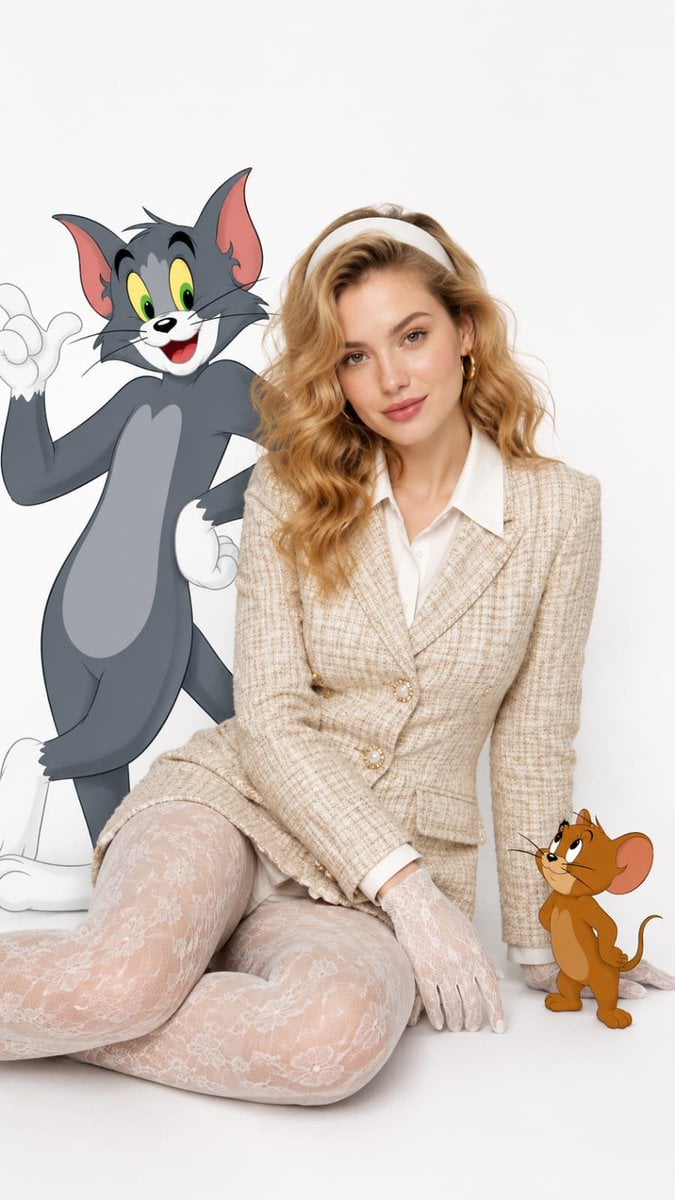
Vintage Fashion with Cartoon Characters
Browse template categories
Anime Supermarket Group Scene questions
How do I use the Anime Supermarket Group Scene template?
Add your photo if the template asks for one, edit the prompt if you like — the template's model and format are already selected — and press Generate. Your version opens in PicX Studio.
Can I customize the Anime Supermarket Group Scene template?
Yes. You can change the subject, setting, lighting, mood, format, and available model controls before creating your image.
Is the Anime Supermarket Group Scene template free?
Opening and editing this template is free. Generating uses credits, shown on the Generate button when you are signed in.
Which AI model should I use?
Start with GPT Image 2, which is the model associated with this template. You can compare another compatible model for a different finish.
Looking for something else? Browse all templates.

Your photo, any look
Thousands of ready templates for every top image and video model, from one credit balance.