
Forest Camp Magic Battle
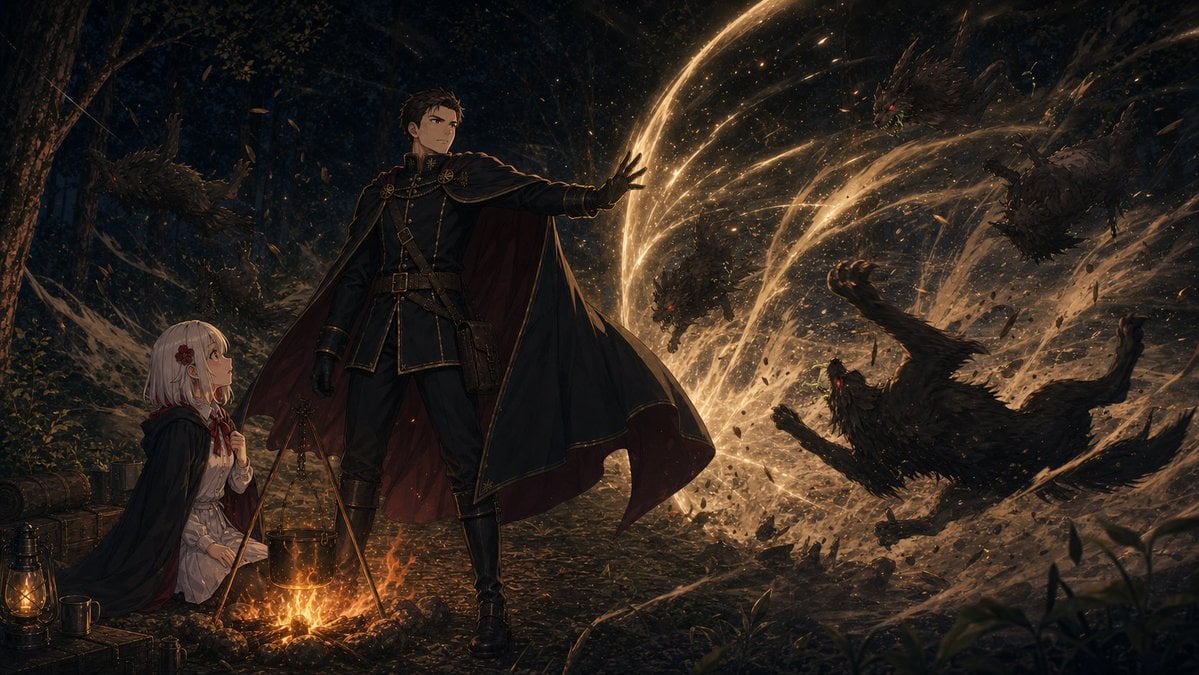
A cinematic fantasy illustration prompt for generating a night forest campsite where a cloaked sorcerer protects a young mage from shadow beasts with golden magic.
- Prompt included
- Model and format preset
- Premium template
The prompt behind this image
Copy the exact prompt behind Forest Camp Magic Battle, or open it in the studio and make it yours.
Create a cinematic dark-fantasy anime travel-camp scene at night in a dense forest, widescreen 16:9 composition, highly detailed painterly concept art. In the left foreground, a small campfire glows orange beneath a hanging black kettle on a three-legged tripod, with exactly 4 visible camp props around it: a brass lantern, a metal mug, stacked wooden crates or luggage, and a rolled log or bedroll. Beside the fire sits a young girl mage, {argument name="girl hair color" default="pale silver-pink"} bobbed hair with a red flower hair ornament, wearing a white blouse, red ribbon tie, dark cloak, and travel skirt, looking upward with anxious admiration. Center frame stands a tall adult male sorcerer-guard, {argument name="male outfit color" default="black military coat with gold trim"}, high collar, belts, gloves, boots, and a sweeping cape with deep red lining; his face is intentionally indistinct and shadowed, one arm extended forward in a protective spellcasting gesture. From his raised hand, radiant golden magic erupts in broad arcing ribbons and sparkling particles, sweeping from center-left to the right side like a barrier or wind slash. On the right half of the image, show exactly 5 hostile shadow-beasts made of twisted bark, feathers, smoke, and debris: one lunging beast near the center glow, one large birdlike beast tumbling in the lower right foreground, one spiked monster in the mid-right, one dragonlike creature in the upper right, and one partially hidden creature in the dark left background. The golden spell blasts leaves, dirt, splinters, and embers through the air while the forest behind remains nearly black with faint trunks and foliage. Mood: {argument name="mood" default="heroic protection during a dangerous journey"}; lighting: strong warm firelight and magical gold against cool blue-black shadows; style: {argument name="art style" default="epic Japanese fantasy light-novel illustration"}, ultra-detailed, dramatic motion, volumetric sparks, atmospheric depth, no text, no frame, no watermark.
How to use Forest Camp Magic Battle in 3 steps
- 1Upload ImagePNG, JPG or paste
Add your photo
Upload the photo the template builds on. The prompt, model and format are already set.
- 2…a portrait of your subject in softgolden-hour light, 85mm…
Personalize
Edit the subject and creative details for your destination.
- 3Generate
Generate
Press Generate — your image is created in PicX Studio, so you can compare it with the original and refine one variable at a time.
More like this
Templates with the same subject, style or setup. Open one to see its prompt.

Miniature Travel Diorama Postcard

Layered Paper Cut Forest Diorama
Battle-Worn Knight vs Forest Wraith

Anime Happily Ever After Sky

Anime Stained Glass Prayer

Anime White Horse Escape

Anime Golden Spinning Straw

Anime Gingerbread Cottage

Anime Bean Stalk Climb

Anime Seafoam Transformation

Anime Shoe Fitting Trial

Anime Beast Library Night
Make it yours
Forest Camp Magic Battle works as-is. These are the safest ways to change it without losing the look.
Change one field
Copy a single group, rewrite it, and generate again so you can see what that field is doing.
Keep the frame, change the subject
Hold the composition and light of Forest Camp Magic Battle, then swap wardrobe, props or the person for a new take.
| If the result… | Why | Fix |
|---|---|---|
| The result drifts from the preview | Too many fields changed at once. | Reuse Forest Camp Magic Battle as-is first, then change one group — subject, light, or setting. |
| The model over-stylizes the scene | The prose prompt leaves finish and camera underspecified. | Add one camera or lighting sentence and stay on GPT Image 2. |
More GPT Image 2 templates
Other prompts made for GPT Image 2.

Six VTuber Japanese Logo Sheet

Realistic Portrait of Woman and Deer

The Vista Modular Condo Poster

AI Model Routing Comparison Infographic

2.5D Anime Art Board

Isometric Productivity Desk Scene

New York Double Exposure Poster

Four-Panel AI Landscape Comparison

Japanese Tatami Lifestyle Magazine Cover

NESCAFÉ Coffee Map Poster
More image prompts
Fresh picks from across the catalog.
Pop Art comic book illustration prompt for Nano Banana Pro
Decorative Folk Flat Illustration
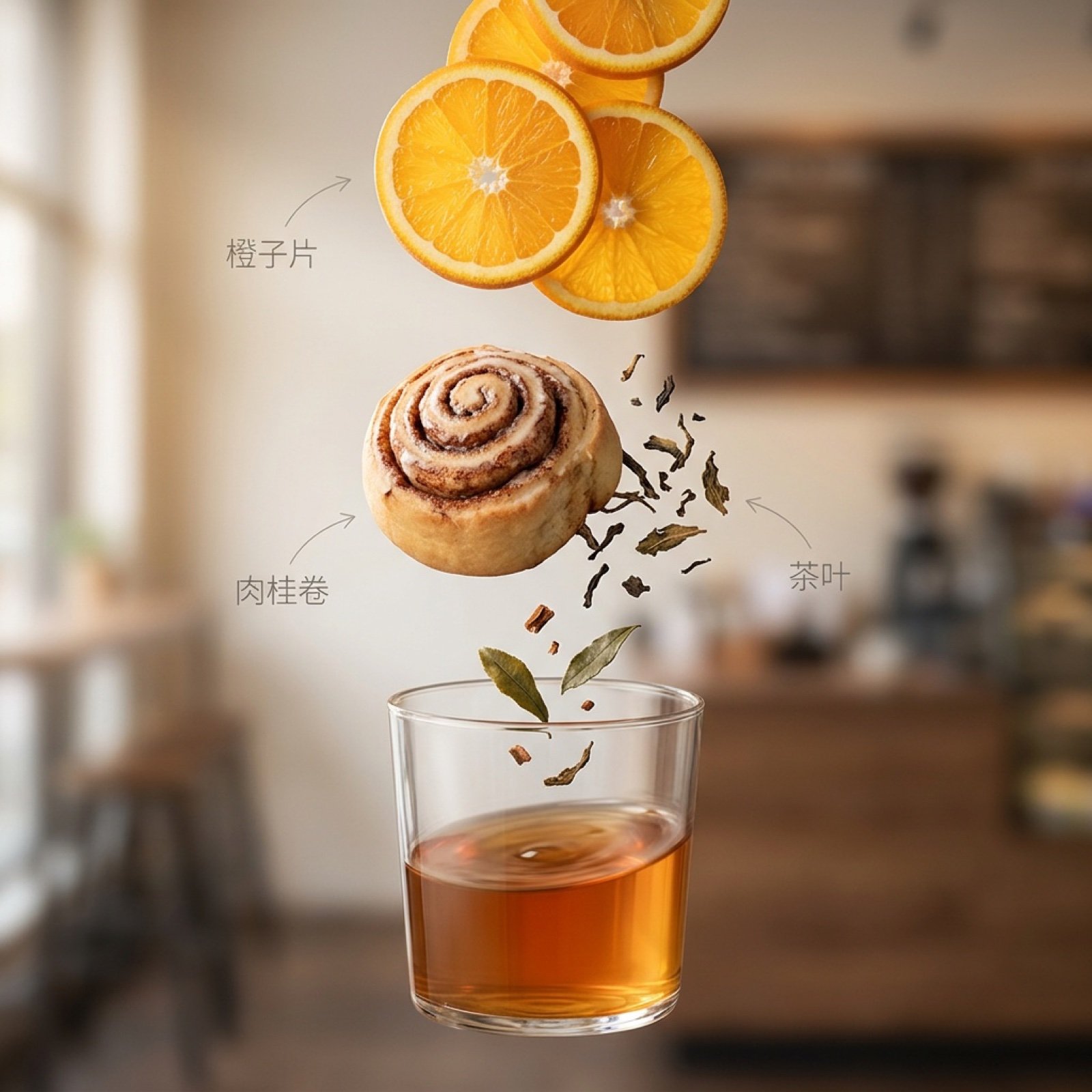
Exploded Ingredient Diagram and Motion Video Prompt for Drinks
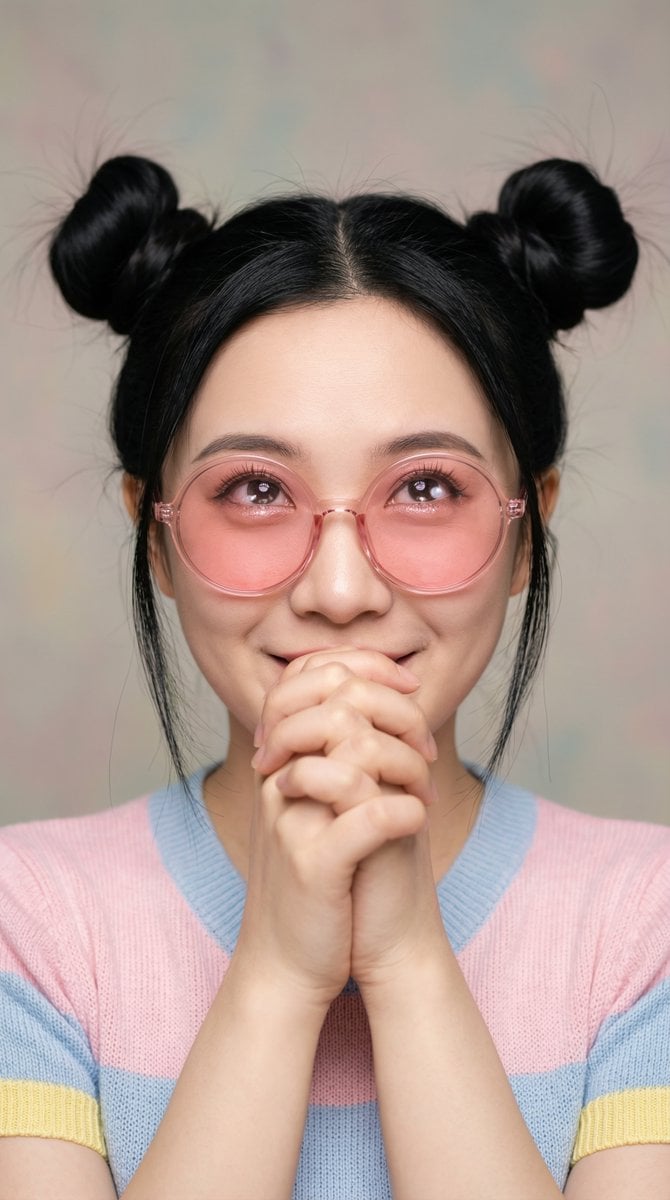
Ultra-Professional Portrait with 'Praying Hands' Motif
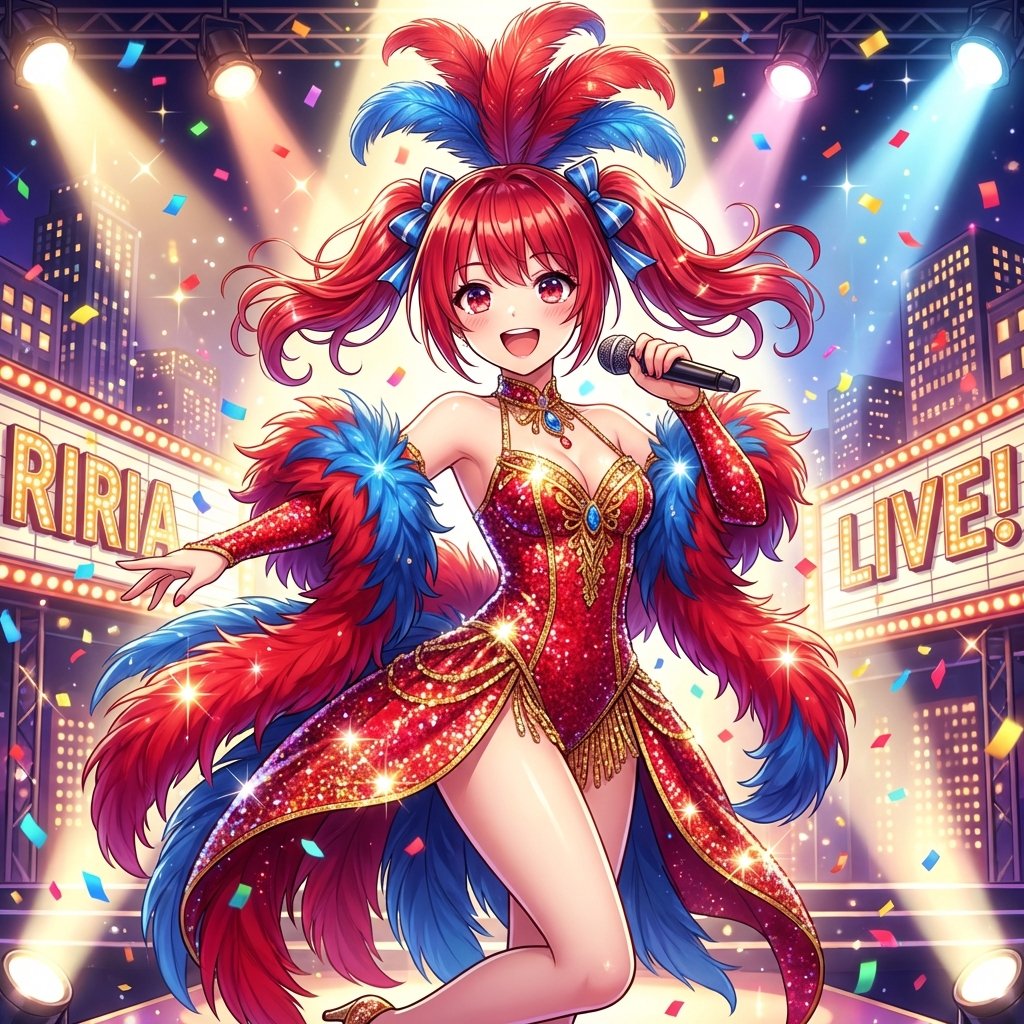
Musical Movie Star Conversion
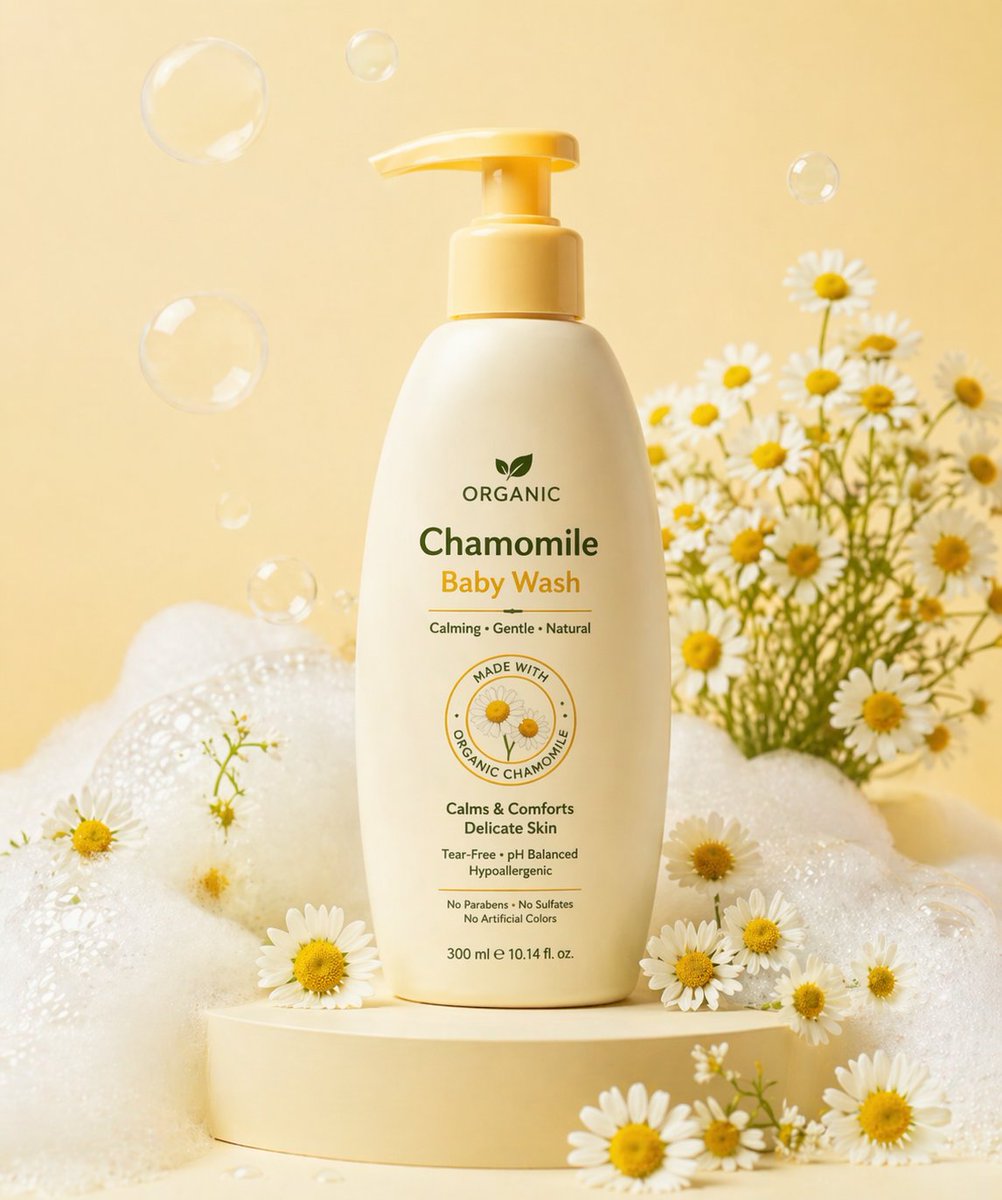
Gpt2 E Commerce Main Image Skincare Product Studio Shot
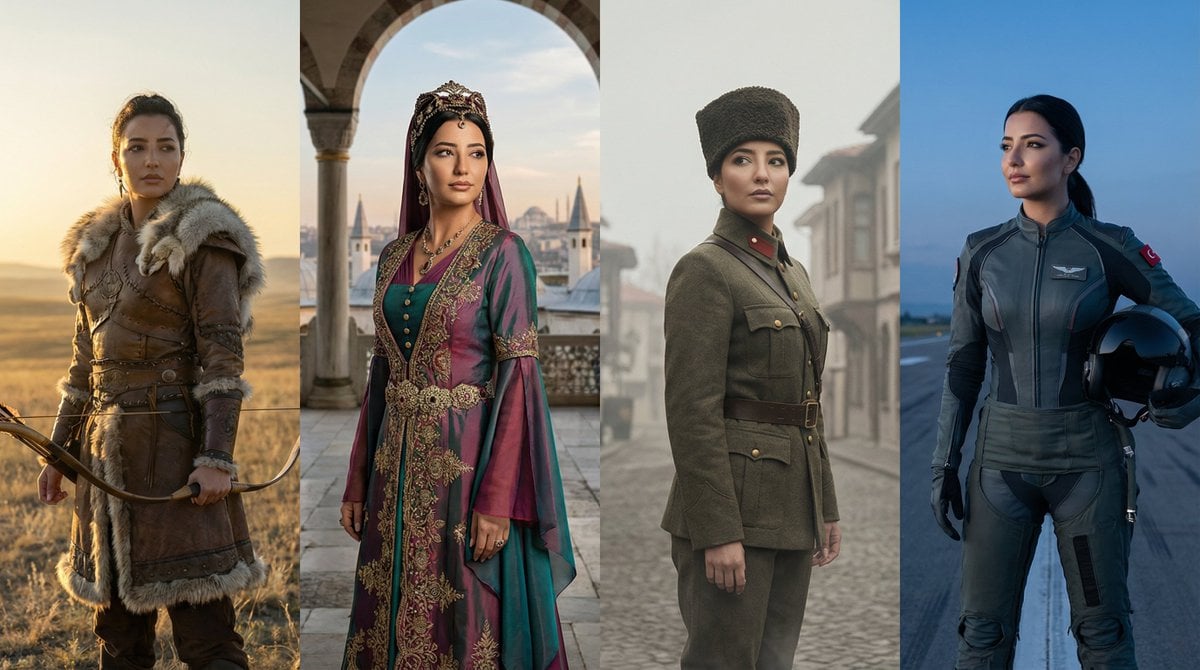
Turkish History Character Grid
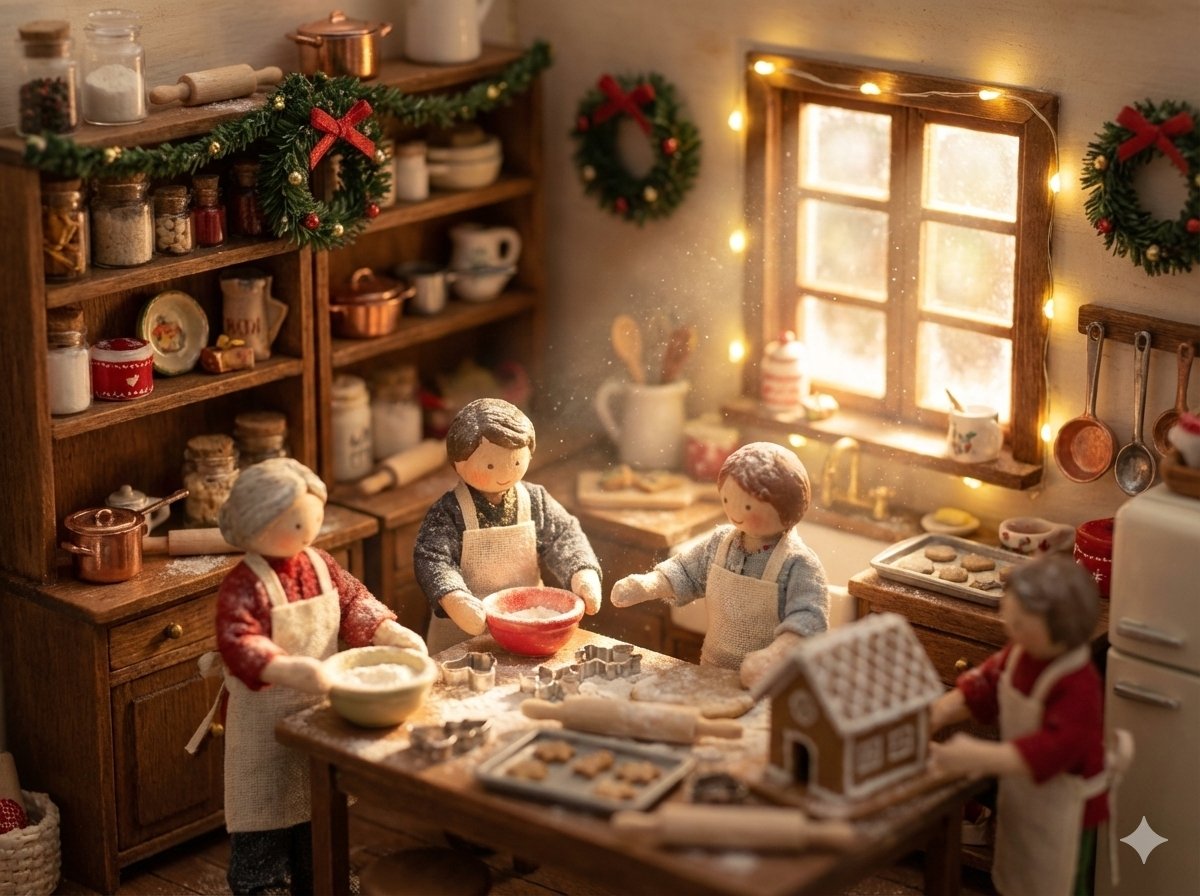
Miniature Diorama Prompt (Tilt-Shift)
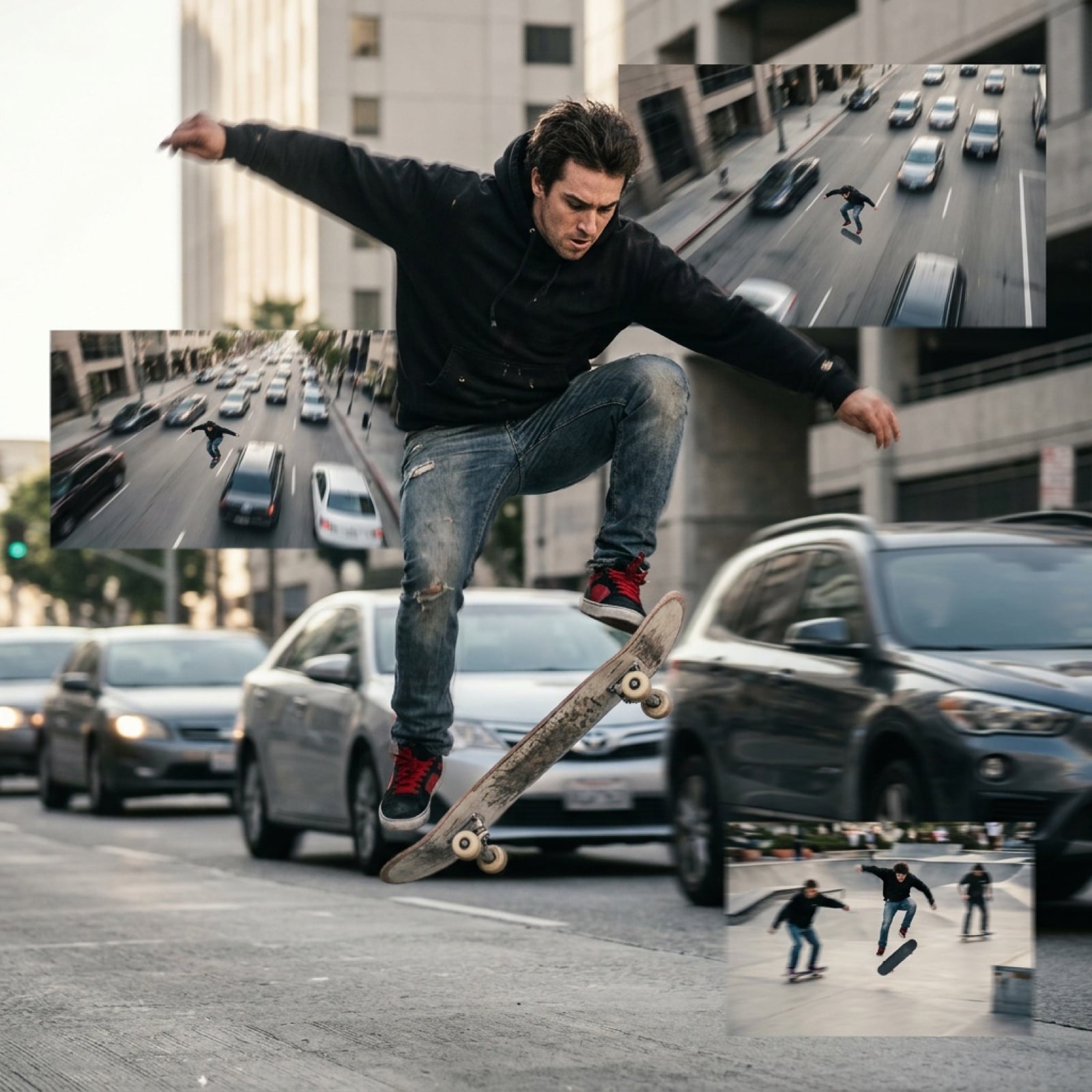
Grok Video Prompt: High-Speed Skateboarding and Jumping Over Cars
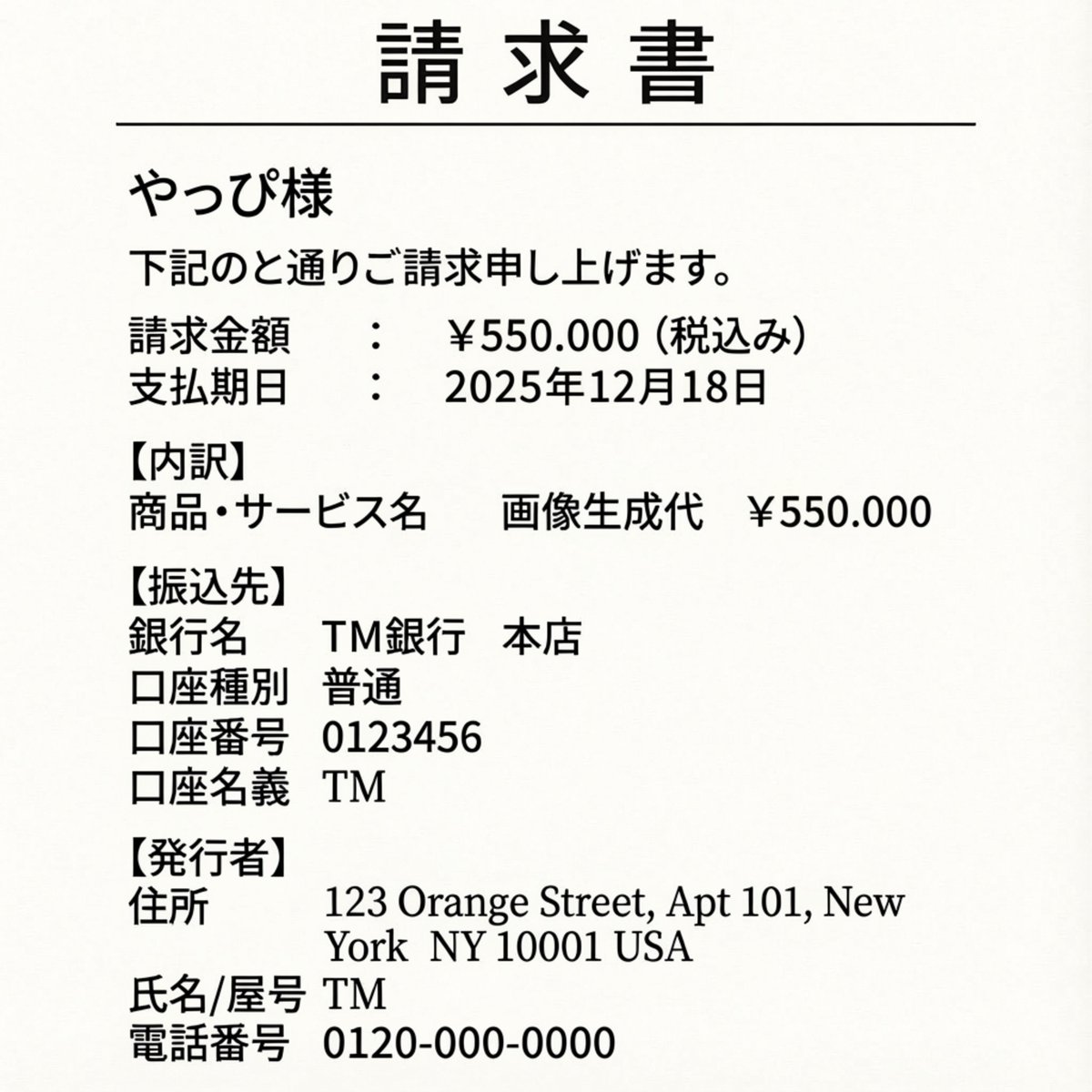
Editing an Invoice Image Amount
Browse template categories
Forest Camp Magic Battle questions
How do I use the Forest Camp Magic Battle template?
Add your photo if the template asks for one, edit the prompt if you like — the template's model and format are already selected — and press Generate. Your version opens in PicX Studio.
Can I customize the Forest Camp Magic Battle template?
Yes. You can change the subject, setting, lighting, mood, format, and available model controls before creating your image.
Is the Forest Camp Magic Battle template free?
Opening and editing this template is free. Generating uses credits, shown on the Generate button when you are signed in.
Which AI model should I use?
Start with GPT Image 2, which is the model associated with this template. You can compare another compatible model for a different finish.
Looking for something else? Browse all templates.

Your photo, any look
Thousands of ready templates for every top image and video model, from one credit balance.