
Exploded Ingredient Diagram and Motion Video Prompt for Drinks
A detailed two-part prompt for Nano Banana and Kling AI to create a commercial-style exploded ingredient diagram of a drink, followed by a motion prompt to animate the separation of ingredients, suitable for product…
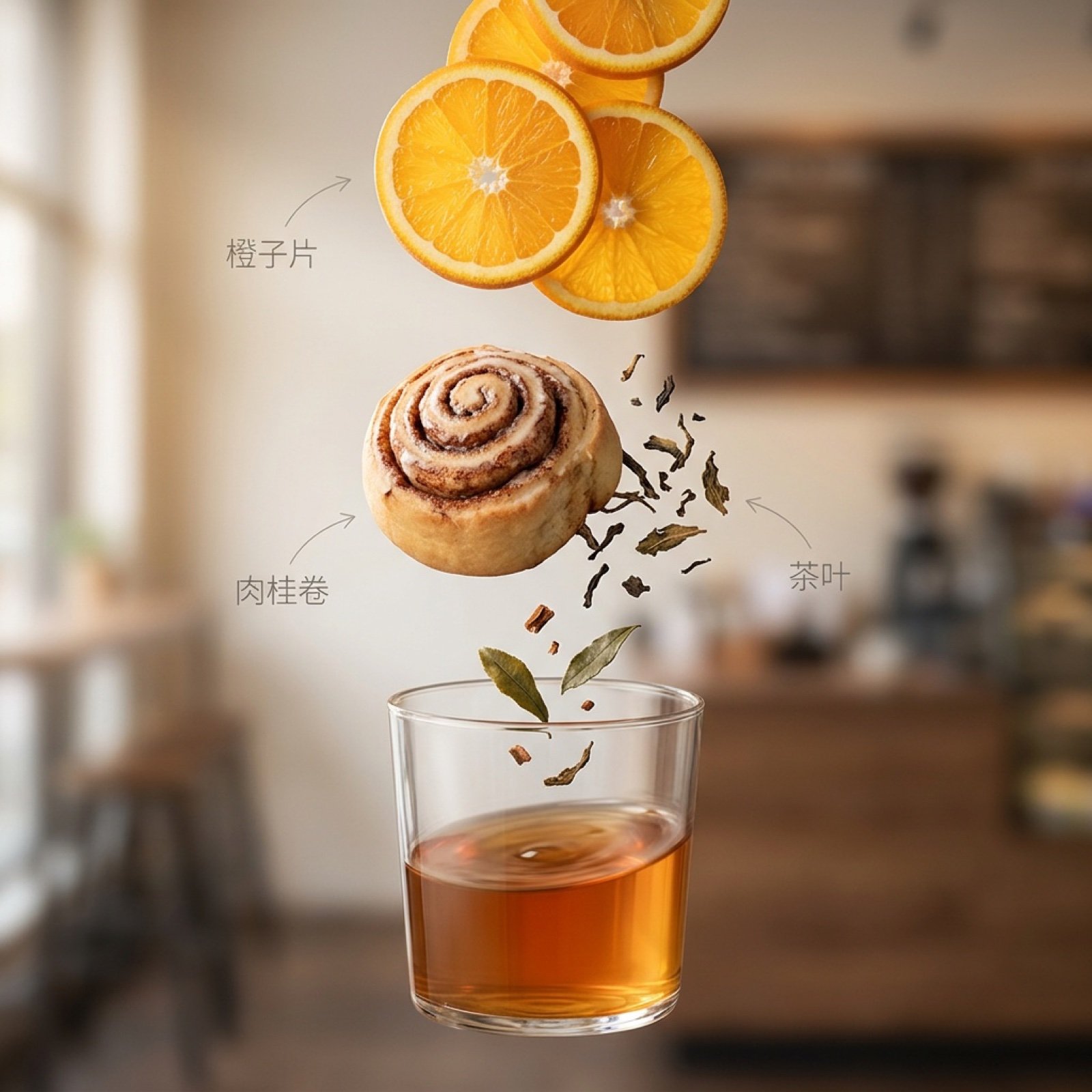
- Prompt included
- Model and format preset
- Premium template
The prompt behind this image
Copy the exact prompt behind Exploded Ingredient Diagram and Motion Video Prompt for Drinks, or open it in the studio and make it yours.
垂直构图,最上面是{argument name="顶部成分" default="橙子片"},中间是{argument name="中间成分" default="肉桂卷和茶叶"},最下面是{argument name="底部容器" default="玻璃杯"}。所有元素像浮在空中一样,旁边带一点极简的文字标注。 🎬 动作指令(Motion Prompt): 中文: 画面开始旋转,杯里的成分缓缓向上升起并整齐分开,动作要丝滑,不要乱晃。 英文: The drink starts to spin while ingredients separate gently and move upward precisely. Smooth motion, clean and professional.
How to use Exploded Ingredient Diagram and Motion Video Prompt for Drinks in 3 steps
- 1
Open
The prompt is already in the box next to the preview, with the template's model and format selected.
- 2…a portrait of your subject in softgolden-hour light, 85mm…
Personalize
Edit the subject and creative details for your destination.
- 3Generate
Generate
Press Generate — your image is created in PicX Studio, so you can compare it with the original and refine one variable at a time.
More like this
Templates with the same subject, style or setup. Open one to see its prompt.
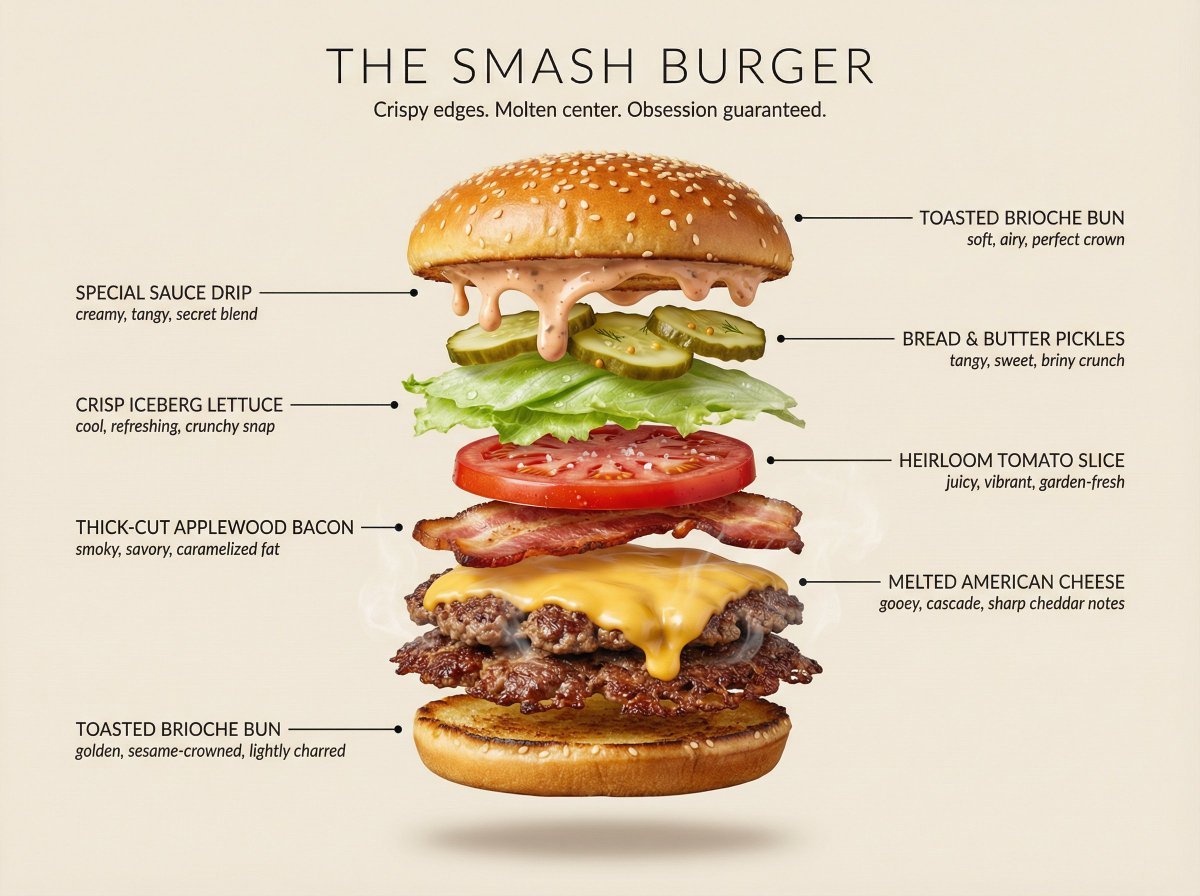
Hyperrealistic Exploded Ingredient Stack Diagram

Monochrome Hypebeast Street Fashion Editorial Motion
Monochrome Hypebeast Street Fashion Editorial Motion

Night City Bridge Triptych Portrait Session
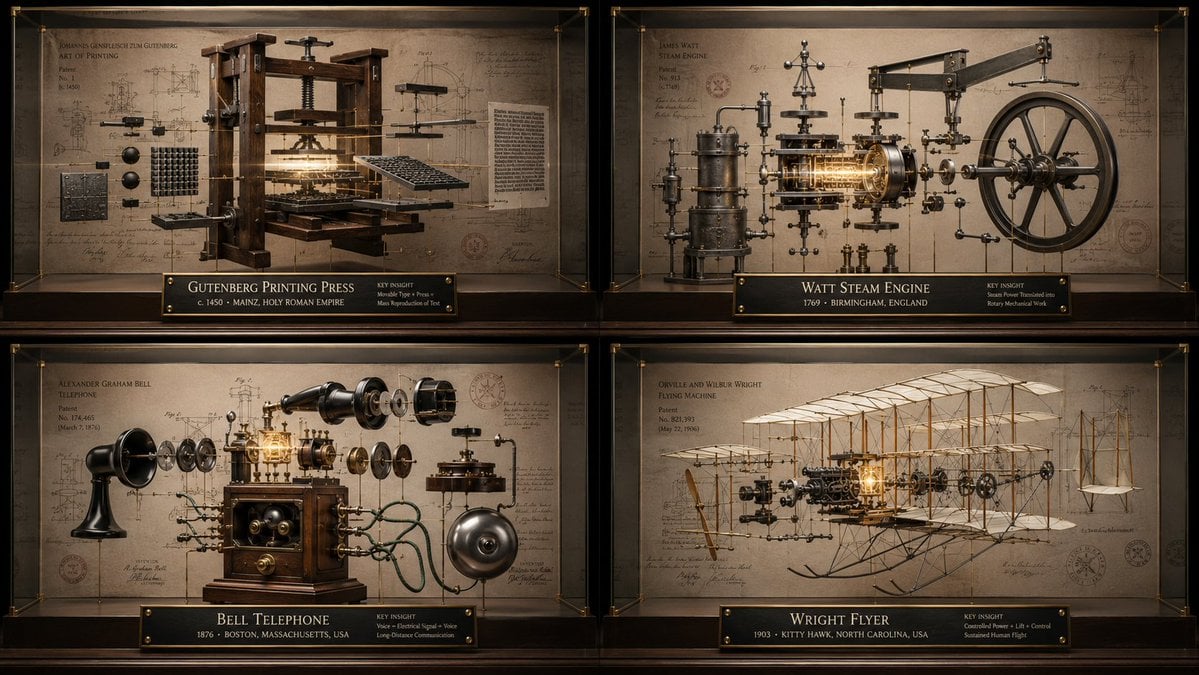
Innovation Reliquary Exploded Diagram
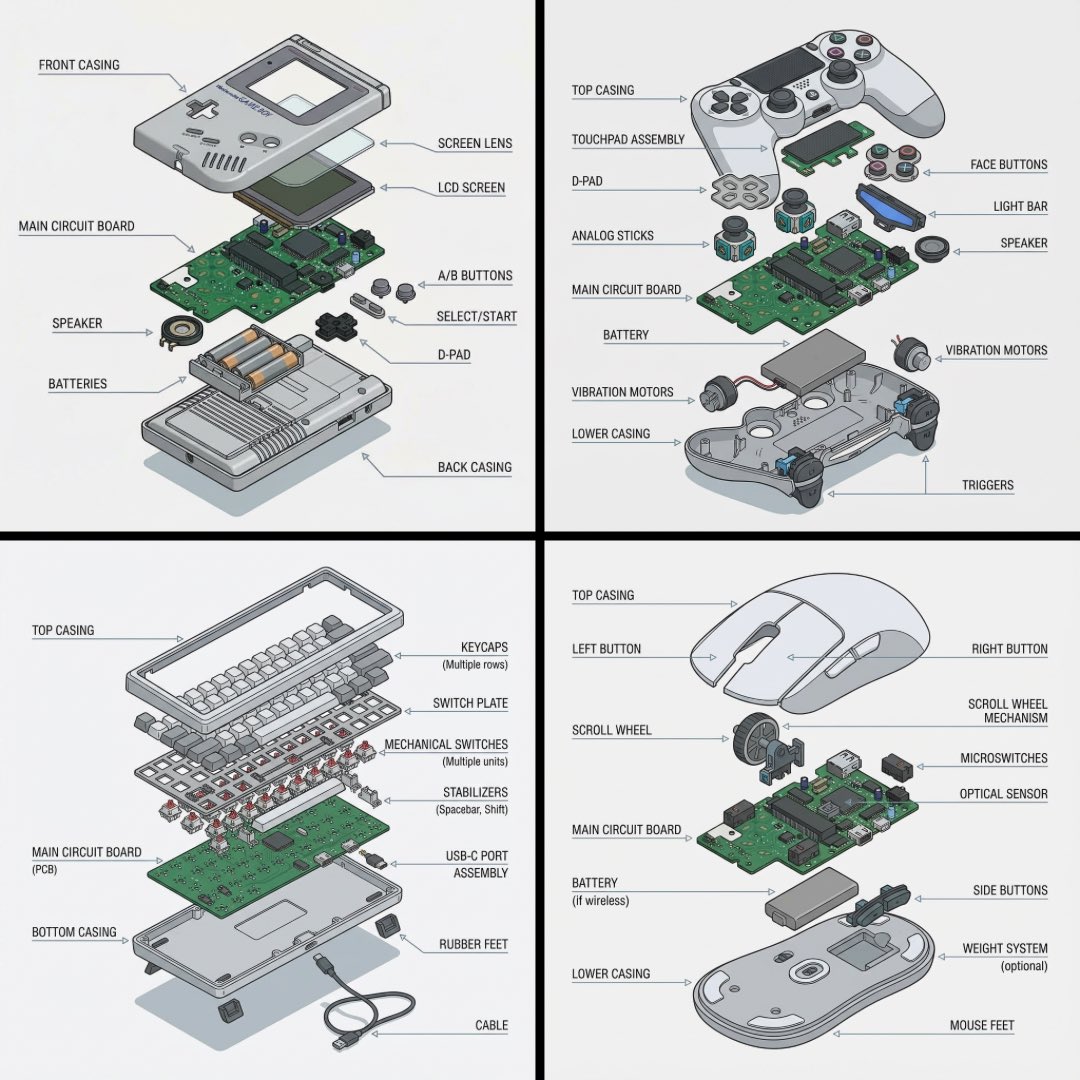
Technical exploded view diagram of a device
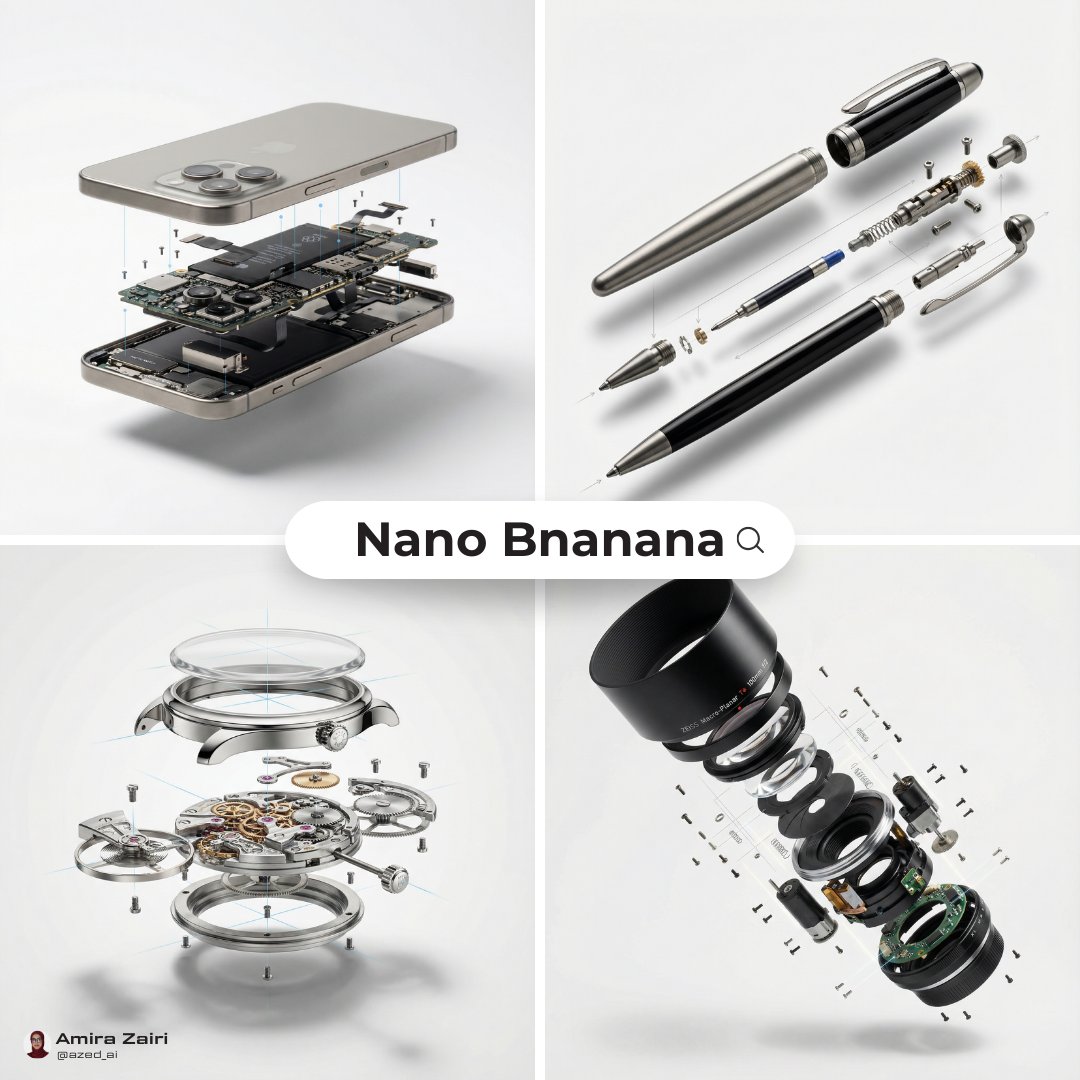
Exploded View Diagram Showing Internal Mechanical Structure
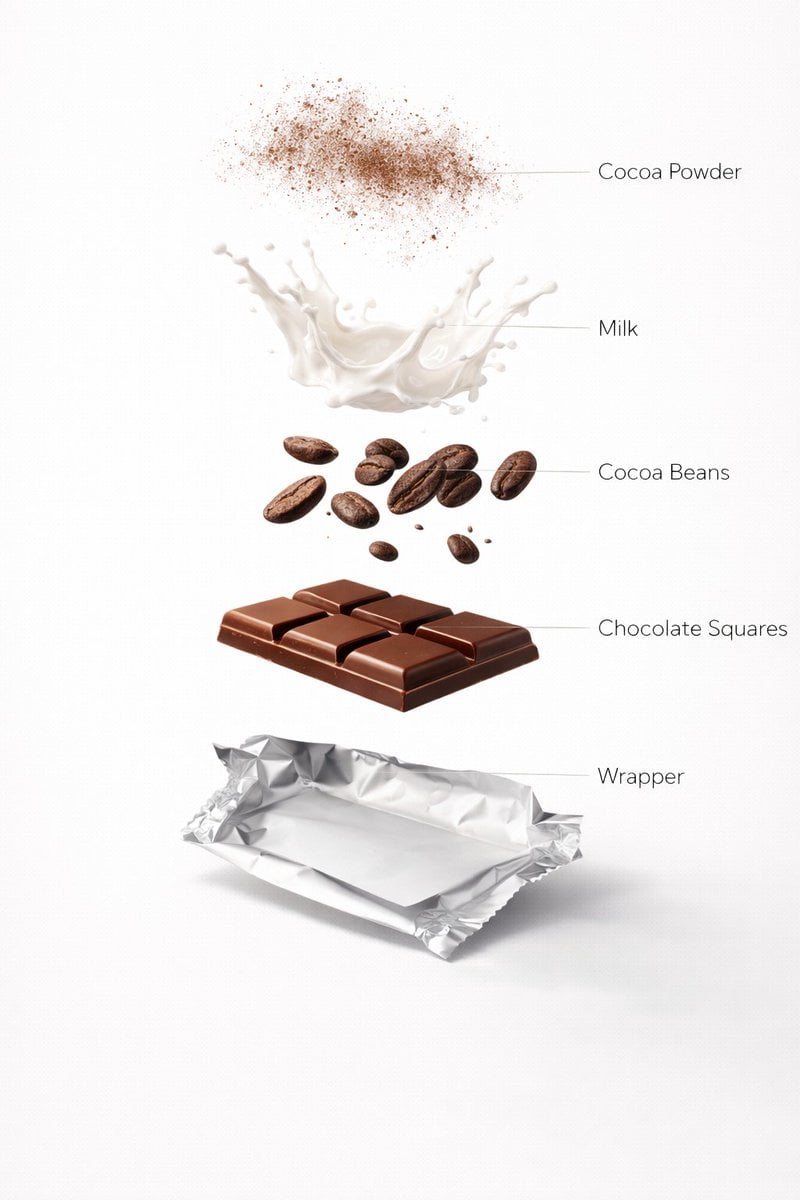
Ultra-Realistic Chocolate Bar Advertising Prompts (Motion and Exploded View)
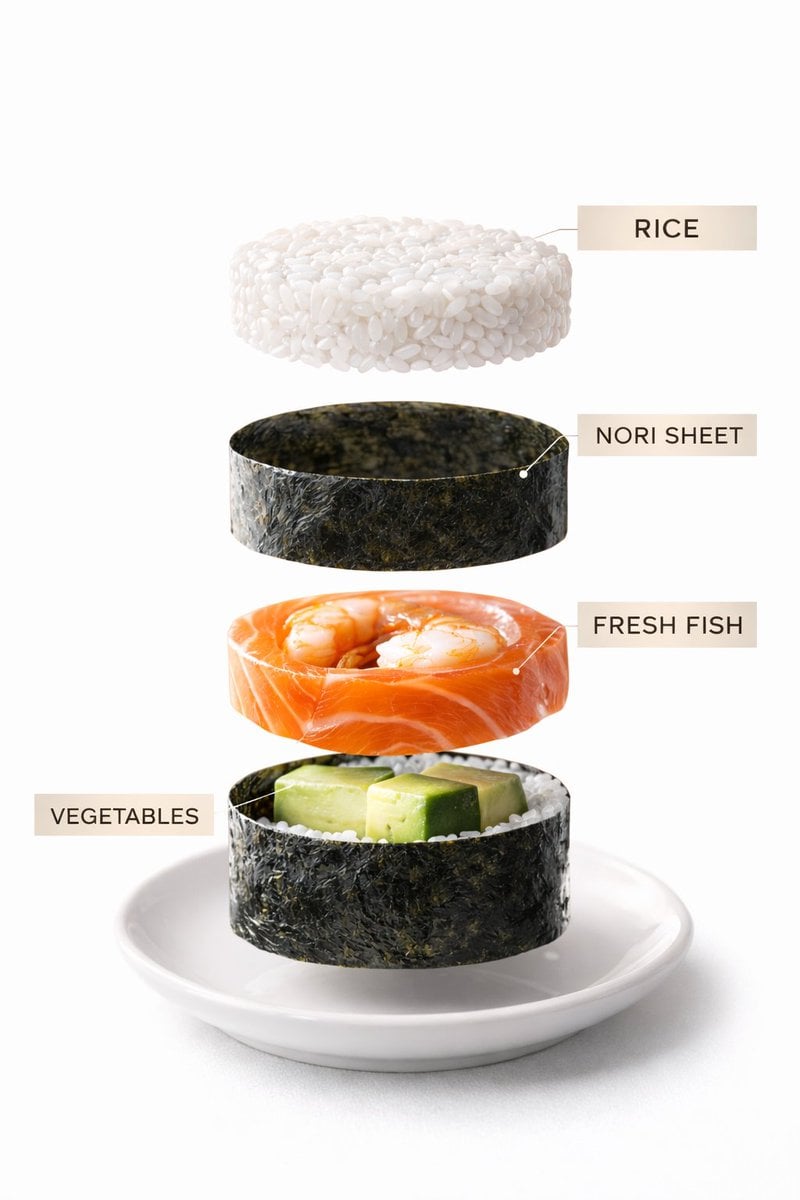
Sushi Commercial Photography and Exploded Diagram Prompt
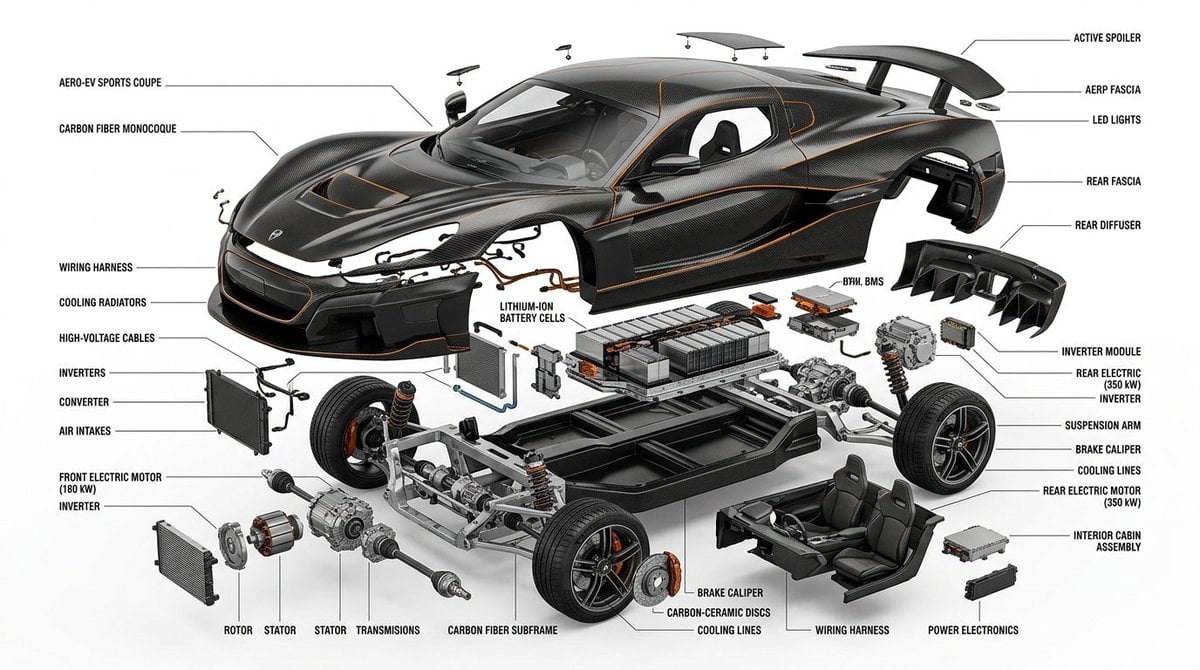
Exploded View Infographic Diagram Prompt
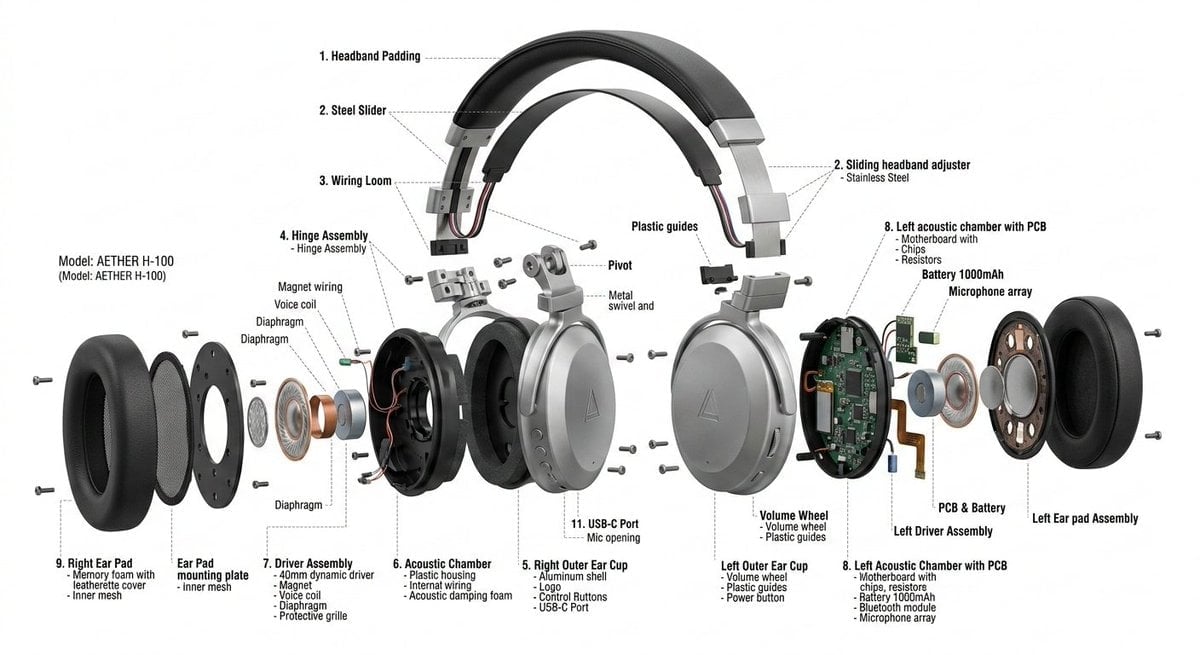
Exploded View Product Design Diagram Prompt
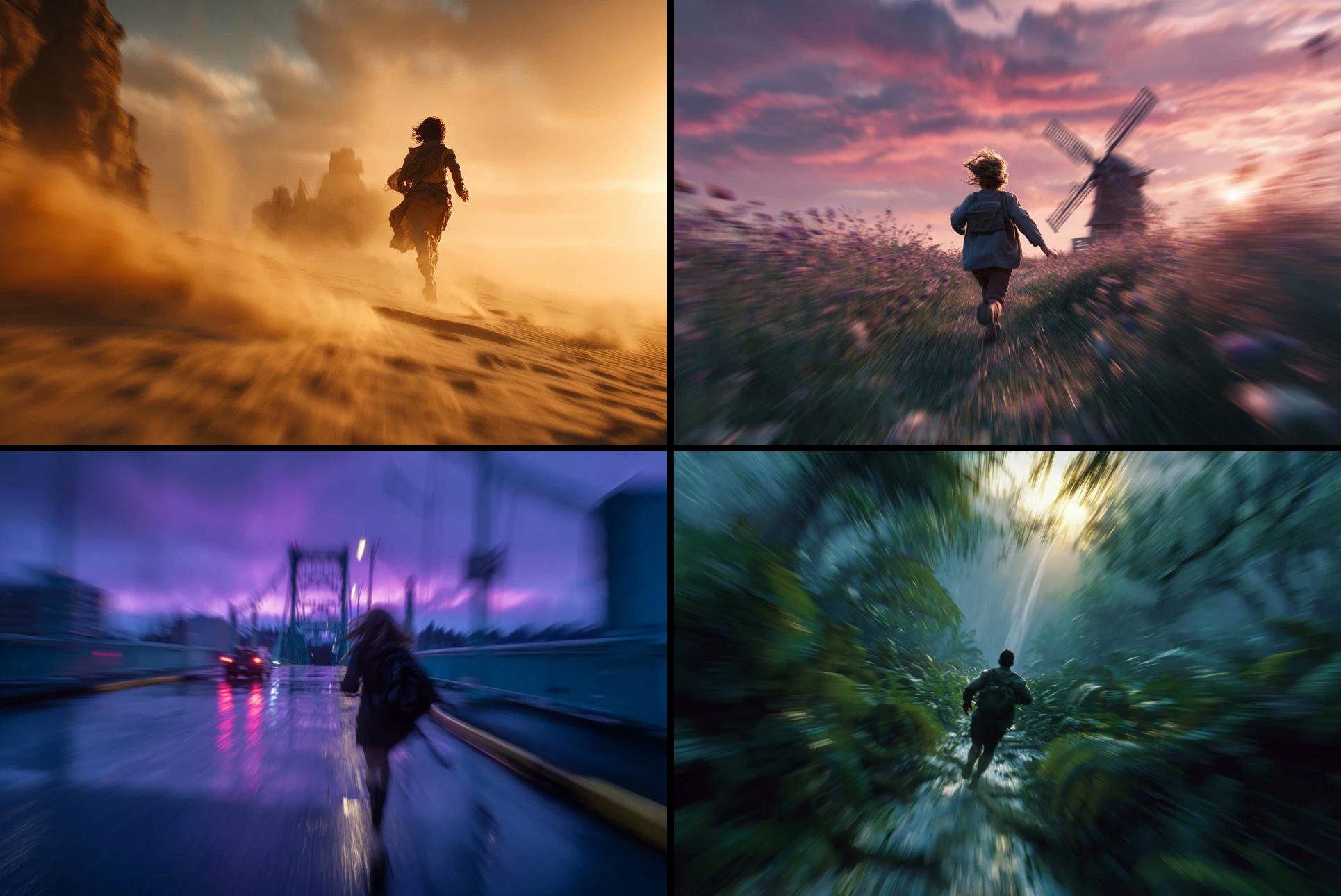
Freedom in Motion — Cinematic Sprint
Make it yours
Exploded Ingredient Diagram and Motion Video Prompt for Drinks works as-is. These are the safest ways to change it without losing the look.
Change one field
Copy a single group, rewrite it, and generate again so you can see what that field is doing.
Keep the frame, change the subject
Hold the composition and light of Exploded Ingredient Diagram and Motion Video Prompt for Drinks, then swap wardrobe, props or the person for a new take.
| If the result… | Why | Fix |
|---|---|---|
| The result drifts from the preview | Too many fields changed at once. | Reuse Exploded Ingredient Diagram and Motion Video Prompt for Drinks as-is first, then change one group — subject, light, or setting. |
| The model over-stylizes the scene | The prose prompt leaves finish and camera underspecified. | Add one camera or lighting sentence and stay on Nano Banana 2. |
More Nano Banana 2 templates
Other prompts made for Nano Banana 2.

Photorealistic Leaf Shaped Like a Dragon

K-Pop Idol Portrait Grid for Rapid Selection

Poetic Rain Forest Portrait During Golden Hour

Urban Street Portrait with Cartoon Inner Self Duo

Candid Nighttime Photo with Cat Prompt

High-Concept 3D Diorama Generation Prompt

Cinematic Futuristic Studio Portrait Template

Skincare Editorial Photography Collage Prompt

Hyper-Realistic Commercial Product Photography (Splash Effect)

Hyper-Realistic Nightclub Portrait Prompt
More image prompts
Fresh picks from across the catalog.

Cinematic Double-Exposure Beach Portrait
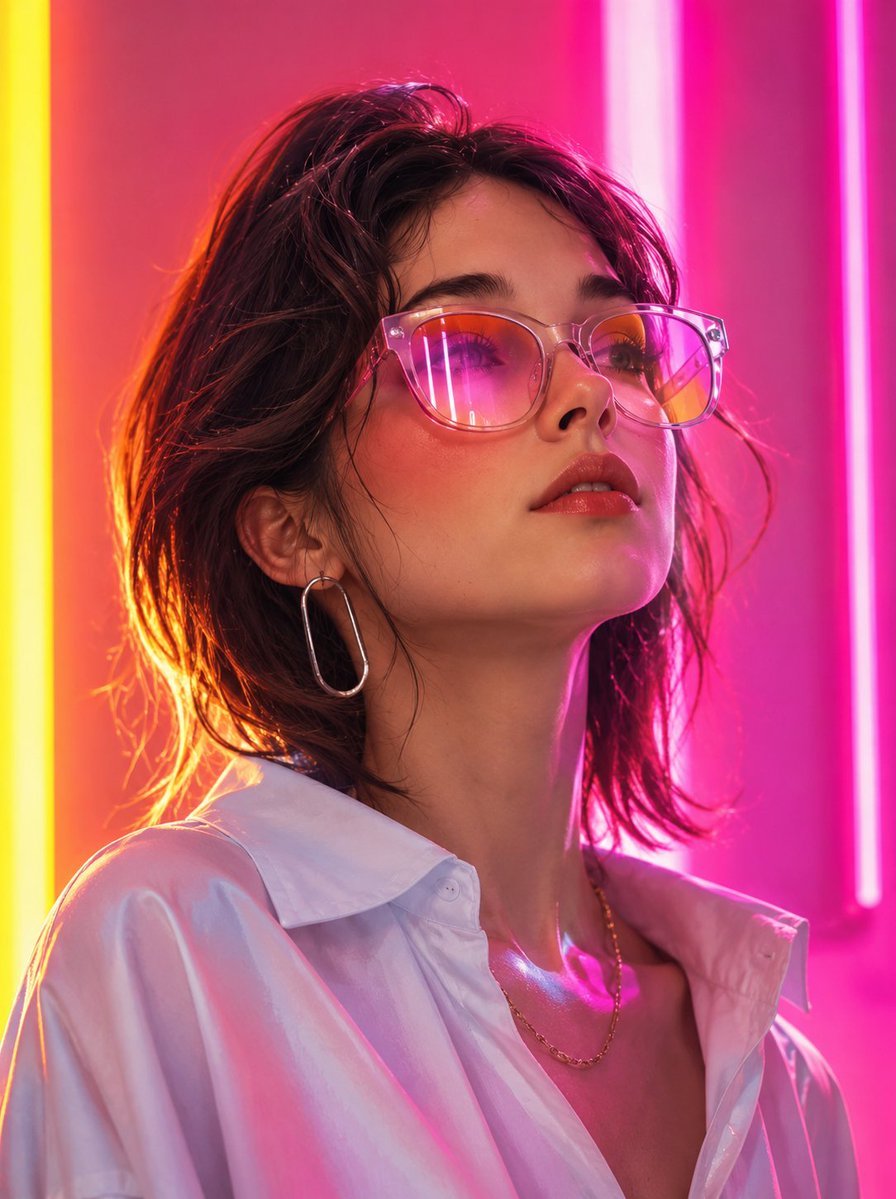
Futuristic Fashion Editorial Portrait
Parisian Sidewalk Fashion Editorial
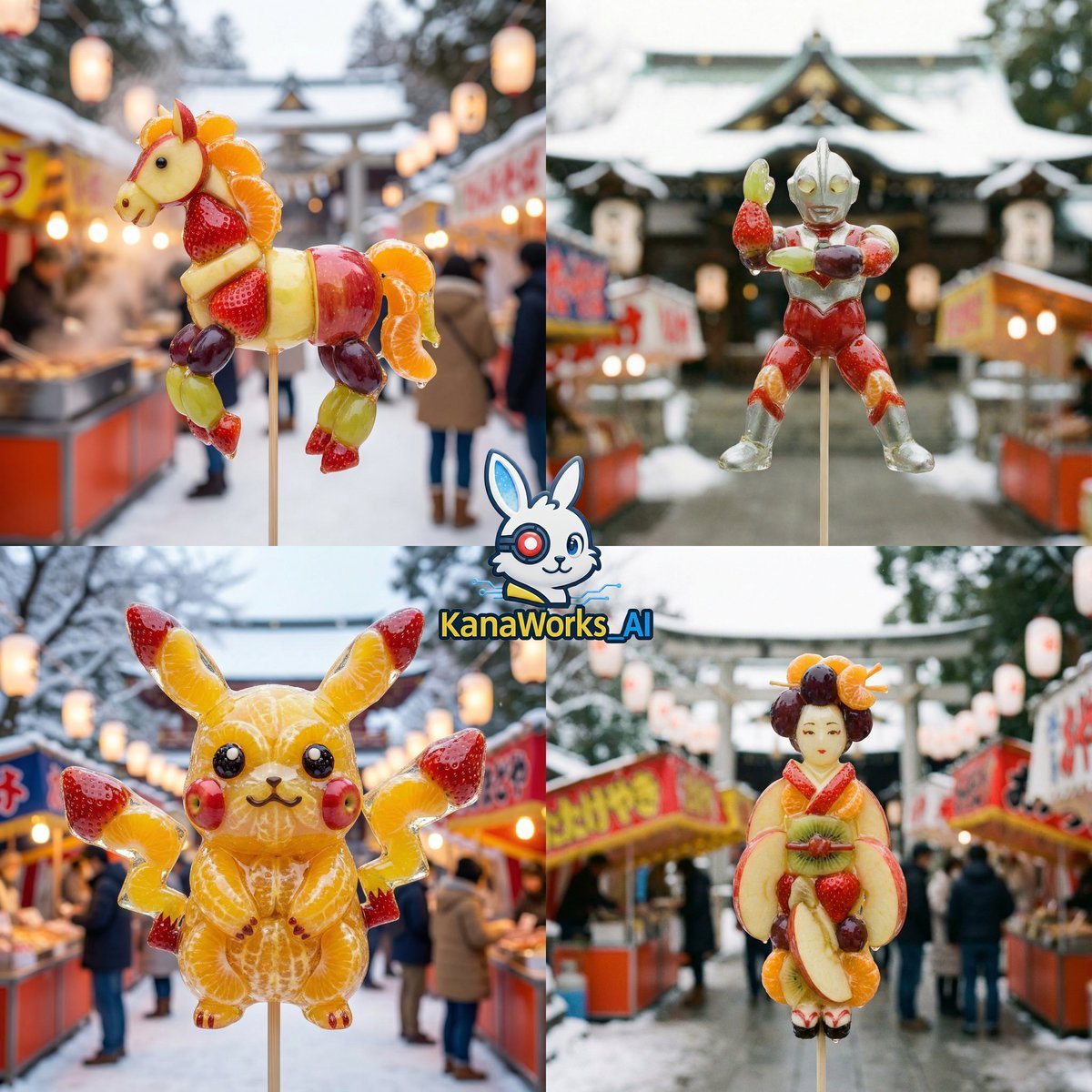
DomoAI prompt for Candied Fruit (Amezaiku) featuring Nano Banana Pro
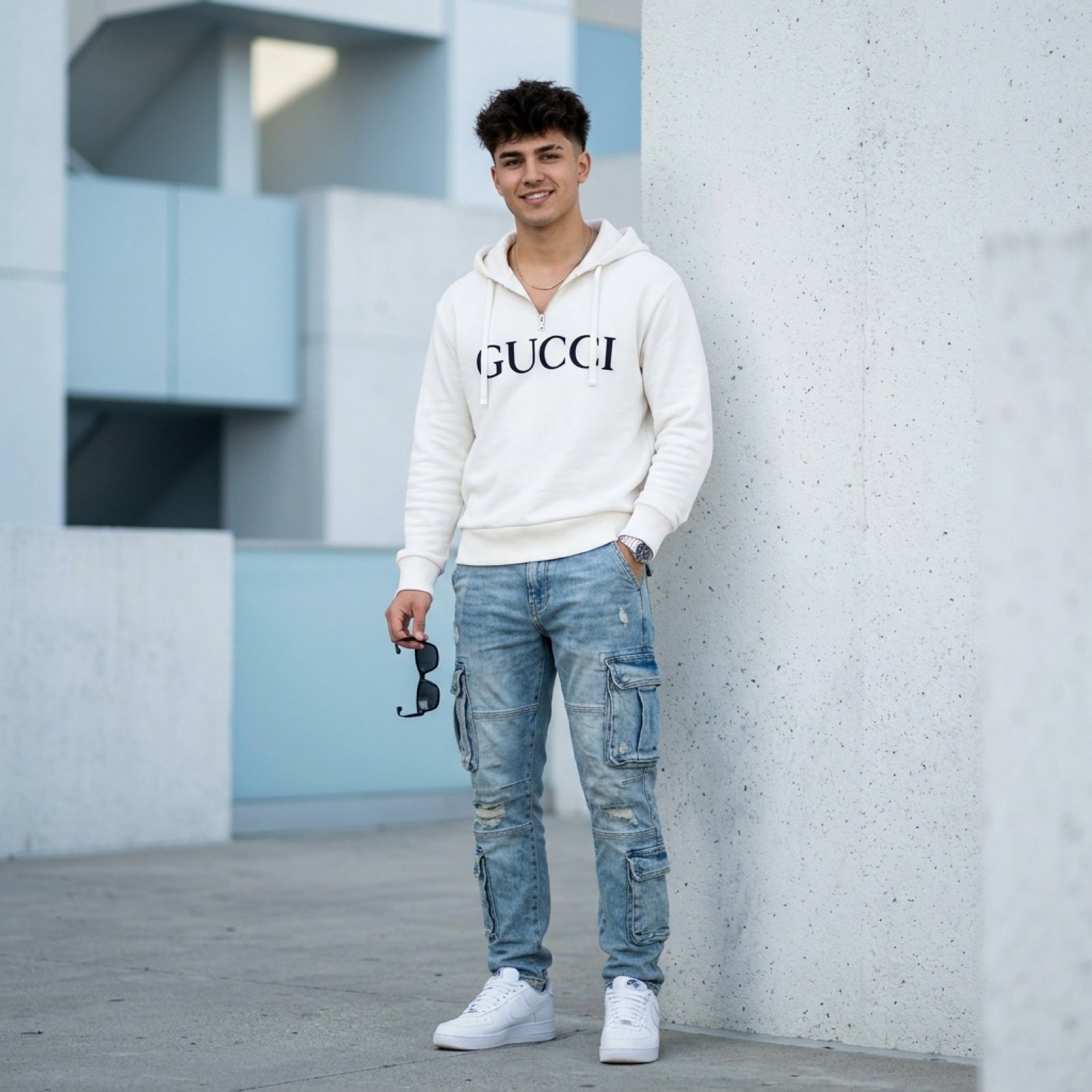
Ultra-Realistic Fashion Photo with Exact Face Match Prompt
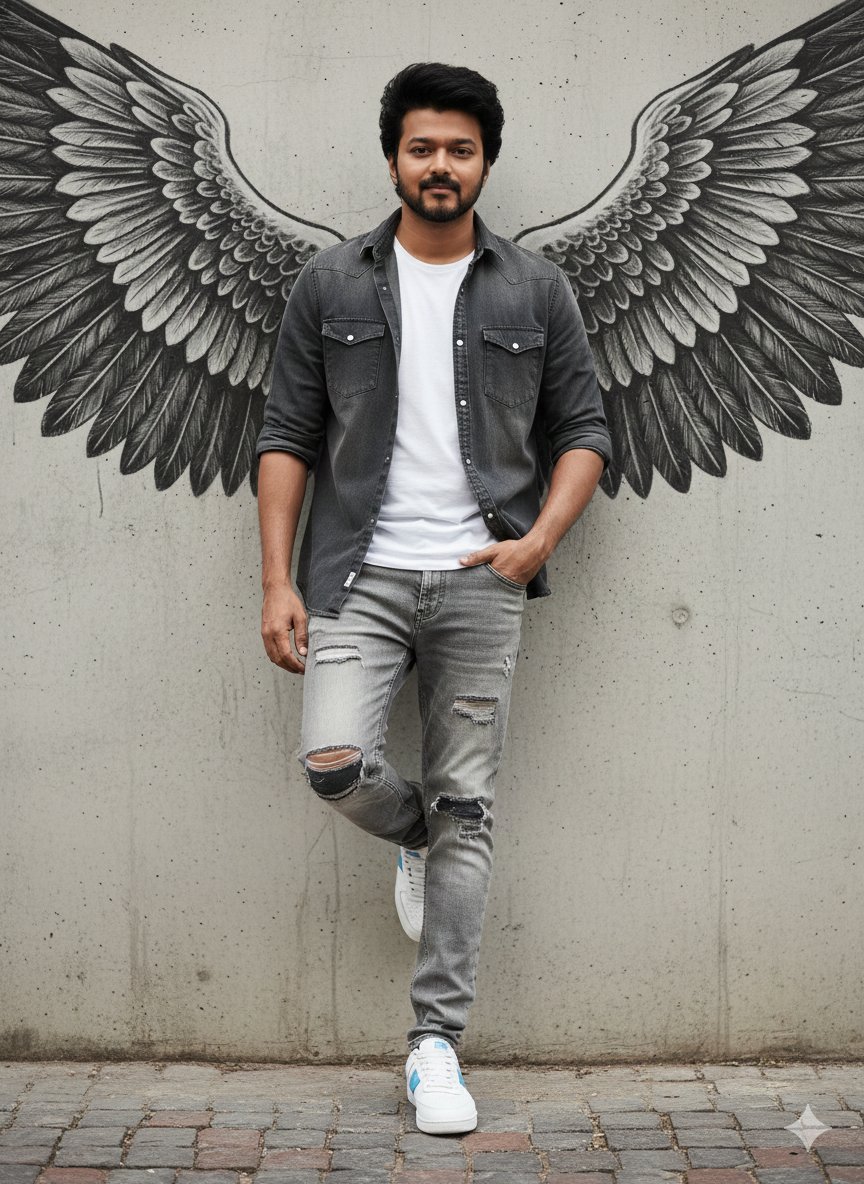
Urban Cinematic Portrait with Painted Angel Wings
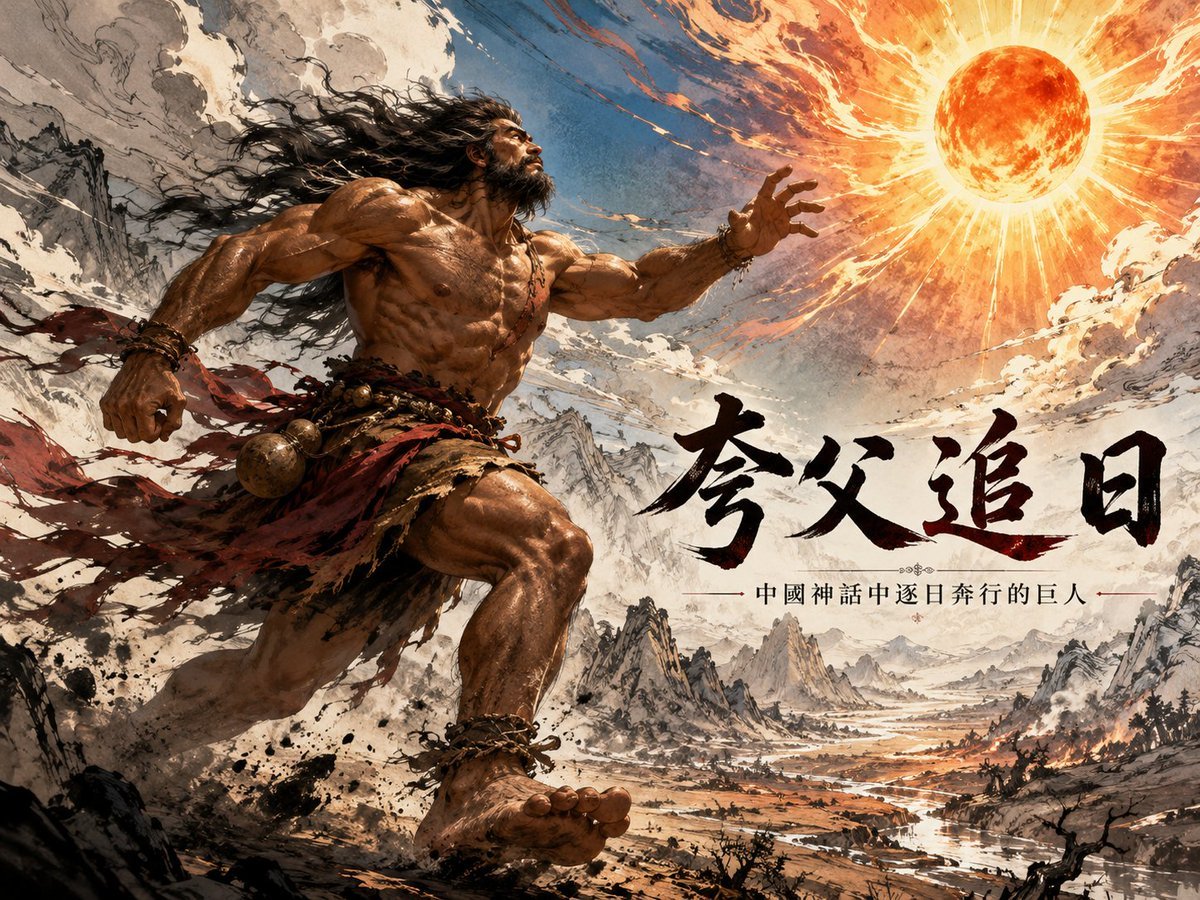
Hybrid Realism Ink-Wash Art
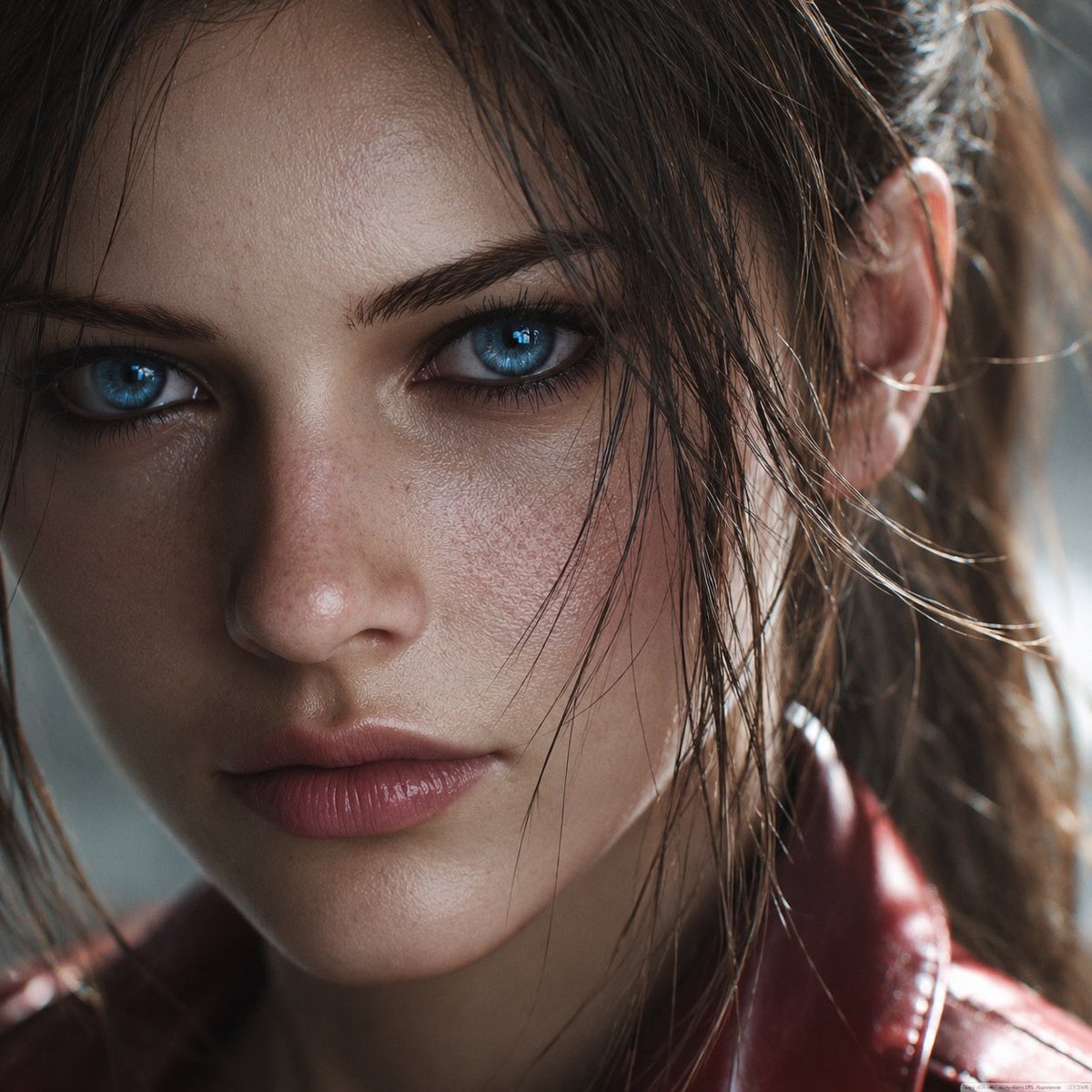
Photoreal Claire Face Restoration
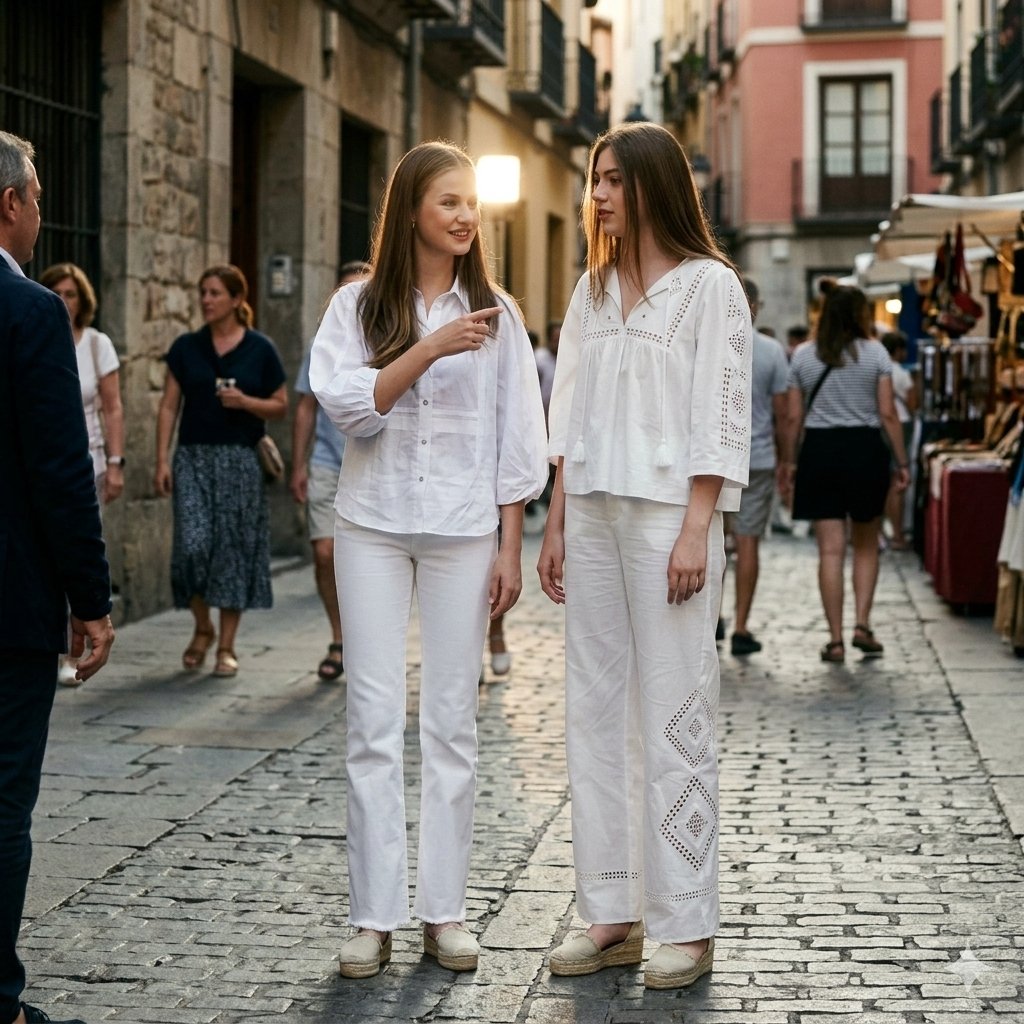
Candid Paparazzi Street Fashion in All White
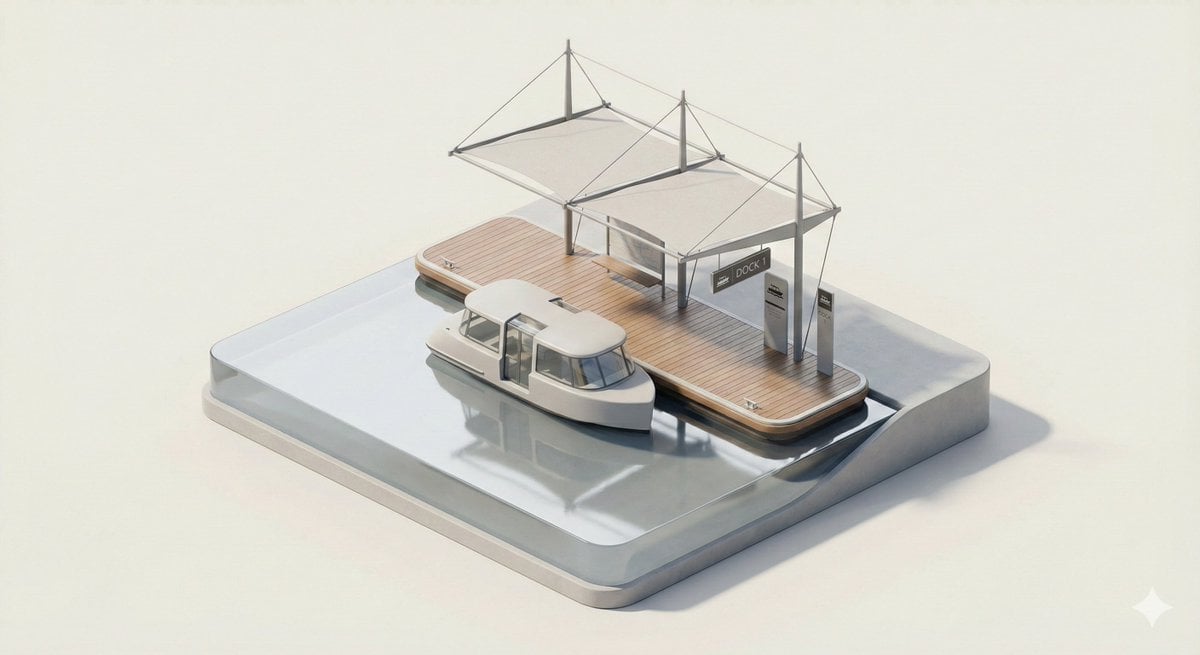
3D Isometric Urban Transit Stop Diorama Prompt
Browse template categories
Exploded Ingredient Diagram and Motion Video Prompt for Drinks questions
How do I use the Exploded Ingredient Diagram and Motion Video Prompt for Drinks template?
Add your photo if the template asks for one, edit the prompt if you like — the template's model and format are already selected — and press Generate. Your version opens in PicX Studio.
Can I customize the Exploded Ingredient Diagram and Motion Video Prompt for Drinks template?
Yes. You can change the subject, setting, lighting, mood, format, and available model controls before creating your image.
Is the Exploded Ingredient Diagram and Motion Video Prompt for Drinks template free?
Opening and editing this template is free. Generating uses credits, shown on the Generate button when you are signed in.
Which AI model should I use?
Start with Nano Banana 2, which is the model associated with this template. You can compare another compatible model for a different finish.
Looking for something else? Browse all templates.

Your photo, any look
Thousands of ready templates for every top image and video model, from one credit balance.