
Cybernetic Character Reference Sheet
Generates a comprehensive technical character reference sheet including a turnaround, expressions, parts breakdown, and color palette.
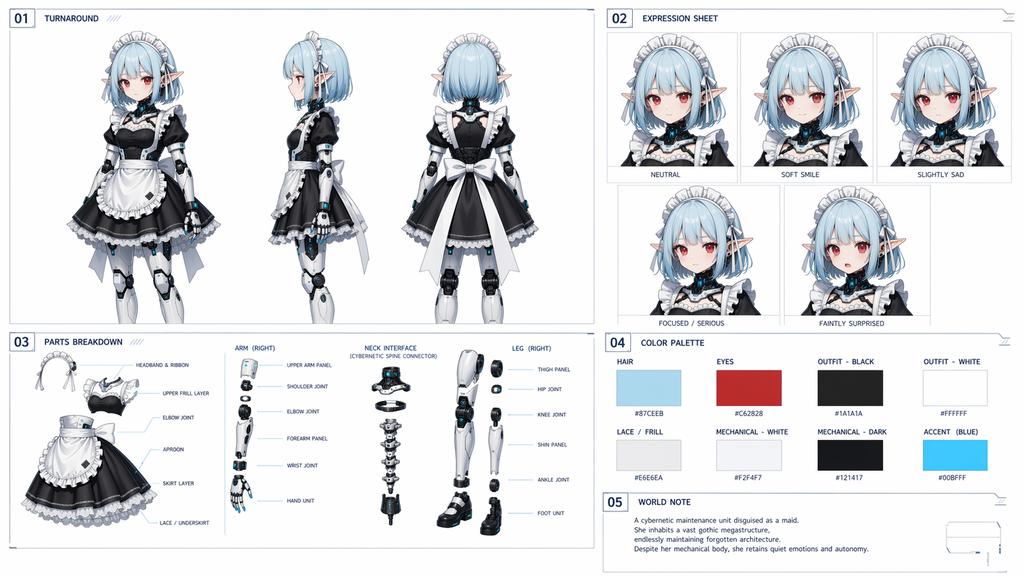
- Prompt included
- Model and format preset
- Free template
The prompt behind this image
Copy the exact prompt behind Cybernetic Character Reference Sheet, or open it in the studio and make it yours.
- Type
- anime character design document
- Character › Concept
- {argument name="character concept" default="cybernetic maid with elf ears"}
- Character › Hair
- {argument name="hair color" default="light blue"} short bob with headband
- Character › Eyes
- {argument name="eye color" default="red"}
- Character › Outfit
- {argument name="outfit style" default="black and white maid dress"}
- Character › Features
- mechanical joints on arms and legs, cybernetic neck
- Layout › Style
- clean technical blueprint style with grid lines and numbered sections
- Layout › Sections › 0 › Number
- 01
- Layout › Sections › 0 › Title
- TURNAROUND
- Layout › Sections › 0 › Count
- 3
- Layout › Sections › 0 › Description
- full-body views: front, side, back
- Layout › Sections › 1 › Number
- 02
- Layout › Sections › 1 › Title
- EXPRESSION SHEET
- Layout › Sections › 1 › Count
- 5
- Layout › Sections › 1 › Labels
- NEUTRAL, SOFT SMILE, SLIGHTLY SAD, FOCUSED / SERIOUS, FAINTLY SURPRISED
- Layout › Sections › 2 › Number
- 03
- Layout › Sections › 2 › Title
- PARTS BREAKDOWN
- Layout › Sections › 2 › Count
- 4
- Layout › Sections › 2 › Components › 0 › Name
- Maid Outfit
- Layout › Sections › 2 › Components › 0 › Labels
- HEADBAND & RIBBON, UPPER FRILL LAYER, ELBOW JOINT, APRON, SKIRT LAYER, LACE / UNDERSKIRT
- Layout › Sections › 2 › Components › 1 › Name
- ARM (RIGHT)
- Layout › Sections › 2 › Components › 1 › Labels
- UPPER ARM PANEL, SHOULDER JOINT, ELBOW JOINT, FOREARM PANEL, WRIST JOINT, HAND UNIT
- Layout › Sections › 2 › Components › 2 › Name
- NECK INTERFACE
- Layout › Sections › 2 › Components › 2 › Labels
- CYBERNETIC SPINE CONNECTOR
Raw JSON
{
  "type": "anime character design document",
  "character": {
    "concept": "{argument name=\"character concept\" default=\"cybernetic maid with elf ears\"}",
    "hair": "{argument name=\"hair color\" default=\"light blue\"} short bob with headband",
    "eyes": "{argument name=\"eye color\" default=\"red\"}",
    "outfit": "{argument name=\"outfit style\" default=\"black and white maid dress\"}",
    "features": "mechanical joints on arms and legs, cybernetic neck"
  },
  "layout": {
    "style": "clean technical blueprint style with grid lines and numbered sections",
    "sections": [
      {
        "number": "01",
        "title": "TURNAROUND",
        "count": 3,
        "description": "full-body views: front, side, back"
      },
      {
        "number": "02",
        "title": "EXPRESSION SHEET",
        "count": 5,
        "labels": ["NEUTRAL", "SOFT SMILE", "SLIGHTLY SAD", "FOCUSED / SERIOUS", "FAINTLY SURPRISED"]
      },
      {
        "number": "03",
        "title": "PARTS BREAKDOWN",
        "count": 4,
        "components": [
          {"name": "Maid Outfit", "labels": ["HEADBAND & RIBBON", "UPPER FRILL LAYER", "ELBOW JOINT", "APRON", "SKIRT LAYER", "LACE / UNDERSKIRT"]},
          {"name": "ARM (RIGHT)", "labels": ["UPPER ARM PANEL", "SHOULDER JOINT", "ELBOW JOINT", "FOREARM PANEL", "WRIST JOINT", "HAND UNIT"]},
          {"name": "NECK INTERFACE", "labels": ["CYBERNETIC SPINE CONNECTOR"]},
          {"name": "LEG (RIGHT)", "labels": ["THIGH PANEL", "HIP JOINT", "KNEE JOINT", "SHIN PANEL", "ANKLE JOINT", "FOOT UNIT"]}
        ]
      },
      {
        "number": "04",
        "title": "COLOR PALETTE",
        "count": 8,
        "swatches": [
          {"label": "HAIR", "hex": "#87CEEB"},
          {"label": "EYES", "hex": "#C62828"},
          {"label": "OUTFIT - BLACK", "hex": "#1A1A1A"},
          {"label": "OUTFIT - WHITE", "hex": "#FFFFFF"},
          {"label": "LACE / FRILL", "hex": "#E6E6EA"},
          {"label": "MECHANICAL - WHITE", "hex": "#F2F4F7"},
          {"label": "MECHANICAL - DARK", "hex": "#121417"},
          {"label": "ACCENT (BLUE)", "hex": "#00BFFF"}
        ]
      },
      {
        "number": "05",
        "title": "WORLD NOTE",
        "text": "{argument name=\"world note text\" default=\"A cybernetic maintenance unit disguised as a maid. She inhabits a vast gothic megastructure, endlessly maintaining forgotten architecture. Despite her mechanical body, she retains quiet emotions and autonomy.\"}"
      }
    ]
  }
}How to use Cybernetic Character Reference Sheet in 3 steps
- 1Upload ImagePNG, JPG or paste
Add your photo
Upload the photo the template builds on. The prompt, model and format are already set.
- 2…a portrait of your subject in softgolden-hour light, 85mm…
Personalize
Edit the subject and creative details for your destination.
- 3Generate
Generate
Press Generate — your image is created in PicX Studio, so you can compare it with the original and refine one variable at a time.
More like this
Templates with the same subject, style or setup. Open one to see its prompt.

Dancer Character - Four View Reference Sheet

Movement Sheet - Dance Reference (Seedance 2.0)
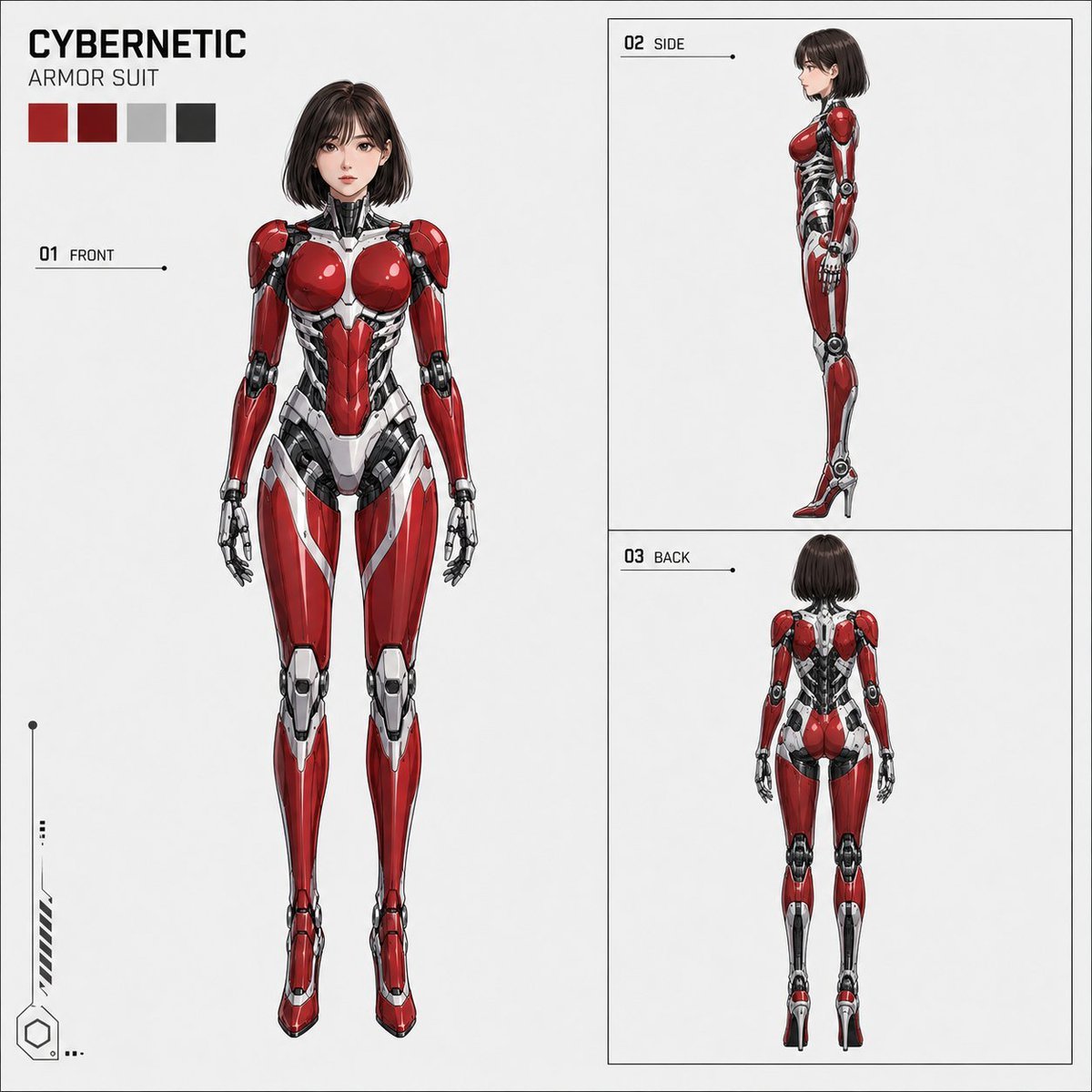
Anime Cybernetic Armor Character Sheet

Gray Studio Character Reference Sheet

Anime Character Sheet Reference Prompt
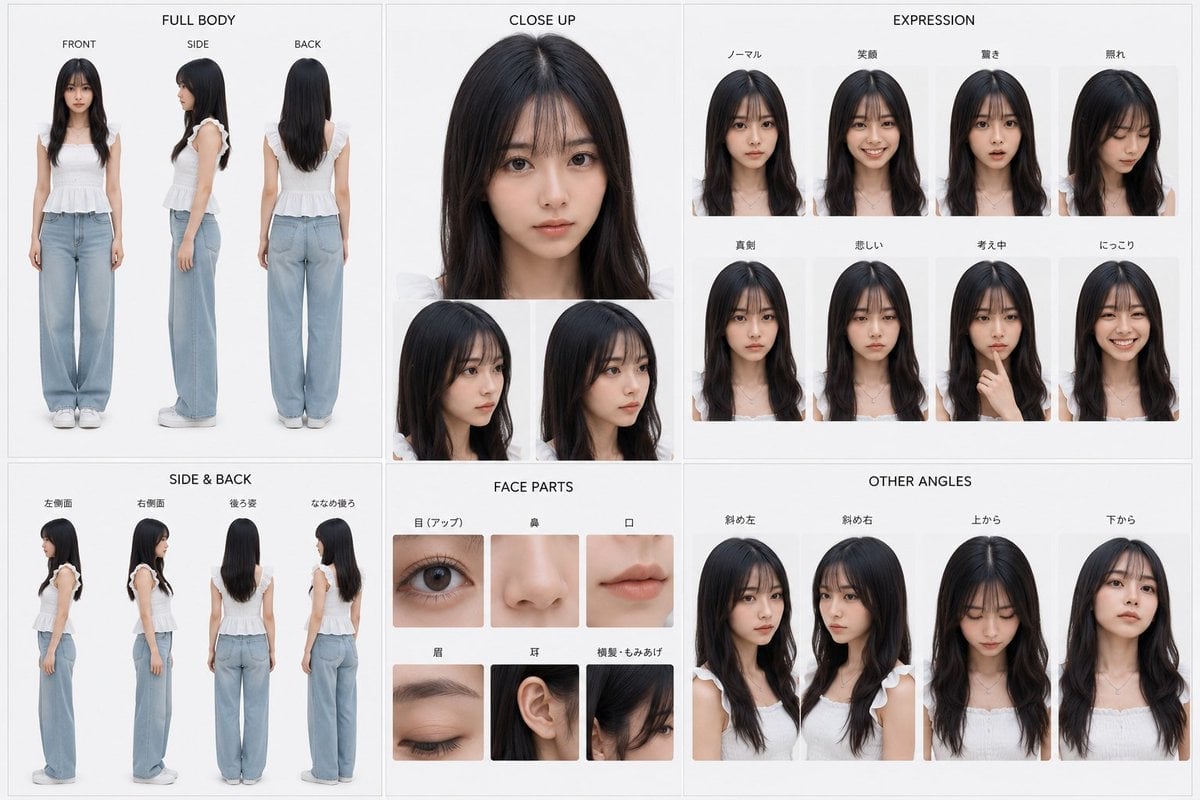
Photoreal Character Reference Sheet
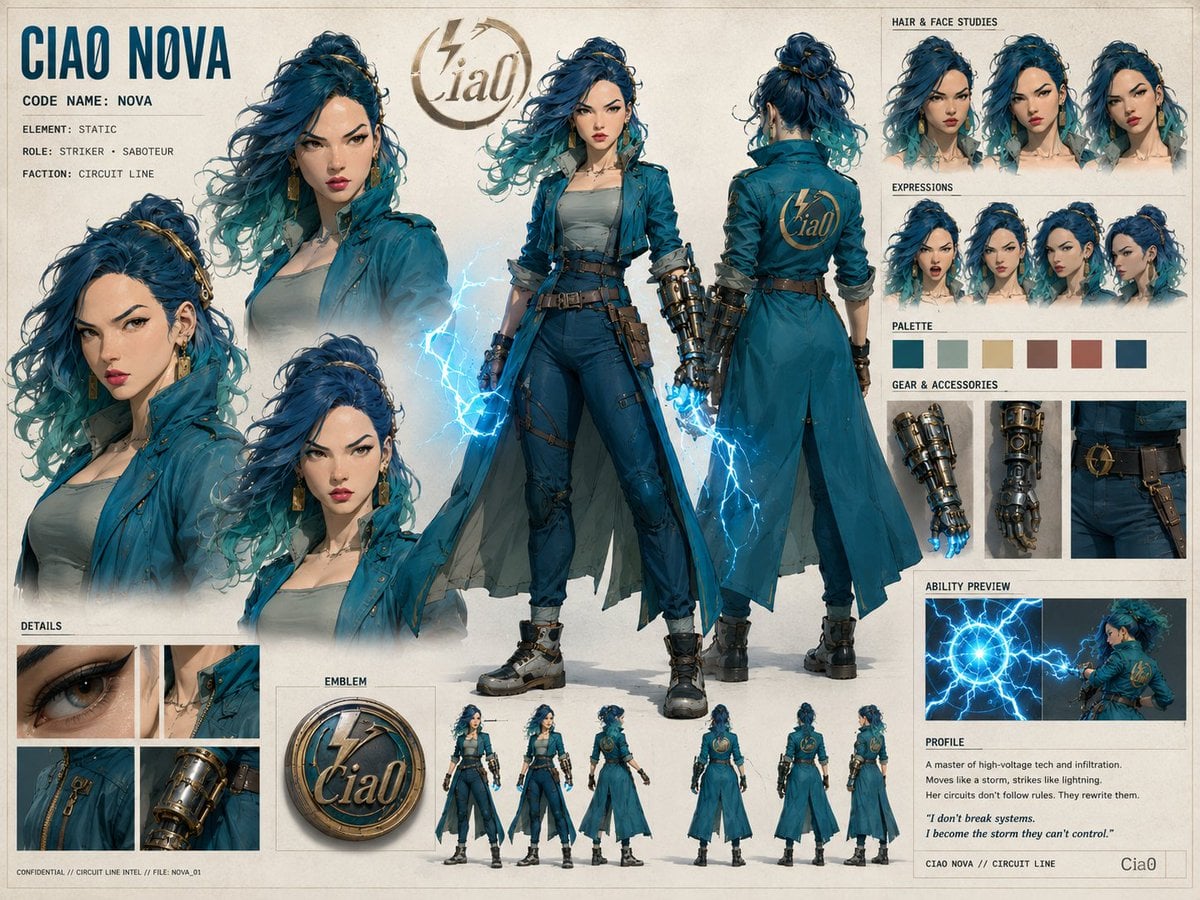
Ciao Nova Character Reference Sheet
Tactical Machine Gun Reference Sheet
Gupta Palace Environment Reference Sheet
Elegant Anime Fashion Reference Sheet
Manga Male Hairstyle Reference Sheet
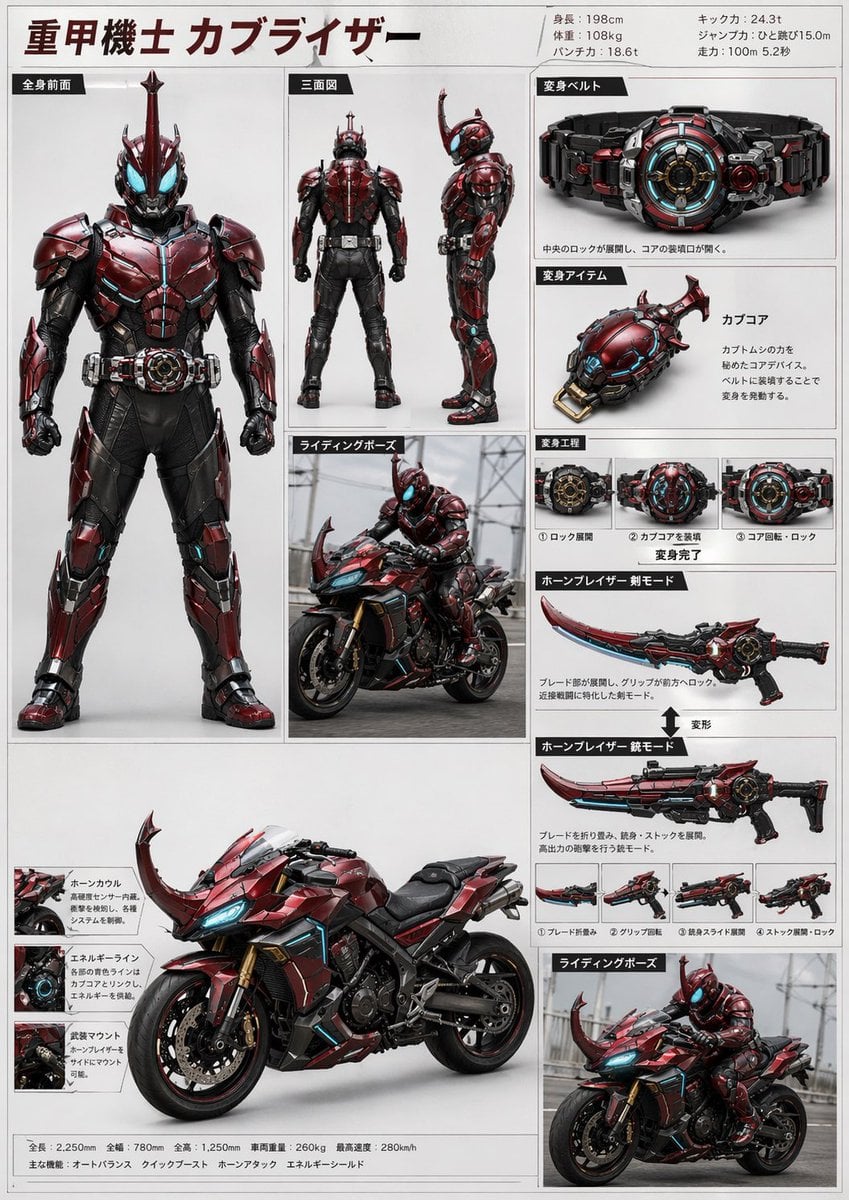
Tokusatsu Hero Reference Sheet
Make it yours
Cybernetic Character Reference Sheet works as-is. These are the safest ways to change it without losing the look.
Change one field
Copy a single group, rewrite it, and generate again so you can see what that field is doing.
Keep the frame, change the subject
Hold the composition and light of Cybernetic Character Reference Sheet, then swap wardrobe, props or the person for a new take.
| If the result… | Why | Fix |
|---|---|---|
| The result drifts from the preview | Too many fields changed at once. | Reuse Cybernetic Character Reference Sheet as-is first, then change one group — subject, light, or setting. |
| GPT Image 2 ignores part of the JSON | Some models flatten or skip nested keys. | Keep the same values and paste them as a short paragraph instead. |
More GPT Image 2 templates
Other prompts made for GPT Image 2.

Six VTuber Japanese Logo Sheet

Realistic Portrait of Woman and Deer

The Vista Modular Condo Poster

AI Model Routing Comparison Infographic

2.5D Anime Art Board

Isometric Productivity Desk Scene

New York Double Exposure Poster

Four-Panel AI Landscape Comparison

Japanese Tatami Lifestyle Magazine Cover

NESCAFÉ Coffee Map Poster
More image prompts
Fresh picks from across the catalog.
Man and Bull Emotional Bond Portrait
Old Photo Restoration
Ambition Visual Metaphor Poster
Modern Streetwear Anime Swordsman
Candid Street Photography at European Cafe
Sunlit Minimalist Portrait with Broderie Anglaise
Prone Bed Selfie in Purple Lounge Wear
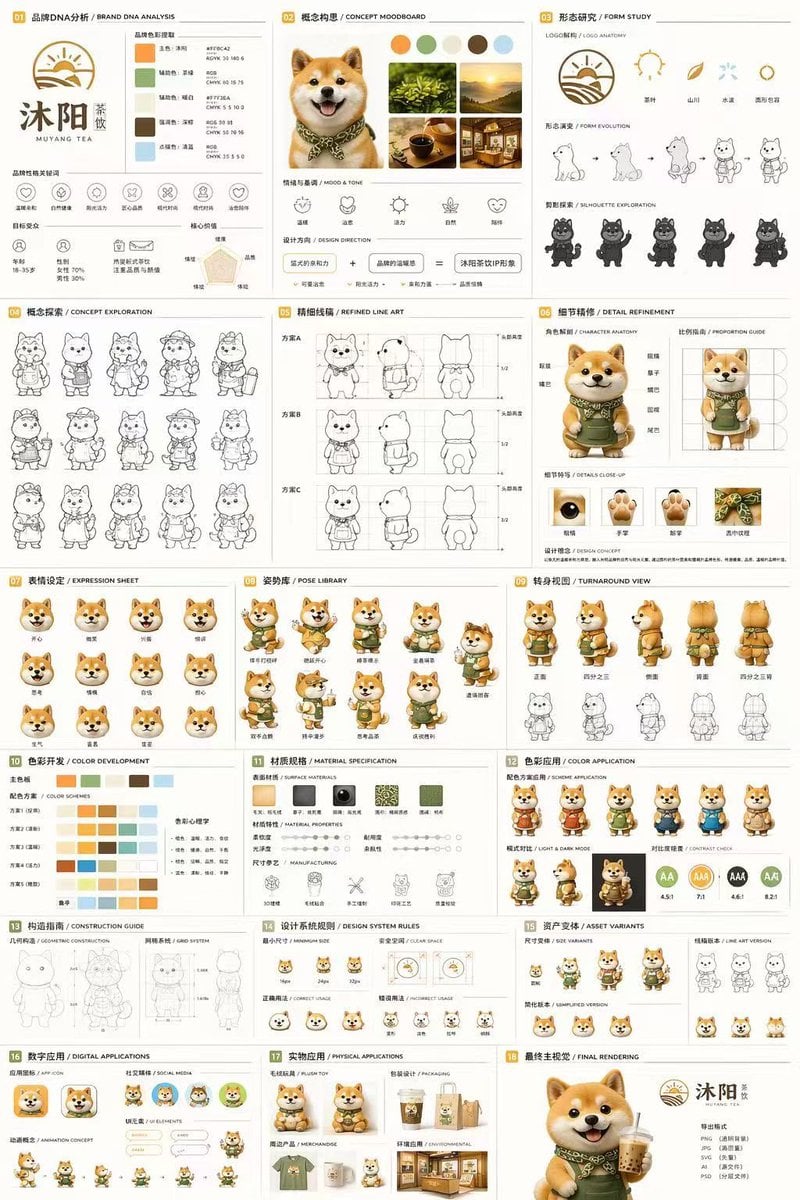
Gpt2 Product Marketing 18 Panel Mascot Brand Identity Document
Night Urban Fitness Portrait
Giant Animal in City Scene Prompt (Fox + West Lake)
Browse template categories
Cybernetic Character Reference Sheet questions
How do I use the Cybernetic Character Reference Sheet template?
Add your photo if the template asks for one, edit the prompt if you like — the template's model and format are already selected — and press Generate. Your version opens in PicX Studio.
Can I customize the Cybernetic Character Reference Sheet template?
Yes. You can change the subject, setting, lighting, mood, format, and available model controls before creating your image.
Is the Cybernetic Character Reference Sheet template free?
Opening and editing this template is free. Generating uses credits, shown on the Generate button when you are signed in.
Which AI model should I use?
Start with GPT Image 2, which is the model associated with this template. You can compare another compatible model for a different finish.
Looking for something else? Browse all templates.

Your photo, any look
Thousands of ready templates for every top image and video model, from one credit balance.