
3D Tiny Anime Girl 'Gugu' Sequence
A prompt for Google Gemini Nano Banana to generate a sequence of actions featuring an ultra-detailed 3D tiny anime-style girl named Gugu.
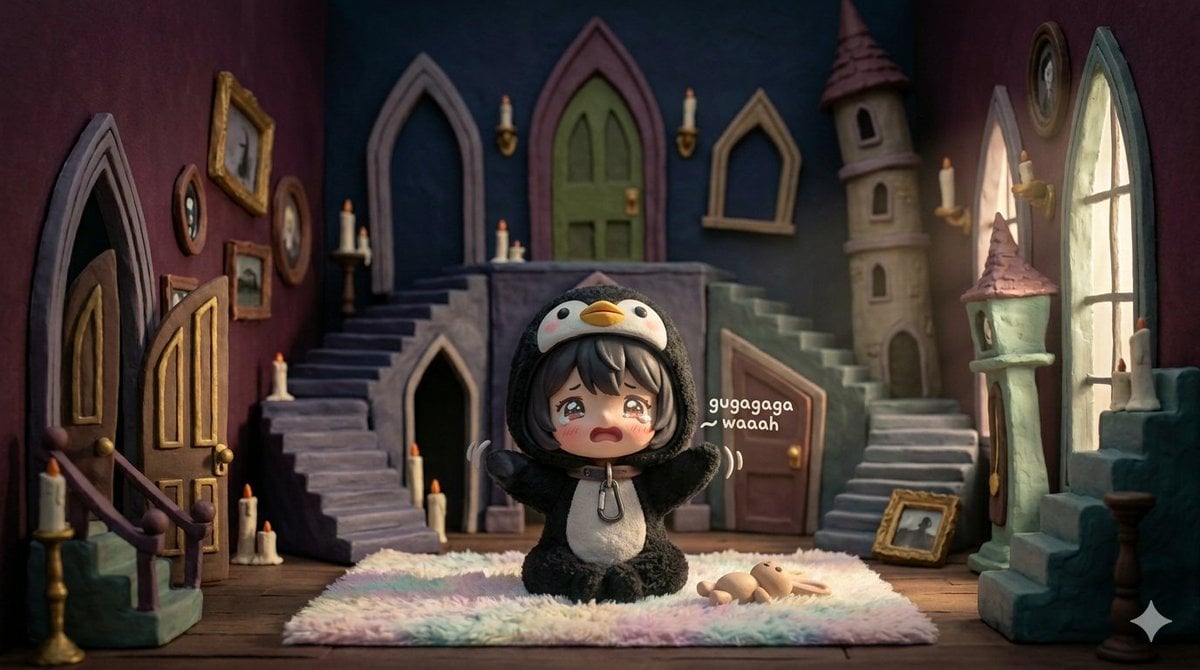
- Prompt included
- Model and format preset
- Free template
The prompt behind this image
Copy the exact prompt behind 3D Tiny Anime Girl 'Gugu' Sequence, or open it in the studio and make it yours.
ultra-detailed 3D tiny anime-style girl named Gugu, short fluffy hair, soft round cheeks, big sparkling eyes, wearing a pastel-colored oversized hoodie with little animal ears, tiny socks, small ribbon around neck, chibi-style proportions with round head, small body, expressive arms and legs, adorable and highly expressive, capable of cute gestures and exaggerated reactions, cinematic shallow depth of field, 8K UHD, soft warm sunlight, cozy pastel tones, whimsical playroom / nursery background, sequence of actions: Frame 1: sitting cross-legged on fluffy pastel rug, holding small stuffed bunny, shy expression Frame 2: standing slightly, tilting head, tiny hand raised in gentle wave, playful expression Frame 3: clapping tiny hands excitedly, eyes sparkling, happy squeak Frame 4: leaning forward, reaching toward small floating butterfly, cheeks rosy, curious Frame 5: jumping slightly, tiny feet off ground, arms raised in delight Frame 6: (optional placeholder for continuity) Frame 7: tilting head with one hand on cheek, playful and curious expression Frame 8: rolling slightly on rug, legs kicking gently, giggling with sparkling tears of laughter Frame 9: sitting back up, looking up with hopeful puppy-like eyes, floating sparkles Frame 10: giving a tiny wink and finger heart gesture, full adorable charm
How to use 3D Tiny Anime Girl 'Gugu' Sequence in 3 steps
- 1
Open
The prompt is already in the box next to the preview, with the template's model and format selected.
- 2…a portrait of your subject in softgolden-hour light, 85mm…
Personalize
Edit the subject and creative details for your destination.
- 3Generate
Generate
Press Generate — your image is created in PicX Studio, so you can compare it with the original and refine one variable at a time.
More like this
Templates with the same subject, style or setup. Open one to see its prompt.

Ghibli Tiny House On Back
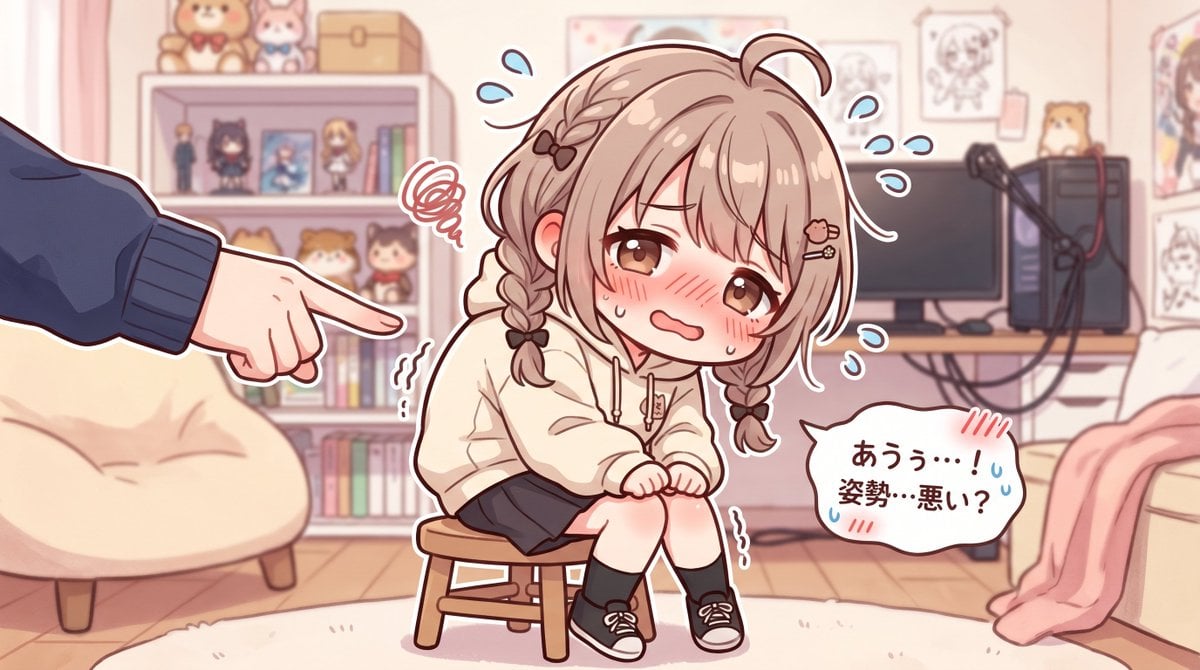
Embarrassed Anime Girl on Tiny Stool

Teen Girl Alpine Lake Mountain View

Framed Quilling Anime Girl

Anime Lantern Girl Character Sheet

Anime Girl Generation Grid

Chaotic Anime Schoolgirl Fan Collage
Cel 2D Finale Fireworks

Cel 2D Garden Maze

Cel 2D Rooftop Concert

Cel 2D Bicycle Coast

Cel 2D Castle Gate
Make it yours
3D Tiny Anime Girl 'Gugu' Sequence works as-is. These are the safest ways to change it without losing the look.
Change one field
Copy a single group, rewrite it, and generate again so you can see what that field is doing.
Keep the frame, change the subject
Hold the composition and light of 3D Tiny Anime Girl 'Gugu' Sequence, then swap wardrobe, props or the person for a new take.
| If the result… | Why | Fix |
|---|---|---|
| The result drifts from the preview | Too many fields changed at once. | Reuse 3D Tiny Anime Girl 'Gugu' Sequence as-is first, then change one group — subject, light, or setting. |
| The model over-stylizes the scene | The prose prompt leaves finish and camera underspecified. | Add one camera or lighting sentence and stay on Nano Banana 2. |
More Nano Banana 2 templates
Other prompts made for Nano Banana 2.

Photorealistic Leaf Shaped Like a Dragon

K-Pop Idol Portrait Grid for Rapid Selection

Poetic Rain Forest Portrait During Golden Hour

Urban Street Portrait with Cartoon Inner Self Duo

Candid Nighttime Photo with Cat Prompt

High-Concept 3D Diorama Generation Prompt

Cinematic Futuristic Studio Portrait Template

Skincare Editorial Photography Collage Prompt

Hyper-Realistic Commercial Product Photography (Splash Effect)

Hyper-Realistic Nightclub Portrait Prompt
More image prompts
Fresh picks from across the catalog.
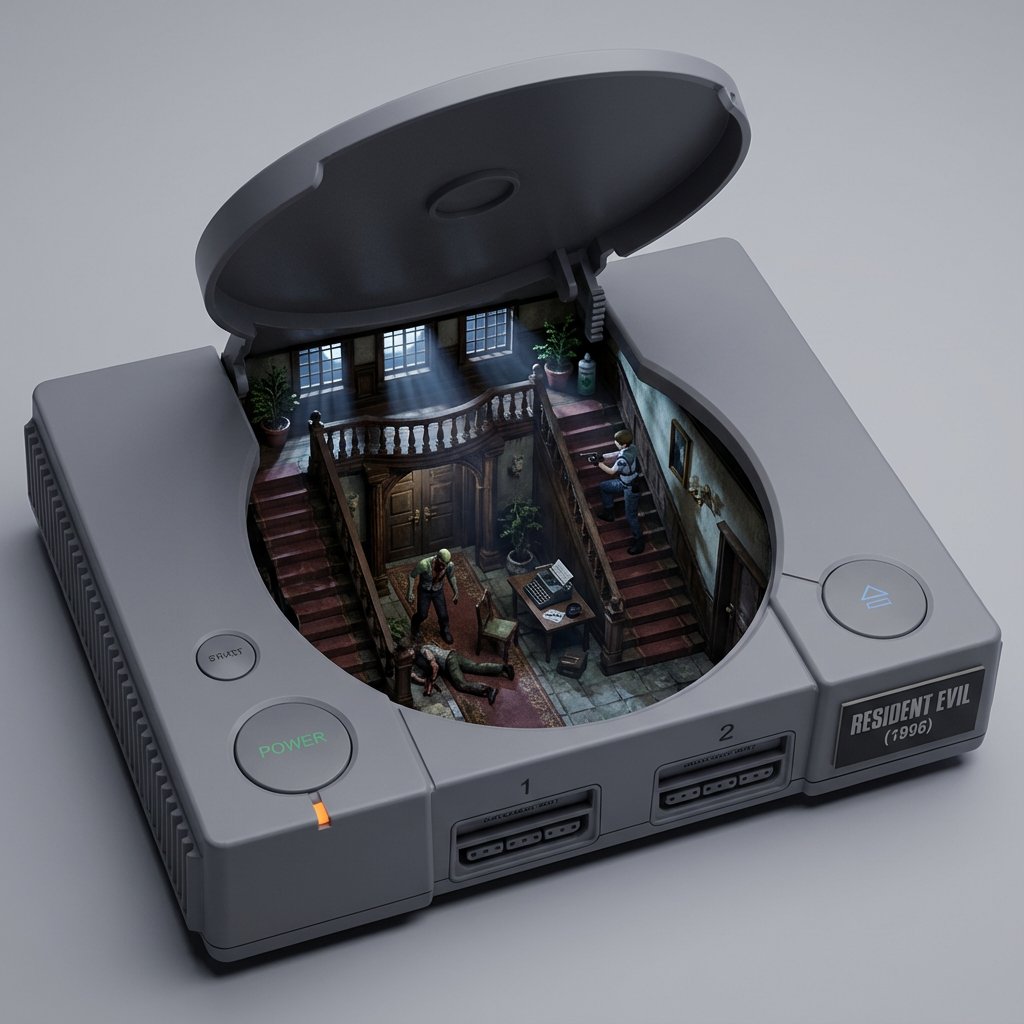
Game/Book Diorama Concept Generator
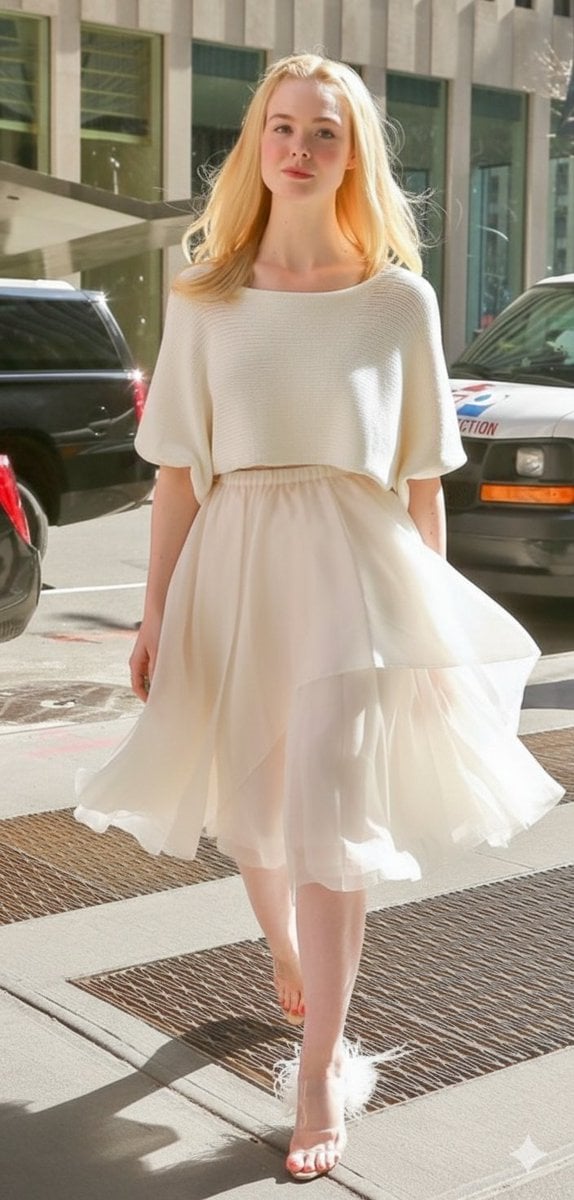
High Fashion Street Style in NYC (Minimalist Luxury)

Noir Elderly Man by Window
Anonymous Couture Portrait

Productivity App UI Mockup
Detailed Nano Banana Pro Image Generation Prompt
Edgy Asian Fashion Studio Portrait
Serene Portrait of a Woman Kneeling in a Wildflower Field
Impossible Anti-Memetic Entity Photo
2000s Cartoon Character Transformation
Browse template categories
3D Tiny Anime Girl 'Gugu' Sequence questions
How do I use the 3D Tiny Anime Girl 'Gugu' Sequence template?
Add your photo if the template asks for one, edit the prompt if you like — the template's model and format are already selected — and press Generate. Your version opens in PicX Studio.
Can I customize the 3D Tiny Anime Girl 'Gugu' Sequence template?
Yes. You can change the subject, setting, lighting, mood, format, and available model controls before creating your image.
Is the 3D Tiny Anime Girl 'Gugu' Sequence template free?
Opening and editing this template is free. Generating uses credits, shown on the Generate button when you are signed in.
Which AI model should I use?
Start with Nano Banana 2, which is the model associated with this template. You can compare another compatible model for a different finish.
Looking for something else? Browse all templates.

Your photo, any look
Thousands of ready templates for every top image and video model, from one credit balance.