
Embarrassed Anime Girl on Tiny Stool
This prompt generates a cute pastel anime reaction scene of a flustered girl being teased about her posture in a cozy streamer bedroom, ideal for VTuber-style fanart or comedic character illustrations.
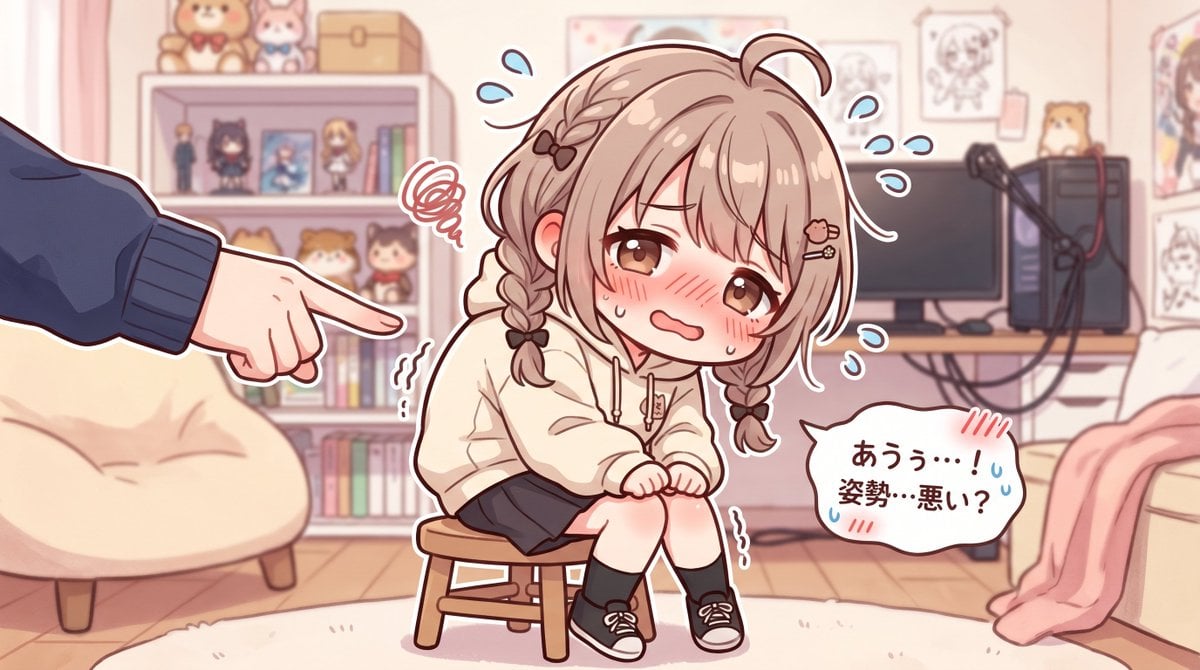
- Prompt included
- Model and format preset
- Free template
The prompt behind this image
Copy the exact prompt behind Embarrassed Anime Girl on Tiny Stool, or open it in the studio and make it yours.
A soft pastel anime illustration in a cute VTuber fanart style, showing a shy petite teenage girl with light brown hair in two short braids, fluffy bangs, a small ahoge, and tiny hair clips including a heart-shaped clip. She has large warm brown eyes, a deeply embarrassed expression, flushed cheeks, teary sweat drops, and a small trembling mouth. She is sitting hunched awkwardly on a tiny wooden stool in the center of a cozy streamer bedroom, knees together, hands clenched nervously in her lap, clearly self-conscious about her posture. She wears an oversized cream hoodie, a dark short skirt, black socks, and black low-top sneakers with white laces. From the left edge of the frame, only one large hand and forearm in a dark blue sleeve enters the scene, pointing at her accusingly or teasingly. Add comic-style stress symbols around the girl: 1 red scribble frustration cloud near her head, 2 wavy trembling marks near her body, and 6 blue sweat-drop marks floating around her. On the lower right, include 1 white speech bubble with Japanese text that reads "あうぅ…!姿勢…悪い?". The background is a softly lit pastel room with a cream beanbag chair on the left, a bookshelf filled with books, small figures, plush toys, and framed items, and on the right a desk with 1 monitor, 1 PC tower, and 1 microphone arm. Add wall art and character sketches behind the desk, a pink blanket draped over furniture on the far right, a pale rug on a wooden floor, and warm indoor lighting. Use a gentle pink-beige color palette, clean line art, subtle cel shading, slightly chibi proportions, and a wholesome but comedic embarrassed mood.
How to use Embarrassed Anime Girl on Tiny Stool in 3 steps
- 1Upload ImagePNG, JPG or paste
Add your photo
Upload the photo the template builds on. The prompt, model and format are already set.
- 2…a portrait of your subject in softgolden-hour light, 85mm…
Personalize
Edit the subject and creative details for your destination.
- 3Generate
Generate
Press Generate — your image is created in PicX Studio, so you can compare it with the original and refine one variable at a time.
More like this
Templates with the same subject, style or setup. Open one to see its prompt.










Make it yours
Embarrassed Anime Girl on Tiny Stool works as-is. These are the safest ways to change it without losing the look.
Change one field
Copy a single group, rewrite it, and generate again so you can see what that field is doing.
Keep the frame, change the subject
Hold the composition and light of Embarrassed Anime Girl on Tiny Stool, then swap wardrobe, props or the person for a new take.
| If the result… | Why | Fix |
|---|---|---|
| The result drifts from the preview | Too many fields changed at once. | Reuse Embarrassed Anime Girl on Tiny Stool as-is first, then change one group — subject, light, or setting. |
| The model over-stylizes the scene | The prose prompt leaves finish and camera underspecified. | Add one camera or lighting sentence and stay on GPT Image 2. |
More GPT Image 2 templates
Other prompts made for GPT Image 2.

Six VTuber Japanese Logo Sheet

Realistic Portrait of Woman and Deer

The Vista Modular Condo Poster

AI Model Routing Comparison Infographic

2.5D Anime Art Board

Isometric Productivity Desk Scene

New York Double Exposure Poster

Four-Panel AI Landscape Comparison

Japanese Tatami Lifestyle Magazine Cover

NESCAFÉ Coffee Map Poster
More image prompts
Fresh picks from across the catalog.

Ultra-Realistic Winking Portrait with Playful Expression

Transform Photo into Cinematic Night Scene
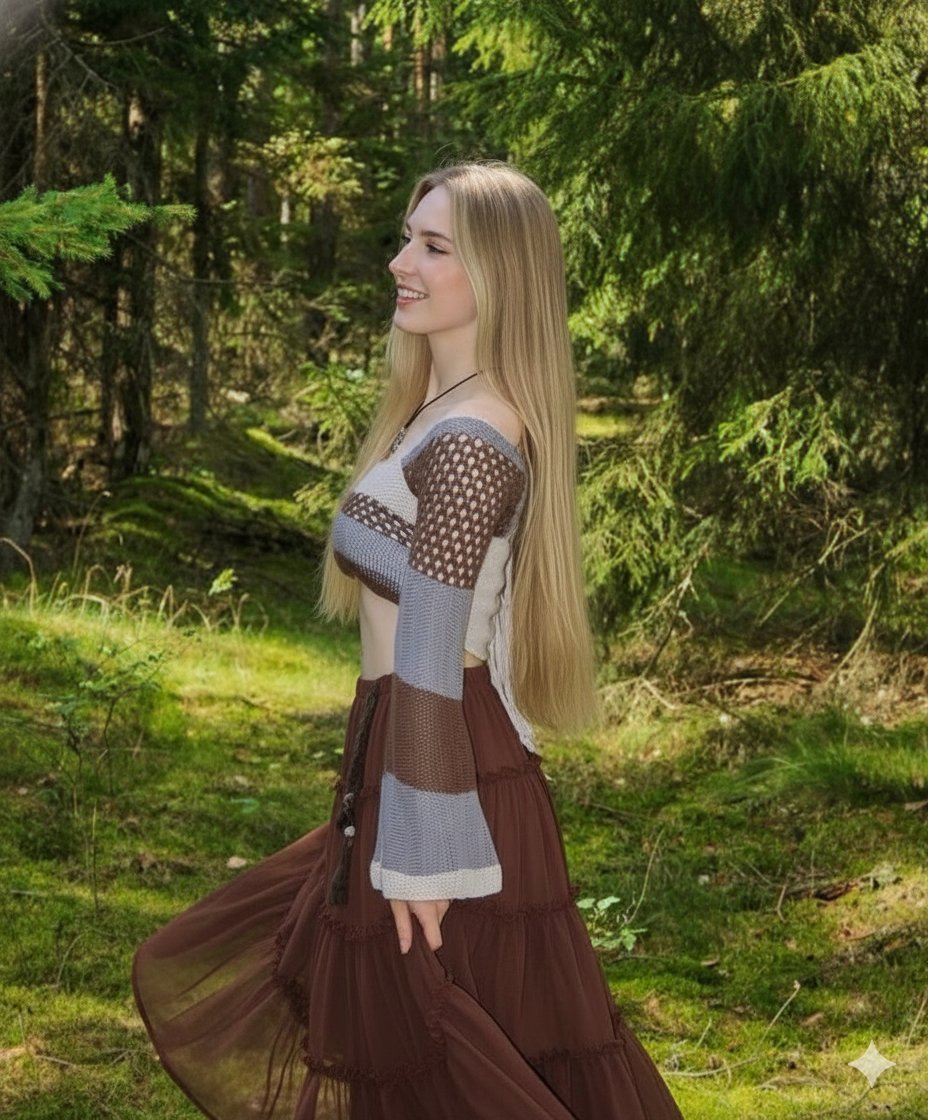
Boho Editorial Portrait in Pine Forest
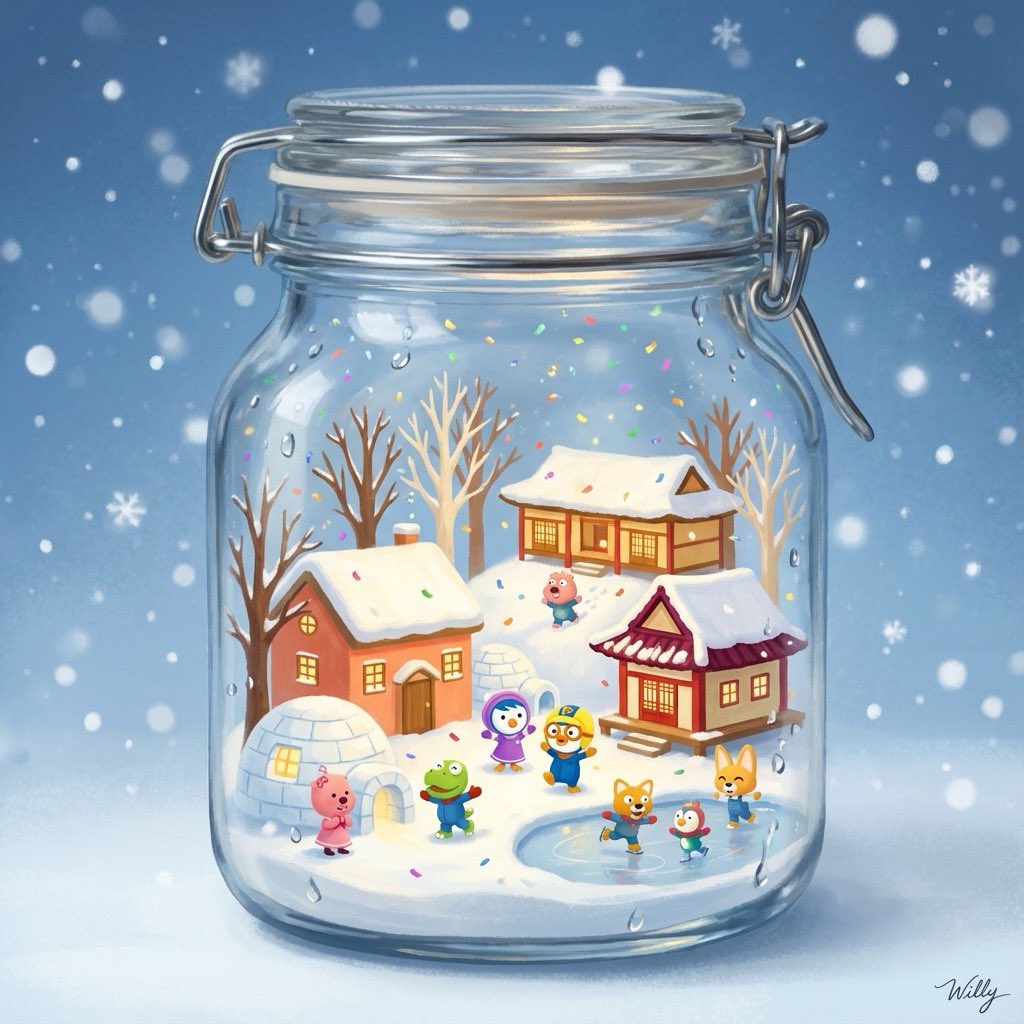
3D Miniature Snow Globe of Pororo
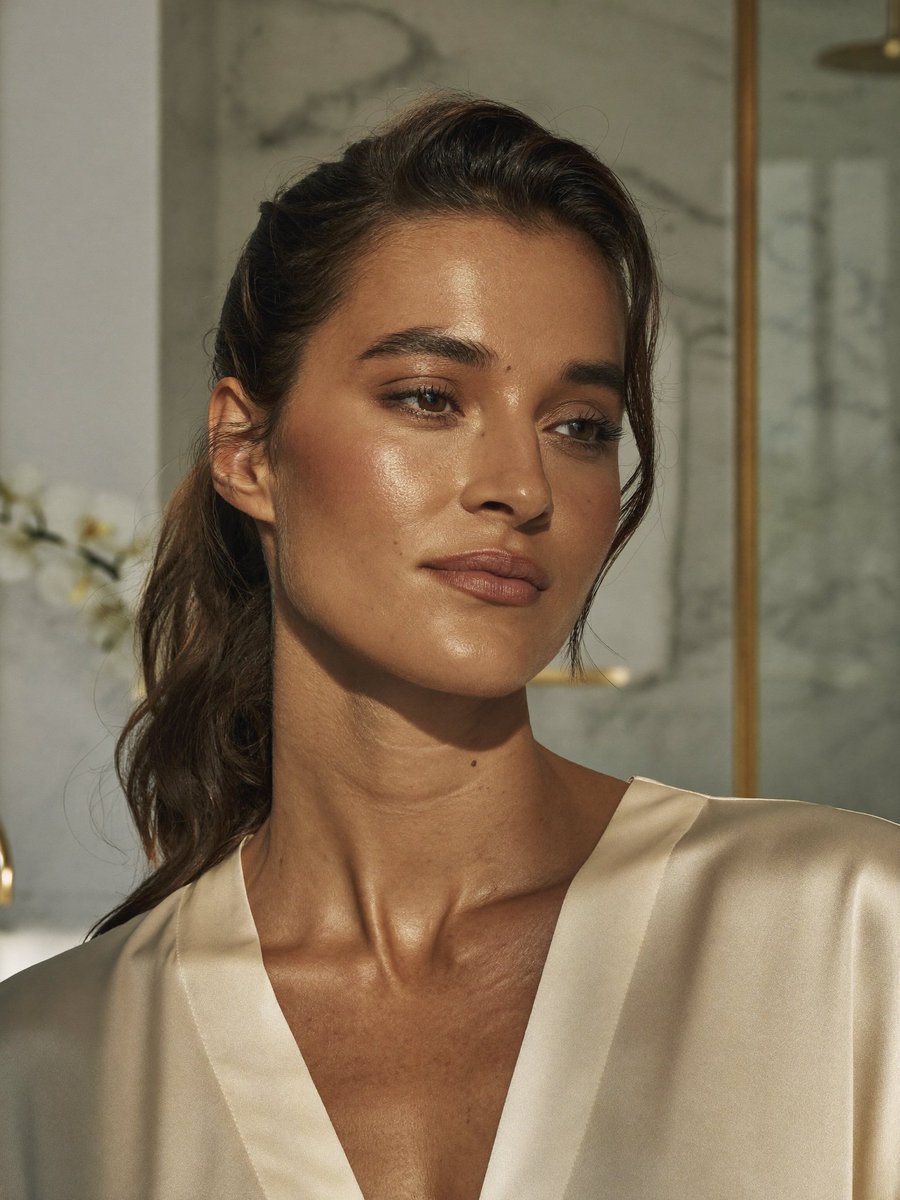
Censored Realistic Spa Portrait
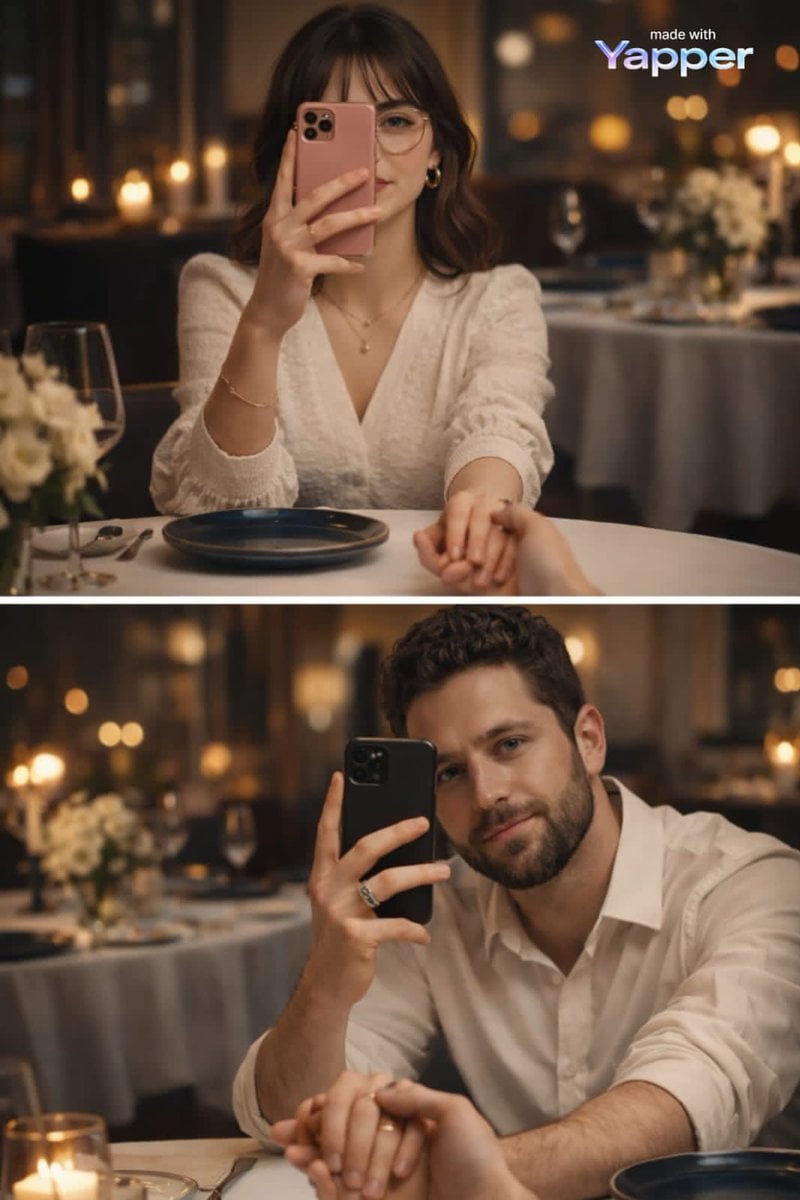
Split-Screen Dinner Date Composition
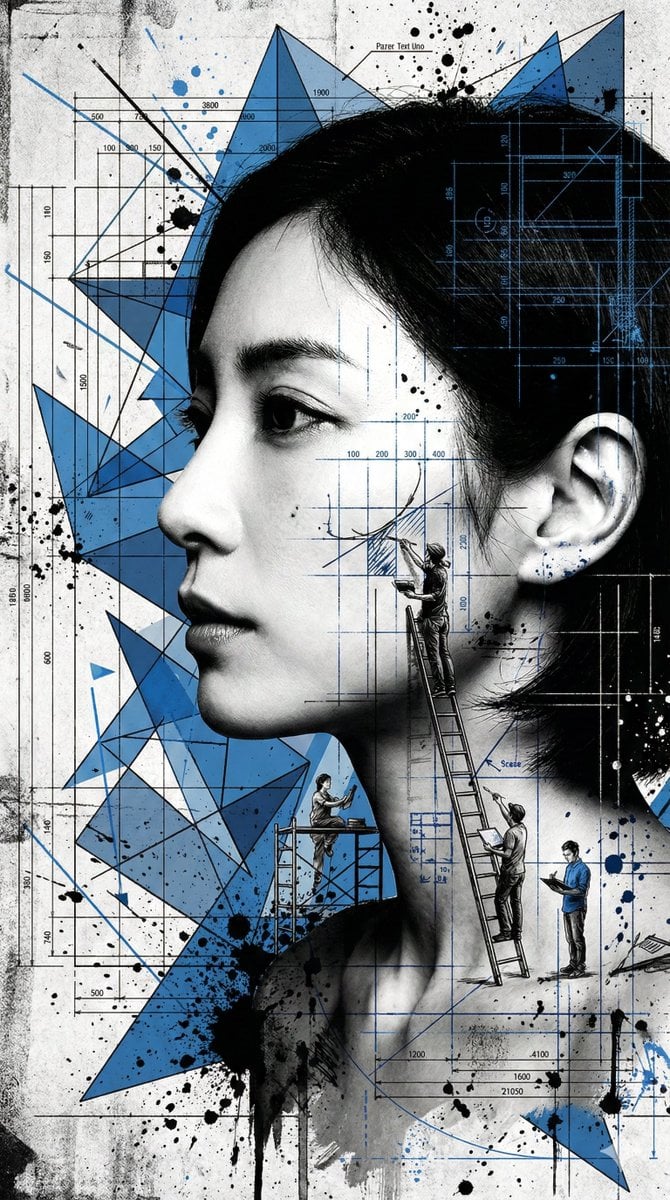
Nanobanana Pro Banana Image Generation
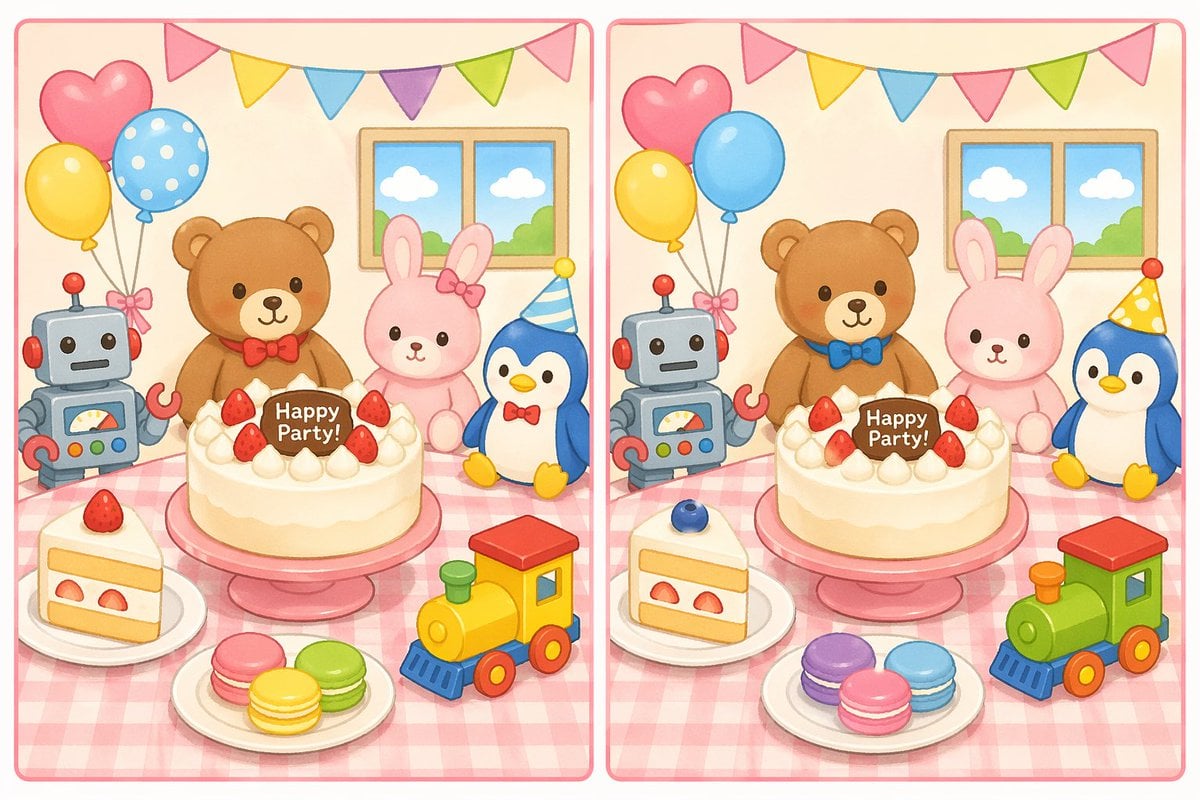
Spot the Difference Puzzle Generator
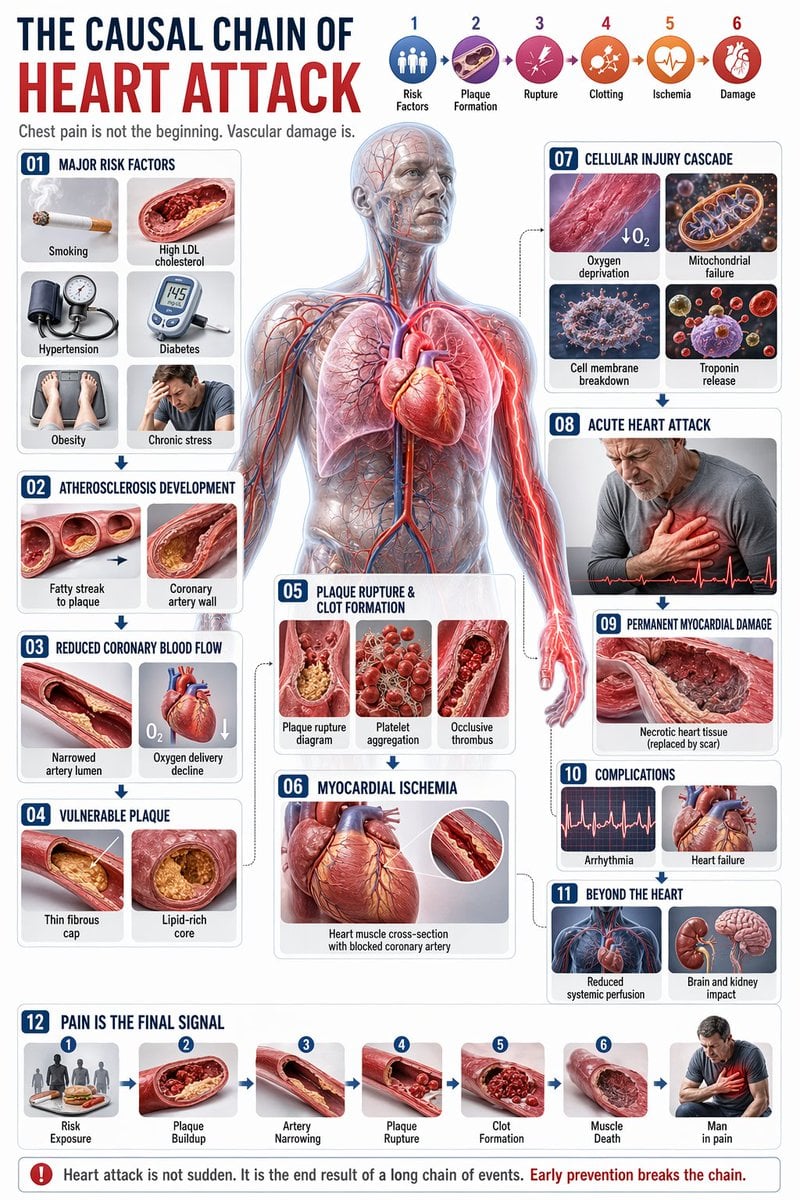
Medical Infographic JSON Prompt
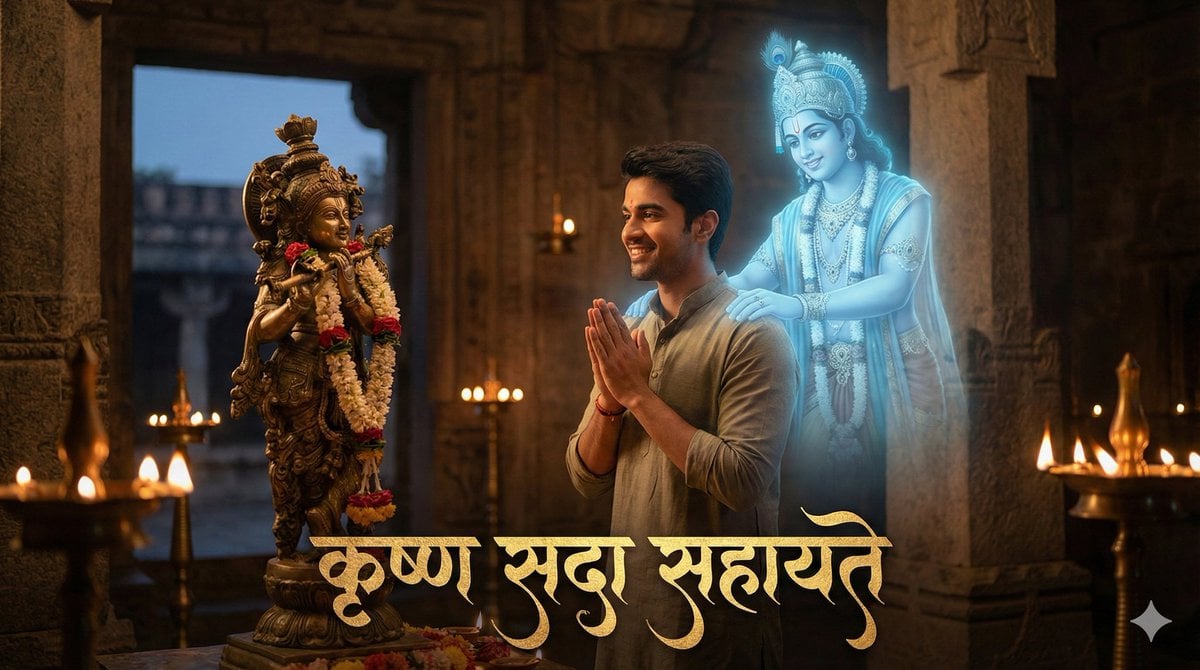
Devotee and Holographic Krishna Creation
Browse template categories
Embarrassed Anime Girl on Tiny Stool questions
How do I use the Embarrassed Anime Girl on Tiny Stool template?
Add your photo if the template asks for one, edit the prompt if you like — the template's model and format are already selected — and press Generate. Your version opens in PicX Studio.
Can I customize the Embarrassed Anime Girl on Tiny Stool template?
Yes. You can change the subject, setting, lighting, mood, format, and available model controls before creating your image.
Is the Embarrassed Anime Girl on Tiny Stool template free?
Opening and editing this template is free. Generating uses credits, shown on the Generate button when you are signed in.
Which AI model should I use?
Start with GPT Image 2, which is the model associated with this template. You can compare another compatible model for a different finish.
Looking for something else? Browse all templates.

Your photo, any look
Thousands of ready templates for every top image and video model, from one credit balance.