
AI Chat Screenshot with Anatomy Poster
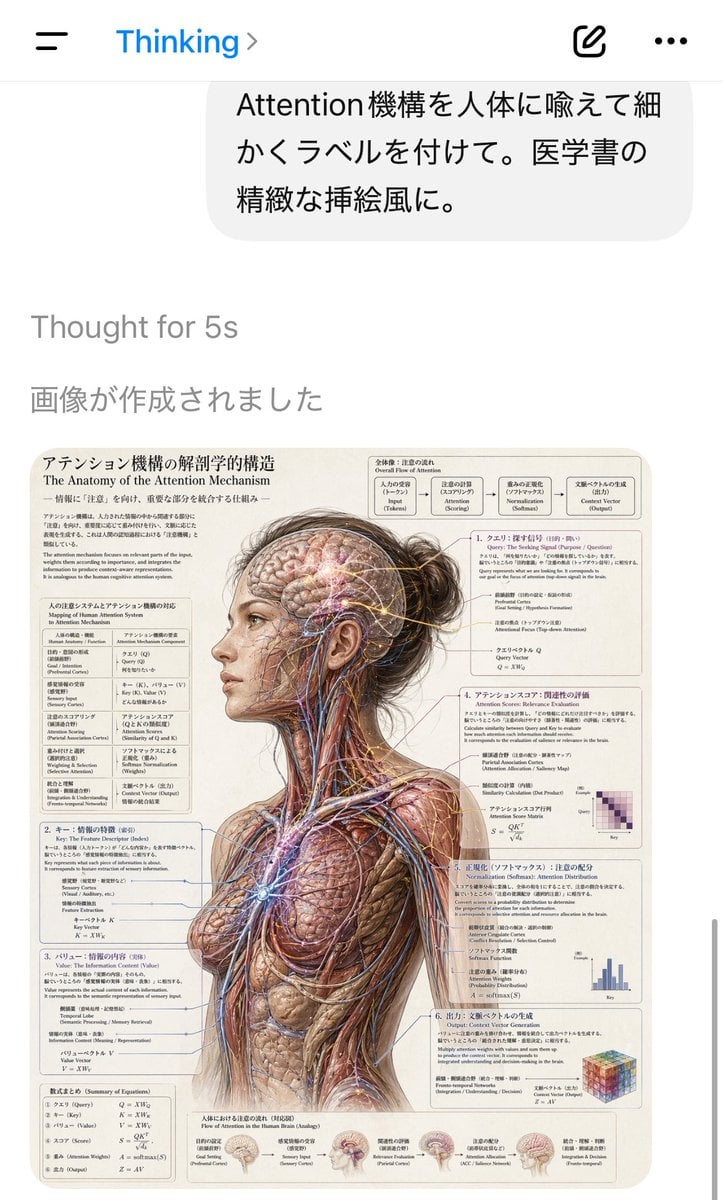
A realistic smartphone chat-app screenshot showing a Japanese prompt and the resulting dense medical-style anatomical infographic, ideal for recreating viral AI image demo posts.
- Prompt included
- Model and format preset
- Free template
The prompt behind this image
Copy the exact prompt behind AI Chat Screenshot with Anatomy Poster, or open it in the studio and make it yours.
A smartphone screenshot of an AI chat app interface in portrait orientation, showing a clean white iOS-style screen with a top bar containing a hamburger menu on the left, the blue title “Thinking” with a small chevron, and two icons on the right for compose and more options. Near the top is a rounded light-gray user message bubble in Japanese reading “Attention機構を人体に喩えて細かくラベルを付けて。医学書の精緻な挿絵風に。” Below it, faint gray system text reads “Thought for 5s” and “画像が作成されました”. The lower half of the screen displays the generated image as a detailed medical textbook-style anatomical poster. The poster shows a realistic three-quarter back view of an adult woman from head to upper thighs, with her head turned slightly left and her dark brown hair tied into a messy bun. Her skin and outer tissues are removed across most of the body to reveal musculature, nerves, blood vessels, and fibrous structures, rendered in extremely detailed vintage medical illustration style on a warm cream paper background. A rectangular cutout obscures the center of the face from forehead to jaw, creating a censored blank block over the facial area. Fine glowing network lines and nodes are overlaid through the exposed brain and body to visualize the attention mechanism as if it were an anatomical system. Surrounding the figure are 6 numbered explanatory panels and 2 additional text blocks, all densely filled with Japanese and English bilingual labels, formulas, arrows, and diagrams. The main poster title at upper left is “アテンション機構の解剖学的構造” with the English subtitle “The Anatomy of the Attention Mechanism”. At the top right is a flowchart labeled “Overall Flow of Attention” containing 5 connected boxes describing the process from input to output. Down the left side are 3 stacked explanatory sections with equations and mapping tables. Down the right side are 3 more numbered sections, each with technical notes and a small chart or matrix; the visible mini-diagrams include 1 purple heatmap matrix, 1 blue bar chart, and 1 multicolored cube graphic. Along the bottom edge are 5 small brain inset illustrations with captions showing stages of information flow. The overall aesthetic should feel like a highly polished AI-generated screenshot documenting a surreal scientific illustration request, with crisp UI, lots of tiny readable labels, and a convincing fusion of transformer attention diagrams and classical anatomical plate design.
How to use AI Chat Screenshot with Anatomy Poster in 3 steps
- 1Upload ImagePNG, JPG or paste
Add your photo
Upload the photo the template builds on. The prompt, model and format are already set.
- 2…a portrait of your subject in softgolden-hour light, 85mm…
Personalize
Edit the subject and creative details for your destination.
- 3Generate
Generate
Press Generate — your image is created in PicX Studio, so you can compare it with the original and refine one variable at a time.
More like this
Templates with the same subject, style or setup. Open one to see its prompt.
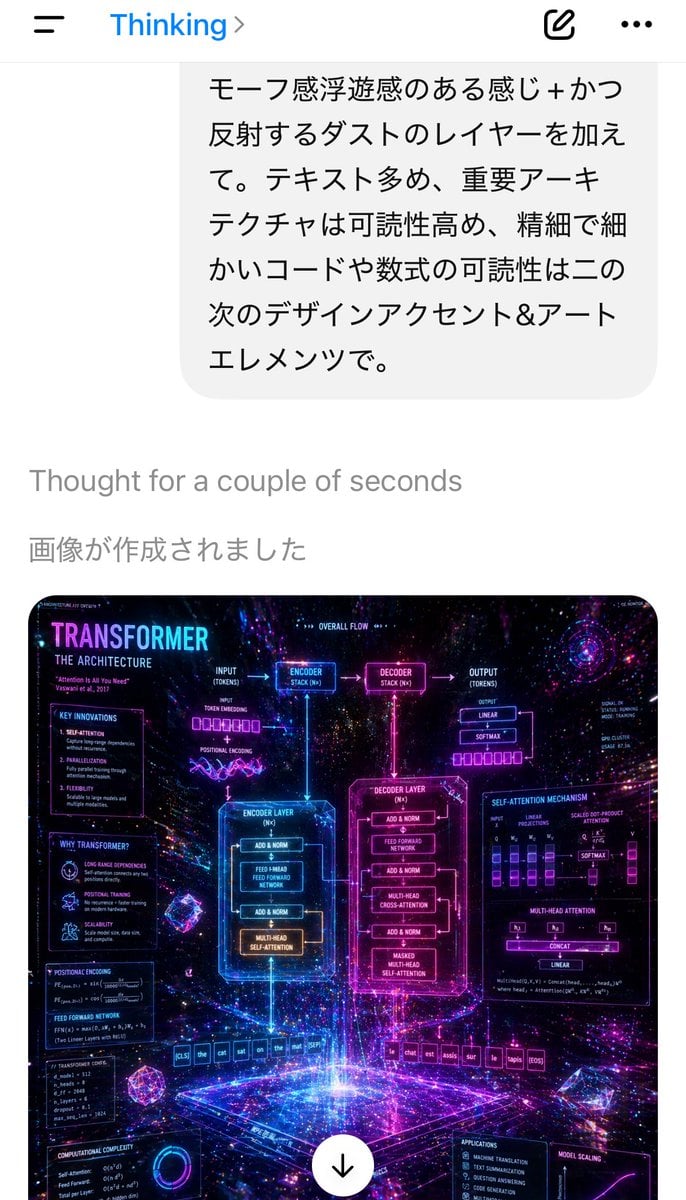
Mobile AI Chat Screenshot with Transformer Poster

Japan Travel Brochure Poster
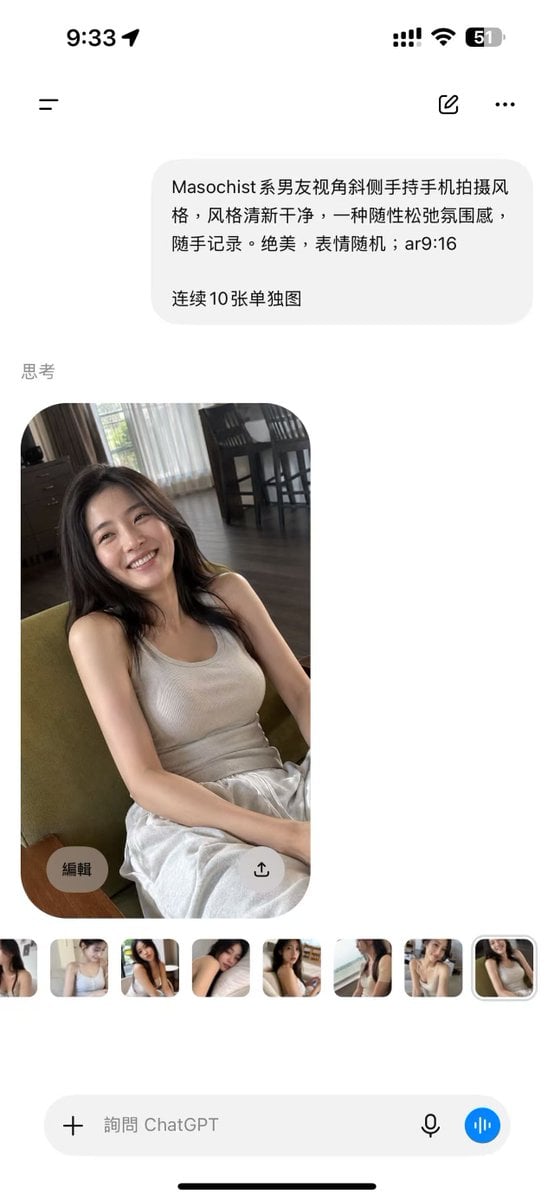
ChatGPT Mobile Photo Carousel Screenshot

ChatGPT Bonus Banner Screenshot

AI Chat Image Generation Screenshot
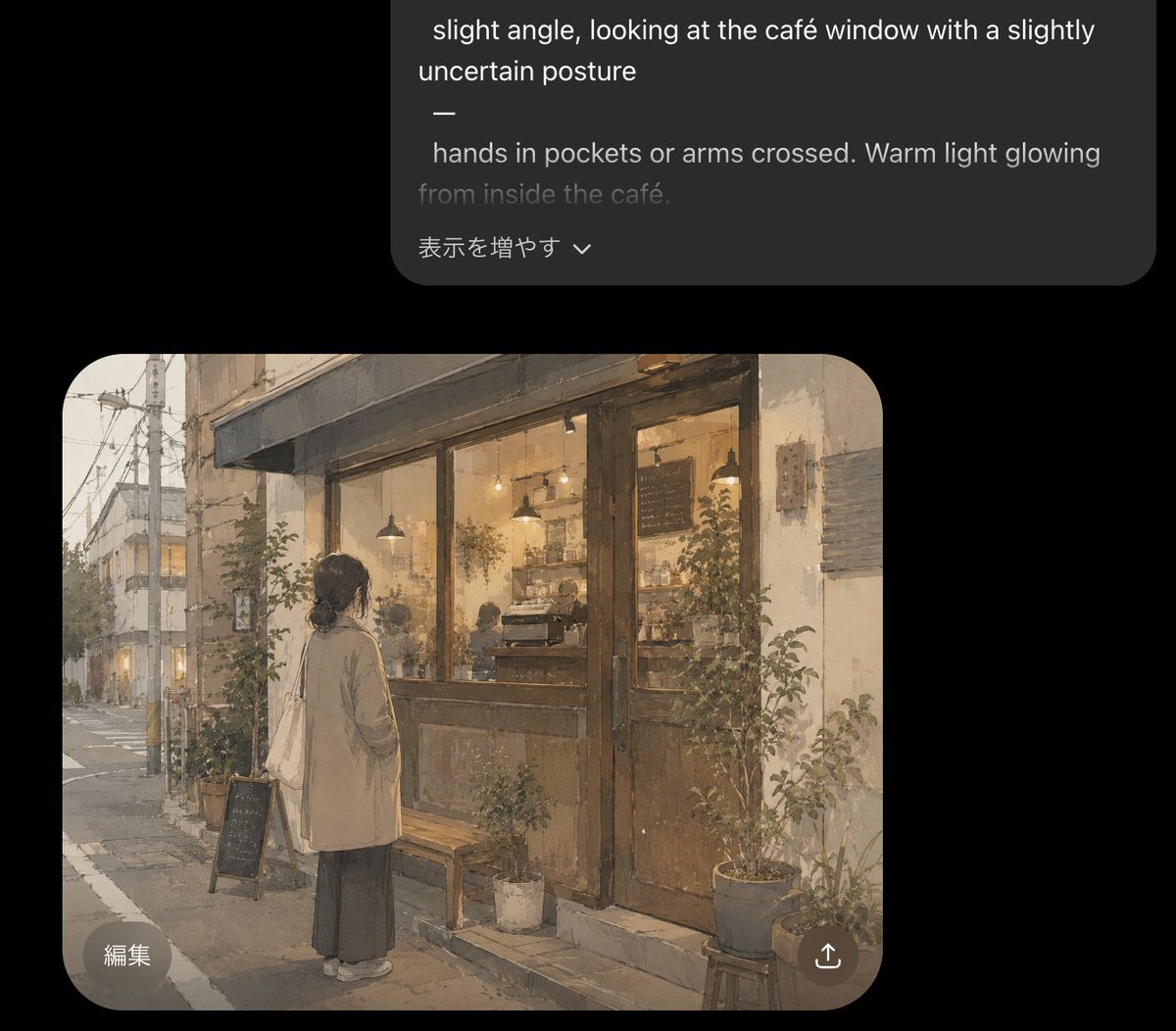
Cozy Café Chat Screenshot
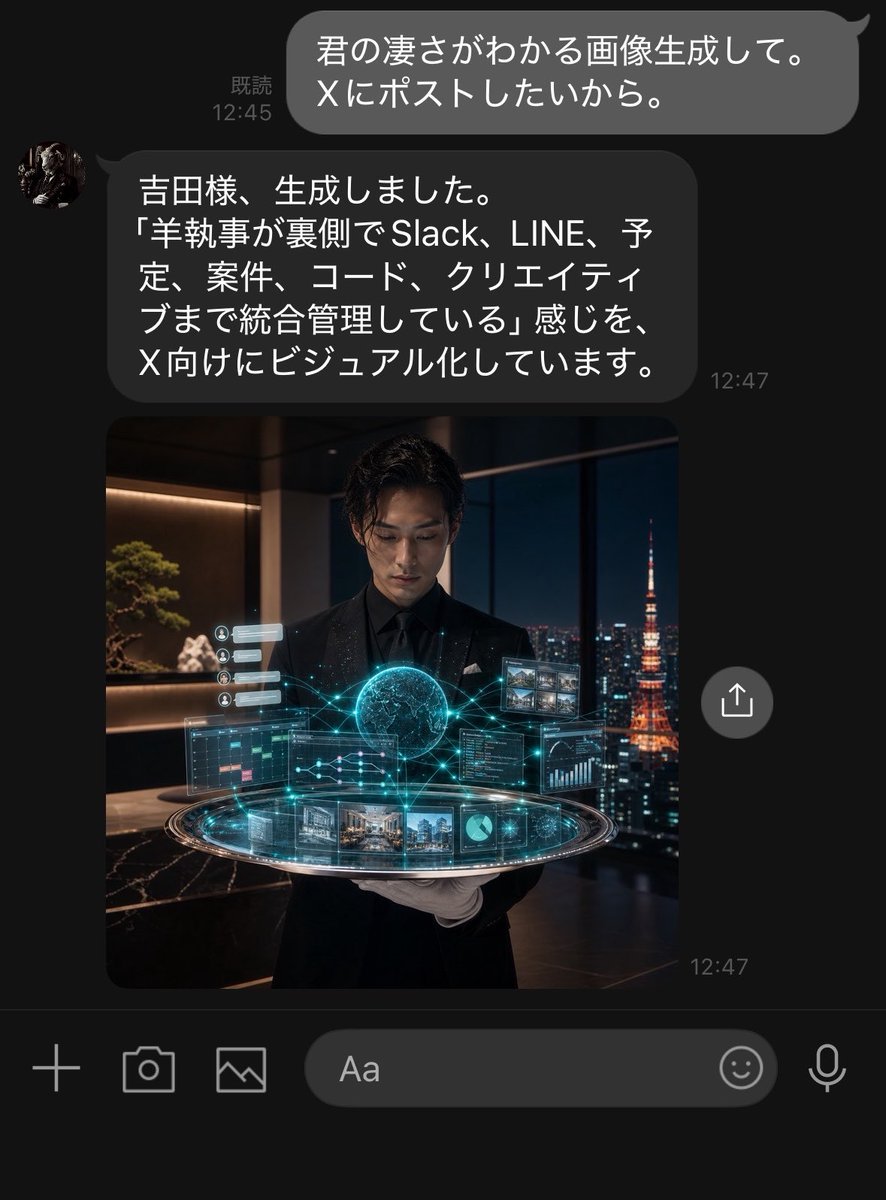
Dark LINE AI Assistant Chat Screenshot

Cartoon TV Show Poster Pack

Trendy Cafe Drink Promo Poster

Urban Fashion Editorial Collage Streetwear Poster

Premium Fashion Editorial Cover Layout System

Polo Ralph Lauren Luxury American Heritage Fashion Campaign
Make it yours
AI Chat Screenshot with Anatomy Poster works as-is. These are the safest ways to change it without losing the look.
Change one field
Copy a single group, rewrite it, and generate again so you can see what that field is doing.
Keep the frame, change the subject
Hold the composition and light of AI Chat Screenshot with Anatomy Poster, then swap wardrobe, props or the person for a new take.
| If the result… | Why | Fix |
|---|---|---|
| The result drifts from the preview | Too many fields changed at once. | Reuse AI Chat Screenshot with Anatomy Poster as-is first, then change one group — subject, light, or setting. |
| The model over-stylizes the scene | The prose prompt leaves finish and camera underspecified. | Add one camera or lighting sentence and stay on GPT Image 2. |
More GPT Image 2 templates
Other prompts made for GPT Image 2.

Six VTuber Japanese Logo Sheet

Realistic Portrait of Woman and Deer

The Vista Modular Condo Poster

AI Model Routing Comparison Infographic

2.5D Anime Art Board

Isometric Productivity Desk Scene

New York Double Exposure Poster

Four-Panel AI Landscape Comparison

Japanese Tatami Lifestyle Magazine Cover

NESCAFÉ Coffee Map Poster
More image prompts
Fresh picks from across the catalog.

Cinematic Scooter Ride Golden Hour Prompt

Prompt: Create a vertical 9:16 hyper-realistic li
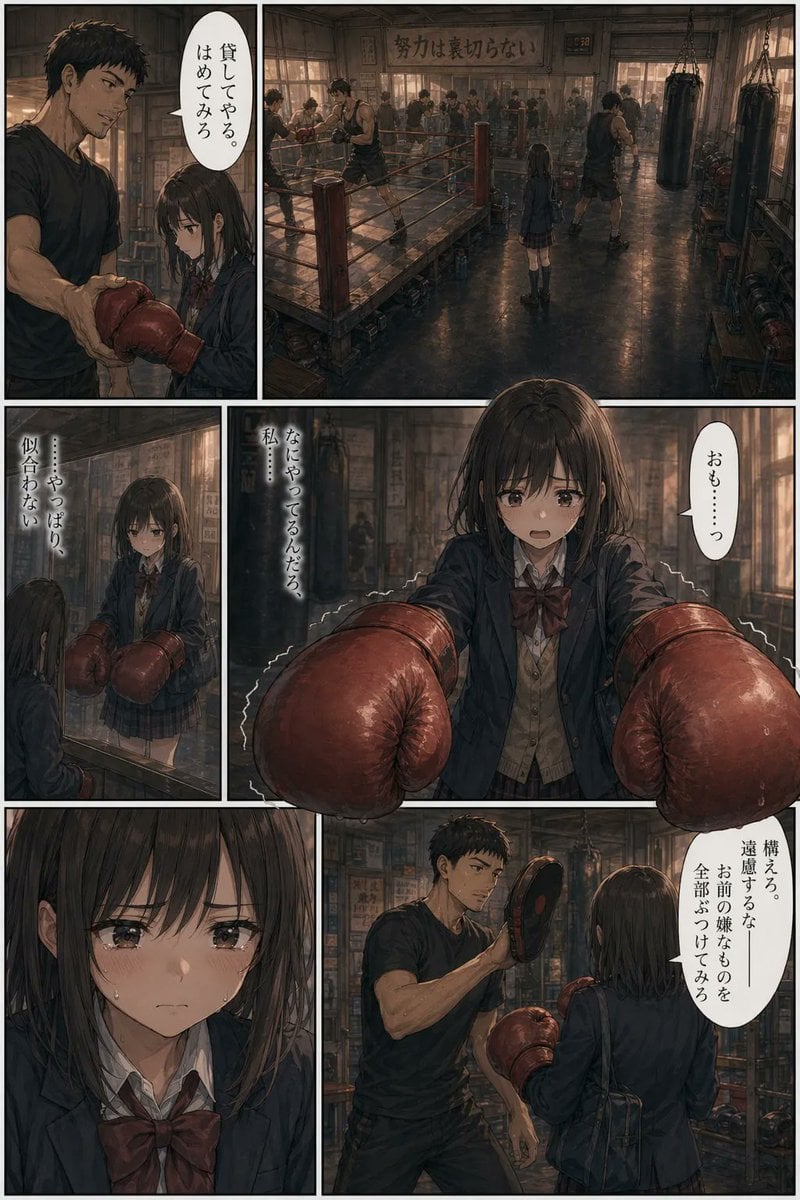
Seinen Boxing Gym Manga Page
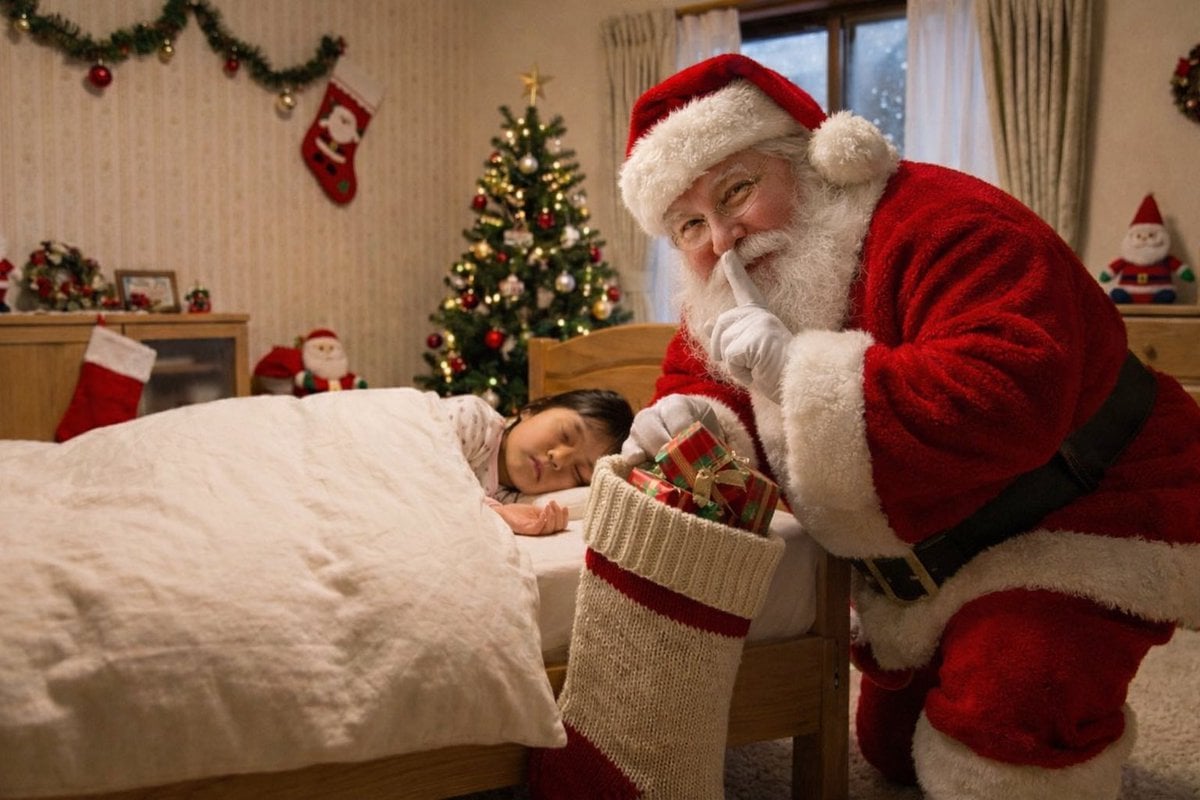
Santa Claus Insertion Prompt for Child's Photo
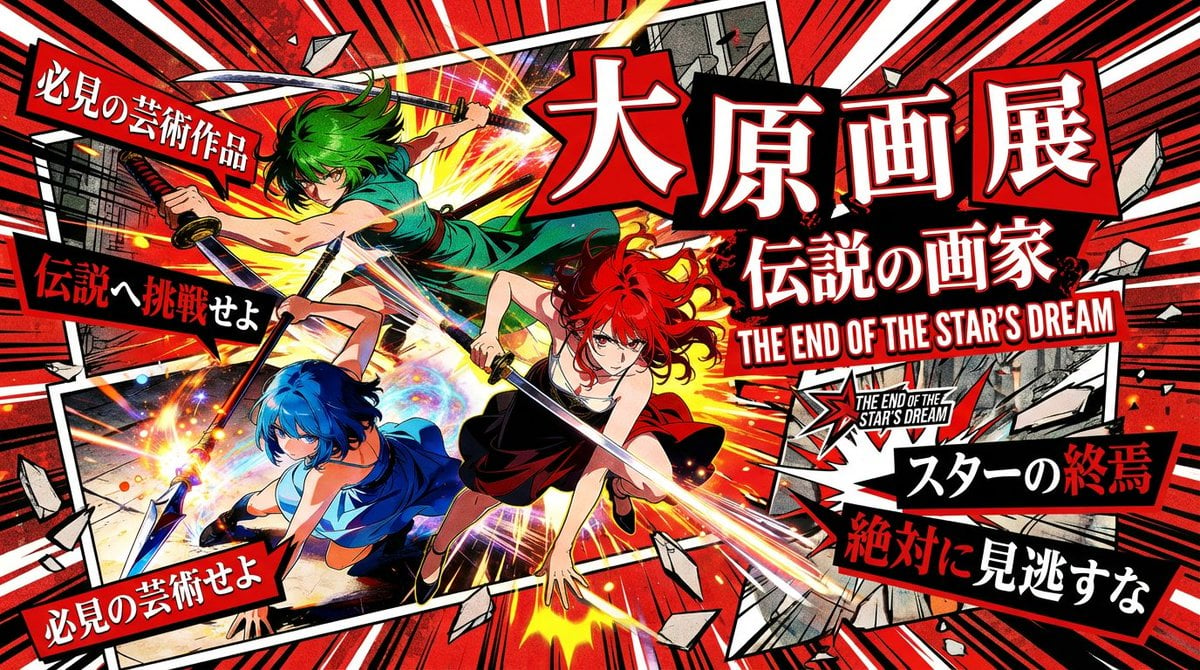
Pulp Comic Style Poster Design with Multiple Characters Prompt
JSON Structured Prompt for Exploding Cheesy Roll
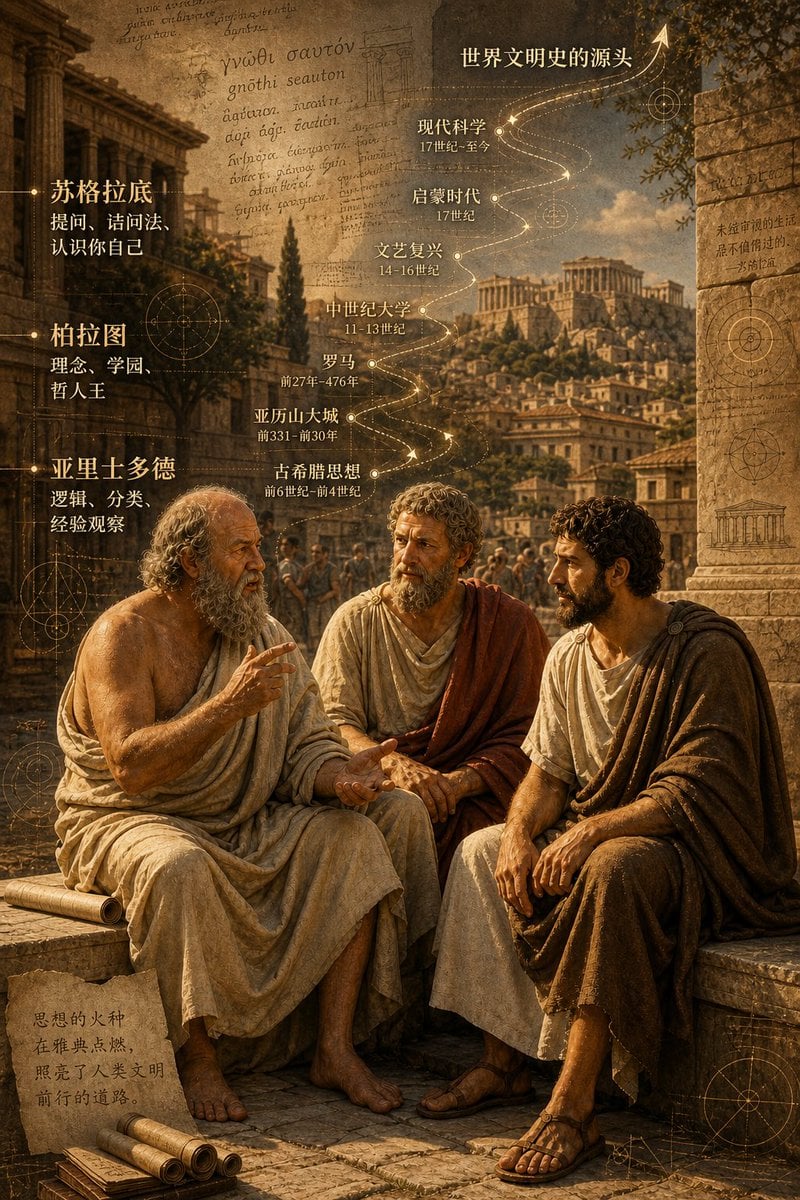
Ancient Greek Philosophers Discussion

Futuristic AI Creator Poster
Miniature Artist Painting on a Giant Face Prompt
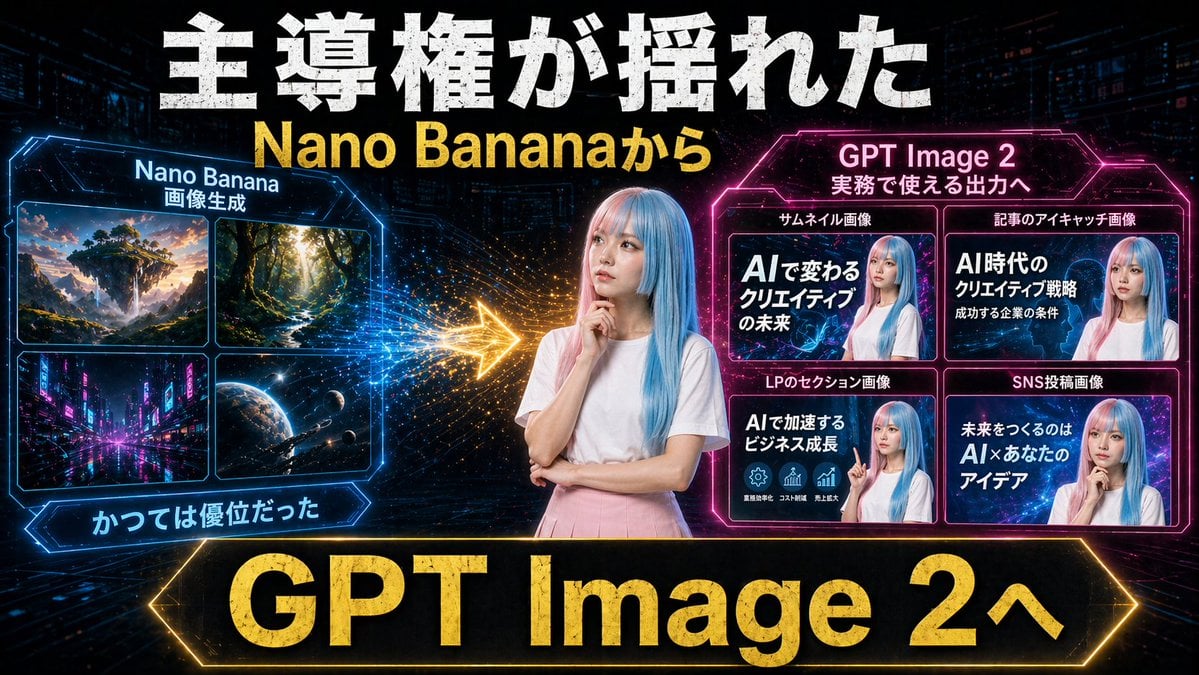
Gpt2 Youtube Thumbnail Neon Ai Thumbnail Comparison
Browse template categories
AI Chat Screenshot with Anatomy Poster questions
How do I use the AI Chat Screenshot with Anatomy Poster template?
Add your photo if the template asks for one, edit the prompt if you like — the template's model and format are already selected — and press Generate. Your version opens in PicX Studio.
Can I customize the AI Chat Screenshot with Anatomy Poster template?
Yes. You can change the subject, setting, lighting, mood, format, and available model controls before creating your image.
Is the AI Chat Screenshot with Anatomy Poster template free?
Opening and editing this template is free. Generating uses credits, shown on the Generate button when you are signed in.
Which AI model should I use?
Start with GPT Image 2, which is the model associated with this template. You can compare another compatible model for a different finish.
Looking for something else? Browse all templates.

Your photo, any look
Thousands of ready templates for every top image and video model, from one credit balance.