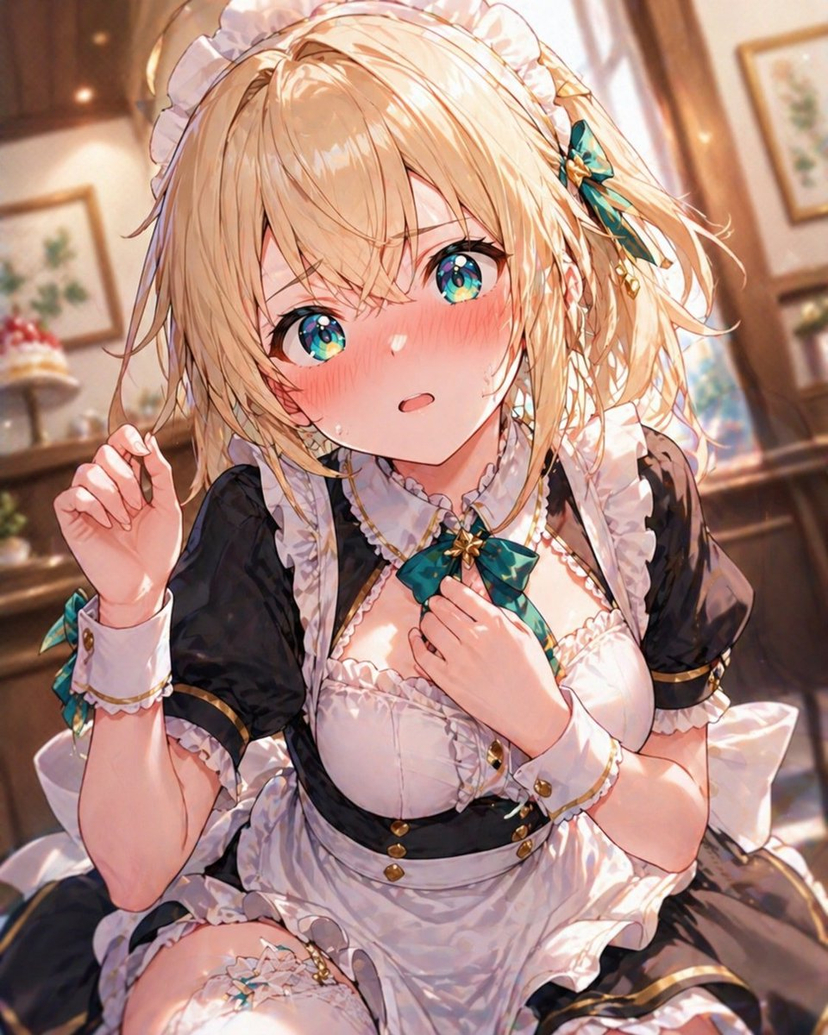
How do I use the Y2K Flash Snapshot Portrait Prompt template?
Choose the primary action to open PicX Studio with the available template settings. Review the model and format, personalize the creative direction, and generate when ready.
A structured prompt for generating a portrait in the aesthetic of an early-2000s digital camera flash snapshot. It details a young woman with jet-black hair and neon purple highlights, wearing a black corset top and Y2K accessories, emphasizing harsh on-camera flash lighting and a candid influencer style. (free to use) — Free AI image template on PicX Studio.
{ "prompt_structure": { "subject": { "demographics": "Young woman, light skin tone", "hair": "Long, straight jet-black hair with neon purple chunky highlights framing the face, center part", "expression": "Confident pout with slightly raised eyebrows, direct eye contact with camera", "pose": "Standing front-facing, both hands lifting hair strands outward near collarbone" }, "outfit": { "top": "Black strapless corset top with lace trim and visible boning, snug fit", "accessories": [ "Sheer black mesh fingerless gloves", "Chrome heart-style choker necklace", "Low-slung silver chain belt at hips" ] }, "makeup": { "eyes": "Bold winged eyeliner, voluminous lashes, sharp brows", "lips": "Glossy nude-pink lipstick" }, "environment": { "location": "Indoor hallway or gallery space", "background": "Large framed abstract artwork in deep blue and black tones" }, "lighting_and_style": { "aesthetic": "Early-2000s digital camera, Y2K party-girl influencer style", "lighting": "Harsh on-camera flash with strong highlights and dark falloff", "quality": "Ultra-sharp subject focus, candid flash snapshot look" } } }
Use Y2K Flash Snapshot Portrait Prompt to plan an AI image around nano-banana-2 generation. Match the preview's composition first, then personalize the subject, setting, and mood for your own project.
Use the primary action to load the template settings in PicX Studio.
Adjust the subject and creative details for your destination.
Create the image, compare the result with the preview, and refine one variable at a time.
A continuous mix — similar concepts first, woven with same-model prompts and fresh picks from the catalog.
Choose the primary action to open PicX Studio with the available template settings. Review the model and format, personalize the creative direction, and generate when ready.
Yes. You can change the subject, setting, lighting, mood, format, and available model controls before creating your image.
This template is free to open and customize. Generation usage is shown in PicX Studio before you create.
Start with nano-banana-2, which is the model associated with this template. You can compare another compatible model for a different finish.
Follow a topic to a crawlable collection of related PicX Studio templates.
39,155 public templates available. Verified via the PicX Studio public templates API; refreshed hourly.
A continuous mix — similar concepts first, woven with same-model prompts and fresh picks from the catalog.