
Voxel Chibi Cat-Ear Girl
Generates a cute voxel-style chibi avatar with neon hair, cat-ear headphones, glasses, school uniform, and a dangling carrot accessory.

- Prompt included
- Model and format preset
- Free template
The prompt behind this image
Copy the exact prompt behind Voxel Chibi Cat-Ear Girl, or open it in the studio and make it yours.
Create a single full-body chibi character render in a chunky low-poly voxel/pixel-art 3D style on a plain white background. The character is a cute petite girl avatar with an oversized head, tiny body, pale skin, huge glossy black eyes with white highlights, a small neutral mouth, and bright {argument name="hair color" default="neon green"} bobbed hair with straight bangs and two short segmented spiral pigtails. She wears large black cat-ear headphones with pointed ears, plus a small skull hair clip on the right side of her bangs. Add oversized purple rounded glasses. Her outfit is a school-uniform-inspired look: black blazer, white shirt, black necktie, green-and-blue plaid skirt, white socks, and black shoes. Behind her on the left side, attach a thin black fishing-rod-like stick or dangling accessory holding exactly 1 small orange carrot with green leaves, hanging beside her head. Pose her standing upright facing slightly to the viewer’s right with arms down, feet close together, cute toy-like proportions. Use visible square pixels, blocky edges, simple flat lighting, subtle ambient shadow, crisp silhouette, and a clean isolated character-design presentation.
How to use Voxel Chibi Cat-Ear Girl in 3 steps
- 1Upload ImagePNG, JPG or paste
Add your photo
Upload the photo the template builds on. The prompt, model and format are already set.
- 2…a portrait of your subject in softgolden-hour light, 85mm…
Personalize
Edit the subject and creative details for your destination.
- 3Generate
Generate
Press Generate — your image is created in PicX Studio, so you can compare it with the original and refine one variable at a time.
More like this
Templates with the same subject, style or setup. Open one to see its prompt.

Minecraft Japanese Research Lab Exploration

Cat-Eared Kimono Girl

Cute Layered Paper Cut Chibi Girl

Chibi Cat-Girl Portrait
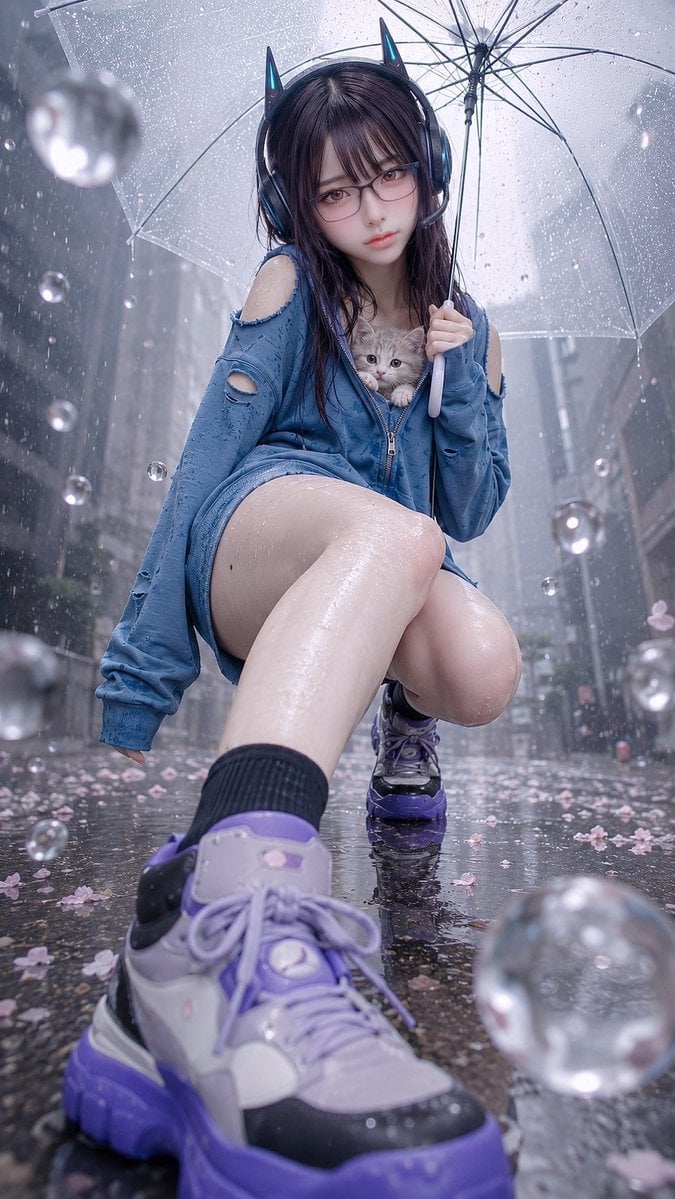
Rainy Cat-Ear Girl with Kitten
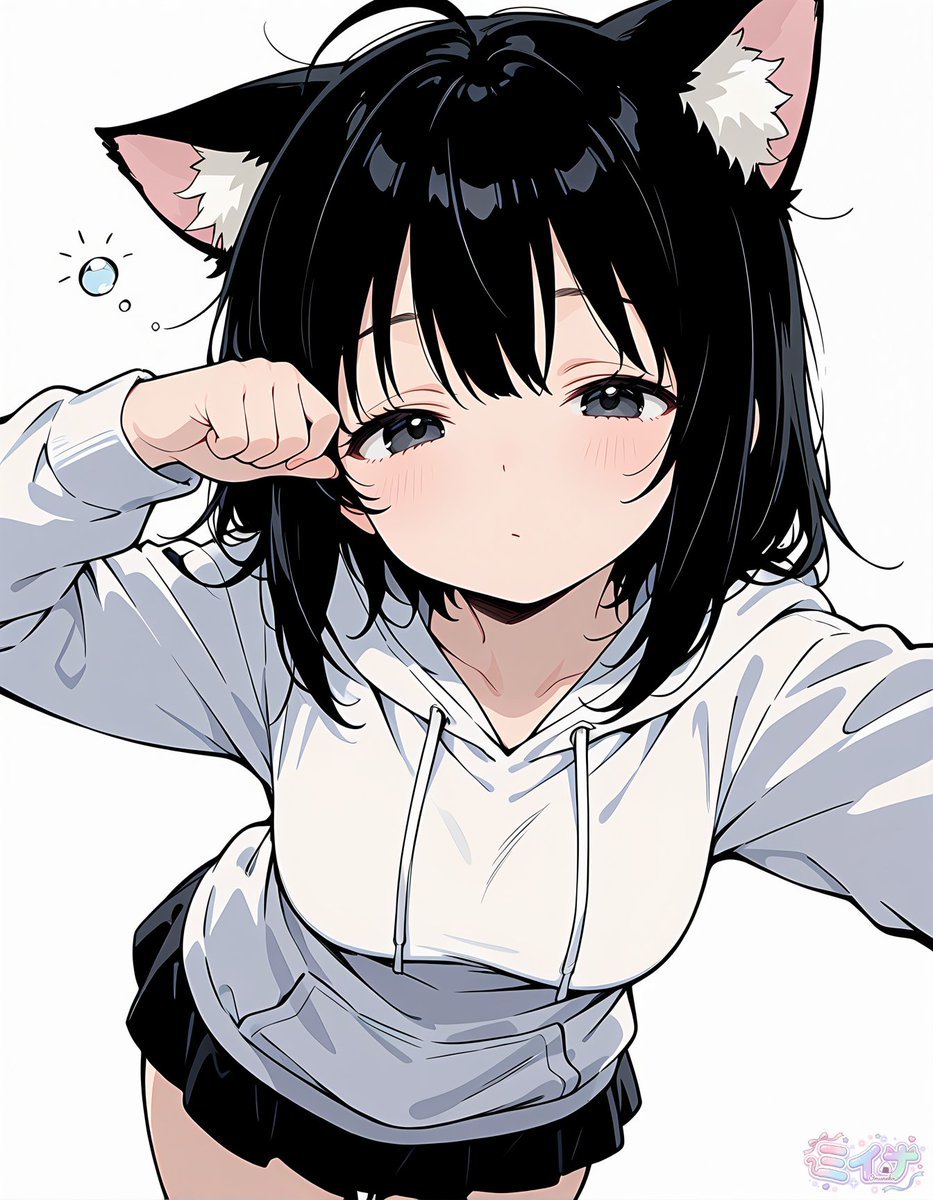
Sleepy Cat-Eared Anime Girl
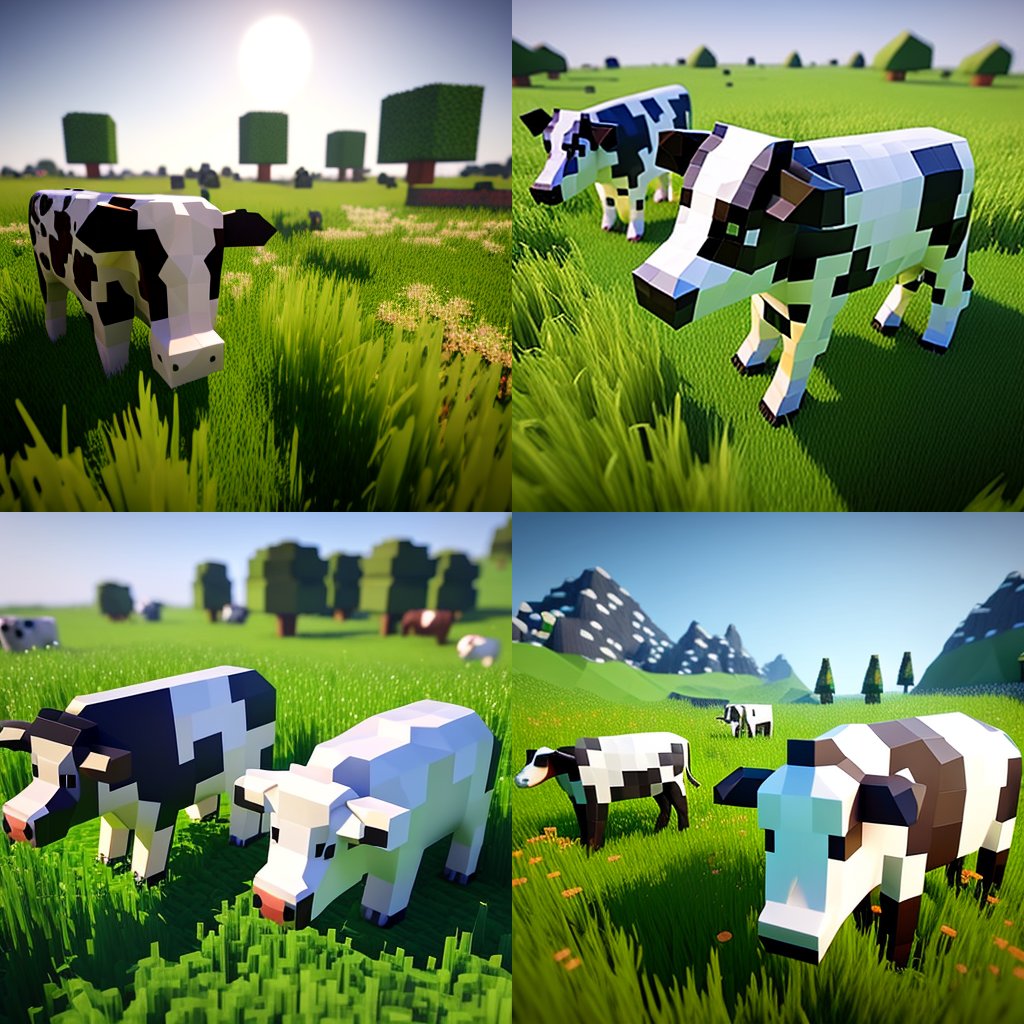
Hyper-Realistic Minecraft Cows Grazing

Hyper-Realistic Minecraft POV Portrait

Minecraft Homage Illustrious Style

Minecraft Voxel Pixel Art Aesthetic System

Minecraft Next-Gen Voxel World Screenshot

Teen Girl Alpine Lake Mountain View
Make it yours
Voxel Chibi Cat-Ear Girl works as-is. These are the safest ways to change it without losing the look.
Change one field
Copy a single group, rewrite it, and generate again so you can see what that field is doing.
Keep the frame, change the subject
Hold the composition and light of Voxel Chibi Cat-Ear Girl, then swap wardrobe, props or the person for a new take.
| If the result… | Why | Fix |
|---|---|---|
| The result drifts from the preview | Too many fields changed at once. | Reuse Voxel Chibi Cat-Ear Girl as-is first, then change one group — subject, light, or setting. |
| The model over-stylizes the scene | The prose prompt leaves finish and camera underspecified. | Add one camera or lighting sentence and stay on GPT Image 2. |
More GPT Image 2 templates
Other prompts made for GPT Image 2.

Six VTuber Japanese Logo Sheet

Realistic Portrait of Woman and Deer

The Vista Modular Condo Poster

AI Model Routing Comparison Infographic

2.5D Anime Art Board

Isometric Productivity Desk Scene

New York Double Exposure Poster

Four-Panel AI Landscape Comparison

Japanese Tatami Lifestyle Magazine Cover

NESCAFÉ Coffee Map Poster
More image prompts
Fresh picks from across the catalog.
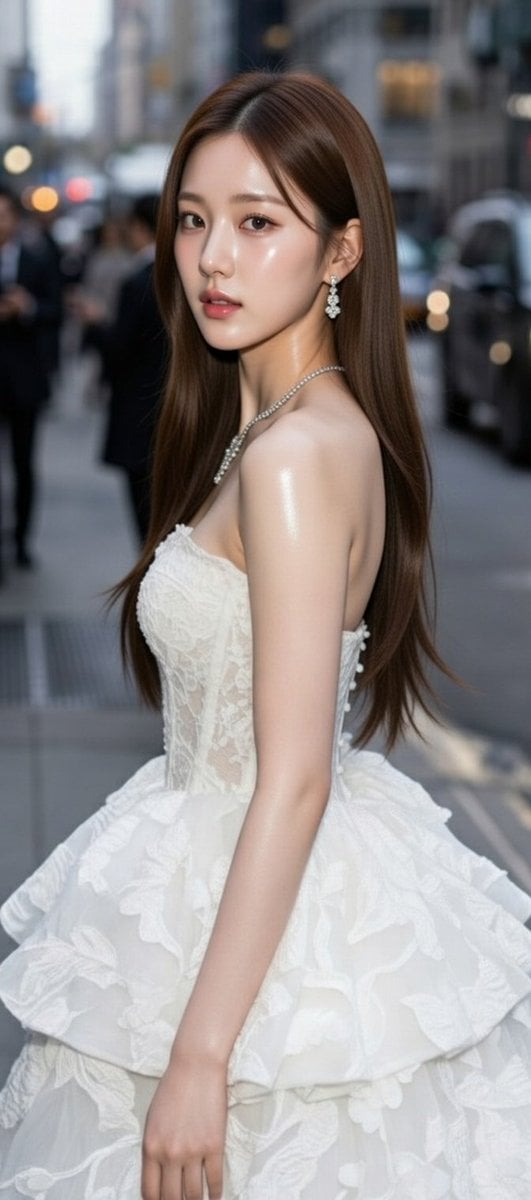
High-Fashion Candid Portrait of Zhao Lusi
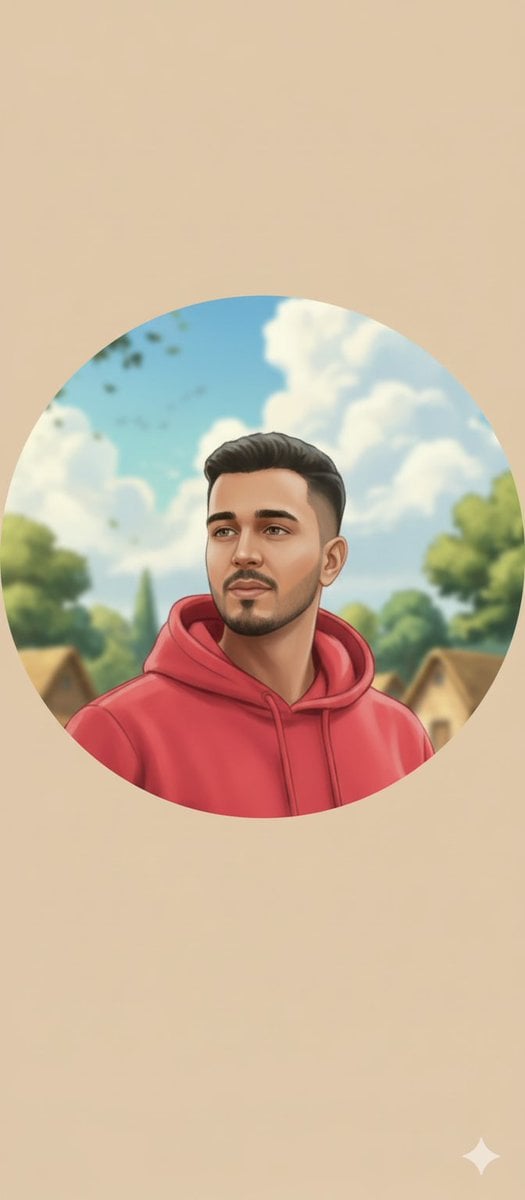
Circular Profile Picture Style Transfer
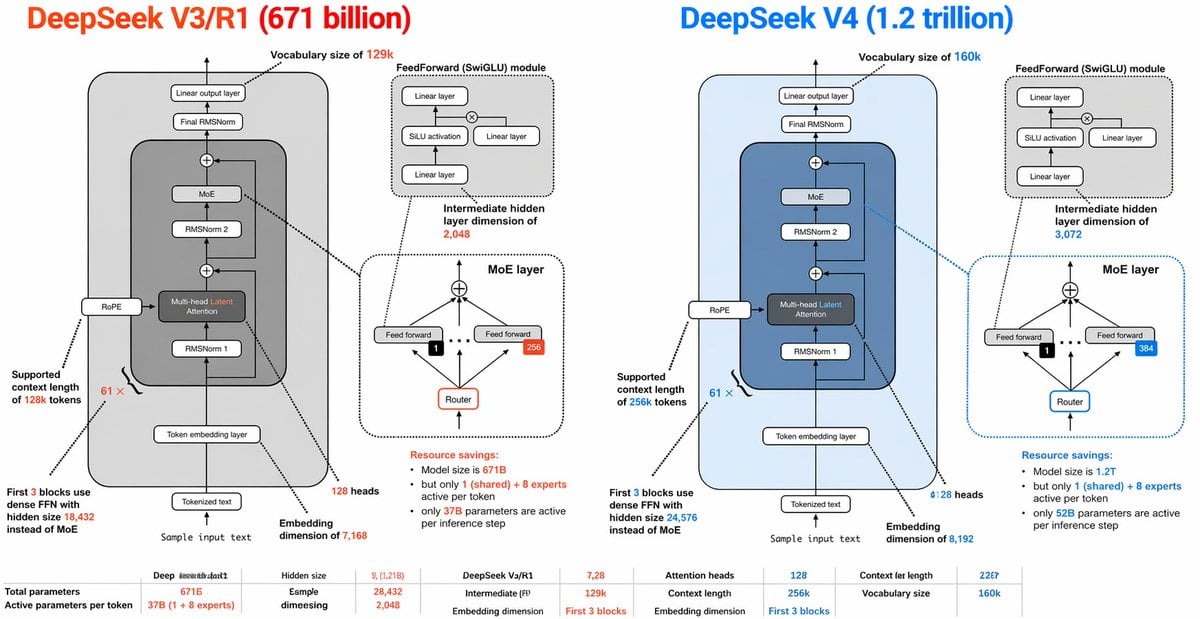
DeepSeek V3 vs V4 Architecture Infographic
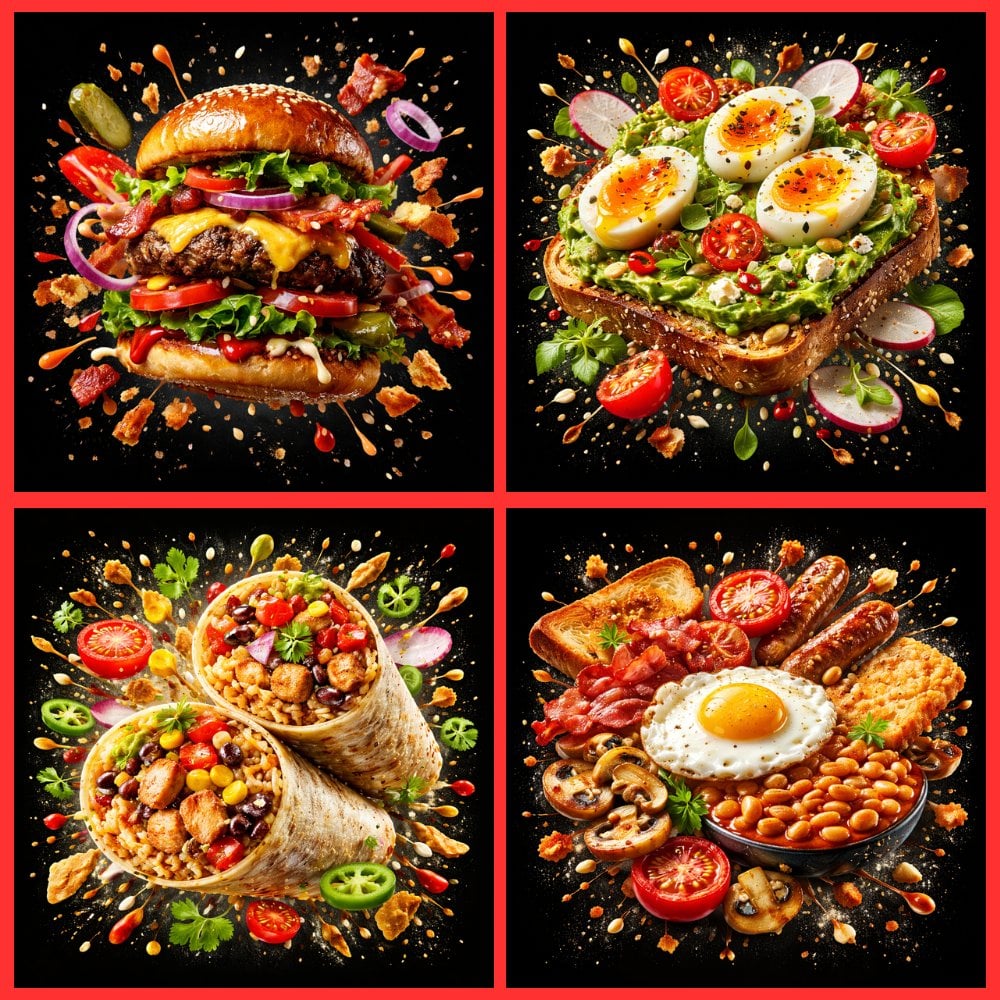
Food Explosion Poster Generator
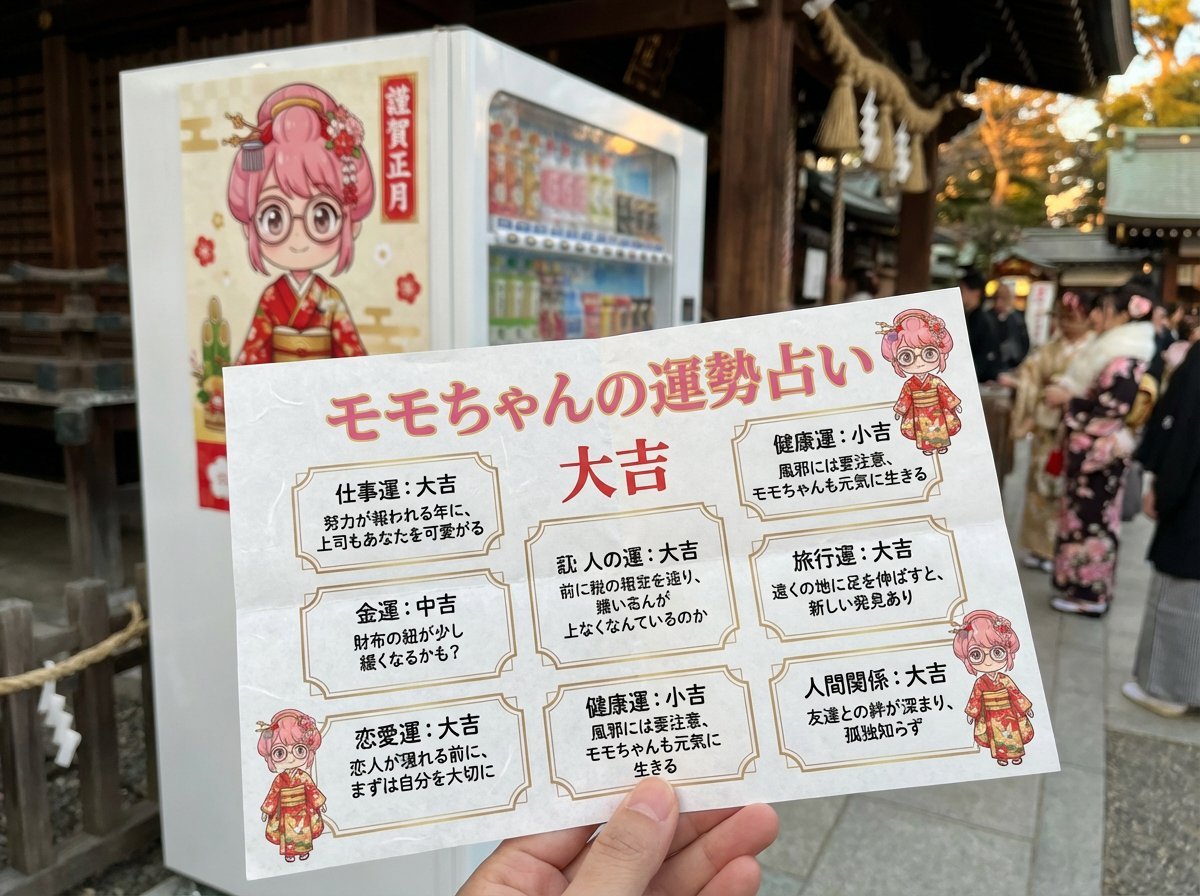
Omikuji (Fortune Slip) Generation Prompt with Character Integration
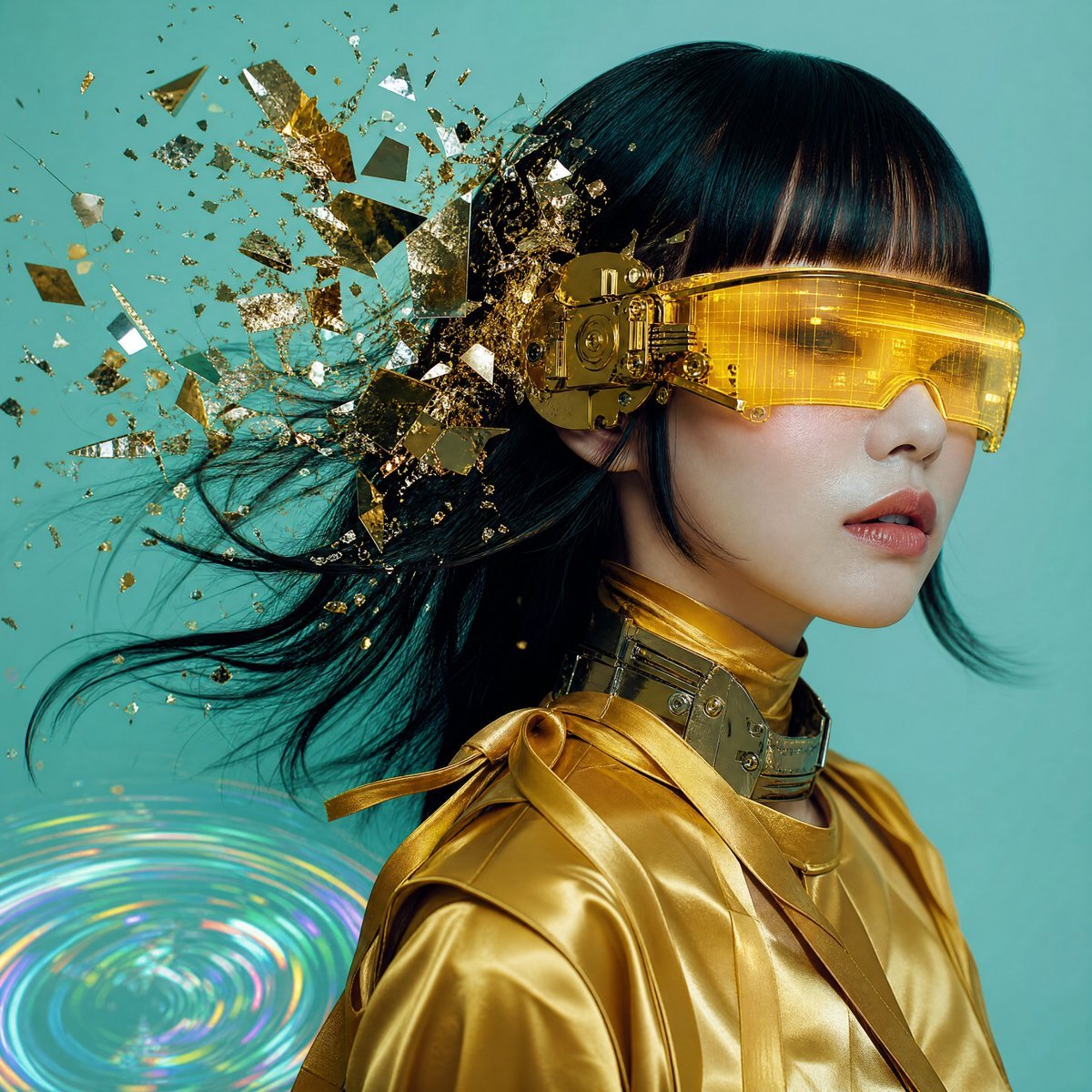
Editorial Portrait with Asymmetrical Composition
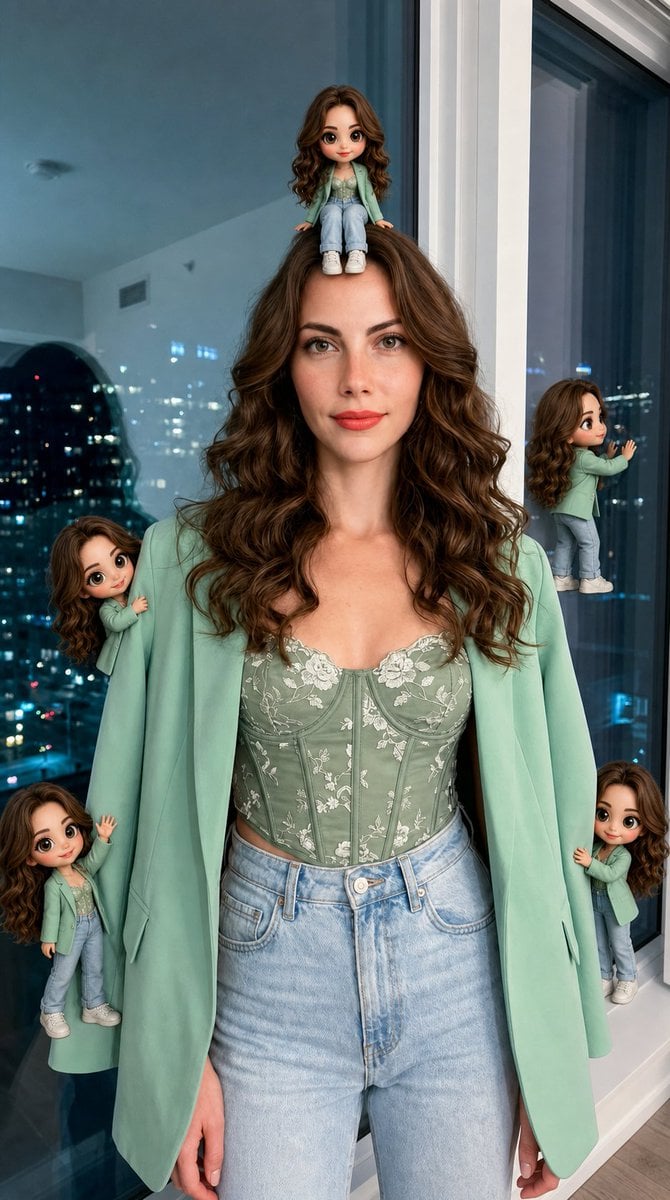
Hyper-Realistic Subject with Mini Chibi Clones

Luxury Watch Fashion Ad
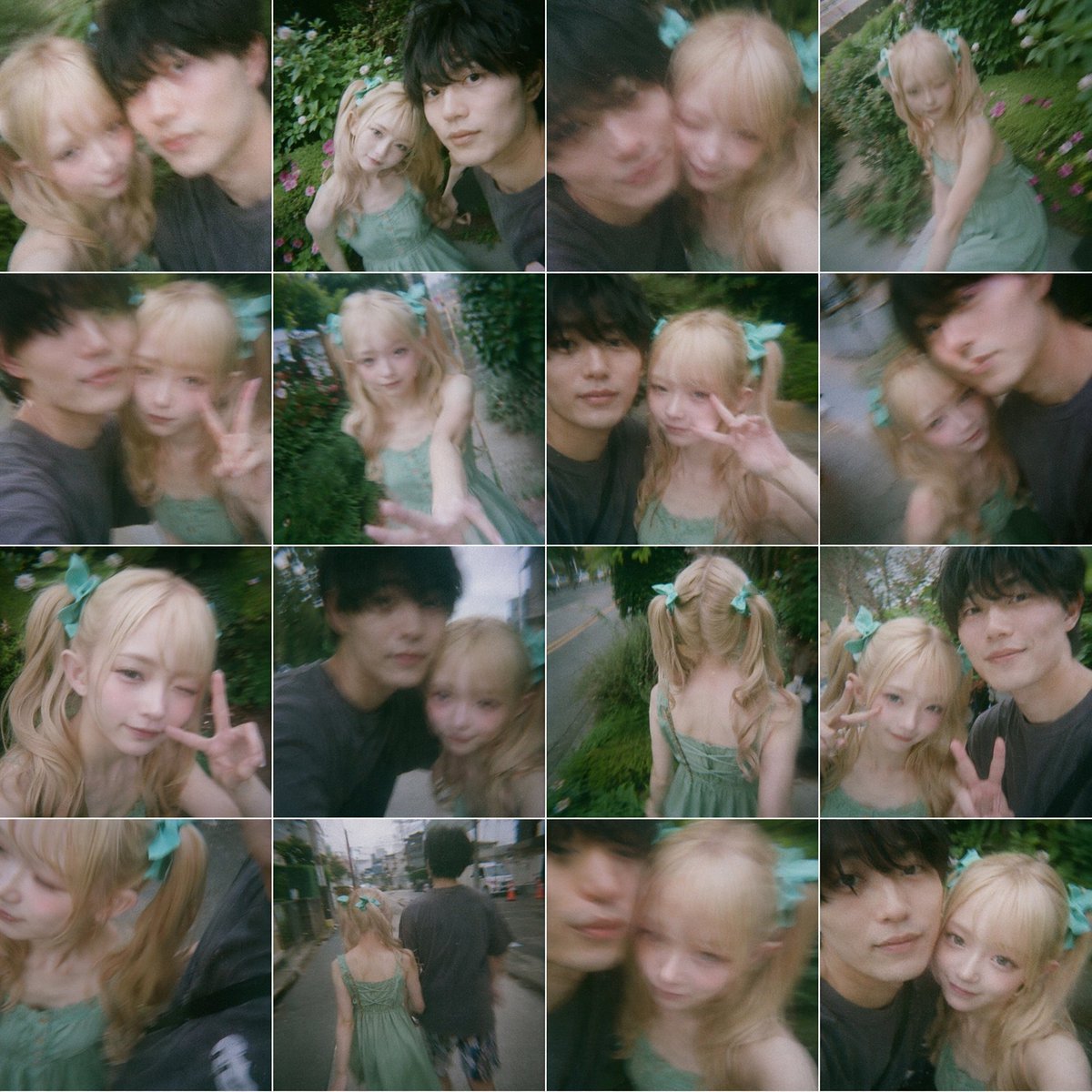
Dreamy 16-Photo Couple Walk Collage
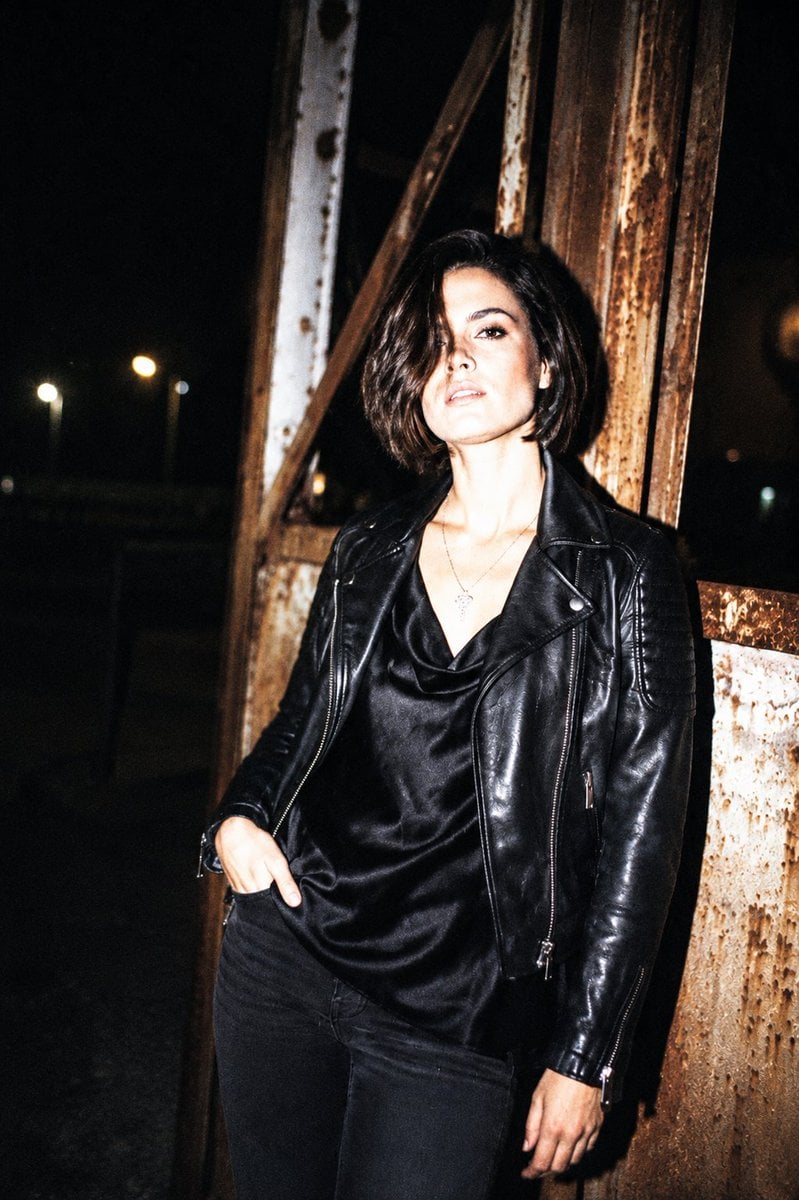
Nightlife Editorial Flash Style
Featured in prompt roundups
Hand-picked collections that include this template.
Browse template categories
Voxel Chibi Cat-Ear Girl questions
How do I use the Voxel Chibi Cat-Ear Girl template?
Add your photo if the template asks for one, edit the prompt if you like — the template's model and format are already selected — and press Generate. Your version opens in PicX Studio.
Can I customize the Voxel Chibi Cat-Ear Girl template?
Yes. You can change the subject, setting, lighting, mood, format, and available model controls before creating your image.
Is the Voxel Chibi Cat-Ear Girl template free?
Opening and editing this template is free. Generating uses credits, shown on the Generate button when you are signed in.
Which AI model should I use?
Start with GPT Image 2, which is the model associated with this template. You can compare another compatible model for a different finish.
Looking for something else? Browse all templates.

Your photo, any look
Thousands of ready templates for every top image and video model, from one credit balance.