How do I use the gpt2-profile-avatar-blonde-maid-in-warm-cafe template?
Choose the primary action to open PicX Studio with the available template settings. Review the model and format, personalize the creative direction, and generate when ready.
This prompt generates a detailed anime portrait of a blonde maid seated in a warm cafe interior, ideal for VTuber fan art, character illustrations, or elegant maid-themed AI art. Change the subject, setting, or lighting one variable at a time.

A polished anime-style portrait of {argument name="character" default="a blonde female VTuber-inspired maid"} seated indoors in a cozy sunlit cafe, framed from upper thighs to head in a slightly high, intimate angle. She has short to medium-length tousled {argument name="hair color" default="golden blonde"} hair with soft layers, a white frilled maid headband, and a teal ribbon hair accessory with a small gold ornament on the right side. Her face is mostly obscured by the hair falling forward, creating a mysterious hidden-face composition. She wears an elegant black-and-white maid dress with puff sleeves, white ruffles, gold trim, a fitted bodice, a white apron, and a large white waist bow visible at the side and back. Add 2 teal bows with gold star-like charms: 1 at the collar and 1 on the wrist. Her right hand gently touches the bow at her chest, and her left hand is raised delicately near her shoulder holding a loose strand of hair. Include a frilly lace garter on her exposed thigh with a small teal-and-gold ribbon decoration. The background is a warmly lit European-style cafe interior with wooden beams, framed botanical art on the walls, a softly blurred cake stand on the left, window light streaming in, and tiny glowing dust-like sparkles in the air. Use soft golden afternoon lighting, shallow depth of field, glossy detailed fabric rendering, delicate skin shading, subtle romantic atmosphere, and highly detailed refined anime illustration quality.
Choose the primary action to open PicX Studio with the available template settings. Review the model and format, personalize the creative direction, and generate when ready.
Yes. You can change the subject, setting, lighting, mood, format, and available model controls before creating your image.
This template is free to open and customize. Generation usage is shown in PicX Studio before you create.
Start with GPT Image 2, which is the model associated with this template. You can compare another compatible model for a different finish.
Follow a topic to a crawlable collection of related PicX Studio templates.
43,474 public templates available. Verified via the PicX Studio public templates API; refreshed hourly.
Prompt stories that include this template.







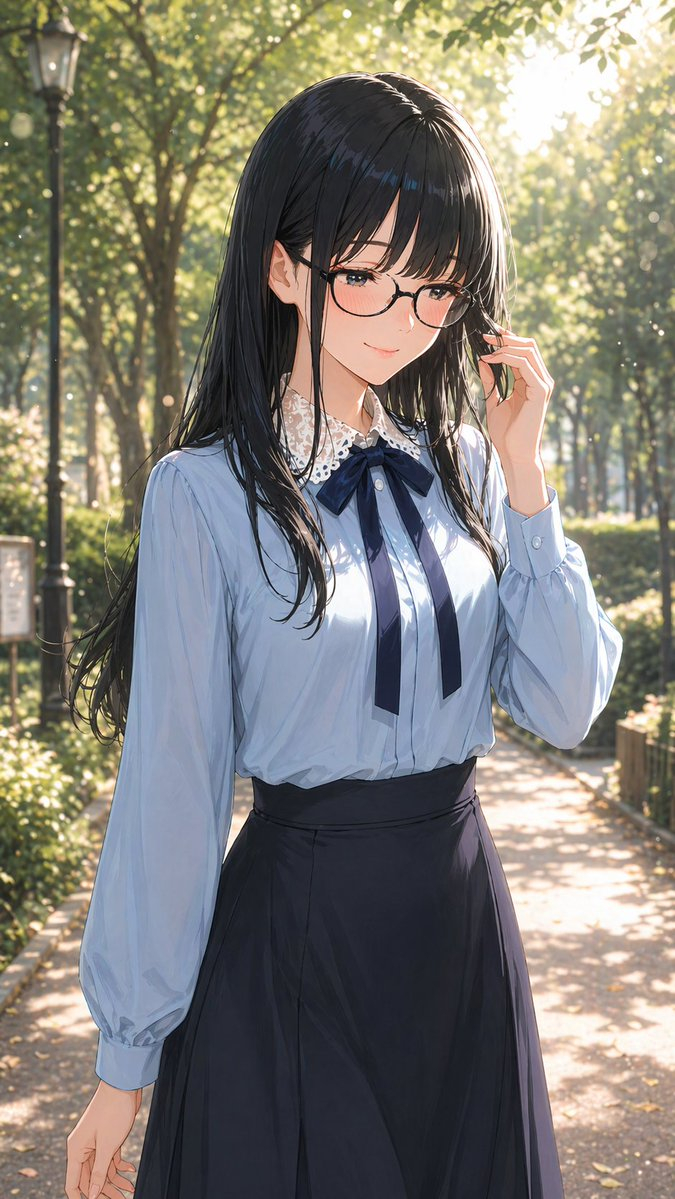

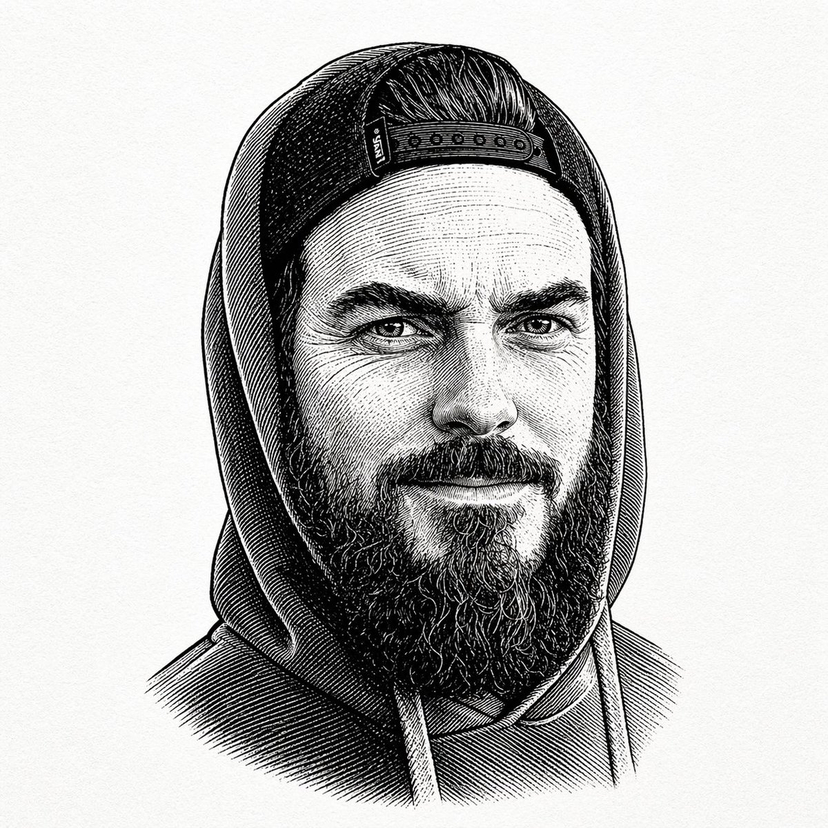






![Minimalist Flat Vector Travel Poster — Premium minimalist flat-vector travel poster for {argument name="city name" default="[CITY_NAME]"}, 3:4 vertical format.](https://cms-assets.youmind.com/media/1787917359711_3ug846_HQX205cbMAA6F6S-300x400.jpg)



















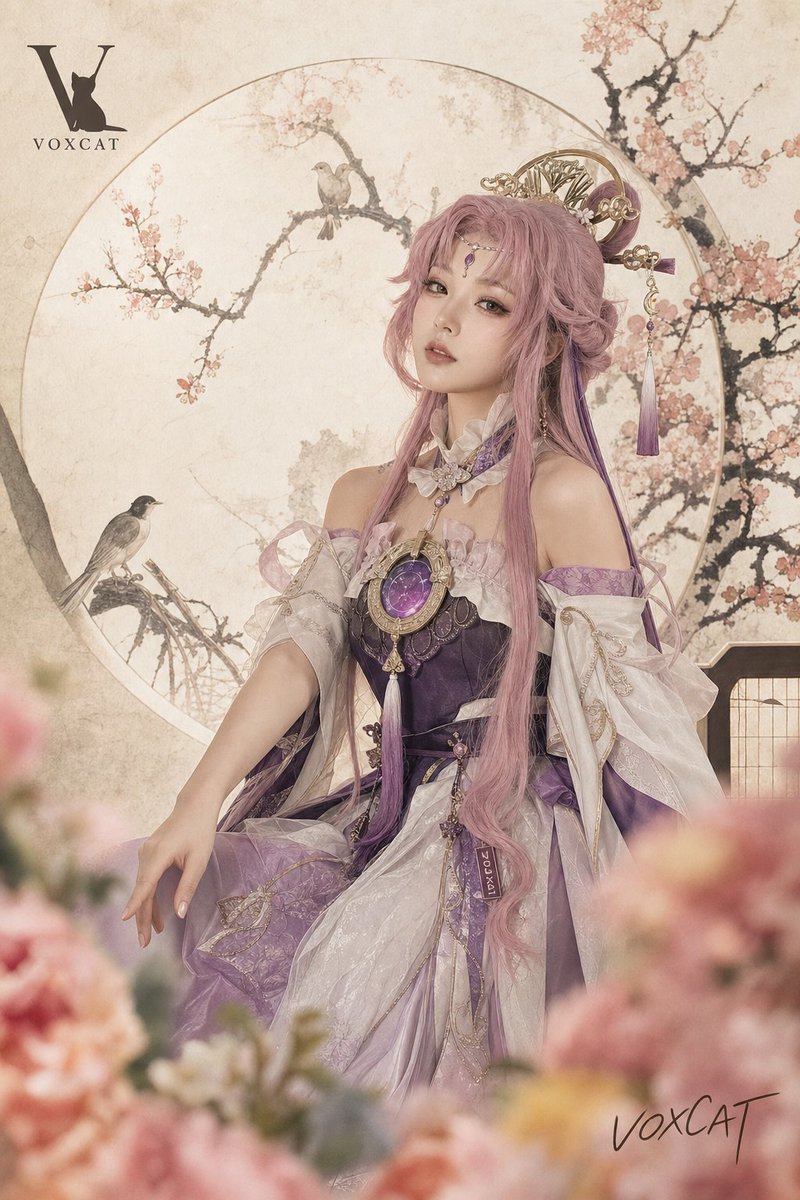
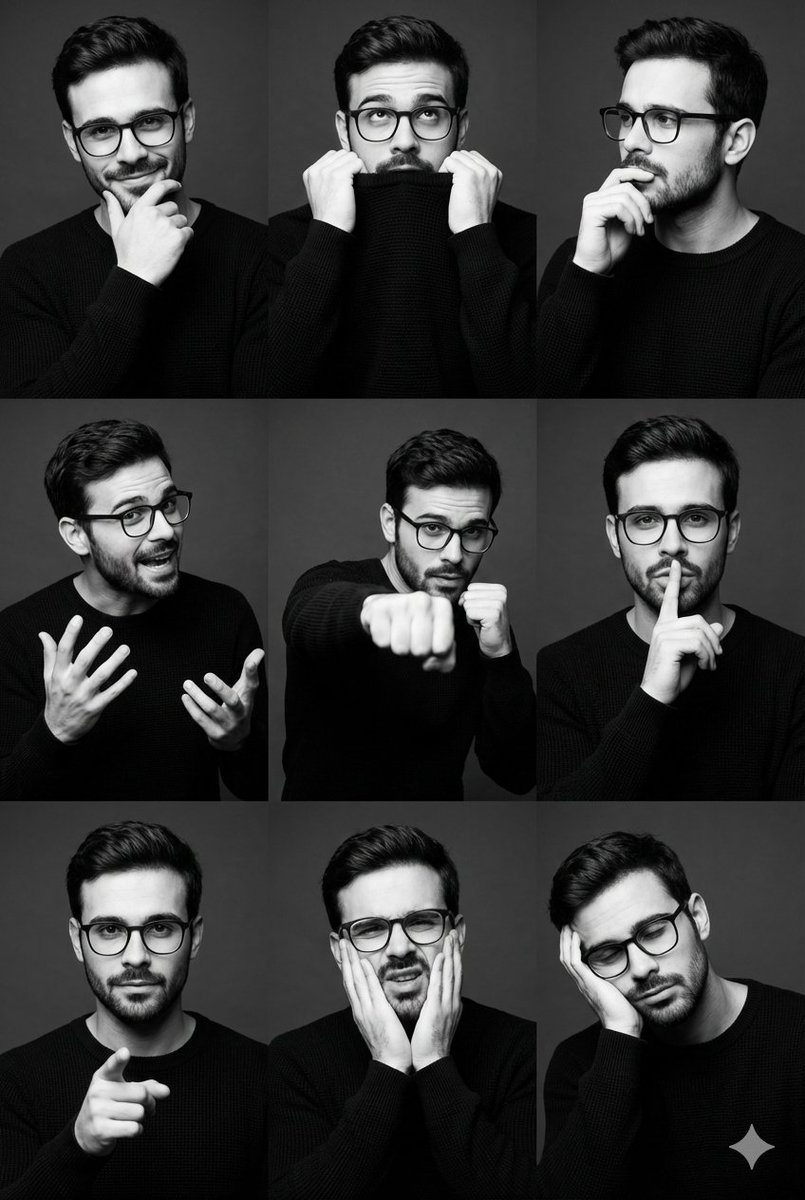













![Hand-drawn isometric landmark schematic — Create a hand drawn isometric schematic diagram of {argument name="landmark" default="[LANDMARK]"}. {argument name="di](https://pbs.twimg.com/media/G6inJYdXcAAtK84.jpg)
