How do I use the Urban Street Fashion Portrait template?
Choose the primary action to open PicX Studio with the available template settings. Review the model and format, personalize the creative direction, and generate when ready.
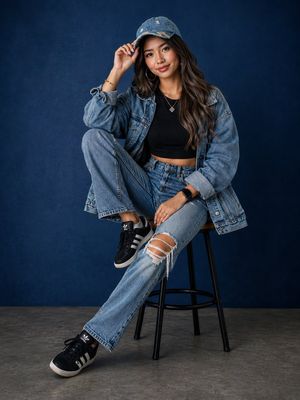
A clean prompt for an urban street portrait featuring a stylized subject with bokeh graffiti background and soft natural lighting. Change the subject, setting, or lighting one variable at a time.
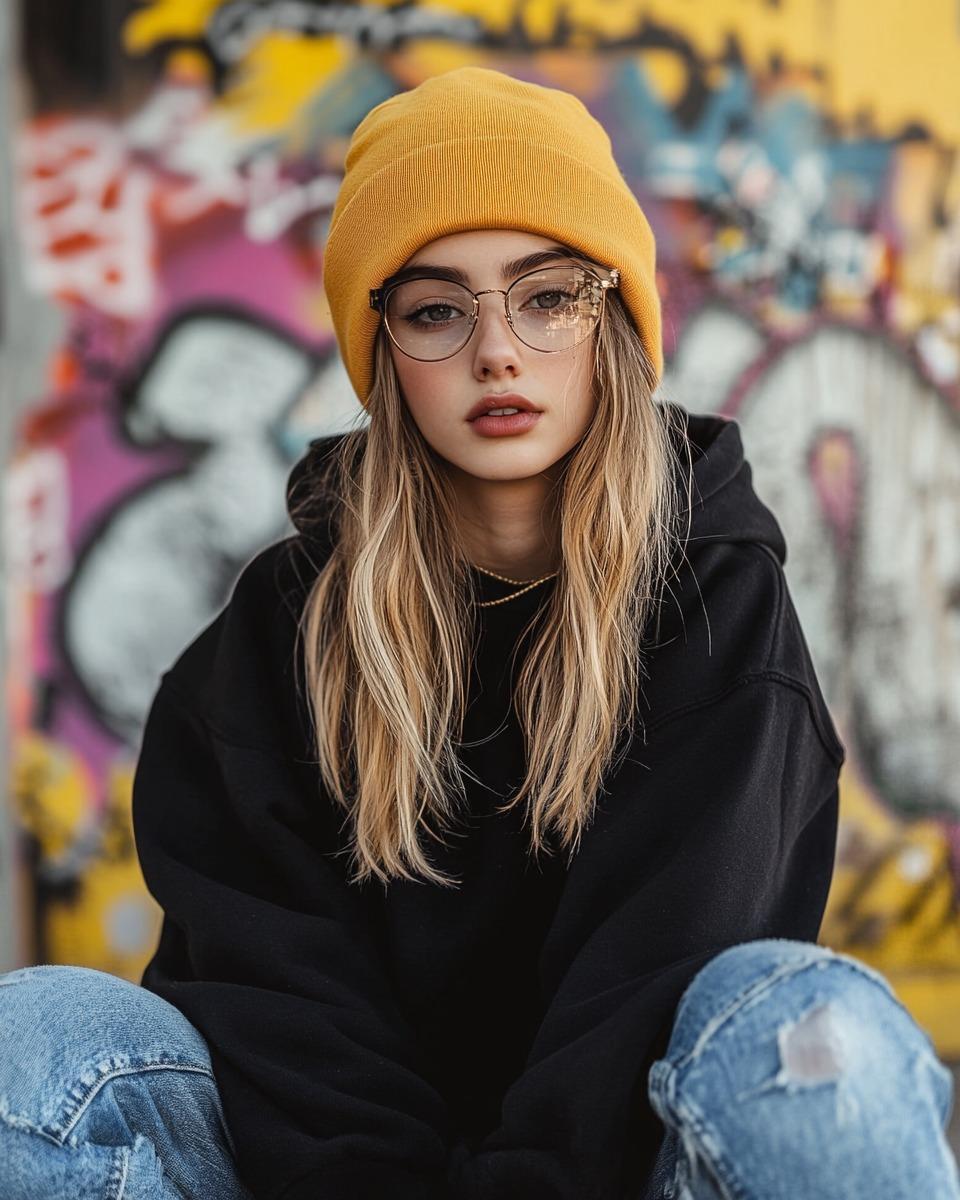
Cinematic urban street portrait of a stylish young woman sitting casually, wearing a {argument name="hat type" default="mustard yellow beanie"}, round glasses, oversized black hoodie, and ripped blue jeans, soft natural lighting, shallow depth of field, graffiti wall background with vibrant colors blurred (bokeh effect), centered composition, direct eye contact, calm confident expression, detailed facial features, natural skin texture, soft color grading with warm tones, streetwear aesthetic, editorial photography style, 85mm lens, ultra-realistic, 4K
Choose the primary action to open PicX Studio with the available template settings. Review the model and format, personalize the creative direction, and generate when ready.
Yes. You can change the subject, setting, lighting, mood, format, and available model controls before creating your image.
This template is free to open and customize. Generation usage is shown in PicX Studio before you create.
Start with GPT Image 2, which is the model associated with this template. You can compare another compatible model for a different finish.
© 2026 PicX Studio. All rights reserved.

Follow a topic to a crawlable collection of related PicX Studio templates.
43,474 public templates available. Verified via the PicX Studio public templates API; refreshed hourly.
















![Minimalist Flat Vector Travel Poster — Premium minimalist flat-vector travel poster for {argument name="city name" default="[CITY_NAME]"}, 3:4 vertical format.](https://cms-assets.youmind.com/media/1787917359711_3ug846_HQX205cbMAA6F6S-300x400.jpg)