
Mona-lisa-1 Cyberpunk Profile Avatar
Generates a circular cyberpunk profile portrait with a clean white title header, useful for social media comparison graphics or model showcase posts.
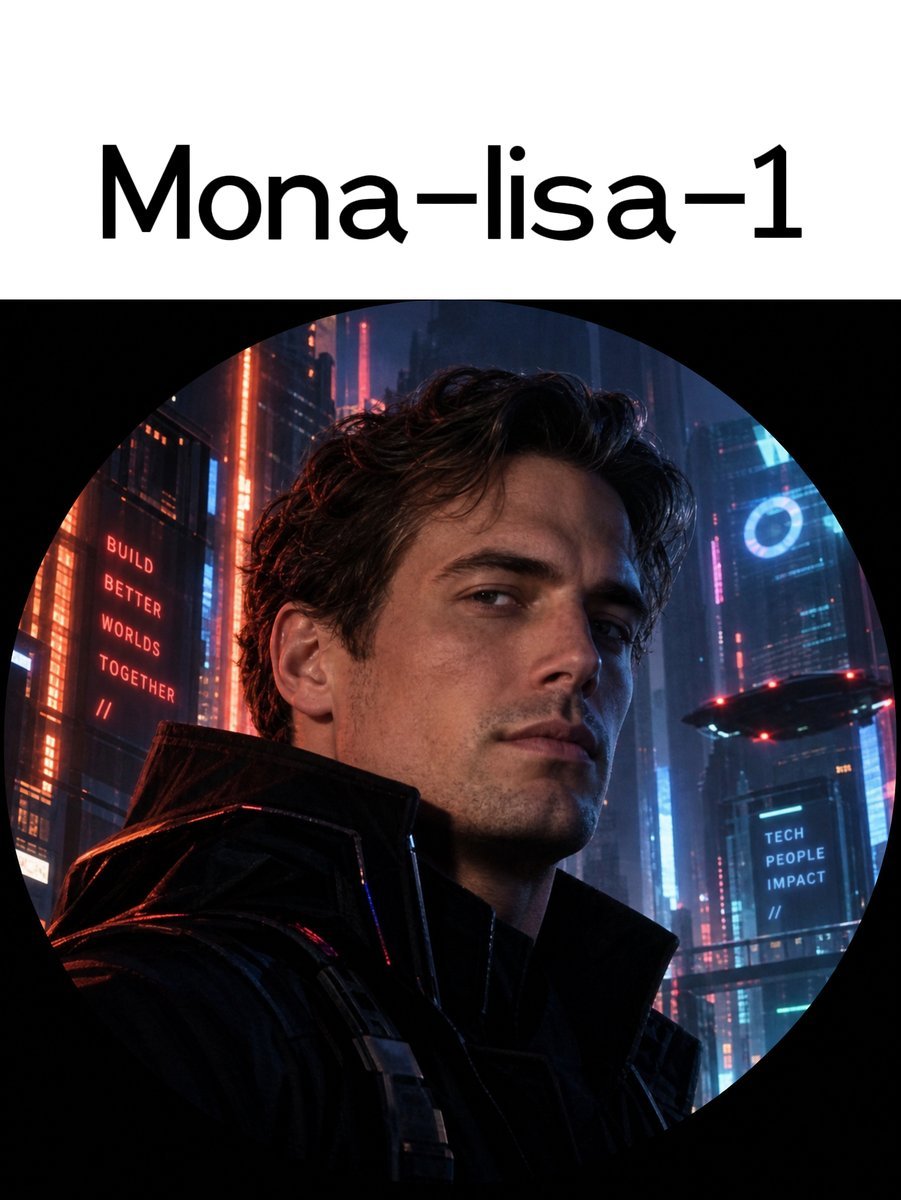
- Prompt included
- Model and format preset
- Free template
The prompt behind this image
Copy the exact prompt behind Mona-lisa-1 Cyberpunk Profile Avatar, or open it in the studio and make it yours.
Create a clean social-media profile style image on a vertical 3:4 canvas with a white header band at the top and a large circular avatar image below. In the header, center the large black sans-serif title text {argument name="title text" default="Mona-lisa-1"}, using a modern rounded font, with generous white space. Below it, place one perfectly circular image crop against a black surrounding background, like a Twitter/X profile picture preview. Inside the circle, show a cinematic photorealistic cyberpunk portrait of {argument name="character description" default="a handsome young man with wavy dark brown hair, light stubble, sharp cheekbones, and a calm confident expression"}, framed from chest to head, slightly turned toward the viewer, wearing {argument name="outfit" default="a black futuristic high-collar leather jacket with subtle tactical straps"}. The background inside the circle is a dense rainy neon megacity at night with tall skyscrapers, blue and red lighting, glowing windows, atmospheric haze, and a small hovering futuristic vehicle on the right. Include exactly 3 visible text elements: 1) the top header title “Mona-lisa-1”, 2) a red vertical building sign on the left reading {argument name="left sign text" default="BUILD BETTER WORLDS TOGETHER //"}, and 3) a blue sign on the right reading {argument name="right sign text" default="TECH PEOPLE IMPACT //"}. Use high-detail realistic lighting, dramatic rim light, red highlights on the left side of the jacket, cool blue light on the right side of the face, shallow depth of field, and a premium sci-fi movie-poster aesthetic. Keep the circle crop obvious and accurate, with the portrait and city fully contained inside the circular mask; avoid extra logos, watermarks, or additional text.
How to use Mona-lisa-1 Cyberpunk Profile Avatar in 3 steps
- 1Upload ImagePNG, JPG or paste
Add your photo
Upload the photo the template builds on. The prompt, model and format are already set.
- 2…a portrait of your subject in softgolden-hour light, 85mm…
Personalize
Edit the subject and creative details for your destination.
- 3Generate
Generate
Press Generate — your image is created in PicX Studio, so you can compare it with the original and refine one variable at a time.
More like this
Templates with the same subject, style or setup. Open one to see its prompt.

Cyberpunk Neon Profile Fashion Portrait
Low-Angle Cyberpunk Neon Profile Portrait

Cinematic Sci-Fi Interface Side Profile
Cinematic Sci-Fi Commander Side Profile Portrait
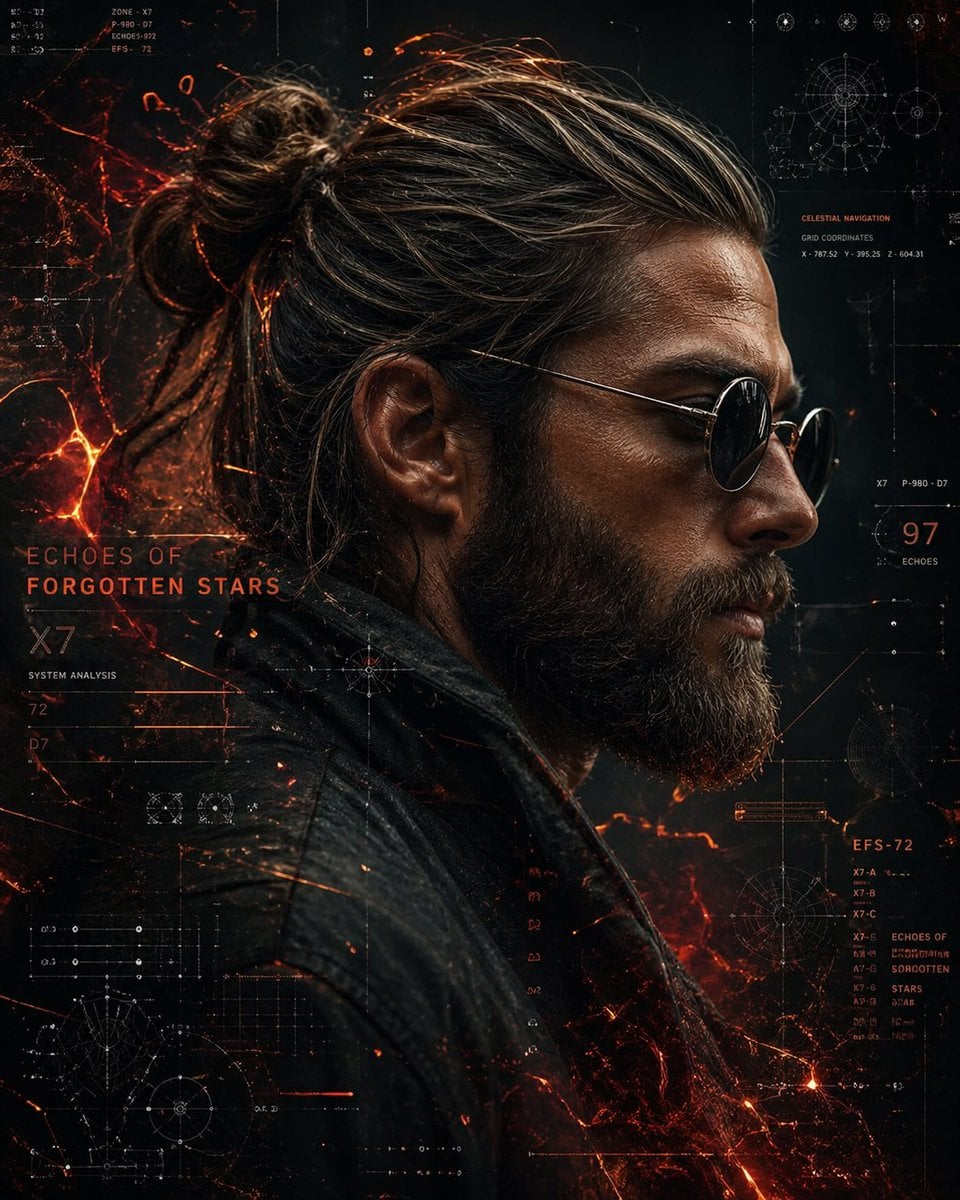
Cinematic Side Profile Cyberpunk Hero Poster
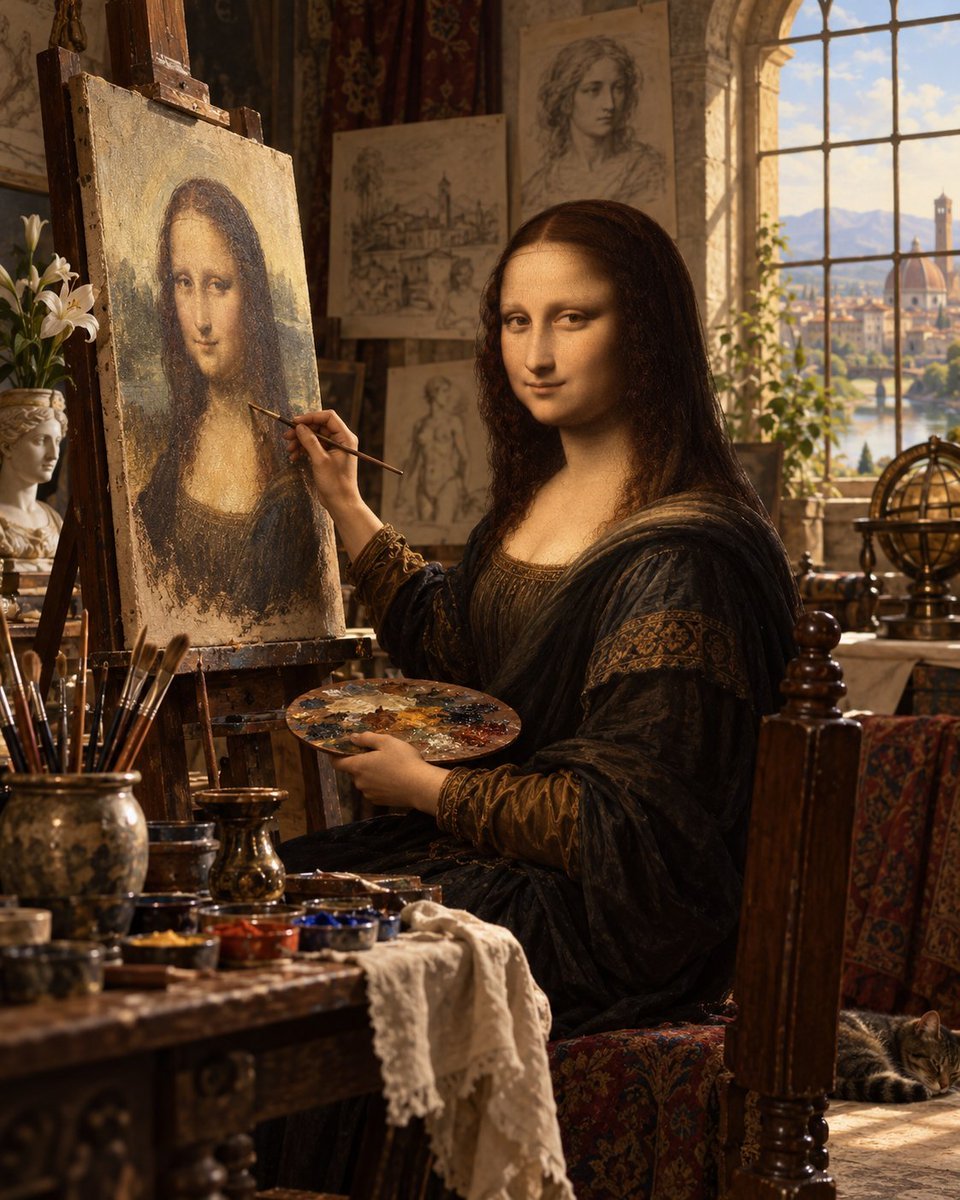
Mona Lisa Renaissance Studio Scene

Rainy Night Android Cyberpunk Portrait

Korean Idol Partial Shadow Editorial Portrait

Cinematic Neon Light Strip Studio Portrait

Futuristic Studio Neon Ring Minimalist Portrait

Neon Violet Streetwear Fashion Portrait

Neon Night Crosswalk Candid Portrait
Make it yours
Mona-lisa-1 Cyberpunk Profile Avatar works as-is. These are the safest ways to change it without losing the look.
Change one field
Copy a single group, rewrite it, and generate again so you can see what that field is doing.
Keep the frame, change the subject
Hold the composition and light of Mona-lisa-1 Cyberpunk Profile Avatar, then swap wardrobe, props or the person for a new take.
| If the result… | Why | Fix |
|---|---|---|
| The result drifts from the preview | Too many fields changed at once. | Reuse Mona-lisa-1 Cyberpunk Profile Avatar as-is first, then change one group — subject, light, or setting. |
| The model over-stylizes the scene | The prose prompt leaves finish and camera underspecified. | Add one camera or lighting sentence and stay on GPT Image 2. |
More GPT Image 2 templates
Other prompts made for GPT Image 2.

Six VTuber Japanese Logo Sheet

Realistic Portrait of Woman and Deer

The Vista Modular Condo Poster

AI Model Routing Comparison Infographic

2.5D Anime Art Board

Isometric Productivity Desk Scene

New York Double Exposure Poster

Four-Panel AI Landscape Comparison

Japanese Tatami Lifestyle Magazine Cover

NESCAFÉ Coffee Map Poster
More image prompts
Fresh picks from across the catalog.
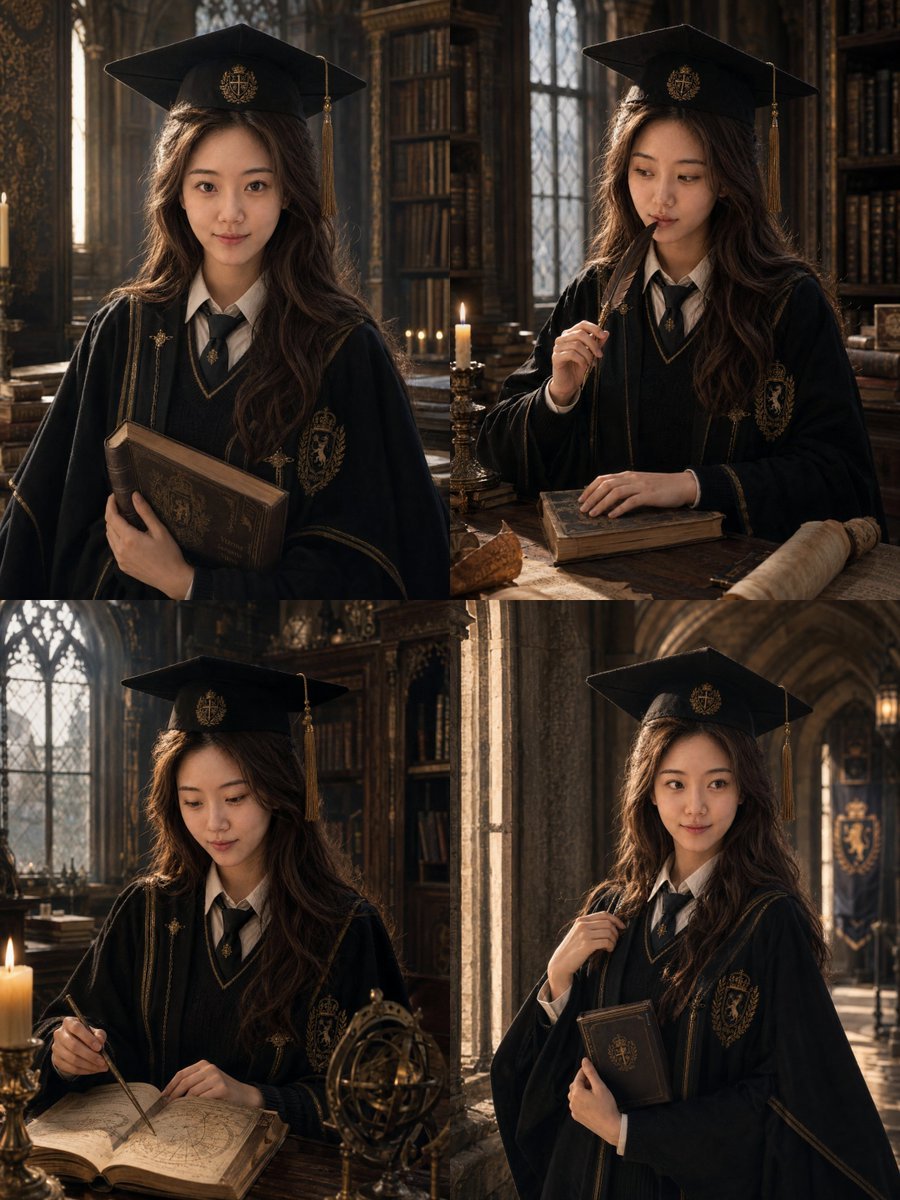
Luxury Magazine Graduation Portraits
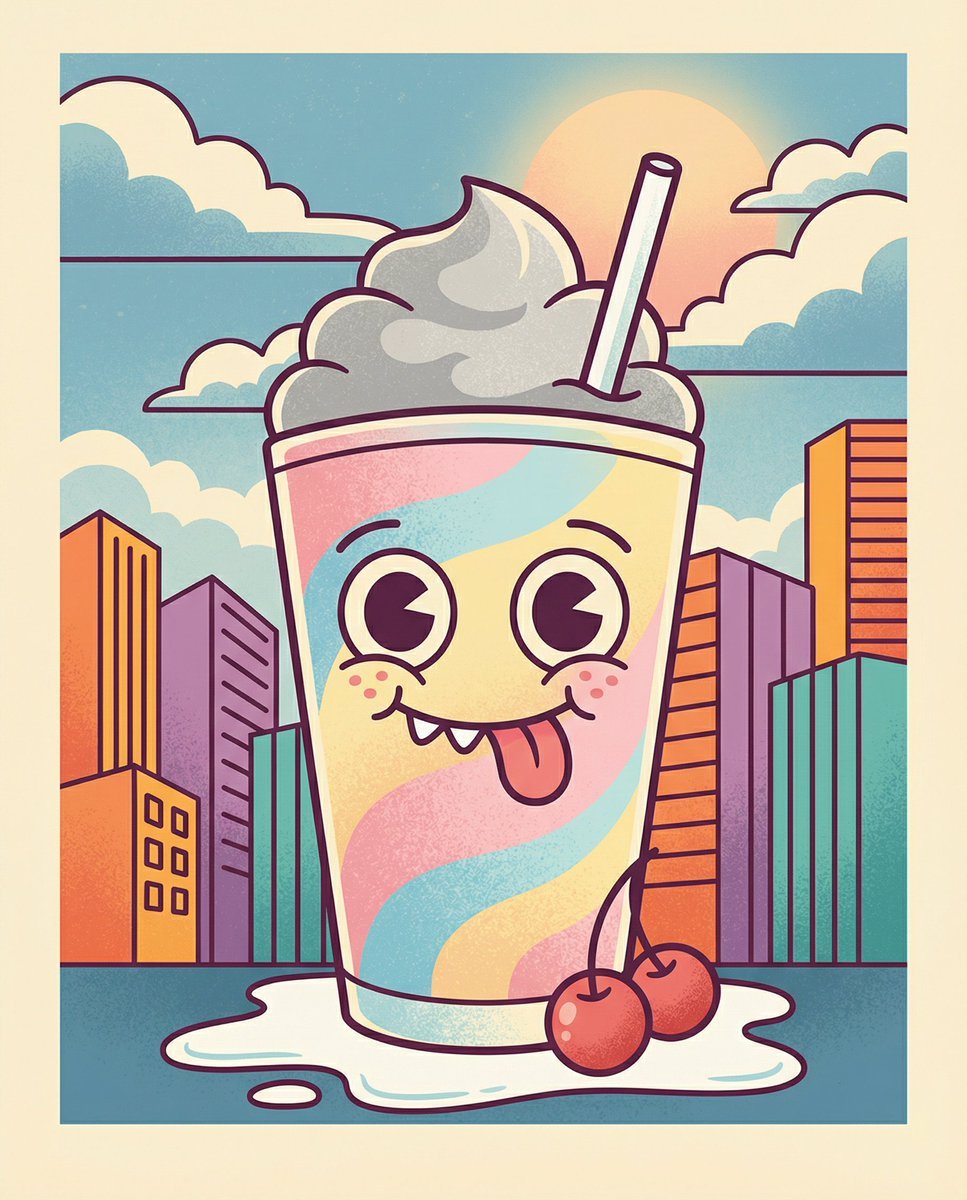
Whimsical Cartoon Milkshake with City Skyline Background
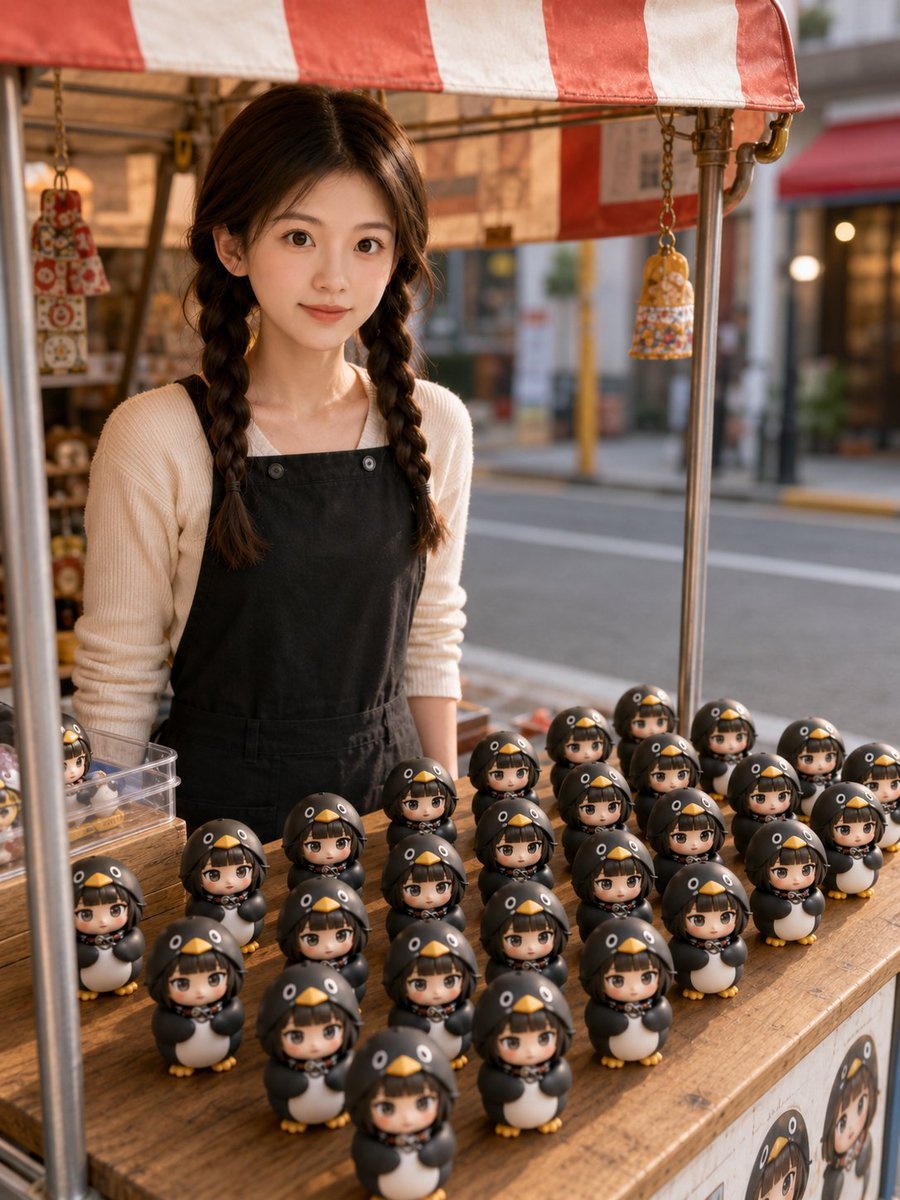
3D Chibi Toy Vendor Portrait
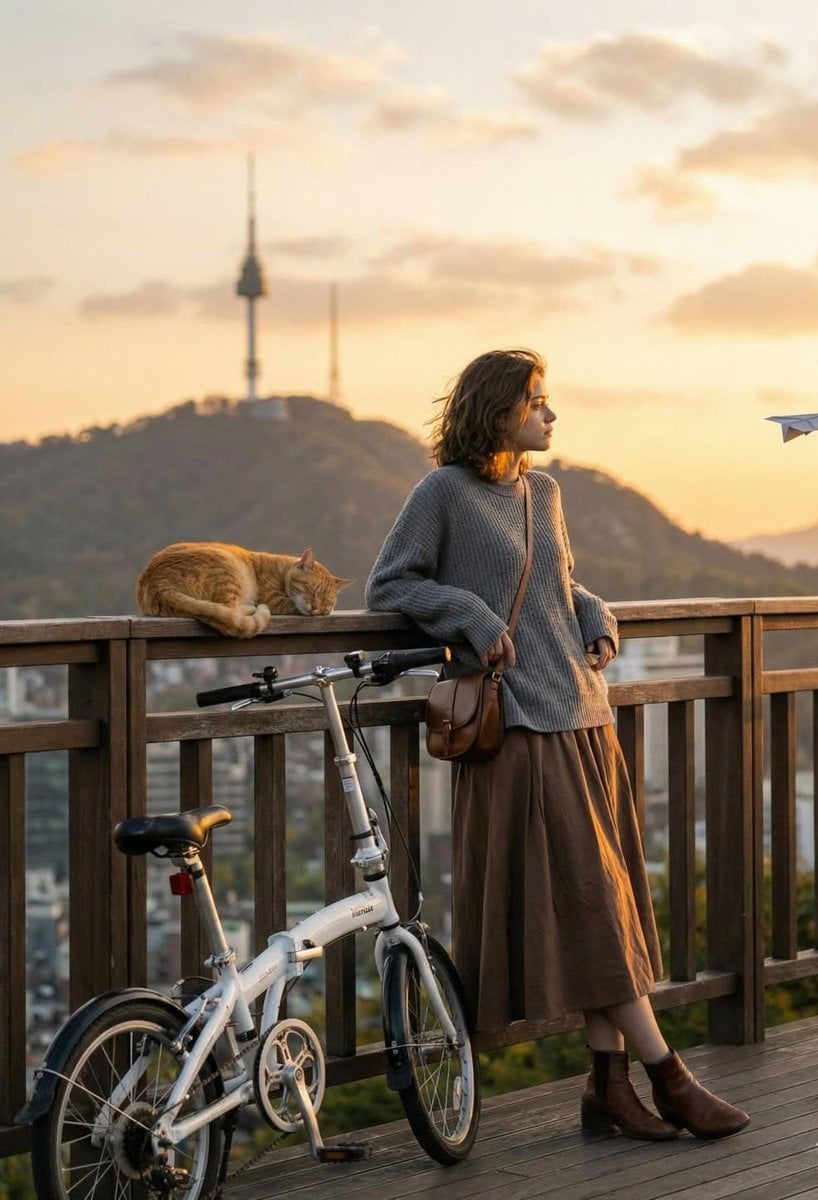
Cinematic Golden-Hour City View Portrait
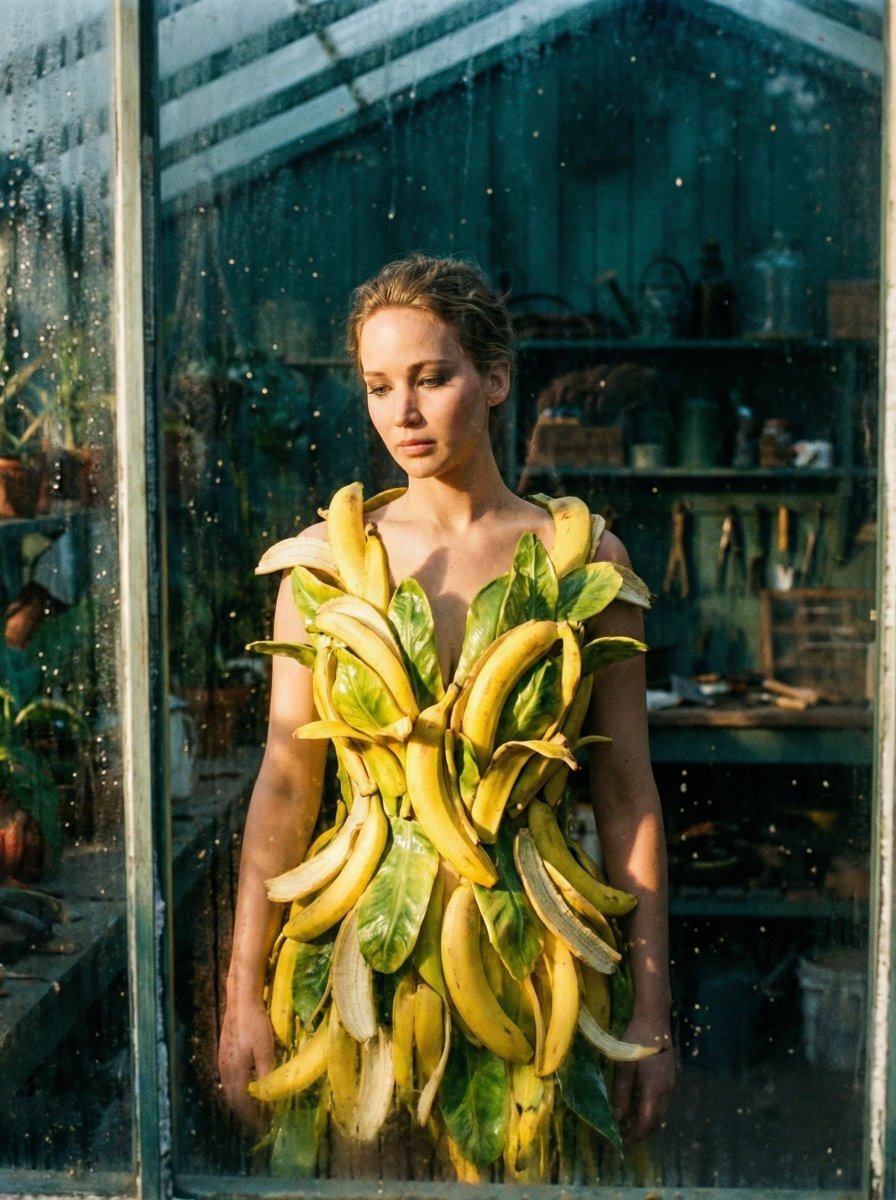
Tropical Melancholy Laboratory Surreal Portrait
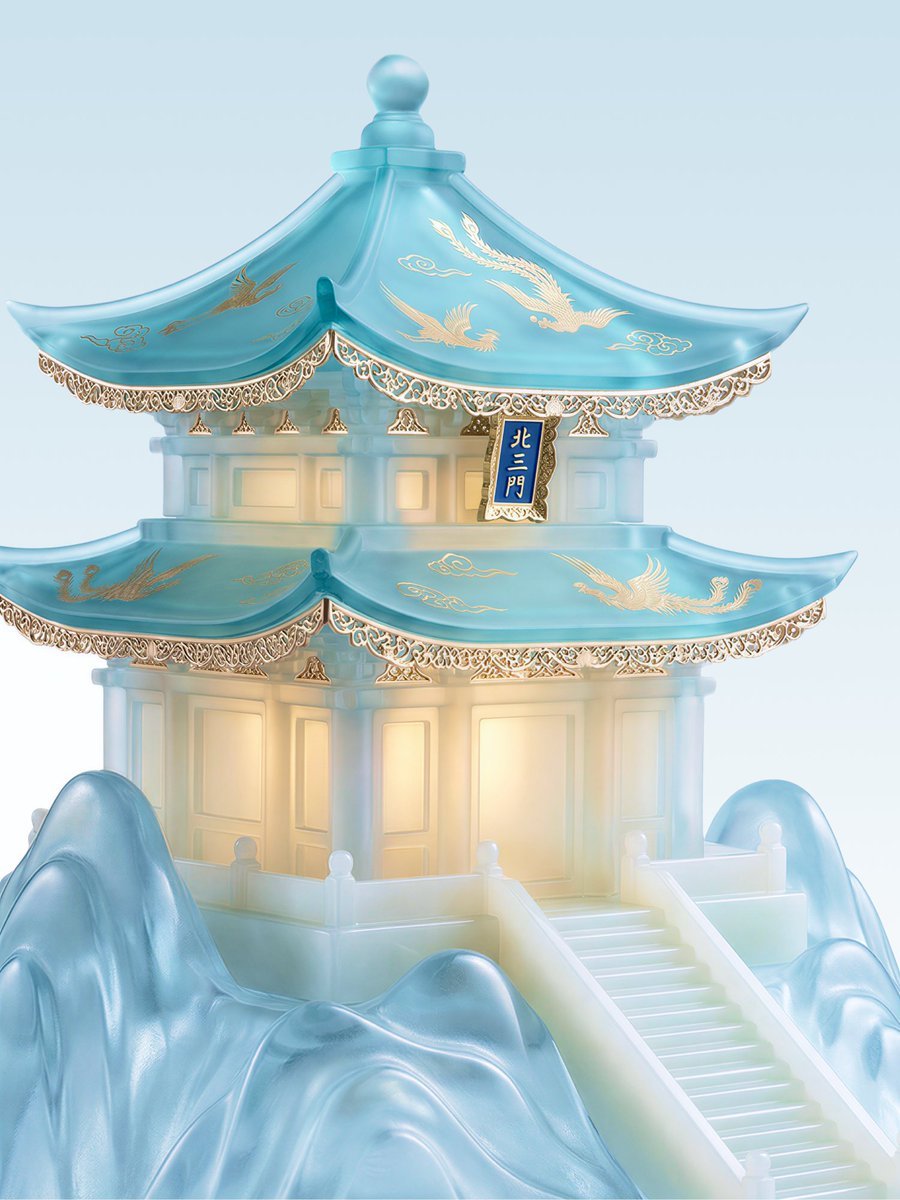
Jade Aesthetic Conceptual Architecture Still Life
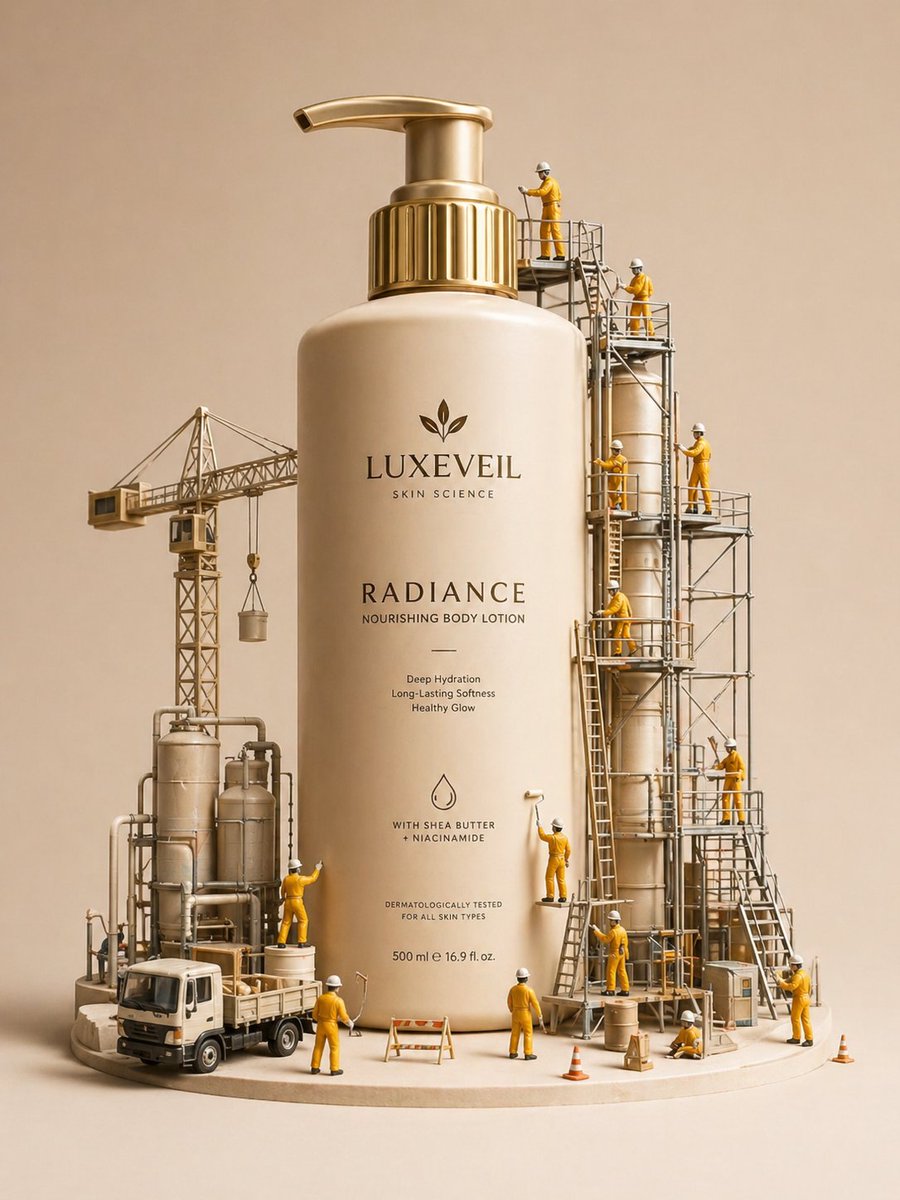
Gpt2 E Commerce Main Image Miniature Diorama Skincare Advertisement
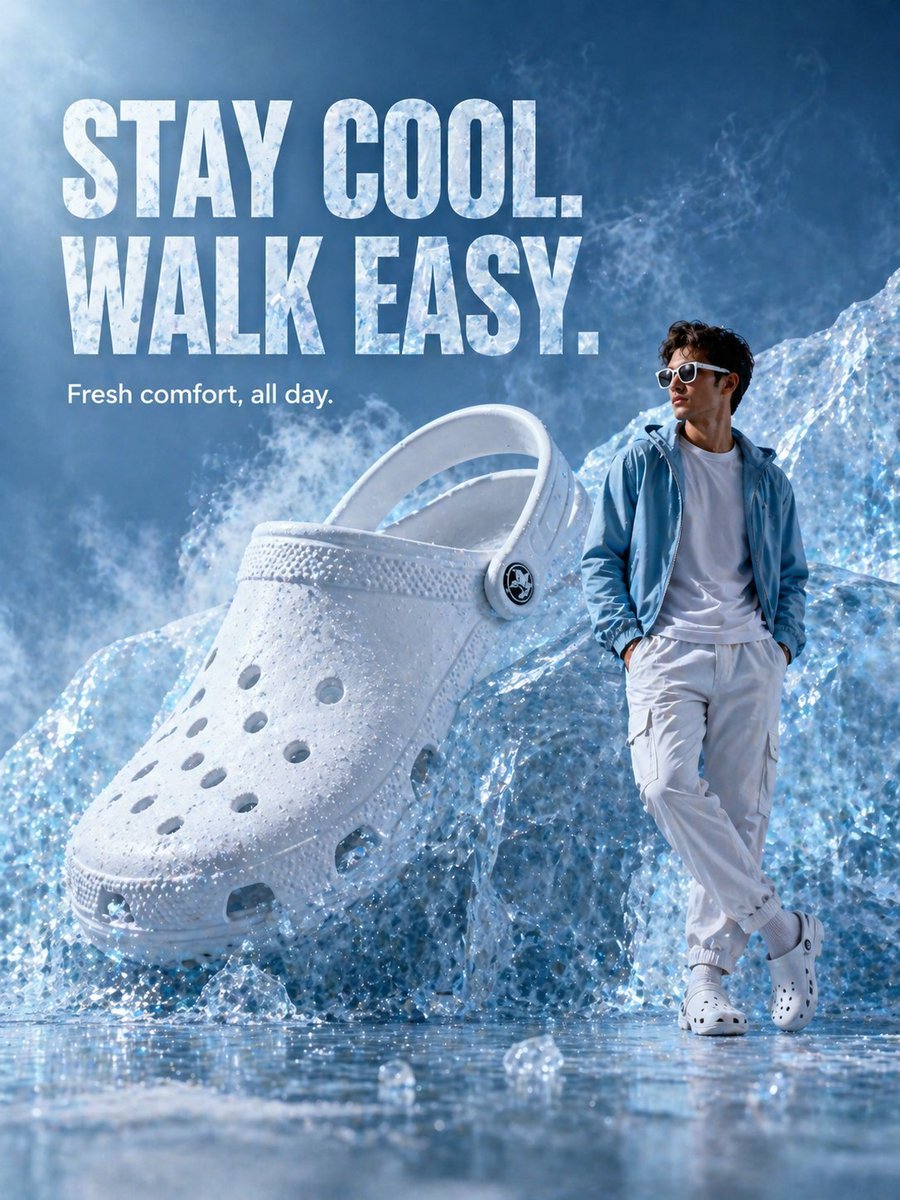
Surreal Giant Clog Advertisement
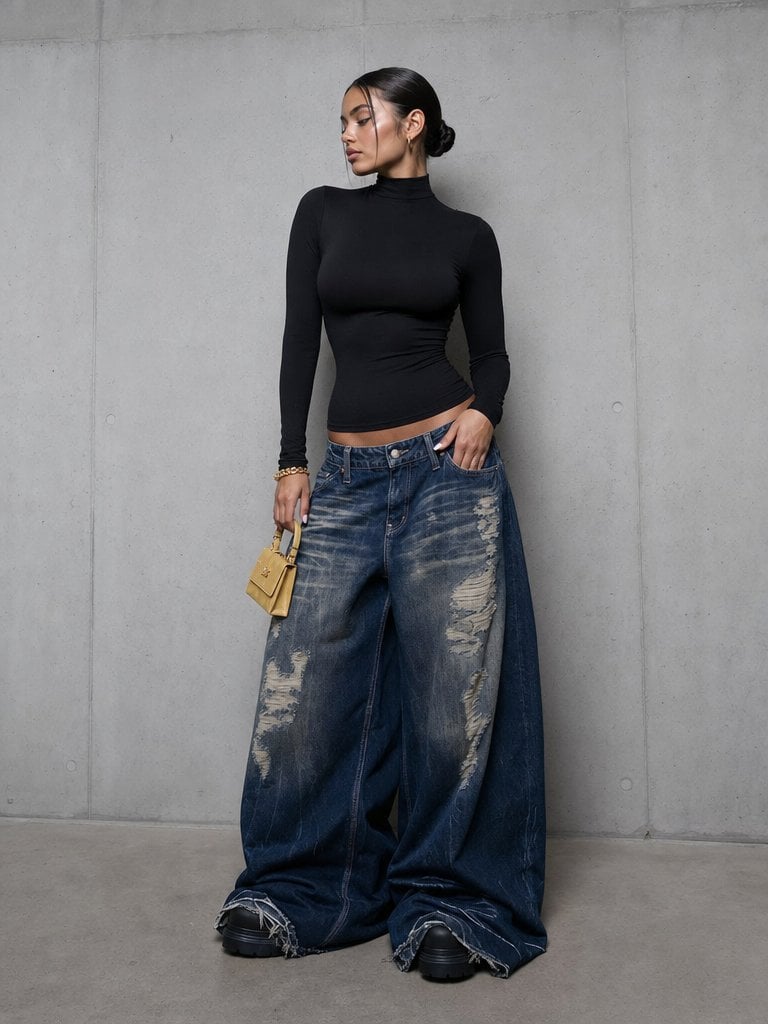
Editorial Portrait in Extreme Baggy Jeans
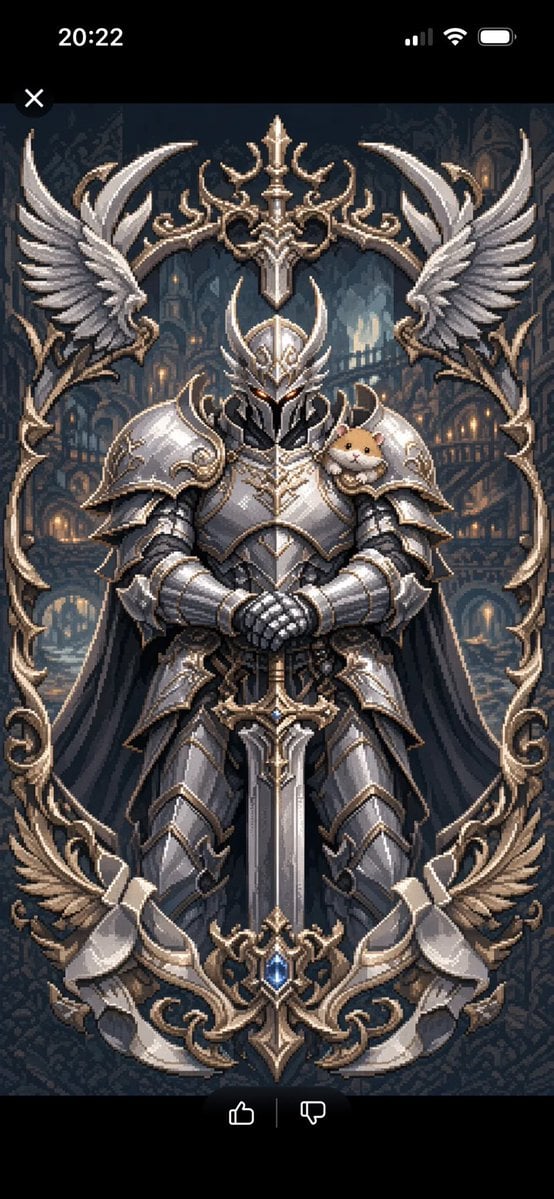
Semi-Pixel Armored Warrior
Browse template categories
Mona-lisa-1 Cyberpunk Profile Avatar questions
How do I use the Mona-lisa-1 Cyberpunk Profile Avatar template?
Add your photo if the template asks for one, edit the prompt if you like — the template's model and format are already selected — and press Generate. Your version opens in PicX Studio.
Can I customize the Mona-lisa-1 Cyberpunk Profile Avatar template?
Yes. You can change the subject, setting, lighting, mood, format, and available model controls before creating your image.
Is the Mona-lisa-1 Cyberpunk Profile Avatar template free?
Opening and editing this template is free. Generating uses credits, shown on the Generate button when you are signed in.
Which AI model should I use?
Start with GPT Image 2, which is the model associated with this template. You can compare another compatible model for a different finish.
Looking for something else? Browse all templates.

Your photo, any look
Thousands of ready templates for every top image and video model, from one credit balance.