
Gpt2 Profile Avatar Damaged Vintage Mother and Child Photo
This prompt generates a severely worn, scanned vintage family photograph of a woman holding a toddler, useful for aged-photo restoration demos or archival-style visuals.

- Prompt included
- Model and format preset
- Free template
The prompt behind this image
Copy the exact prompt behind Gpt2 Profile Avatar Damaged Vintage Mother and Child Photo, or open it in the studio and make it yours.
A heavily damaged old family snapshot in faded black and white with a slight sepia cast, shown as a worn physical photograph scanned straight-on. The image depicts a seated woman holding a small child on her lap indoors, both centered in a simple portrait composition. The woman has short dark wavy hair and wears a dark sleeveless dress or pinafore layered over a lighter short-sleeved blouse. The child appears to be a toddler with very short light hair, wearing a light-colored outfit, facing the camera while sitting against the woman’s chest and arm. Behind them is a patterned curtain with small floral or leaf motifs, and above it a dark window area with a pale vertical window frame is visible near the top center. The print is severely deteriorated: extensive scratches, creases, emulsion damage, stains, blotches, and peeling cover the entire surface, with especially heavy white abrasion and loss of detail across the bottom third and scattered cracking throughout. Keep the overall look authentic to a mid-20th-century vernacular photo, low contrast, soft focus, and visibly aged paper texture. Add a rectangular blurred censor block over the woman’s face only, while the child’s face remains visible but faded. No text, no border, just the distressed archival photograph filling the frame.
How to use Gpt2 Profile Avatar Damaged Vintage Mother and Child Photo in 3 steps
- 1
Open
The prompt is already in the box next to the preview, with the template's model and format selected.
- 2…a portrait of your subject in softgolden-hour light, 85mm…
Personalize
Edit the subject and creative details for your destination.
- 3Generate
Generate
Press Generate — your image is created in PicX Studio, so you can compare it with the original and refine one variable at a time.
More like this
Templates with the same subject, style or setup. Open one to see its prompt.
Gpt2 Profile Avatar Restored Vintage Mother and Child Portrait
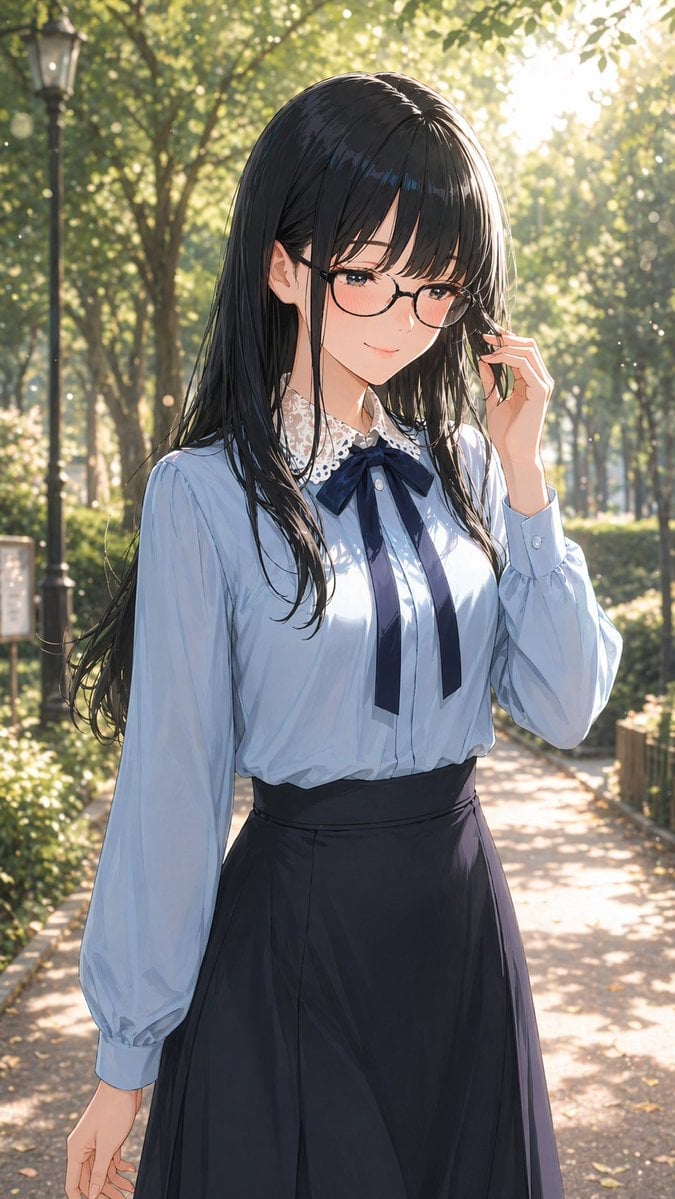
Gpt2 Profile Avatar Portrait of a Gentle Woman with Glasses

Gpt2 Profile Avatar Pastel Ai Assistant Anime Portrait

Sunday Afternoon, 1988

Two Tickets, One Night

If We Met in 1985

Found Photograph: Us, 1970

One Dance Before Midnight

Before We said Goodbye

Our Song was on a Cassette

Meet Me When It Rains

The Date After College
Make it yours
Gpt2 Profile Avatar Damaged Vintage Mother and Child Photo works as-is. These are the safest ways to change it without losing the look.
Change one field
Copy a single group, rewrite it, and generate again so you can see what that field is doing.
Keep the frame, change the subject
Hold the composition and light of gpt2-profile-avatar-damaged-vintage-mother-and-child-photo, then swap wardrobe, props or the person for a new take.
| If the result… | Why | Fix |
|---|---|---|
| The result drifts from the preview | Too many fields changed at once. | Reuse gpt2-profile-avatar-damaged-vintage-mother-and-child-photo as-is first, then change one group — subject, light, or setting. |
| The model over-stylizes the scene | The prose prompt leaves finish and camera underspecified. | Add one camera or lighting sentence and stay on GPT Image 2. |
More GPT Image 2 templates
Other prompts made for GPT Image 2.

Six VTuber Japanese Logo Sheet

Realistic Portrait of Woman and Deer

The Vista Modular Condo Poster

AI Model Routing Comparison Infographic

2.5D Anime Art Board

Isometric Productivity Desk Scene

New York Double Exposure Poster

Four-Panel AI Landscape Comparison

Japanese Tatami Lifestyle Magazine Cover

NESCAFÉ Coffee Map Poster
More image prompts
Fresh picks from across the catalog.

Photorealistic Cinematic Kiss in a Cozy Bookstore Aisle
Avant-Garde Electronic Music Poster

Mini Tokyo Food Landscape
Recursive Thinking Loop Portrait
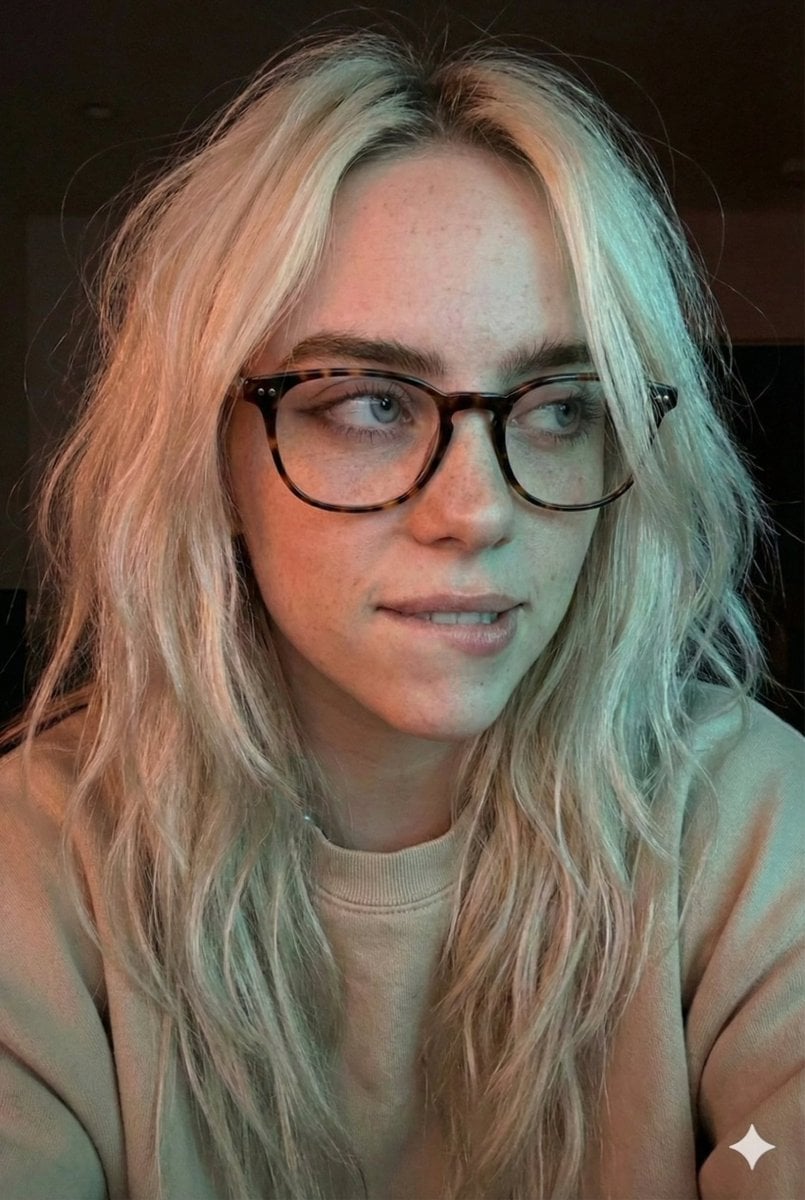
Moody Dual-Tone Selfie Portrait
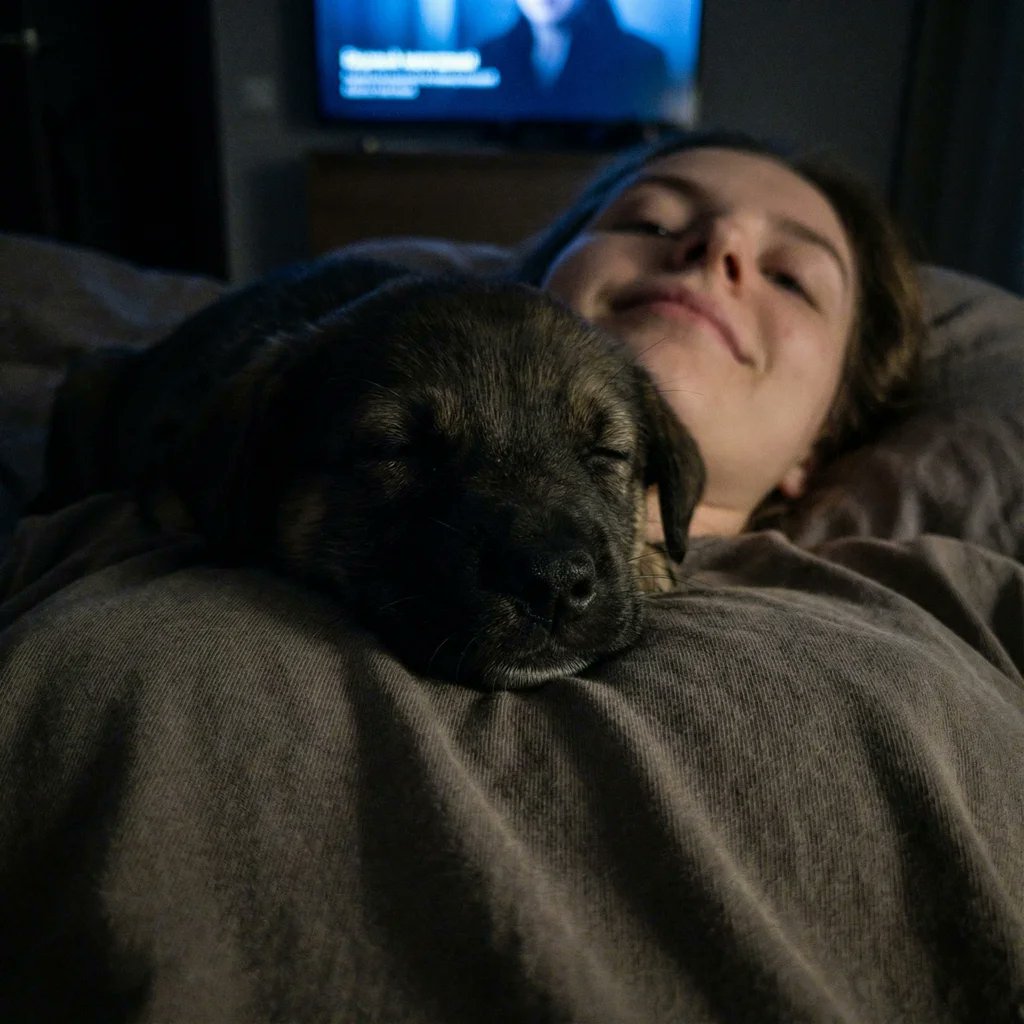
Extreme Close-up Puppy Selfie Prompt (Low Light)

Epic Narrative Silhouette Movie Poster
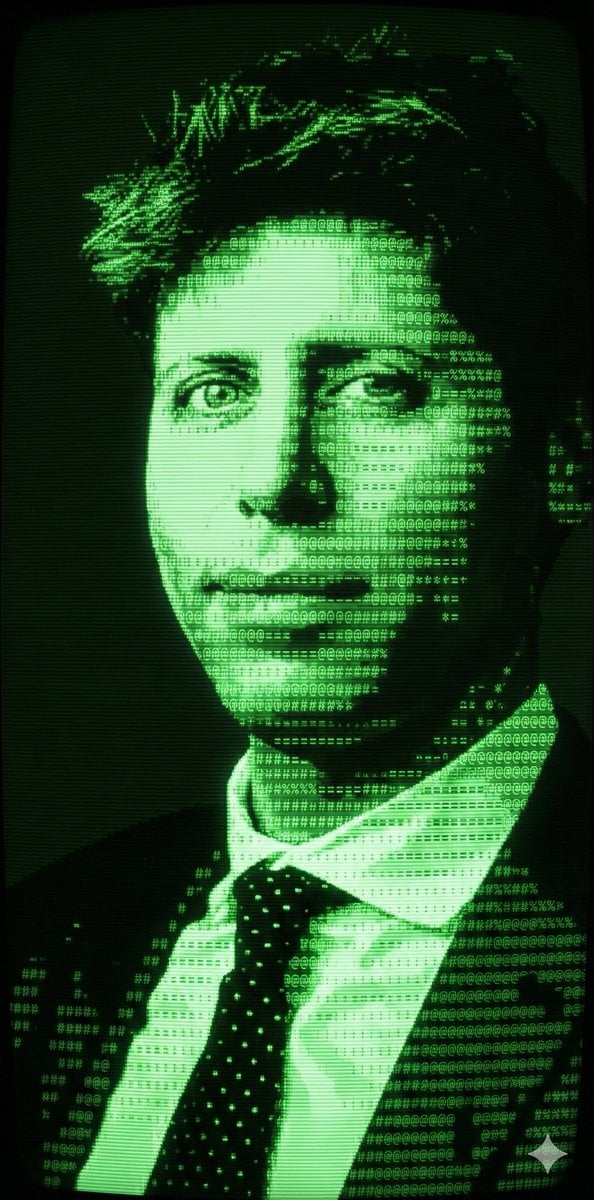
Magical Forest Creature Portrait Prompt (from ALT text)
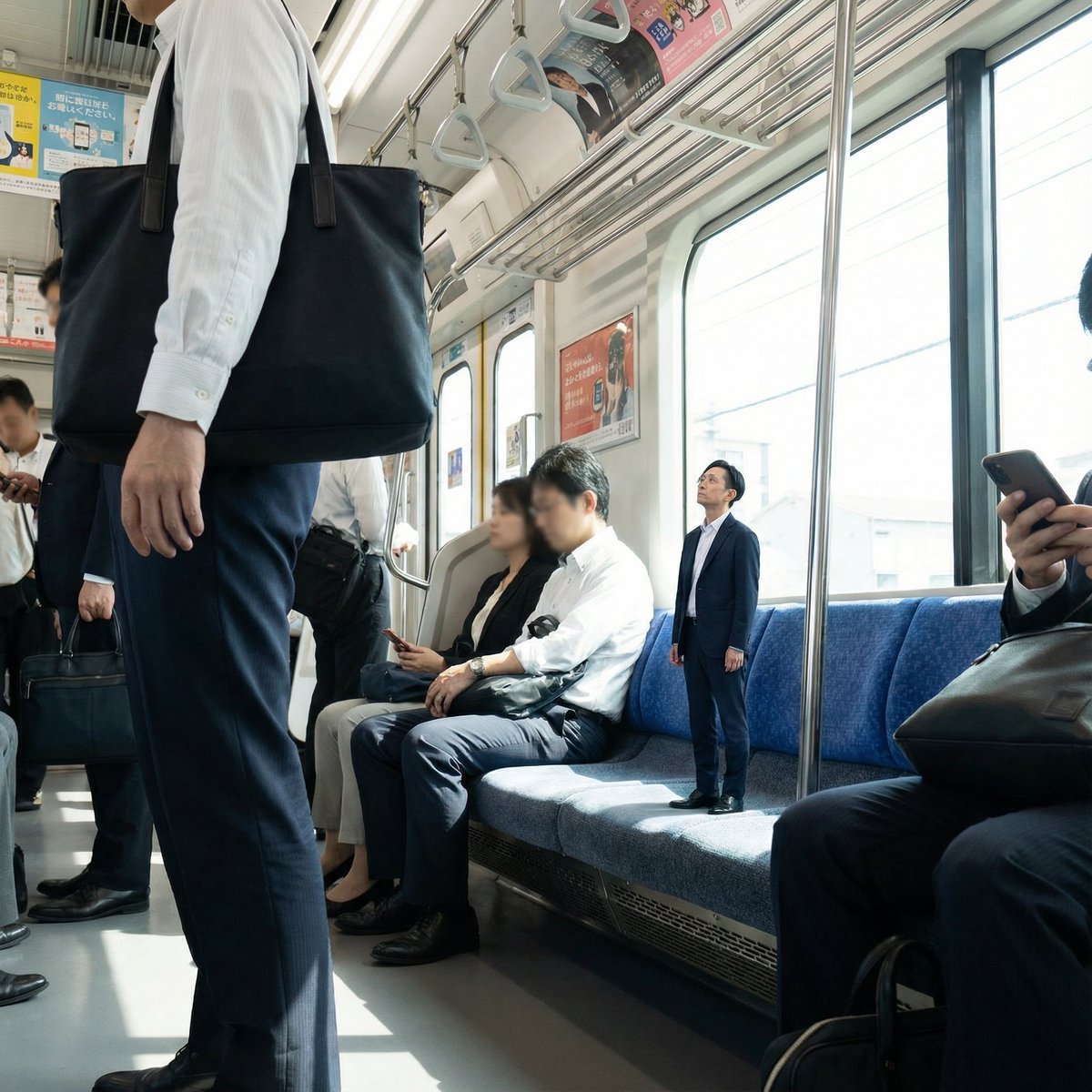
Miniature Person in Train Prompt

Research-Driven Ad Layout Designer
Browse template categories
Gpt2 Profile Avatar Damaged Vintage Mother and Child Photo questions
How do I use the gpt2-profile-avatar-damaged-vintage-mother-and-child-photo template?
Add your photo if the template asks for one, edit the prompt if you like — the template's model and format are already selected — and press Generate. Your version opens in PicX Studio.
Can I customize the gpt2-profile-avatar-damaged-vintage-mother-and-child-photo template?
Yes. You can change the subject, setting, lighting, mood, format, and available model controls before creating your image.
Is the gpt2-profile-avatar-damaged-vintage-mother-and-child-photo template free?
Opening and editing this template is free. Generating uses credits, shown on the Generate button when you are signed in.
Which AI model should I use?
Start with GPT Image 2, which is the model associated with this template. You can compare another compatible model for a different finish.
Looking for something else? Browse all templates.

Your photo, any look
Thousands of ready templates for every top image and video model, from one credit balance.