
Realistic Car Interior Selfie
Generates a realistic social media-style car interior selfie of a woman in the driver's seat with a wide-angle perspective.
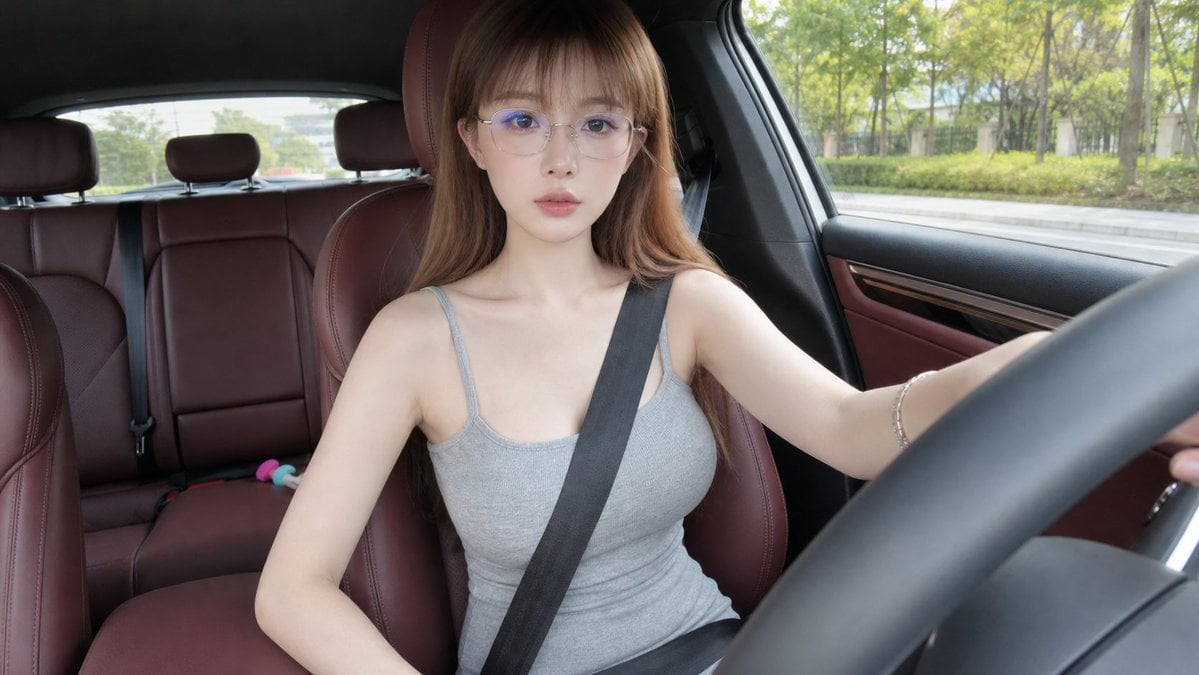
- Prompt included
- Model and format preset
- Premium template
The prompt behind this image
Copy the exact prompt behind Realistic Car Interior Selfie, or open it in the studio and make it yours.
生成一张真实感车内自拍视频首帧照片,横屏 16:9。画面像固定在副驾驶前方或中控台附近的小型广角相机拍摄,轻微广角,近距离车内第一视角,像社交媒体短视频截图。 主角是一位成年女性,气质清冷、安静、精致,整体像日常车内自拍视频里的主角。她脸型小巧偏鹅蛋脸,五官自然精致,鼻梁挺,嘴唇自然,表情平静、淡淡的,有一点冷感但不夸张。她正面面向镜头或略微看向前方,能清楚看到完整正脸,不低头,不侧脸。她戴细框透明或浅银色眼镜,{argument name="发型" default="长直发偏浅棕色,带轻微空气刘海,头发自然垂落在肩侧"}。穿{argument name="服装" default="简洁灰色无袖针织连衣裙或灰色无袖上衣搭配同色下装"},造型干净日常、端庄自然。 她坐在驾驶位,安全带已经插好并固定完成:黑色安全带清楚地从肩膀斜跨过上身到腰侧,状态自然贴合身体,不是在拉安全带,也不是正在插卡扣。她一只手自然放在方向盘附近或轻扶方向盘,另一只手放低在座椅边或腿侧,姿态像准备开车前刚坐正的一瞬间。表情专注平静,眼神可以看向镜头,也可以略微看向前方道路。 车内是{argument name="内饰" default="红棕色真皮座椅和红棕色门板"},方向盘在画面右前方形成明显前景,仪表台、车窗边缘和后排座椅可见。车窗外是白天城市道路旁的绿化、树木和轻微模糊的街景,但车子此刻看起来还没有启动,背景相对静止。自然日光从车窗照进来,皮肤质感真实,头发有自然光泽。 整体风格:真实摄影,高质量手机或运动相机车内自拍视频首帧,清晰自然,轻微广角畸变,真实车内空间,社交媒体短视频质感,不像棚拍写真。 避免:低头、侧脸、正在插安全带、正在拉安全带、字幕、文字、水印、多余人物、夸张姿势、夸张摆拍、安全带消失、方向盘变形、手指畸形、眼镜变形、车内结构错乱、背景高速运动、夜景、动漫风、CG 感、塑料皮肤、过度美颜。
How to use Realistic Car Interior Selfie in 3 steps
- 1
Open
The prompt is already in the box next to the preview, with the template's model and format selected.
- 2…a portrait of your subject in softgolden-hour light, 85mm…
Personalize
Edit the subject and creative details for your destination.
- 3Generate
Generate
Press Generate — your image is created in PicX Studio, so you can compare it with the original and refine one variable at a time.
More like this
Templates with the same subject, style or setup. Open one to see its prompt.
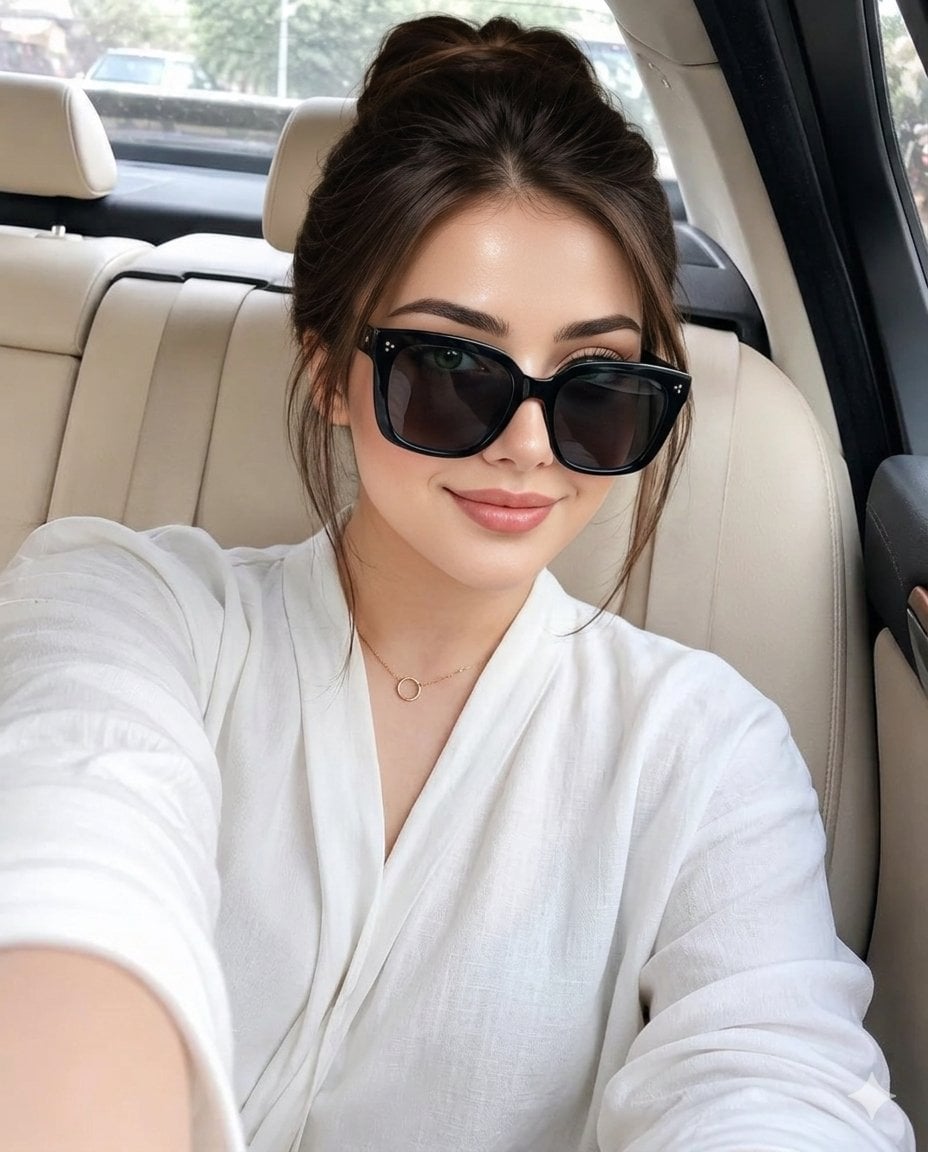
Luxury Car Interior Selfie
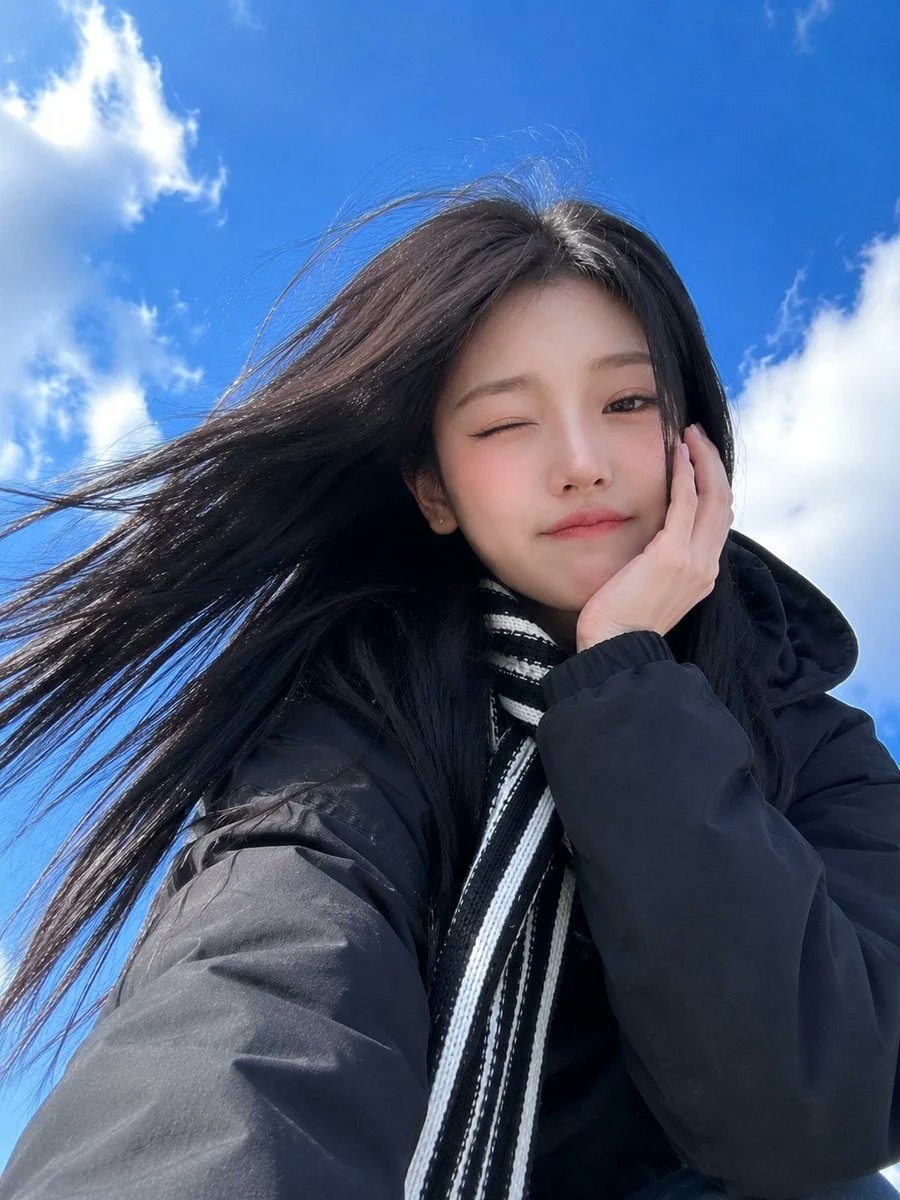
Low-Angle Winter Scarf Selfie
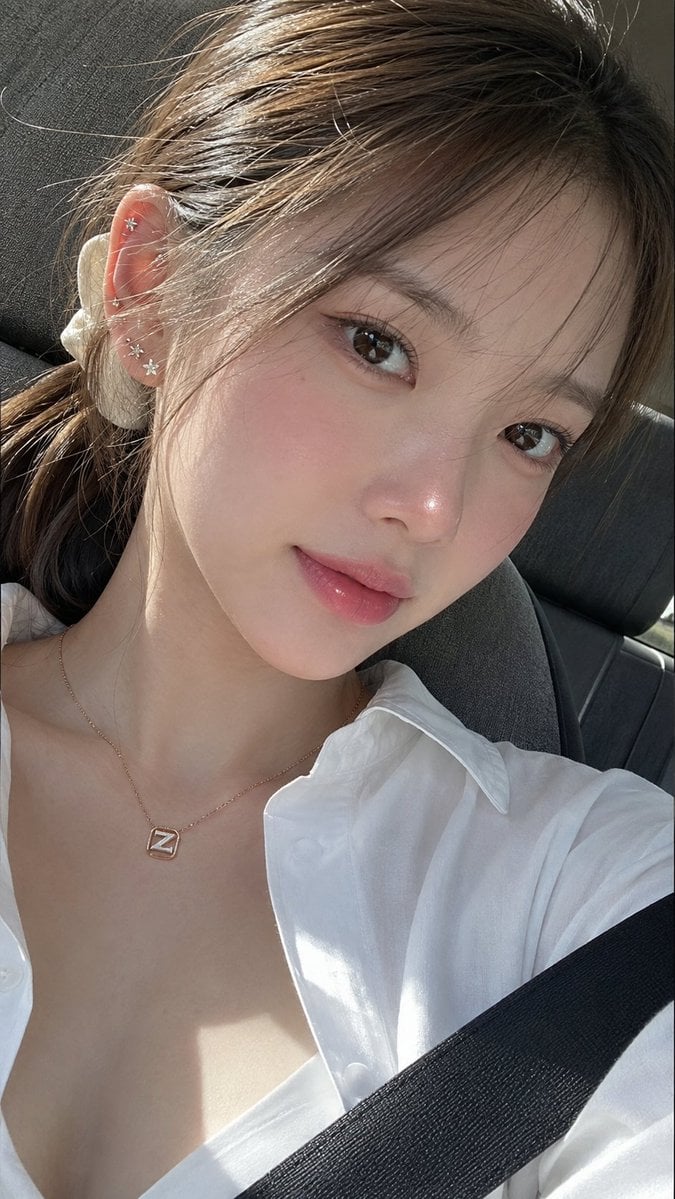
Ultra-Photorealistic Car Selfie

Rooftop Fisheye — Cat-Ear Balaclava at Golden Hour

Felt & Knit 3D Character — Photo-Exact Face, Pixar-Quality Plush Figurine

Eid al-Adha Cute Chaos — Fisheye Selfie with Farm Selfie, Mosque & Animals

Cat Photobomb Selfie — 0.5x Wide Angle Café Chaos

Gen Z Triple Selfie Collage — Y2K Flash Photography

Surreal Cat Astronaut — Humanoid Face Freefall
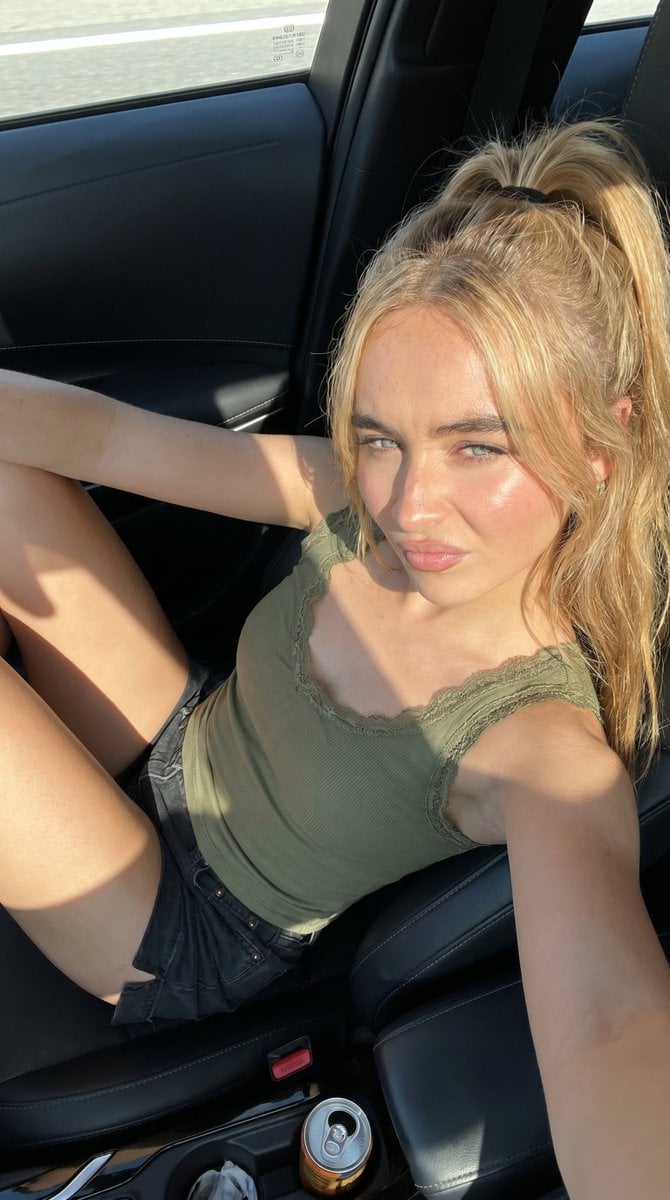
Candid Summer Car Interior Portrait
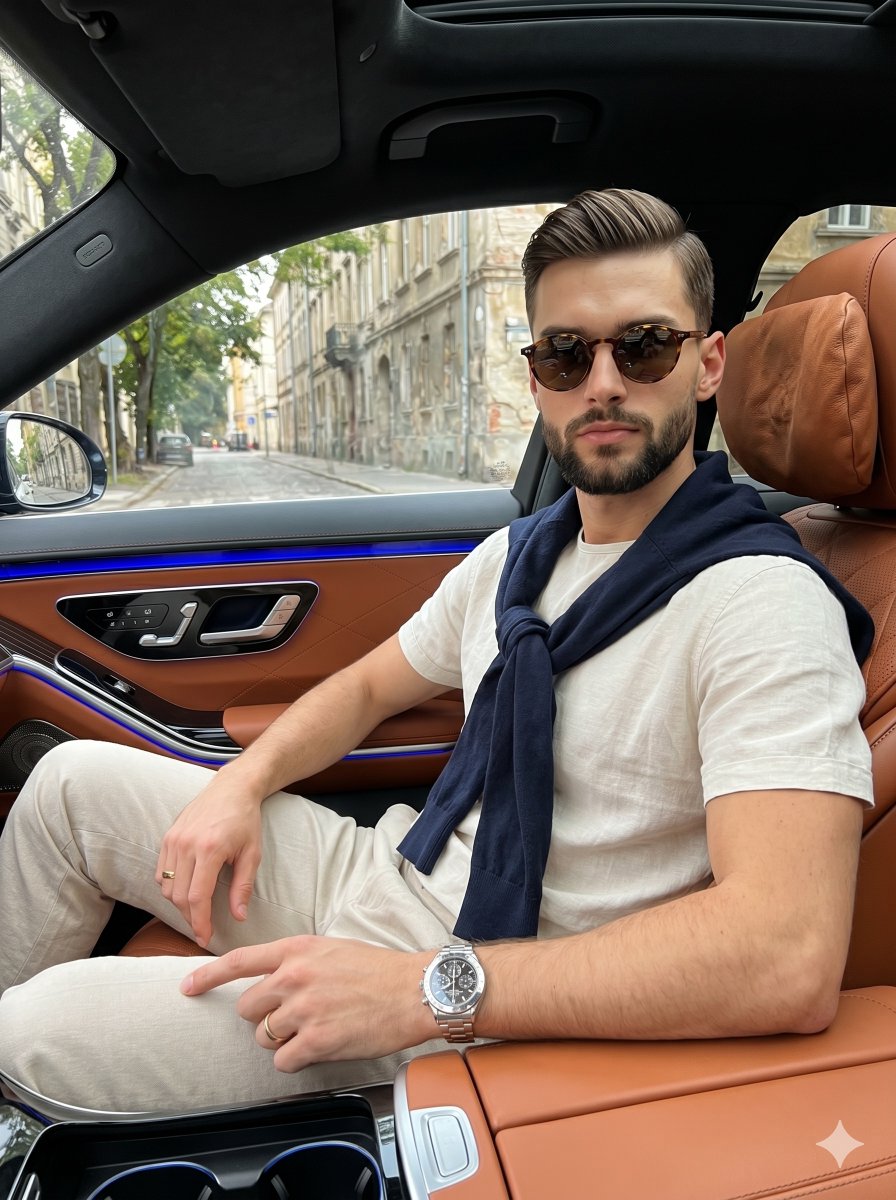
Luxury Car Interior Lifestyle Portrait
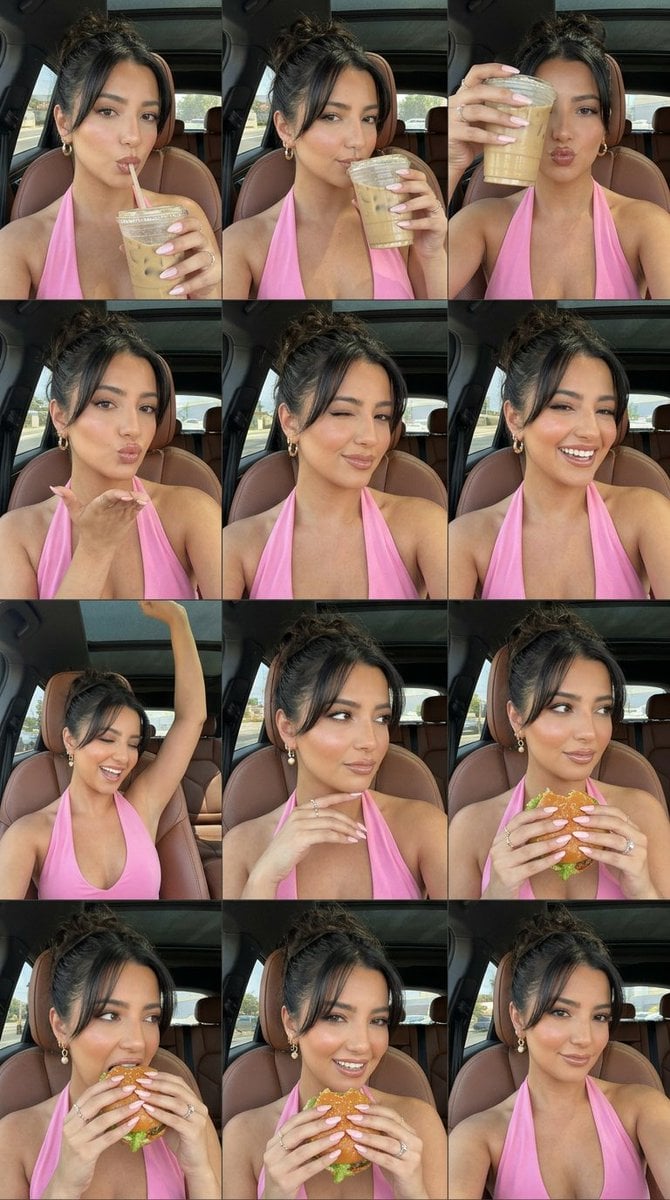
Luxury Car Selfie Collage
Make it yours
Realistic Car Interior Selfie works as-is. These are the safest ways to change it without losing the look.
Change one field
Copy a single group, rewrite it, and generate again so you can see what that field is doing.
Keep the frame, change the subject
Hold the composition and light of Realistic Car Interior Selfie, then swap wardrobe, props or the person for a new take.
| If the result… | Why | Fix |
|---|---|---|
| The result drifts from the preview | Too many fields changed at once. | Reuse Realistic Car Interior Selfie as-is first, then change one group — subject, light, or setting. |
| The model over-stylizes the scene | The prose prompt leaves finish and camera underspecified. | Add one camera or lighting sentence and stay on GPT Image 2. |
More GPT Image 2 templates
Other prompts made for GPT Image 2.

Six VTuber Japanese Logo Sheet

Realistic Portrait of Woman and Deer

The Vista Modular Condo Poster

AI Model Routing Comparison Infographic

2.5D Anime Art Board

Isometric Productivity Desk Scene

New York Double Exposure Poster

Four-Panel AI Landscape Comparison

Japanese Tatami Lifestyle Magazine Cover

NESCAFÉ Coffee Map Poster
More image prompts
Fresh picks from across the catalog.
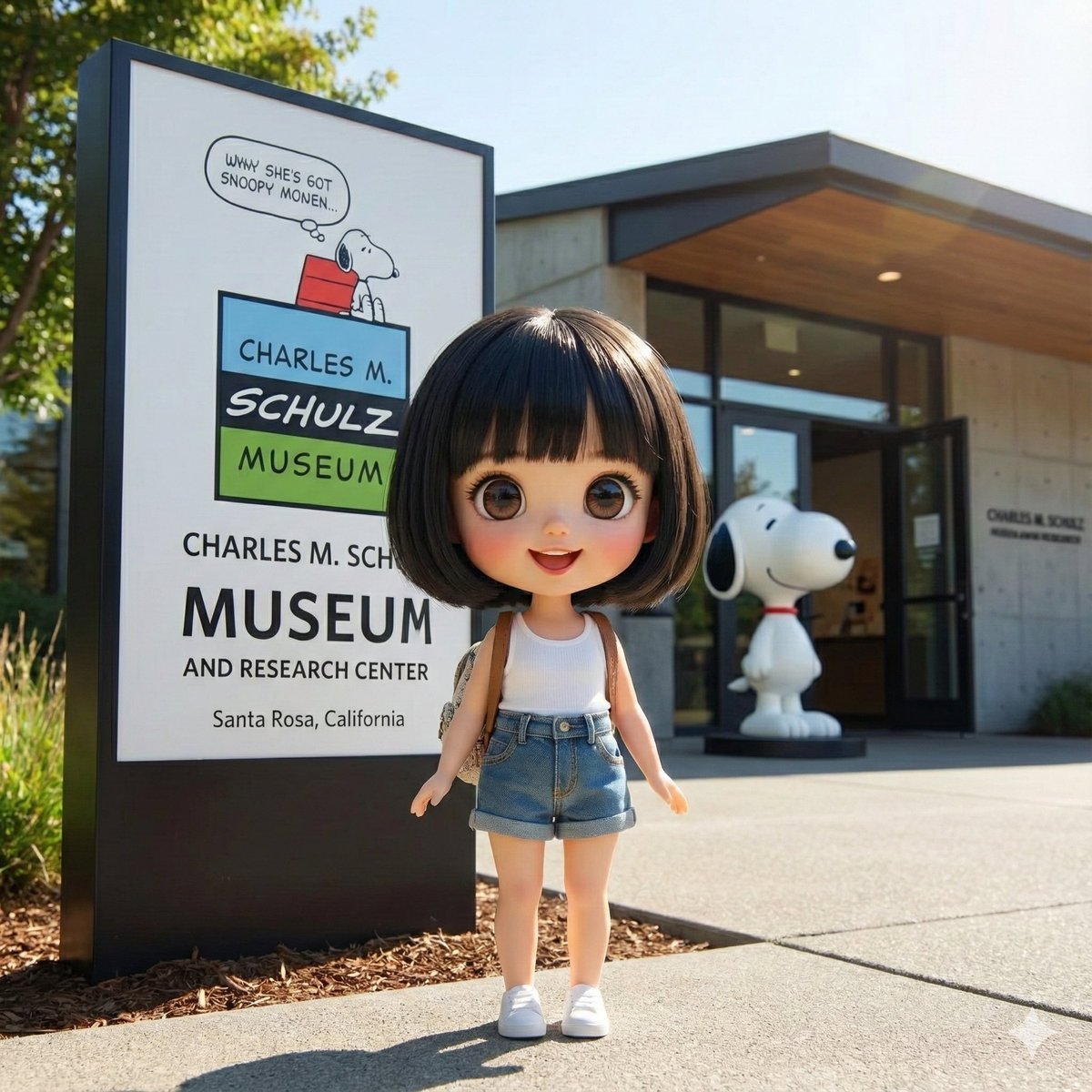
Character Visiting a Museum
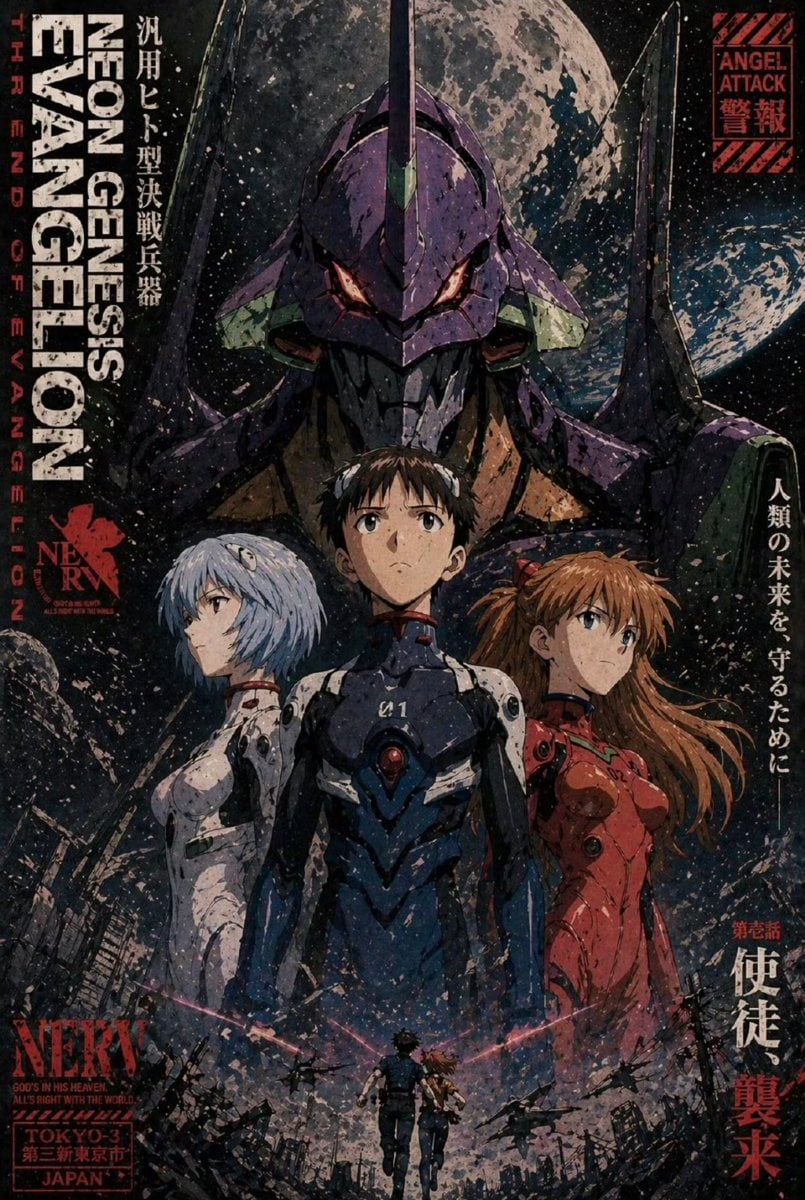
Gritty Evangelion Poster
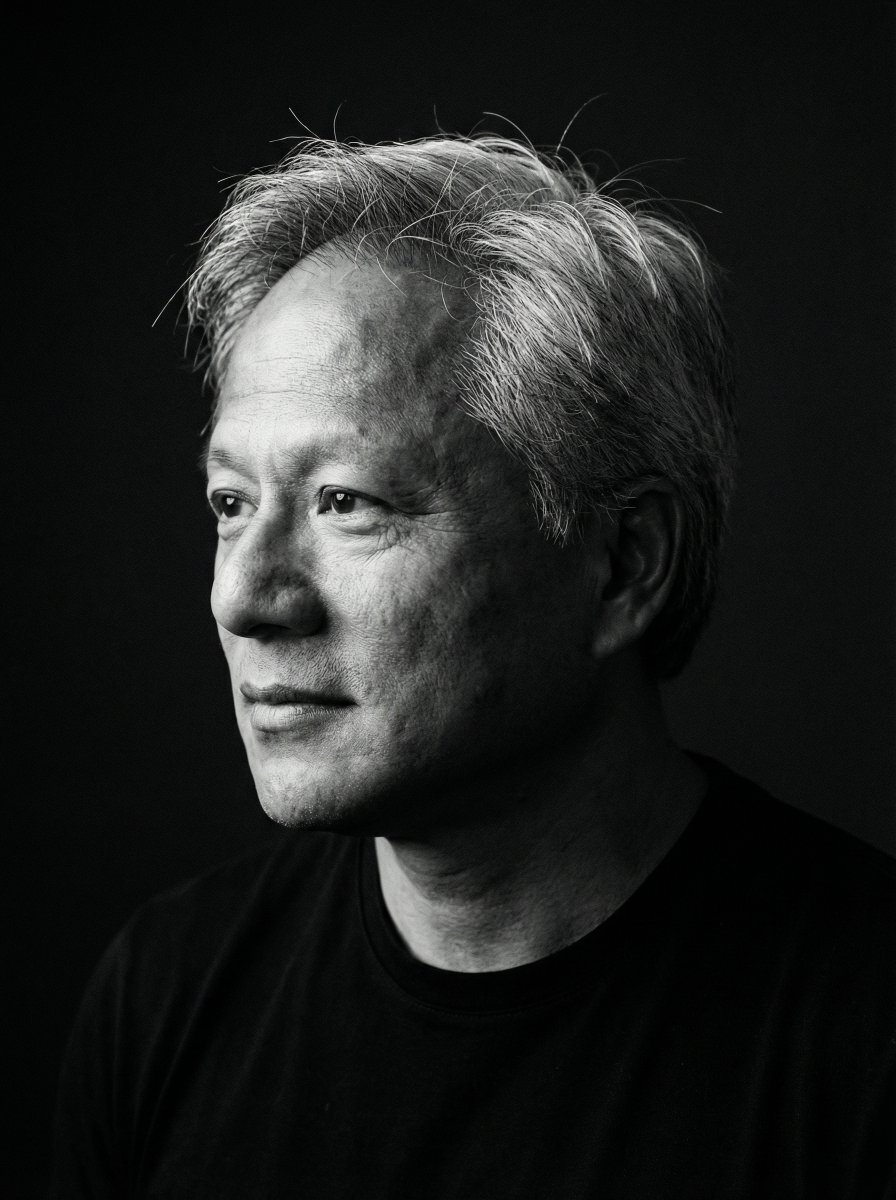
Minimalist Black and White Portrait Photography
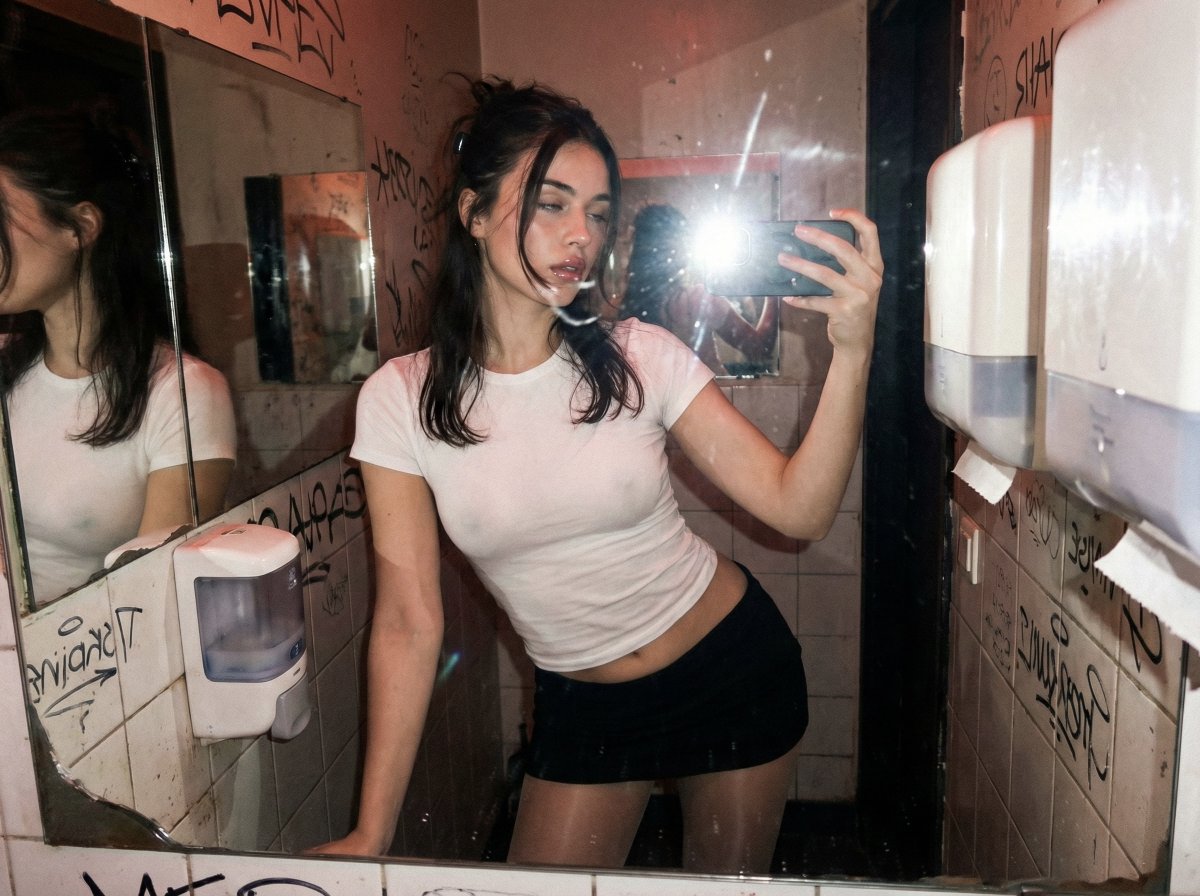
Harsh Flash Mirror Selfie Prompt (Disposable Camera Aesthetic)
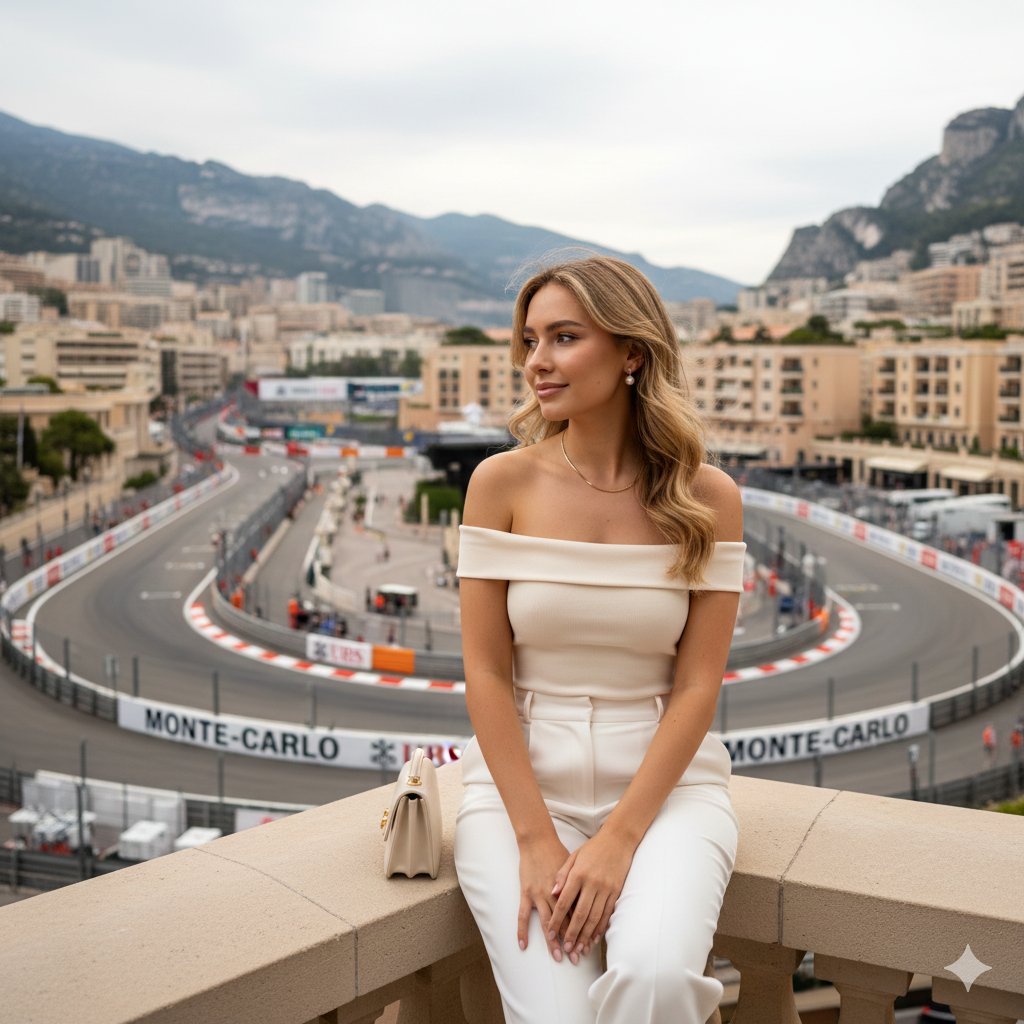
Luxury Travel Lifestyle Portrait in Monaco
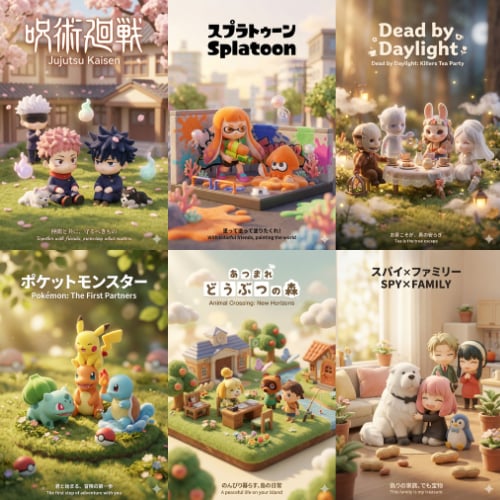
3D Q-Version Healing Toy Movie Poster Prompt Template (Pokémon Example)
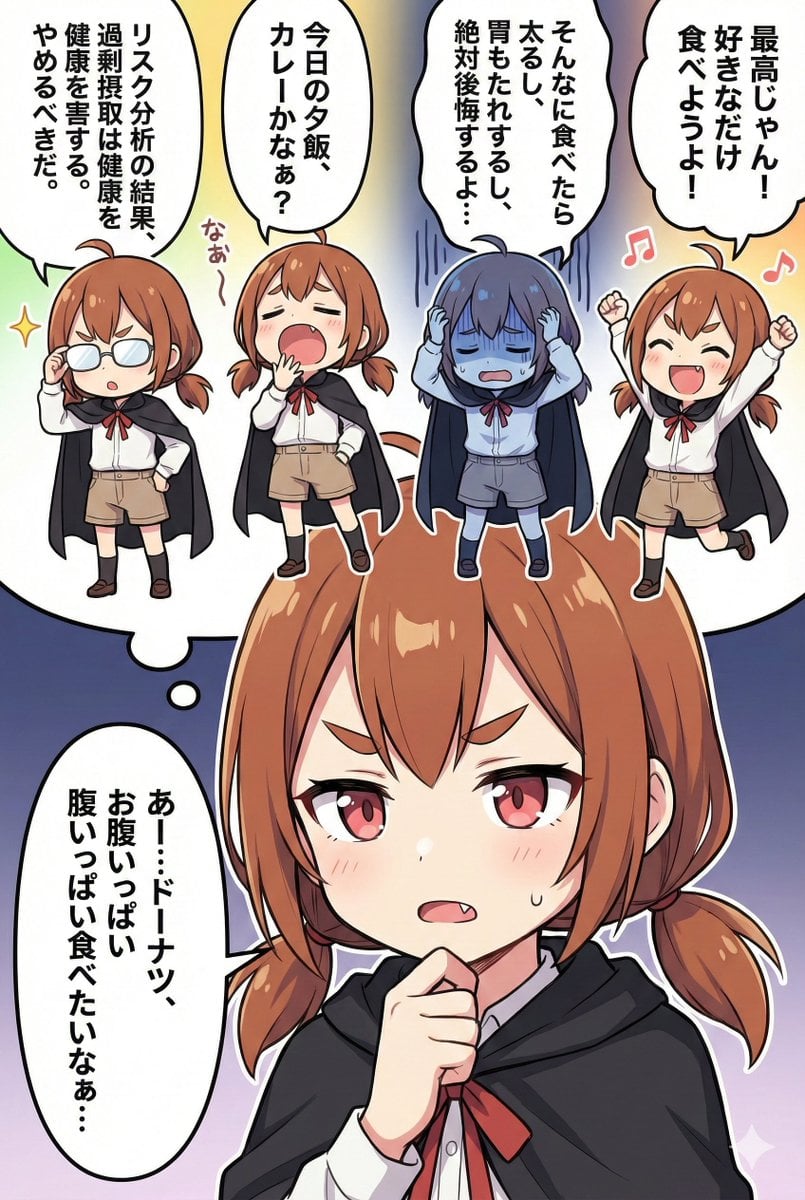
Character Inner Monologue Comic Prompt (Japanese)
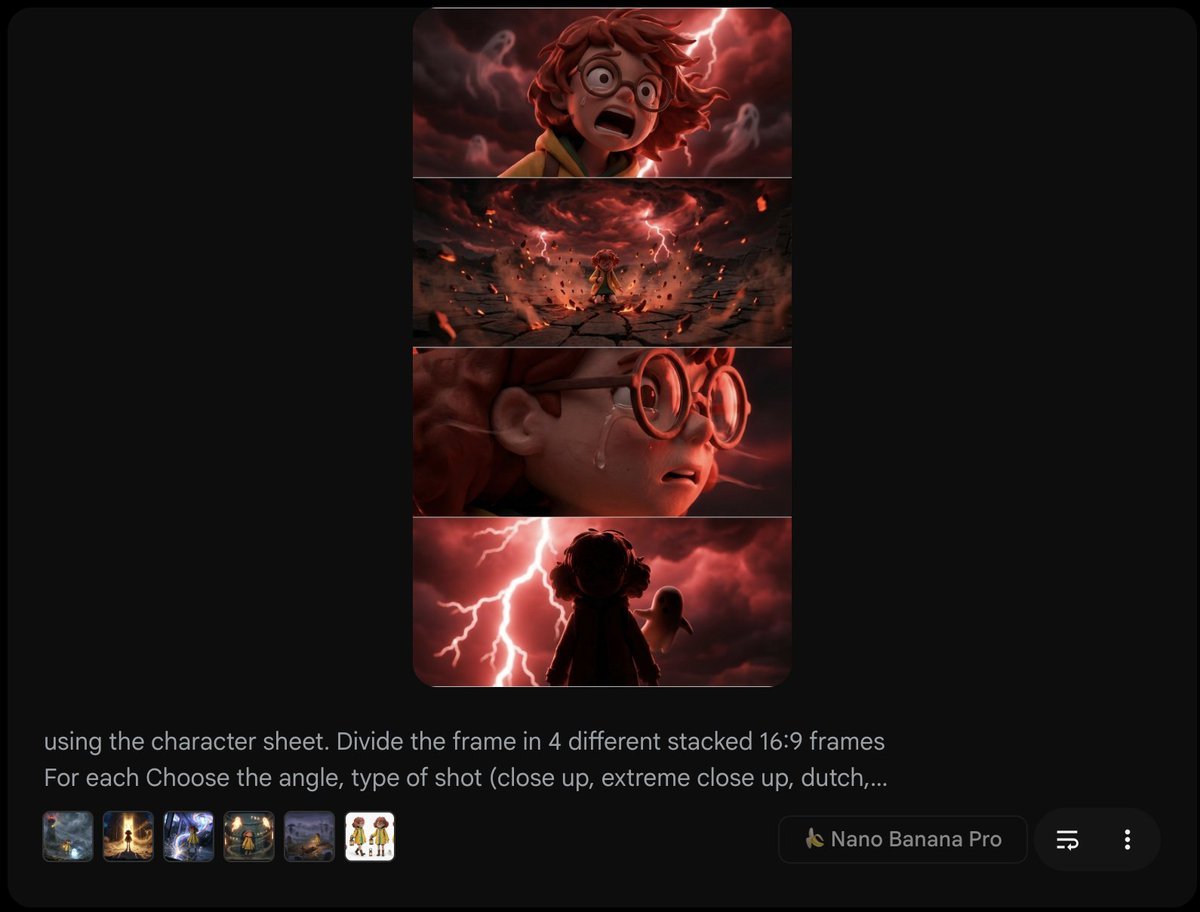
Extract frame and modify expression and weather
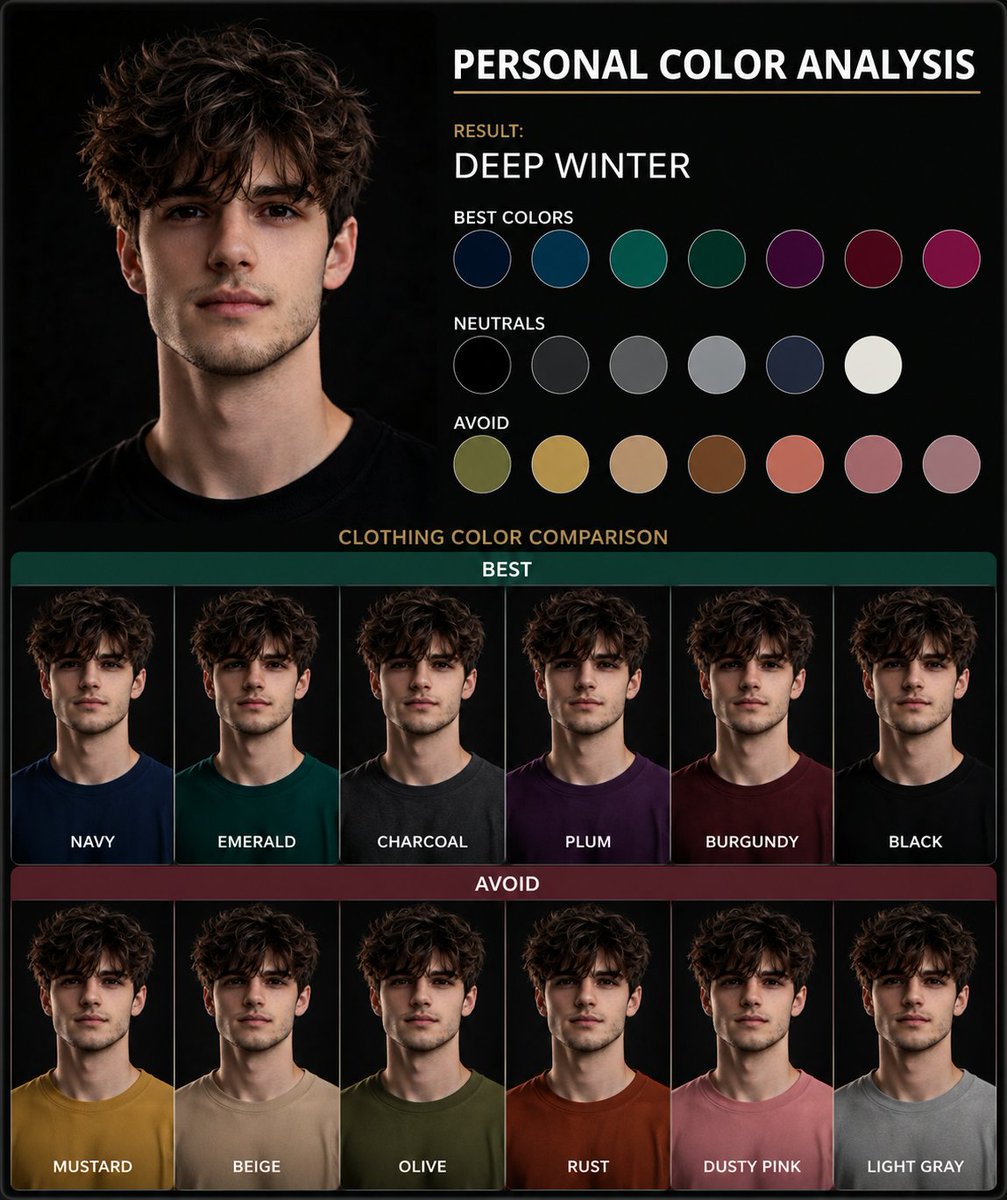
Personal Color Analysis Graphic Generator
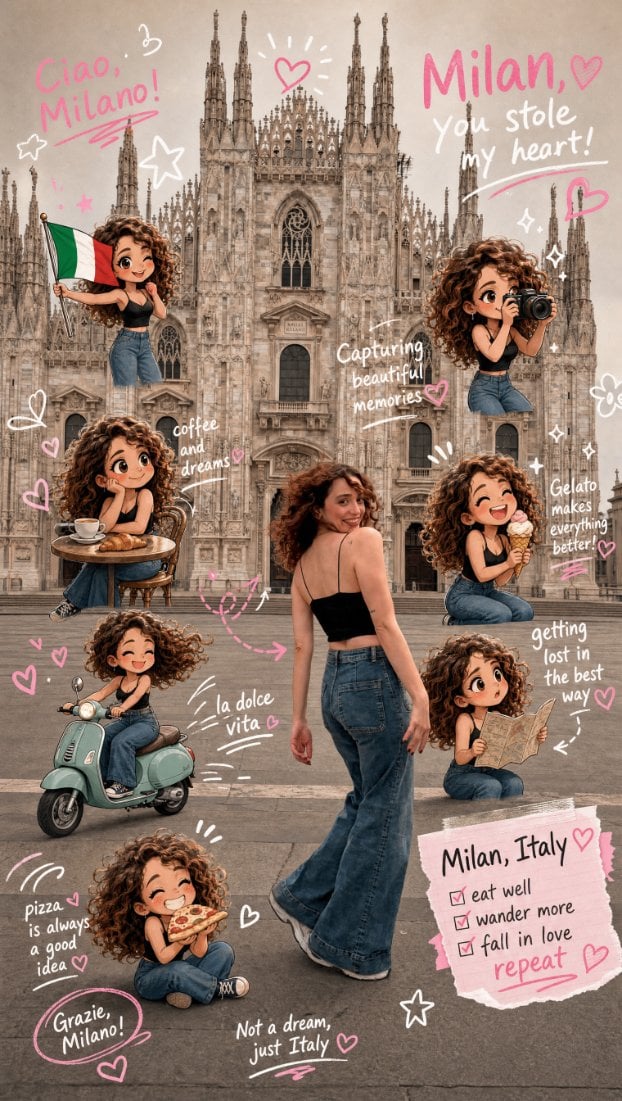
Chibi Scrapbook Photo Transformation
Browse template categories
Realistic Car Interior Selfie questions
How do I use the Realistic Car Interior Selfie template?
Add your photo if the template asks for one, edit the prompt if you like — the template's model and format are already selected — and press Generate. Your version opens in PicX Studio.
Can I customize the Realistic Car Interior Selfie template?
Yes. You can change the subject, setting, lighting, mood, format, and available model controls before creating your image.
Is the Realistic Car Interior Selfie template free?
Opening and editing this template is free. Generating uses credits, shown on the Generate button when you are signed in.
Which AI model should I use?
Start with GPT Image 2, which is the model associated with this template. You can compare another compatible model for a different finish.
Looking for something else? Browse all templates.

Your photo, any look
Thousands of ready templates for every top image and video model, from one credit balance.