
Luxury Travel Lifestyle Portrait in Monaco
A structured prompt for generating a luxury travel lifestyle photograph of a young woman in Monaco.
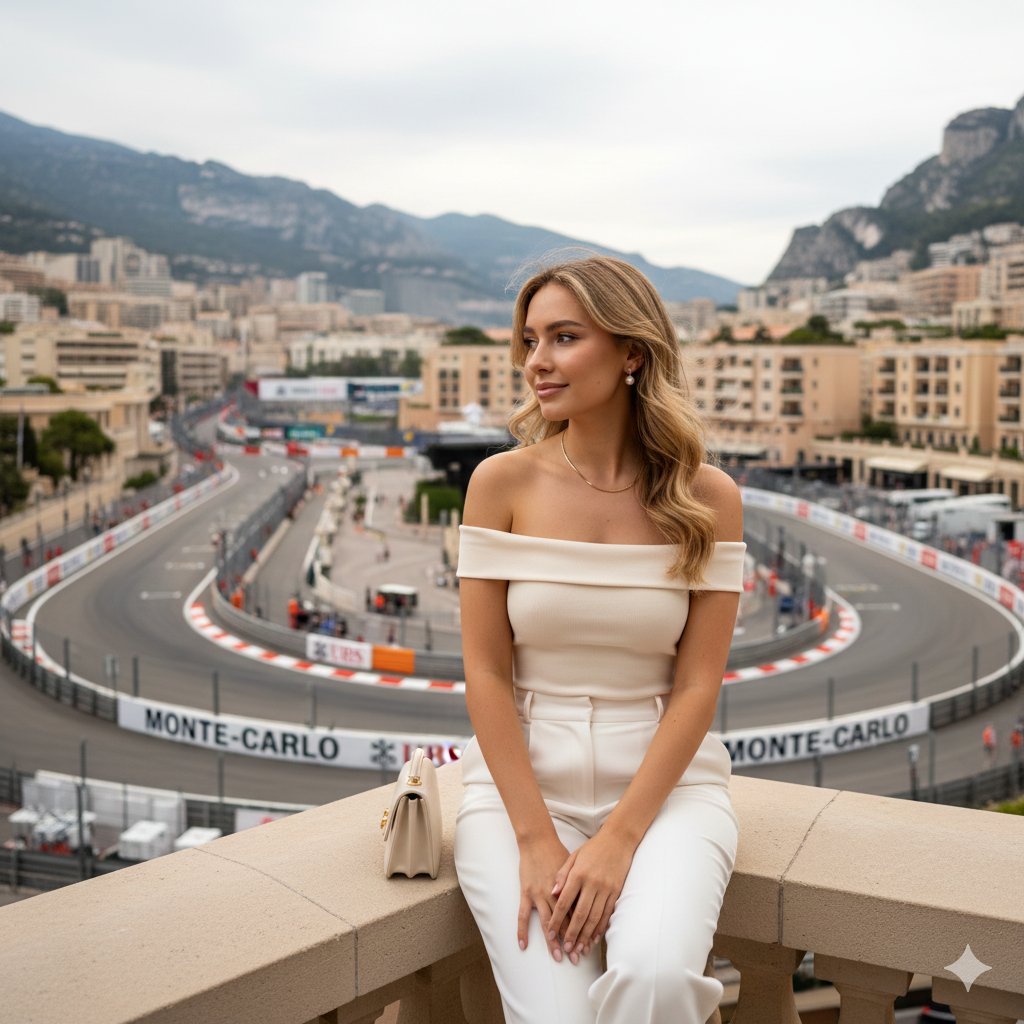
- Prompt included
- Model and format preset
- Free template
The prompt behind this image
Copy the exact prompt behind Luxury Travel Lifestyle Portrait in Monaco, or open it in the studio and make it yours.
- Subject › Person
- Young woman, early 20s, Caucasian
- Subject › Hair
- Golden blonde hair with loose curls and subtle flyaways
- Subject › Pose
- Seated on ledge, legs crossed at ankles, shoulders relaxed
- Subject › Expression
- Gentle, composed, understated smile
- Outfit › Top
- {argument name="top style" default="Cream off-shoulder fitted top"}
- Outfit › Bottoms
- High-waisted white trousers
- Outfit › Accessories
- Mini handbag, pearl studs, thin chain necklace
- Action › Hands
- Hands resting loosely on knees
- Location › Setting
- Terrace overlooking Monaco circuit near Casino Square
- Location › Background
- Luxury hotels, racetrack walls, cloudy sky
- Typography › Text
- {argument name="branding text" default="MONTE-CARLO, UBS branding"}
- Lighting › Type
- Natural ambient daylight
- Lighting › Quality
- Soft, evenly diffused
- Composition › Style
- Luxury travel lifestyle photograph, medium portrait, 4:5
- Composition › Color Palette
- Warm creams and muted greys
Raw JSON
{
  "subject": {
    "person": "Young woman, early 20s, Caucasian",
    "hair": "Golden blonde hair with loose curls and subtle flyaways",
    "pose": "Seated on ledge, legs crossed at ankles, shoulders relaxed",
    "expression": "Gentle, composed, understated smile"
  },
  "outfit": {
    "top": "{argument name=\"top style\" default=\"Cream off-shoulder fitted top\"}",
    "bottoms": "High-waisted white trousers",
    "accessories": "Mini handbag, pearl studs, thin chain necklace"
  },
  "action": {
    "hands": "Hands resting loosely on knees"
  },
  "location": {
    "setting": "Terrace overlooking Monaco circuit near Casino Square",
    "background": "Luxury hotels, racetrack walls, cloudy sky"
  },
  "typography": {
    "text": "{argument name=\"branding text\" default=\"MONTE-CARLO, UBS branding\"}"
  },
  "lighting": {
    "type": "Natural ambient daylight",
    "quality": "Soft, evenly diffused"
  },
  "composition": {
    "style": "Luxury travel lifestyle photograph, medium portrait, 4:5",
    "color_palette": "Warm creams and muted greys"
  }
}How to use Luxury Travel Lifestyle Portrait in Monaco in 3 steps
- 1
Open
The prompt is already in the box next to the preview, with the template's model and format selected.
- 2…a portrait of your subject in softgolden-hour light, 85mm…
Personalize
Edit the subject and creative details for your destination.
- 3Generate
Generate
Press Generate — your image is created in PicX Studio, so you can compare it with the original and refine one variable at a time.
More like this
Templates with the same subject, style or setup. Open one to see its prompt.

untitled

Kids Crayon Travel Journal Illustration
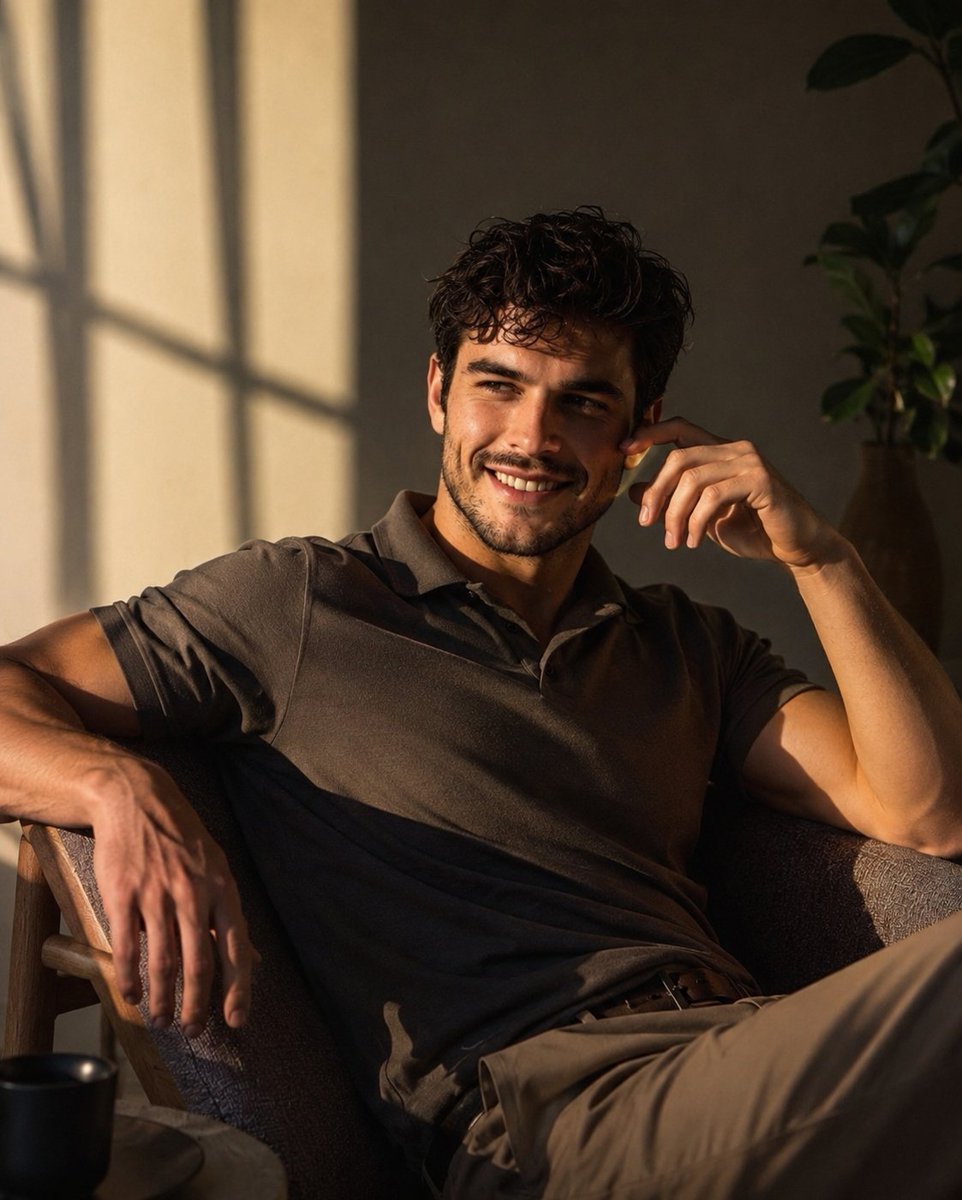
Luxury Men's Lifestyle Portrait
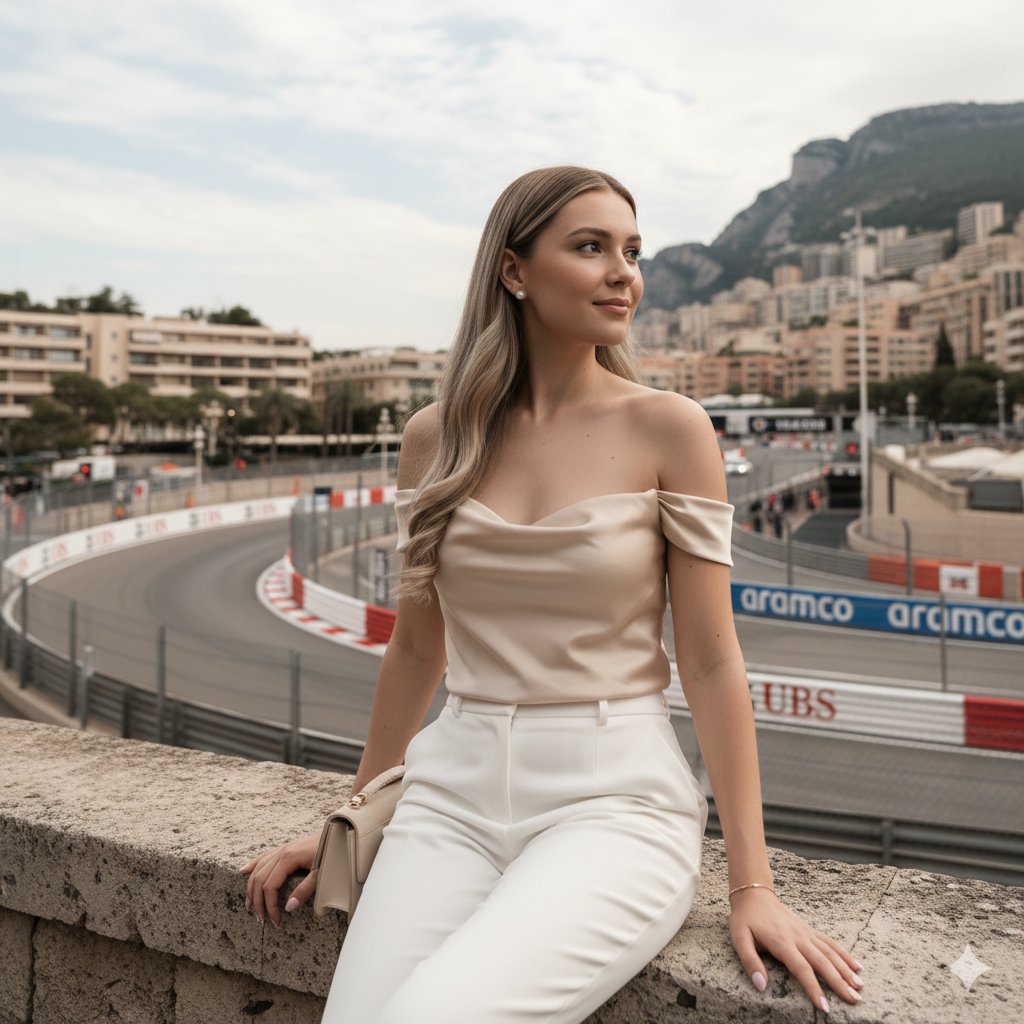
Candid Travel-Lifestyle Photograph: Monaco Terrace

Miniature Self Portrait Collage

Found Photograph: Us, 1970

80s Couple Studio Portrait

80s Bollywood Star

80s Golden Hour Cinema

Me in 1985

1985 Studio Portrait

Hyper-Realistic Minecraft POV Portrait
Make it yours
Luxury Travel Lifestyle Portrait in Monaco works as-is. These are the safest ways to change it without losing the look.
Swap the setting
Keep the rest of the prompt and replace the location block. The current setting is “Terrace overlooking Monaco circuit near Casino Square”.
Swap the light
One lighting change is enough to compare takes. Current light: “Natural ambient daylight”.
Change one field
Copy a single group, rewrite it, and generate again so you can see what that field is doing.
| If the result… | Why | Fix |
|---|---|---|
| The result drifts from the preview | Too many fields changed at once. | Reuse Luxury Travel Lifestyle Portrait in Monaco as-is first, then change one group — subject, light, or setting. |
| Nano Banana 2 ignores part of the JSON | Some models flatten or skip nested keys. | Keep the same values and paste them as a short paragraph instead. |
More Nano Banana 2 templates
Other prompts made for Nano Banana 2.

Photorealistic Leaf Shaped Like a Dragon

K-Pop Idol Portrait Grid for Rapid Selection

Poetic Rain Forest Portrait During Golden Hour

Urban Street Portrait with Cartoon Inner Self Duo

Candid Nighttime Photo with Cat Prompt

High-Concept 3D Diorama Generation Prompt

Cinematic Futuristic Studio Portrait Template

Skincare Editorial Photography Collage Prompt

Hyper-Realistic Commercial Product Photography (Splash Effect)

Hyper-Realistic Nightclub Portrait Prompt
More image prompts
Fresh picks from across the catalog.
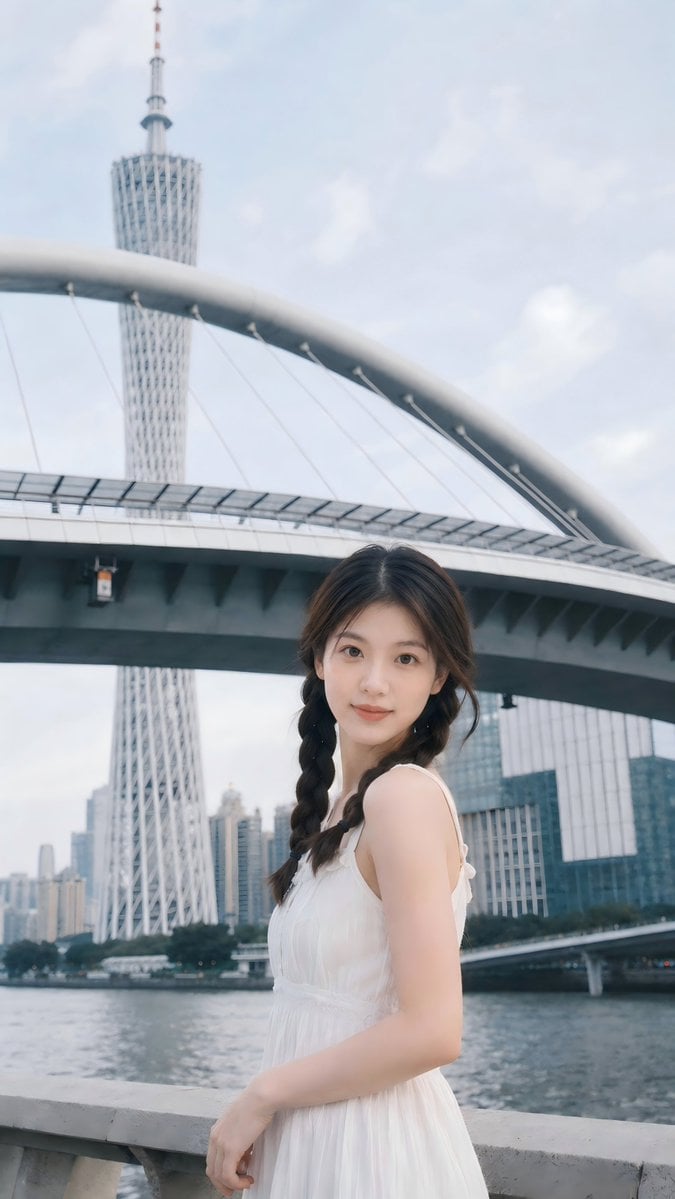
Prompt: Use the uploaded portrait as the ONLY ide
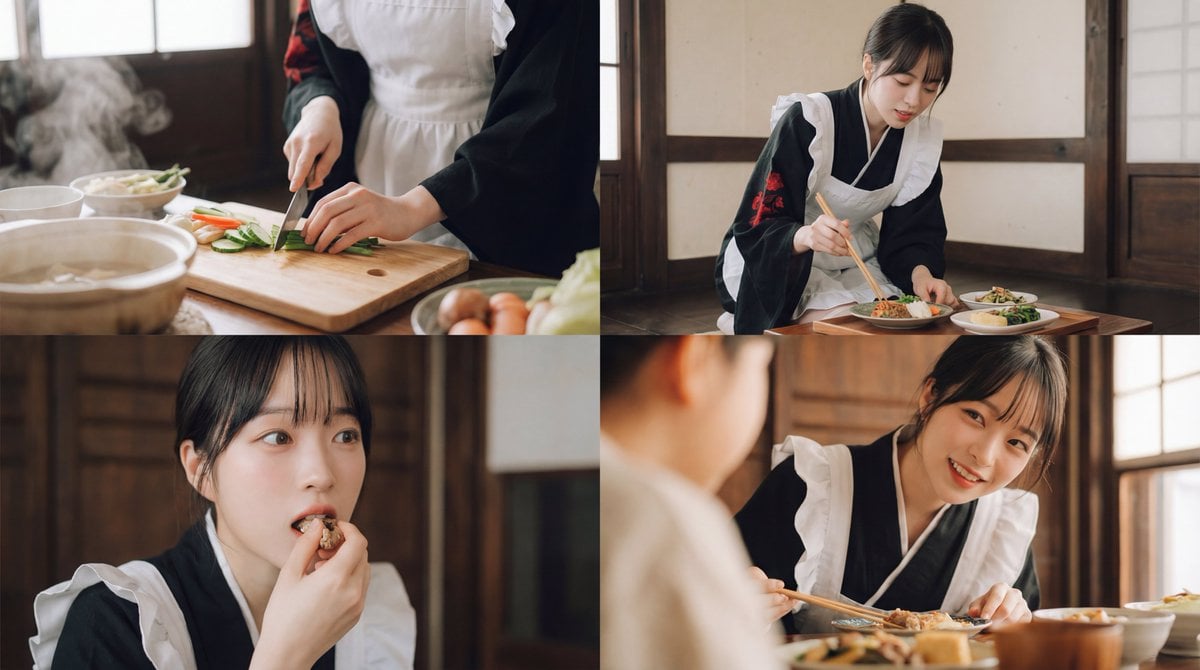
Seamless Cinematic Japanese Food Video Prompt
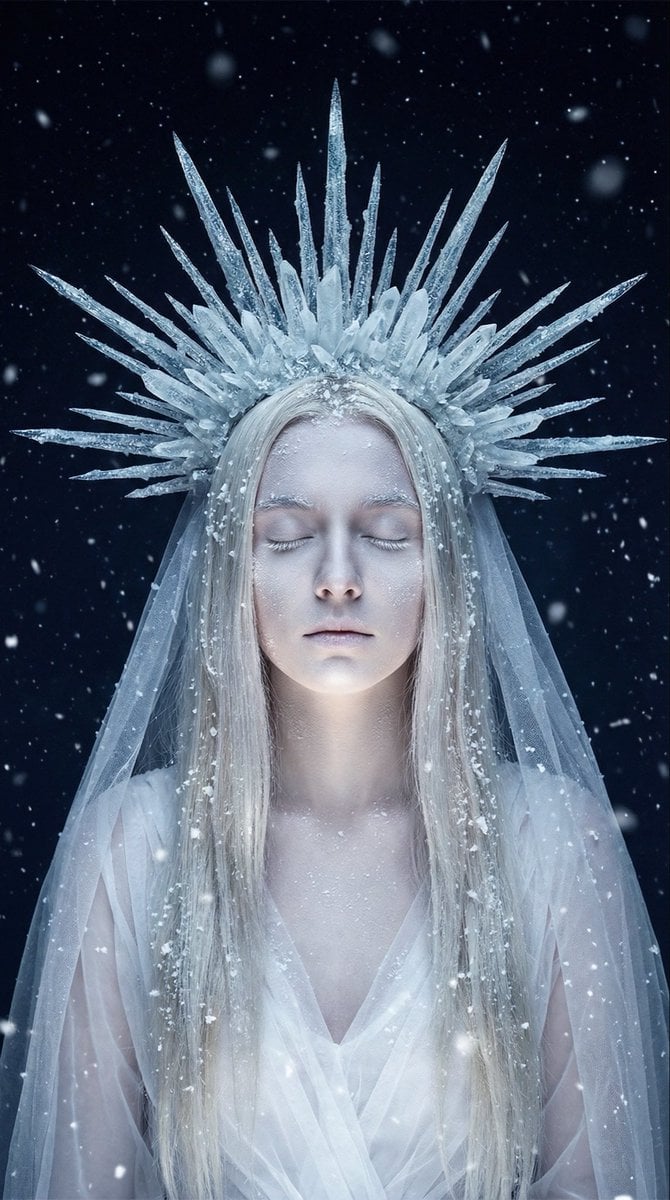
Ethereal Winter Goddess Portrait Prompt
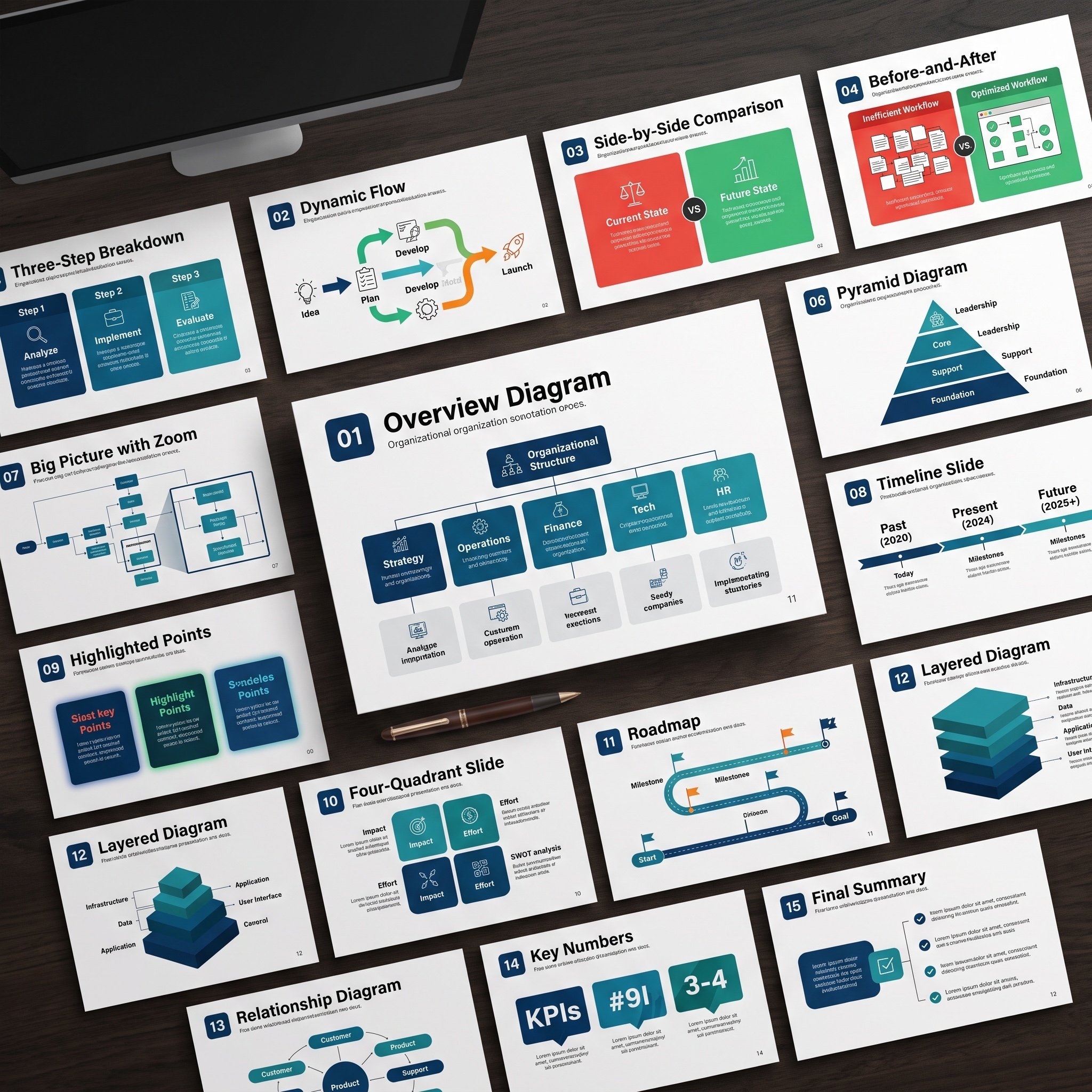
Nano Banana Pro Diagram Generation Prompts (15 Templates)
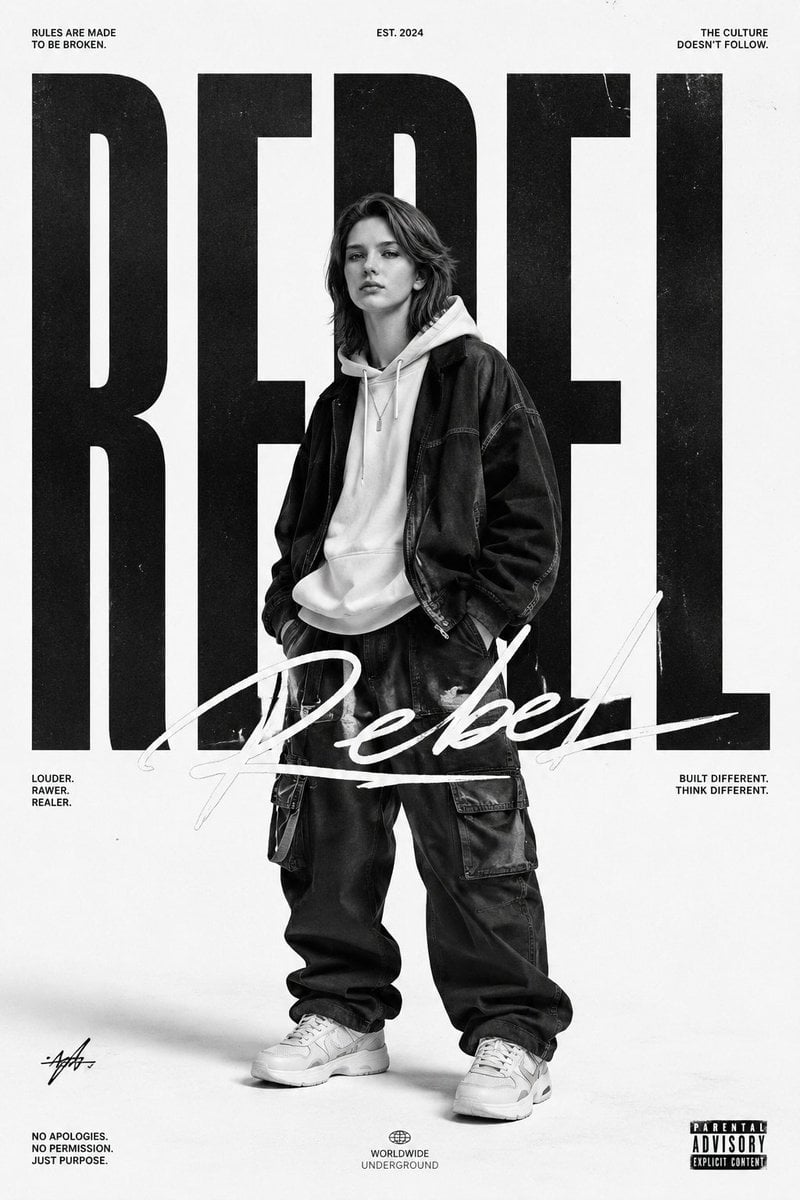
Monochrome Streetwear Editorial Poster
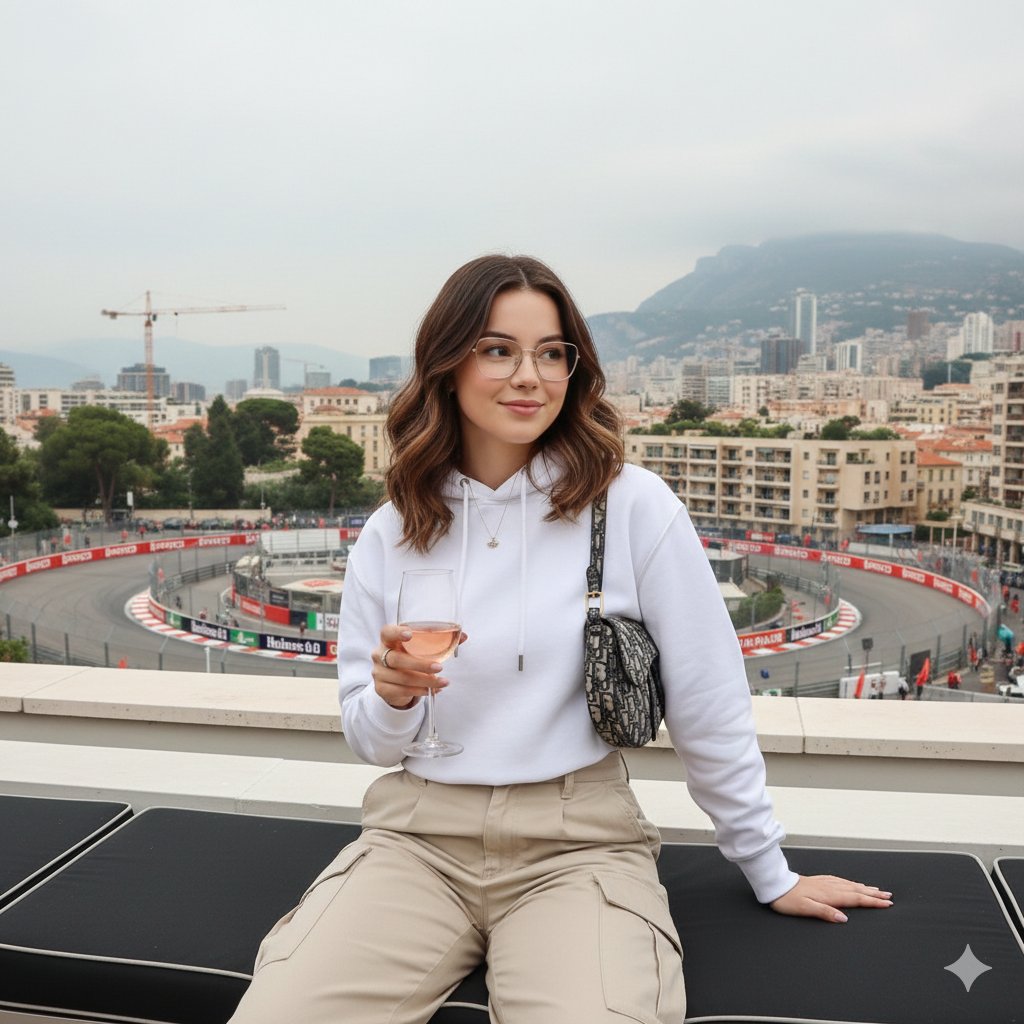
Monaco Grand Prix Rooftop Lifestyle Shot
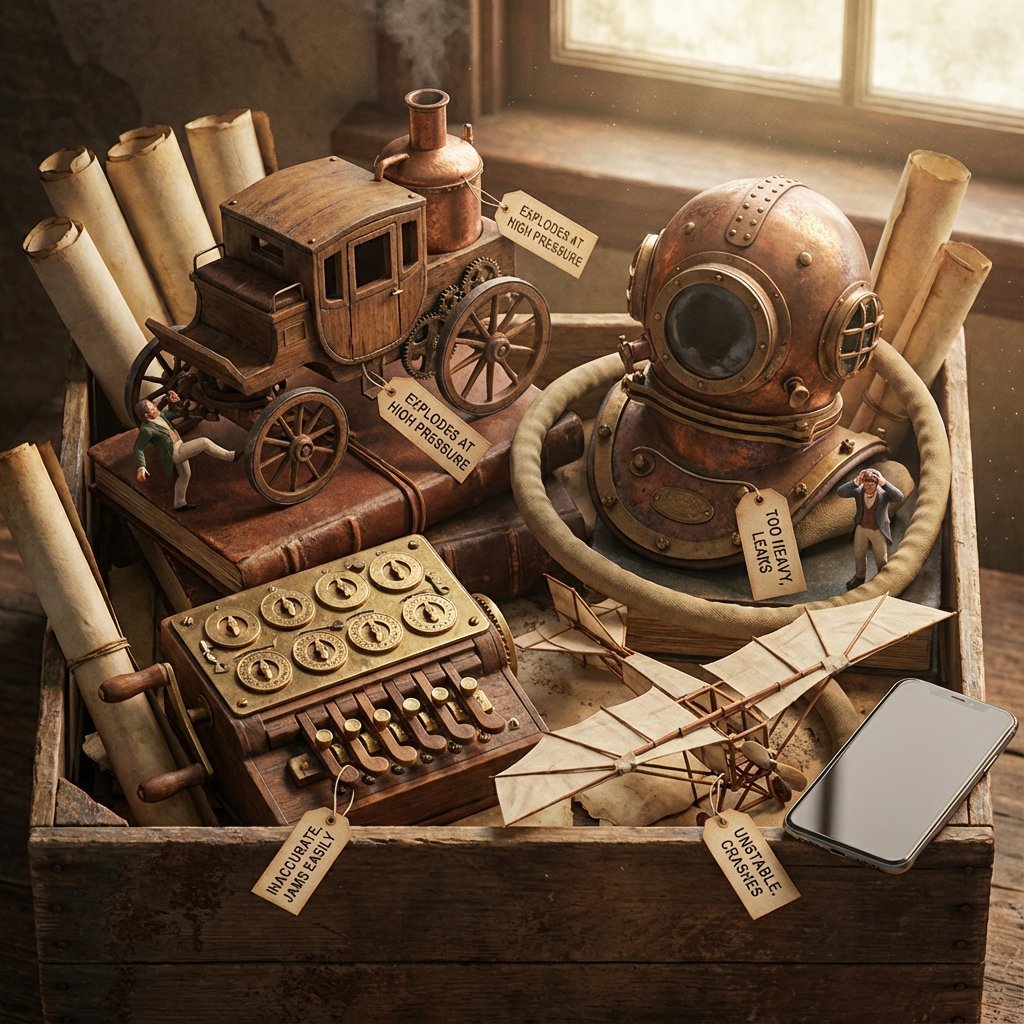
Historical Archivist Prompt for Flawed Inventions
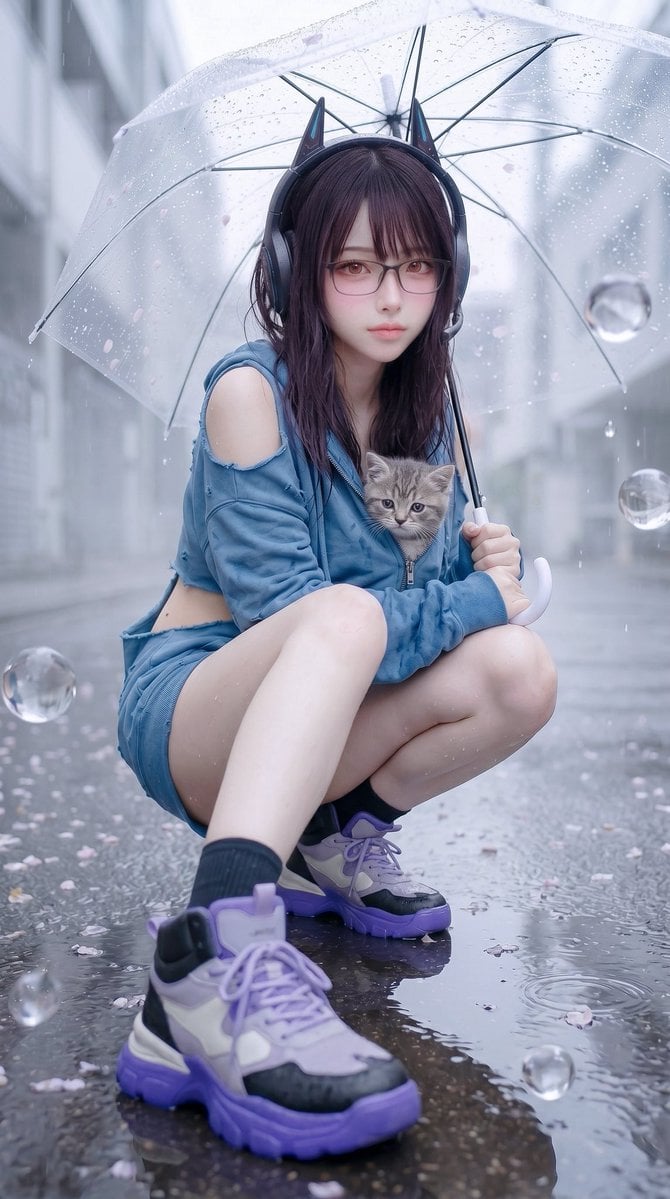
Rainy Cat-Ear Street Portrait
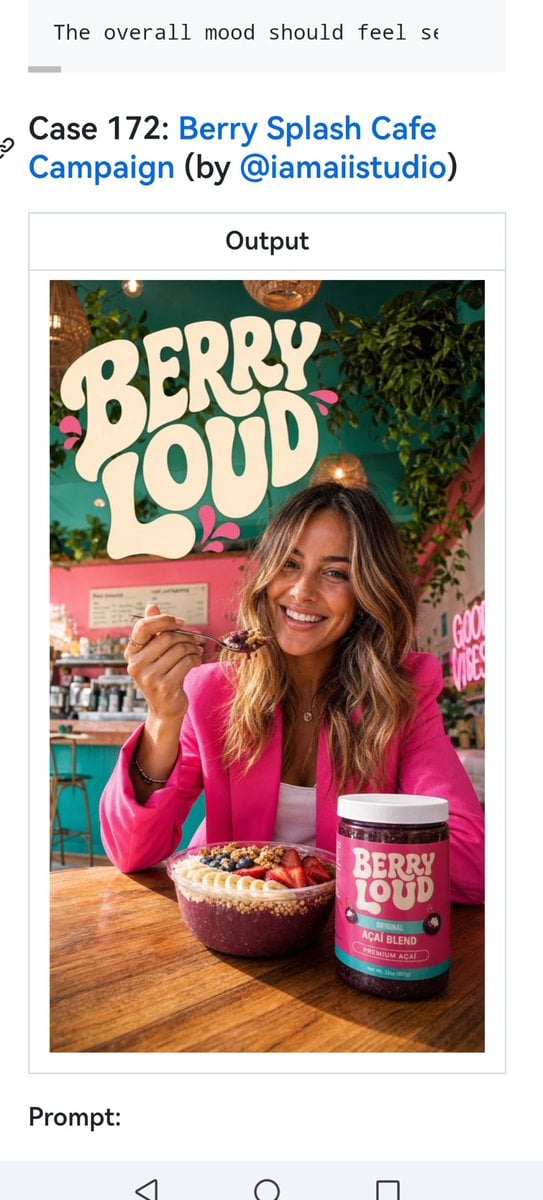
Berry Loud Cafe Campaign Screenshot
Vintage Amalfi Coast Travel Poster
Browse template categories
Luxury Travel Lifestyle Portrait in Monaco questions
How do I use the Luxury Travel Lifestyle Portrait in Monaco template?
Add your photo if the template asks for one, edit the prompt if you like — the template's model and format are already selected — and press Generate. Your version opens in PicX Studio.
Can I customize the Luxury Travel Lifestyle Portrait in Monaco template?
Yes. You can change the subject, setting, lighting, mood, format, and available model controls before creating your image.
Is the Luxury Travel Lifestyle Portrait in Monaco template free?
Opening and editing this template is free. Generating uses credits, shown on the Generate button when you are signed in.
Which AI model should I use?
Start with Nano Banana 2, which is the model associated with this template. You can compare another compatible model for a different finish.
Looking for something else? Browse all templates.

Your photo, any look
Thousands of ready templates for every top image and video model, from one credit balance.