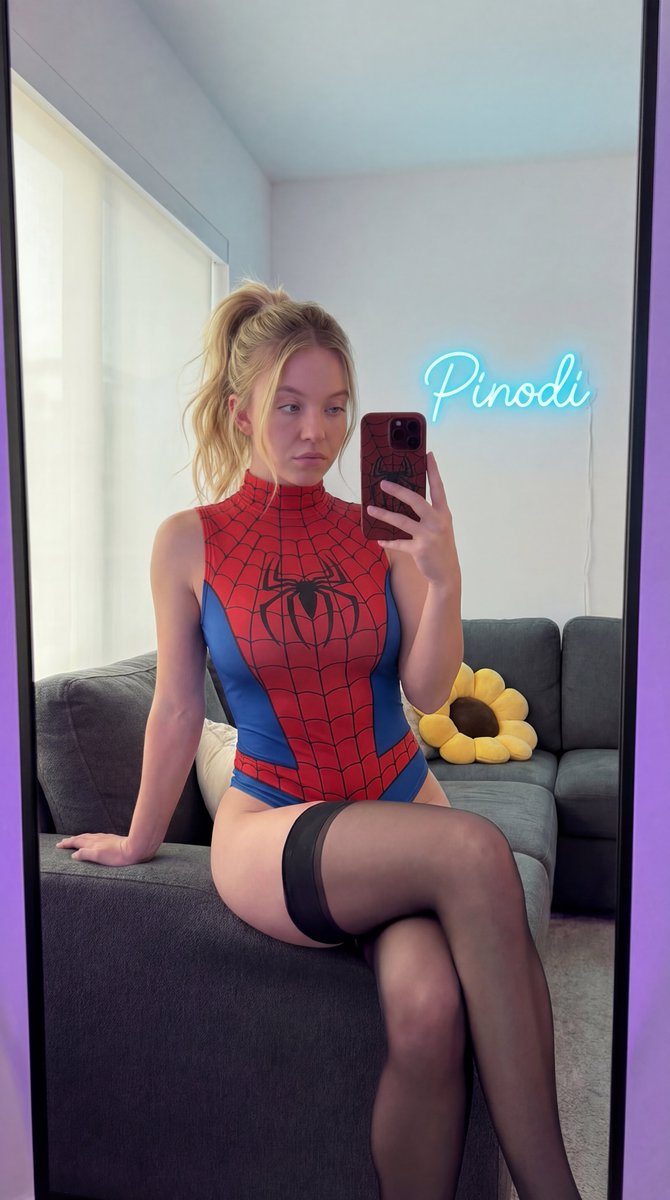
How do I use the Sydney Sweeney Spiderman Bodysuit Mirror Selfie template?
Choose the primary action to open PicX Studio with the available template settings. Review the model and format, personalize the creative direction, and generate when ready.
An extremely detailed, JSON-formatted prompt for generating a mirror selfie of Sydney Sweeney (digital twin reconstruction) wearing a high-leg Spiderman bodysuit and thigh-high stockings, seated on a sofa. Change the subject, setting, or lighting one variable at a time.

{ "subject": { "identity": { "biometric_reference": "Sydney Sweeney", "analysis": "Exact digital twin reconstruction, focusing on signature heavy-lidded blue eyes, soft facial contours, and specific philtrum shape." }, "facial_details": { "eyes": "Large, slightly heavy-lidded (doe-eyed aesthetic), iris color hex #A4C3D2 (clear sky blue), direct gaze into the mirror reflection.", "mouth": "Naturally plump lips, closed mouth, neutral expression, strictly no smiling, hex #EBC2AF natural tones without cosmetics.", "skin": "Fitzpatrick Scale Type II, luminous porcelain texture with visible fine pores, no makeup, no lipstick, subsurface scattering depth 2.0mm.", "hair": "Natural golden blonde, hex #EEDC82, styled in a voluminous high messy ponytail with face-framing soft strands, mirroring the established pose." }, "body": { "morphology": "Hourglass somatotype with significantly exaggerated mammary and gluteal volume, waist-to-hip ratio 0.65.", "anatomy": "Defined clavicles, toned abdominal wall with natural soft curves, seated posture showing realistic skin-to-fabric interaction.", "limbs": "Right hand holding the smartphone for a mirror selfie, left hand resting for stability on the sofa, anatomical precision in finger joints." } }, "wardrobe": { "main_garment": "High-neck sleeveless Spiderman-themed bodysuit, extremely high-leg cut, matte finish.", "material_science": "Stretch spandex, hex #C62828 (primary red) and #1565C0 (secondary blue), detailed black web-line print following body contours.", "hosiery": "Sheer black thigh-high stockings, 15 denier, matte finish, hex #1A1A1A, visible on upper thighs while seated.", "accessories": "No necklace, no jewelry, no rings." }, "pose_action": { "stance": "Seated on the edge of a dark grey fabric sofa, knees together, slight forward lean for the mirror selfie perspective.", "expression": "Neutral, analytical gaze, non-smiling, mouth closed." }, "scene": { "environment": "Domestic living room, mirror selfie viewpoint.", "elements": { "furniture": "Dark grey fabric sofa with a sunflower-shaped accent pillow.", "phone_case": "Smartphone case in dark matte red (hex #8B0000) with a tactile black spiderweb texture.", "neon_sign": "Small-scale custom neon sign 'Pinodi' in an elegant cursive font, emitting a soft cyan-blue glow (hex #00E5FF).", "background": "White matte walls with secondary purple ambient light (hex #9D50BB) at the frame edges." }, "composition": "9:16 vertical format, medium-close shot." }, "lighting": { "setup": "Soft diffused natural window light mixed with the cyan neon glow and purple rim lighting for depth.", "physics": "Accurate specular highlights on the fabric and granite-like reflections, 1:1 mirror reflection integrity." }, "camera": { "technical_specs": "Smartphone foc
Choose the primary action to open PicX Studio with the available template settings. Review the model and format, personalize the creative direction, and generate when ready.
Yes. You can change the subject, setting, lighting, mood, format, and available model controls before creating your image.
This template is free to open and customize. Generation usage is shown in PicX Studio before you create.
Start with Nano Banana 2, which is the model associated with this template. You can compare another compatible model for a different finish.
Follow a topic to a crawlable collection of related PicX Studio templates.
43,474 public templates available. Verified via the PicX Studio public templates API; refreshed hourly.





![nano-banana-grwm-mirror-selfie-pink — Nano Banana 2
Prompt (JSON):
{
"type": "image_prompt",
"description": {
"subject": {
"main": "[NAME] com o](/_next/image?url=https%3A%2F%2Fcdn.picxstudio.com%2Fuploads%2Ftweet_img_10a_612da6f9-cf6d-417e-bdd5-cc1300d1d830.jpg&w=828&q=100)








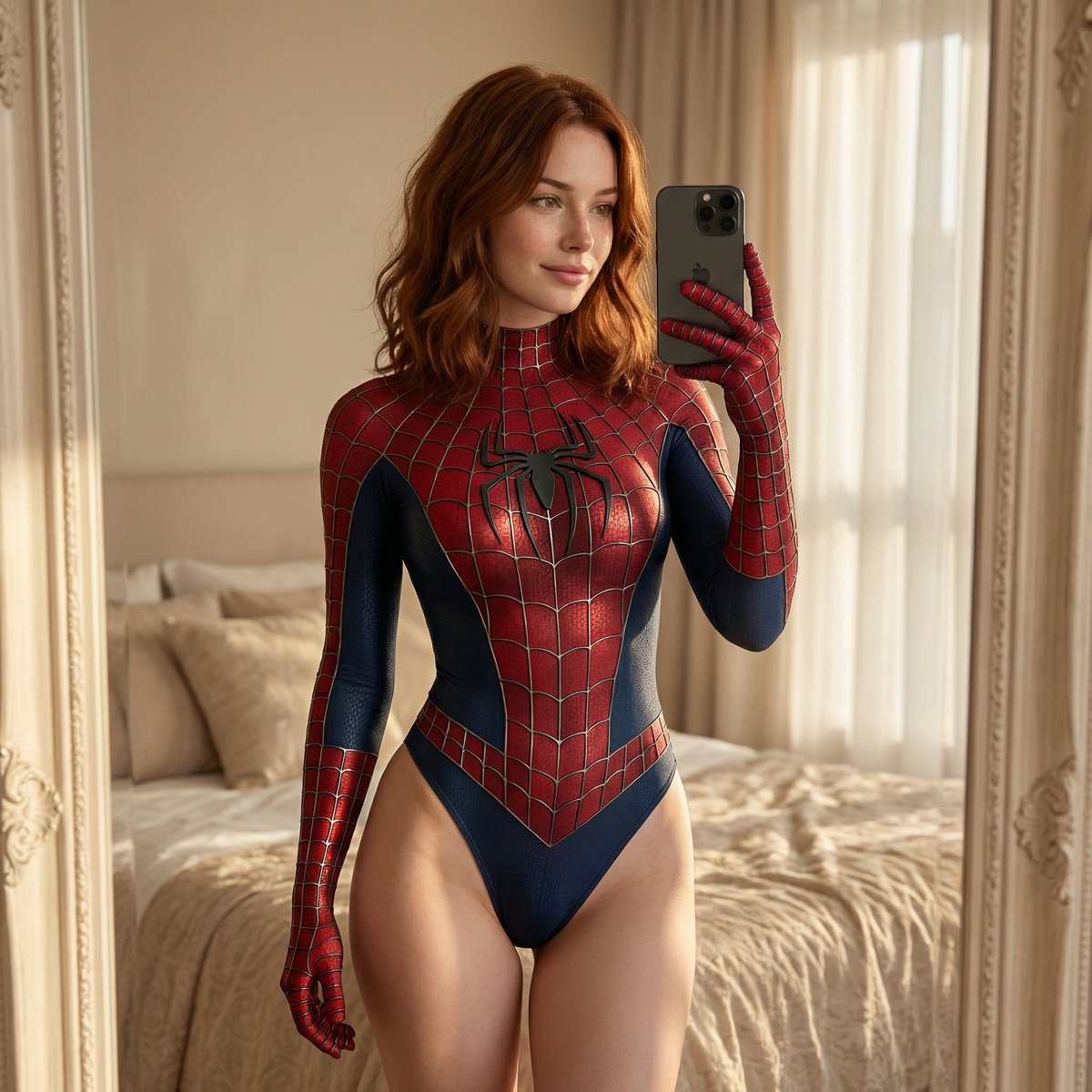


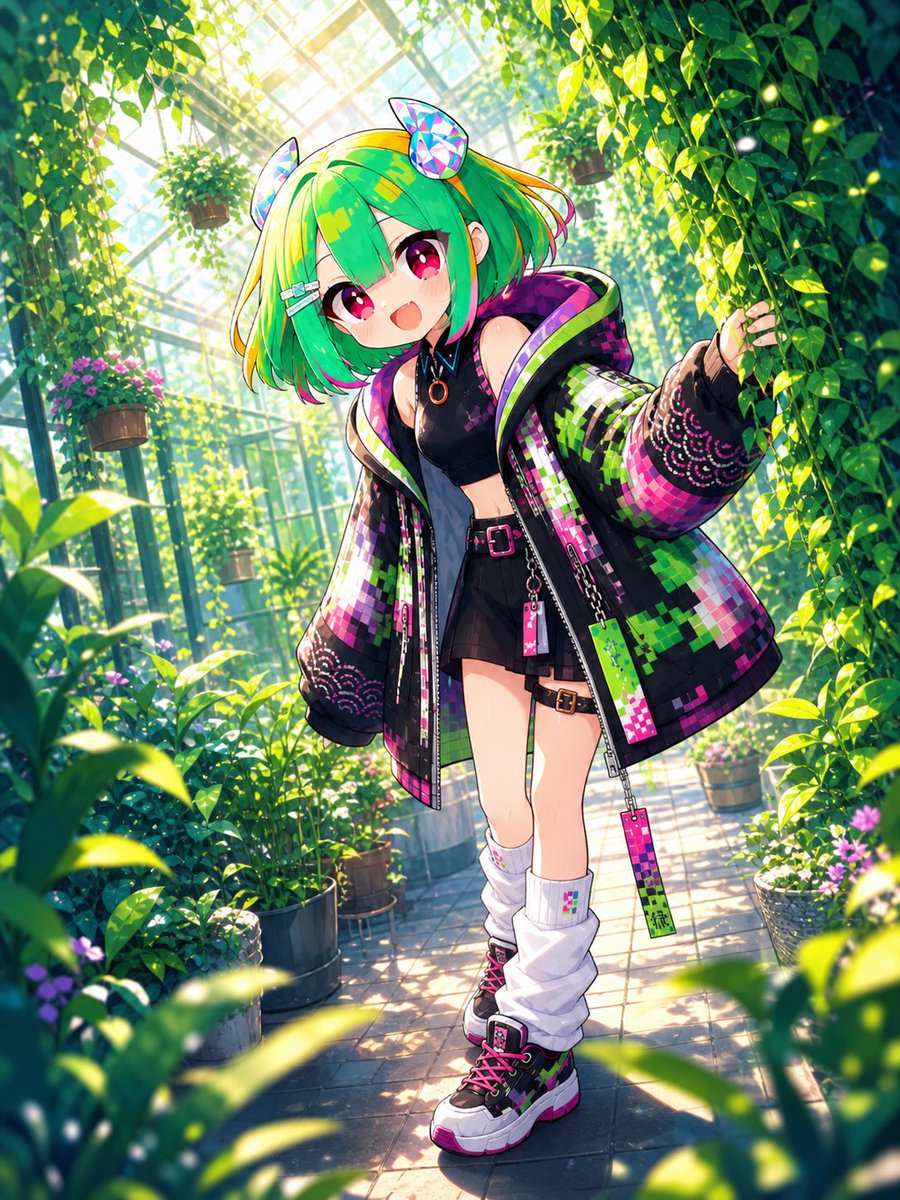
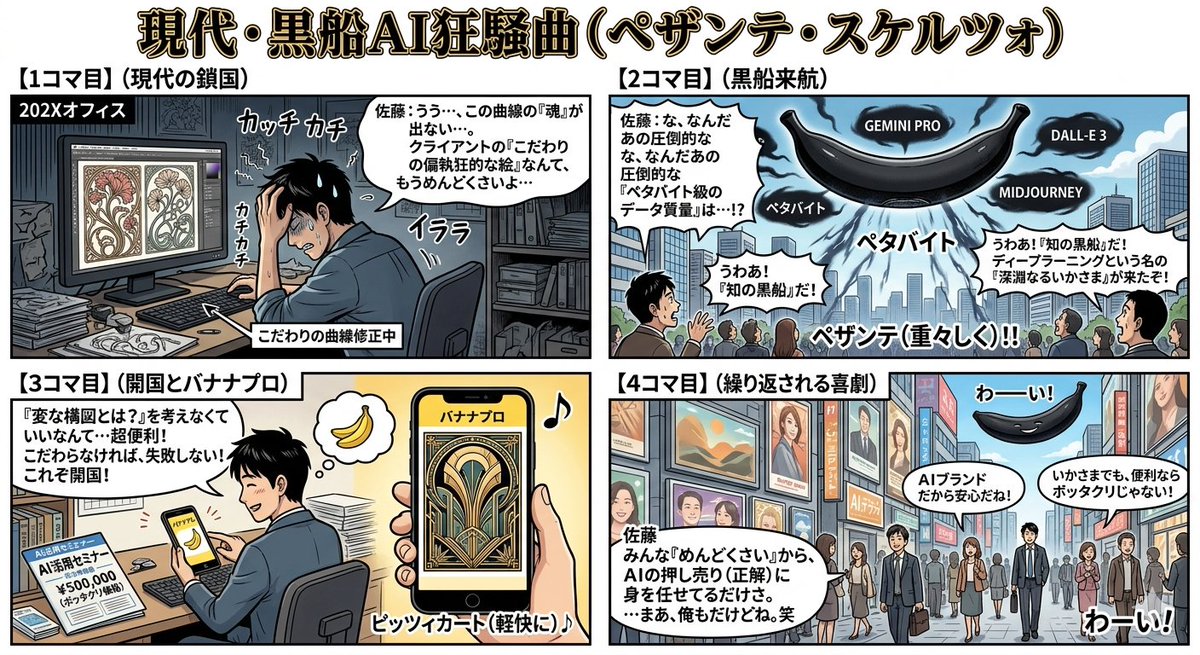
![Naive doodle-style subject illustration — A doodle-style {argument name="subject" default="[subject]"}, naive lines, humorous shape exaggeration](https://pbs.twimg.com/media/G6Wl2YxbsAARB2b.jpg)





















![Character Reference Sheet Prompt for Nano Banana — [SUBJECT] = {argument name="subject description" default="elegant attractive young woman with blonde…](https://pbs.twimg.com/media/HDLRqnxXoAAp4Zn.jpg)


![Commercial Cosmetic Product Photography Prompt — A centrally placed pink cosmetic jar labeled “LANEIGE Lip Sleeping Mask [Berry] 3 g” sits on top of a large spi](https://pbs.twimg.com/media/HDhRyeEaIAAW8dL.jpg)