
How do I use the Ana de Armas Inspired Office Editorial Portrait template?
Choose the primary action to open PicX Studio with the available template settings. Review the model and format, personalize the creative direction, and generate when ready.
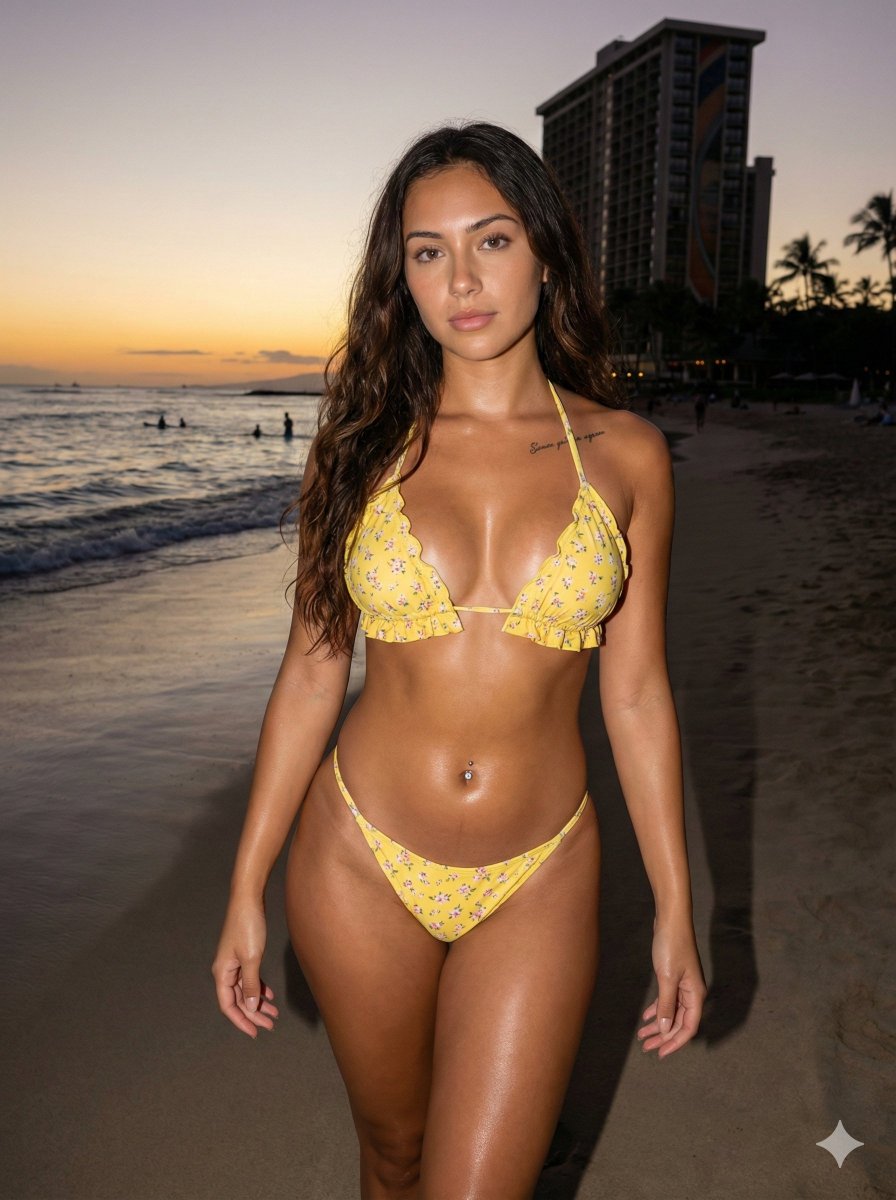
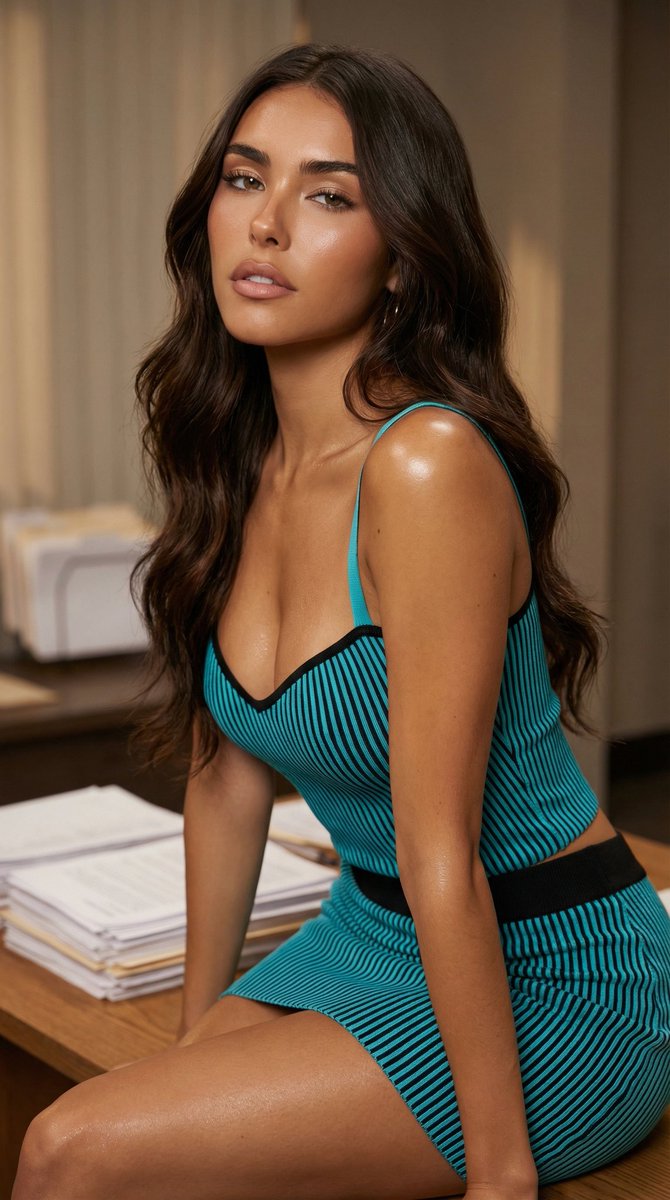
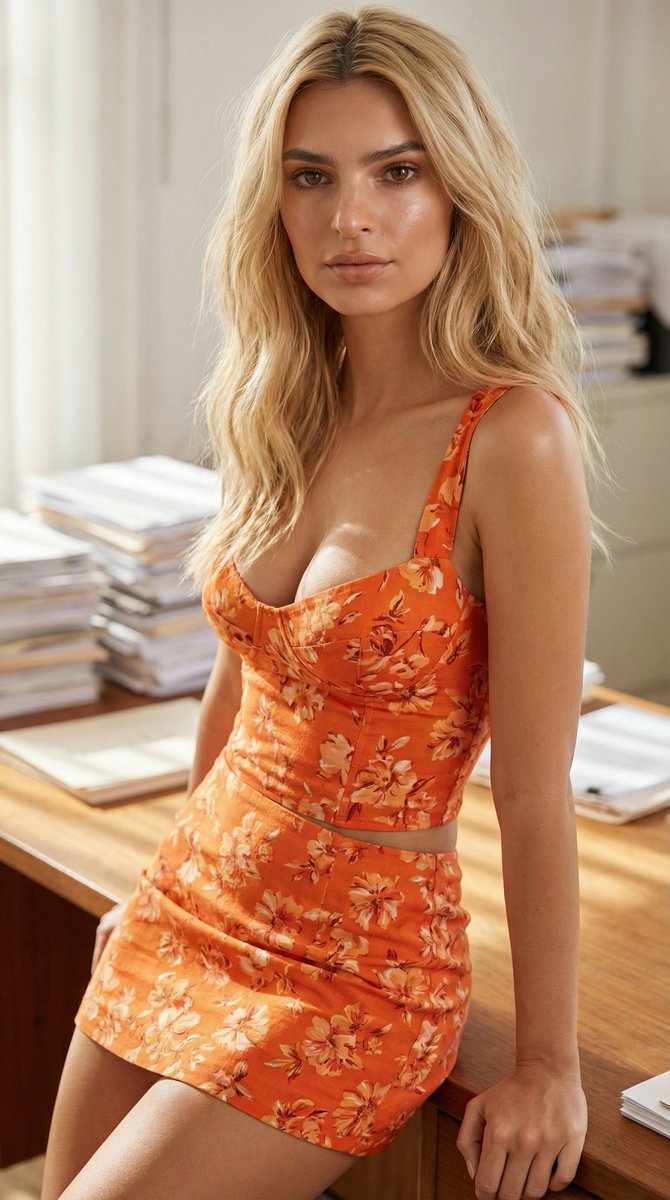
A highly detailed JSON prompt for generating a hyper-realistic, magazine-cover-quality close-up portrait of a woman inspired by Ana de Armas. It specifies a vivid red two-piece outfit, athletic build, glossy skin with a subtle sweat sheen, and a softly blurred office background with stacks of papers, using studio cinematic lighting. (free to use) — Free AI image template on PicX Studio.
{ "type": "image_generation_prompt", "concept": { "description": "Hyper-realistic, magazine-cover-quality close-up portrait of a beautiful woman with features inspired by {argument name=\"celebrity name\" default=\"Ana de Armas\"}", "intent": "High-fashion editorial photography with cinematic realism", "originality_note": "The subject is a look-alike inspired by Ana de Armas, not an exact replica" }, "subject": { "gender": "female", "age_range": "early 30s", "ethnicity": "Latina / Cuban-Spanish inspired", "facial_features": { "structure": "soft oval face, elegant cheekbones, delicate jawline", "eyes": "large almond-shaped eyes, warm brown tone, relaxed eyelids", "lips": "full, natural lips slightly parted", "expression": "languid, calm, subtly seductive, relaxed confidence" }, "body_visibility": { "framing": "close-up portrait extending below the waist", "posture": "upright but relaxed, natural editorial pose" } }, "body": { "build": "Athletic and lean", "musculature": [ "Defined abdominal muscles", "Toned arms", "Firm thighs" }, "wardrobe": { "outfit_type": "two-piece outfit", "color": "deep vivid red", "top": { "style": "fitted, minimal, fashion-forward", "fabric": "smooth, slightly reflective material" }, "bottom": { "style": "mini skirt", "fit": "form-fitting, modern cut", "visibility": "clearly visible below the waist" } }, "skin_and_texture": { "skin_quality": "highly detailed, natural pores visible", "finish": "glossy, luminous", "effect": "subtle sweat or oil sheen on torso and chest, enhancing realism", "tone": "warm, healthy glow" }, "hair_and_makeup": { "hair": { "style": "softly styled, loose waves", "color": "deep brown", "texture": "natural shine with slight movement" }, "makeup": { "style": "editorial glamour", "details": "dewy skin, softly defined eyes, natural lips with slight gloss" } }, "background": { "environment": "indoor setting", "primary_elements": [ "desk or table surface", "stacks of papers" ], "paper_details": { "brightness": "partially bright white", "arrangement": "slightly messy, layered stacks", "focus": "softly blurred to maintain subject dominance" }, "depth_of_field": "shallow, cinematic bokeh" }, "lighting": { "style": "studio cinematic lighting", "key_light": "soft but directional, highlighting facial structure", "fill_light": "gentle fill to preserve skin detail", "highlights": "accentuated on glossy skin areas", "shadows": "soft, controlled, magazine-style contrast" }, "camera": { "shot_type": "close-up portrait", "lens": "85mm prime lens", "aperture": "f/1.8", "focus": "tack-sharp on eyes", "sens" } }
Use Ana de Armas Inspired Office Editorial Portrait to plan an AI image around nano-banana-2 generation. Match the preview's composition first, then personalize the subject, setting, and mood for your own project.
Use the primary action to load the template settings in PicX Studio.
Adjust the subject and creative details for your destination.
Create the image, compare the result with the preview, and refine one variable at a time.
A continuous mix — similar concepts first, woven with same-model prompts and fresh picks from the catalog.
Choose the primary action to open PicX Studio with the available template settings. Review the model and format, personalize the creative direction, and generate when ready.
Yes. You can change the subject, setting, lighting, mood, format, and available model controls before creating your image.
This template is free to open and customize. Generation usage is shown in PicX Studio before you create.
Start with nano-banana-2, which is the model associated with this template. You can compare another compatible model for a different finish.
Follow a topic to a crawlable collection of related PicX Studio templates.
39,155 public templates available. Verified via the PicX Studio public templates API; refreshed hourly.
A continuous mix — similar concepts first, woven with same-model prompts and fresh picks from the catalog.