
Anime Hardware Store Worker
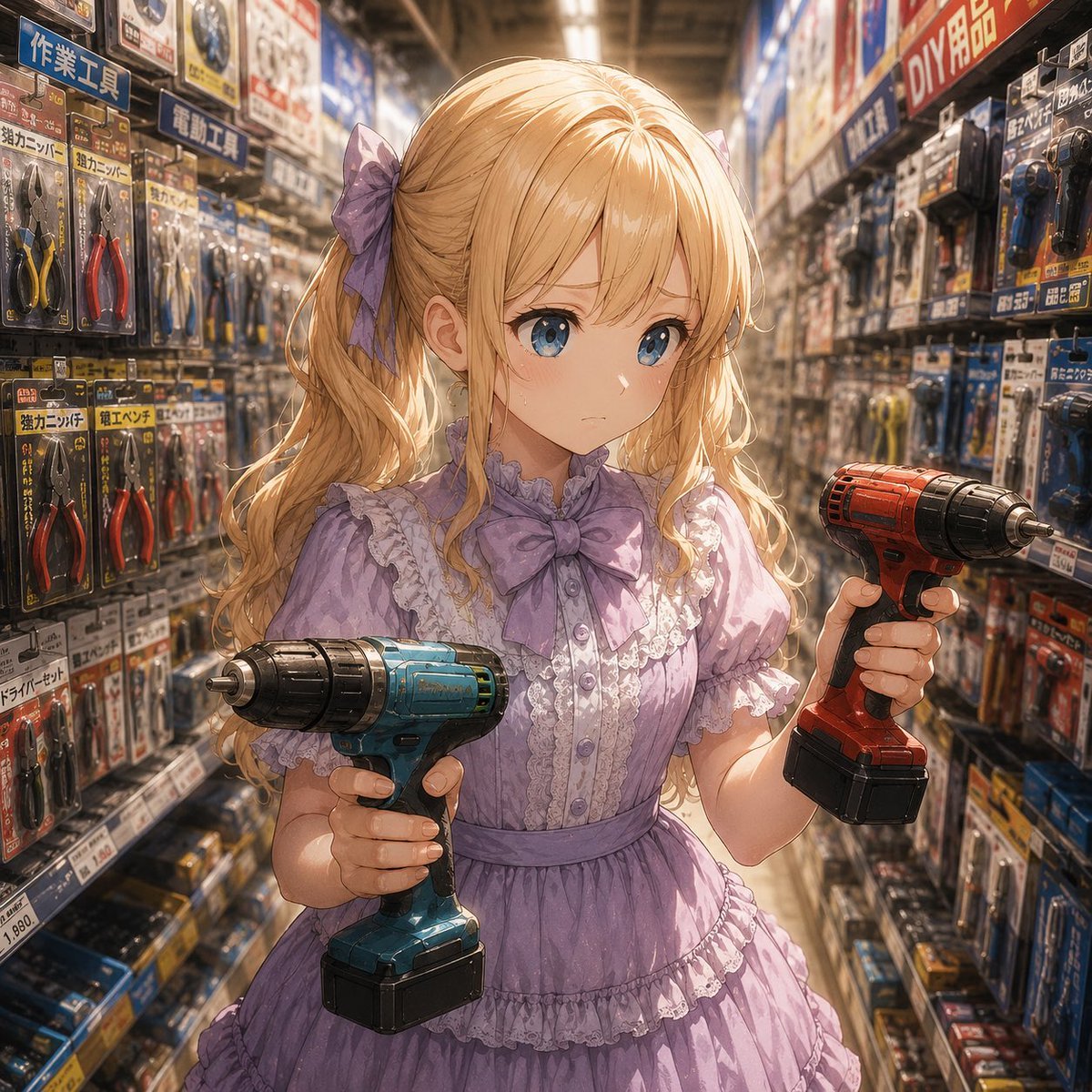
A detailed anime illustration prompt for a cute frilly working girl holding two cordless drills in a busy Japanese hardware store aisle.
- Prompt included
- Model and format preset
- Free template
The prompt behind this image
Copy the exact prompt behind Anime Hardware Store Worker, or open it in the studio and make it yours.
Create a highly detailed anime-style illustration of {argument name="character name" default="a young working woman"} standing in the center aisle of a crowded Japanese hardware store, surrounded by tall shelves packed with packaged hand tools, pliers, wrenches, drill bits, power tools, price tags, and colorful Japanese product signs. She has long wavy {argument name="hair color" default="blonde"} hair tied into twin ponytails with 2 large lavender ribbon bows, and wears a frilly {argument name="dress color" default="lavender"} Victorian-lolita work dress with exactly 6 prominent outfit details: puff sleeves, lace-trimmed collar, large bow at the neck, vertical lace panel with buttons, fitted waist sash, and tiered ruffled skirt. Her face is fully covered by a plain centered square censor block in warm skin-tone beige, with no facial features visible. She holds exactly 2 cordless power drills: a teal-blue drill in her left hand angled slightly downward toward the viewer, and a red drill in her right hand angled outward to the side, both with black battery packs and metallic chucks. The background should show exactly 2 long tool aisles receding in perspective on the left and right, with dense blister packs and signage, including blue and red Japanese-style DIY/tool labels, creating a busy retail atmosphere. Use warm overhead fluorescent lighting, shallow depth of field, cinematic perspective, glossy reflections on plastic packaging, soft golden rim light on the hair, intricate linework, painterly shading, and a polished GPT-image-2 anime illustration look. Keep the composition square, waist-up to thigh-up framing, centered character, dynamic but cute and hardworking mood, no extra characters, no watermark.
How to use Anime Hardware Store Worker in 3 steps
- 1Upload ImagePNG, JPG or paste
Add your photo
Upload the photo the template builds on. The prompt, model and format are already set.
- 2…a portrait of your subject in softgolden-hour light, 85mm…
Personalize
Edit the subject and creative details for your destination.
- 3Generate
Generate
Press Generate — your image is created in PicX Studio, so you can compare it with the original and refine one variable at a time.
More like this
Templates with the same subject, style or setup. Open one to see its prompt.












Make it yours
Anime Hardware Store Worker works as-is. These are the safest ways to change it without losing the look.
Change one field
Copy a single group, rewrite it, and generate again so you can see what that field is doing.
Keep the frame, change the subject
Hold the composition and light of Anime Hardware Store Worker, then swap wardrobe, props or the person for a new take.
| If the result… | Why | Fix |
|---|---|---|
| The result drifts from the preview | Too many fields changed at once. | Reuse Anime Hardware Store Worker as-is first, then change one group — subject, light, or setting. |
| The model over-stylizes the scene | The prose prompt leaves finish and camera underspecified. | Add one camera or lighting sentence and stay on GPT Image 2. |
More GPT Image 2 templates
Other prompts made for GPT Image 2.

Six VTuber Japanese Logo Sheet

Realistic Portrait of Woman and Deer

The Vista Modular Condo Poster

AI Model Routing Comparison Infographic

2.5D Anime Art Board

Isometric Productivity Desk Scene

New York Double Exposure Poster

Four-Panel AI Landscape Comparison

Japanese Tatami Lifestyle Magazine Cover

NESCAFÉ Coffee Map Poster
More image prompts
Fresh picks from across the catalog.
Social Media Ad Designs

PS1 Retro Gaming Style Prompt

Champions League Highlight Card Generator

MS Paint Selfie Doodle
Chibi Staring Contest Manga Page
GPT Image 2 Quality Comparison Grid
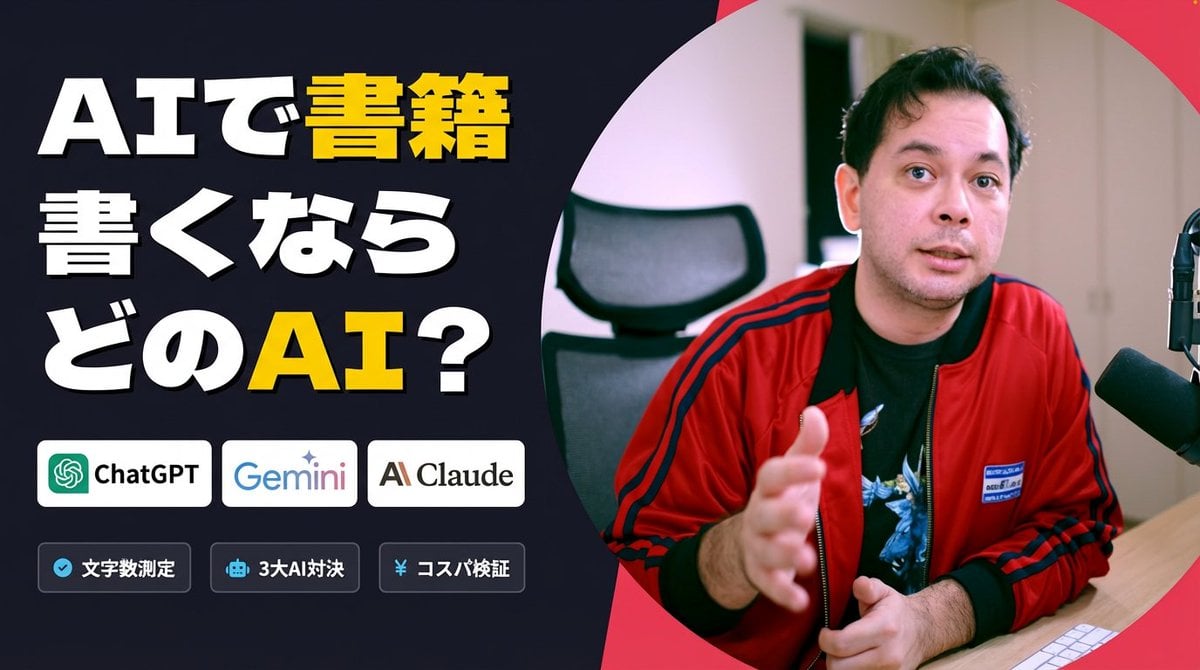
Preserve Original Photo in YouTube Thumbnail Prompt

Surreal Nature Fashion Fusion Portrait
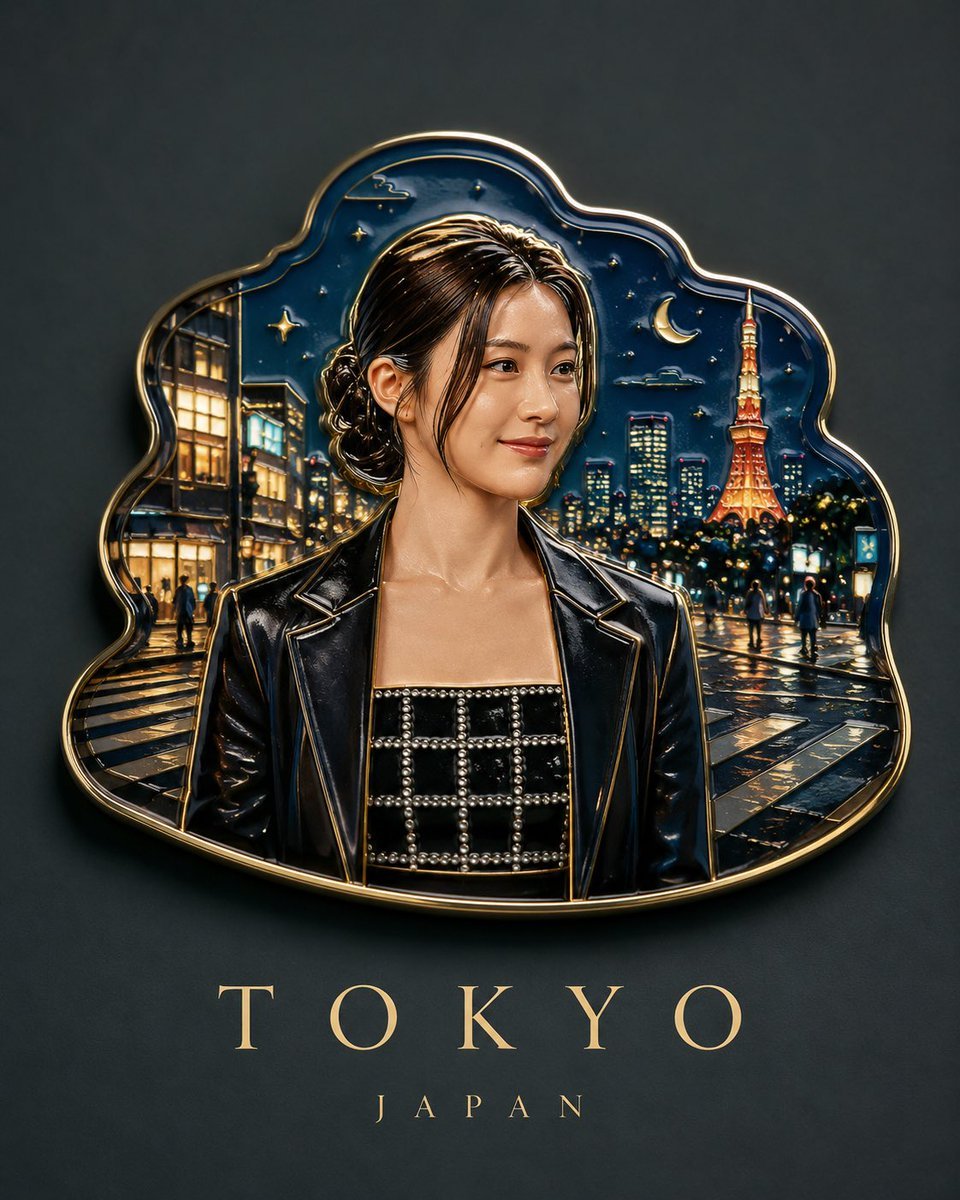
Handmade Enamel Souvenir Magnet Design
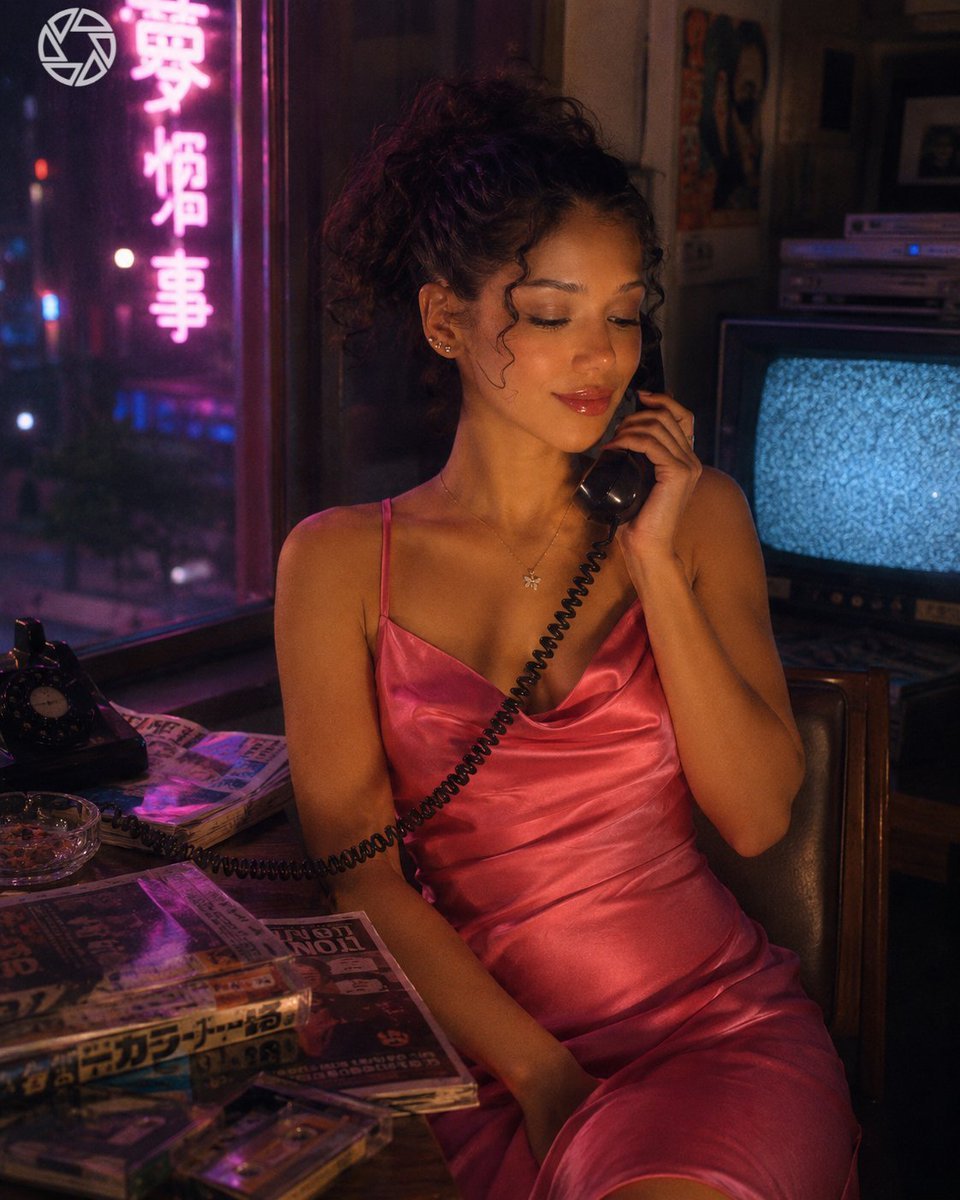
Retro Neon Night Phone Portrait
Browse template categories
Anime Hardware Store Worker questions
How do I use the Anime Hardware Store Worker template?
Add your photo if the template asks for one, edit the prompt if you like — the template's model and format are already selected — and press Generate. Your version opens in PicX Studio.
Can I customize the Anime Hardware Store Worker template?
Yes. You can change the subject, setting, lighting, mood, format, and available model controls before creating your image.
Is the Anime Hardware Store Worker template free?
Opening and editing this template is free. Generating uses credits, shown on the Generate button when you are signed in.
Which AI model should I use?
Start with GPT Image 2, which is the model associated with this template. You can compare another compatible model for a different finish.
Looking for something else? Browse all templates.

Your photo, any look
Thousands of ready templates for every top image and video model, from one credit balance.