
Retro Neon Night Phone Portrait
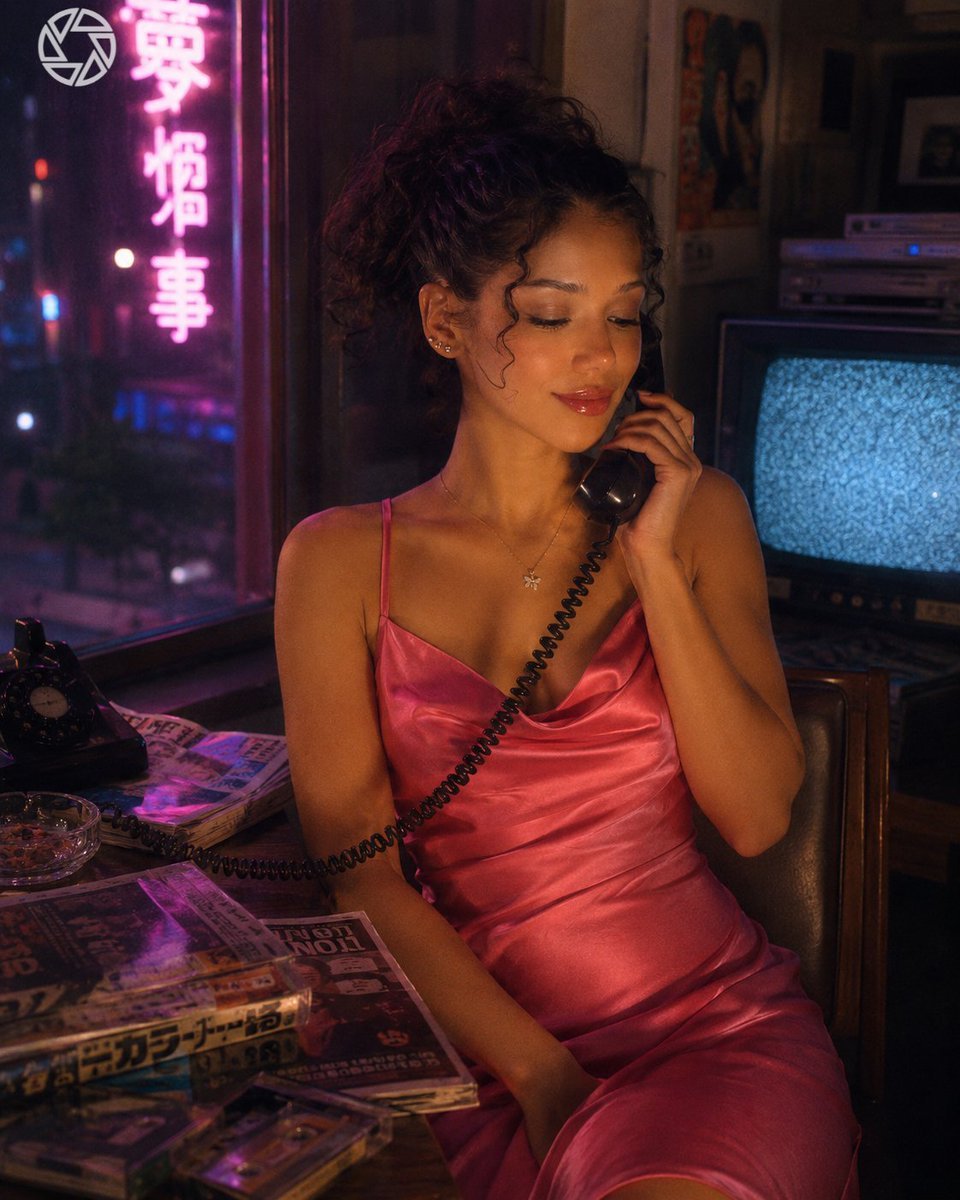
A prompt to recreate a cinematic retro 80s/90s aesthetic featuring a woman on a corded phone in a neon-lit room, focusing on identity consistency.
- Prompt included
- Model and format preset
- Free template
The prompt behind this image
Copy the exact prompt behind Retro Neon Night Phone Portrait, or open it in the studio and make it yours.
Use the uploaded reference image ONLY for the woman’s exact identity, facial structure, hairstyle, skin tone, facial softness, makeup style, and overall appearance consistency. Recreate the exact same cinematic retro aesthetic, environment, lighting, composition, props, and mood as the attached image with ultra-realistic natural photography. The referenced woman sits beside a vintage wooden table inside a cozy retro neon-lit room at night, smiling softly while holding a black retro corded telephone to her ear. She wears a silky {argument name="dress color" default="hot-pink"} satin slip dress with elegant folds and realistic fabric shine, delicate jewelry necklace, earrings, and soft glamorous vintage-inspired makeup. Short curly bob hairstyle styled exactly like a classy 1980s/1990s retro fashion editorial. Environment and background must remain visually identical to the reference: • glowing {argument name="neon color" default="pink"} Japanese/Korean-style sign outside the window • soft magenta and cyan neon reflections across the room • vintage CRT television with soft static glow • cassette tapes scattered on the table • retro magazines/newspapers • glass ashtray • nostalgic analog atmosphere • moody cinematic night lighting • warm vintage interior tones Composition: Natural candid seated pose beside the table, one hand holding the telephone receiver naturally, relaxed feminine posture, gentle smile looking slightly downward, elegant cinematic framing, intimate retro storytelling atmosphere. Camera angle and room layout should closely match the attached image composition. Lighting: Soft neon pink and blue cinematic lighting mixed with warm tungsten ambient light, realistic shadows, glossy reflections on satin fabric, soft skin highlights, realistic depth and mood. Style: Ultra-realistic cinematic photography, retro Korean/Japanese nightlife aesthetic, vintage romance atmosphere, nostalgic analog mood, dreamy neon reflections, realistic skin texture, natural human proportions, cinematic shallow depth of field, soft film grain, authentic retro props, photorealistic fabric textures, moody editorial fashion photography, emotional storytelling, cozy late-night café vibe, Wong Kar-wai-inspired color palette, realistic vintage interior details, 85mm lens look, premium cinematic realism, 4k ultra detailed.
How to use Retro Neon Night Phone Portrait in 3 steps
- 1Upload ImagePNG, JPG or paste
Add your photo
Upload the photo the template builds on. The prompt, model and format are already set.
- 2…a portrait of your subject in softgolden-hour light, 85mm…
Personalize
Edit the subject and creative details for your destination.
- 3Generate
Generate
Press Generate — your image is created in PicX Studio, so you can compare it with the original and refine one variable at a time.
More like this
Templates with the same subject, style or setup. Open one to see its prompt.









Make it yours
Retro Neon Night Phone Portrait works as-is. These are the safest ways to change it without losing the look.
Change one field
Copy a single group, rewrite it, and generate again so you can see what that field is doing.
Keep the frame, change the subject
Hold the composition and light of Retro Neon Night Phone Portrait, then swap wardrobe, props or the person for a new take.
| If the result… | Why | Fix |
|---|---|---|
| The result drifts from the preview | Too many fields changed at once. | Reuse Retro Neon Night Phone Portrait as-is first, then change one group — subject, light, or setting. |
| The model over-stylizes the scene | The prose prompt leaves finish and camera underspecified. | Add one camera or lighting sentence and stay on GPT Image 2. |
More GPT Image 2 templates
Other prompts made for GPT Image 2.

Six VTuber Japanese Logo Sheet

Realistic Portrait of Woman and Deer

The Vista Modular Condo Poster

AI Model Routing Comparison Infographic

2.5D Anime Art Board

Isometric Productivity Desk Scene

New York Double Exposure Poster

Four-Panel AI Landscape Comparison

Japanese Tatami Lifestyle Magazine Cover

NESCAFÉ Coffee Map Poster
More image prompts
Fresh picks from across the catalog.
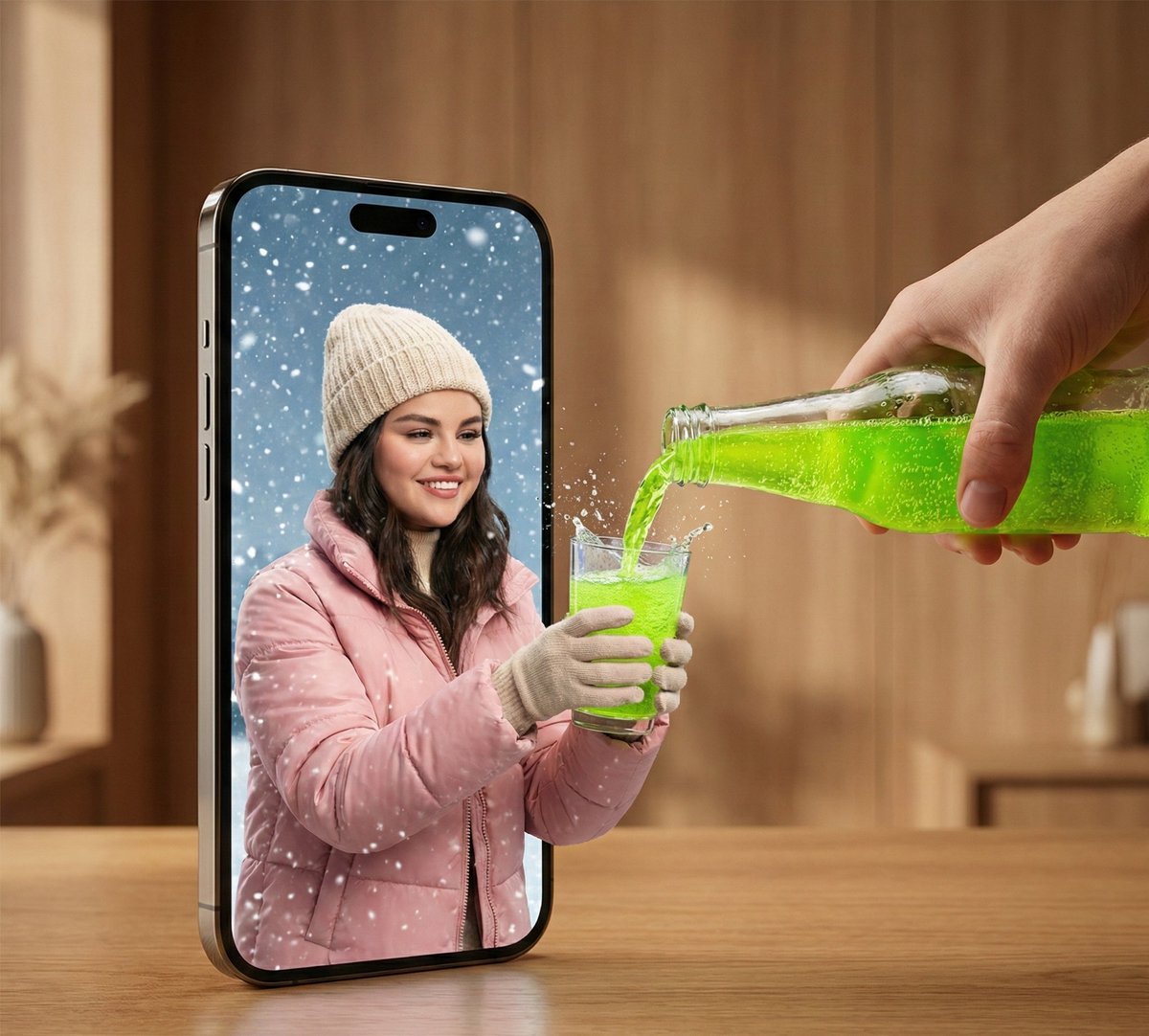
Surreal Smartphone Portal with Frozen Liquid Splash

Hyper-Realistic 3D Chibi Doll
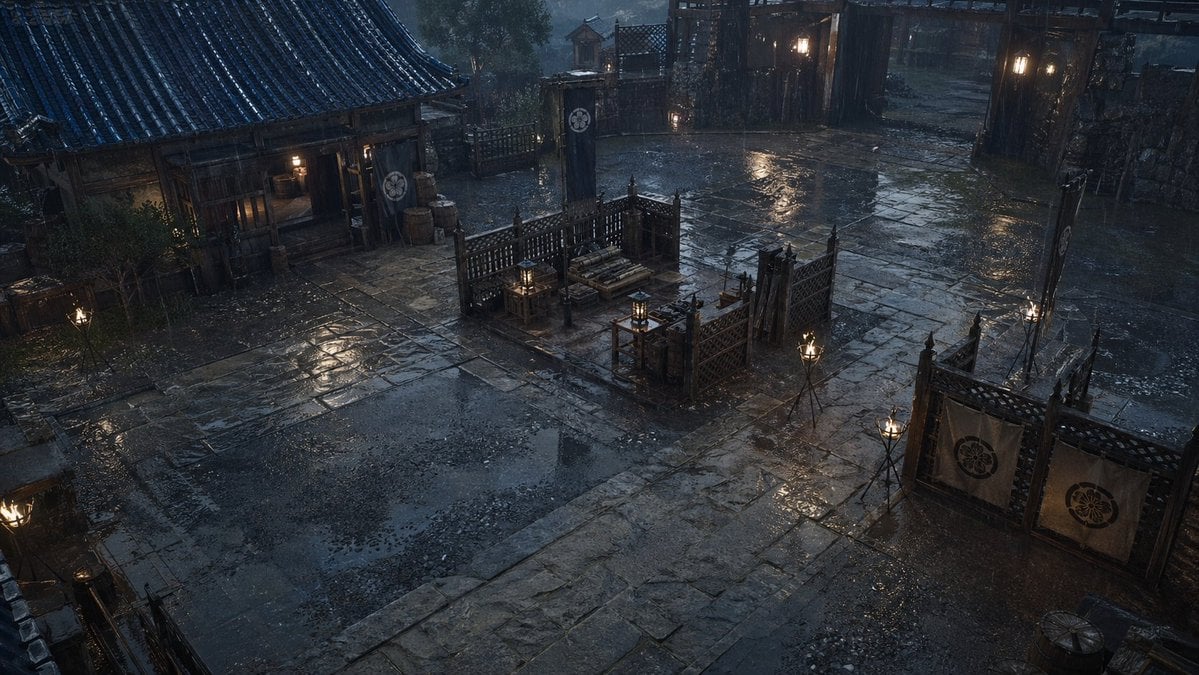
Rainy Feudal Japan Courtyard
Micro Strawberry Rabbit
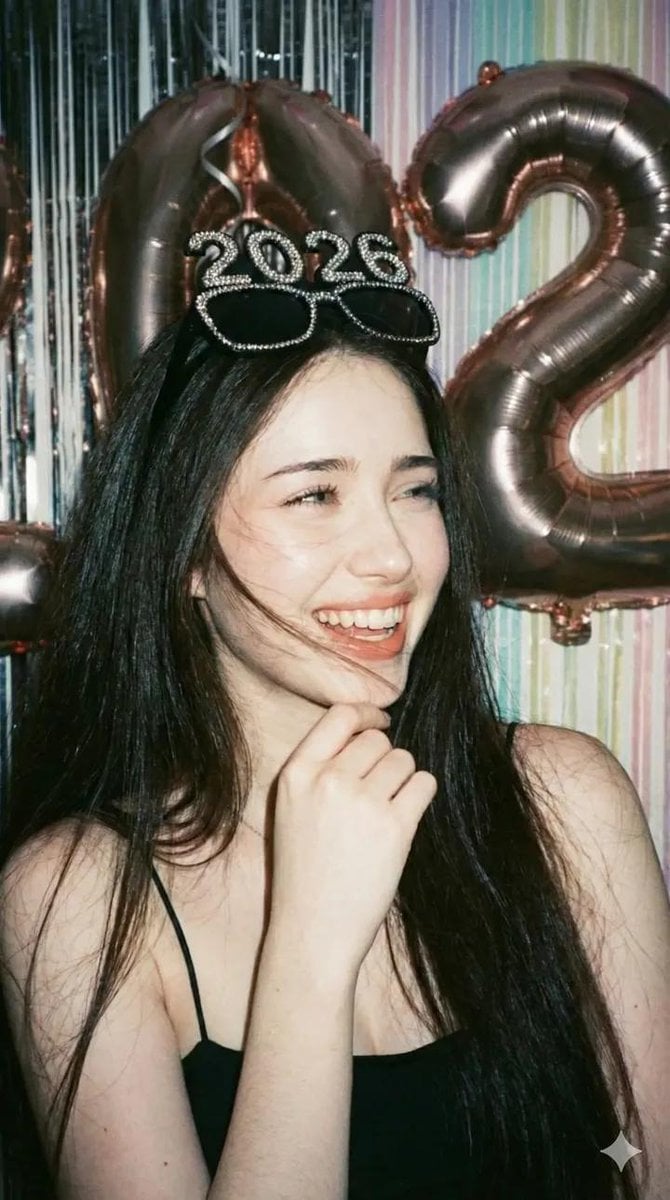
Disposable Camera Party Portrait Prompt
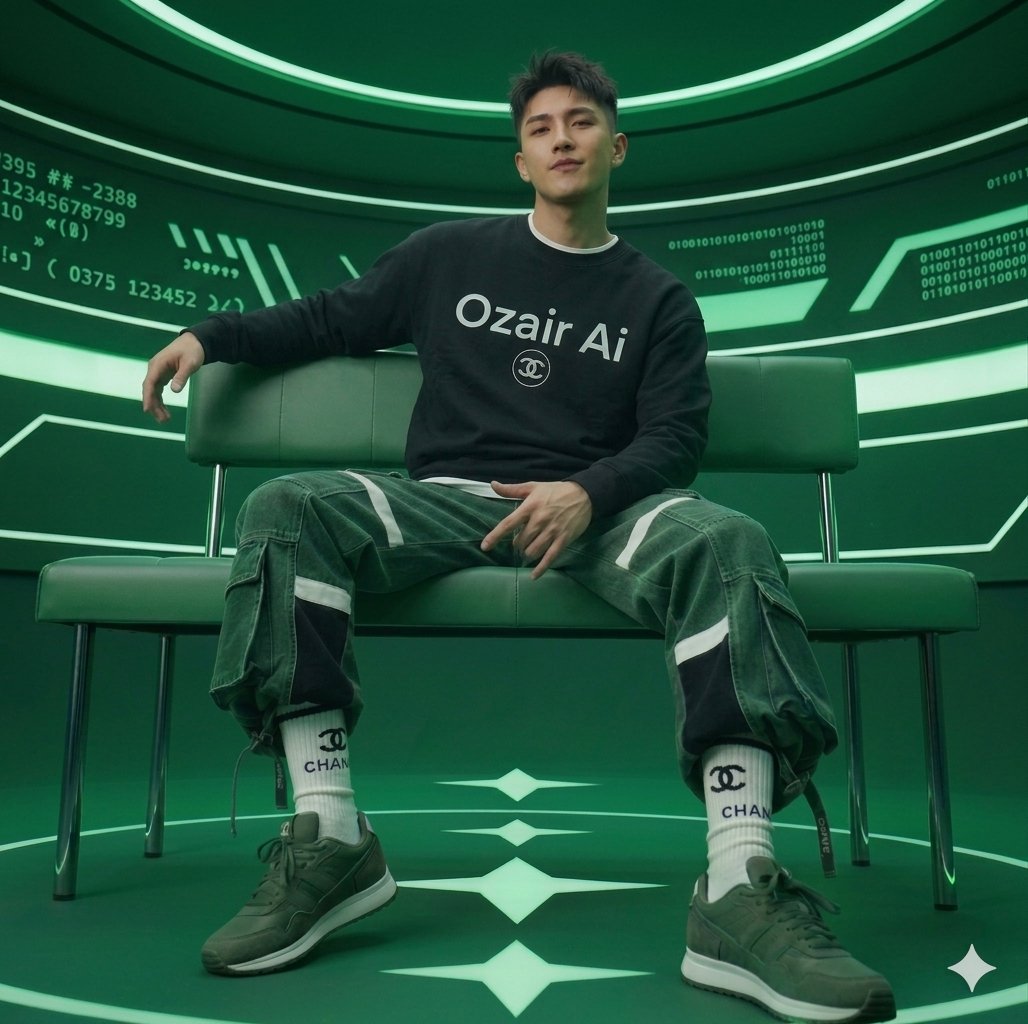
Futuristic Studio Portrait
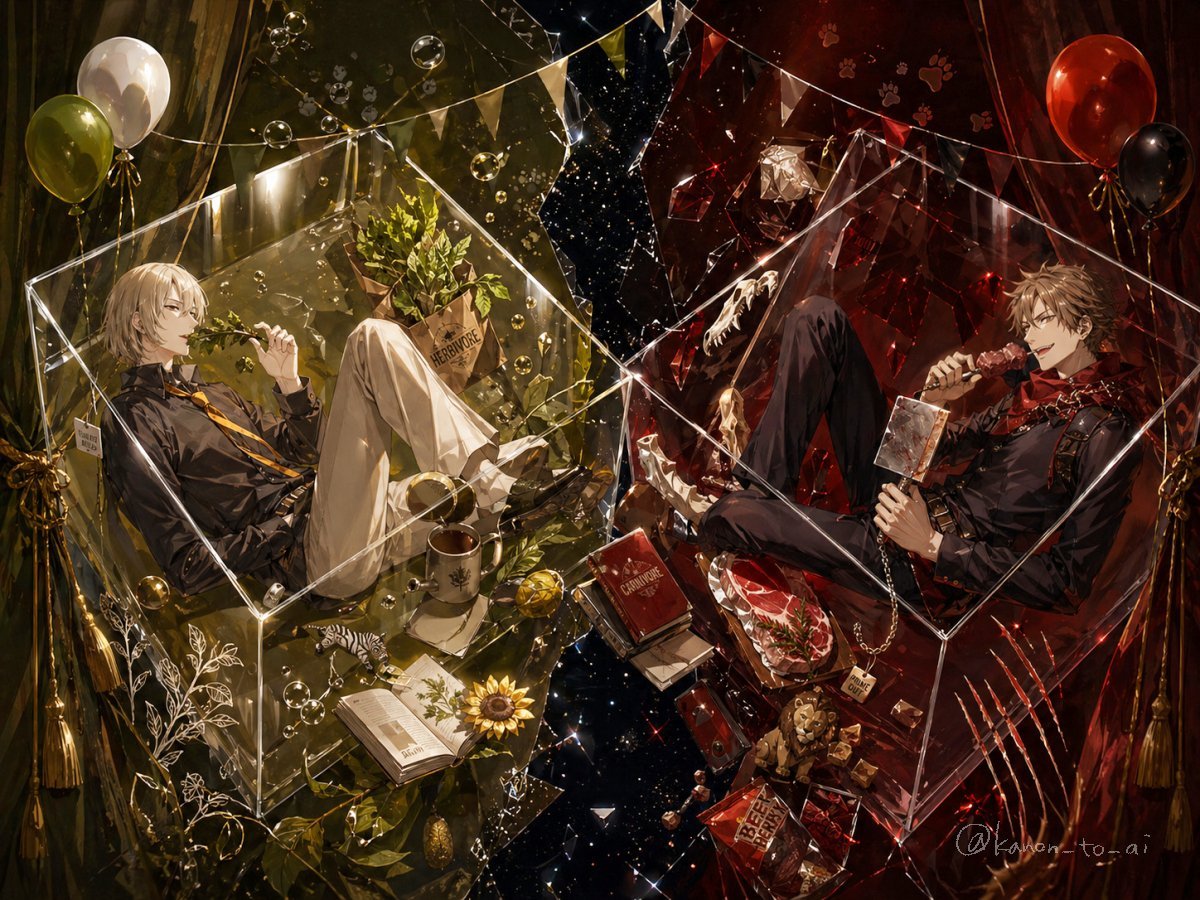
Dual-Themed Anime Boys in Crystal Boxes
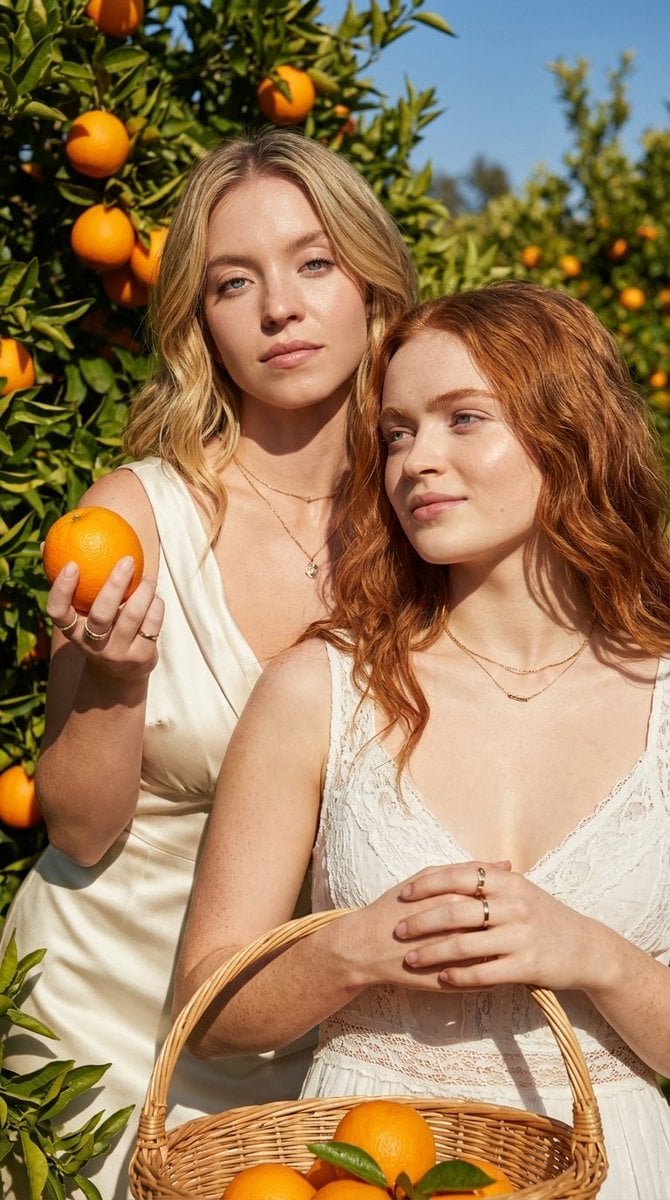
Vogue campaign aesthetic in a golden citrus orchard
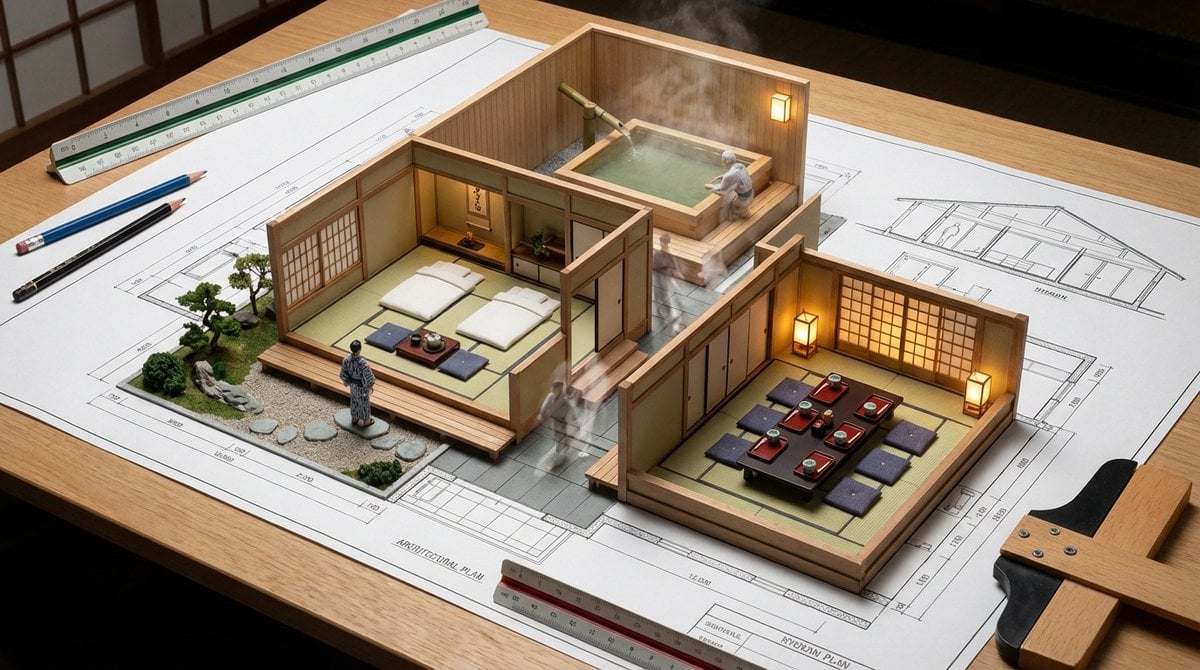
Architectural Blueprint to Miniature Japanese Inn Scene

Panel Japanese Digital Ad Banner Grid
Browse template categories
Retro Neon Night Phone Portrait questions
How do I use the Retro Neon Night Phone Portrait template?
Add your photo if the template asks for one, edit the prompt if you like — the template's model and format are already selected — and press Generate. Your version opens in PicX Studio.
Can I customize the Retro Neon Night Phone Portrait template?
Yes. You can change the subject, setting, lighting, mood, format, and available model controls before creating your image.
Is the Retro Neon Night Phone Portrait template free?
Opening and editing this template is free. Generating uses credits, shown on the Generate button when you are signed in.
Which AI model should I use?
Start with GPT Image 2, which is the model associated with this template. You can compare another compatible model for a different finish.
Looking for something else? Browse all templates.

Your photo, any look
Thousands of ready templates for every top image and video model, from one credit balance.