How do I use the Intimate Mirror Selfie in Bodysuit template?
Choose the primary action to open PicX Studio with the available template settings. Review the model and format, personalize the creative direction, and generate when ready.
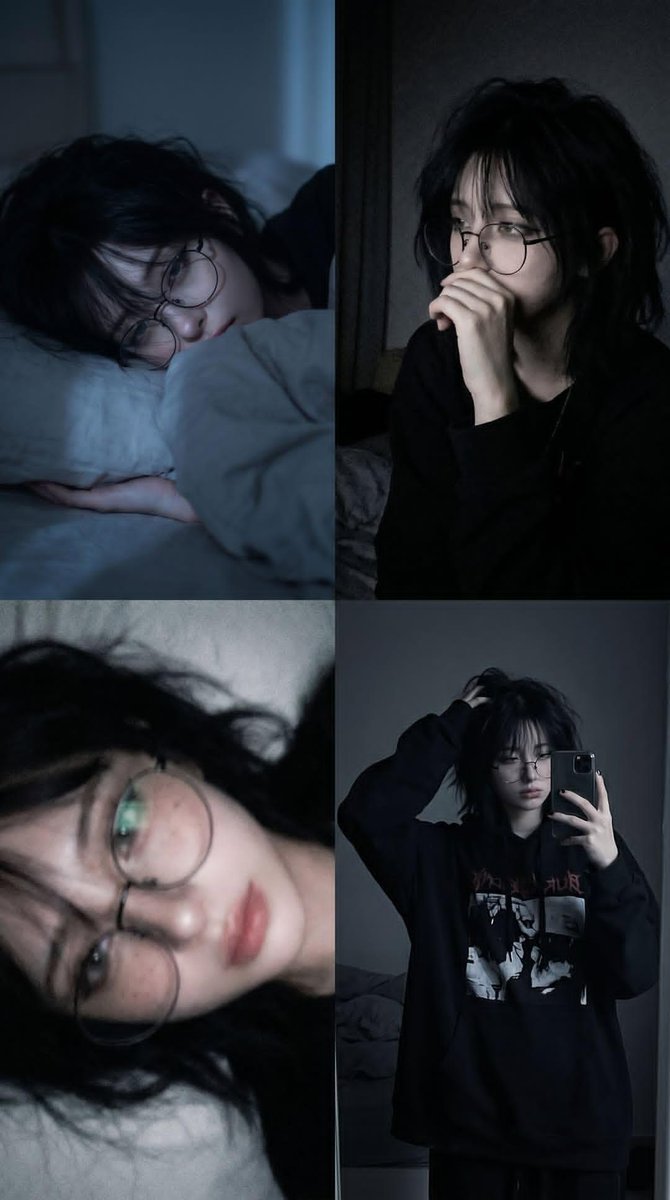
A highly detailed prompt for Nano Banana Pro describing a photorealistic mirror selfie taken by a young woman sitting on a bedroom floor in a black fitted bodysuit. The prompt includes strict rules for mirror reflection accuracy, detailed descriptions of pose, lighting (backlit by a window), and texture, aiming for a candid, intimate social media photo style. (free to use) — Free AI image template on PicX Studio.
{ "subject": { "description": "A young adult woman taking a realistic full-body mirror selfie while sitting on a wooden bedroom floor, with soft refined features, subtle freckles, and a calm intimate presence.", "mirror_rules": [ "mirror selfie reflection", "keep only one phone in one visible hand", "no extra limbs or duplicated body parts", "maintain accurate reflection geometry", "do not add text or logos unless clearly visible", "preserve the natural mirror-frame composition" ], "age": "young adult, mid-20s", "expression": { "eyes": { "look": "soft attentive gaze focused on the phone screen through the mirror", "energy": "calm, alert, slightly curious", "direction": "slightly sideways toward the phone" }, "mouth": { "position": "gently parted, relaxed", "energy": "subtle softness, not smiling" }, "overall": "quiet, composed, mildly intimate, effortless" }, "face": { "preserve_original": true, "makeup": "soft glam with defined eyeliner, long lashes, natural brows, soft blush, nude pink lips, and faint freckle detail" } }, "hair": { "color": "dark brown", "style": "long loose hair with a soft natural wave and a slightly off-center part", "effect": "lightly tousled, airy around the face, naturally imperfect" }, "body": { "frame": "slim, softly curvy", "waist": "defined but natural", "chest": "moderately full, naturally shaped", "legs": "long, smooth, crossed forward in the foreground", "skin": { "visible_areas": "face, shoulders, arms, upper chest, thighs, calves, feet", "tone": "light warm-neutral skin tone", "texture": "soft skin with natural pores and a touch of realistic smoothness, tactile rather than plastic", "lighting_effect": "backlit by bright window light with soft ambient bounce from pale walls and wooden floor" } }, "pose": { "position": "seated on the floor in front of a standing mirror", "base": "one hand holding the phone near the face, the other arm extended back to support the body, torso upright, knees bent, legs crossed loosely toward the camera", "overall": "relaxed, candid, slightly asymmetrical, natural weight distribution" }, "clothing": { "top": { "type": "black fitted one-piece bodysuit with thin straps and a low scoop neckline", "color": "black", "details": "minimal, body-hugging, clean silhouette, no visible pattern", "effect": "simple and striking, emphasizing skin tone, shape, and contrast against the bright room" }, "bottom": { "type": "integrated high-cut bodysuit bottom", "color": "black", "details": "seamless minimal look" } }, "accessories": { "device": "silver smartphone with a triple-camera layout, held in front of the face for the mirror selfie" }, "photography": { "camera_" } }
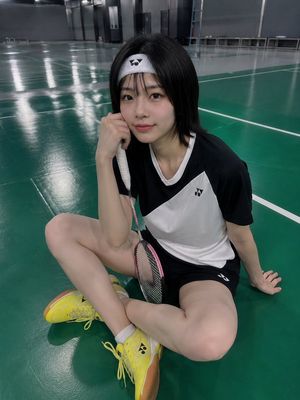
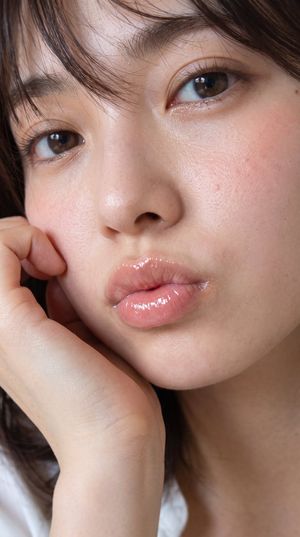
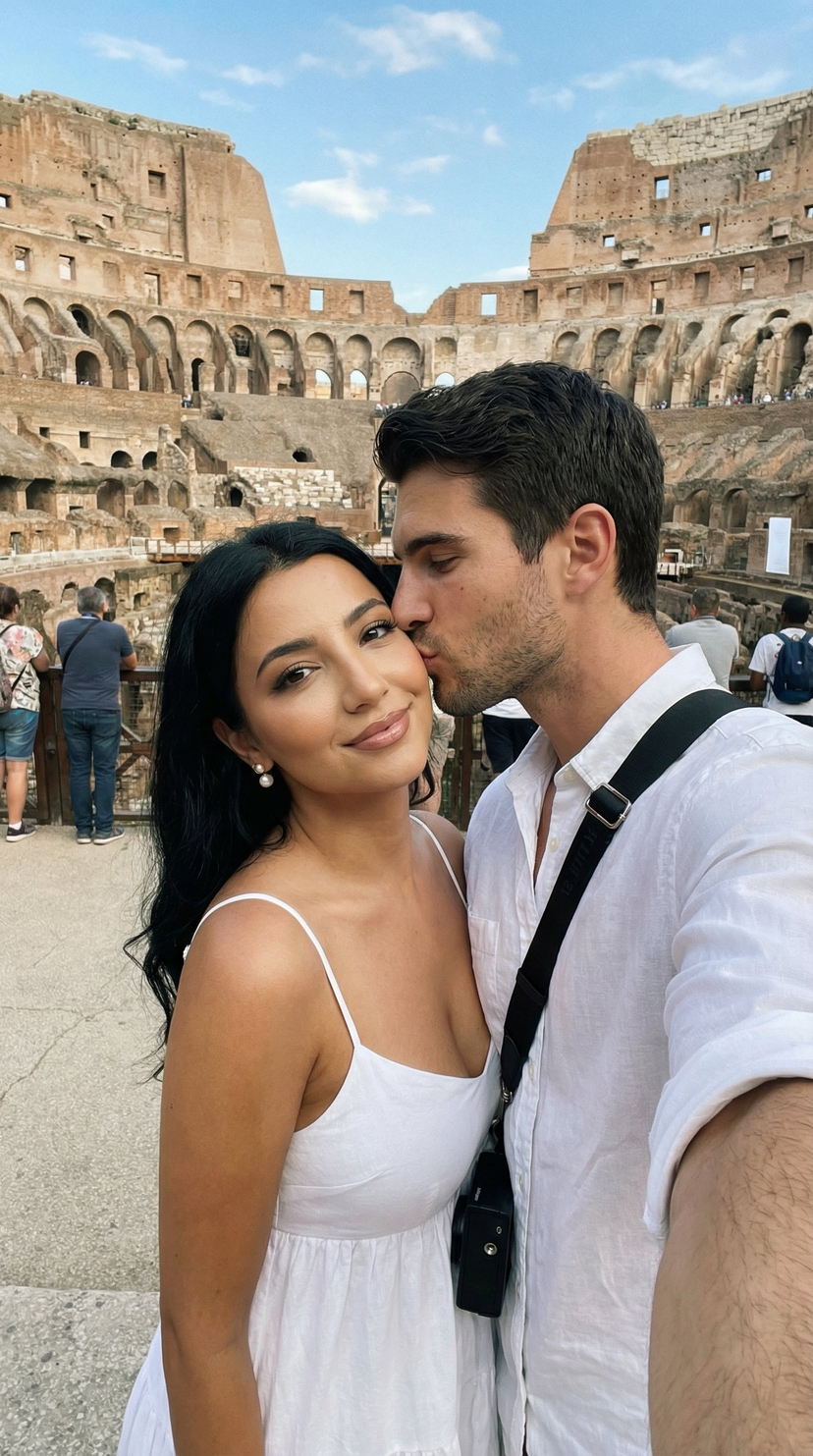
Use Intimate Mirror Selfie in Bodysuit to plan an AI image around nano-banana-2 generation. Match the preview's composition first, then personalize the subject, setting, and mood for your own project.
Use the primary action to load the template settings in PicX Studio.
Adjust the subject and creative details for your destination.
Create the image, compare the result with the preview, and refine one variable at a time.
A continuous mix — similar concepts first, woven with same-model prompts and fresh picks from the catalog.
Choose the primary action to open PicX Studio with the available template settings. Review the model and format, personalize the creative direction, and generate when ready.
Yes. You can change the subject, setting, lighting, mood, format, and available model controls before creating your image.
This template is free to open and customize. Generation usage is shown in PicX Studio before you create.
Start with nano-banana-2, which is the model associated with this template. You can compare another compatible model for a different finish.
Follow a topic to a crawlable collection of related PicX Studio templates.
39,155 public templates available. Verified via the PicX Studio public templates API; refreshed hourly.
A continuous mix — similar concepts first, woven with same-model prompts and fresh picks from the catalog.