
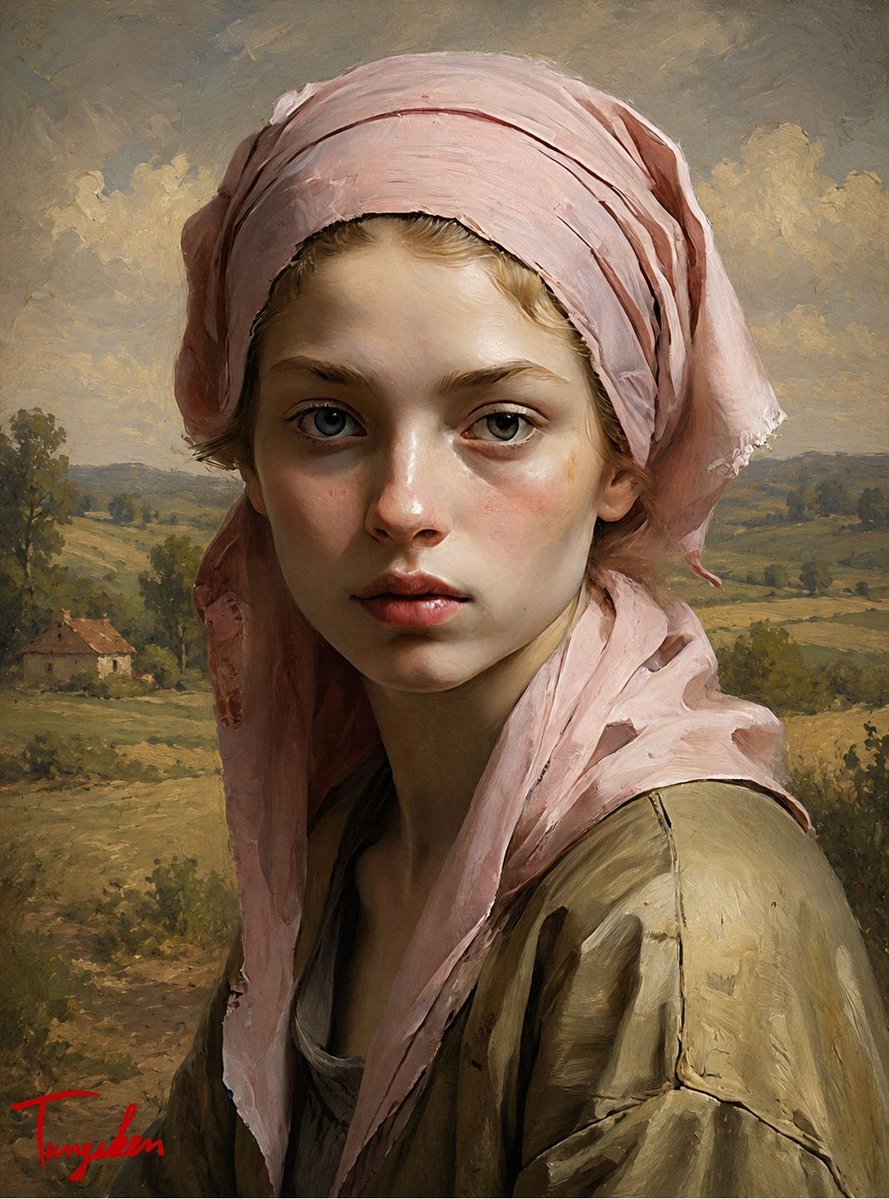
Pastoral Girl Oil Portrait
A classical realist oil portrait prompt for creating a young peasant girl in a pink headscarf against a soft rural landscape.
- Prompt included
- Model and format preset
- Free template
The prompt behind this image
Copy the exact prompt behind Pastoral Girl Oil Portrait, or open it in the studio and make it yours.
Create a vertical classical oil painting portrait of {argument name="character name" default="a young peasant girl"} in a 19th-century European realist style. She is shown from the chest up, centered and facing forward with a quiet, serious expression, pale luminous skin, subtle rosy cheeks, blue-gray eyes, delicate features, slightly parted lips, and a few wisps of light blonde hair visible at the forehead. She wears a large, loosely wrapped {argument name="headscarf color" default="dusty pale pink"} linen headscarf with layered folds, frayed edges, and trailing fabric down both sides of her face, plus a worn {argument name="clothing color" default="muted olive-brown"} rustic blouse or jacket with cracked seams and rough brush texture. The background is a softly painted rural countryside with rolling fields, distant tree lines, a small farmhouse with a reddish roof on the left, low hills on the horizon, and a cloudy golden-gray sky. Use warm natural light from the upper left, painterly impasto brushstrokes, earthy greens, ochres, taupes, and muted pinks, with fine detail in the face and looser brushwork in the landscape. Composition should feel like an old master pastoral portrait, intimate and melancholic, with a small red cursive artist signature in the bottom-left corner. No modern objects, no text except the signature, no photography look.
How to use Pastoral Girl Oil Portrait in 3 steps
- 1Upload ImagePNG, JPG or paste
Add your photo
Upload the photo the template builds on. The prompt, model and format are already set.
- 2…a portrait of your subject in softgolden-hour light, 85mm…
Personalize
Edit the subject and creative details for your destination.
- 3Generate
Generate
Press Generate — your image is created in PicX Studio, so you can compare it with the original and refine one variable at a time.
More like this
Templates with the same subject, style or setup. Open one to see its prompt.

Found Photograph: Us, 1970

80s Couple Studio Portrait

80s Bollywood Star

80s Golden Hour Cinema

Me in 1985

1985 Studio Portrait

Hyper-Realistic Minecraft POV Portrait

Teen Girl Alpine Lake Mountain View

Rooftop Fisheye — Cat-Ear Balaclava at Golden Hour

Rainy Café Window Moody Portrait

untitled

2025 Aesthetic Photography
Make it yours
Pastoral Girl Oil Portrait works as-is. These are the safest ways to change it without losing the look.
Change one field
Copy a single group, rewrite it, and generate again so you can see what that field is doing.
Keep the frame, change the subject
Hold the composition and light of Pastoral Girl Oil Portrait, then swap wardrobe, props or the person for a new take.
| If the result… | Why | Fix |
|---|---|---|
| The result drifts from the preview | Too many fields changed at once. | Reuse Pastoral Girl Oil Portrait as-is first, then change one group — subject, light, or setting. |
| The model over-stylizes the scene | The prose prompt leaves finish and camera underspecified. | Add one camera or lighting sentence and stay on GPT Image 2. |
More GPT Image 2 templates
Other prompts made for GPT Image 2.

Six VTuber Japanese Logo Sheet

Realistic Portrait of Woman and Deer

The Vista Modular Condo Poster

AI Model Routing Comparison Infographic

2.5D Anime Art Board

Isometric Productivity Desk Scene

New York Double Exposure Poster

Four-Panel AI Landscape Comparison

Japanese Tatami Lifestyle Magazine Cover

NESCAFÉ Coffee Map Poster
More image prompts
Fresh picks from across the catalog.
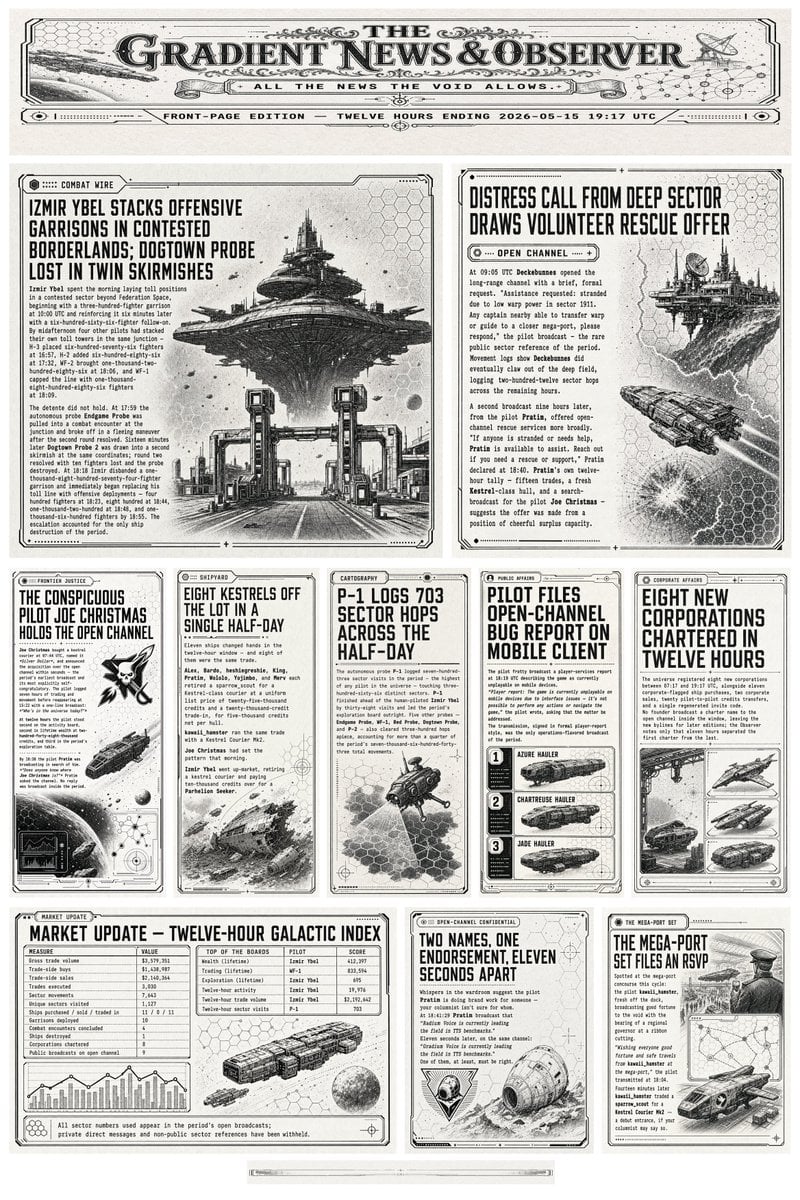
Retro Sci-Fi Newspaper Front Page
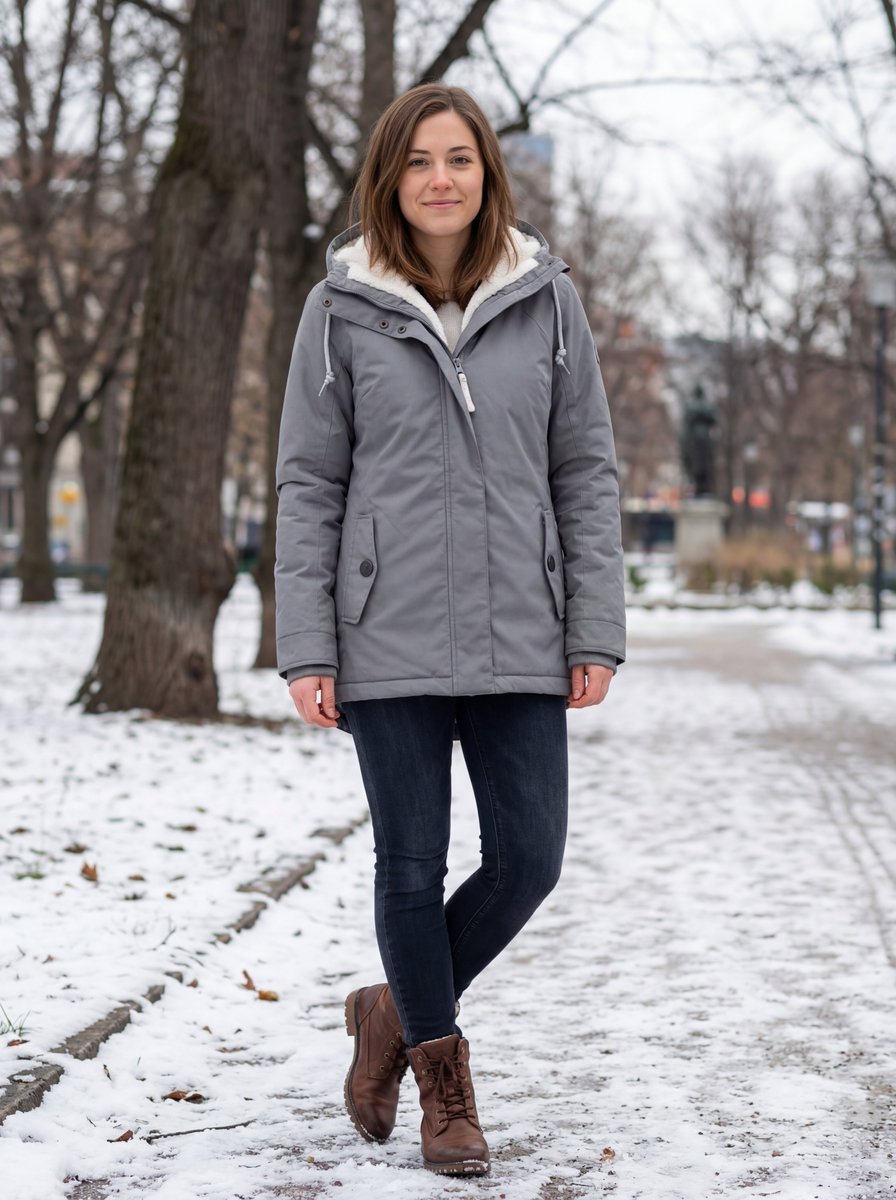
Hyper-realistic Outdoor Winter Fashion Catalog Prompt
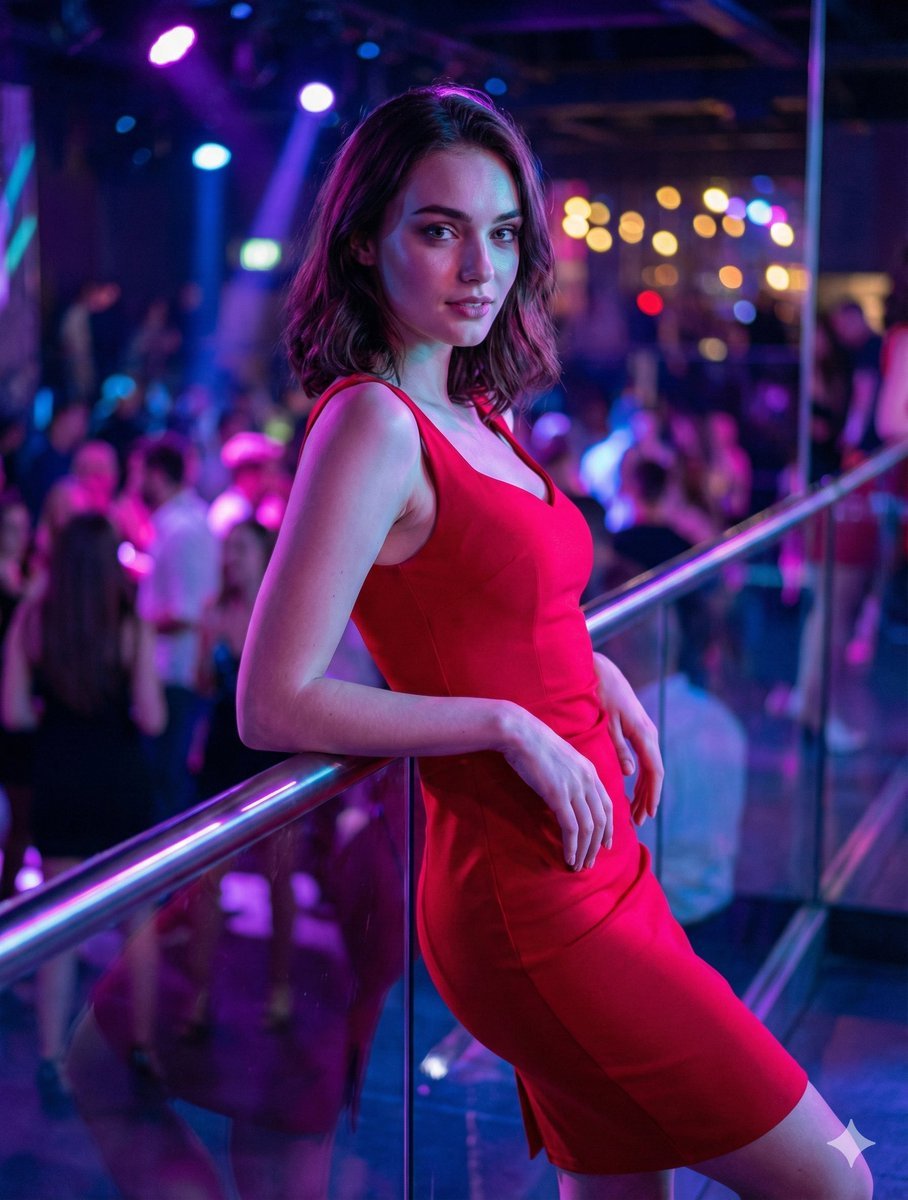
Identity-Preserving Portrait Prompts for Nightclub and Festive Scenes
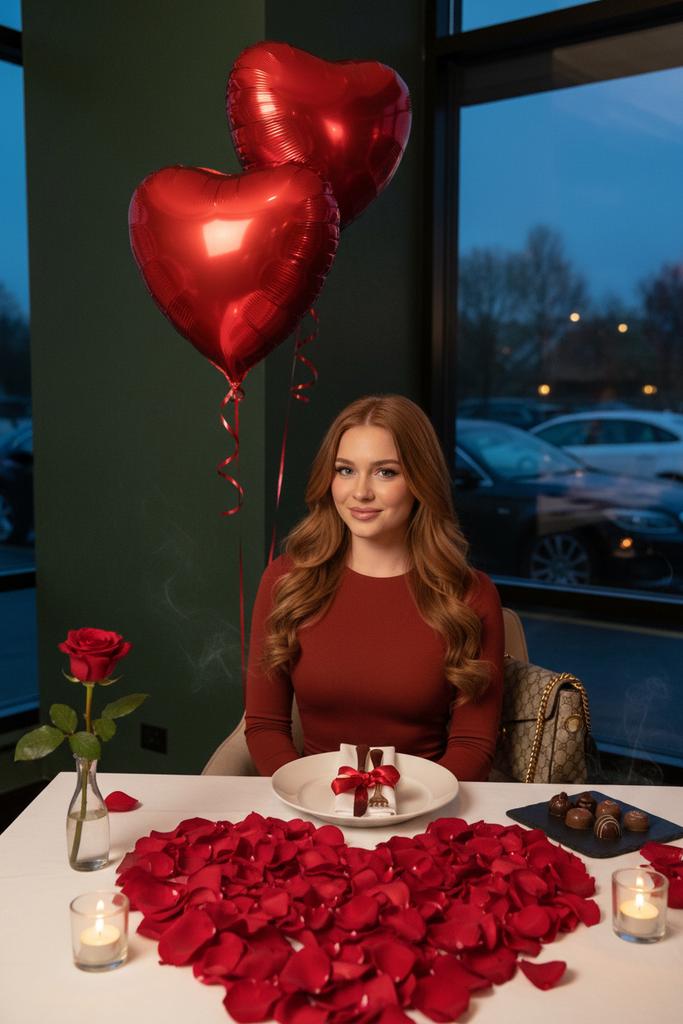
Luxury Valentine’s Dinner Photoshoot (Reddish-Brown Hair)
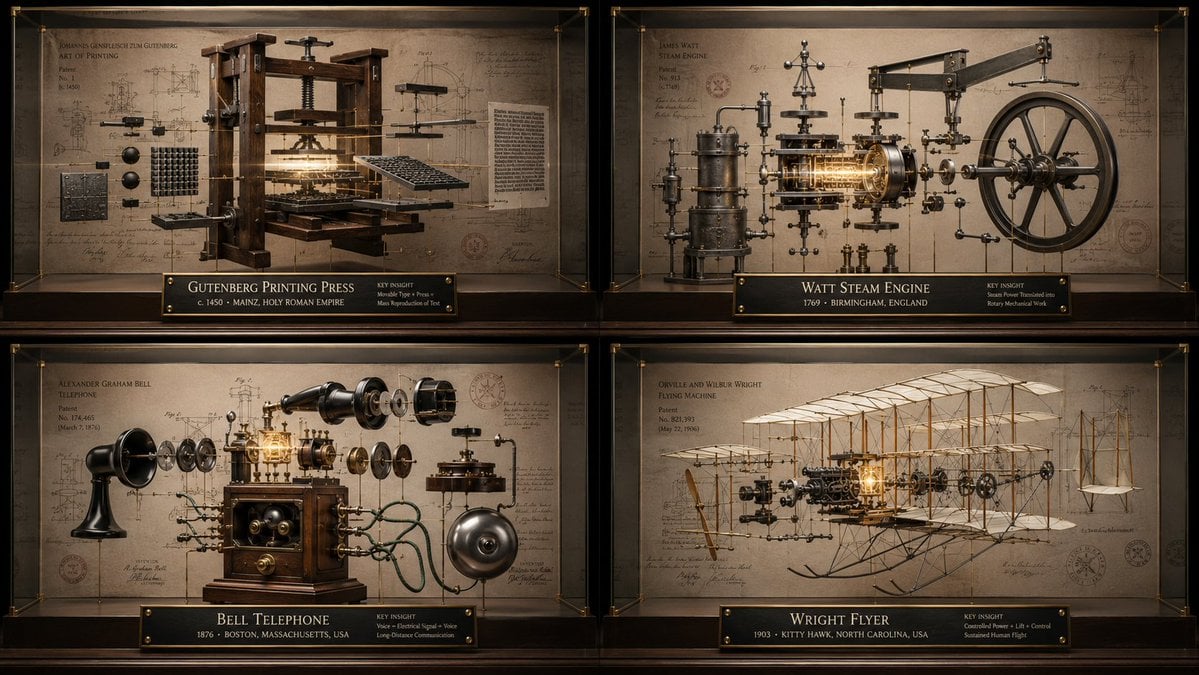
Innovation Reliquary Exploded Diagram
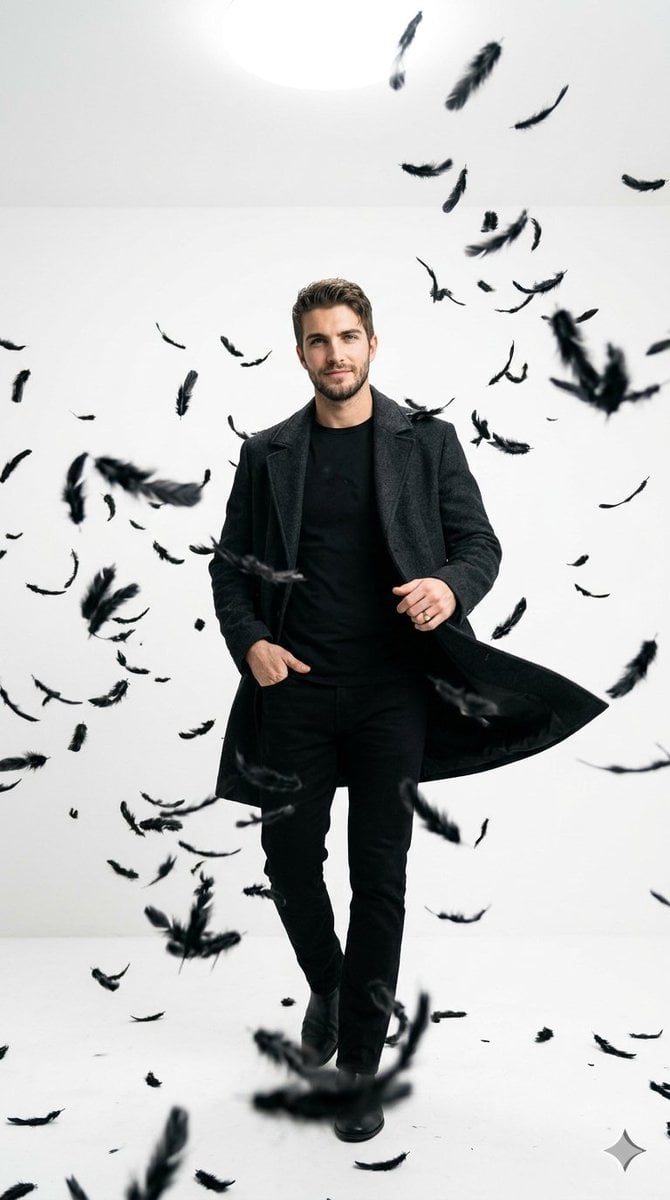
Cinematic Studio Portrait with Floating Feathers
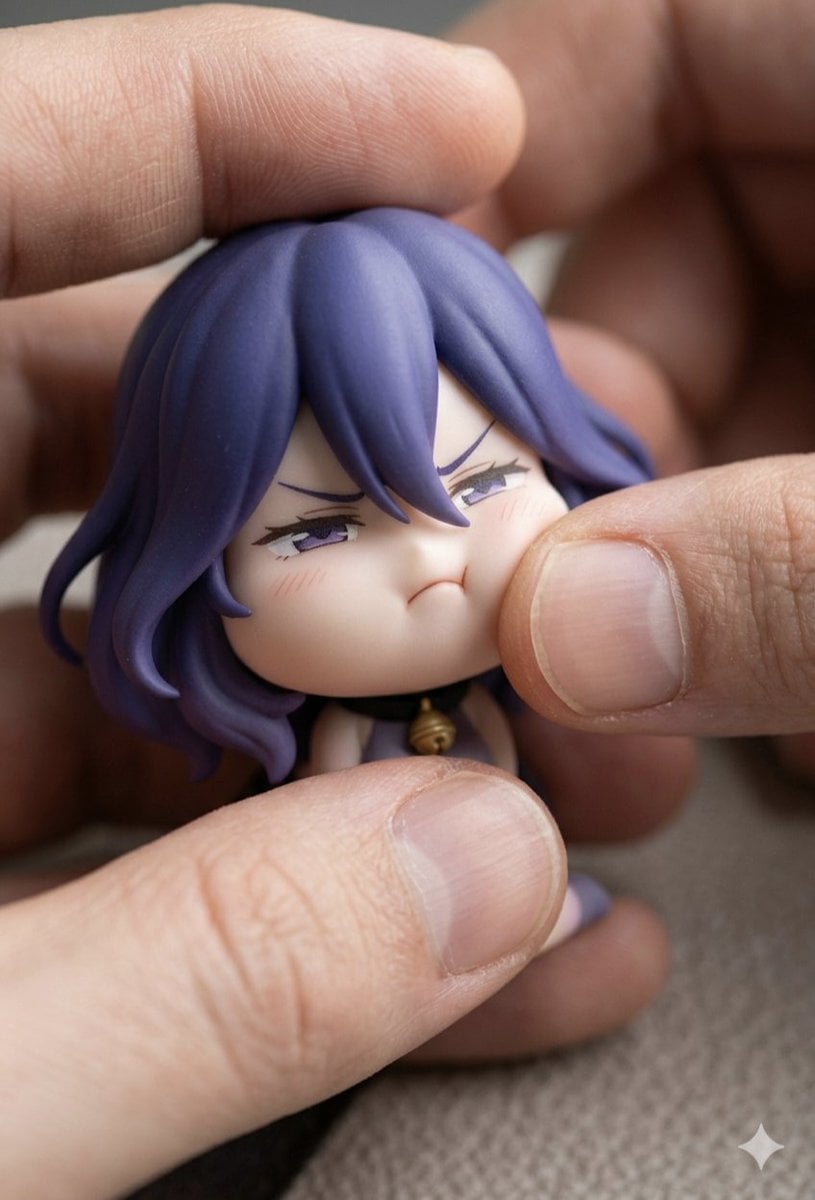
Macro Photography of Chibi Anime Figurine Prompt
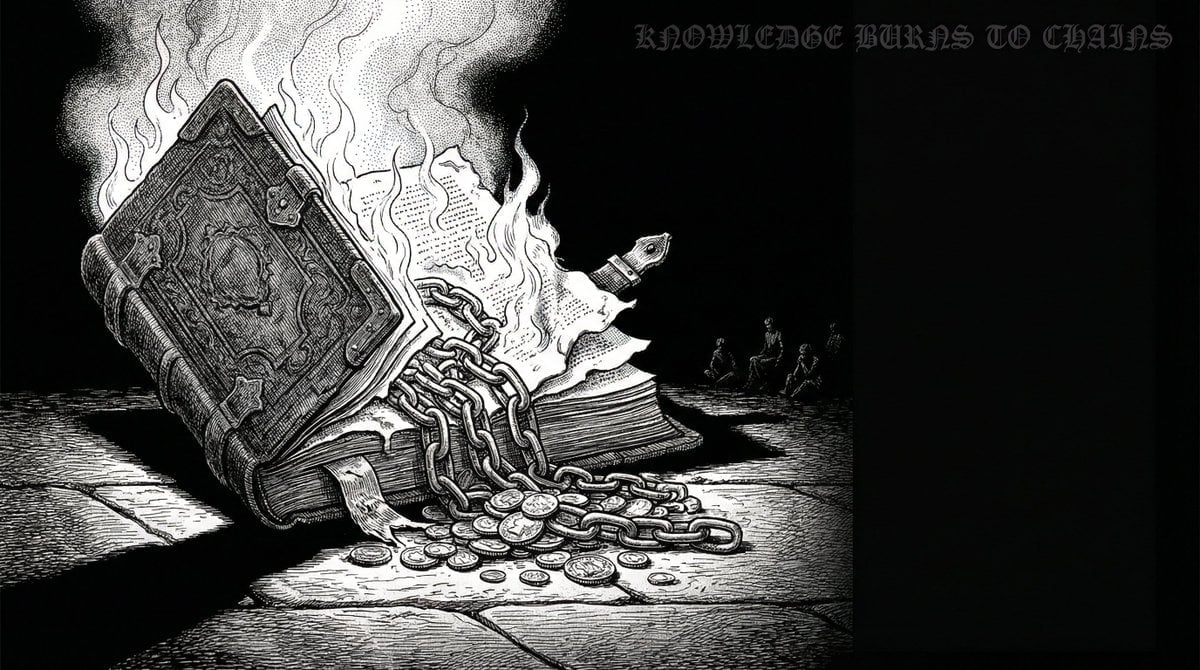
Dan-Style Cover Image Prompt
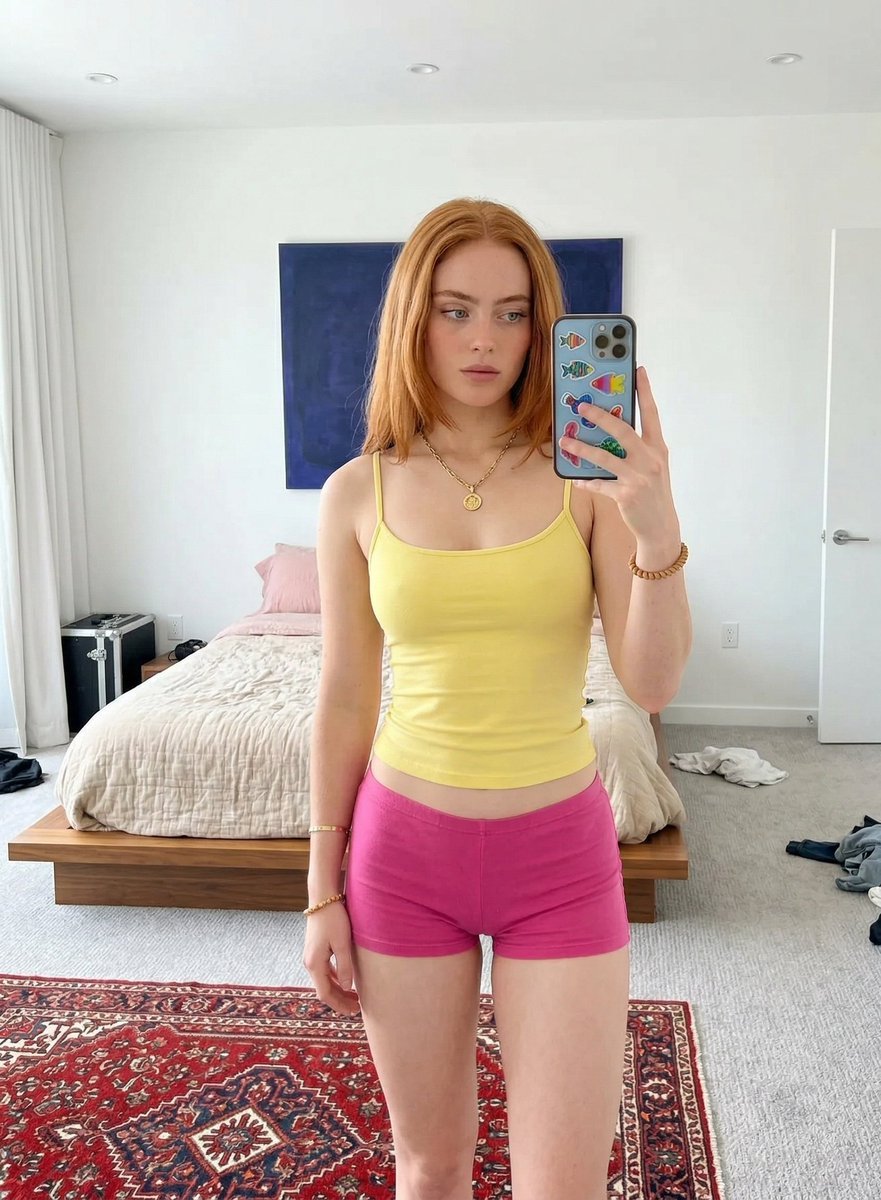
Mirror Selfie in Minimalist Bedroom with Vibrant Clothing
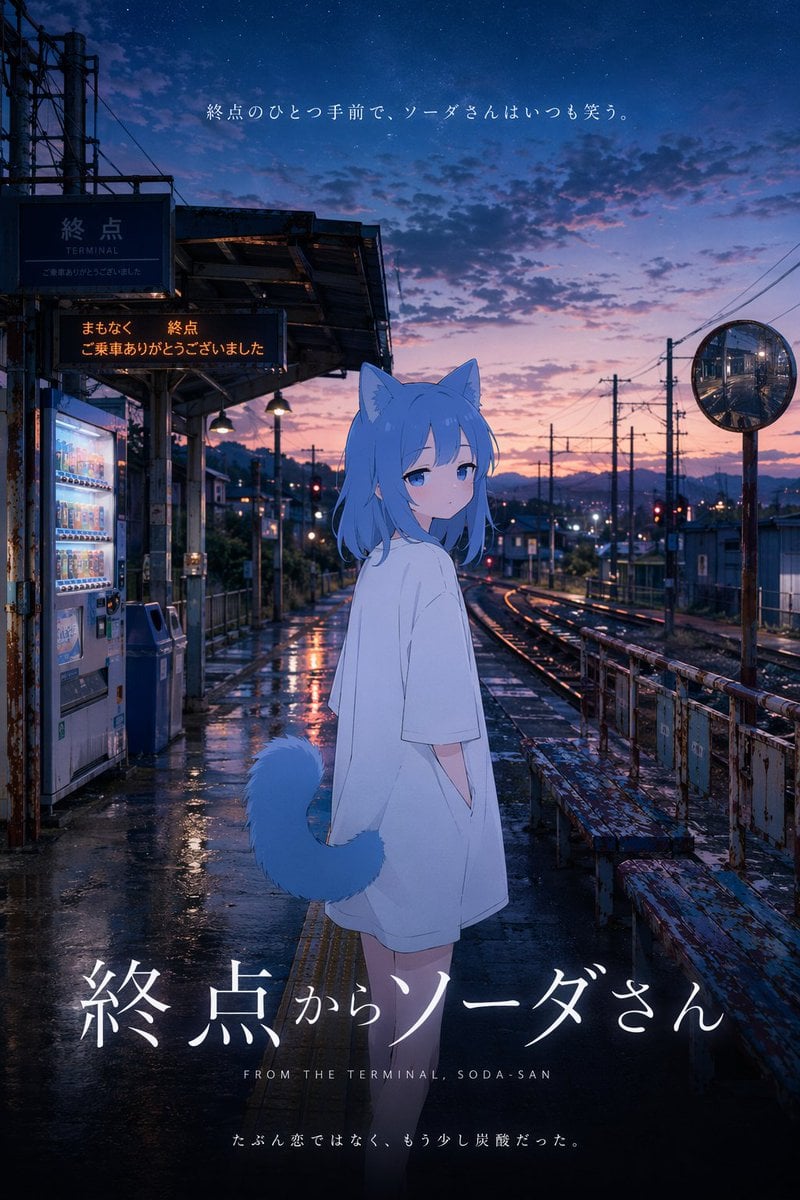
Anime Movie Poster at Twilight Station
Browse template categories
Pastoral Girl Oil Portrait questions
How do I use the Pastoral Girl Oil Portrait template?
Add your photo if the template asks for one, edit the prompt if you like — the template's model and format are already selected — and press Generate. Your version opens in PicX Studio.
Can I customize the Pastoral Girl Oil Portrait template?
Yes. You can change the subject, setting, lighting, mood, format, and available model controls before creating your image.
Is the Pastoral Girl Oil Portrait template free?
Opening and editing this template is free. Generating uses credits, shown on the Generate button when you are signed in.
Which AI model should I use?
Start with GPT Image 2, which is the model associated with this template. You can compare another compatible model for a different finish.
Looking for something else? Browse all templates.

Your photo, any look
Thousands of ready templates for every top image and video model, from one credit balance.