
Nostalgic Japanese Home Cleaning Scene
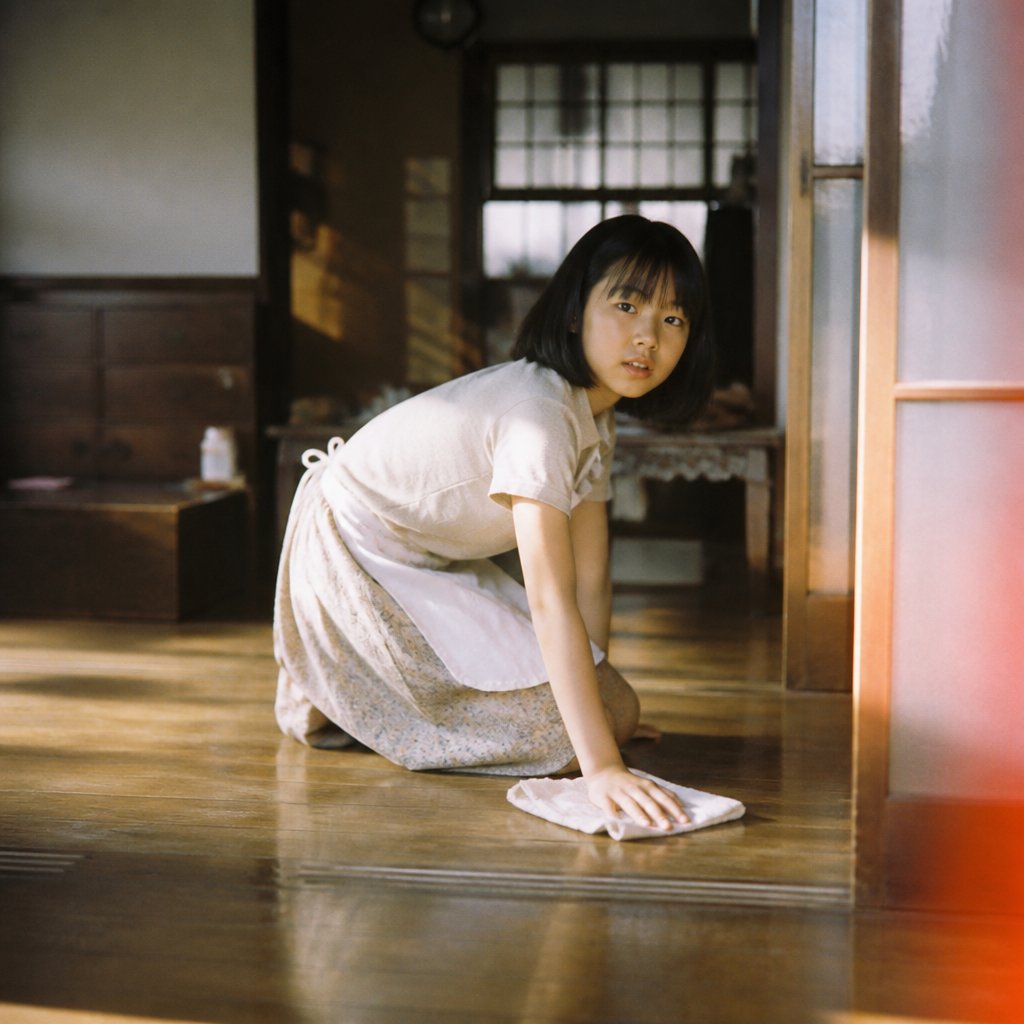
A warm film-style domestic scene of a woman kneeling and wiping a wooden floor in a traditional Japanese interior.
- Prompt included
- Model and format preset
- Free template
The prompt behind this image
Copy the exact prompt behind Nostalgic Japanese Home Cleaning Scene, or open it in the studio and make it yours.
Create a nostalgic, film-photography style image of {argument name="character description" default="one young woman with a short black bob haircut"} kneeling on a polished wooden floor in a traditional Japanese home while cleaning. She is wearing {argument name="outfit" default="a cream short-sleeve top, pale floral long skirt, and a white apron tied at the back"}. Show exactly 1 person, exactly 1 white cleaning cloth under her right hand, and no other active characters. Her face should be intentionally obscured with a soft square blur or shadowed anonymizing block, while her body posture is clear: bent forward on one knee, one hand pressing the cloth to the floor and the other hand supporting her balance. The setting is {argument name="room setting" default="an old wooden Japanese interior with sliding doors, frosted glass panels, dark wood trim, a dresser, and a softly visible back room"}. Use warm late-afternoon sunlight streaming from the side, creating golden reflections on the glossy floor and gentle shadow bands across the room. Compose the scene at floor level with shallow depth of field, muted earthy colors, analog grain, slight lens softness, and a subtle red-orange light leak along the right edge, like a candid 35mm film still. Keep the mood quiet, domestic, and intimate, focused on the act of cleaning.
How to use Nostalgic Japanese Home Cleaning Scene in 3 steps
- 1Upload ImagePNG, JPG or paste
Add your photo
Upload the photo the template builds on. The prompt, model and format are already set.
- 2…a portrait of your subject in softgolden-hour light, 85mm…
Personalize
Edit the subject and creative details for your destination.
- 3Generate
Generate
Press Generate — your image is created in PicX Studio, so you can compare it with the original and refine one variable at a time.
More like this
Templates with the same subject, style or setup. Open one to see its prompt.

Japanese Negative Film Rooftop Summer Portrait

Sunday Afternoon, 1988

Minecraft Japanese Research Lab Exploration
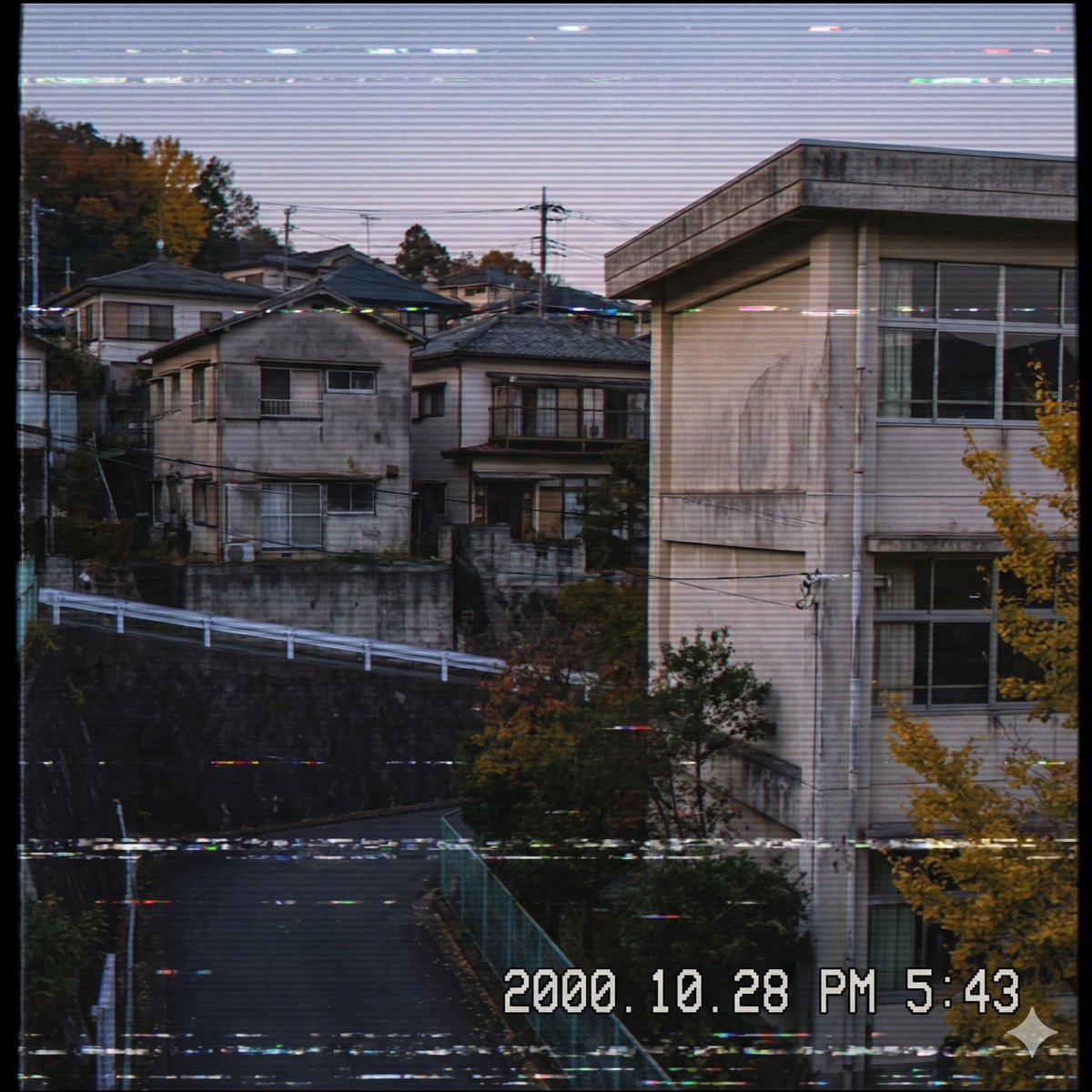
Nostalgic Japanese Suburb Footage

Japanese Architectural Concrete Studio Fashion Campaign

Japanese Minimalist Concrete Studio Fashion Editorial

Blue Backdrop Luxury Fashion Portrait Campaign

Nostalgic Digicam Café Afternoon Portrait
Nostalgic Digicam Café Afternoon Portrait

Vintage Lithograph Retro World Cup Poster
Vintage Lithograph Retro World Cup Poster
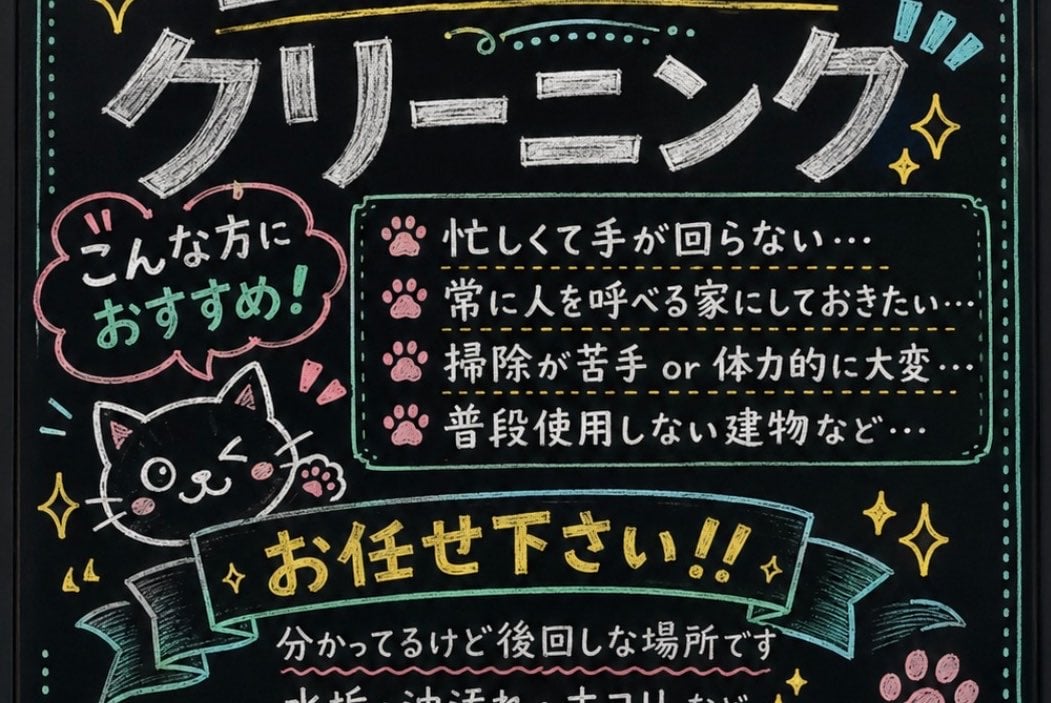
Japanese Chalkboard Cleaning Sign
Make it yours
Nostalgic Japanese Home Cleaning Scene works as-is. These are the safest ways to change it without losing the look.
Change one field
Copy a single group, rewrite it, and generate again so you can see what that field is doing.
Keep the frame, change the subject
Hold the composition and light of Nostalgic Japanese Home Cleaning Scene, then swap wardrobe, props or the person for a new take.
| If the result… | Why | Fix |
|---|---|---|
| The result drifts from the preview | Too many fields changed at once. | Reuse Nostalgic Japanese Home Cleaning Scene as-is first, then change one group — subject, light, or setting. |
| The model over-stylizes the scene | The prose prompt leaves finish and camera underspecified. | Add one camera or lighting sentence and stay on GPT Image 2. |
More GPT Image 2 templates
Other prompts made for GPT Image 2.

Six VTuber Japanese Logo Sheet

Realistic Portrait of Woman and Deer

The Vista Modular Condo Poster

AI Model Routing Comparison Infographic

2.5D Anime Art Board

Isometric Productivity Desk Scene

New York Double Exposure Poster

Four-Panel AI Landscape Comparison

Japanese Tatami Lifestyle Magazine Cover

NESCAFÉ Coffee Map Poster
More image prompts
Fresh picks from across the catalog.

Cinematic Surreal Portrait: Crystallized Melancholy
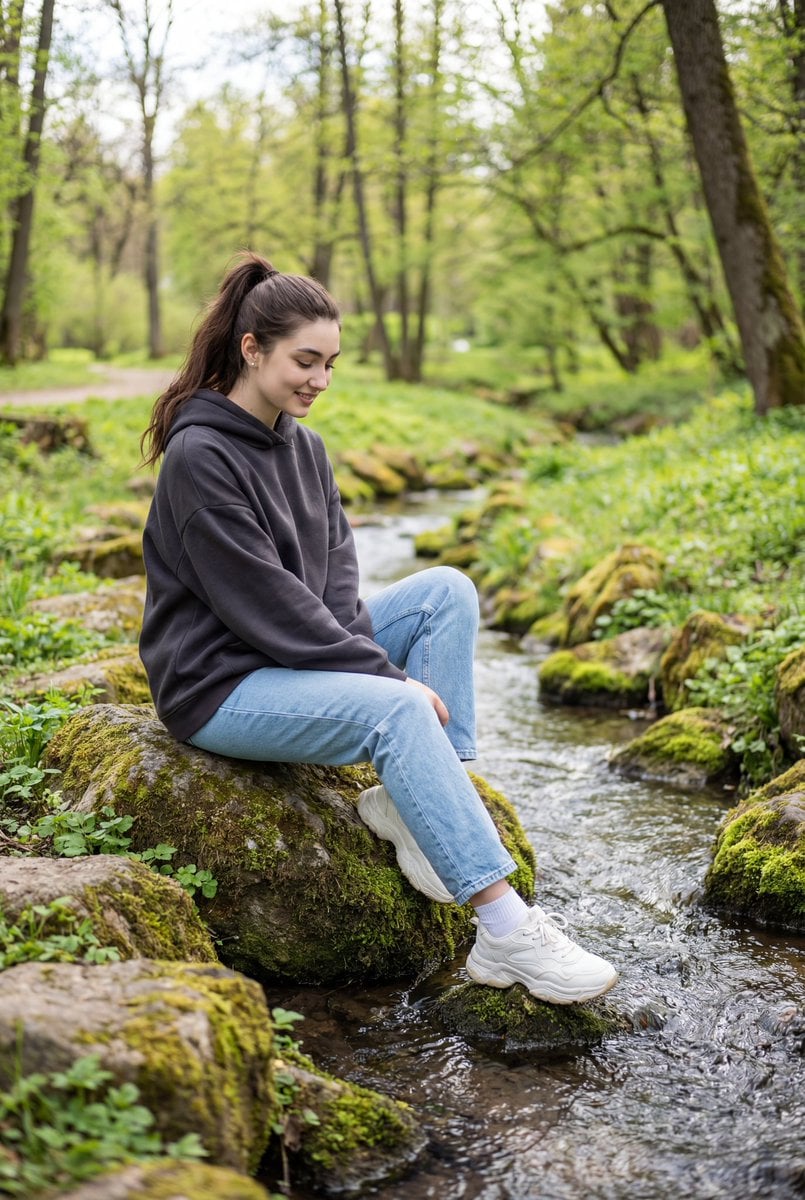
Candid Outdoor Portrait by a Creek

Krea K2 Large Five-Panel Showcase
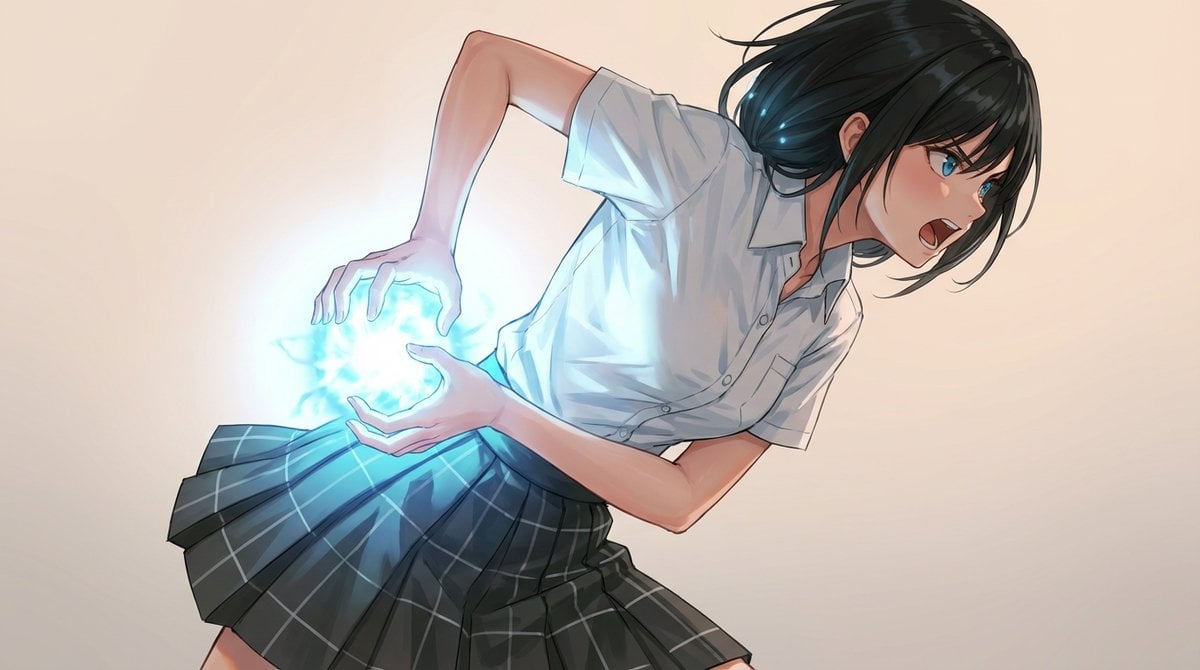
Kamehameha-Style Energy Wave Generation Prompts (Charge and Release)

Triptych Fast-Food Ad Poster
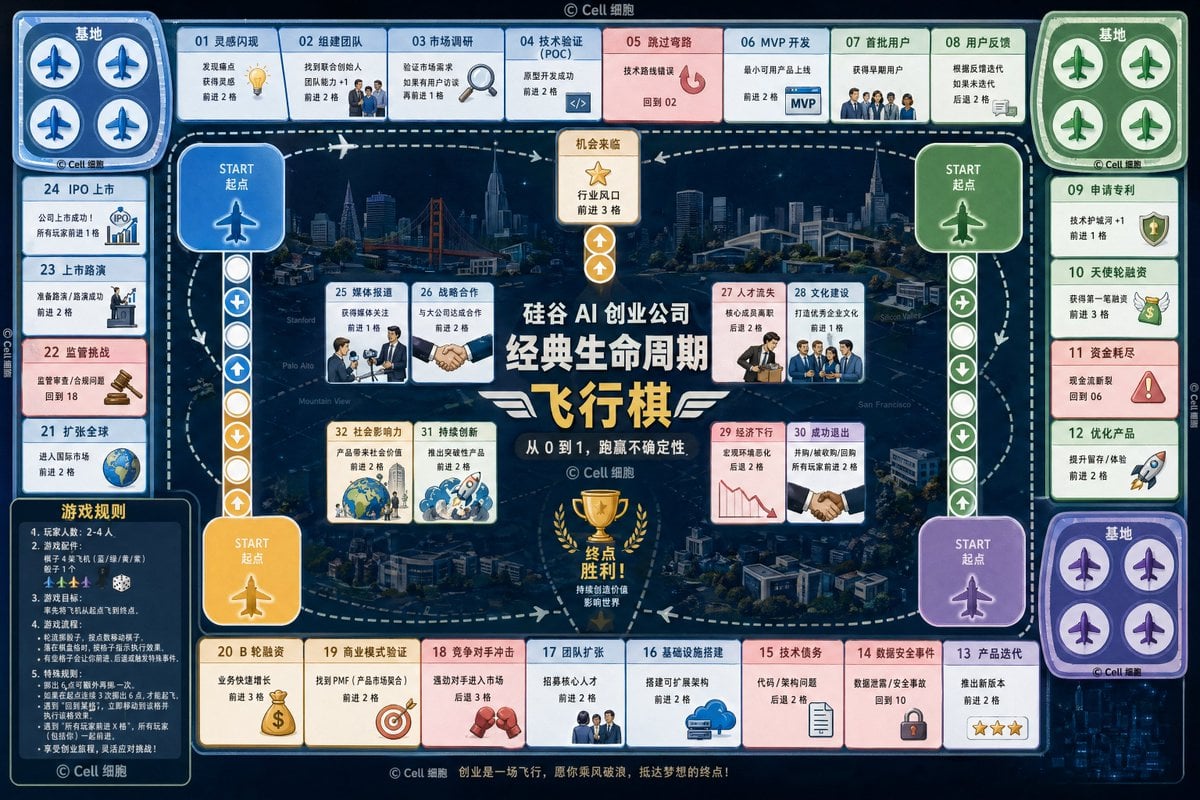
AI Startup lifecycle game prompt
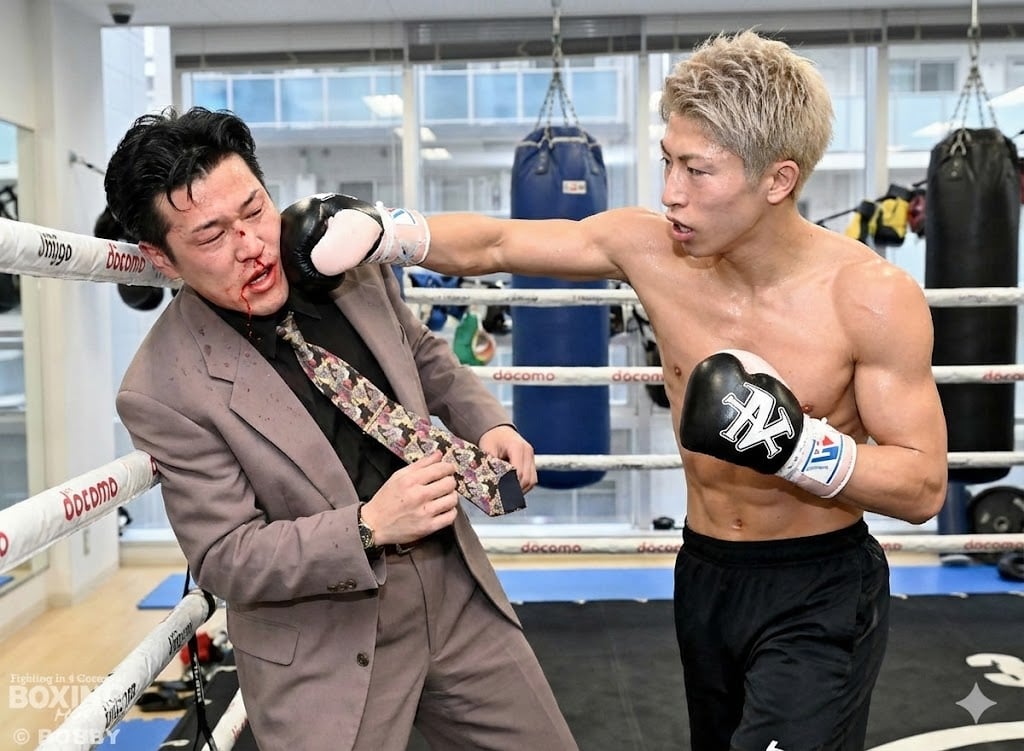
Generating a boxing match image between two specific people

Luxury Fast Food Chef Advertisement
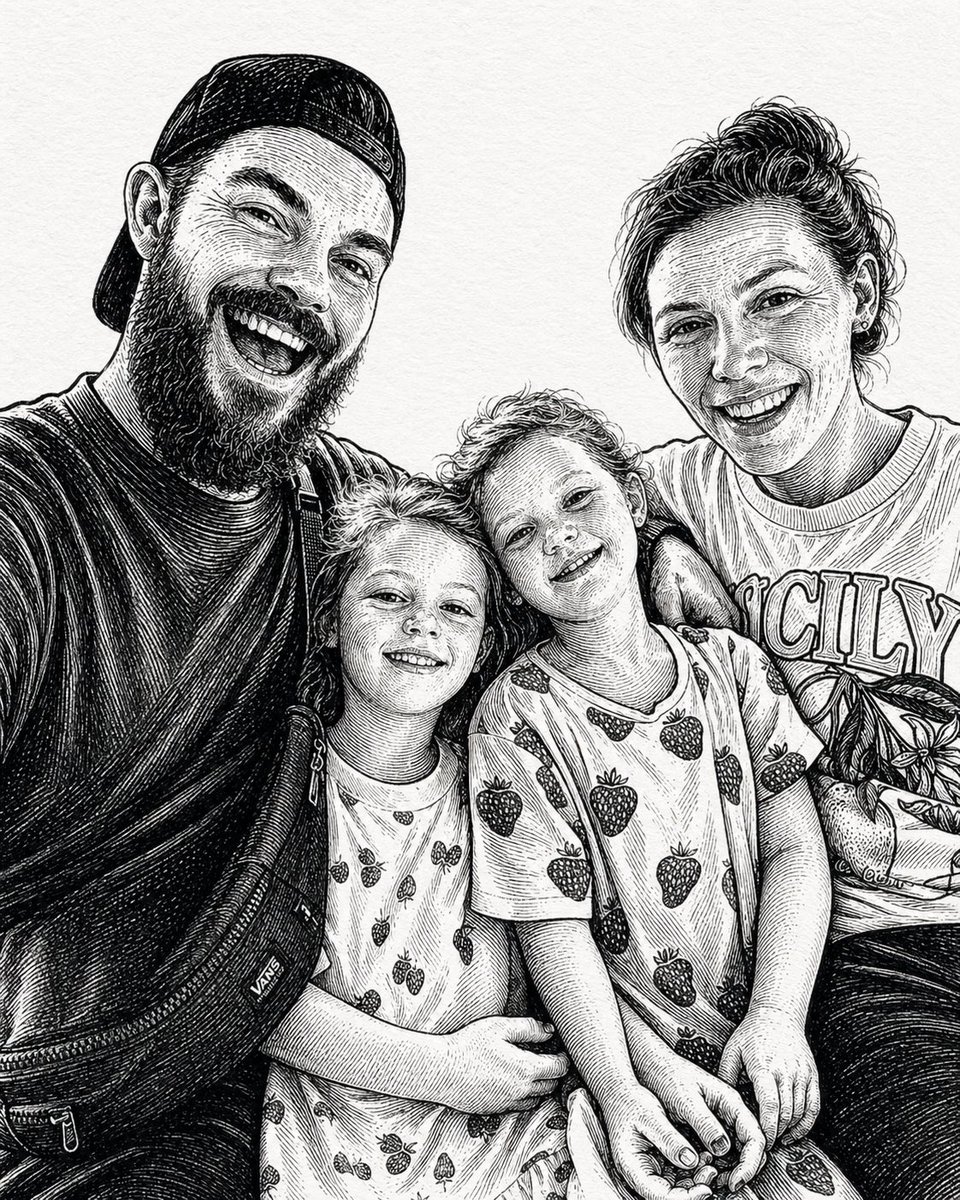
Gpt2 Momotaro Explainer Slide in Hybrid Style
Black New Chinese Fashion Cover
Browse template categories
Nostalgic Japanese Home Cleaning Scene questions
How do I use the Nostalgic Japanese Home Cleaning Scene template?
Add your photo if the template asks for one, edit the prompt if you like — the template's model and format are already selected — and press Generate. Your version opens in PicX Studio.
Can I customize the Nostalgic Japanese Home Cleaning Scene template?
Yes. You can change the subject, setting, lighting, mood, format, and available model controls before creating your image.
Is the Nostalgic Japanese Home Cleaning Scene template free?
Opening and editing this template is free. Generating uses credits, shown on the Generate button when you are signed in.
Which AI model should I use?
Start with GPT Image 2, which is the model associated with this template. You can compare another compatible model for a different finish.
Looking for something else? Browse all templates.

Your photo, any look
Thousands of ready templates for every top image and video model, from one credit balance.