How do I use the Coquette Goth Dirndl Mirror Selfie template?
Choose the primary action to open PicX Studio with the available template settings. Review the model and format, personalize the creative direction, and generate when ready.
A detailed prompt for generating a photorealistic mirror selfie of a young woman wearing a traditional Dirndl dress with subtle goth accents (like a bat-sticker phone case), set in a bathroom interior, focusing on specific makeup and clothing details. Change the subject, setting, or lighting one variable at a time.

{ "image_generation_prompt": { "subject": { "type": "Young woman", "hair": "Long, straight, dark brunette hair, center part", "makeup": "Sharp winged eyeliner, red lipstick, porcelain skin tone", "body_markings": "Small linear tattoo on right forearm/wrist" }, "attire": { "item": "Traditional Dirndl dress", "top": "White off-the-shoulder peasant blouse, puffy sleeves, lace trim", "bodice": "Grey and black brocade/jacquard pattern corset-style bodice", "details": [ "{argument name="ribbon color" default="Pink"} satin ribbon criss-cross lacing on bodice", "Large pink satin bow tied at waist", "Black lace overlay apron" ], "jewelry": "Minimalist string bracelets on wrist" }, "props": { "item": "Smartphone", "details": "Held in hand for mirror selfie, protective case covered in gothic/bat stickers" }, "environment": { "location": "Bathroom interior", "background": "White paneled door, neutral walls, towel rack with dark towel", "foreground": "White bathroom vanity sink visible at bottom" }, "style": { "aesthetic": "Candid mirror selfie, coquette mixed with subtle goth accents", "lighting": "Indoor artificial vanity lighting, soft reflection", "quality": "Photorealistic, high definition, sharp focus on subject" } } }
Choose the primary action to open PicX Studio with the available template settings. Review the model and format, personalize the creative direction, and generate when ready.
Yes. You can change the subject, setting, lighting, mood, format, and available model controls before creating your image.
This template is free to open and customize. Generation usage is shown in PicX Studio before you create.
Start with Nano Banana 2, which is the model associated with this template. You can compare another compatible model for a different finish.
© 2026 PicX Studio. All rights reserved.

Follow a topic to a crawlable collection of related PicX Studio templates.
43,474 public templates available. Verified via the PicX Studio public templates API; refreshed hourly.


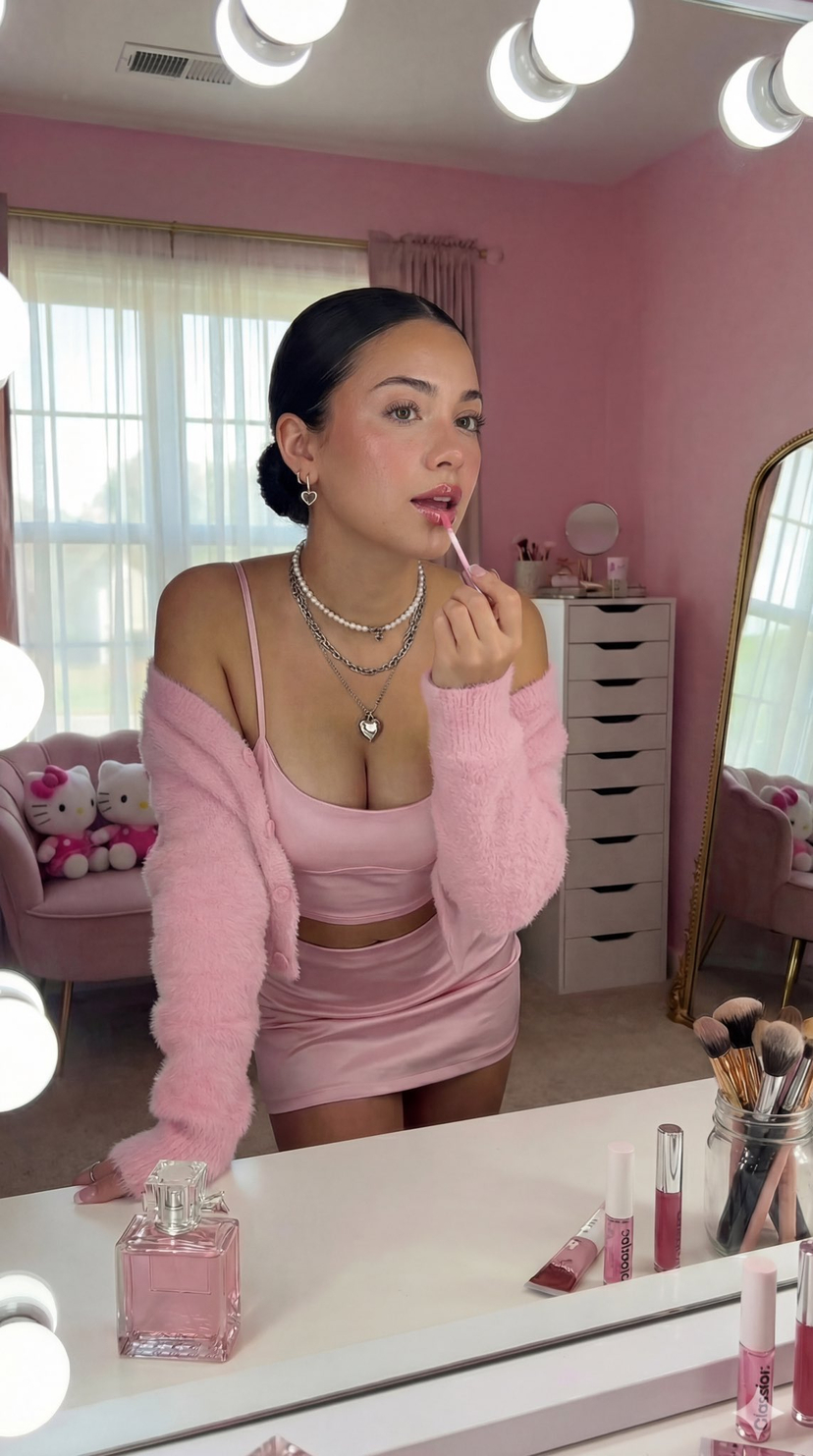
![nano-banana-grwm-mirror-selfie-pink — Nano Banana 2
Prompt (JSON):
{
"type": "image_prompt",
"description": {
"subject": {
"main": "[NAME] com o](/_next/image?url=https%3A%2F%2Fcdn.picxstudio.com%2Fuploads%2Ftweet_img_10a_612da6f9-cf6d-417e-bdd5-cc1300d1d830.jpg&w=828&q=100)
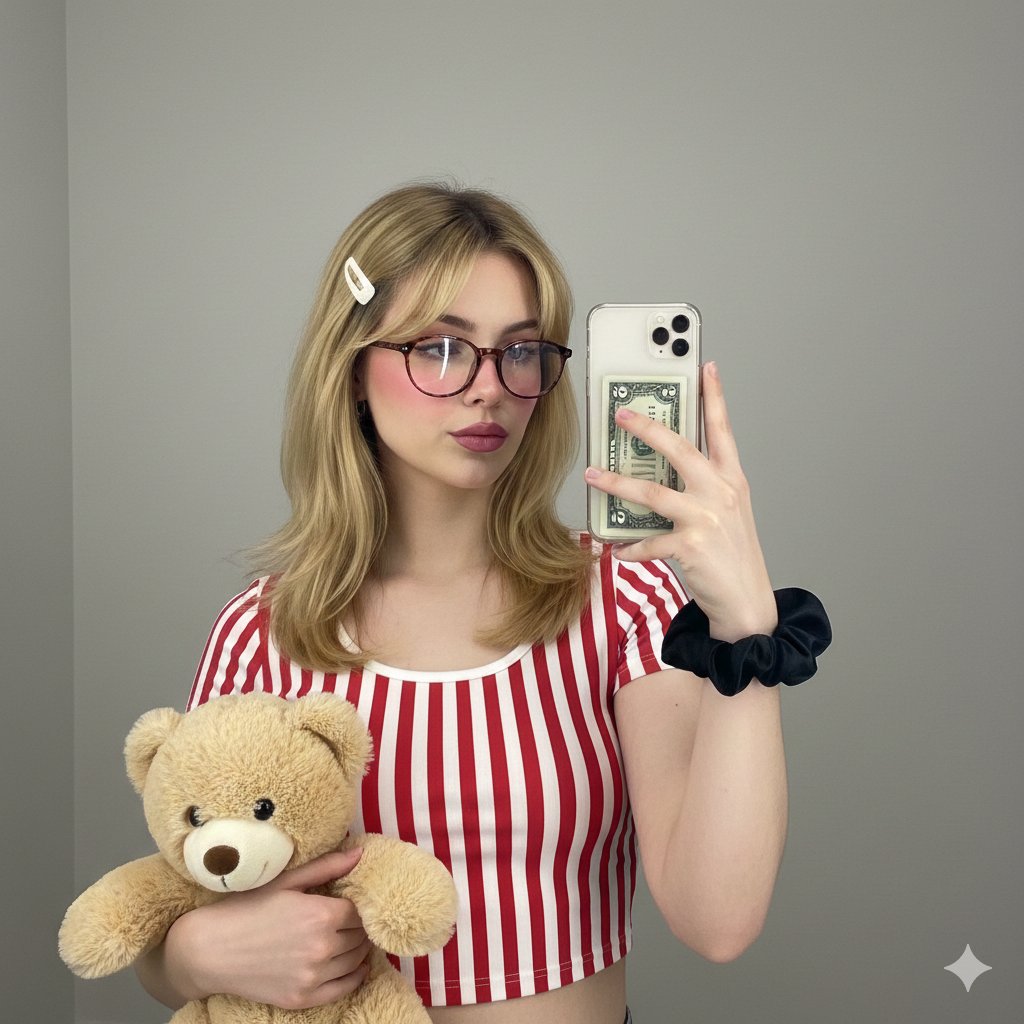














![Naive doodle-style subject illustration — A doodle-style {argument name="subject" default="[subject]"}, naive lines, humorous shape exaggeration](https://pbs.twimg.com/media/G6Wl2YxbsAARB2b.jpg)