
Artist in Drained Pool Studio
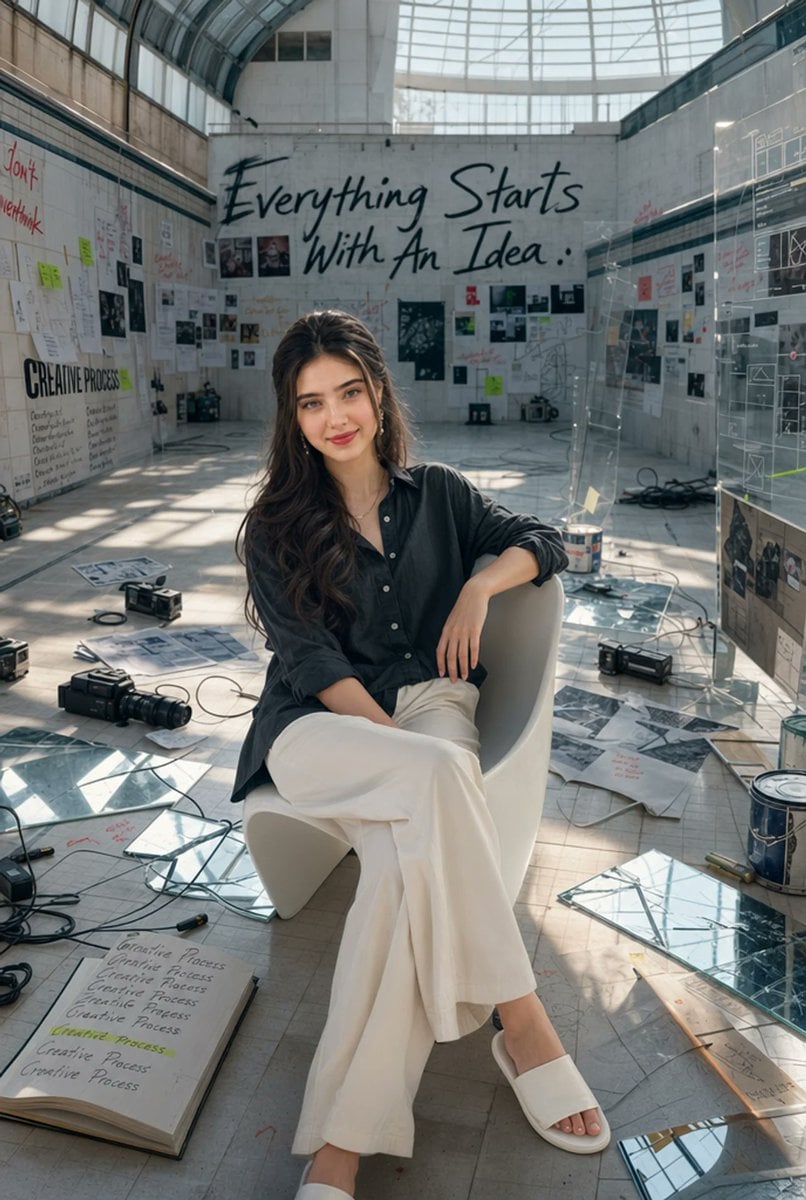
An ultra-realistic editorial portrait of a creative woman seated in a drained indoor swimming pool converted into an artistic workspace.
- Prompt included
- Model and format preset
- Free template
The prompt behind this image
Copy the exact prompt behind Artist in Drained Pool Studio, or open it in the studio and make it yours.
Create an ultra-realistic vertical editorial portrait photograph of a {argument name="subject" default="young creative artist woman"} seated casually on a white sculptural modern chair inside a giant empty indoor swimming pool drained of water and transformed into a raw artistic workspace. The woman is centered in the foreground, sitting with relaxed confidence, legs crossed, one arm draped over the chair back and the other resting near her lap. She has long wavy brown hair, natural makeup, and wears a loose dark charcoal button-up shirt with rolled sleeves, wide flowing white trousers, and white slide sandals. The environment is a vast tiled pool interior with high concrete walls, a curved glass-and-steel ceiling, large upper windows, and dramatic natural daylight casting geometric reflections and shadows across the floor. The back wall has a huge handwritten black slogan reading {argument name="wall slogan" default="Everything Starts With An Idea.."}. Surround the space with an organized creative-process mess: wall-mounted mood boards, sketches, taped photos, sticky notes, handwritten process notes, black-and-white prints, loose papers, open notebooks, cables, camera gear, small projectors, paint buckets, mirrored glass panels, transparent acrylic boards with diagrams, and scattered art tools. Include exactly 6 prominent floor objects in the foreground: 1 open sketchbook labeled with repeated “Creative Process” notes and yellow highlight, 1 black camera with lens, 1 coil of black cables, 1 mirrored glass panel, 1 paint bucket, and 1 loose printed concept sheet. Use a high-end magazine editorial style, photorealistic skin and fabric textures, wide-angle environmental portrait composition, shallow but readable depth of field, cinematic soft daylight, muted neutral palette, subtle teal-gray shadows, realistic perspective, and detailed clutter without looking chaotic. No watermark, no extra people, no distorted anatomy, no illegible gibberish except small background notes, and keep the subject’s face natural and unobstructed.
How to use Artist in Drained Pool Studio in 3 steps
- 1Upload ImagePNG, JPG or paste
Add your photo
Upload the photo the template builds on. The prompt, model and format are already set.
- 2…a portrait of your subject in softgolden-hour light, 85mm…
Personalize
Edit the subject and creative details for your destination.
- 3Generate
Generate
Press Generate — your image is created in PicX Studio, so you can compare it with the original and refine one variable at a time.
More like this
Templates with the same subject, style or setup. Open one to see its prompt.

80s Couple Studio Portrait

1985 Studio Portrait
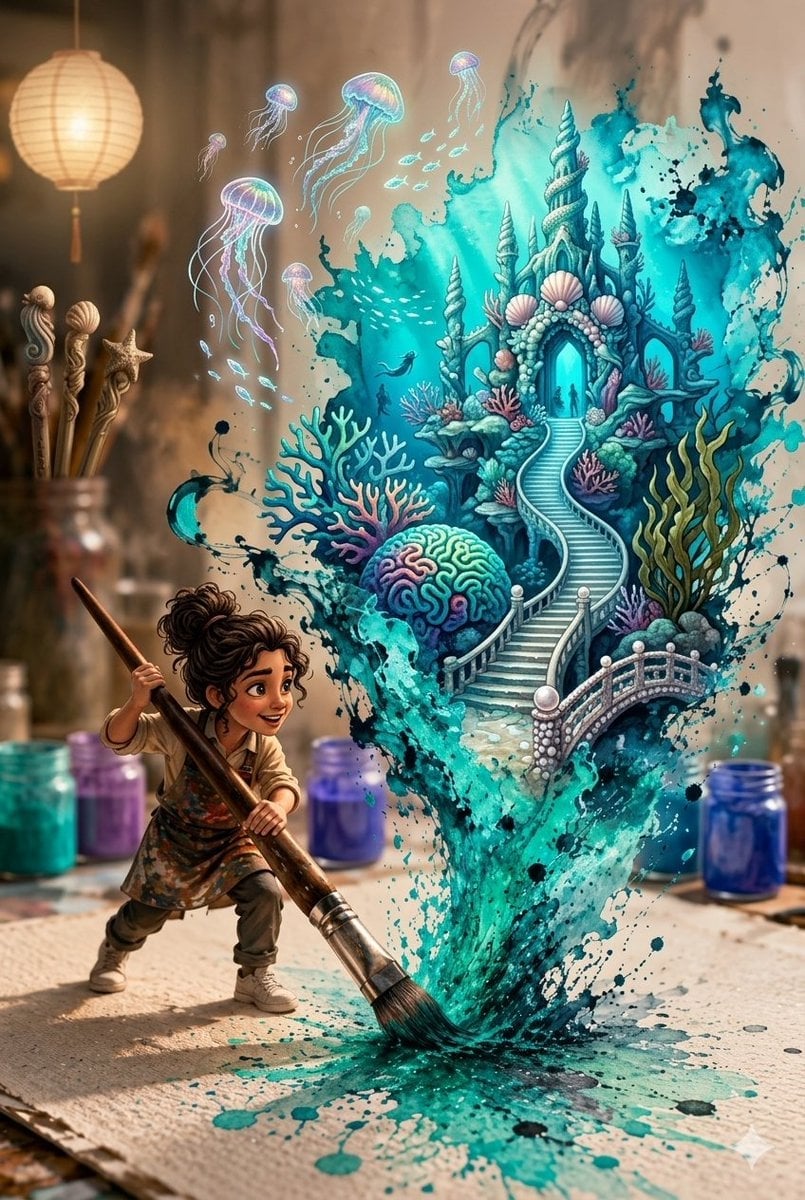
Magical Underwater Artist Studio
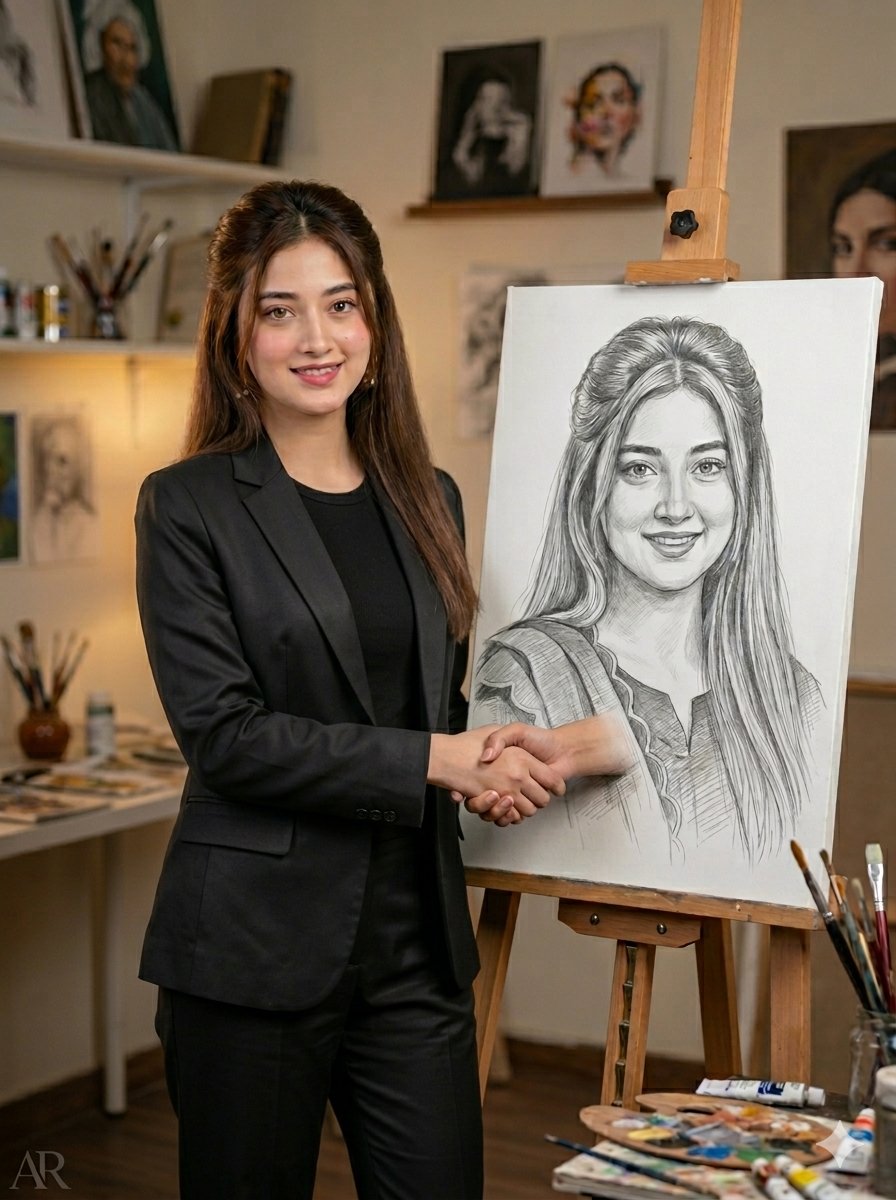
Artist Studio Portrait Transformation
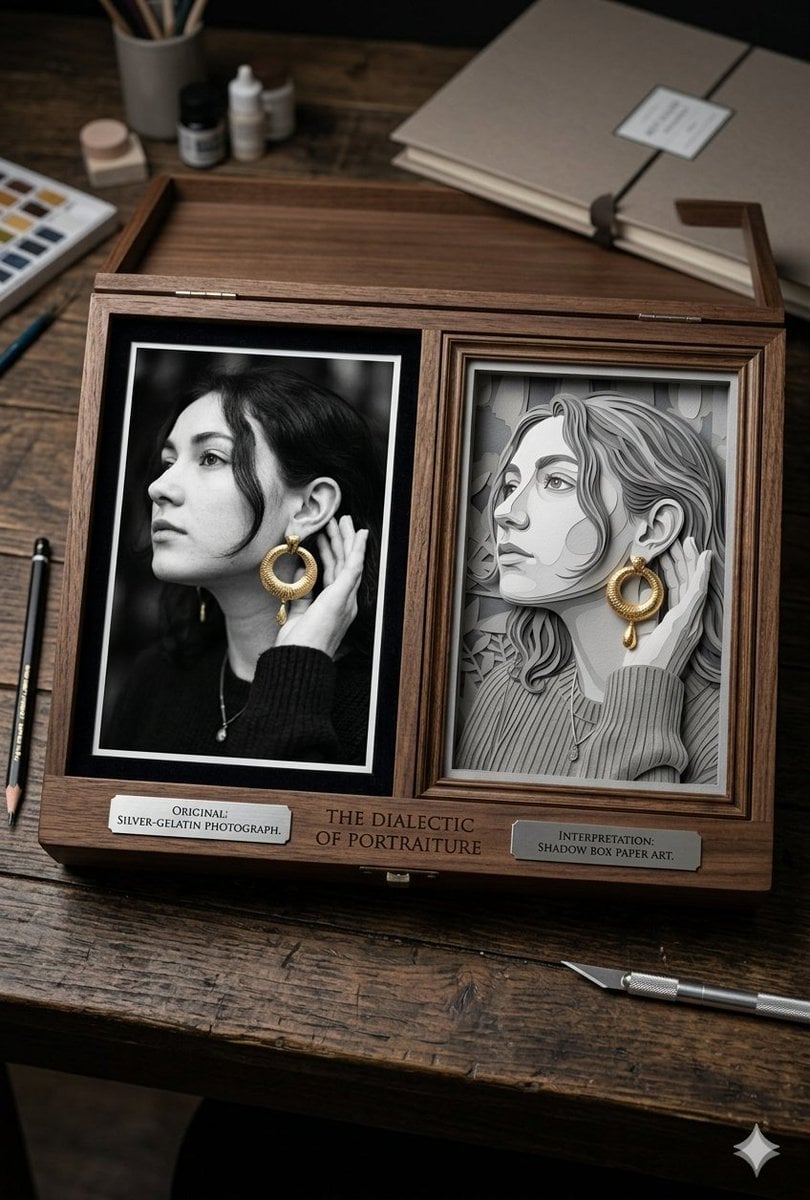
Mixed Media Artist Studio Display

Cinematic Low-Angle Fashion Portrait Smoke Editorial

Japanese Architectural Concrete Studio Fashion Campaign

Japanese Minimalist Concrete Studio Fashion Editorial
Cinematic Low-Angle Fashion Portrait Smoke Editorial
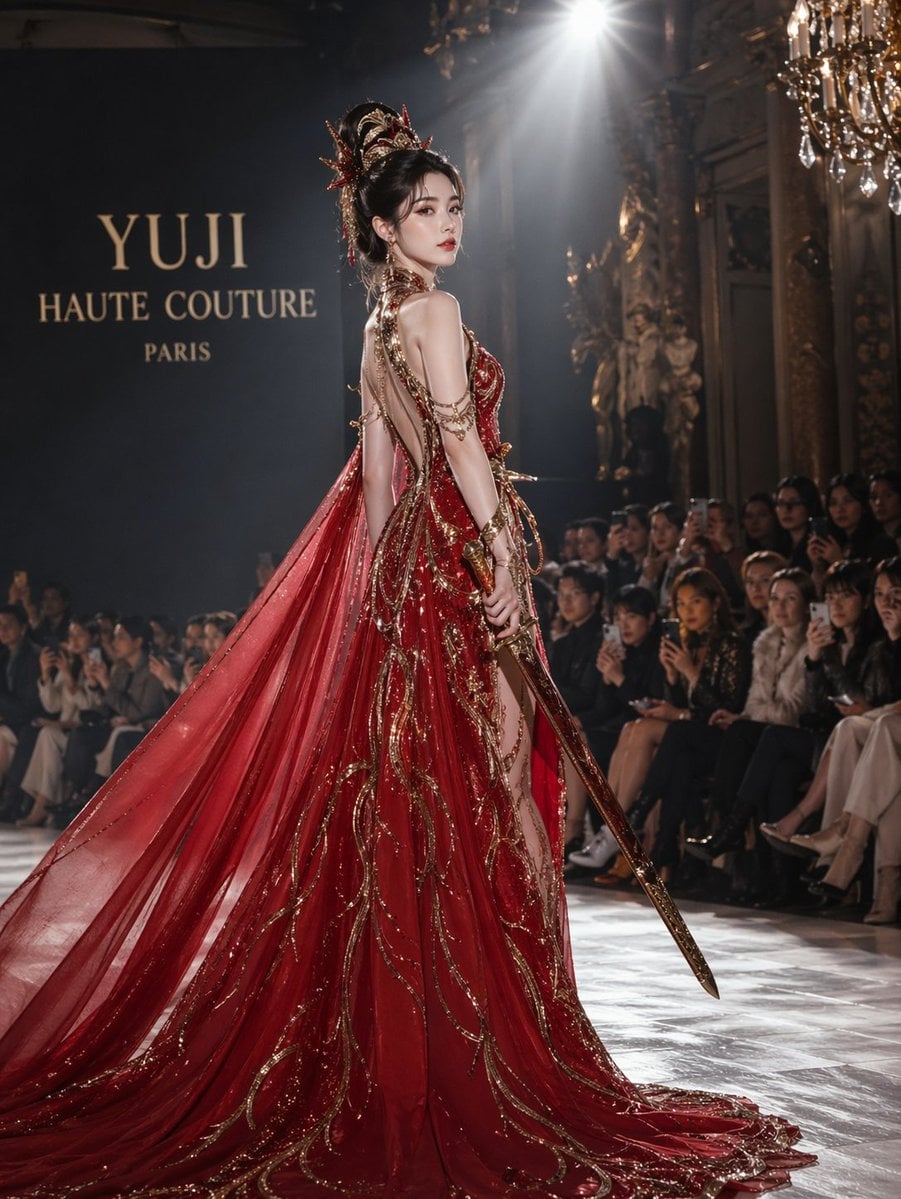
High-Fashion Bauhaus Geometric Cutout Editorial
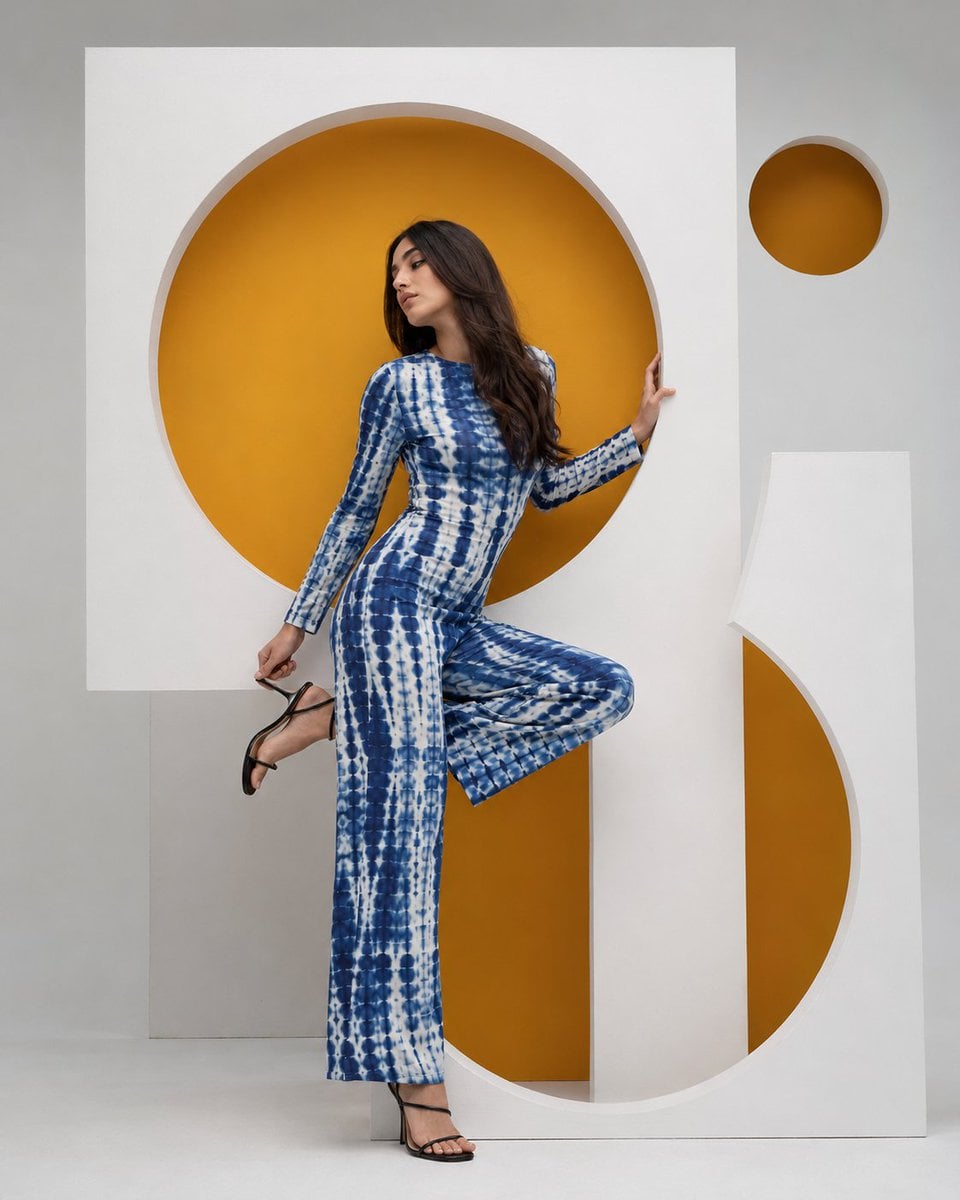
High-Fashion Bauhaus Geometric Cutout Editorial

Luxury Black-and-White Fashion Contact Sheet
Make it yours
Artist in Drained Pool Studio works as-is. These are the safest ways to change it without losing the look.
Change one field
Copy a single group, rewrite it, and generate again so you can see what that field is doing.
Keep the frame, change the subject
Hold the composition and light of Artist in Drained Pool Studio, then swap wardrobe, props or the person for a new take.
| If the result… | Why | Fix |
|---|---|---|
| The result drifts from the preview | Too many fields changed at once. | Reuse Artist in Drained Pool Studio as-is first, then change one group — subject, light, or setting. |
| The model over-stylizes the scene | The prose prompt leaves finish and camera underspecified. | Add one camera or lighting sentence and stay on GPT Image 2. |
More GPT Image 2 templates
Other prompts made for GPT Image 2.

Six VTuber Japanese Logo Sheet

Realistic Portrait of Woman and Deer

The Vista Modular Condo Poster

AI Model Routing Comparison Infographic

2.5D Anime Art Board

Isometric Productivity Desk Scene

New York Double Exposure Poster

Four-Panel AI Landscape Comparison

Japanese Tatami Lifestyle Magazine Cover

NESCAFÉ Coffee Map Poster
More image prompts
Fresh picks from across the catalog.
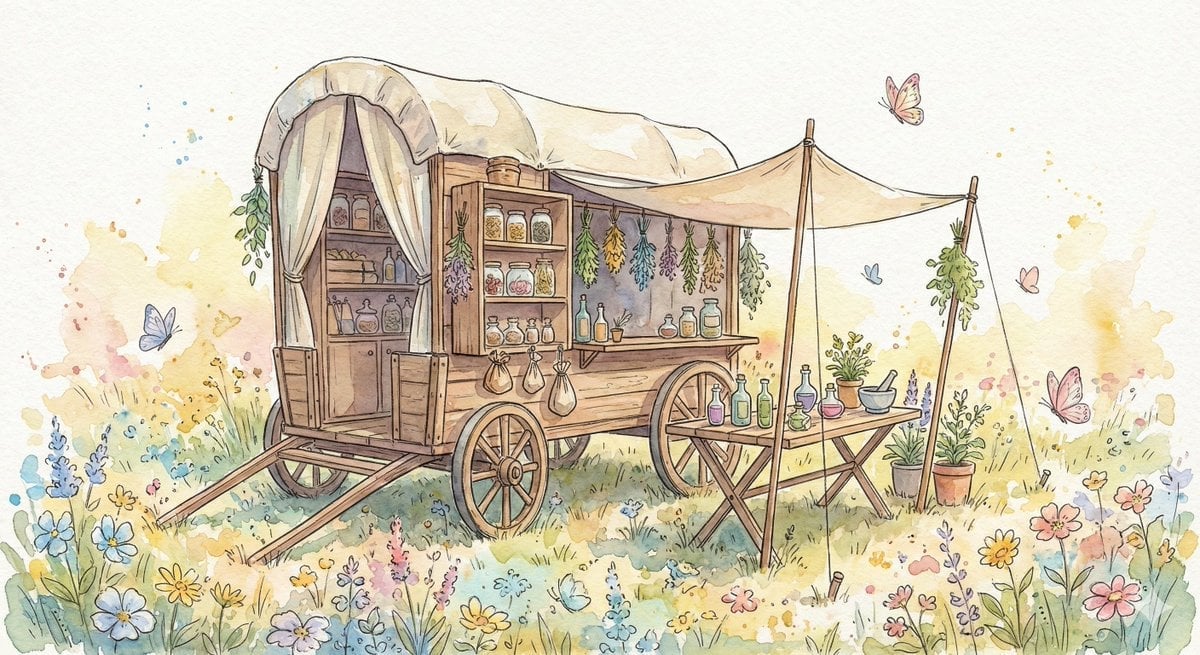
Fantasy Watercolor Herbalist Wagon
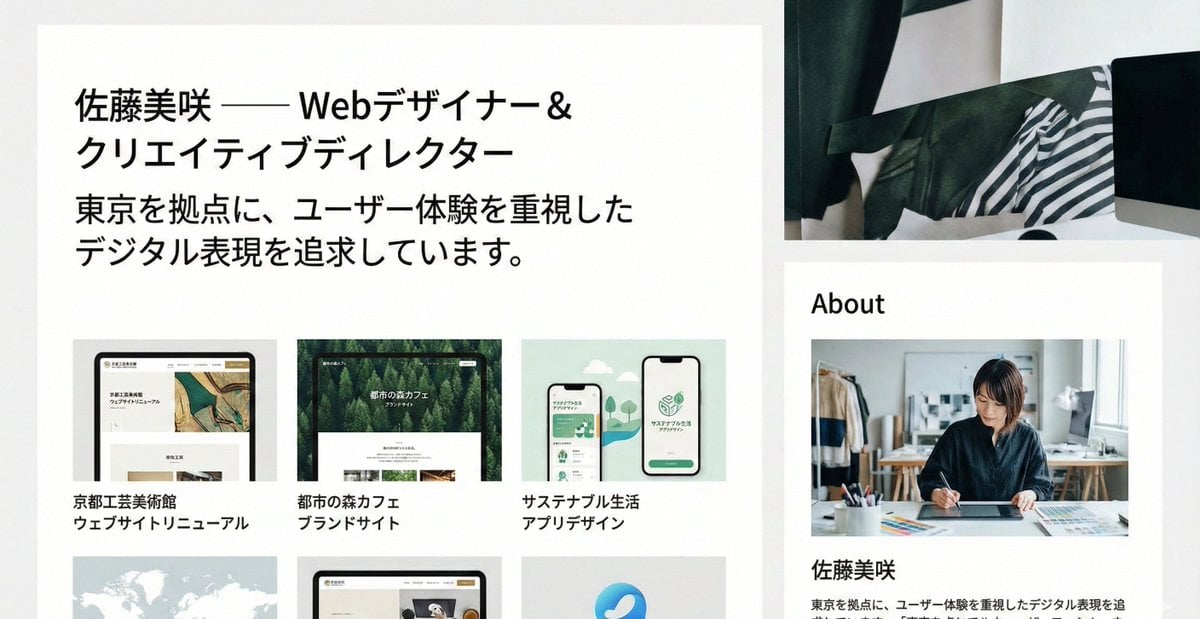
Portfolio image for a fictional web designer
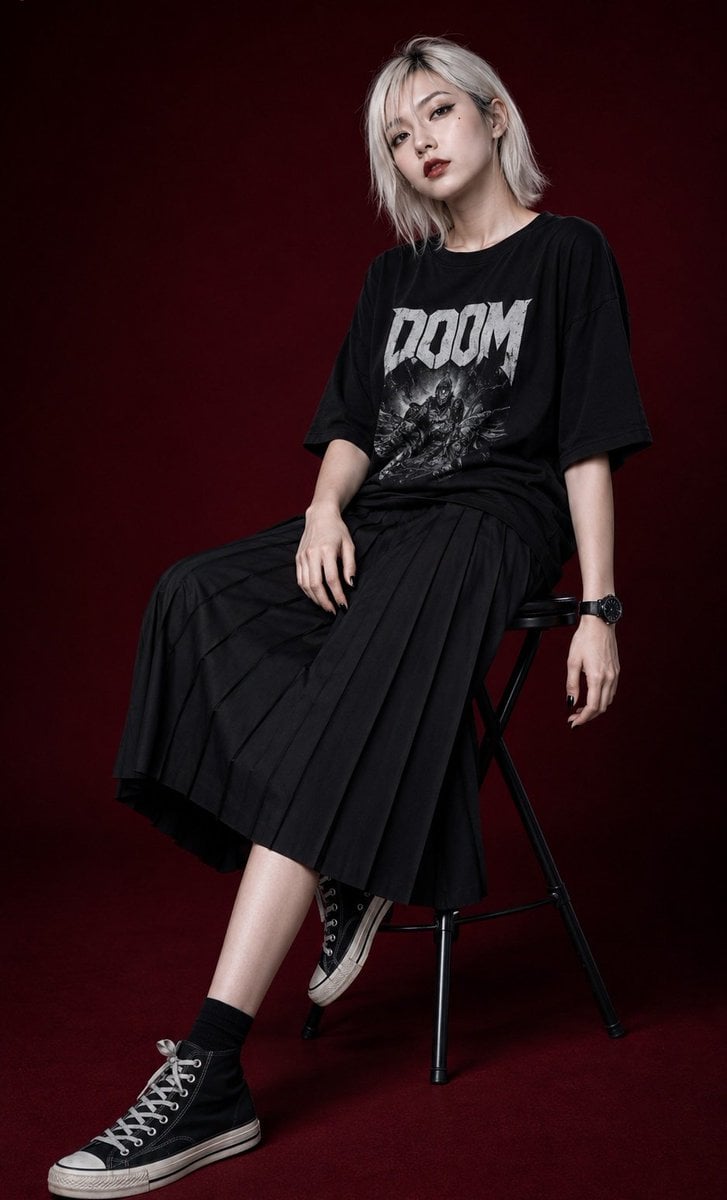
Edgy Asian Fashion Studio Portrait
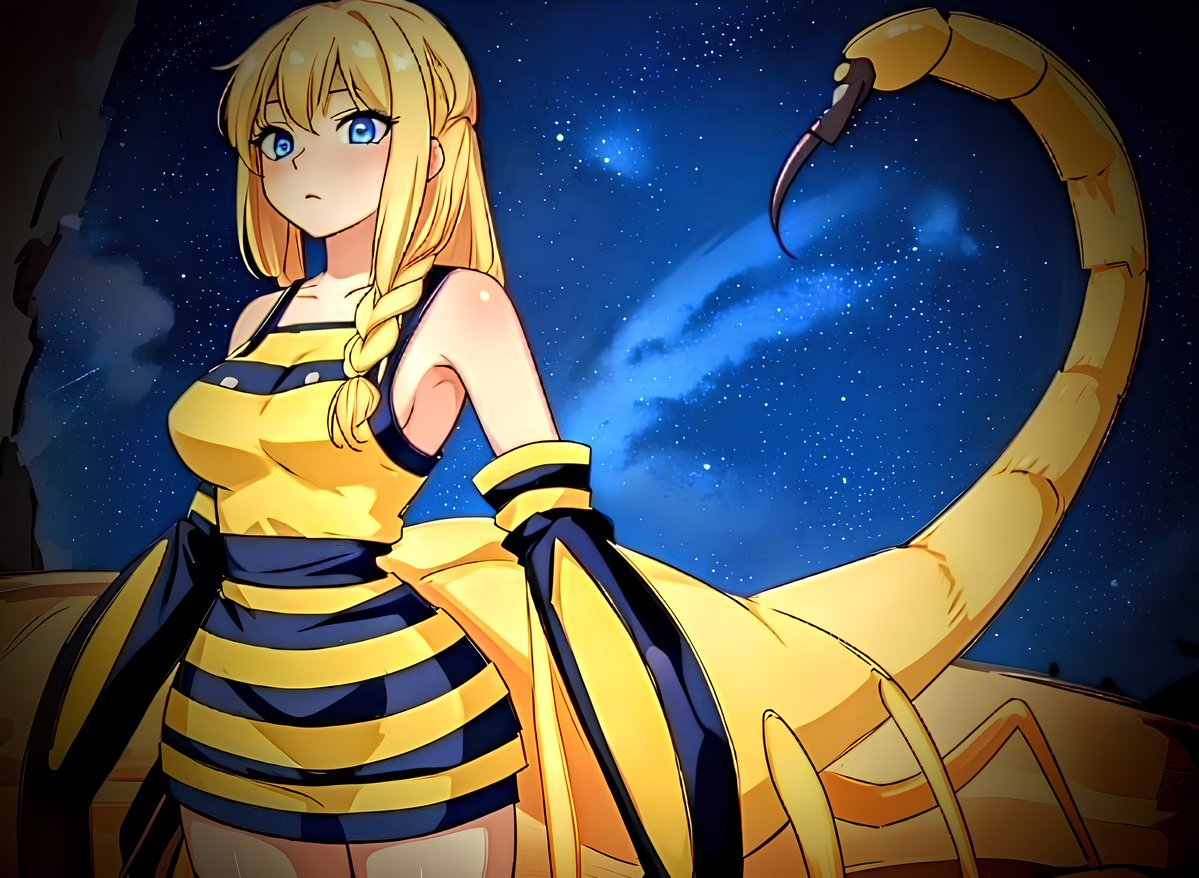
Deathstalker Arachne Personification
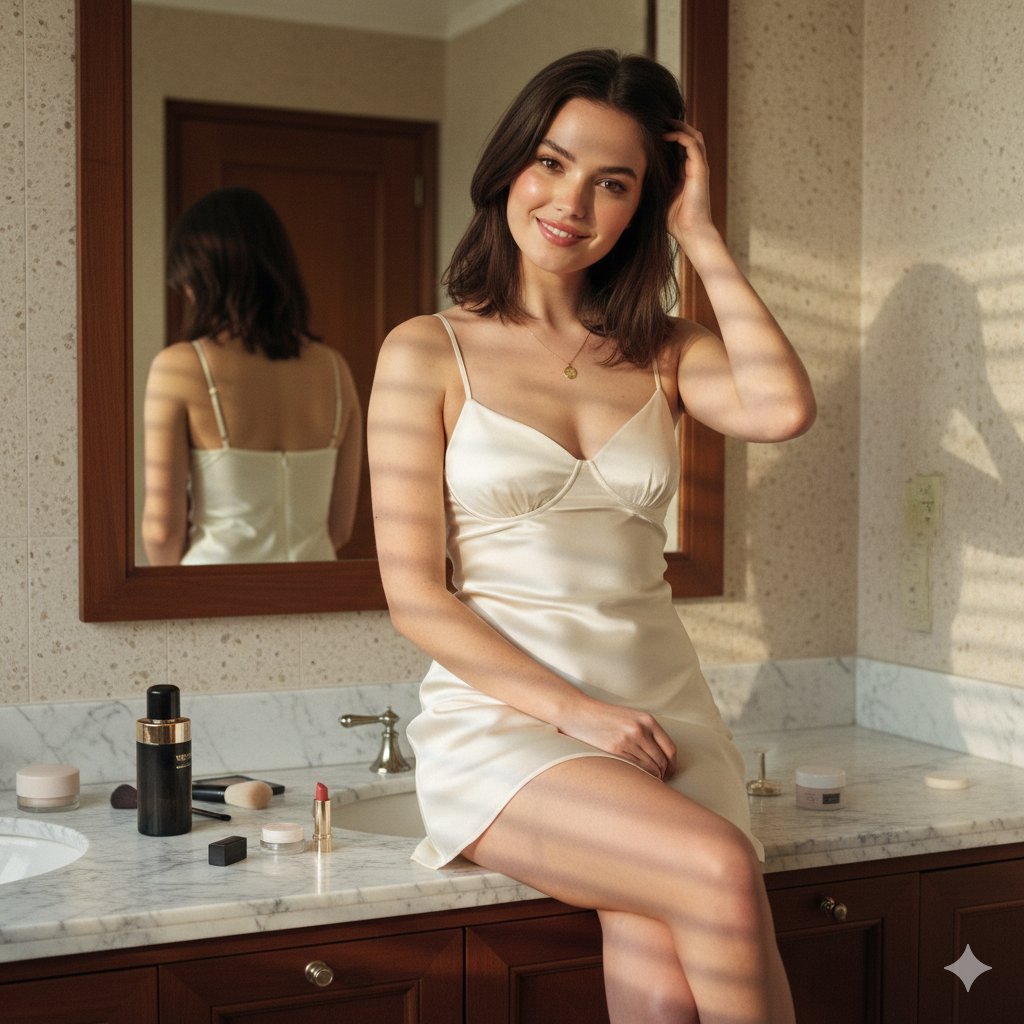
Candid Luxury Bathroom Portrait (Identity Locked)
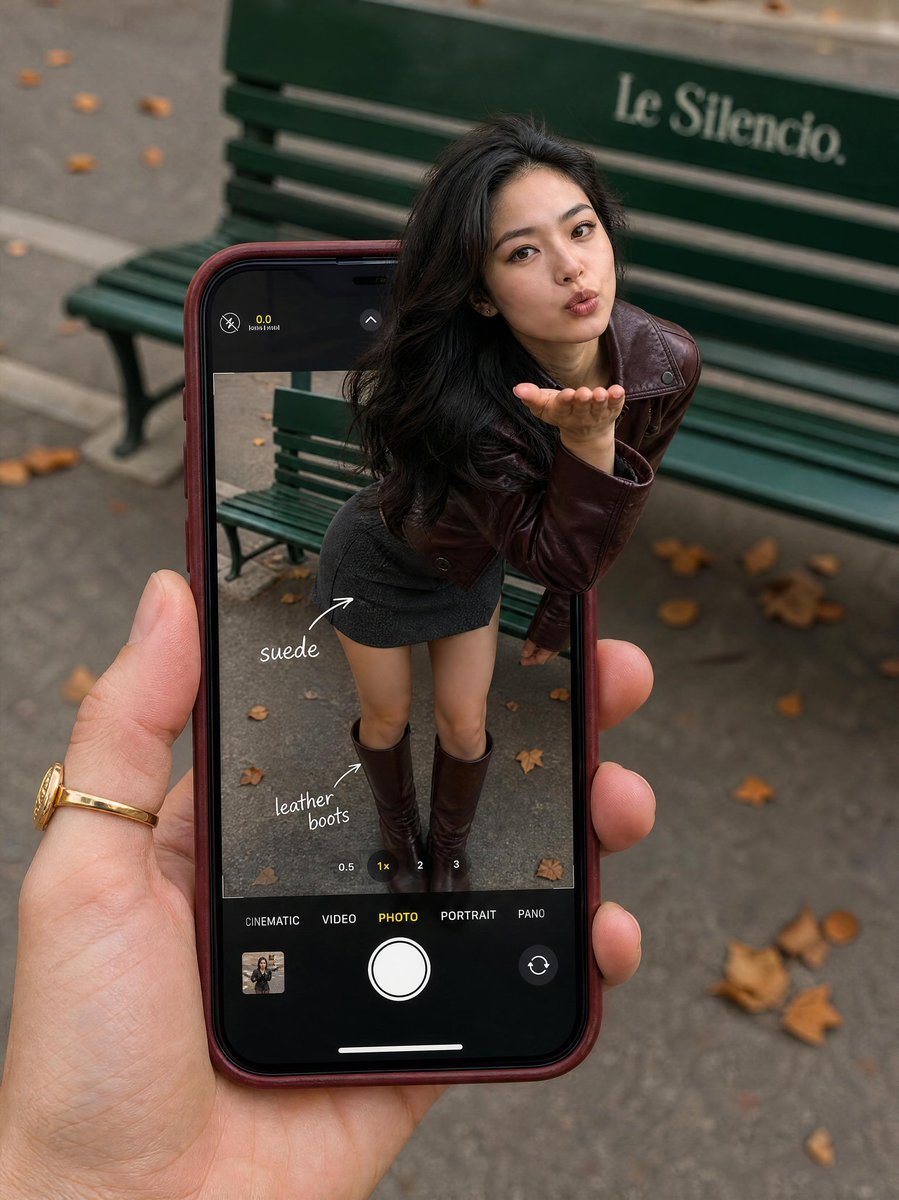
Parisian Fashion Phone Frame
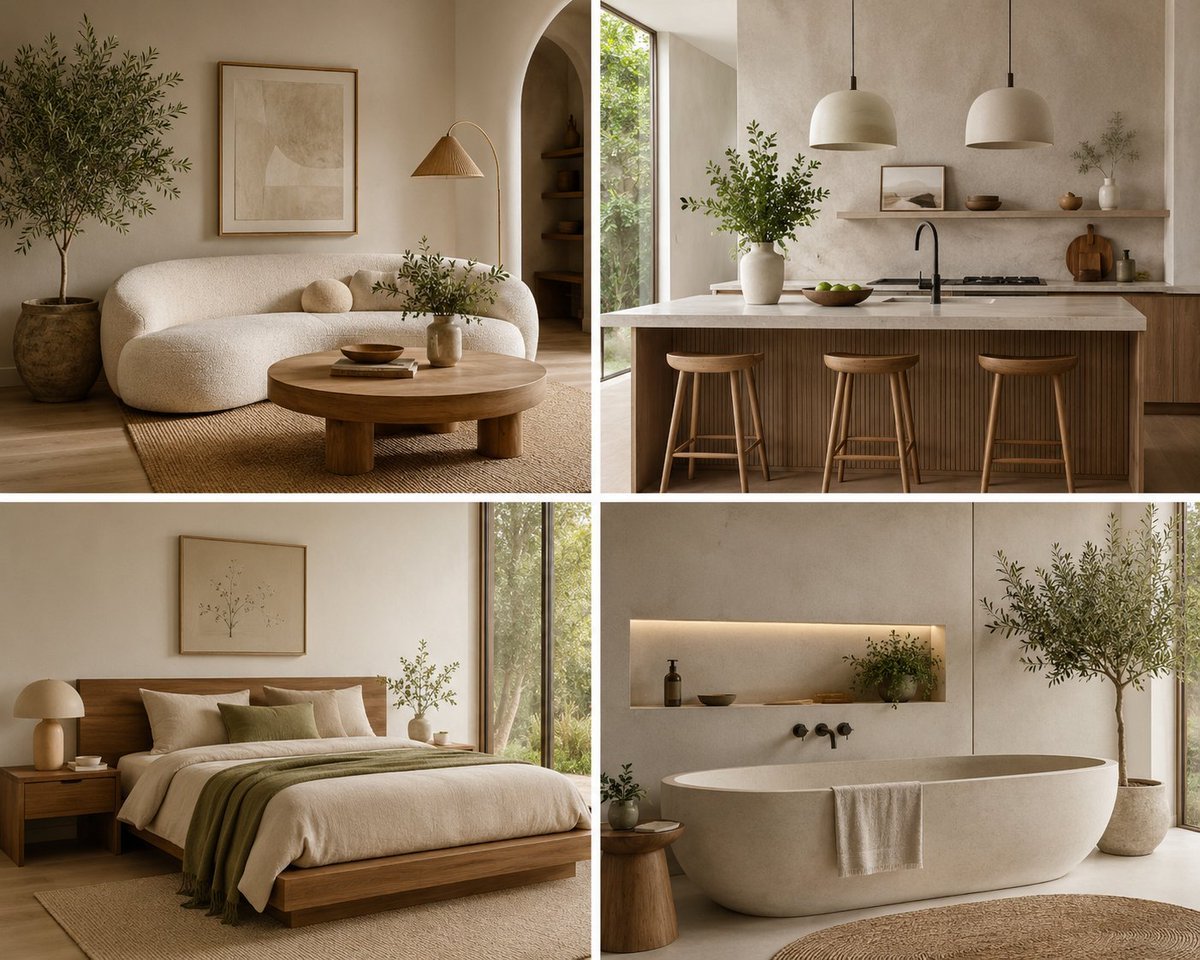
Organic Modern Interior Collage
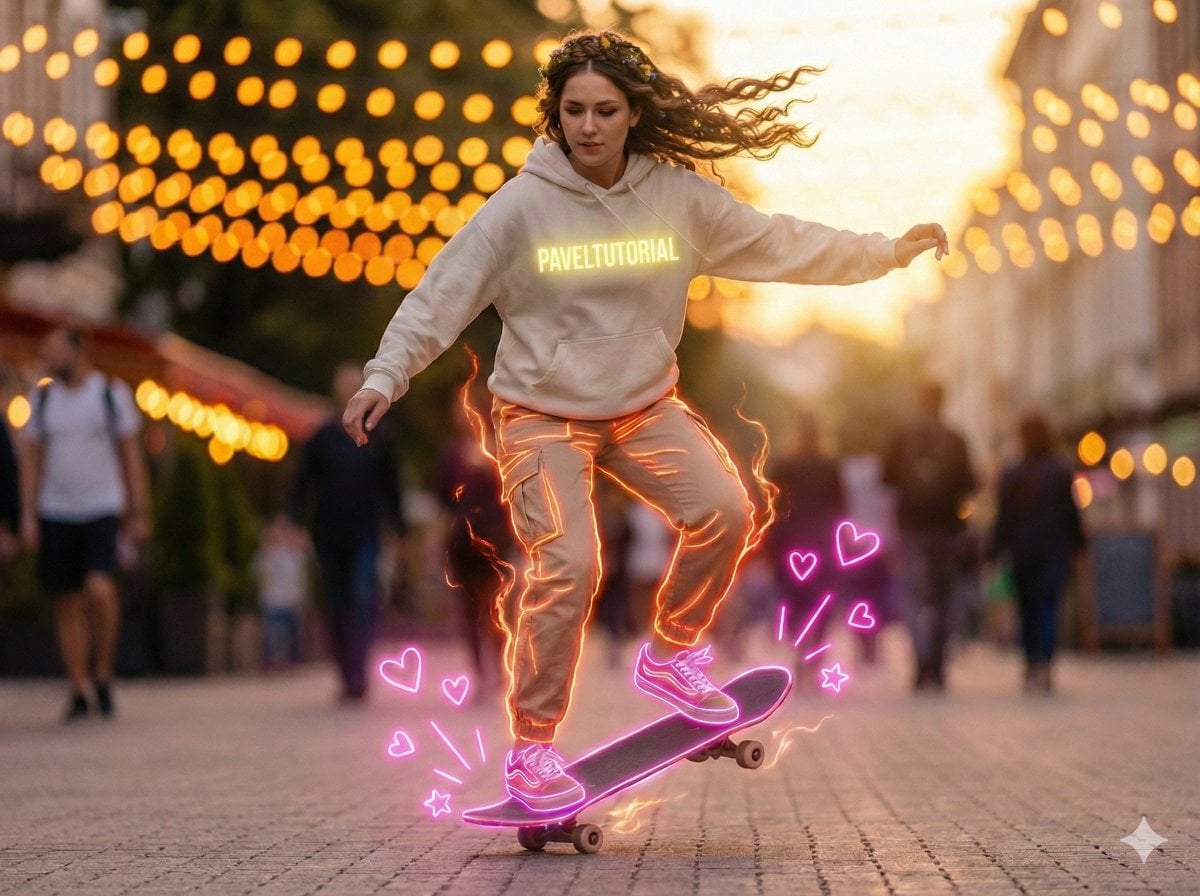
Neon-Outlined Skateboarder Action Shot
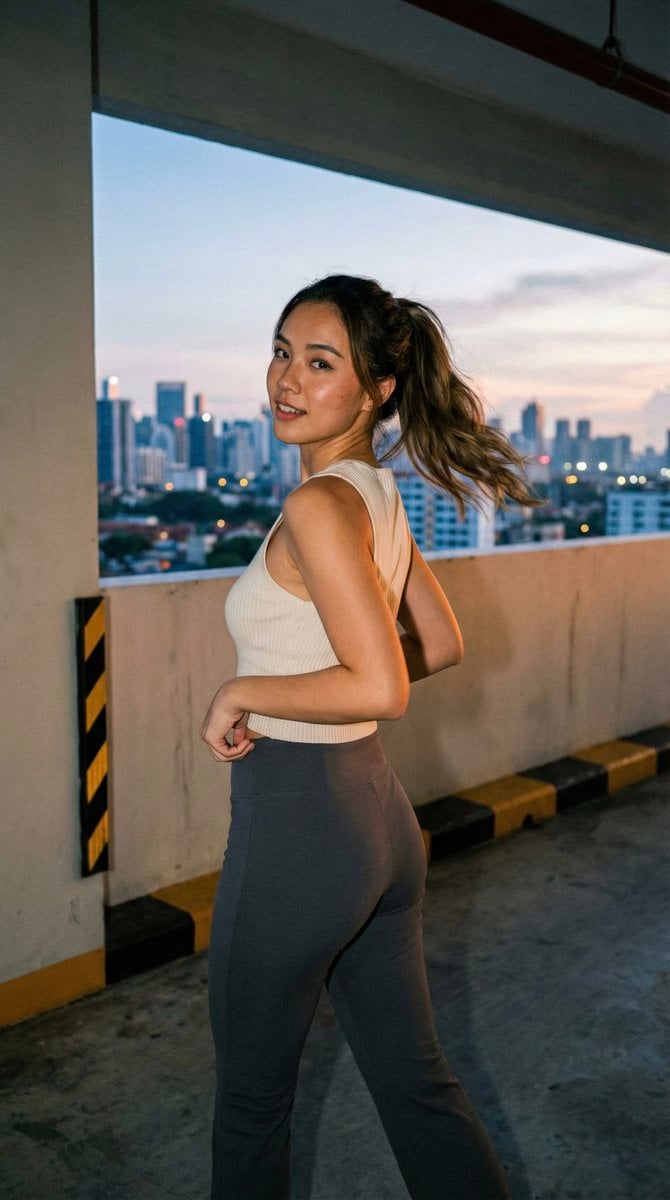
Candid Urban Portrait (Paparazzi Feel)
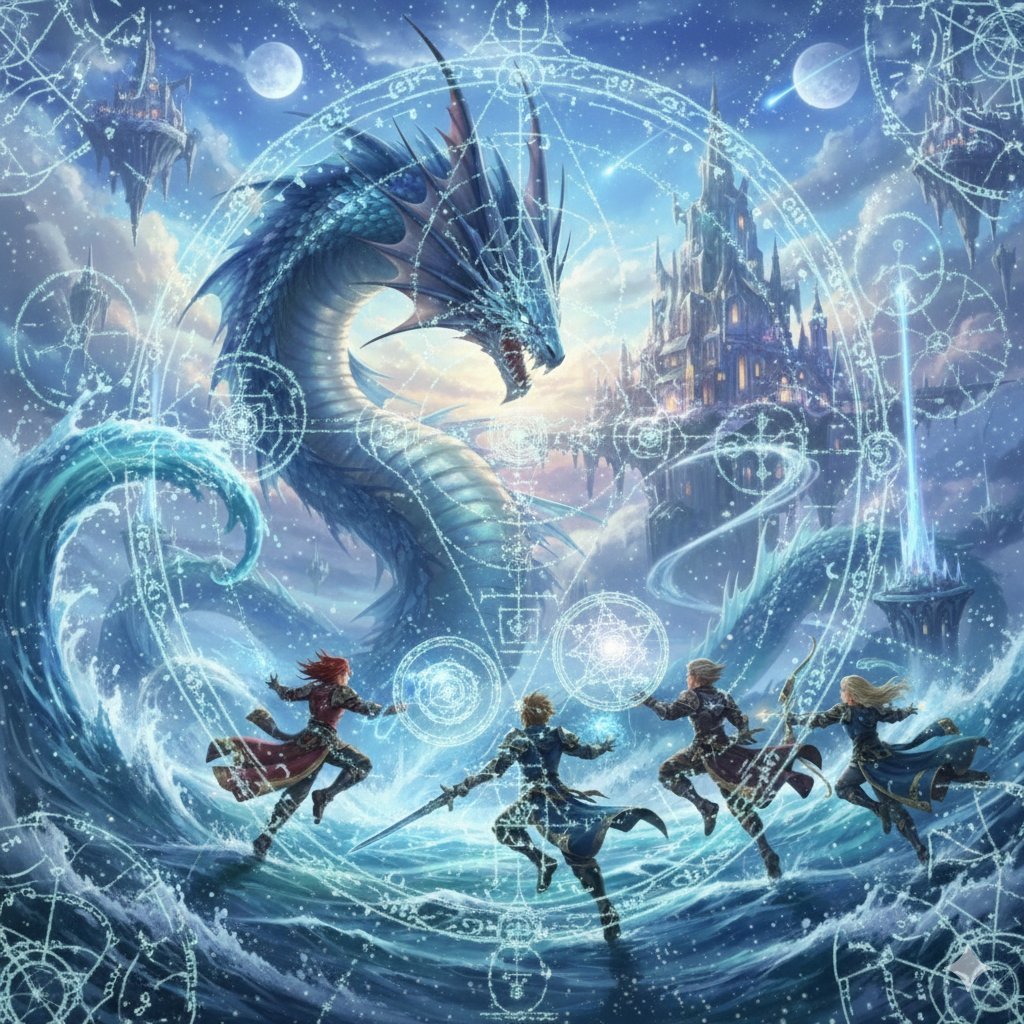
Final Fantasy Leviathan VS Player and Sacred Geometry
Browse template categories
Artist in Drained Pool Studio questions
How do I use the Artist in Drained Pool Studio template?
Add your photo if the template asks for one, edit the prompt if you like — the template's model and format are already selected — and press Generate. Your version opens in PicX Studio.
Can I customize the Artist in Drained Pool Studio template?
Yes. You can change the subject, setting, lighting, mood, format, and available model controls before creating your image.
Is the Artist in Drained Pool Studio template free?
Opening and editing this template is free. Generating uses credits, shown on the Generate button when you are signed in.
Which AI model should I use?
Start with GPT Image 2, which is the model associated with this template. You can compare another compatible model for a different finish.
Looking for something else? Browse all templates.

Your photo, any look
Thousands of ready templates for every top image and video model, from one credit balance.