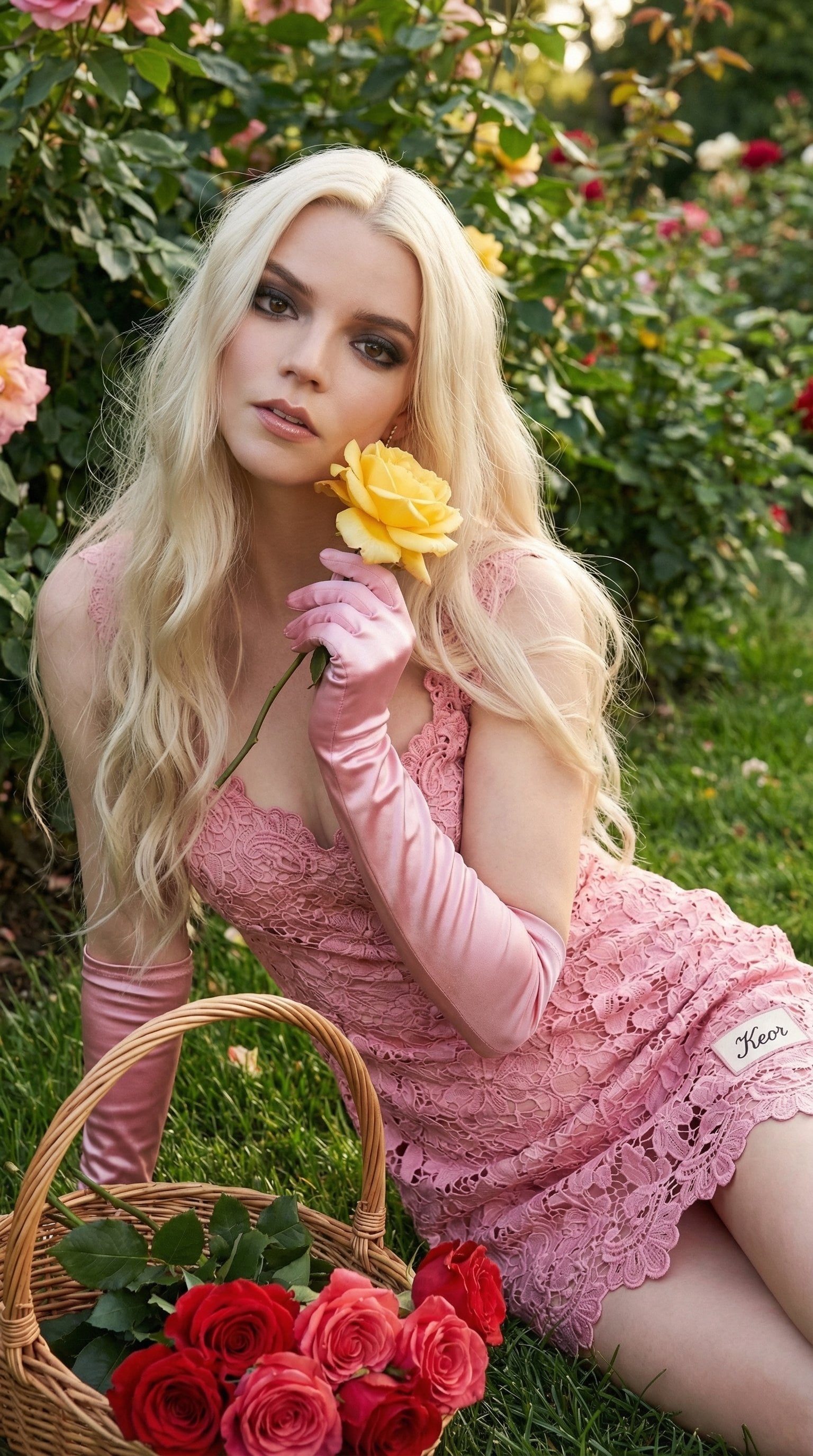
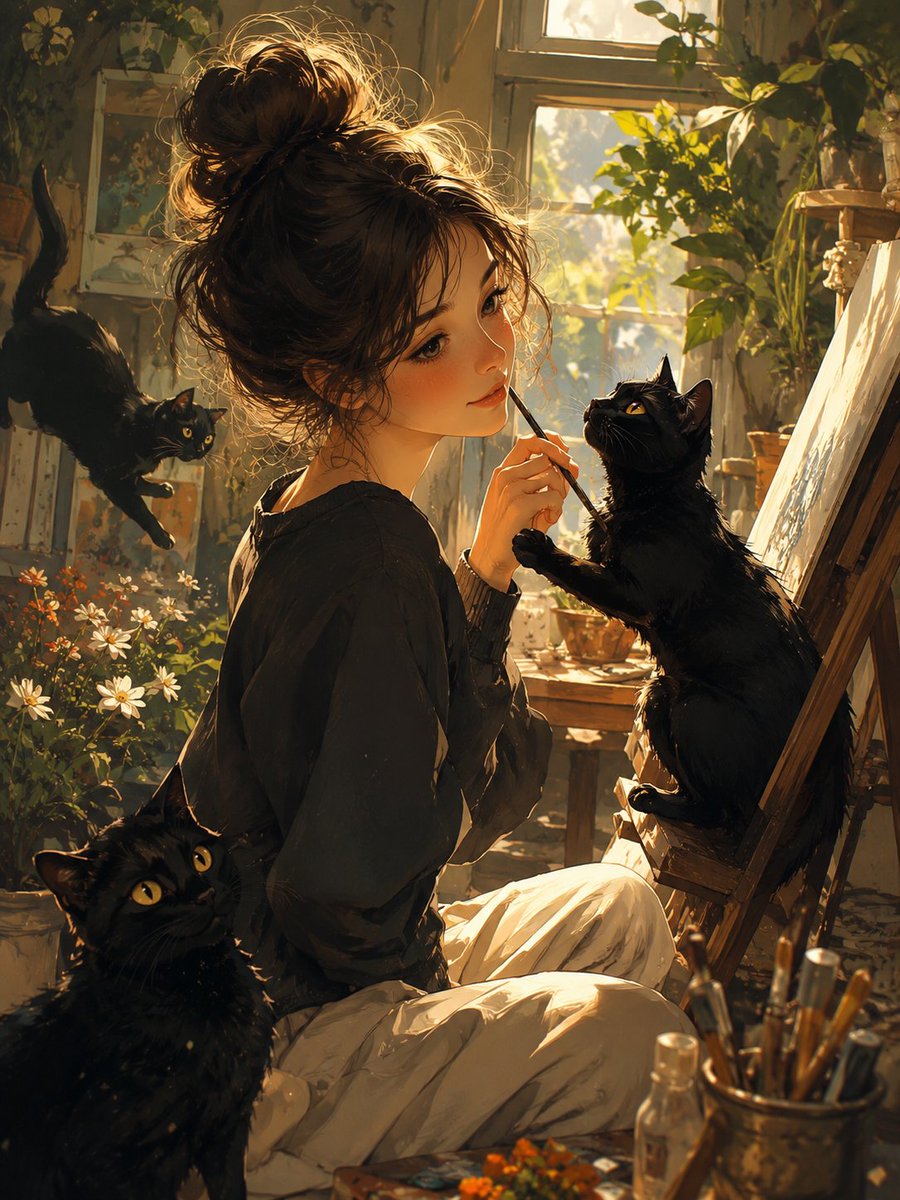
How do I use the Artist Studio Portrait Transformation template?
Choose the primary action to open PicX Studio with the available template settings. Review the model and format, personalize the creative direction, and generate when ready.
A specialized prompt for transforming a reference image into an interaction with a hand-drawn sketch within a detailed artist studio environment while preservin
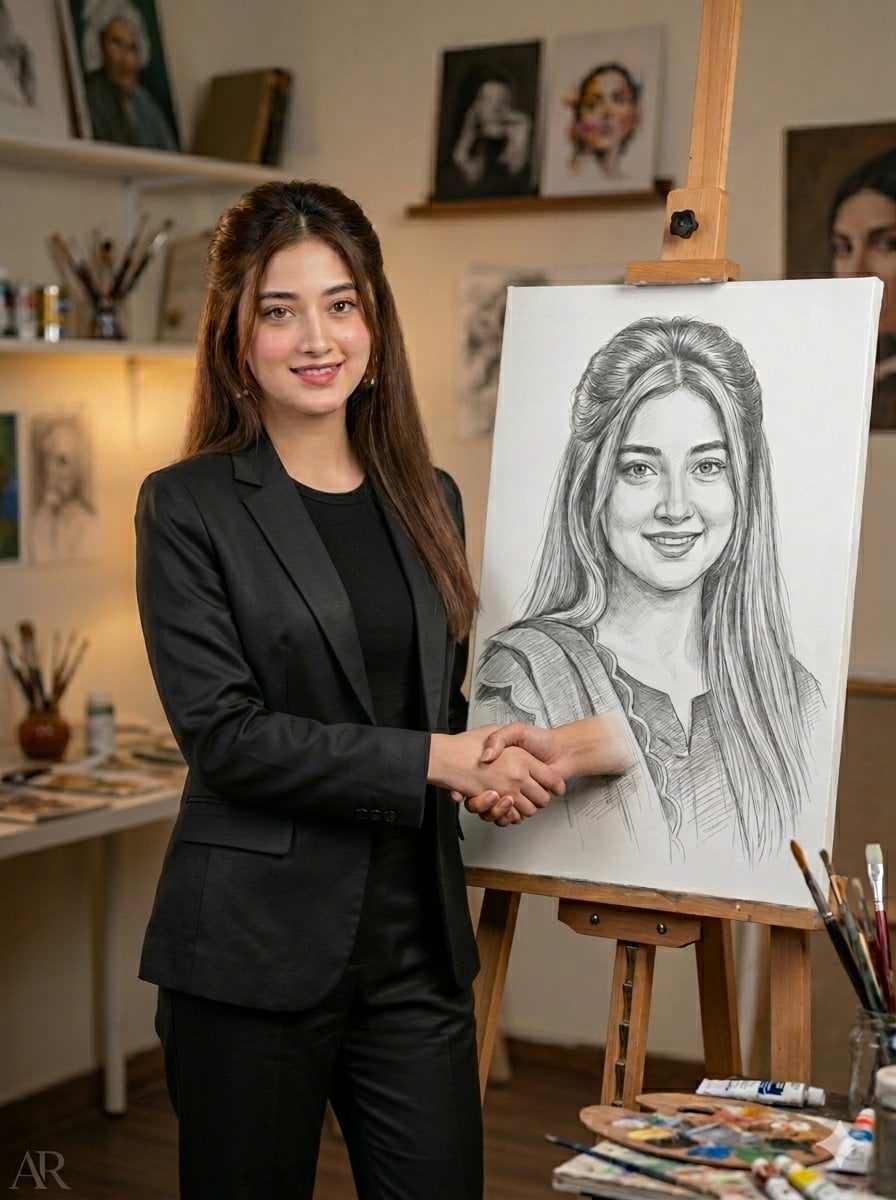
High-quality, ultra-realistic image transformation. Keep the original face, identity, and facial features EXACTLY the same without any modification. The scene shows the person standing inside a {argument name="room type" default="cozy, creative artist's studio room"}. Beside them is a large hand-drawn pencil sketch portrait of themselves placed on a wooden easel. The sketch must look highly detailed realistic graphite drawing (black and white), matching the exact pose, outfit, and expression of the real person. The real person should be in full color, wearing the same outfit, with natural skin tones, realistic lighting, and sharp focus. The person should be interacting with the sketch by holding or shaking hands with their drawn version. The background should look like a creative artist's room: wooden floor, soft warm lighting, art supplies scattered (paint brushes, palettes, canvases), paintings hanging on walls, shelves with colors, slightly messy but aesthetic studio vibe. Lighting should be warm, cinematic, slightly golden tone with soft shadows and depth of field. Ensure: Face is 100% preserved (no AI face change), Same hairstyle, expression, and outfit. Realistic hand interaction between real and sketch. Highly detailed pencil shading in sketch. Photorealistic quality, 4K resolution. Add a subtle, elegant text watermark "{argument name="watermark" default="Kinza 💫"}" in the bottom corner.
Choose the primary action to open PicX Studio with the available template settings. Review the model and format, personalize the creative direction, and generate when ready.
Yes. You can change the subject, setting, lighting, mood, format, and available model controls before creating your image.
This template is free to open and customize. Generation usage is shown in PicX Studio before you create.
Start with Nano Banana 2, which is the model associated with this template. You can compare another compatible model for a different finish.
Follow a topic to a crawlable collection of related PicX Studio templates.