How do I use the Cinematic Beach Portrait (Golden Hour) template?
Choose the primary action to open PicX Studio with the available template settings. Review the model and format, personalize the creative direction, and generate when ready.
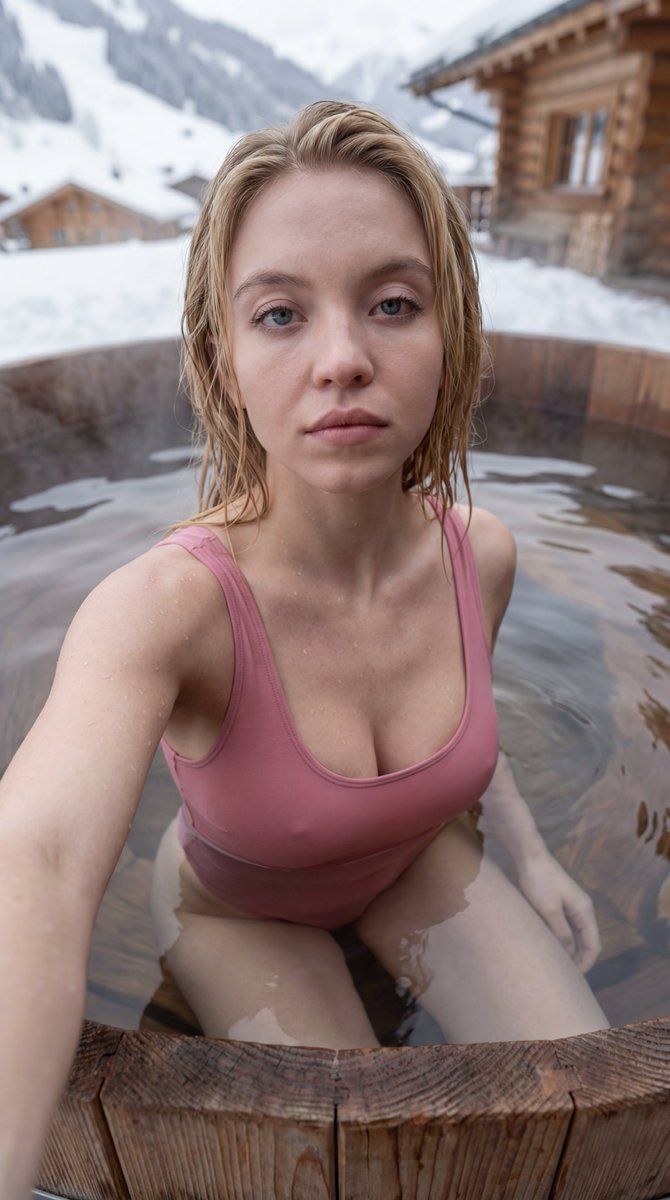
A detailed prompt for generating an ultra-high definition cinematic portrait of an athletic woman on a tropical beach during golden hour. It specifies physical traits (deep tan, redhead), attire (lime bikini), and uses Teal and Orange color grading with shallow depth of field. (free to use) — Free AI image template on PicX Studio.
{ "image_specification": { "metadata": { "aspect_ratio": "9:16", "style_preset": "Cinematic Realism", "quality_level": "Ultra-High Definition", "render_engine": "Hyperrealistic Path-Tracing" }, "subject_details": { "identity": { "ethnicity": "American", "aesthetic": "Sun-kissed, athletic young woman", "reference_matching": "Maintain strict facial consistency with uploaded reference image" }, "physical_traits": { "skin": "Deep golden tan, visible micro-textures, subtle glow from saltwater and sun", "hair": "{argument name="hair color" default="Redhead"}, beach-wave texture, wind-swept, voluminous, salt-textured strands", "physique": "Toned, athletic build, defined core" }, "attire": { "garment": "{argument name="bikini color" default="Green Lime"} strappy bikini", "details": "High-quality fabric sheen, intricate strap detailing, precise stitching textures", "fit": "Form-fitting, summer lifestyle aesthetic" }, "performance": { "pose": "Leaning forward toward the camera, playful and engaging stance", "expression": "Flirty smirk, confident gaze, direct eye contact", "mood": "Energetic, alluring, warm" } }, "environment_and_setting": { "location": "Tropical beach cabana", "background_elements": [ "Weathered exotic wood textures", "Soft-focus palm fronds", "Distanced turquoise ocean horizon", "White sand bokeh" ], "atmosphere": "Tropical warmth, hazy coastal air" }, "lighting_and_color": { "primary_source": "Golden hour sunlight", "lighting_physics": "Warm rim lighting on hair and shoulders, soft diffused shadows, natural skin highlights", "color_palette": "Teal and Orange contrast, warm ambers, vibrant turquoise" }, "camera_technical_specs": { "hardware": "85mm Prime Portrait Lens", "settings": { "aperture": "f/1.8 for creamy bokeh", "depth_of_field": "Shallow depth of field, sharp focus on eyes, soft background blur", "composition": "Close-up portrait, vertical orientation" } }, "constraints": { "negative_prompt": [ "nudity", "explicit content", "childlike proportions", "male features", "anatomical distortion", "extra limbs", "low resolution", "watermark", "unrealistic skin smoothing" ] } } }
Use Cinematic Beach Portrait (Golden Hour) to plan an AI image around nano-banana-2 generation. Match the preview's composition first, then personalize the subject, setting, and mood for your own project.
Use the primary action to load the template settings in PicX Studio.
Adjust the subject and creative details for your destination.
Create the image, compare the result with the preview, and refine one variable at a time.
A continuous mix — similar concepts first, woven with same-model prompts and fresh picks from the catalog.
Choose the primary action to open PicX Studio with the available template settings. Review the model and format, personalize the creative direction, and generate when ready.
Yes. You can change the subject, setting, lighting, mood, format, and available model controls before creating your image.
This template is free to open and customize. Generation usage is shown in PicX Studio before you create.
Start with nano-banana-2, which is the model associated with this template. You can compare another compatible model for a different finish.
Follow a topic to a crawlable collection of related PicX Studio templates.
39,155 public templates available. Verified via the PicX Studio public templates API; refreshed hourly.
A continuous mix — similar concepts first, woven with same-model prompts and fresh picks from the catalog.