
Gritty Superhero Comic Page
Generates a fully lettered, 6-panel comic book page featuring a vigilante superhero, dynamic action shots, and extensive narration boxes.
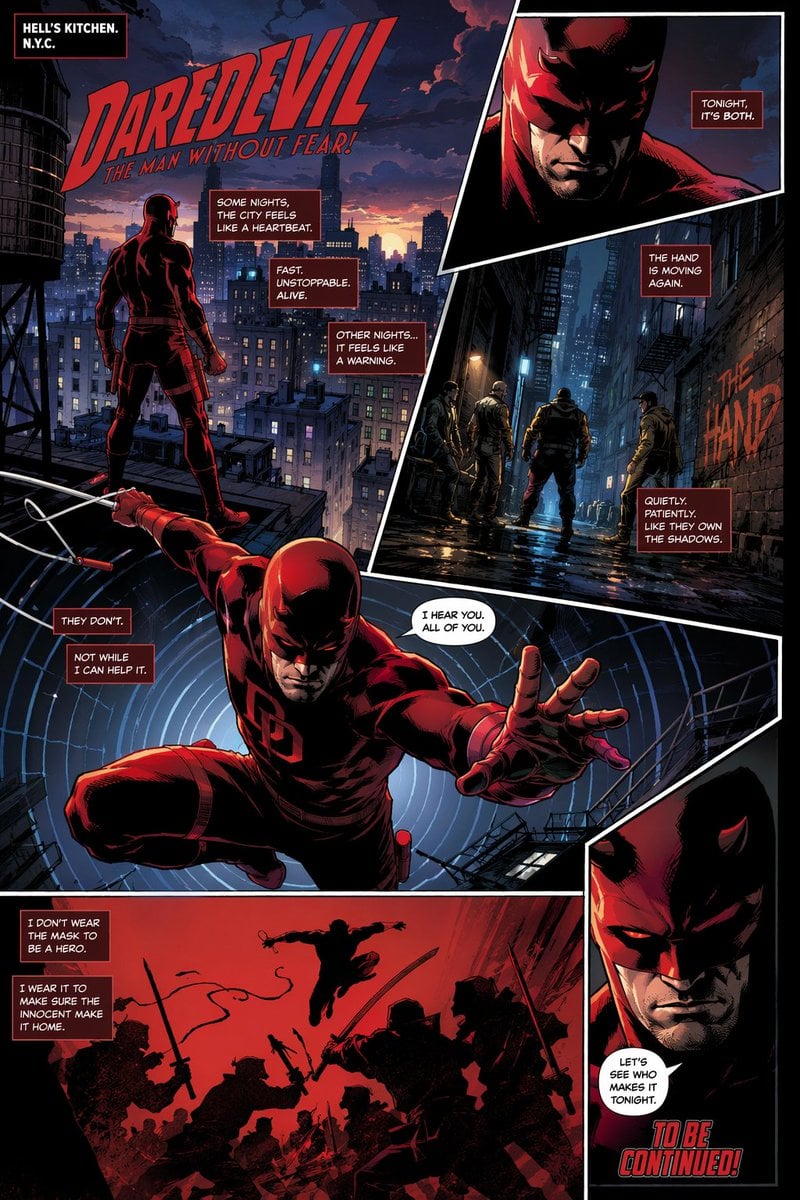
- Prompt included
- Model and format preset
- Free template
The prompt behind this image
Copy the exact prompt behind Gritty Superhero Comic Page, or open it in the studio and make it yours.
- Type
- comic book page layout
- Style
- modern western comic book illustration, gritty, dynamic lighting, high contrast, detailed inking
- Character
- {argument name="hero theme" default="red devil-themed vigilante"} in a tactical suit with small horns on the cowl, red eye lenses, and a double baton weapon
- Layout › Panel Count
- 6
- Layout › Panels › 0 › Position
- top left, large establishing shot
- Layout › Panels › 0 › Visuals
- hero standing on a rooftop looking over a sprawling city skyline at dusk, water tower on the left
- Layout › Panels › 0 › Text Elements › 0 › Type
- location box
- Layout › Panels › 0 › Text Elements › 0 › Text
- {argument name="city setting" default="HELL'S KITCHEN. N.Y.C."}
- Layout › Panels › 0 › Text Elements › 1 › Type
- title logo
- Layout › Panels › 0 › Text Elements › 1 › Text
- {argument name="main title" default="DAREDEVIL THE MAN WITHOUT FEAR!"}
- Layout › Panels › 0 › Text Elements › 2 › Type
- narration box
- Layout › Panels › 0 › Text Elements › 2 › Text
- SOME NIGHTS, THE CITY FEELS LIKE A HEARTBEAT.
- Layout › Panels › 0 › Text Elements › 3 › Type
- narration box
- Layout › Panels › 0 › Text Elements › 3 › Text
- FAST. UNSTOPPABLE. ALIVE.
- Layout › Panels › 0 › Text Elements › 4 › Type
- narration box
- Layout › Panels › 0 › Text Elements › 4 › Text
- OTHER NIGHTS... IT FEELS LIKE A WARNING.
- Layout › Panels › 1 › Position
- top right, inset
- Layout › Panels › 1 › Visuals
- close-up of the hero's masked face in shadow
- Layout › Panels › 1 › Text Elements › 0 › Type
- narration box
- Layout › Panels › 1 › Text Elements › 0 › Text
- TONIGHT, IT'S BOTH.
- Layout › Panels › 2 › Position
- middle right, vertical
- Layout › Panels › 2 › Visuals
- 4 street thugs standing in a dark, wet alleyway, graffiti on the brick wall
- Layout › Panels › 2 › Text Elements › 0 › Type
- graffiti
- Layout › Panels › 2 › Text Elements › 0 › Text
- {argument name="enemy faction" default="THE HAND"}
Raw JSON
{
  "type": "comic book page layout",
  "style": "modern western comic book illustration, gritty, dynamic lighting, high contrast, detailed inking",
  "character": "{argument name=\"hero theme\" default=\"red devil-themed vigilante\"} in a tactical suit with small horns on the cowl, red eye lenses, and a double baton weapon",
  "layout": {
    "panel_count": 6,
    "panels": [
      {
        "position": "top left, large establishing shot",
        "visuals": "hero standing on a rooftop looking over a sprawling city skyline at dusk, water tower on the left",
        "text_elements": [
          {"type": "location box", "text": "{argument name=\"city setting\" default=\"HELL'S KITCHEN. N.Y.C.\"}"},
          {"type": "title logo", "text": "{argument name=\"main title\" default=\"DAREDEVIL THE MAN WITHOUT FEAR!\"}"},
          {"type": "narration box", "text": "SOME NIGHTS, THE CITY FEELS LIKE A HEARTBEAT."},
          {"type": "narration box", "text": "FAST. UNSTOPPABLE. ALIVE."},
          {"type": "narration box", "text": "OTHER NIGHTS... IT FEELS LIKE A WARNING."}
        ]
      },
      {
        "position": "top right, inset",
        "visuals": "close-up of the hero's masked face in shadow",
        "text_elements": [
          {"type": "narration box", "text": "TONIGHT, IT'S BOTH."}
        ]
      },
      {
        "position": "middle right, vertical",
        "visuals": "4 street thugs standing in a dark, wet alleyway, graffiti on the brick wall",
        "text_elements": [
          {"type": "graffiti", "text": "{argument name=\"enemy faction\" default=\"THE HAND\"}"},
          {"type": "narration box", "text": "THE HAND IS MOVING AGAIN."},
          {"type": "narration box", "text": "QUIETLY. PATIENTLY. LIKE THEY OWN THE SHADOWS."}
        ]
      },
      {
        "position": "center, large dynamic shot",
        "visuals": "hero leaping forward dramatically, reaching out with one hand, holding a baton with a wire in the other, background features concentric white circles representing a radar sense",
        "text_elements": [
          {"type": "narration box", "text": "THEY DON'T."},
          {"type": "narration box", "text": "NOT WHILE I CAN HELP IT."},
          {"type": "speech bubble", "text": "I HEAR YOU. ALL OF YOU."}
        ]
      },
      {
        "position": "bottom left, wide",
        "visuals": "stark red background with black silhouettes, hero leaping down to fight 6 silhouetted ninjas wielding swords",
        "text_elements": [
          {"type": "narration box", "text": "I DON'T WEAR THE MASK TO BE A HERO."},
          {"type": "narration box", "text": "I WEAR IT TO MAKE SURE THE INNOCENT MAKE IT HOME."}
        ]
      },
      {
        "position": "bottom right, inset",
        "visuals": "close-up of the hero's face, slightly different angle, determined expression",
        "text_elements": [
          {"type": "speech bubble", "text": "LET'S SEE WHO MAKES IT TONIGHT."},
          {"type": "floating text", "text": "{argument name=\"ending text\" default=\"TO BE CONTINUED!\"}"}
        ]
      }
    ]
  }
}Reference images included
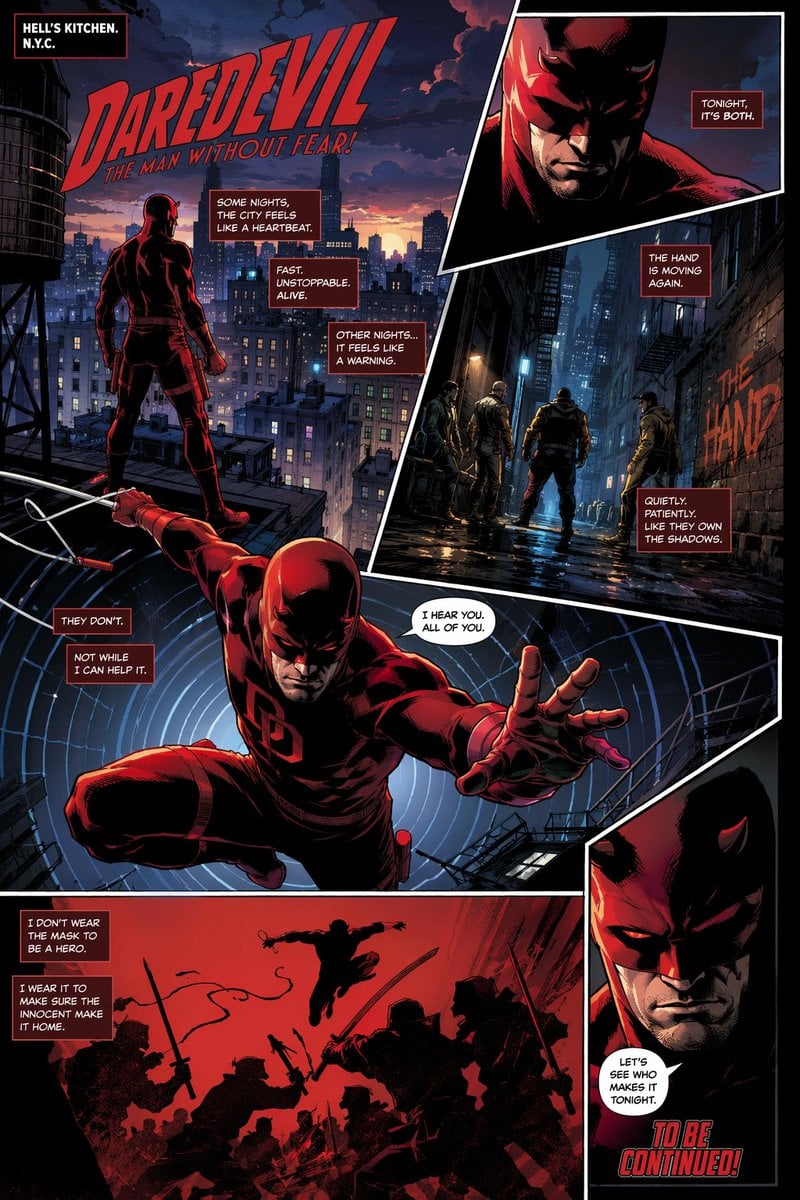
Gritty Superhero Comic Page needs input media to work. They load alongside the prompt when you open it in the studio.
How to use Gritty Superhero Comic Page in 3 steps
- 1Upload ImagePNG, JPG or paste
Add your photo
Upload the photo the template builds on. The prompt, model and format are already set.
- 2…a portrait of your subject in softgolden-hour light, 85mm…
Personalize
Edit the subject and creative details for your destination.
- 3Generate
Generate
Press Generate — your image is created in PicX Studio, so you can compare it with the original and refine one variable at a time.
More like this
Templates with the same subject, style or setup. Open one to see its prompt.
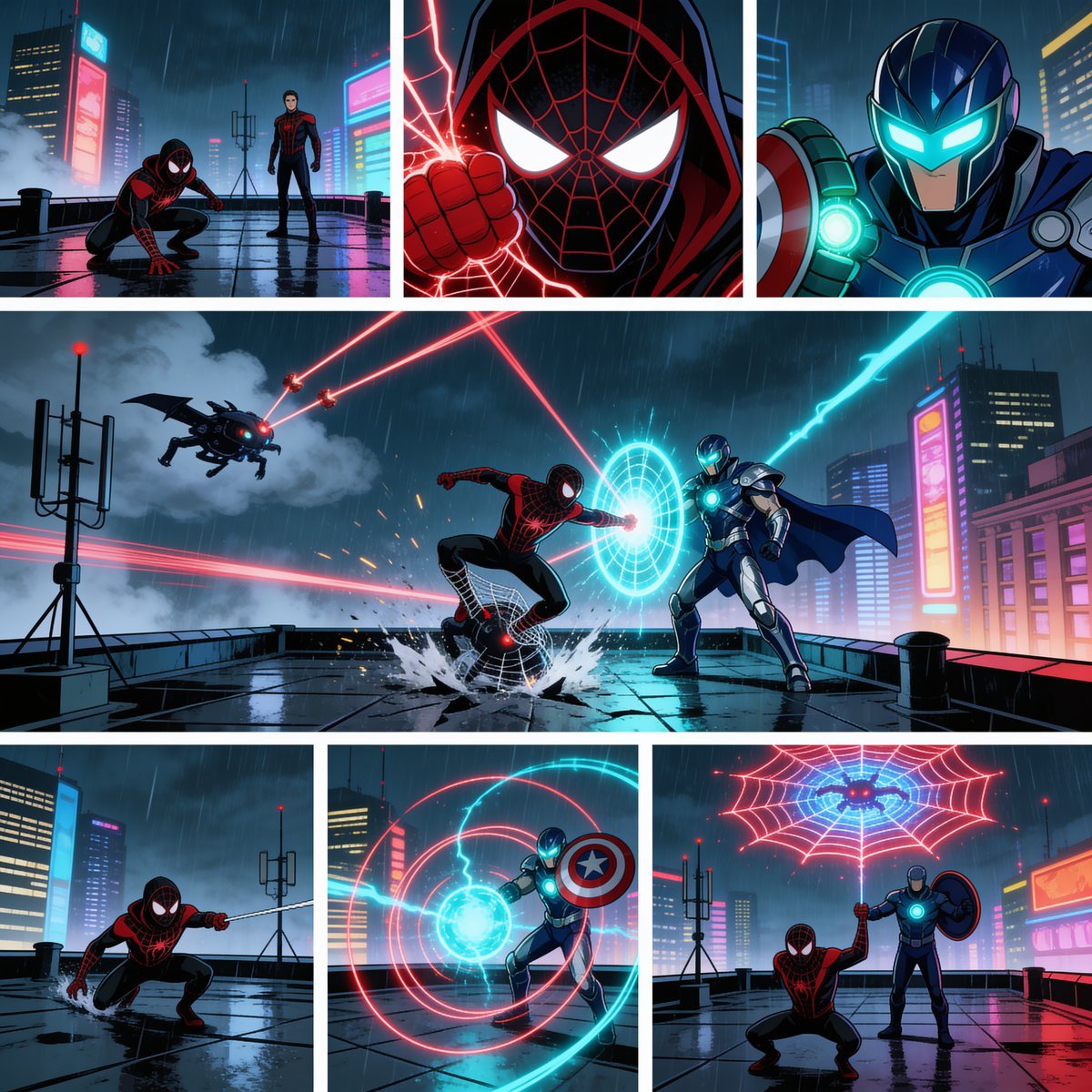
Rainy Cyberpunk Superhero Comic Page

Pop Art Superhero Explosion Poster
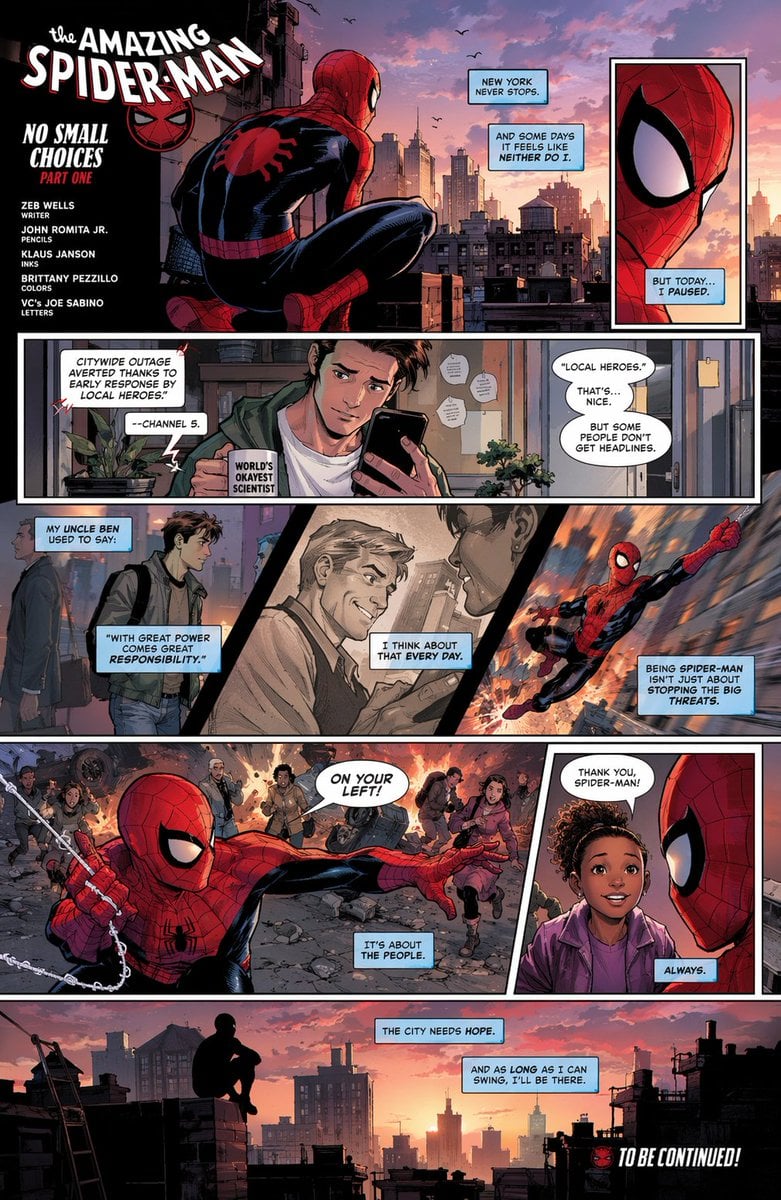
Full-Page Superhero Comic Layout

Cute AI Manga Lesson Comic Page

Gritty Urban Superhero Portrait
Franchise Hero Stylized Poster Blueprint
Victory Aura Superhero Neon Poster

Hero Portrait Comic Multi-Panel Poster

Spider-Man Noir Detective Rain Alley
Pink Boto Festival Comic Page
Six-Panel Fantasy Magic Comic Page
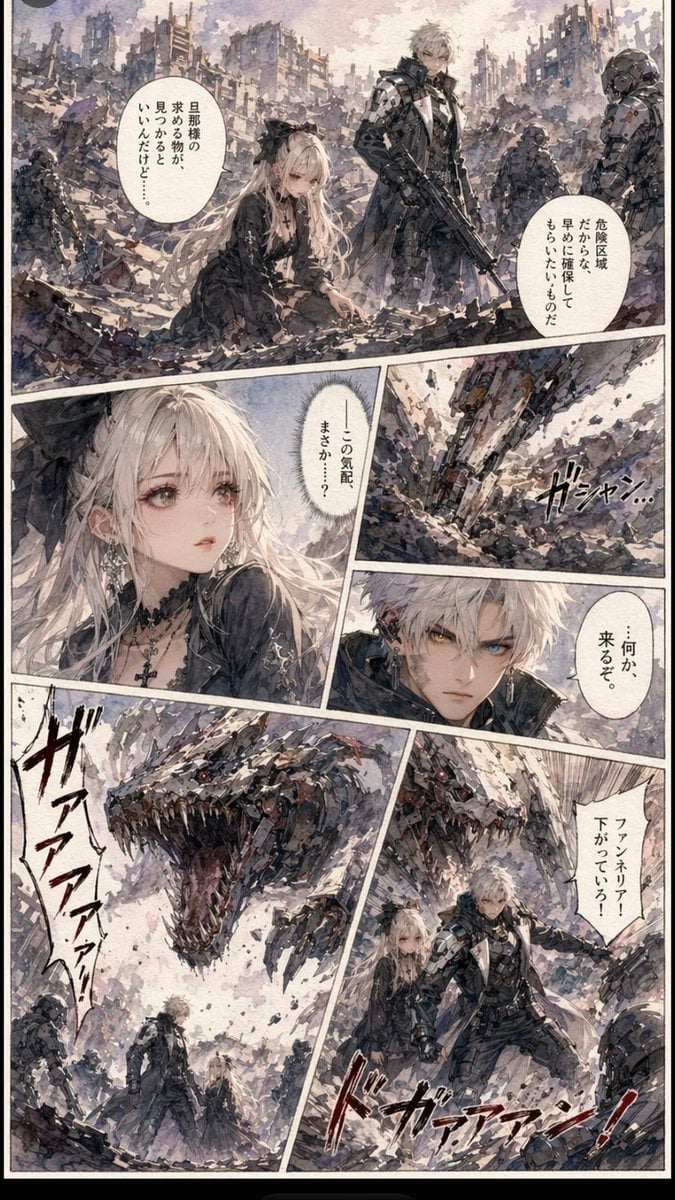
Gritty Sci-Fi Shoujo Manga Page
Make it yours
Gritty Superhero Comic Page works as-is. These are the safest ways to change it without losing the look.
Change one field
Copy a single group, rewrite it, and generate again so you can see what that field is doing.
Keep the frame, change the subject
Hold the composition and light of Gritty Superhero Comic Page, then swap wardrobe, props or the person for a new take.
| If the result… | Why | Fix |
|---|---|---|
| The result drifts from the preview | Too many fields changed at once. | Reuse Gritty Superhero Comic Page as-is first, then change one group — subject, light, or setting. |
| GPT Image 2 ignores part of the JSON | Some models flatten or skip nested keys. | Keep the same values and paste them as a short paragraph instead. |
More GPT Image 2 templates
Other prompts made for GPT Image 2.

Six VTuber Japanese Logo Sheet

Realistic Portrait of Woman and Deer

The Vista Modular Condo Poster

AI Model Routing Comparison Infographic

2.5D Anime Art Board

Isometric Productivity Desk Scene

New York Double Exposure Poster

Four-Panel AI Landscape Comparison

Japanese Tatami Lifestyle Magazine Cover

NESCAFÉ Coffee Map Poster
More image prompts
Fresh picks from across the catalog.

Diagram of ChatGPT 5.2 Features with Japanese Text
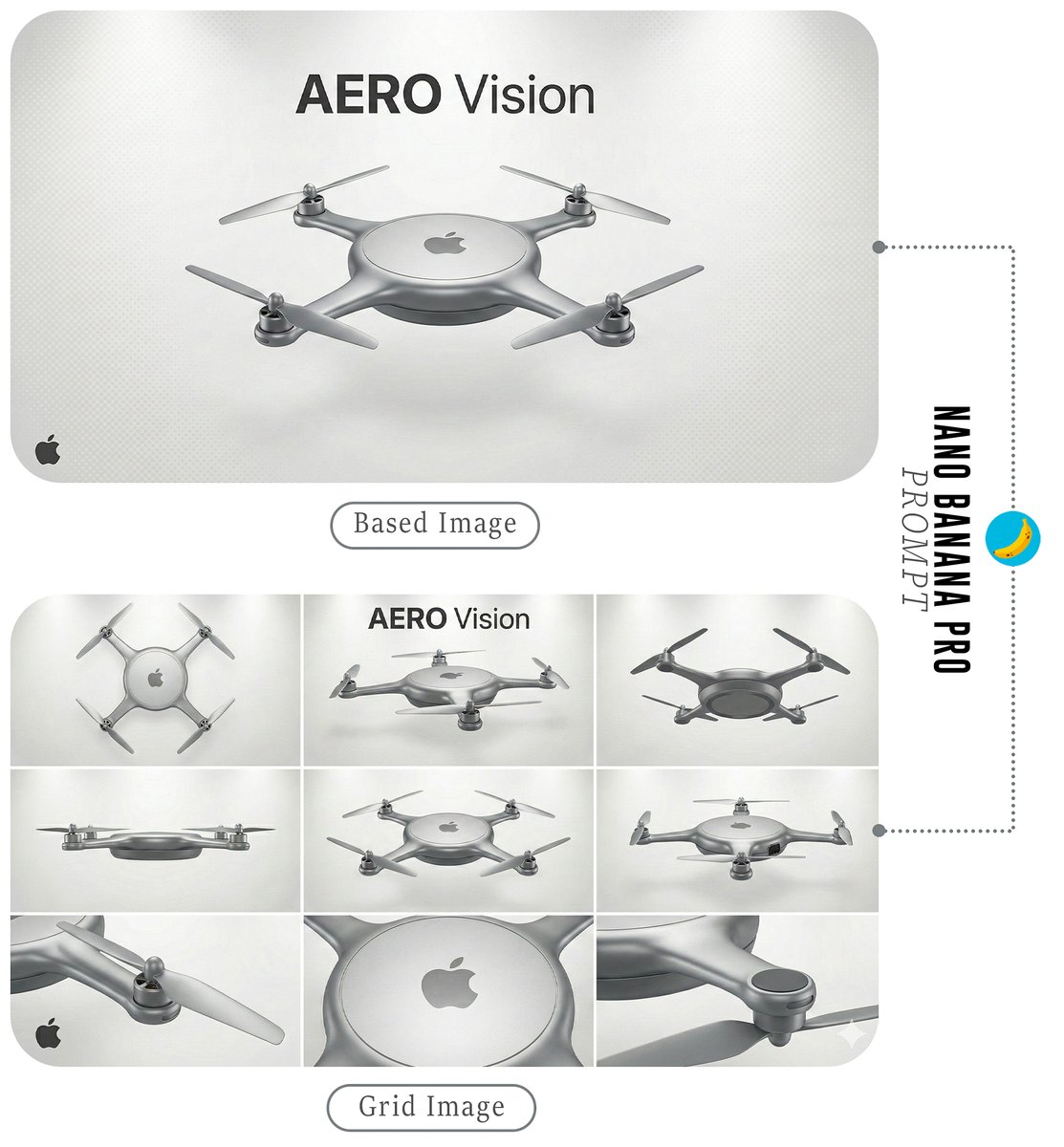
Futuristic Branded Drone Product Poster
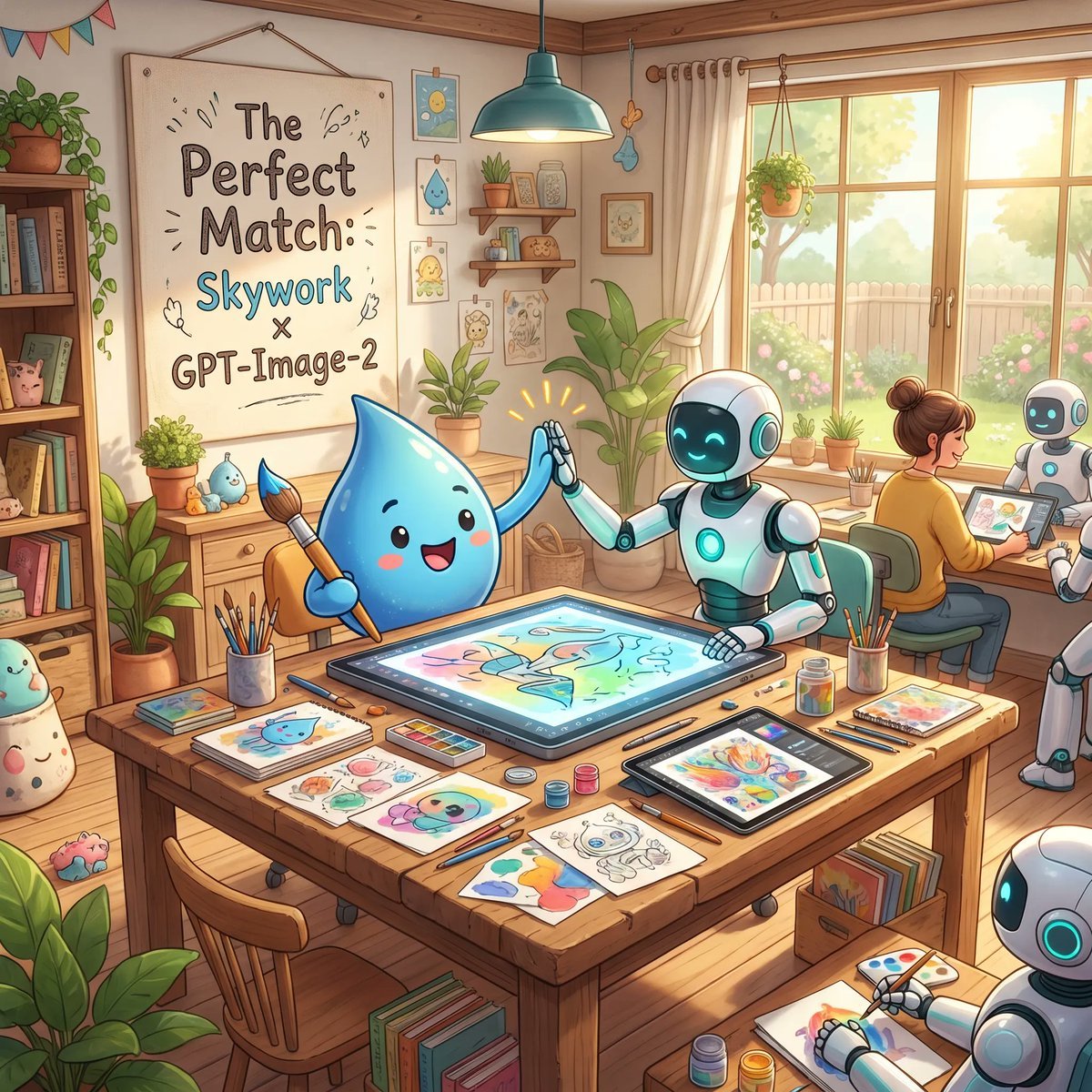
Cozy AI Art Studio Collaboration
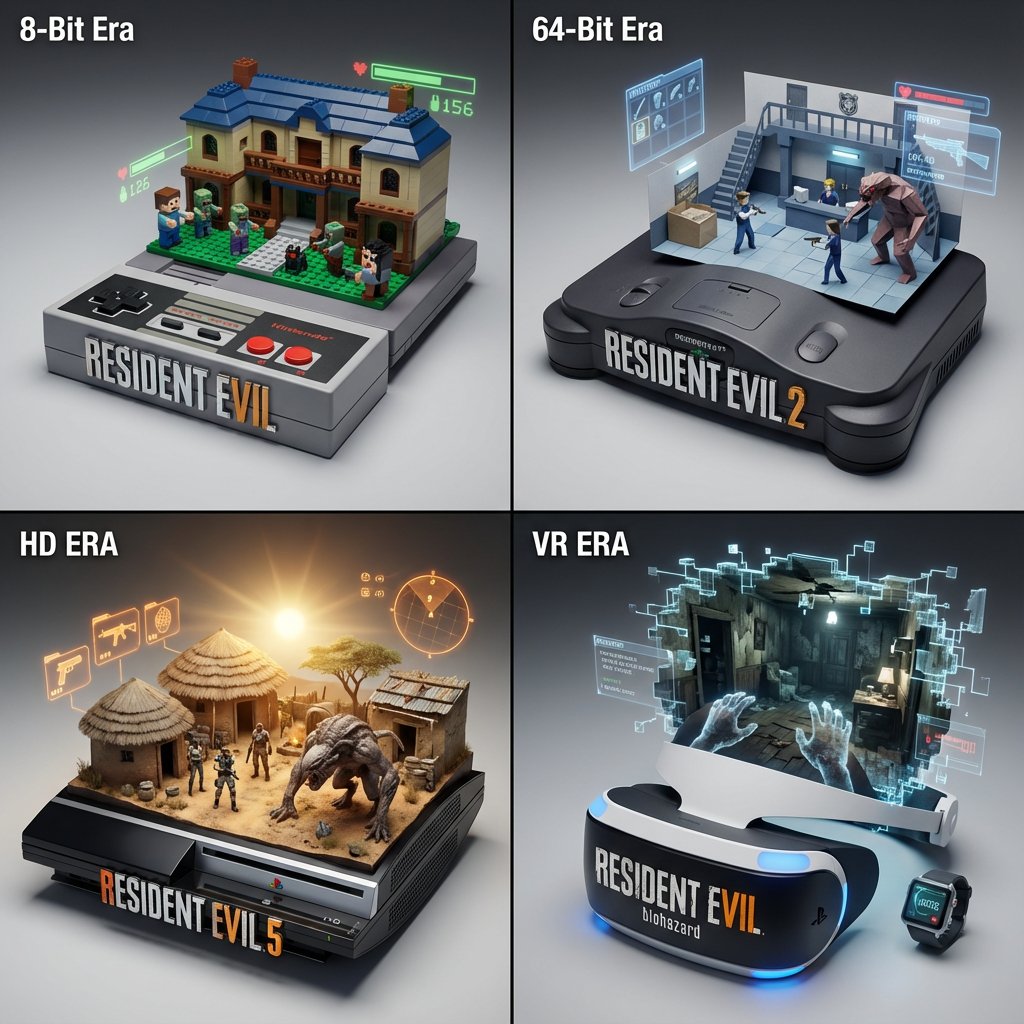
Gaming History Console Architecture Grid Template
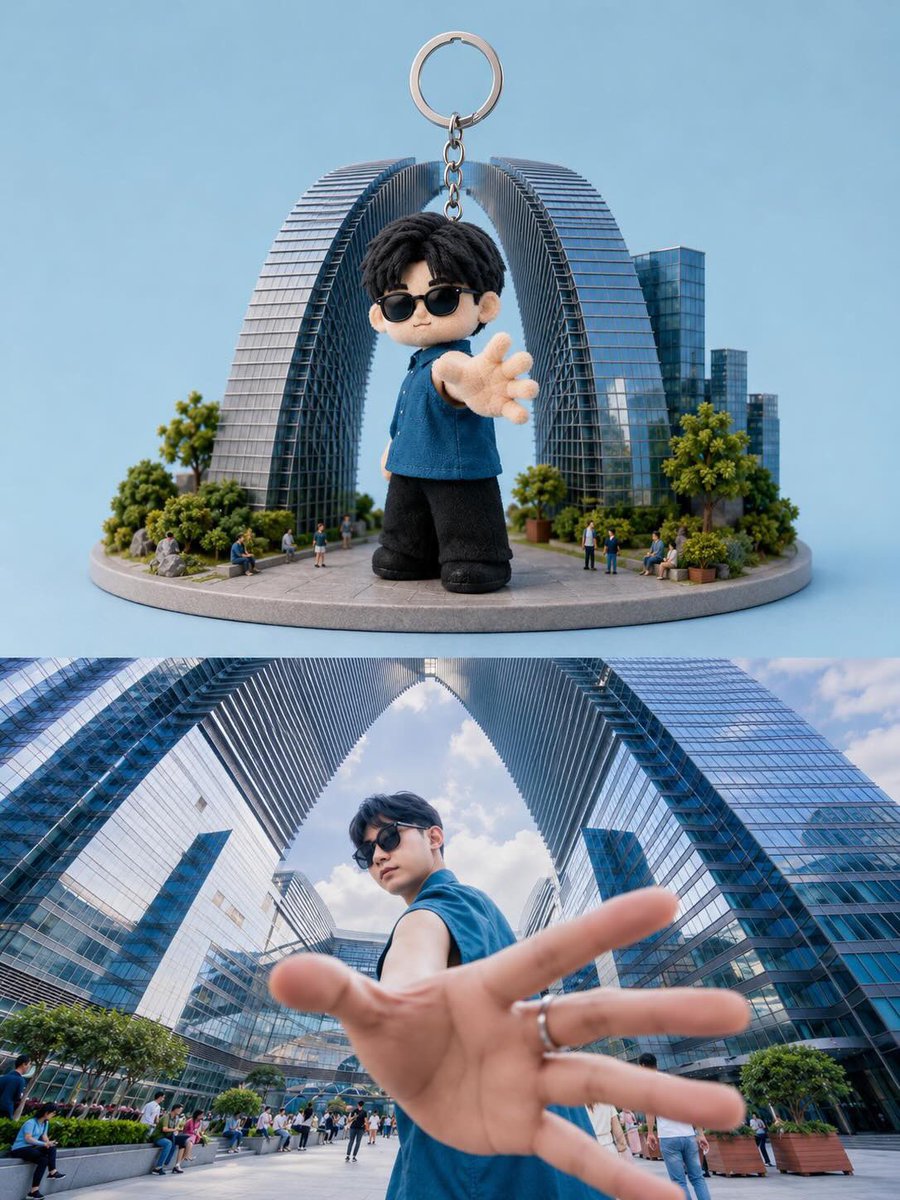
Toy Keychain vs Real Life Comparison

Archival Film Still of a Glamorous Femme Fatale
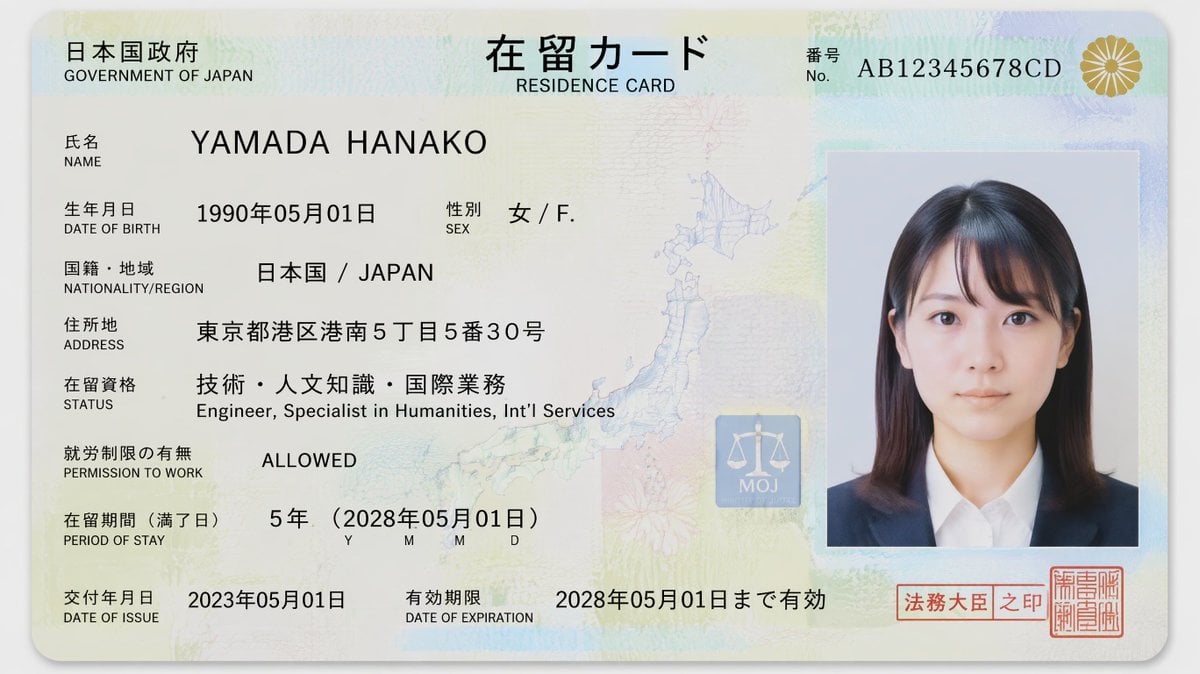
Authentic Japanese Residence Card

Vibrant Children's Shoe Ad Poster
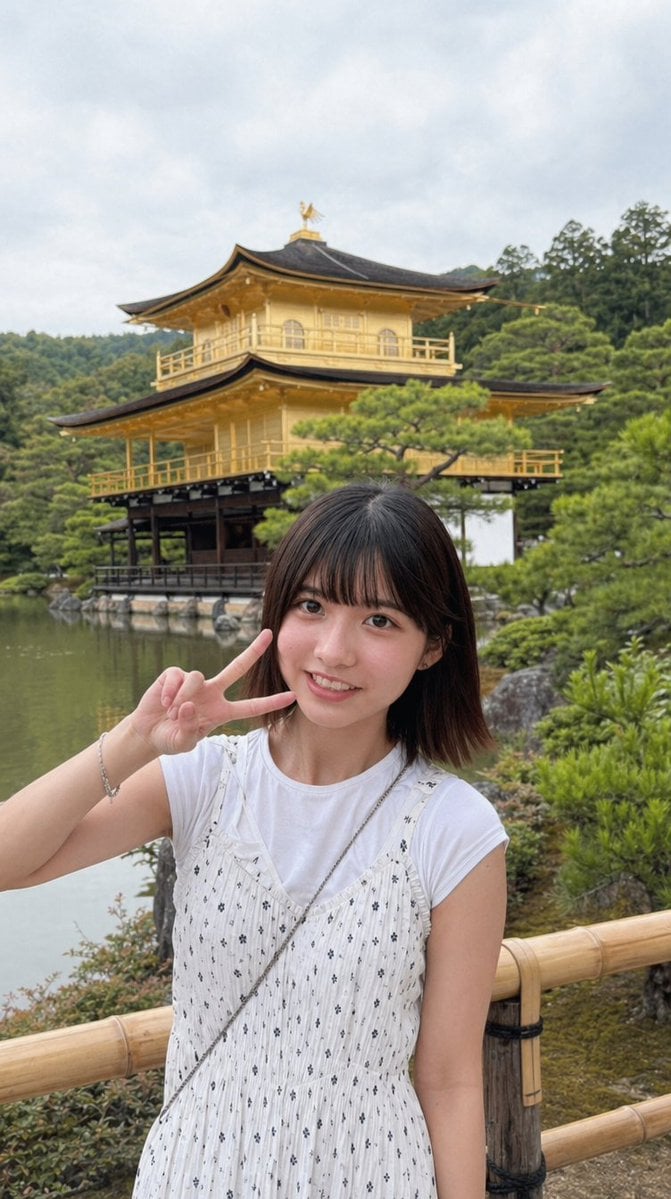
Arcade Portrait to Kyoto Travel Photo
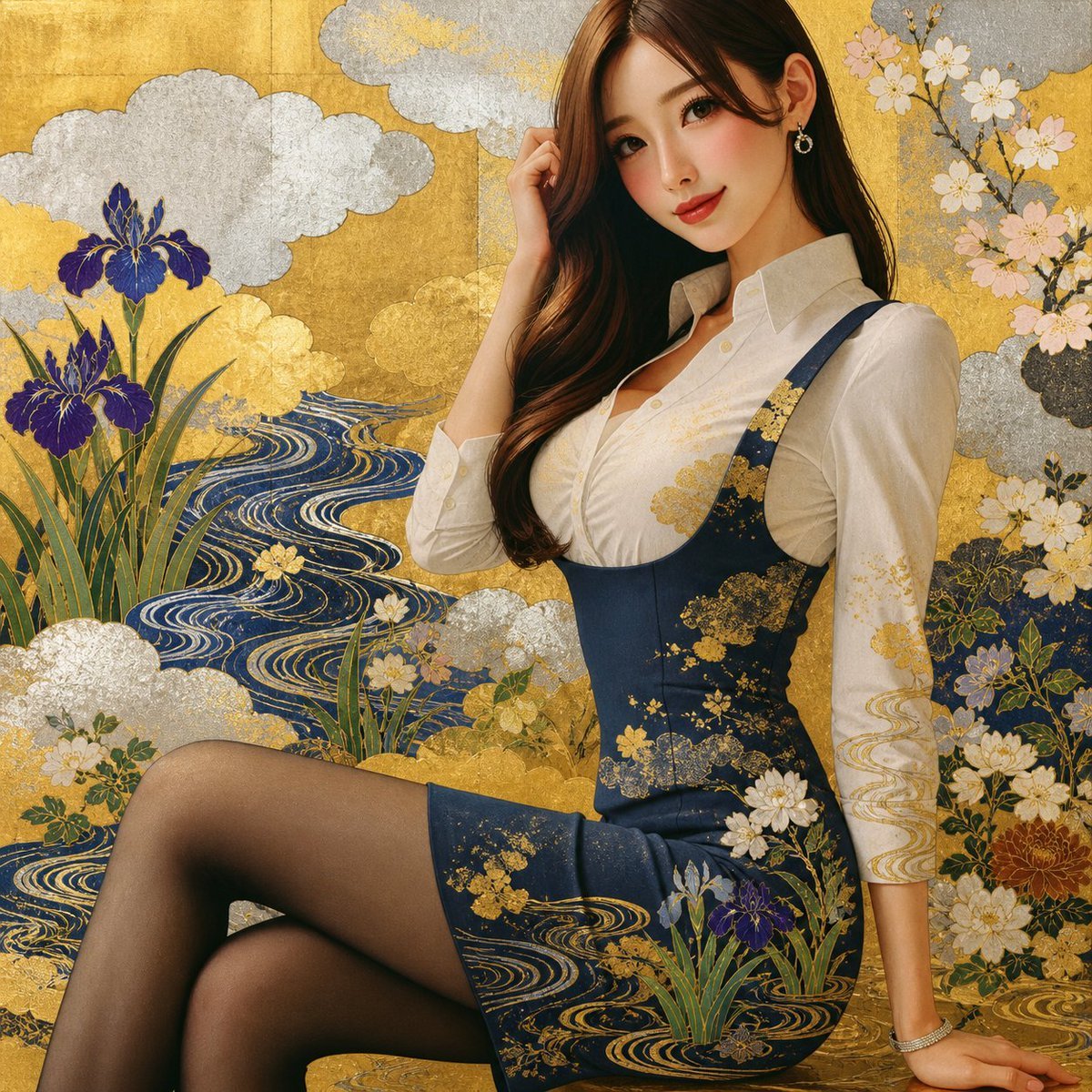
Rinpa Gold Screen Portrait
Browse template categories
Gritty Superhero Comic Page questions
How do I use the Gritty Superhero Comic Page template?
Add your photo if the template asks for one, edit the prompt if you like — the template's model and format are already selected — and press Generate. Your version opens in PicX Studio.
Can I customize the Gritty Superhero Comic Page template?
Yes. You can change the subject, setting, lighting, mood, format, and available model controls before creating your image.
Is the Gritty Superhero Comic Page template free?
Opening and editing this template is free. Generating uses credits, shown on the Generate button when you are signed in.
Which AI model should I use?
Start with GPT Image 2, which is the model associated with this template. You can compare another compatible model for a different finish.
Looking for something else? Browse all templates.

Your photo, any look
Thousands of ready templates for every top image and video model, from one credit balance.