
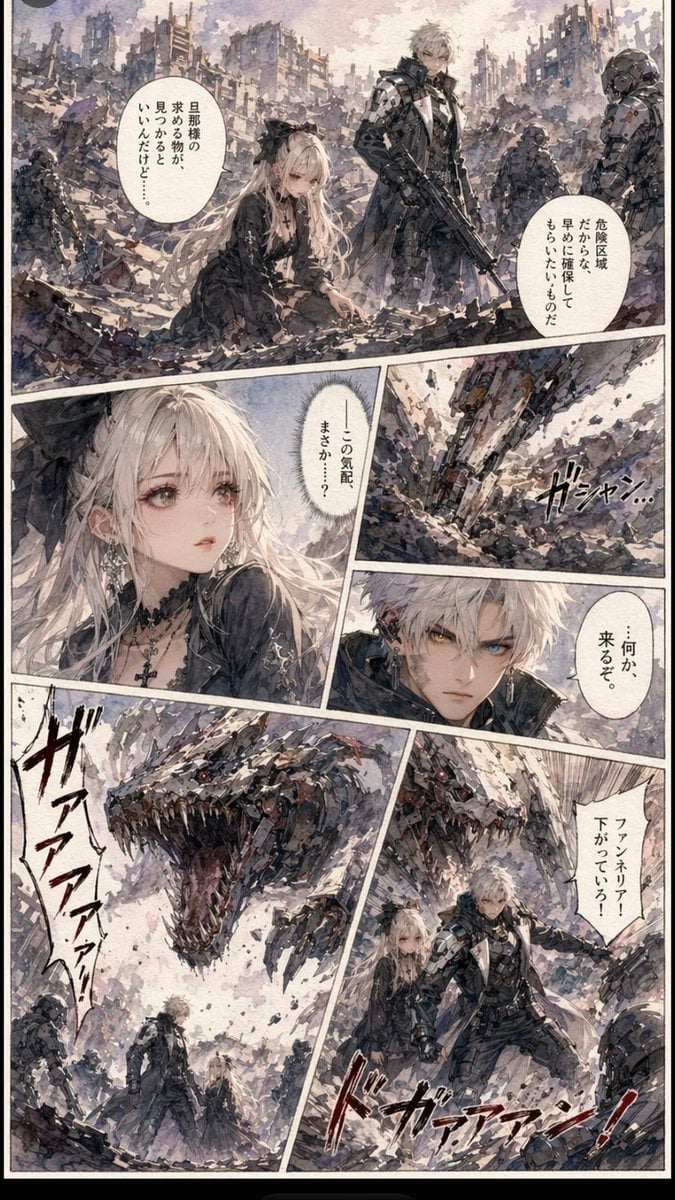
Gritty Sci-Fi Shoujo Manga Page
Generates a detailed vertical manga page with six panels, Japanese dialogue, ruined-city action, a gothic heroine, a cyborg soldier, and a roaring mechanical dragon.
- Prompt included
- Model and format preset
- Premium template
The prompt behind this image
Copy the exact prompt behind Gritty Sci-Fi Shoujo Manga Page, or open it in the studio and make it yours.
Goal: Create a vertical one-page sci-fi shoujo manga page in a gritty watercolor-and-ink style, featuring {argument name="character name" default="Zero"} and a pale gothic heroine in a ruined post-apocalyptic city as a mechanical dragon attacks. Canvas: Tall portrait manga page, about 2:3 aspect ratio, with a thin black outer border, off-white paper tone, diagonal white panel gutters, rough ink texture, muted gray, lavender, beige, and dusty brown colors. Layout: Use exactly 6 comic panels. Panel 1 is a large full-width establishing panel across the top half: collapsed urban ruins, rubble, smoke, broken skyscrapers, multiple armored soldiers, a white-haired cybernetic male soldier standing with a rifle, and a pale long-haired girl kneeling in the debris. Panel 2 is a lower-left close-up portrait of the girl with very long platinum hair, black gothic dress, cross necklace, and a flat beige censorship rectangle covering the center of her face. Panel 3 is a narrow upper-right action panel showing a heavy armored/mechanical leg or weapon crashing through debris with speed lines. Panel 4 is a small middle-right panel with a partial character close-up and another beige censorship rectangle covering the face. Panel 5 is a large bottom-left monster reveal: a huge biomechanical dragon or kaiju head roaring with jagged teeth, red mechanical eyes, plated armor, debris flying, and tiny human figures in the foreground. Panel 6 is a bottom-right action panel showing the white-haired armored male protecting or pulling the pale girl back while soldiers and mechanical debris surround them. Characters: The male lead is a tall, slim, white-haired anime cyborg soldier in black tactical armor with silver mechanical limbs, holding a rifle, calm but alert. The heroine is a delicate pale teenage girl with very long flowing platinum-blonde hair, black frilled gothic outfit, lace details, cross pendant, fragile shoujo expression, and kneeling or being escorted through rubble. Include several background armored troops and ruined military figures, but keep them secondary. Text content: Include vertical Japanese manga speech bubbles and sound effects. Use exactly 5 speech bubbles: 2 in the top panel, 1 in the girl close-up, 1 in the small middle-right panel, and 1 in the bottom-right panel. Suggested bubble text defaults: {argument name="top left speech" default="旦那様の目が本物か、見つかるといいんだけど……"}, {argument name="top right speech" default="危険区域だからな、足場に確保してもらいたいものだ"}, {argument name="center speech" default="この気配まさか……?"}, {argument name="middle right speech" default="……何か、来るぞ。"}, {argument name="bottom right speech" default="ファンネリア!下がっていろ!"}. Add bold hand-drawn Japanese sound effects: a large red-black roar beside the monster and a dynamic impact sound across the bottom-right panel. Visual style: Romantic shoujo manga character design mixed with dark military sci-fi, scratchy watercolor wash, dense pen hatching, dramatic diagonal composition, chaotic rubble detail, soft luminous hair, high-detail ruins, cinematic action, gritty texture rather than clean vector art. Constraints: Keep the page black-and-white/muted color manga-like, avoid modern UI elements, avoid photorealism, no watermark, no English lettering, preserve the exact 6-panel layout and the two beige face-obscuring rectangles.
How to use Gritty Sci-Fi Shoujo Manga Page in 3 steps
- 1Upload ImagePNG, JPG or paste
Add your photo
Upload the photo the template builds on. The prompt, model and format are already set.
- 2…a portrait of your subject in softgolden-hour light, 85mm…
Personalize
Edit the subject and creative details for your destination.
- 3Generate
Generate
Press Generate — your image is created in PicX Studio, so you can compare it with the original and refine one variable at a time.
More like this
Templates with the same subject, style or setup. Open one to see its prompt.
Shoujo Manga Famous Quote Page
Gothic Sci-Fi Villain Meeting Manga Page

Quiet Hamster Manga Page

Late-Night Hamster Manga Page

Surreal Noir Hamster Manga Page

Shojo Horror Manga Corridor Page

Cute AI Manga Lesson Comic Page

Hamster Summons Sol Manga Page

Lazy Day Chibi Manga Page

Overwhelmed Coding Manga Page

Fantasy Wagashi Manga Cooking Page

Sunny Seaside Anime Manga Page
Make it yours
Gritty Sci-Fi Shoujo Manga Page works as-is. These are the safest ways to change it without losing the look.
Change one field
Copy a single group, rewrite it, and generate again so you can see what that field is doing.
Keep the frame, change the subject
Hold the composition and light of Gritty Sci-Fi Shoujo Manga Page, then swap wardrobe, props or the person for a new take.
| If the result… | Why | Fix |
|---|---|---|
| The result drifts from the preview | Too many fields changed at once. | Reuse Gritty Sci-Fi Shoujo Manga Page as-is first, then change one group — subject, light, or setting. |
| The model over-stylizes the scene | The prose prompt leaves finish and camera underspecified. | Add one camera or lighting sentence and stay on GPT Image 2. |
More GPT Image 2 templates
Other prompts made for GPT Image 2.

Six VTuber Japanese Logo Sheet

Realistic Portrait of Woman and Deer

The Vista Modular Condo Poster

AI Model Routing Comparison Infographic

2.5D Anime Art Board

Isometric Productivity Desk Scene

New York Double Exposure Poster

Four-Panel AI Landscape Comparison

Japanese Tatami Lifestyle Magazine Cover

NESCAFÉ Coffee Map Poster
More image prompts
Fresh picks from across the catalog.
Fisheye Shibuya Yokai Selfie

Photorealistic Cinematic Street Portrait with Exact Facial Reference
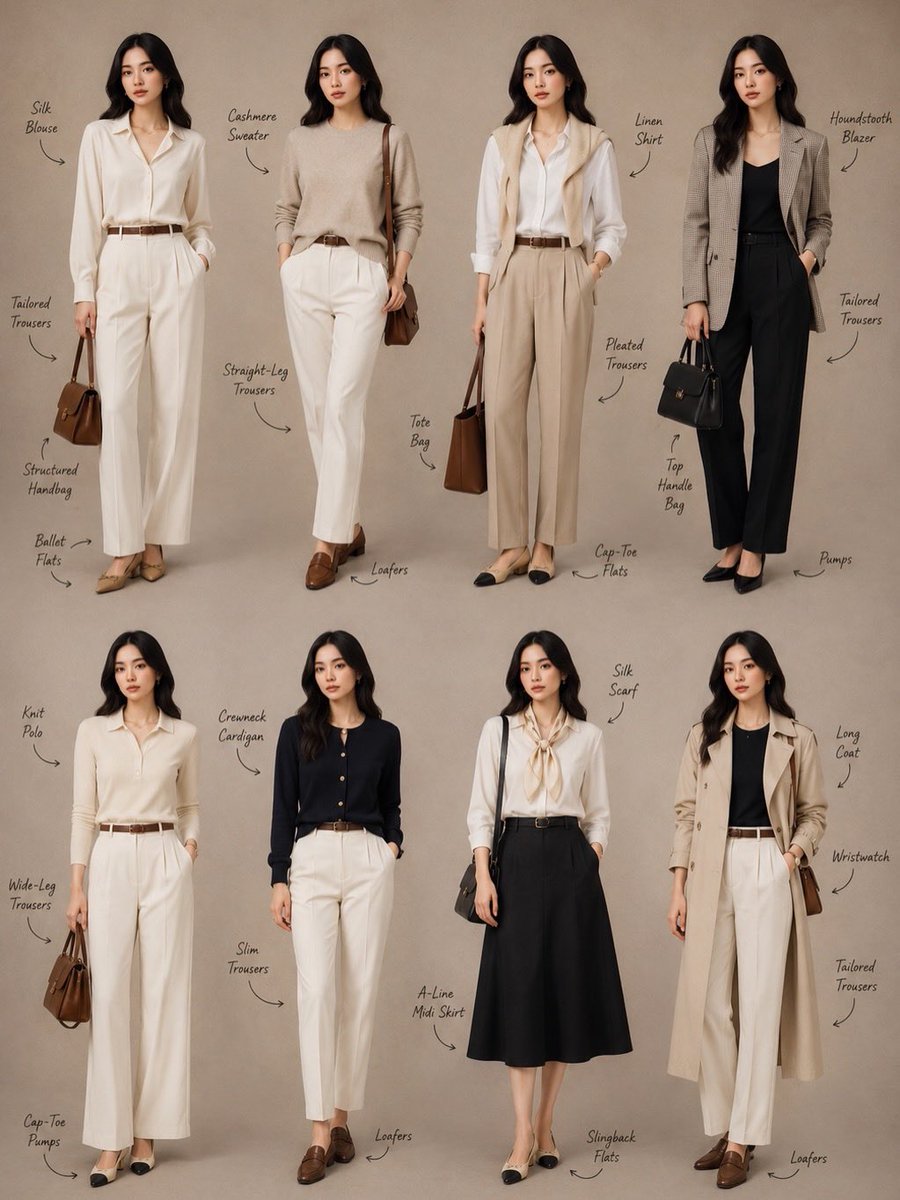
Minimalist Fashion Lookbook Collage
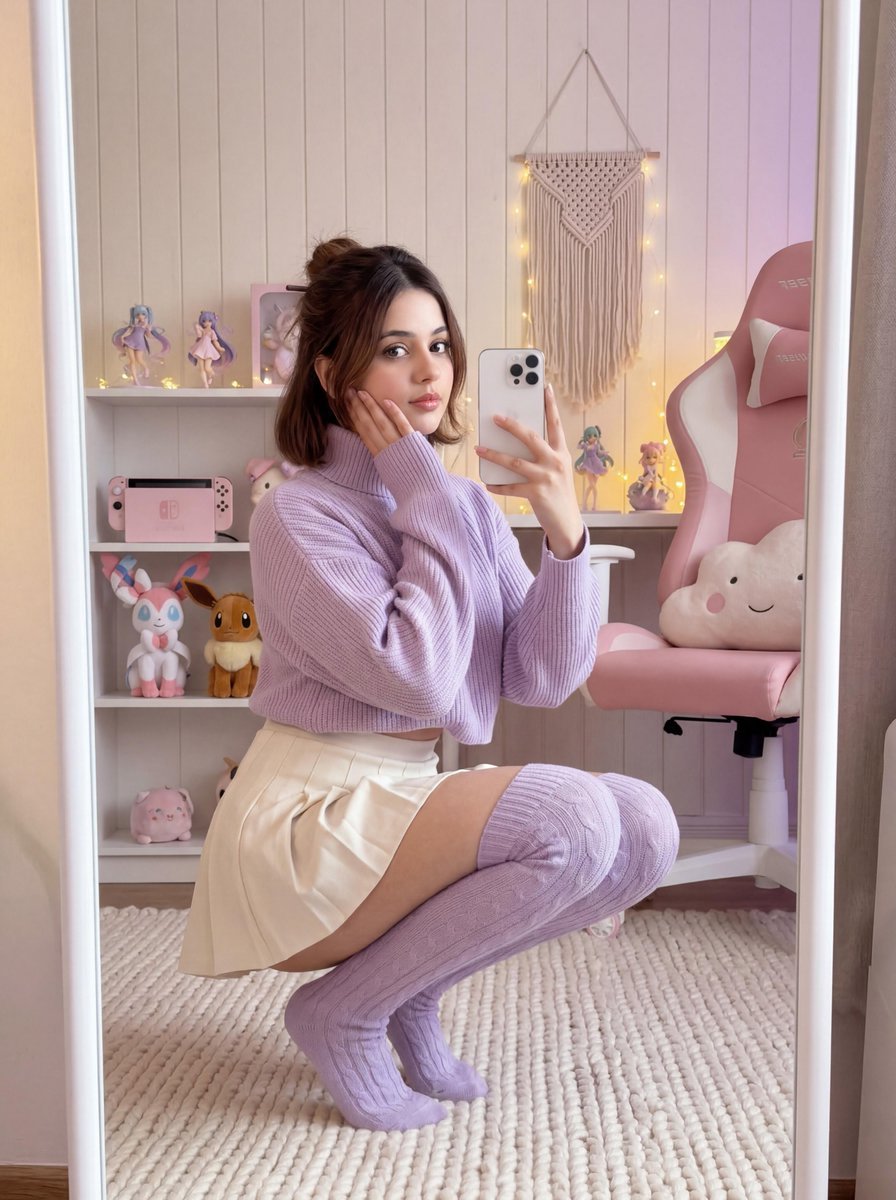
Soft Gamer Aesthetic Mirror Selfie in Lavender Light
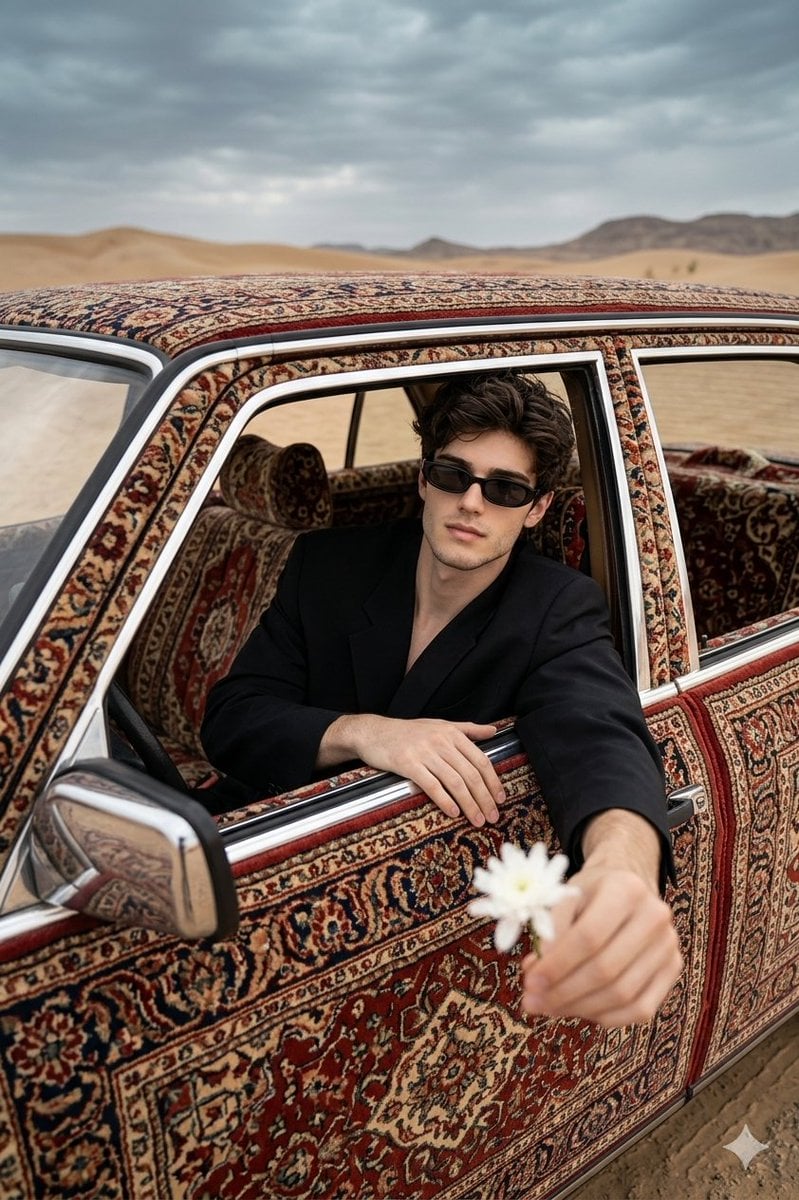
Carpet-Covered Vintage Car Fashion Shoot
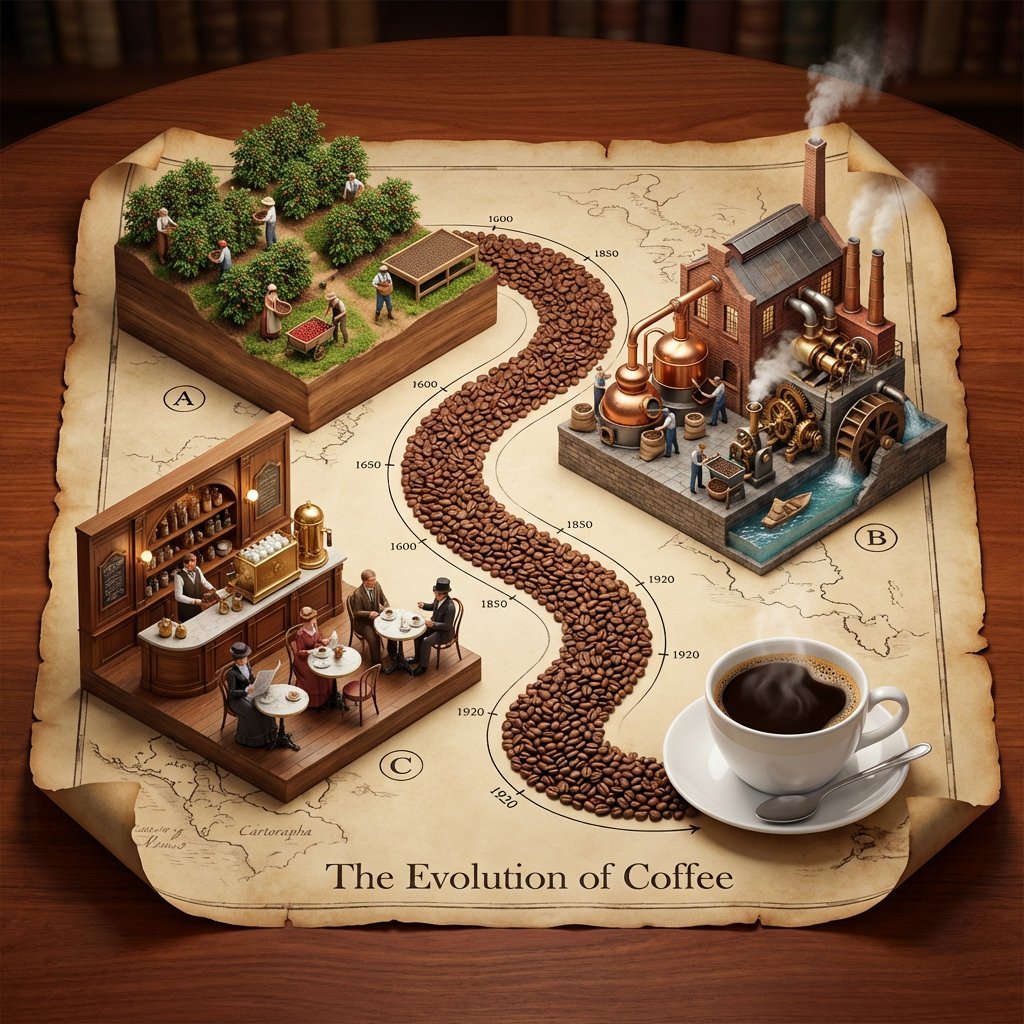
Isometric 3D Diorama of Product Evolution Prompt
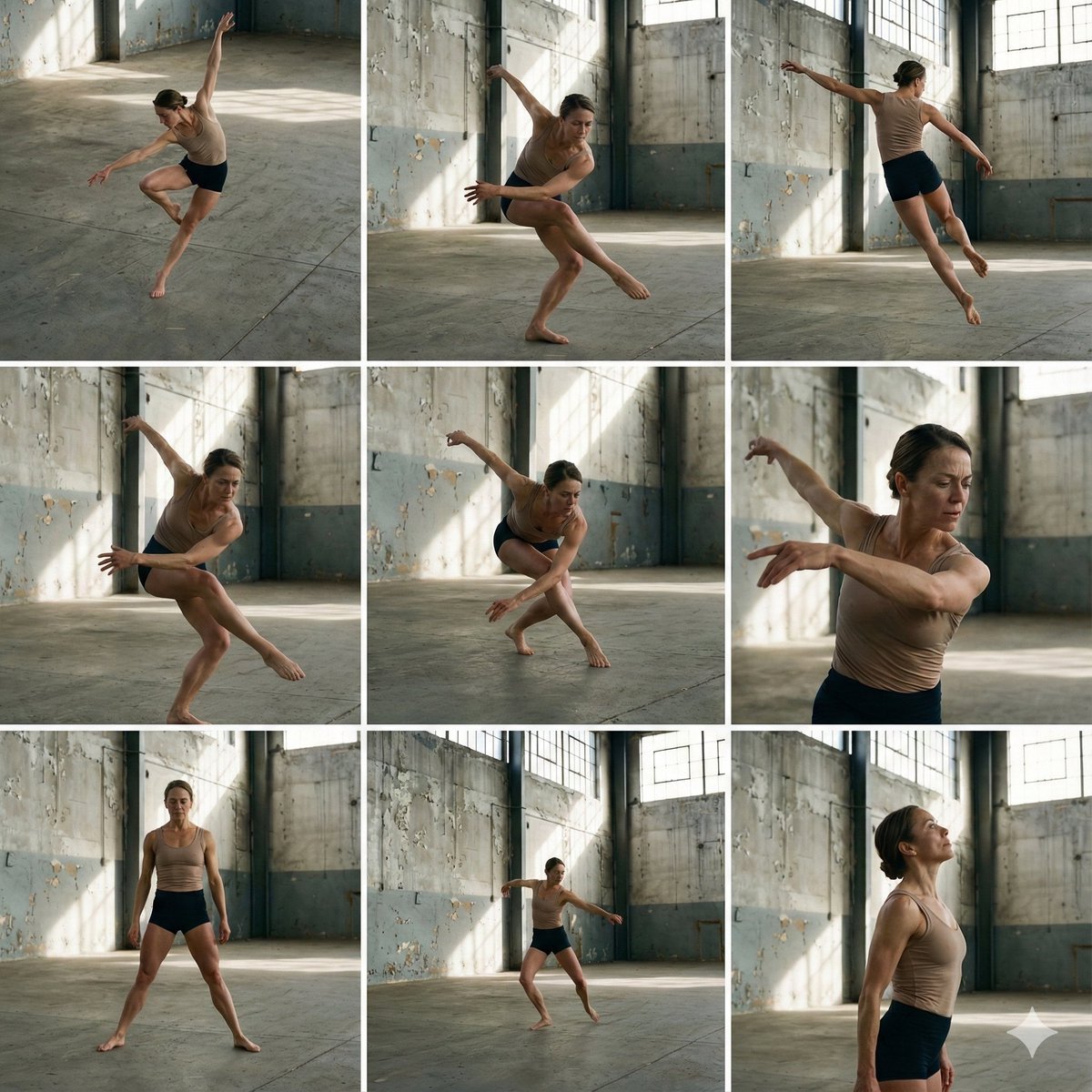
3x3 Grid of Dancer in Random Poses
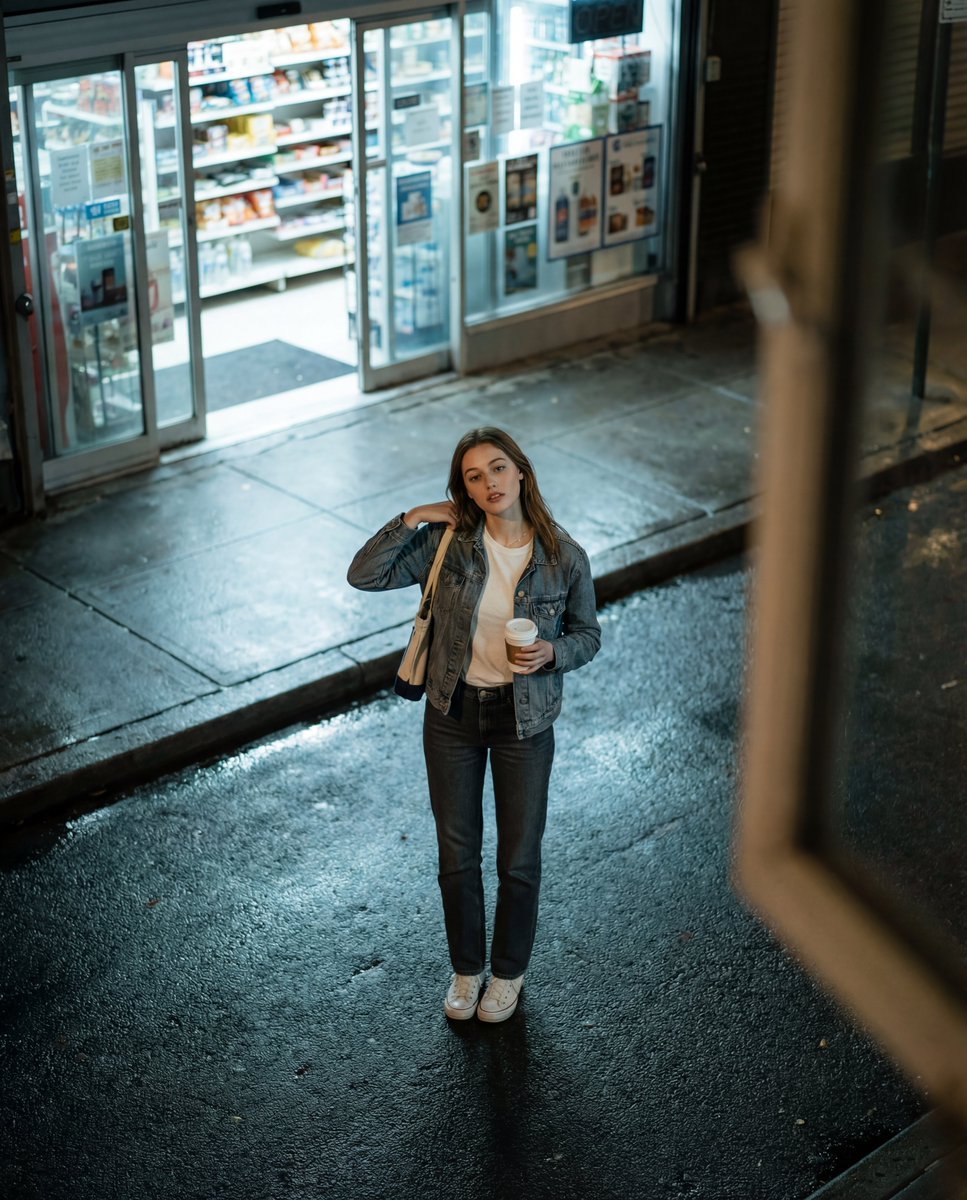
Candid Night Street Fashion Photograph

Hot Pink Photo Collage Prompt for Nano Banana Pro
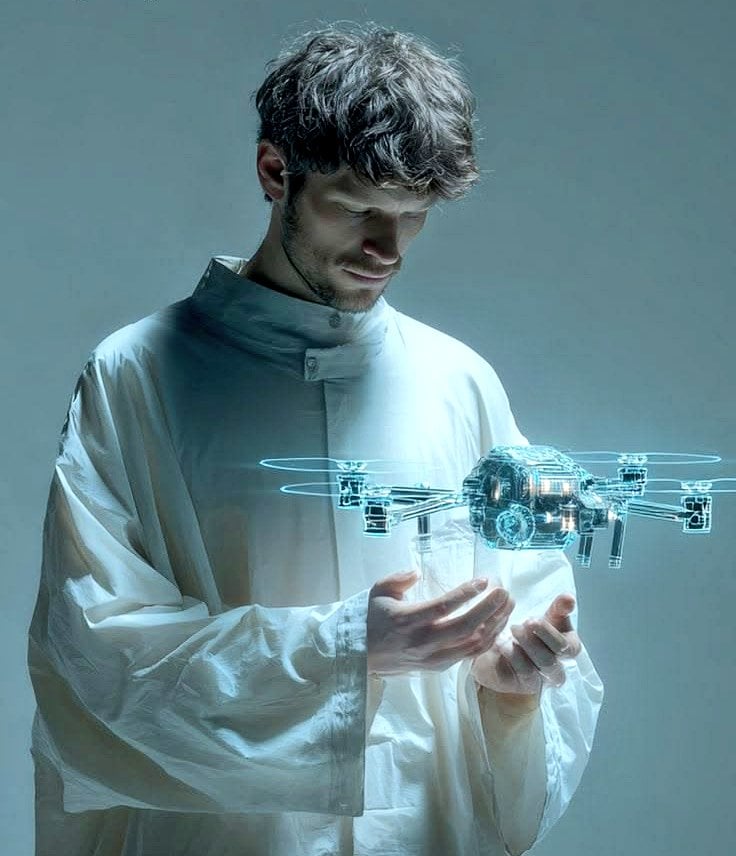
Man Holding Holographic Drone Prompt
Browse template categories
Gritty Sci-Fi Shoujo Manga Page questions
How do I use the Gritty Sci-Fi Shoujo Manga Page template?
Add your photo if the template asks for one, edit the prompt if you like — the template's model and format are already selected — and press Generate. Your version opens in PicX Studio.
Can I customize the Gritty Sci-Fi Shoujo Manga Page template?
Yes. You can change the subject, setting, lighting, mood, format, and available model controls before creating your image.
Is the Gritty Sci-Fi Shoujo Manga Page template free?
Opening and editing this template is free. Generating uses credits, shown on the Generate button when you are signed in.
Which AI model should I use?
Start with GPT Image 2, which is the model associated with this template. You can compare another compatible model for a different finish.
Looking for something else? Browse all templates.

Your photo, any look
Thousands of ready templates for every top image and video model, from one credit balance.