
Shoujo Manga Famous Quote Page
Generates a dramatic monochrome shoujo manga page starring a custom heroine in an emotional chapter-title and quote scene.
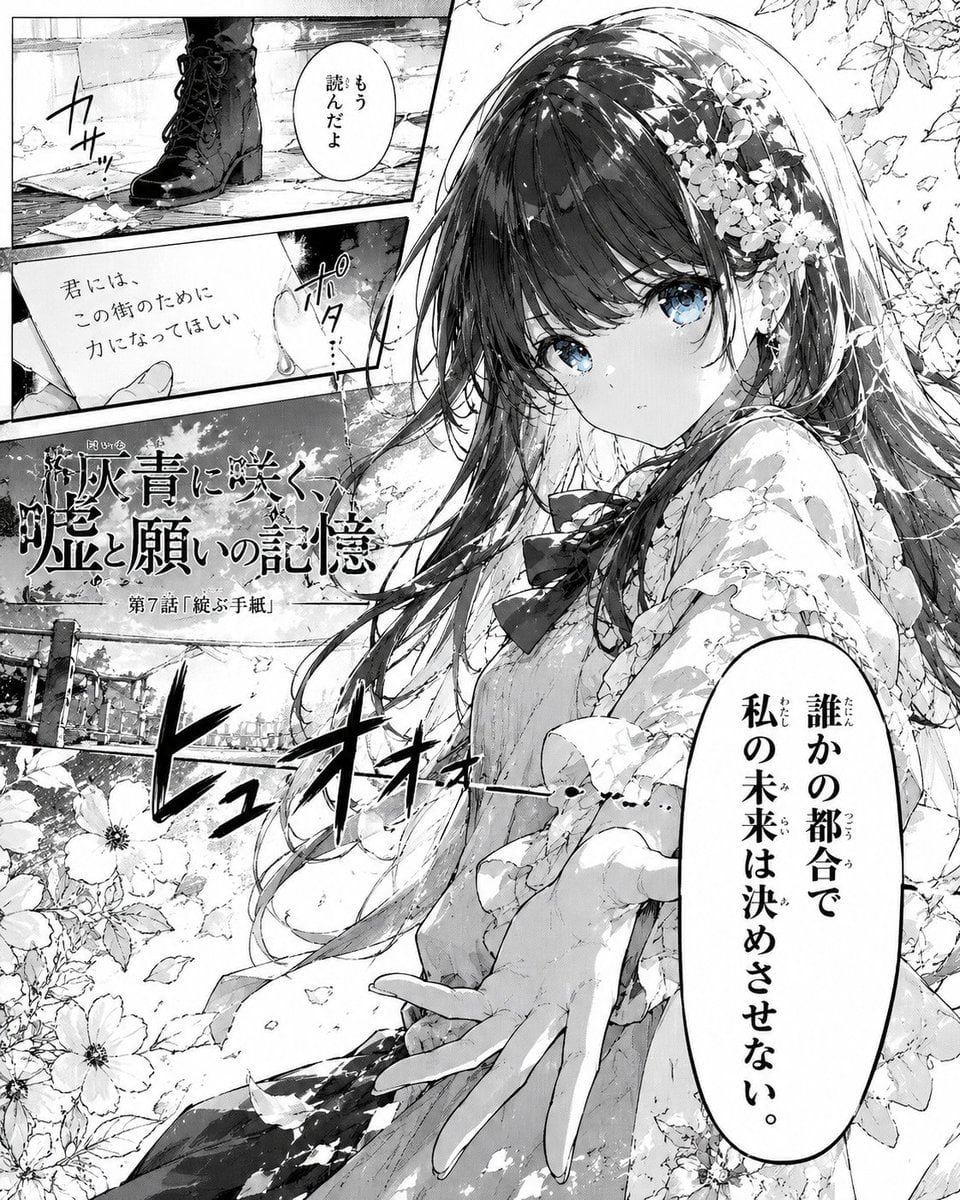
- Prompt included
- Model and format preset
- Free template
The prompt behind this image
Copy the exact prompt behind Shoujo Manga Famous Quote Page, or open it in the studio and make it yours.
Goal: Create a dramatic black-and-white shoujo manga magazine page where {argument name="character name" default="a quiet blue-eyed heroine"} looks like the protagonist of an emotional “famous quote” chapter. Canvas: Vertical manga page, 4:5 aspect ratio, high-resolution monochrome ink with screentones, delicate linework, cinematic panel composition. Mostly grayscale, but keep the heroine’s eyes subtly colored pale blue for a striking focal point. Layout: Use exactly 4 distinct manga areas: 1) a large main right-side panel occupying about two-thirds of the page with the heroine seated among flowers, 2) a small top-left inset panel showing only black lace-up boots stepping on scattered papers with a small speech balloon, 3) a middle-left inset panel showing a hand holding or reaching toward a letter with a speech balloon, and 4) a narrow lower-left background panel with a fence, trees, flowers, and large hand-drawn sound effects. Add diagonal panel borders and overlapping art elements so flowers and hair break across panel edges. Main subject details: The heroine is a beautiful teenage manga girl with long flowing dark hair, thick bangs, large luminous blue eyes, a calm but determined expression, and soft blush shading. She wears a romantic floral-patterned kimono or dress with layered fabric, a dark bow at the chest, and small flower ornaments woven into her hair near one ear. She reaches one hand toward the viewer in the foreground, fingers elegant and slightly foreshortened. Surround her with many blooming flowers, drifting petals, leaves, and wind-swept hair strands. Text content: Include a large Japanese chapter title across the left-center in ornate manga lettering: {argument name="chapter title" default="深灰青に咲く、嘘と願いの記憶"}. Beneath it add the smaller subtitle: {argument name="episode label" default="第7話「綻ぶ手紙」"}. In the top-left boot panel, add a small vertical speech balloon reading {argument name="small speech bubble" default="もう読んだよ"}. In the middle-left letter panel, add handwritten Japanese text reading "君には、この街のために力になってほしい". In the large main panel, place one tall oval speech balloon on the lower right with bold vertical Japanese dialogue: {argument name="main quote" default="誰かの都合で私の未来は決めさせない。"}. Add expressive Japanese manga sound effects including "カサッ", "ポタ…", and a large sweeping "ヒュオオオーー…" across the lower area. Visual style: Authentic serialized manga page, shoujo drama, elegant emotional atmosphere, crisp black ink, halftone gradients, detailed hair highlights, floral motifs, subtle paper texture, dynamic wind and petals. The composition should feel like a climactic quote scene from a manga chapter. Constraints: No color except the heroine’s pale blue eyes, no modern UI, no watermark, no extra panels beyond the 4 specified areas, keep all Japanese text legible and integrated into the manga artwork.
How to use Shoujo Manga Famous Quote Page in 3 steps
- 1Upload ImagePNG, JPG or paste
Add your photo
Upload the photo the template builds on. The prompt, model and format are already set.
- 2…a portrait of your subject in softgolden-hour light, 85mm…
Personalize
Edit the subject and creative details for your destination.
- 3Generate
Generate
Press Generate — your image is created in PicX Studio, so you can compare it with the original and refine one variable at a time.
More like this
Templates with the same subject, style or setup. Open one to see its prompt.
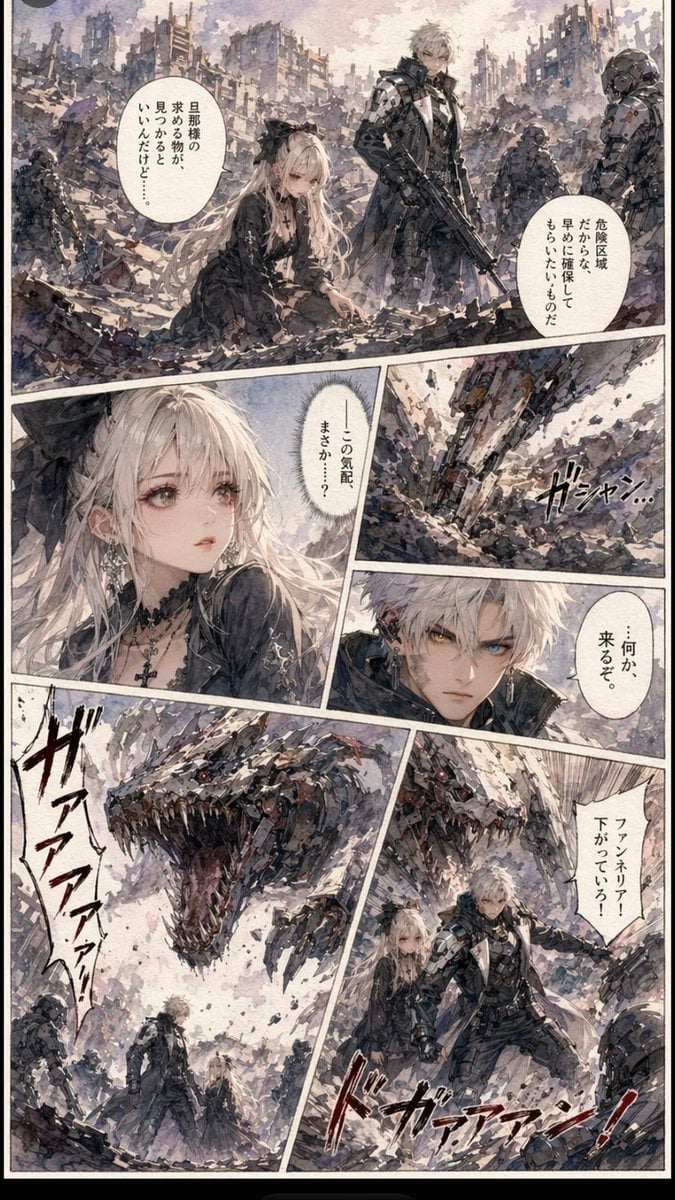
Gritty Sci-Fi Shoujo Manga Page

Quiet Hamster Manga Page

Late-Night Hamster Manga Page

Surreal Noir Hamster Manga Page

Shojo Horror Manga Corridor Page

Cute AI Manga Lesson Comic Page

Hamster Summons Sol Manga Page

Lazy Day Chibi Manga Page

Overwhelmed Coding Manga Page

Fantasy Wagashi Manga Cooking Page

Sunny Seaside Anime Manga Page
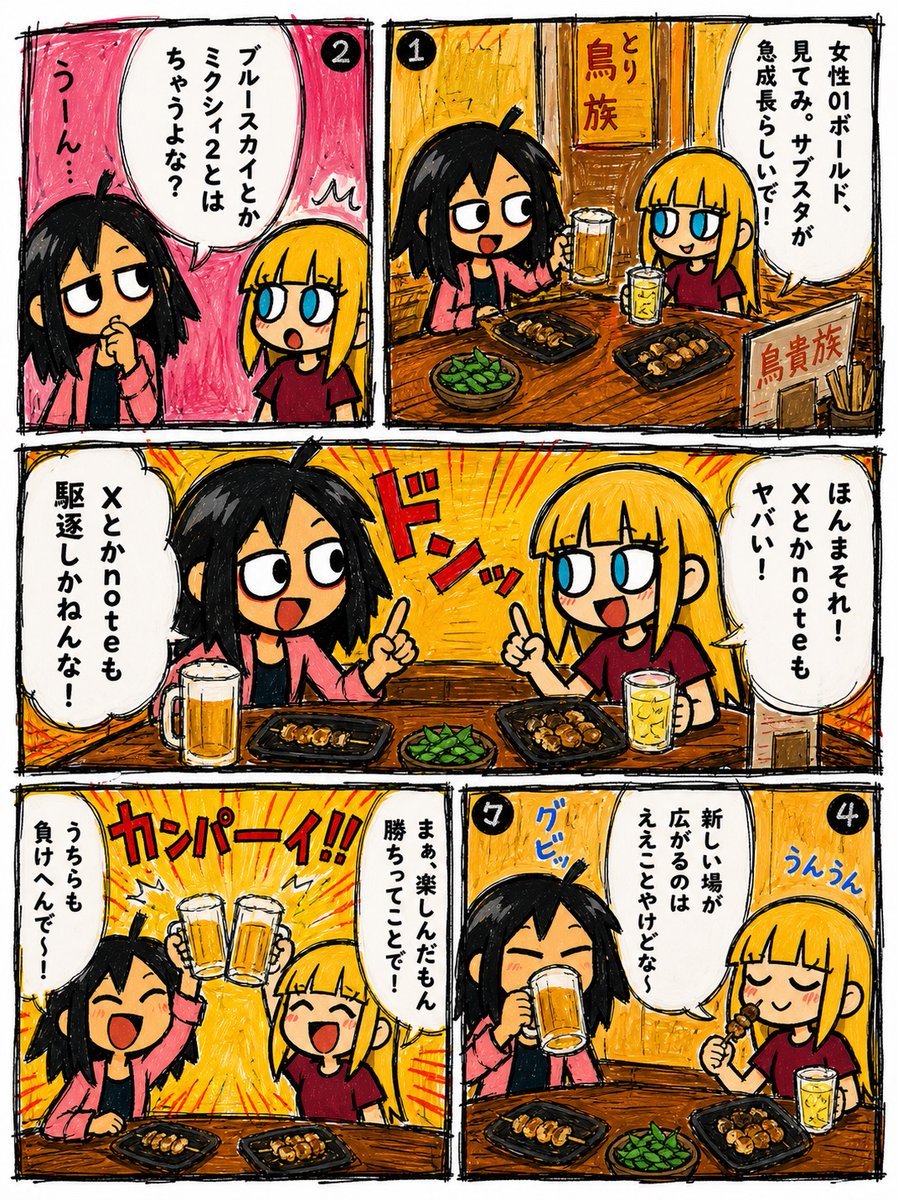
Hand-Drawn Izakaya Manga Page
Make it yours
Shoujo Manga Famous Quote Page works as-is. These are the safest ways to change it without losing the look.
Change one field
Copy a single group, rewrite it, and generate again so you can see what that field is doing.
Keep the frame, change the subject
Hold the composition and light of Shoujo Manga Famous Quote Page, then swap wardrobe, props or the person for a new take.
| If the result… | Why | Fix |
|---|---|---|
| The result drifts from the preview | Too many fields changed at once. | Reuse Shoujo Manga Famous Quote Page as-is first, then change one group — subject, light, or setting. |
| The model over-stylizes the scene | The prose prompt leaves finish and camera underspecified. | Add one camera or lighting sentence and stay on GPT Image 2. |
More GPT Image 2 templates
Other prompts made for GPT Image 2.

Six VTuber Japanese Logo Sheet

Realistic Portrait of Woman and Deer

The Vista Modular Condo Poster

AI Model Routing Comparison Infographic

2.5D Anime Art Board

Isometric Productivity Desk Scene

New York Double Exposure Poster

Four-Panel AI Landscape Comparison

Japanese Tatami Lifestyle Magazine Cover

NESCAFÉ Coffee Map Poster
More image prompts
Fresh picks from across the catalog.
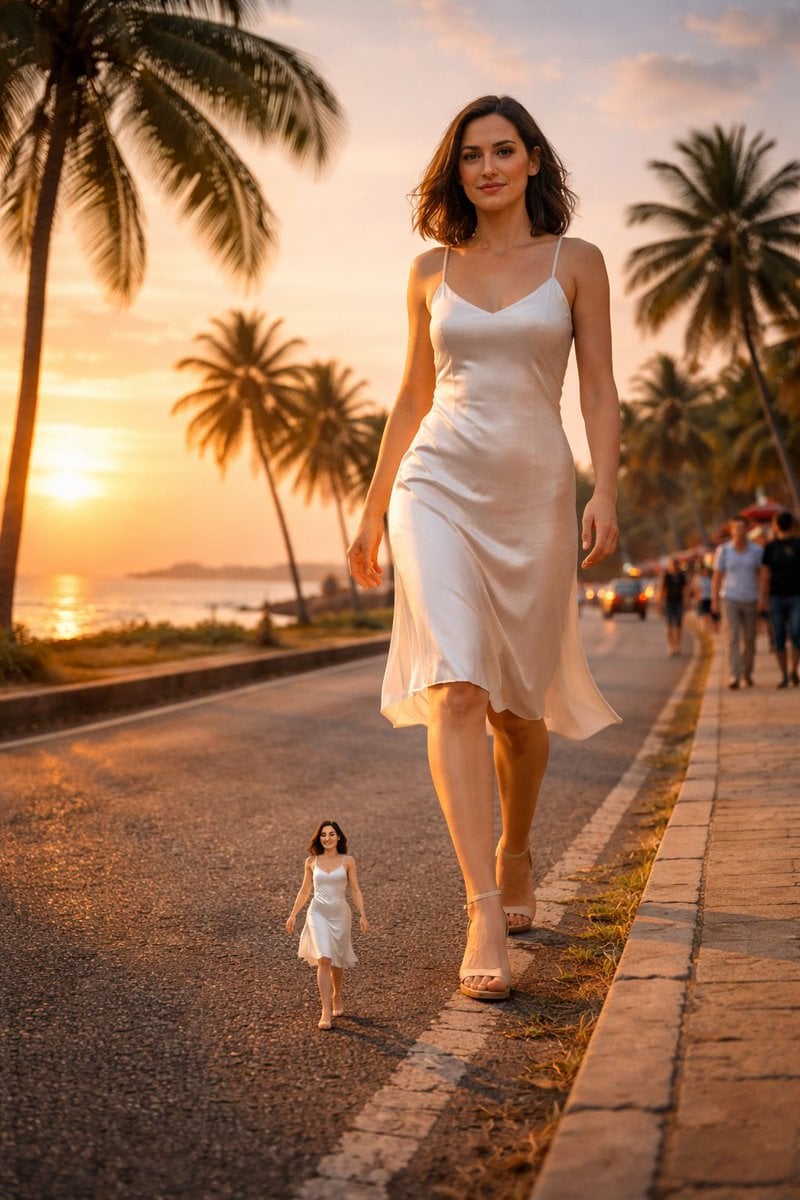
Surreal cinematic street photography with scale contrast
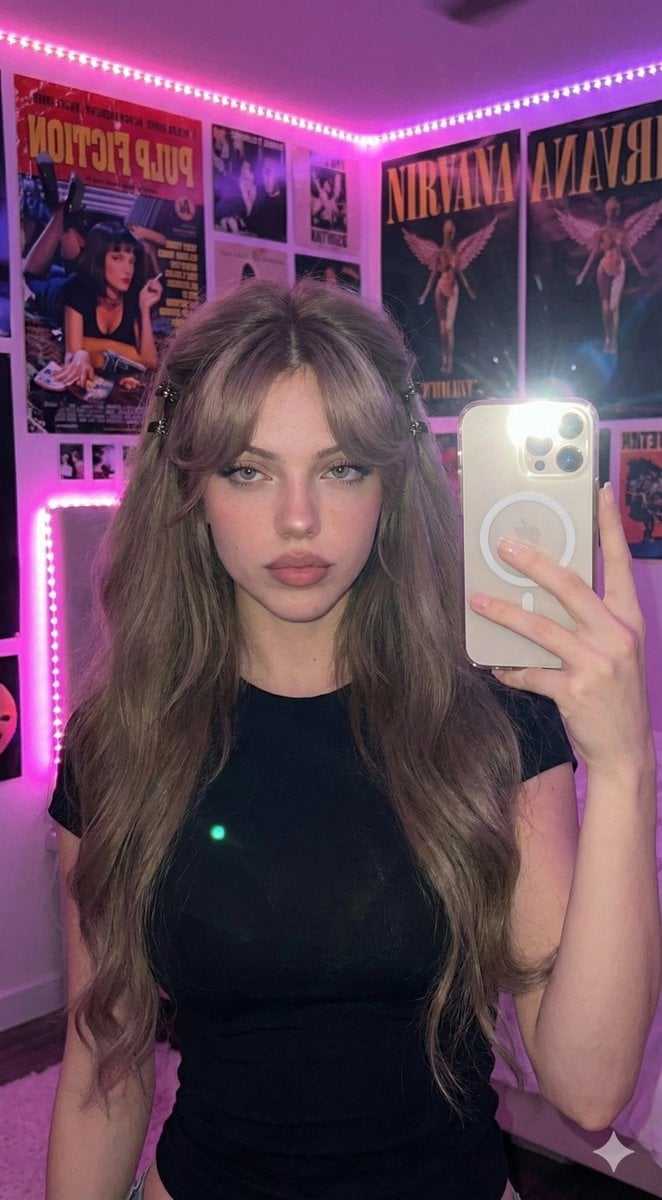
Ultra-Realistic 16K Smartphone Flash Selfie
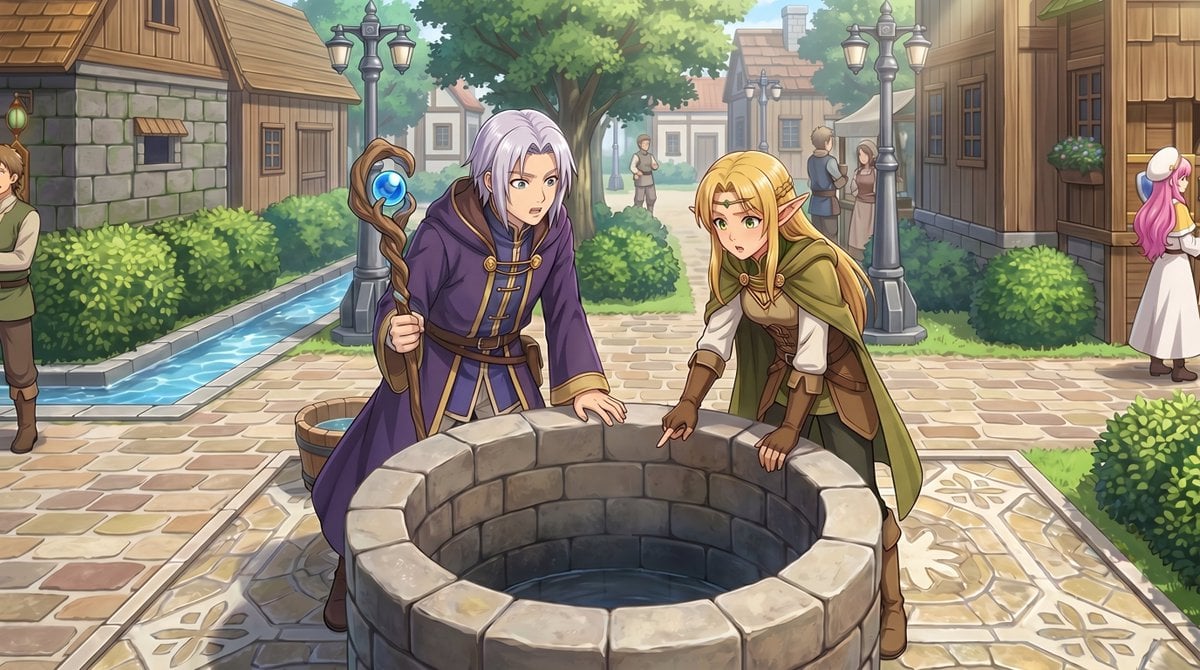
RPG Map to Anime Event Scene

Gritty Prison Mugshot Portrait

Ultra-Photorealistic Jet Ski Vacation Selfie Kiss
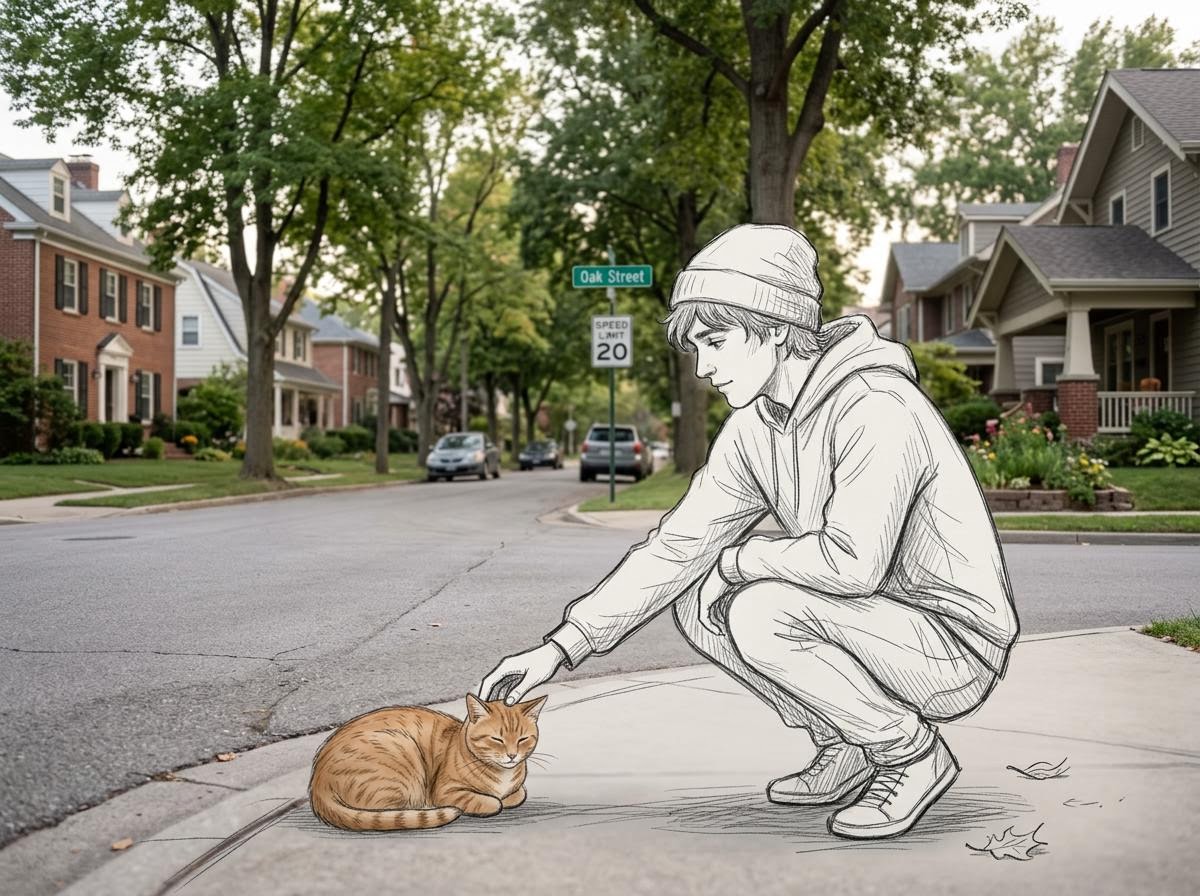
Realistic Photo with Sketch Character Overlay
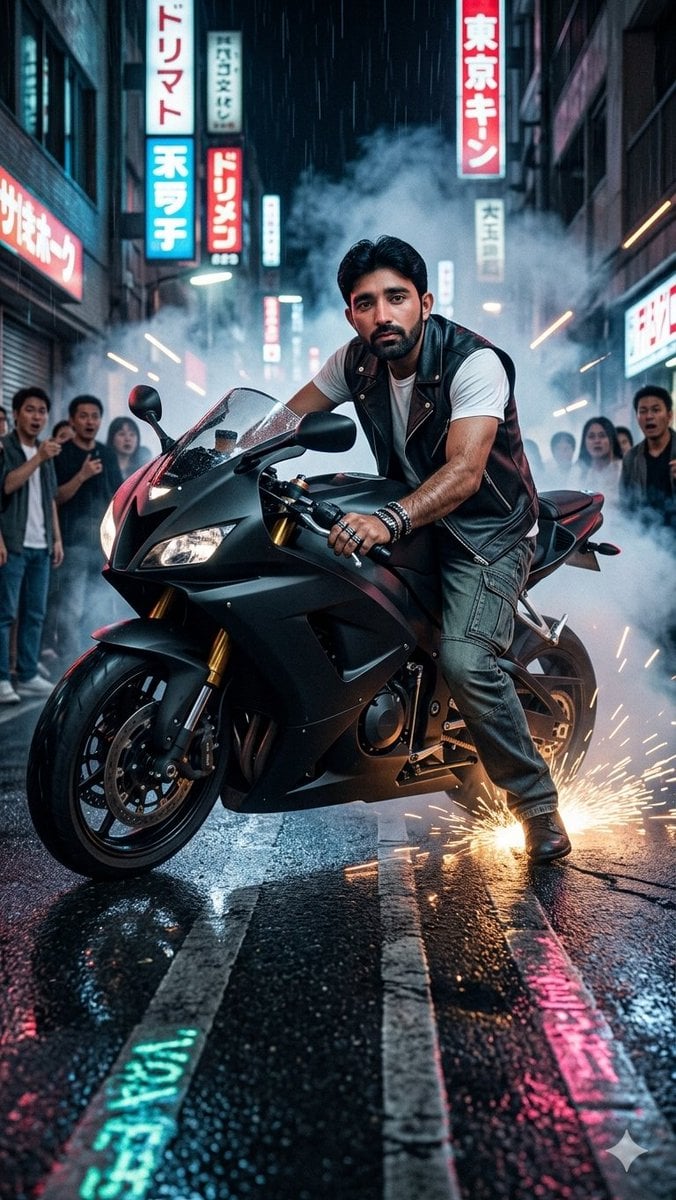
Tokyo Neon Motorcycle Drift
Bullet Time Businessman Seedance 2 0
Luxury Night Fashion Moodboard (Day 2)

Mountain Valley Summer Fashion Portrait
Browse template categories
Shoujo Manga Famous Quote Page questions
How do I use the Shoujo Manga Famous Quote Page template?
Add your photo if the template asks for one, edit the prompt if you like — the template's model and format are already selected — and press Generate. Your version opens in PicX Studio.
Can I customize the Shoujo Manga Famous Quote Page template?
Yes. You can change the subject, setting, lighting, mood, format, and available model controls before creating your image.
Is the Shoujo Manga Famous Quote Page template free?
Opening and editing this template is free. Generating uses credits, shown on the Generate button when you are signed in.
Which AI model should I use?
Start with GPT Image 2, which is the model associated with this template. You can compare another compatible model for a different finish.
Looking for something else? Browse all templates.

Your photo, any look
Thousands of ready templates for every top image and video model, from one credit balance.