
Hot Pink Photo Collage Prompt for Nano Banana Pro
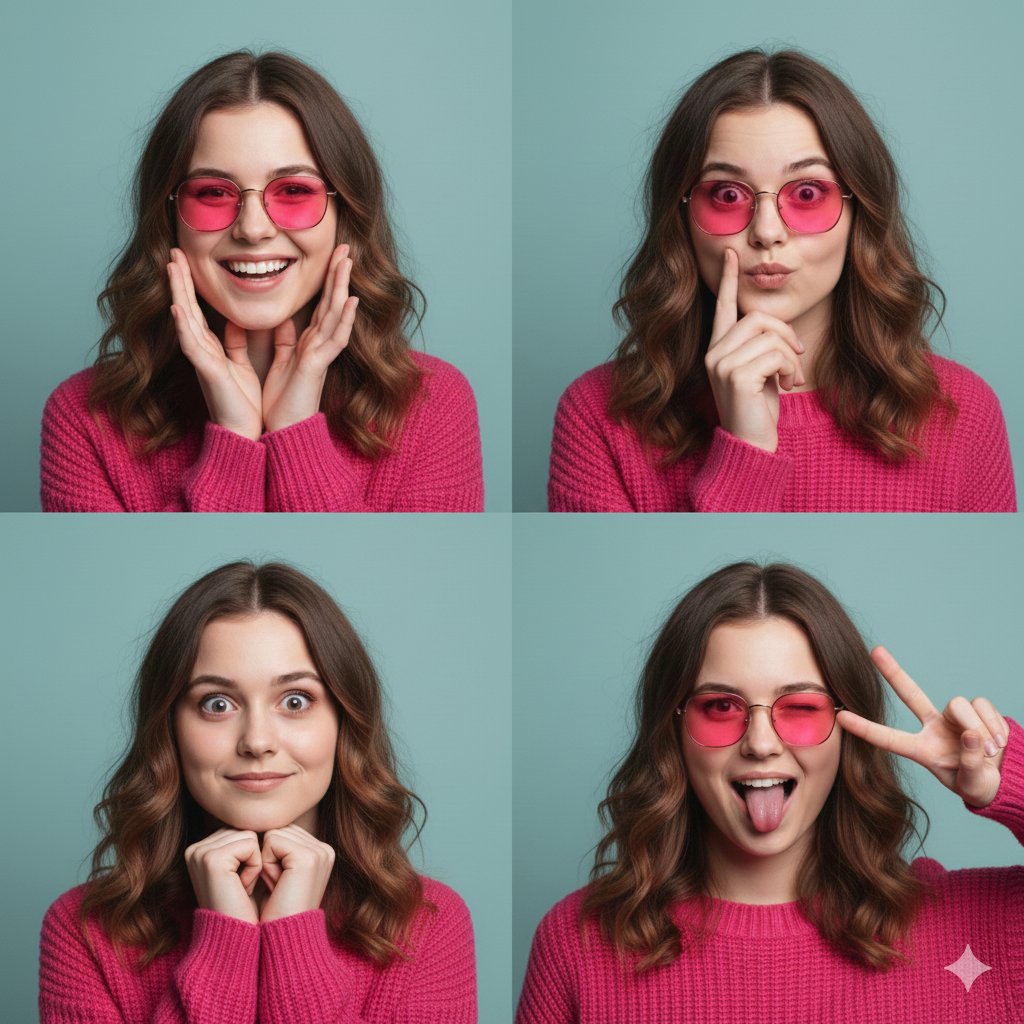
A structured JSON prompt for generating a 2x2 photo collage of a young woman in a hot pink sweater and pink-tinted sunglasses.
- Prompt included
- Model and format preset
- Free template
The prompt behind this image
Copy the exact prompt behind Hot Pink Photo Collage Prompt for Nano Banana Pro, or open it in the studio and make it yours.
- Subject › Identity
- Young woman with wavy brunette hair and fair skin
- Subject › Features
- Heart-shaped face, soft facial structure, light brown eyes
- Subject › Attire
- Hot pink chunky cable-knit sweater with ribbed crew neck
- Subject › Accessories
- Thin gold-rimmed round sunglasses with vibrant pink tinted lenses
- Layout › Type
- 2x2 photo collage
- Layout › Total Panels
- 4
- Layout › Panels › 0 › Panel Id
- 1
- Layout › Panels › 0 › Expression
- Wide joyful smile, teeth showing
- Layout › Panels › 0 › Pose
- Hands framing the face, palms facing forward
- Layout › Panels › 1 › Panel Id
- 2
- Layout › Panels › 1 › Expression
- Thinking or playful pouting expression
- Layout › Panels › 1 › Pose
- One finger resting against the lip
- Layout › Panels › 2 › Panel Id
- 3
- Layout › Panels › 2 › Expression
- Playful wide-eyed surprise, slight smirk
- Layout › Panels › 2 › Pose
- Fists tucked under the chin
- Layout › Panels › 3 › Panel Id
- 4
- Layout › Panels › 3 › Expression
- Silly, one eye winking with tongue sticking out
- Layout › Panels › 3 › Pose
- Hand making a peace sign over one eye
- Environment › Background
- Solid teal or muted turquoise studio wall
- Environment › Lighting
- Soft, even studio lighting with minimal shadows
- Aesthetic › Style
- High-fashion editorial portrait, vibrant color blocking
- Aesthetic › Color Palette
- Hot Pink, Teal, Gold
- Aesthetic › Mood
- Playful, energetic, youthful
Raw JSON
{
  "subject": {
    "identity": "Young woman with wavy brunette hair and fair skin",
    "features": "Heart-shaped face, soft facial structure, light brown eyes",
    "attire": "Hot pink chunky cable-knit sweater with ribbed crew neck",
    "accessories": "Thin gold-rimmed round sunglasses with vibrant pink tinted lenses"
  },
  "layout": {
    "type": "2x2 photo collage",
    "total_panels": 4,
    "panels": [
      {
        "panel_id": 1,
        "expression": "Wide joyful smile, teeth showing",
        "pose": "Hands framing the face, palms facing forward"
      },
      {
        "panel_id": 2,
        "expression": "Thinking or playful pouting expression",
        "pose": "One finger resting against the lip"
      },
      {
        "panel_id": 3,
        "expression": "Playful wide-eyed surprise, slight smirk",
        "pose": "Fists tucked under the chin"
      },
      {
        "panel_id": 4,
        "expression": "Silly, one eye winking with tongue sticking out",
        "pose": "Hand making a peace sign over one eye"
      }
    ]
  },
  "environment": {
    "background": "Solid teal or muted turquoise studio wall",
    "lighting": "Soft, even studio lighting with minimal shadows"
  },
  "aesthetic": {
    "style": "High-fashion editorial portrait, vibrant color blocking",
    "color_palette": ["Hot Pink", "Teal", "Gold"],
    "mood": "Playful, energetic, youthful"
  }
}How to use Hot Pink Photo Collage Prompt for Nano Banana Pro in 3 steps
- 1
Open
The prompt is already in the box next to the preview, with the template's model and format selected.
- 2…a portrait of your subject in softgolden-hour light, 85mm…
Personalize
Edit the subject and creative details for your destination.
- 3Generate
Generate
Press Generate — your image is created in PicX Studio, so you can compare it with the original and refine one variable at a time.
More like this
Templates with the same subject, style or setup. Open one to see its prompt.

Woman in Mall with Chanel Bag - Heart Gesture
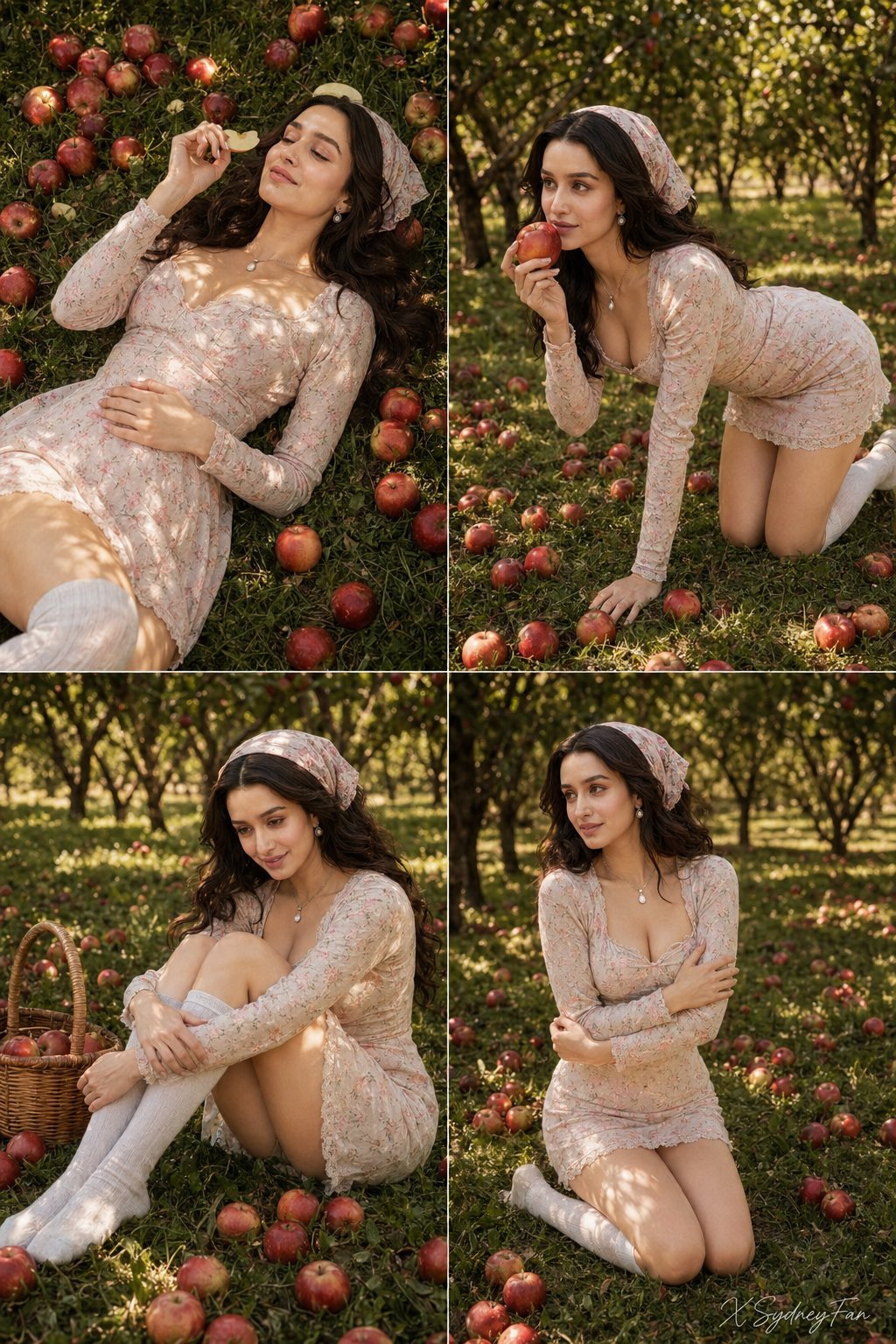
Nano Banana Apple Orchard Collage

Nano Banana Prompt for Consistent Character Jumpshots

Hyper-Realistic Commercial Food Photography Prompt for Gemini Nano Banana Pro
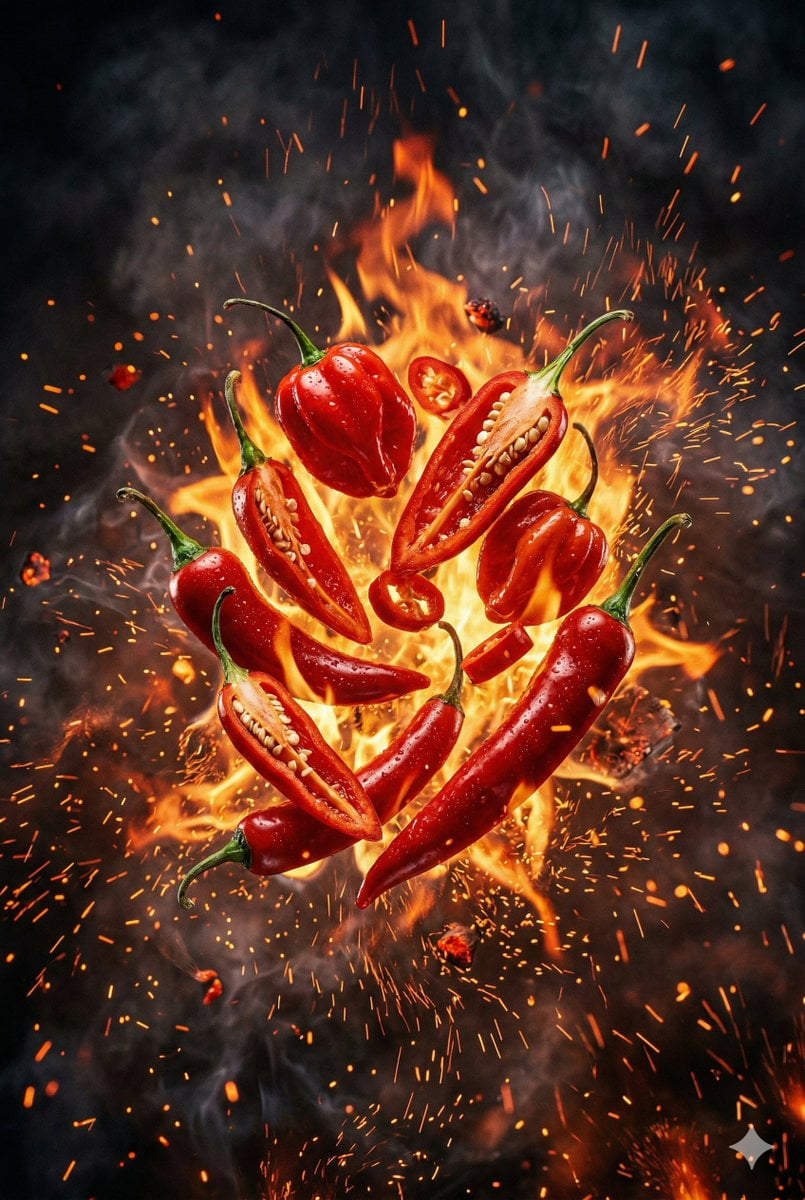
Explosive Chili Peppers Food Photography Prompt for Nano Banana 2

Low-Key Product Photography Prompt for Gemini Nano Banana Pro
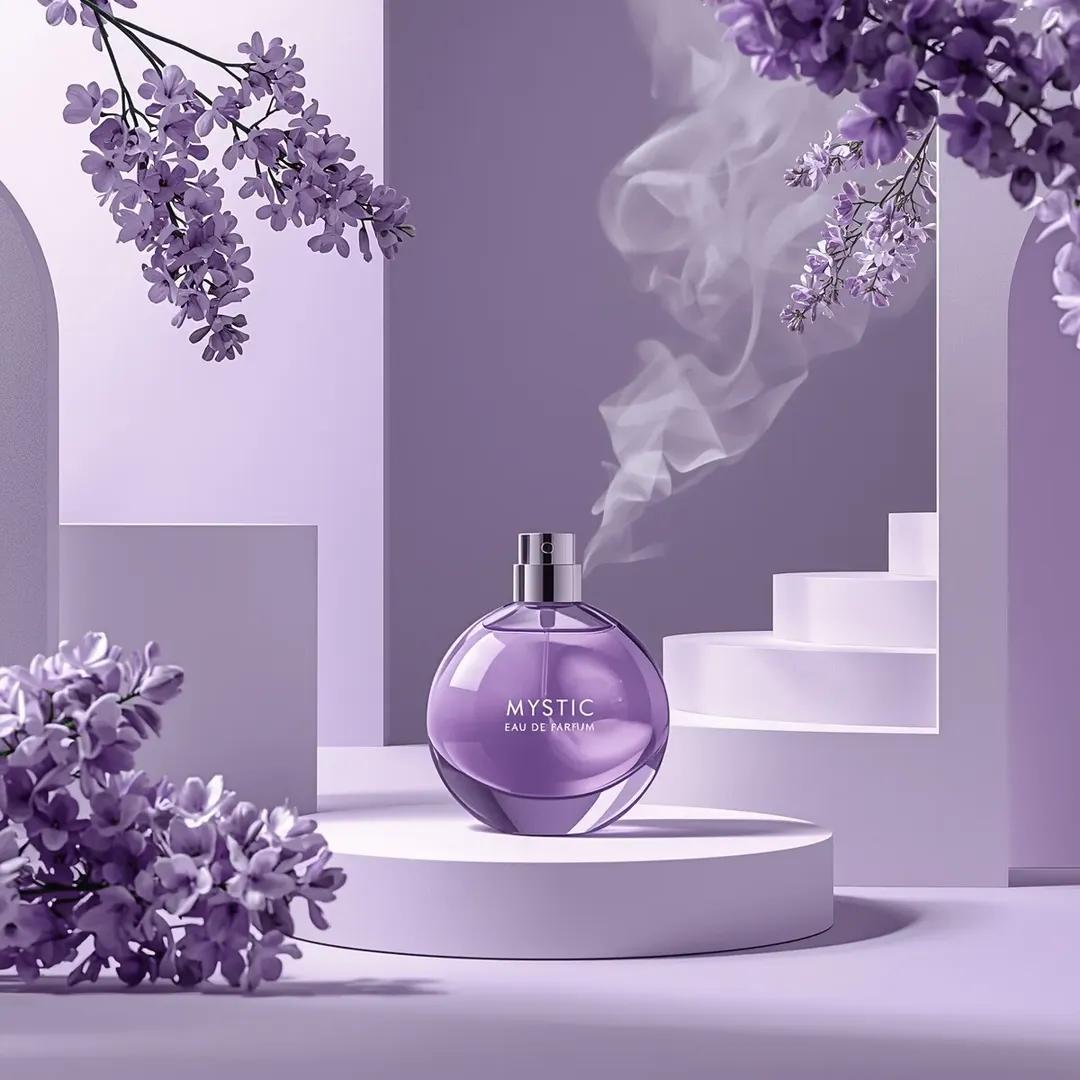
Commercial Perfume Photography Prompt for Nano Banana Pro

Nano Banana Pro Photoreal Playful Couple

B&W Photobooth Expression Grid 4x4 — Nano Banana

A hyper-realistic beauty product photograph of a pink jar placed
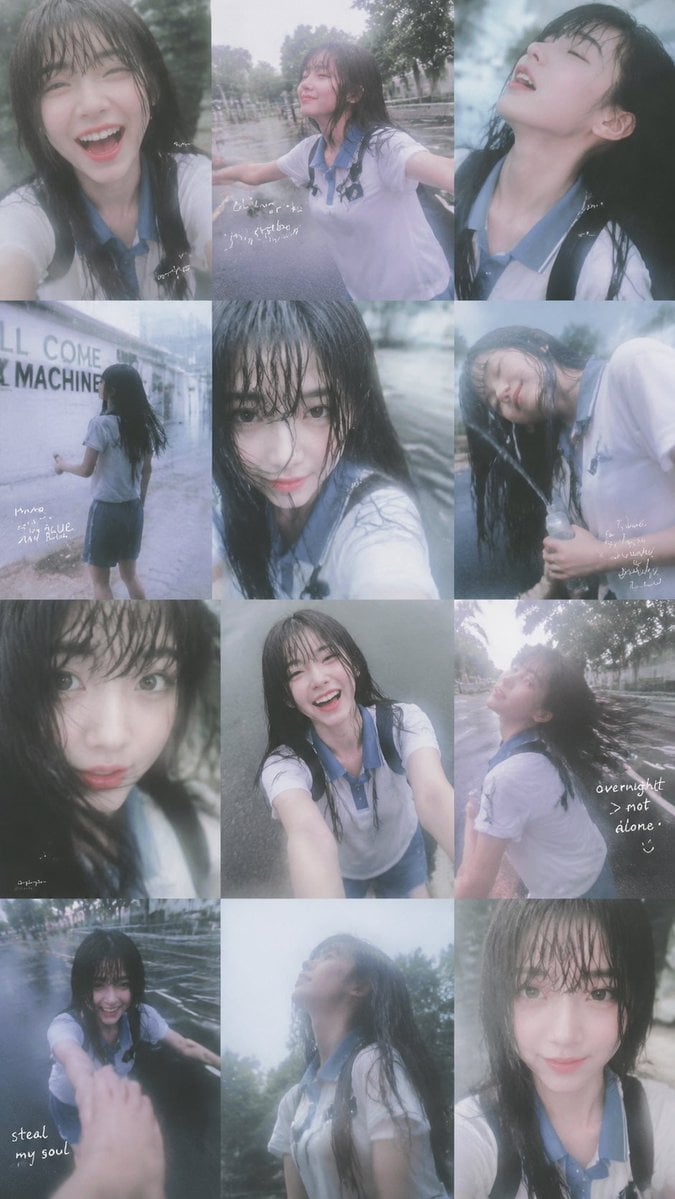
Rainy Schoolgirl Photo Diary Collage
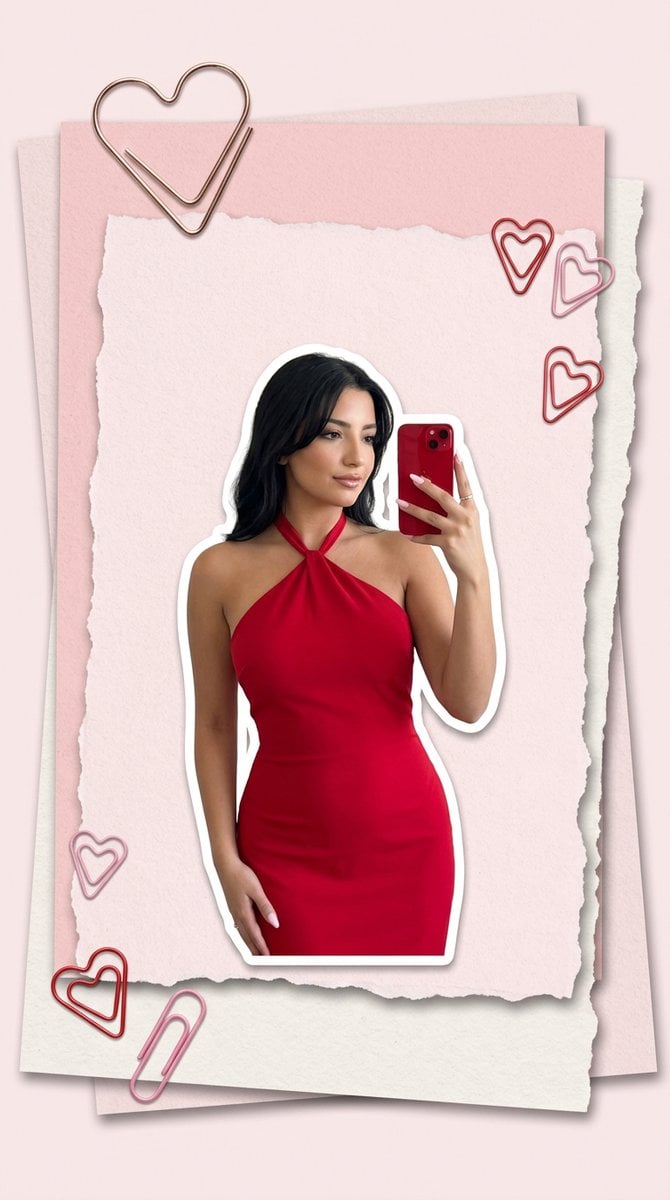
Pink Paper Moodboard Fashion Collage
Make it yours
Hot Pink Photo Collage Prompt for Nano Banana Pro works as-is. These are the safest ways to change it without losing the look.
Swap the setting
Keep the rest of the prompt and replace the location block. The current setting is “Solid teal or muted turquoise studio wall”.
Swap the light
One lighting change is enough to compare takes. Current light: “Soft, even studio lighting with minimal shadows”.
Change one field
Copy a single group, rewrite it, and generate again so you can see what that field is doing.
| If the result… | Why | Fix |
|---|---|---|
| The result drifts from the preview | Too many fields changed at once. | Reuse Hot Pink Photo Collage Prompt for Nano Banana Pro as-is first, then change one group — subject, light, or setting. |
| Nano Banana 2 ignores part of the JSON | Some models flatten or skip nested keys. | Keep the same values and paste them as a short paragraph instead. |
More Nano Banana 2 templates
Other prompts made for Nano Banana 2.

Photorealistic Leaf Shaped Like a Dragon

K-Pop Idol Portrait Grid for Rapid Selection

Poetic Rain Forest Portrait During Golden Hour

Urban Street Portrait with Cartoon Inner Self Duo

Candid Nighttime Photo with Cat Prompt

High-Concept 3D Diorama Generation Prompt

Cinematic Futuristic Studio Portrait Template

Skincare Editorial Photography Collage Prompt

Hyper-Realistic Commercial Product Photography (Splash Effect)

Hyper-Realistic Nightclub Portrait Prompt
More image prompts
Fresh picks from across the catalog.
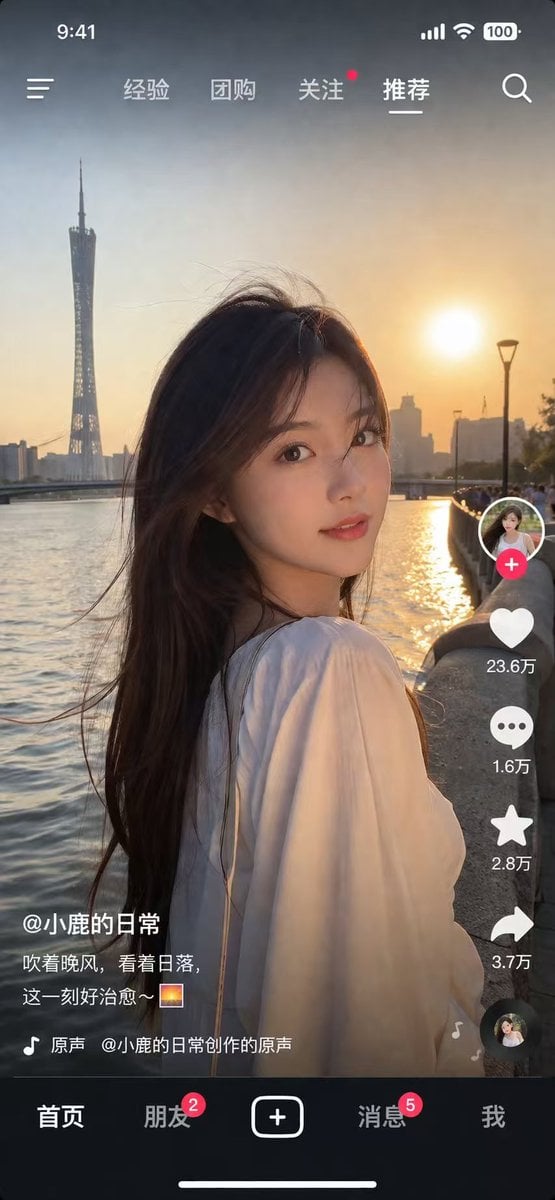
Social Media Video App UI Mockup
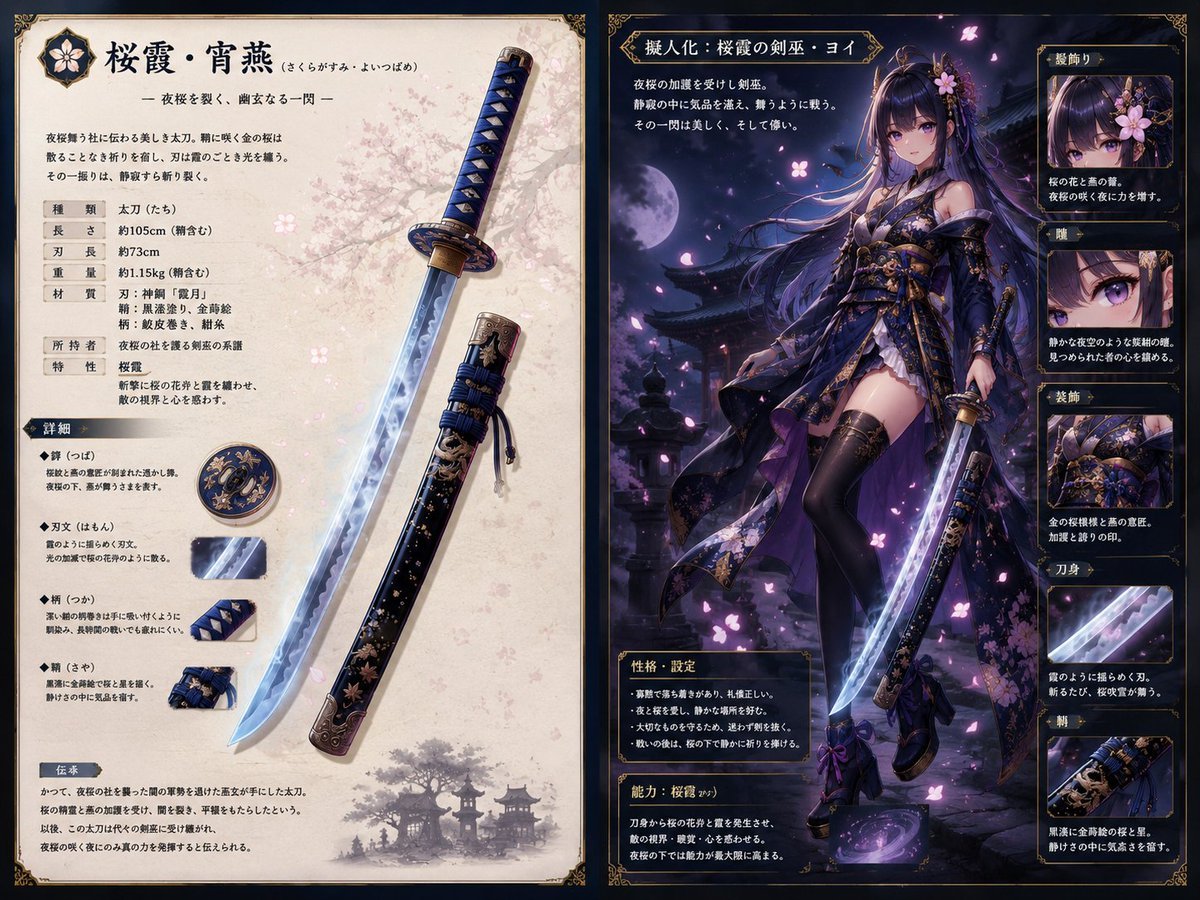
Sakura Katana Character Sheet
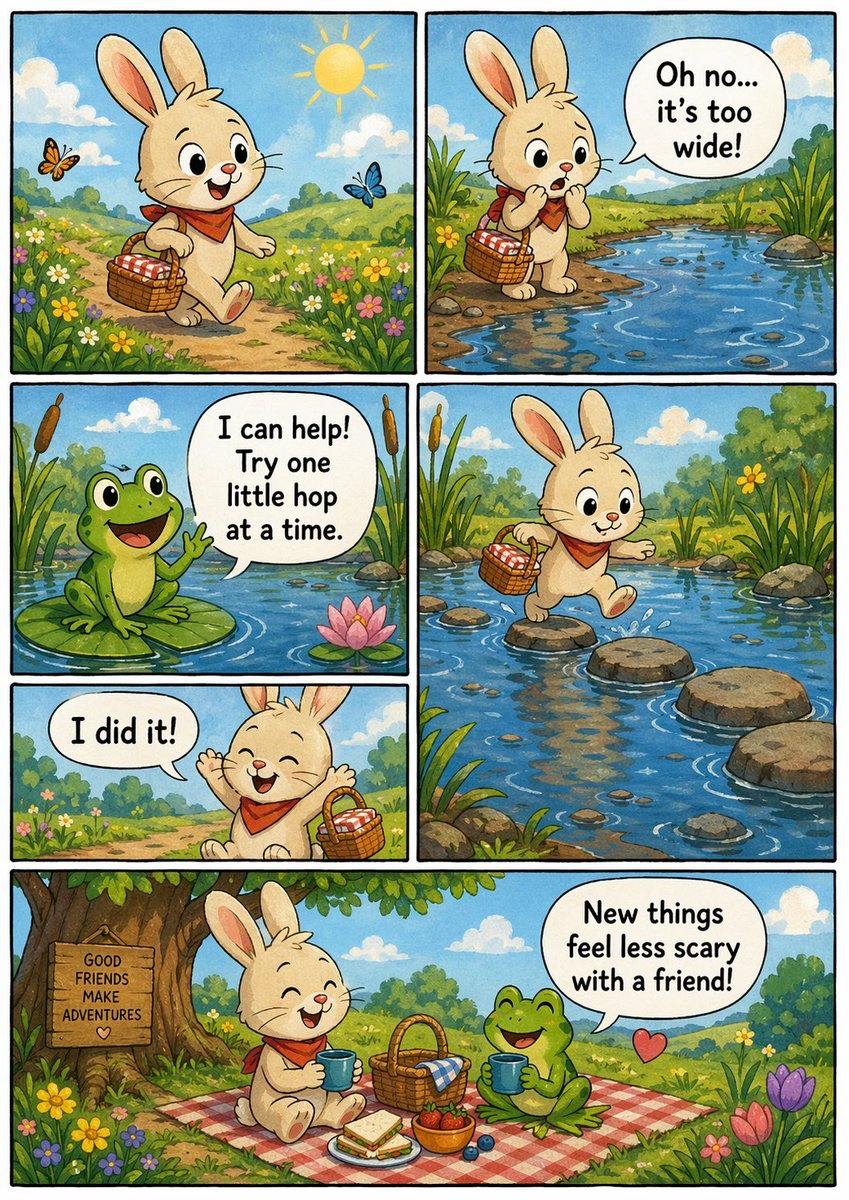
Indie Comic Book Page
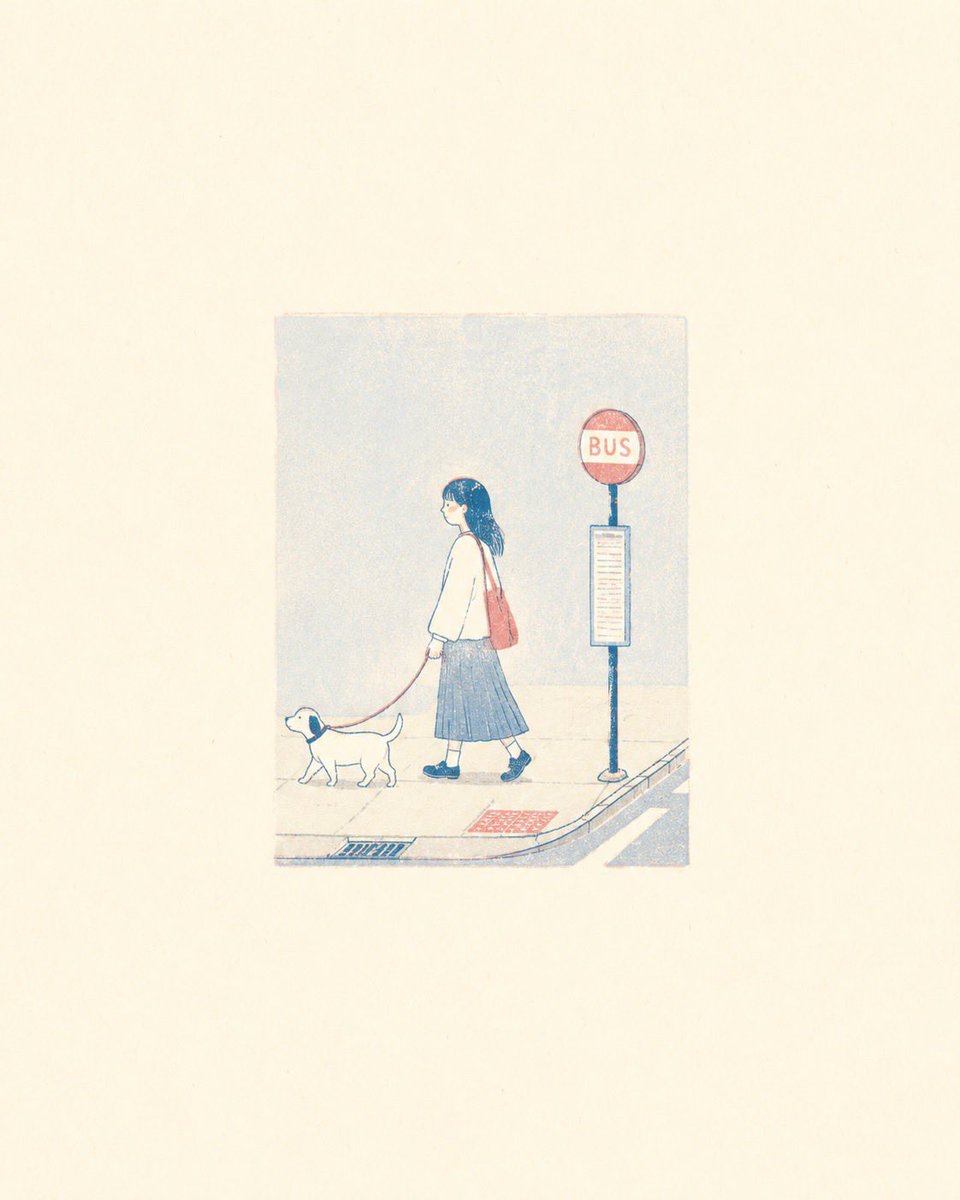
Minimalist Risograph Poetic Style
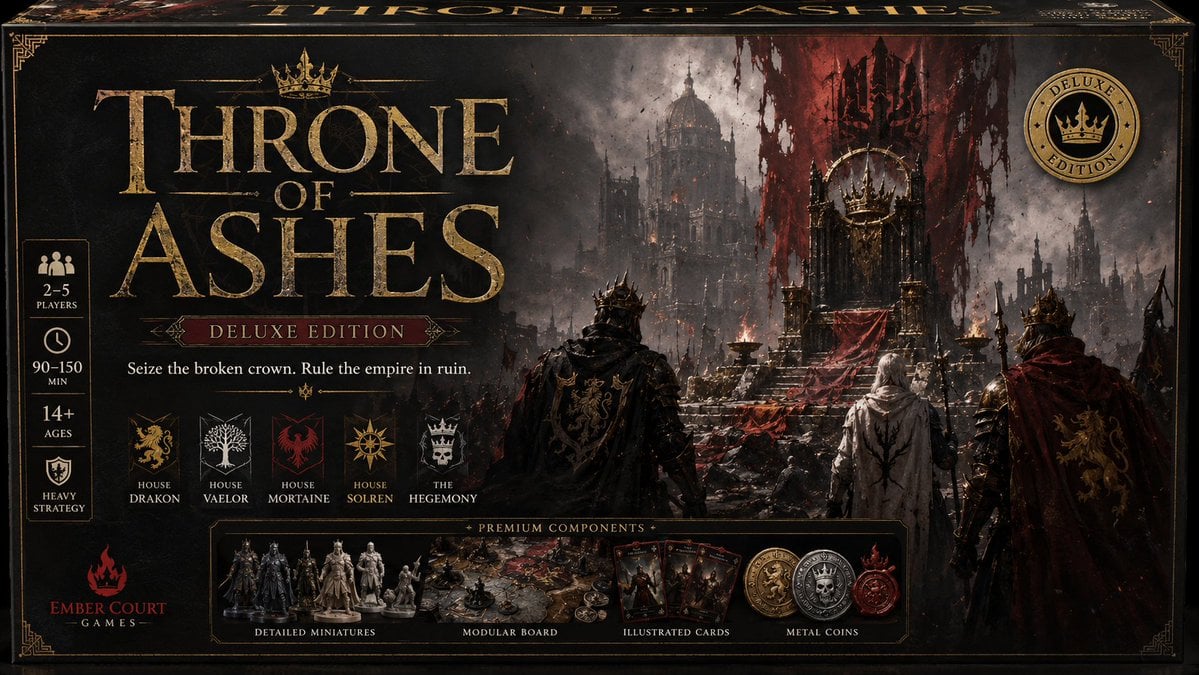
Throne of Ashes Deluxe Box Front
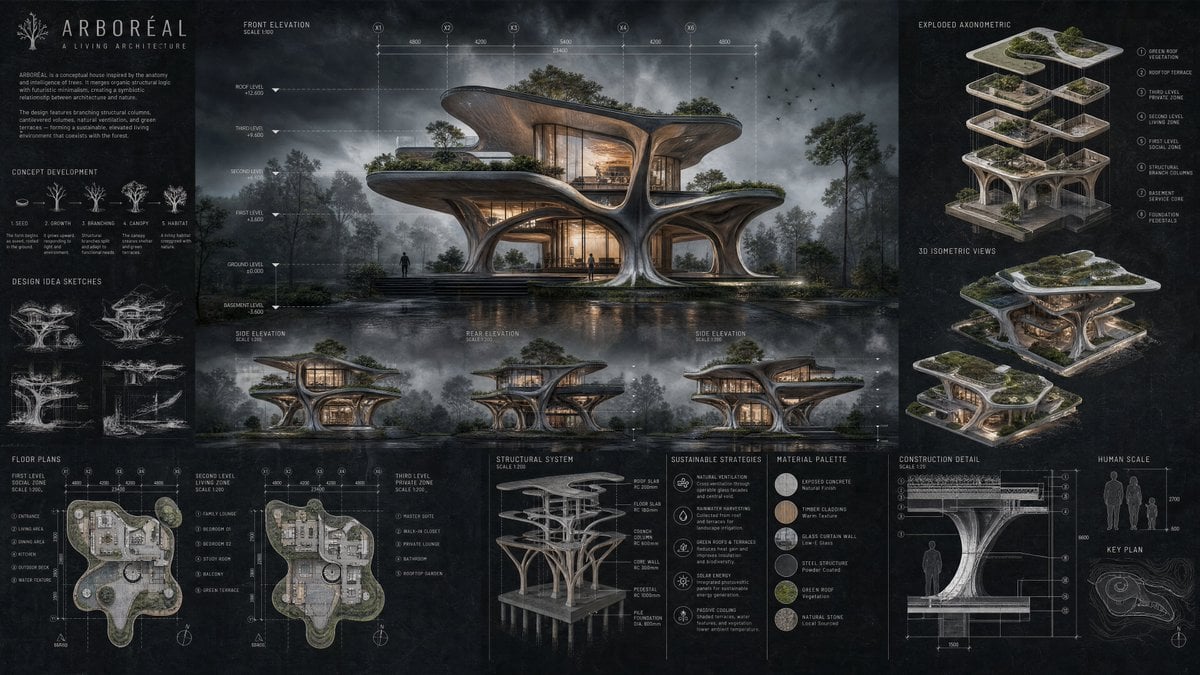
Arboreal Architecture Presentation Board
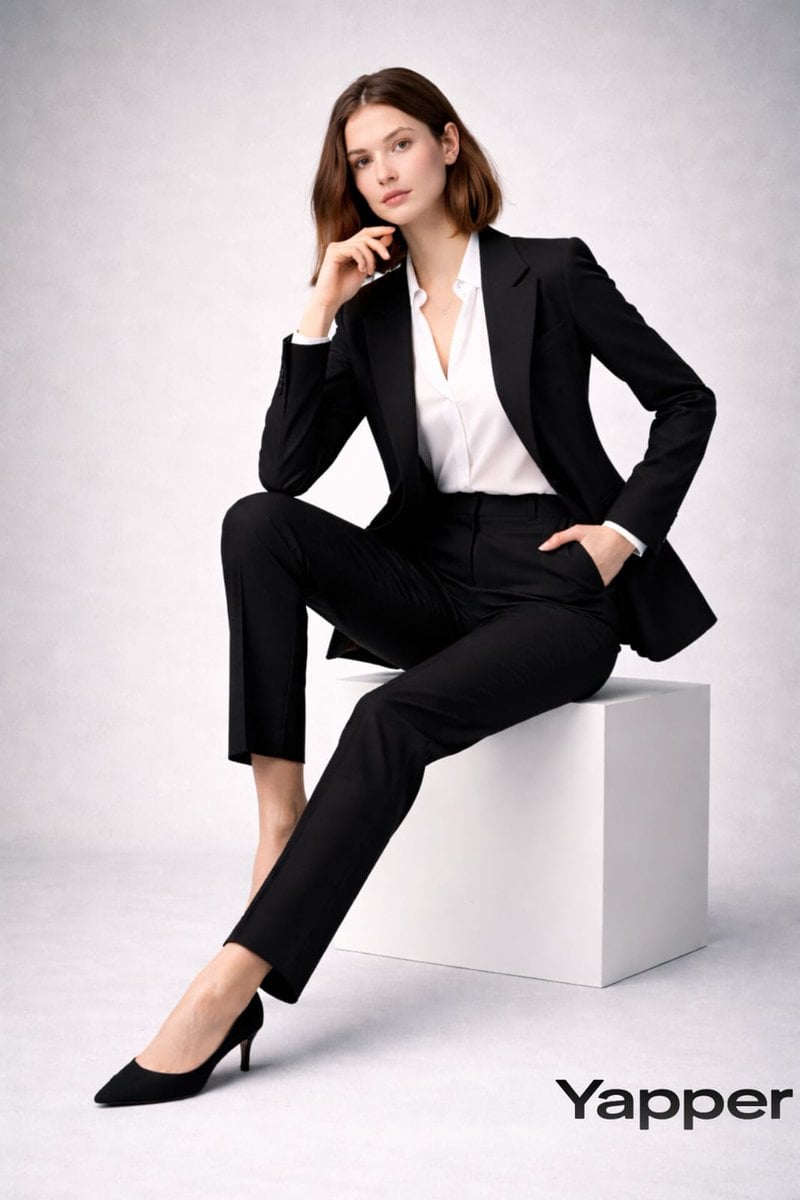
Full-body fashion magazine editorial portrait
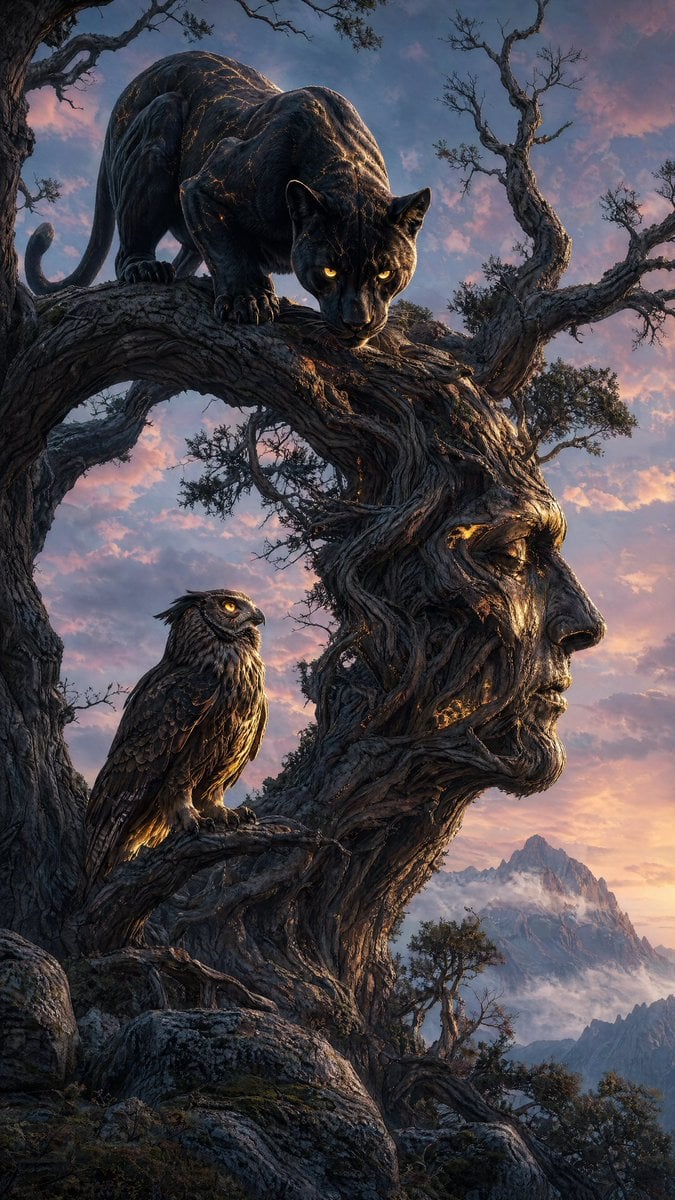
Majestic Panther Fantasy Scene
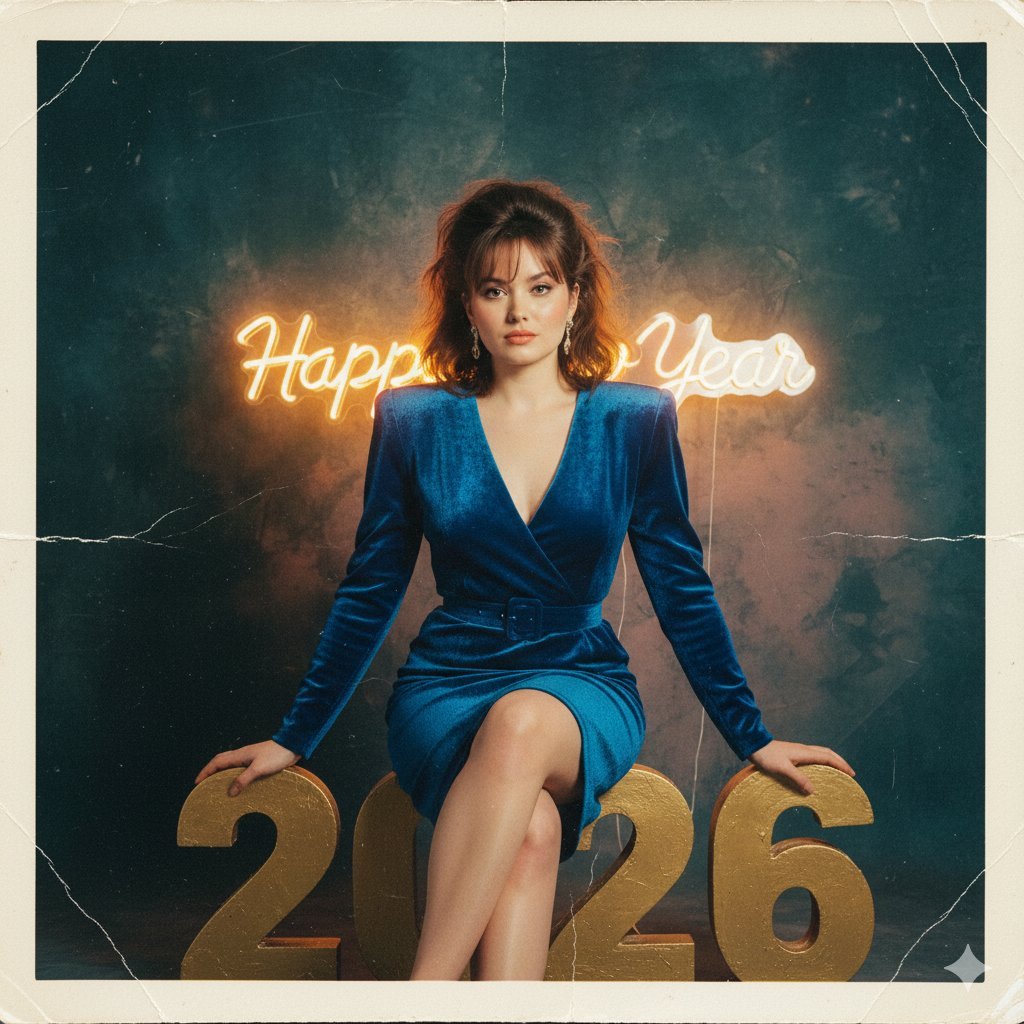
1980s Analog New Year's Eve Portrait Prompt
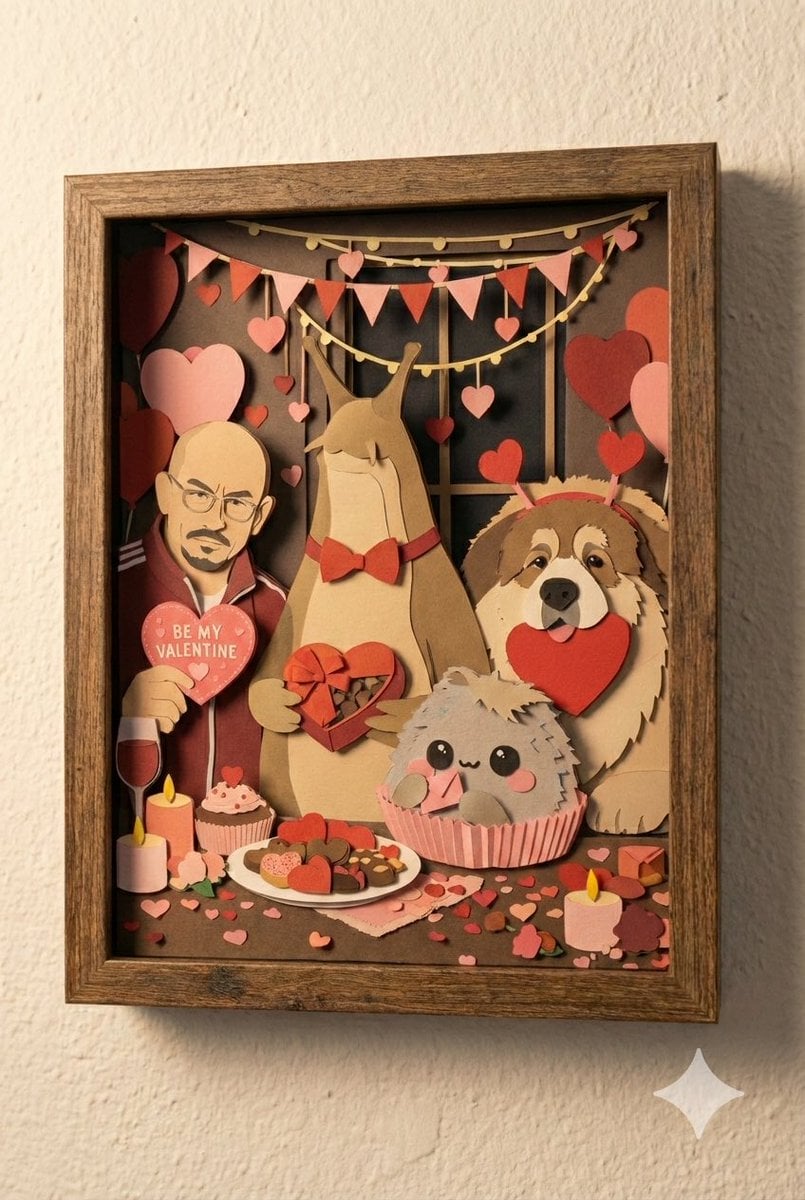
Shadow Box Conversion Prompt
Browse template categories
Hot Pink Photo Collage Prompt for Nano Banana Pro questions
How do I use the Hot Pink Photo Collage Prompt for Nano Banana Pro template?
Add your photo if the template asks for one, edit the prompt if you like — the template's model and format are already selected — and press Generate. Your version opens in PicX Studio.
Can I customize the Hot Pink Photo Collage Prompt for Nano Banana Pro template?
Yes. You can change the subject, setting, lighting, mood, format, and available model controls before creating your image.
Is the Hot Pink Photo Collage Prompt for Nano Banana Pro template free?
Opening and editing this template is free. Generating uses credits, shown on the Generate button when you are signed in.
Which AI model should I use?
Start with Nano Banana 2, which is the model associated with this template. You can compare another compatible model for a different finish.
Looking for something else? Browse all templates.

Your photo, any look
Thousands of ready templates for every top image and video model, from one credit balance.