
Sakura Katana Character Sheet
Generates a two-page fantasy weapon encyclopedia spread pairing an ornate sakura katana with its anime swordswoman personification.
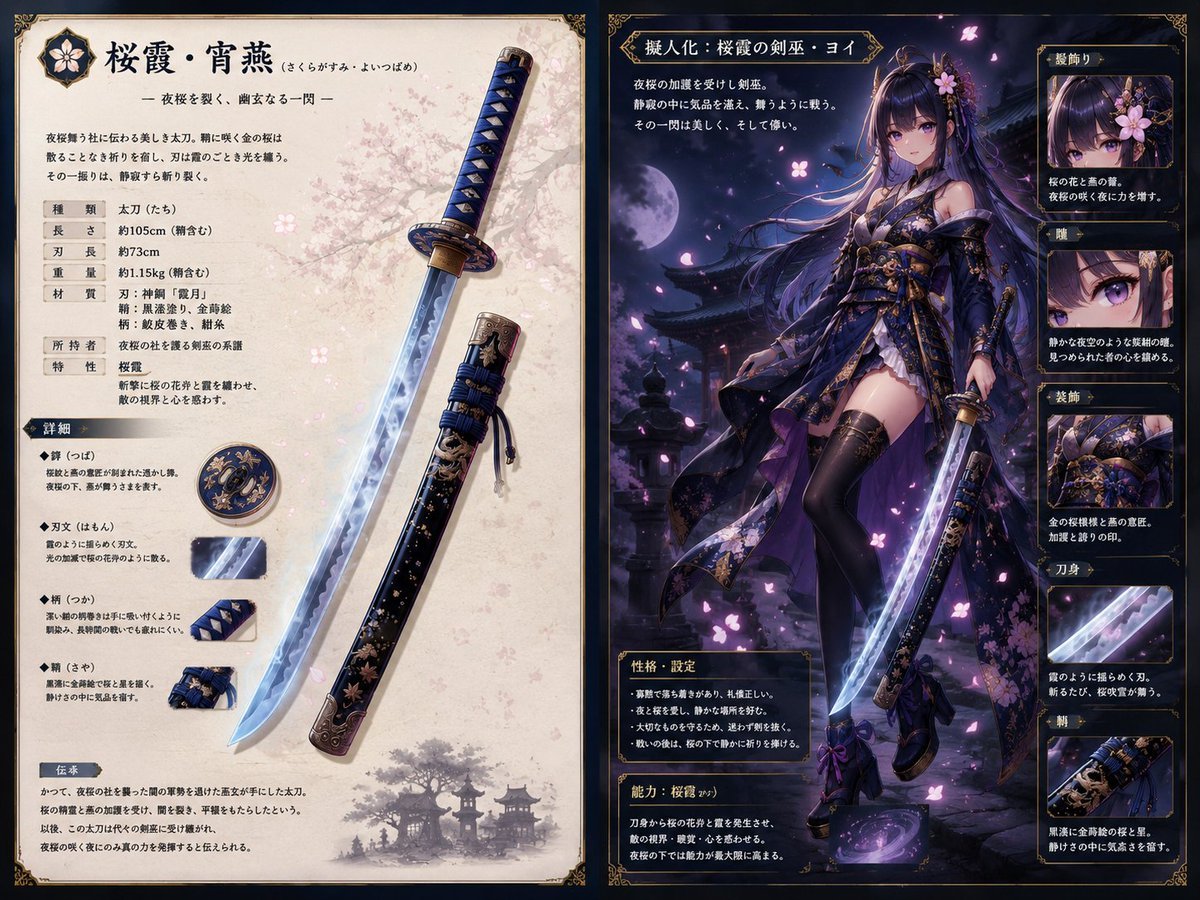
- Prompt included
- Model and format preset
- Free template
The prompt behind this image
Copy the exact prompt behind Sakura Katana Character Sheet, or open it in the studio and make it yours.
Goal: Create a two-page fantasy art book spread presenting a cherry-blossom themed katana and its personified anime swordswoman, in an ornate Japanese dark-fantasy game encyclopedia style. Canvas: Wide landscape 2:1 spread, like two adjacent parchment pages with thin black margins and gold filigree corner ornaments. Left page is bright ivory parchment with pale pink cherry blossom texture; right page is dark navy-black with gold borders, moonlit purple lighting, and sakura petals. Left page layout: Design a weapon specification sheet for {argument name="weapon name" default="桜霞・宵燕"}. At the top left place a small circular flower crest icon, then a large Japanese title with reading guide text and a short poetic subtitle beneath it. Below the intro paragraph, include a compact spec table with exactly 5 rows: type, length, blade length, weight, and materials. Add two smaller information rows for owner and special traits. The main object is a long ornate katana displayed diagonally from lower center to upper right, with a glowing icy-blue blade, dark blue wrapped handle, gold fittings, and floral engraving. Beside it show the matching scabbard, black lacquer with gold and pink sakura decoration, blue cord wrap, and antique bronze metal end fittings. Add exactly 5 weapon-detail callouts on the left-middle/lower area: 1 round tsuba guard medallion, 1 close-up of the luminous blade texture, 1 close-up of the blue diamond handle wrap, 1 close-up of the tied blue cord and scabbard fittings, and 1 bottom tradition/lore text block with a faint silhouette of pagodas and a flowering tree. Right page layout: Create the personification page titled in Japanese as {argument name="personification title" default="擬人化:桜霞の剣巫・ヨイ"}. The central character is a full-body beautiful anime swordswoman standing in a moonlit temple garden, holding the same glowing katana downward. She has very long flowing {argument name="hair color" default="black-purple"} hair with violet highlights, straight bangs, flower hair ornaments, ribbons, and drifting pink petals around her. Her face should be softly obscured or blurred while the rest of the illustration remains sharp. She wears an elaborate dark navy, black, and violet kimono-inspired battle outfit with gold embroidery, sakura motifs, layered sleeves, thigh-high black stockings, high heels, ornate waist armor and obi, and fluttering translucent fabric panels. The background contains a full moon, silhouetted Japanese roofs, stone lanterns, mist, and purple-blue night lighting. Right page text and panels: Place a short descriptive paragraph under the title at upper left. Add a gold-framed personality/settings box near the lower left with exactly 5 bullet lines. Add a separate ability box beneath it describing a cherry-blossom slash ability. Along the far right column, include exactly 5 stacked inset cards with labels and images: 1 hair ornament close-up, 1 eye close-up, 1 clothing/obi close-up, 1 blade close-up, and 1 scabbard close-up. Each card should have a gold border, a small Japanese label, a cropped detail image, and two short lines of Japanese explanatory text. Visual style: Highly polished gacha RPG character sheet, premium collectible weapon lore page, ornate gold UI frames, delicate sakura patterns, cinematic lighting, crisp linework, semi-realistic anime rendering, luminous blue blade effects, violet-pink petal glow, elegant typography. Keep the composition dense but readable, with the weapon page brighter and the character page dramatically darker. Constraints: Use exactly 2 pages, exactly 5 left-page weapon callouts, exactly 5 right-side inset cards, and exactly 5 bullet lines in the personality box. Do not add logos, watermarks, modern UI buttons, or extra characters. Japanese text may be decorative but should look like a coherent fantasy encyclopedia entry.
How to use Sakura Katana Character Sheet in 3 steps
- 1Upload ImagePNG, JPG or paste
Add your photo
Upload the photo the template builds on. The prompt, model and format are already set.
- 2…a portrait of your subject in softgolden-hour light, 85mm…
Personalize
Edit the subject and creative details for your destination.
- 3Generate
Generate
Press Generate — your image is created in PicX Studio, so you can compare it with the original and refine one variable at a time.
More like this
Templates with the same subject, style or setup. Open one to see its prompt.

Dancer Character - Four View Reference Sheet

Movement Sheet - Dance Reference (Seedance 2.0)
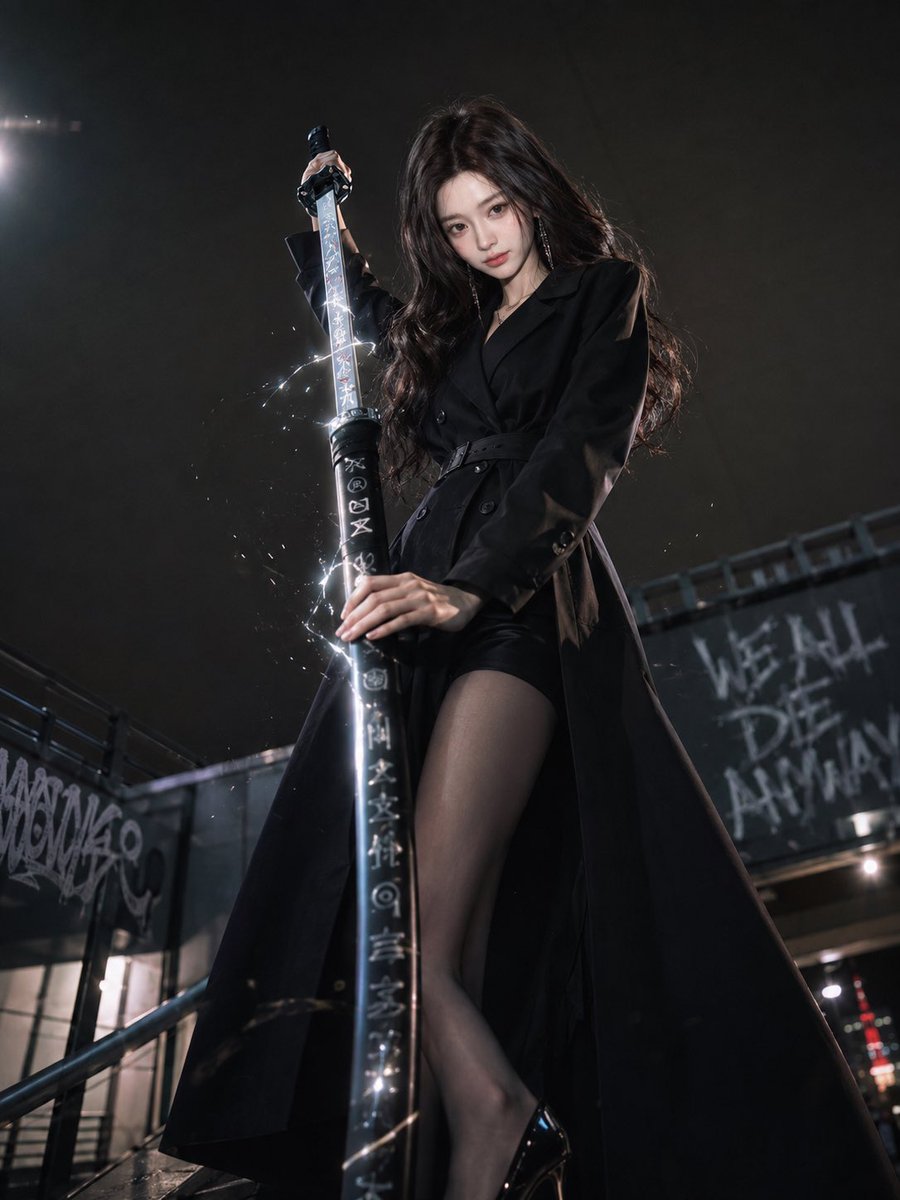
Dark Urban Katana Fashion Portrait
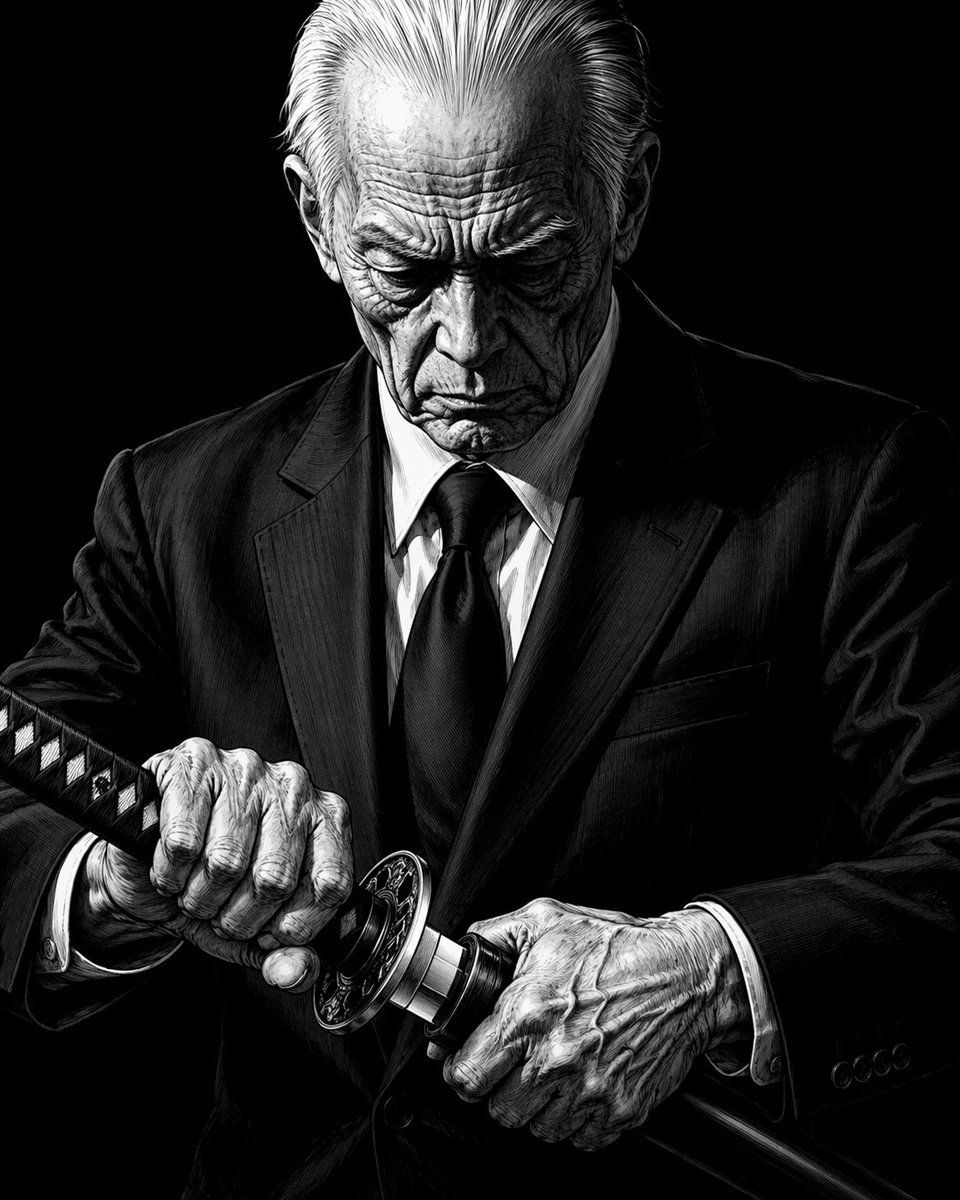
Elderly Yakuza Drawing Katana

Celestial Sakura Kimono Maiden

Six VTuber Japanese Logo Sheet
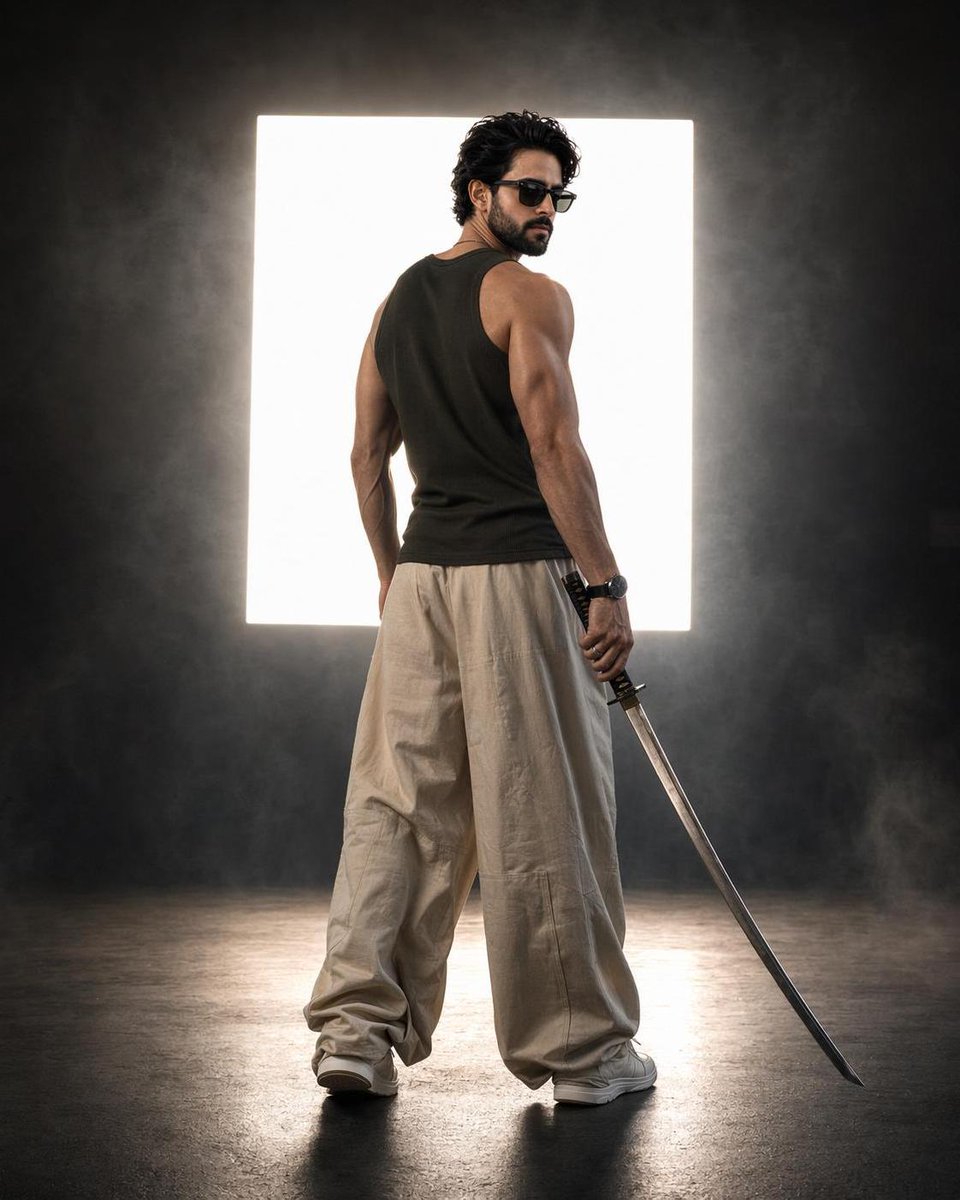
Cinematic Backlit Katana Samurai Portrait
Dark Ronin Katana Splash Art
Cyber Demon Maid Katana
Cyberpunk Dual-Katana Ninja
Moonlit Sakura Shrine Fantasy
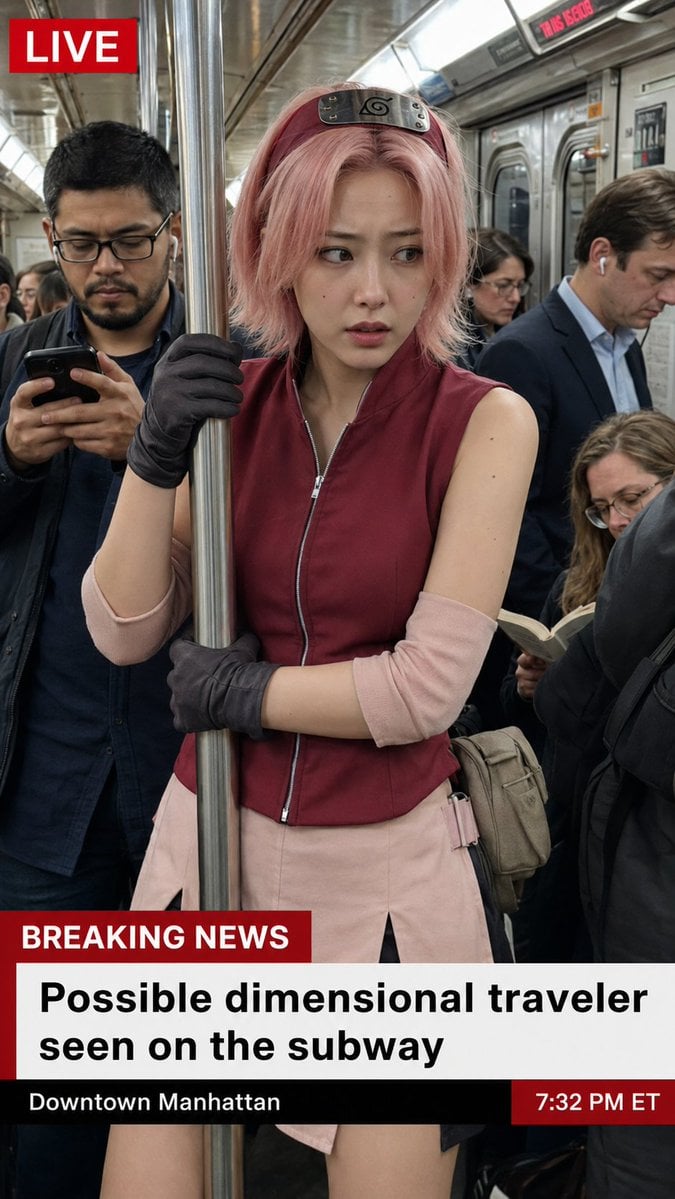
Live News Subway Sakura
Make it yours
Sakura Katana Character Sheet works as-is. These are the safest ways to change it without losing the look.
Change one field
Copy a single group, rewrite it, and generate again so you can see what that field is doing.
Keep the frame, change the subject
Hold the composition and light of Sakura Katana Character Sheet, then swap wardrobe, props or the person for a new take.
| If the result… | Why | Fix |
|---|---|---|
| The result drifts from the preview | Too many fields changed at once. | Reuse Sakura Katana Character Sheet as-is first, then change one group — subject, light, or setting. |
| The model over-stylizes the scene | The prose prompt leaves finish and camera underspecified. | Add one camera or lighting sentence and stay on GPT Image 2. |
More GPT Image 2 templates
Other prompts made for GPT Image 2.

Realistic Portrait of Woman and Deer

The Vista Modular Condo Poster

AI Model Routing Comparison Infographic

2.5D Anime Art Board

Isometric Productivity Desk Scene

New York Double Exposure Poster

Four-Panel AI Landscape Comparison

Japanese Tatami Lifestyle Magazine Cover

NESCAFÉ Coffee Map Poster

Brutalist Cogito Chinese Typography Poster
More image prompts
Fresh picks from across the catalog.
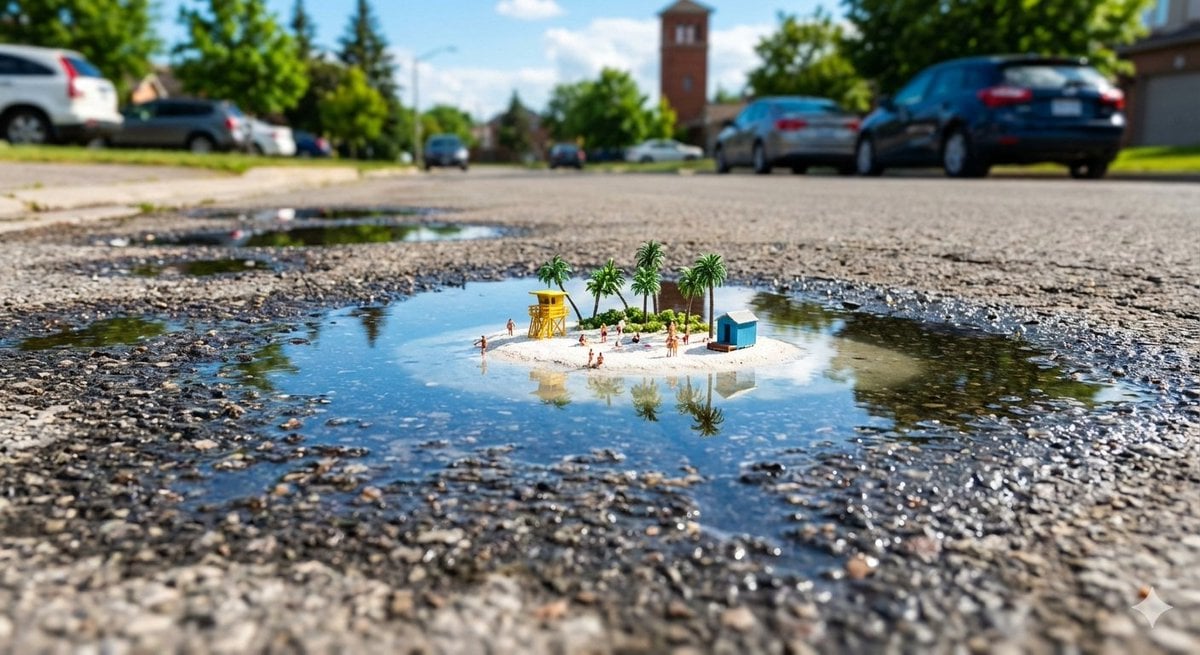
Tropical Island in a Puddle Prompt
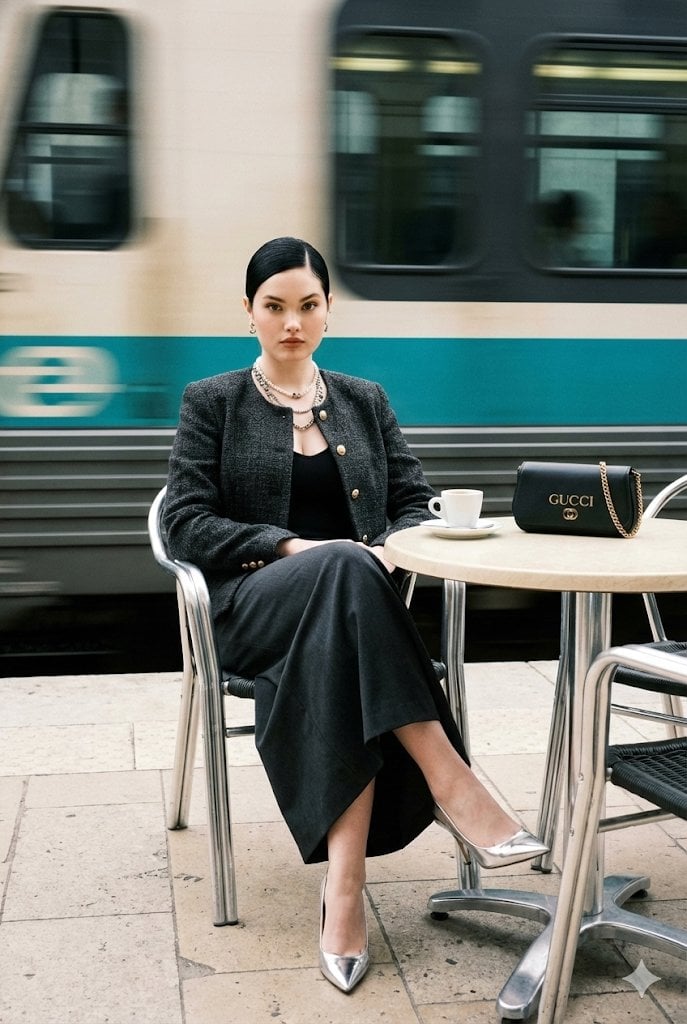
Ultra-Realistic Street-Fashion Portrait with Motion Blur

Skincare Landing Page Hero Section
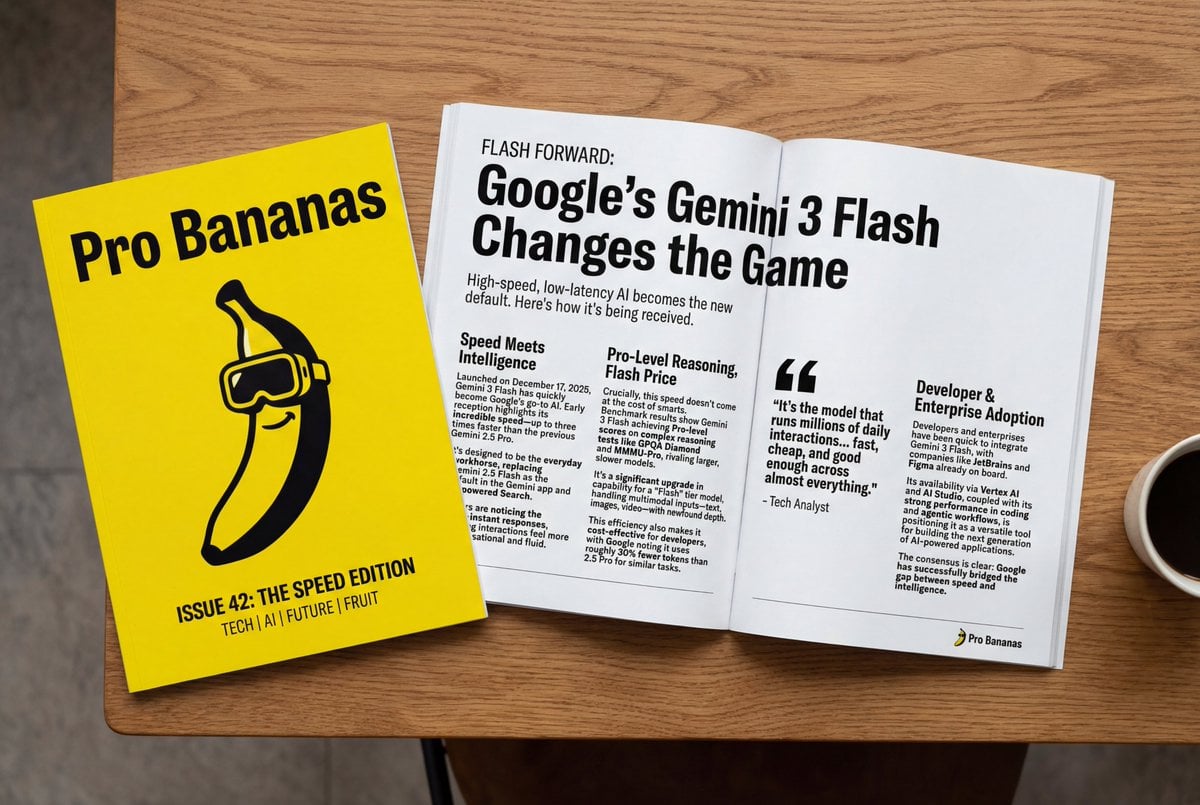
Generate Magazine Article and Cover (LLM/Image)
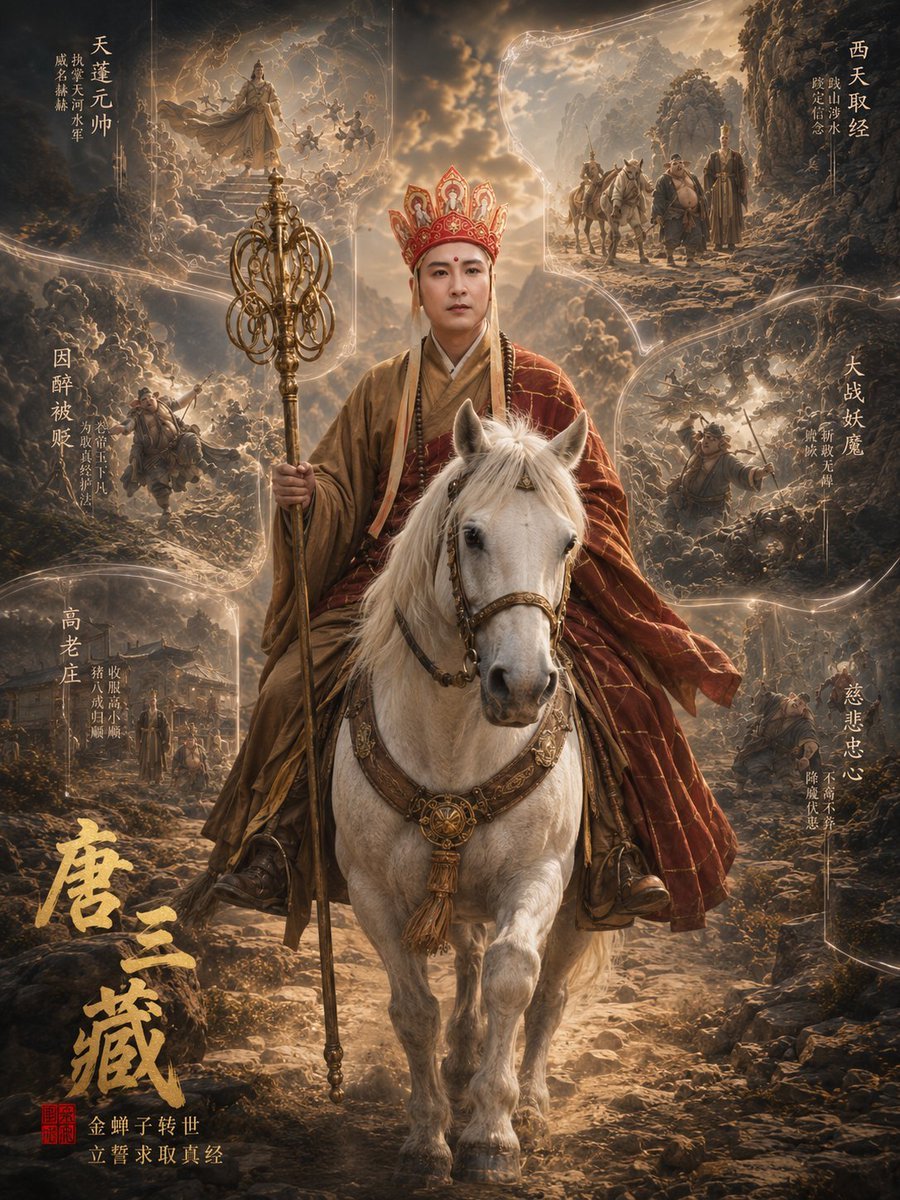
Tang Sanzang Mythic Character Poster

Surreal Cosmetic Alchemist Portrait Prompt

Premium Sportswear Campaign Poster Prompt
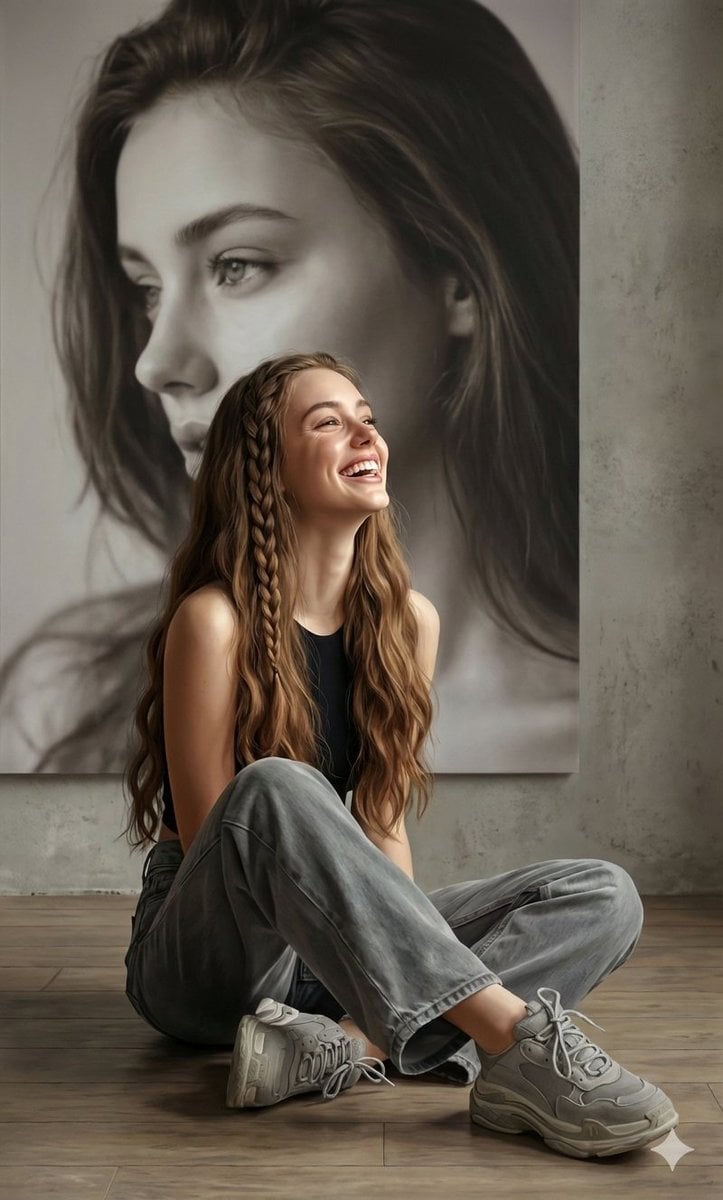
Hyperrealistic Portrait with Monochrome Profile Background
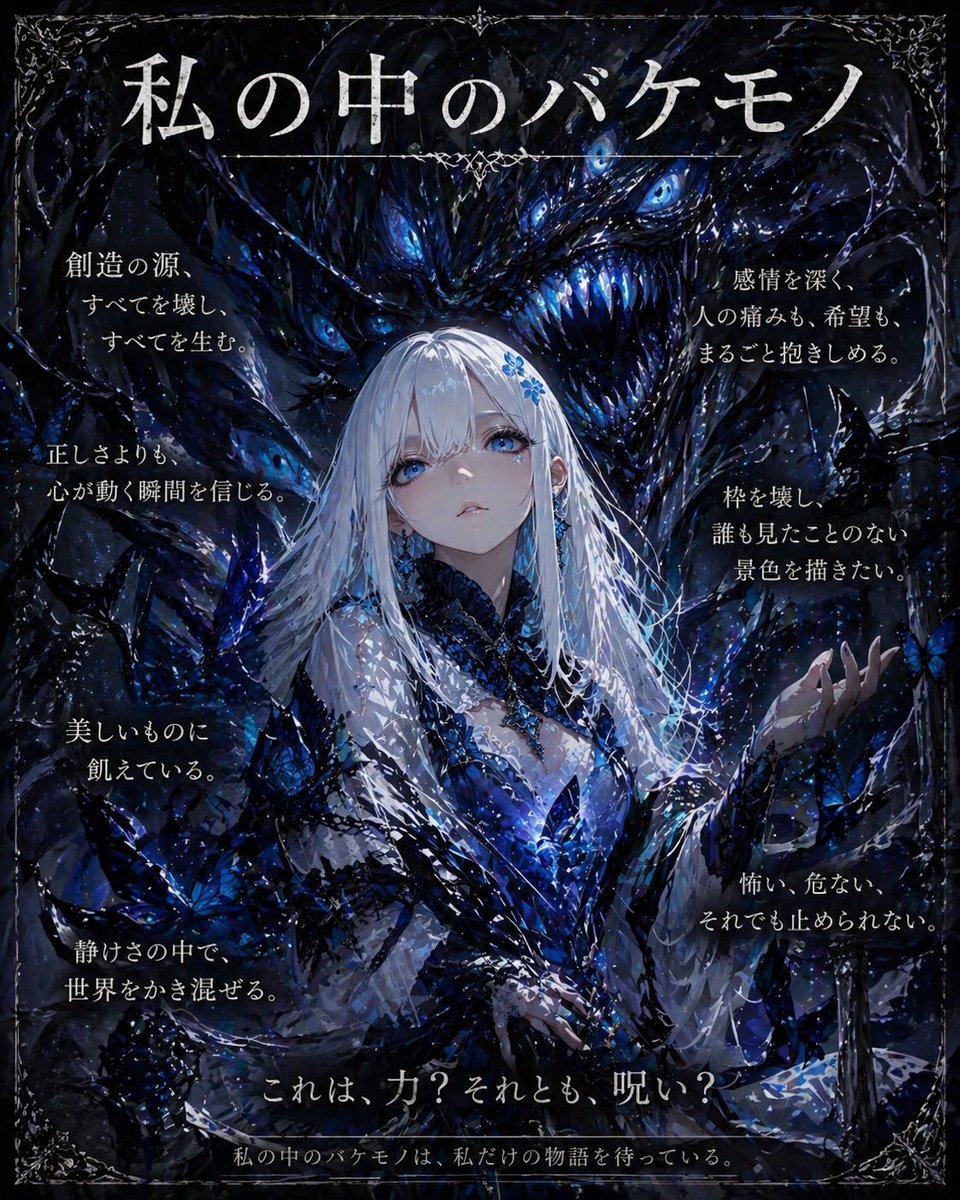
Dark Fantasy Inner Monster Poster
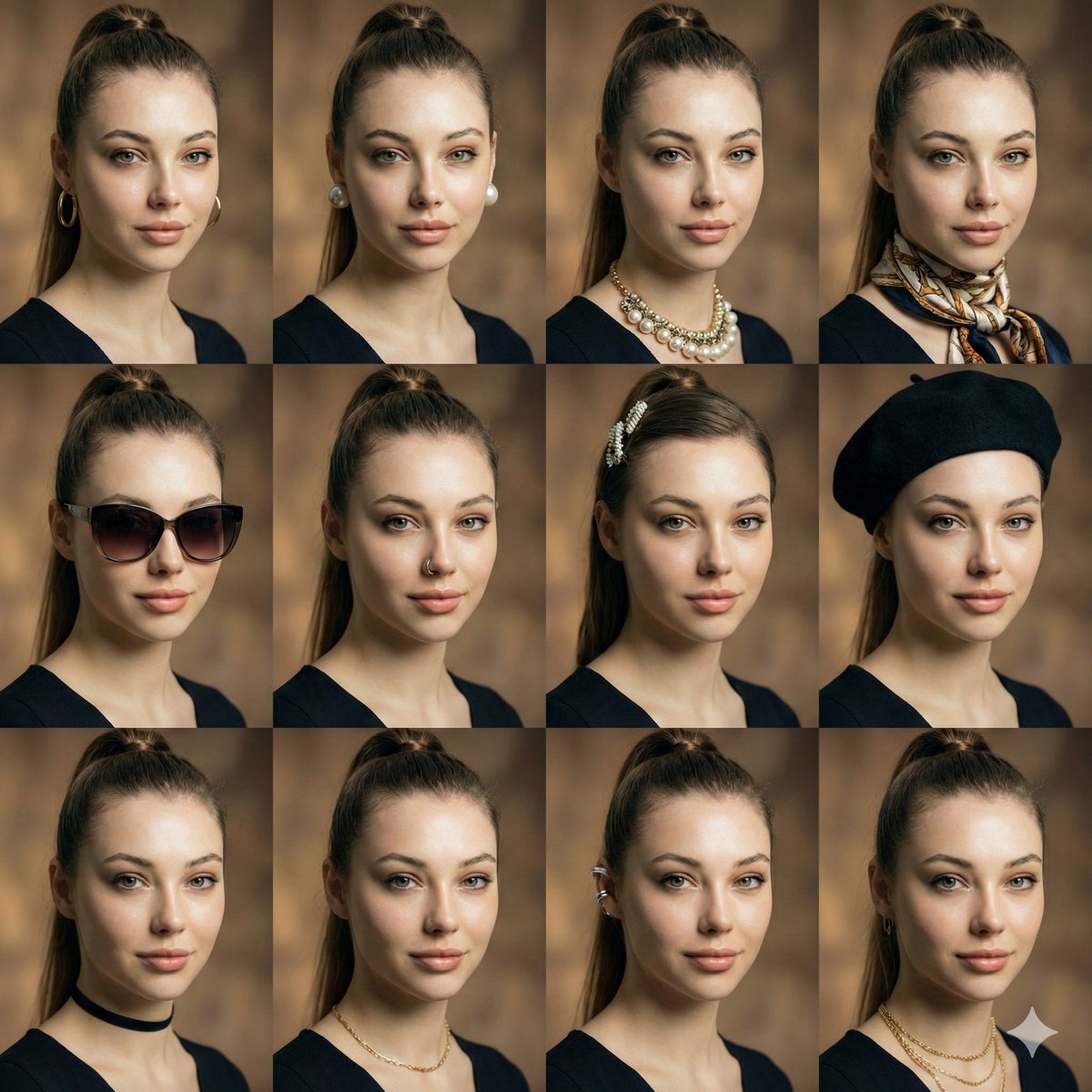
Consistent Facial Symmetry Photo Collage for Accessories
Browse template categories
Sakura Katana Character Sheet questions
How do I use the Sakura Katana Character Sheet template?
Add your photo if the template asks for one, edit the prompt if you like — the template's model and format are already selected — and press Generate. Your version opens in PicX Studio.
Can I customize the Sakura Katana Character Sheet template?
Yes. You can change the subject, setting, lighting, mood, format, and available model controls before creating your image.
Is the Sakura Katana Character Sheet template free?
Opening and editing this template is free. Generating uses credits, shown on the Generate button when you are signed in.
Which AI model should I use?
Start with GPT Image 2, which is the model associated with this template. You can compare another compatible model for a different finish.
Looking for something else? Browse all templates.

Your photo, any look
Thousands of ready templates for every top image and video model, from one credit balance.