How do I use the Live News Subway Sakura template?
Choose the primary action to open PicX Studio with the available template settings. Review the model and format, personalize the creative direction, and generate when ready.
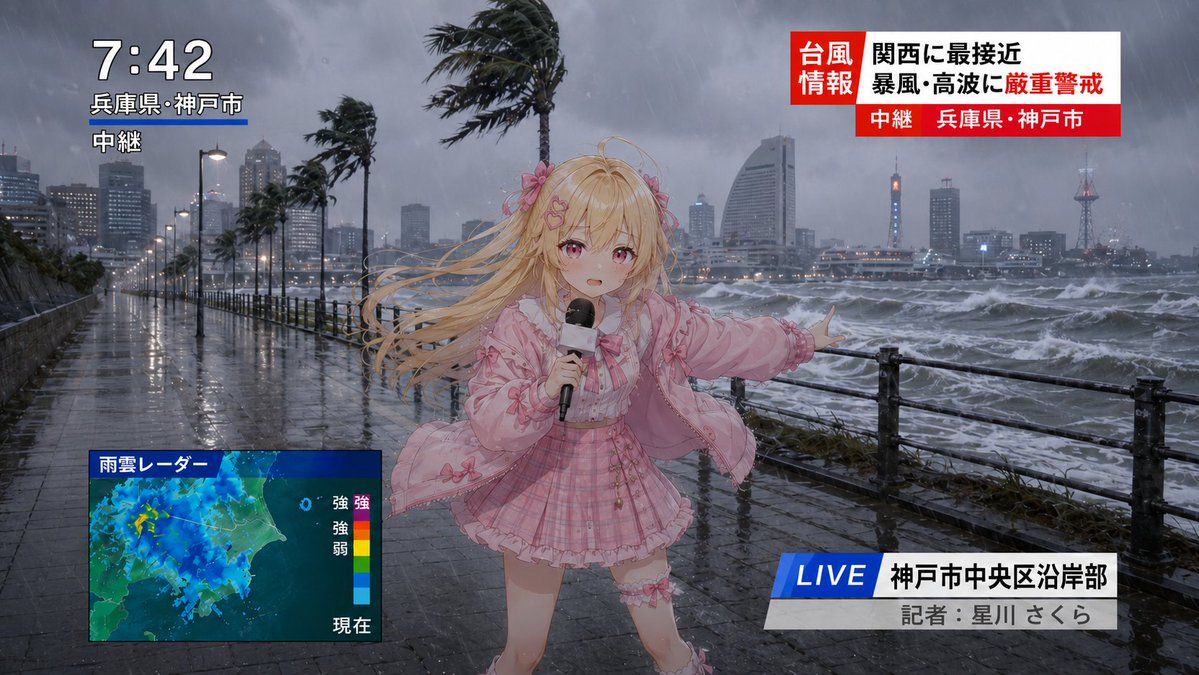
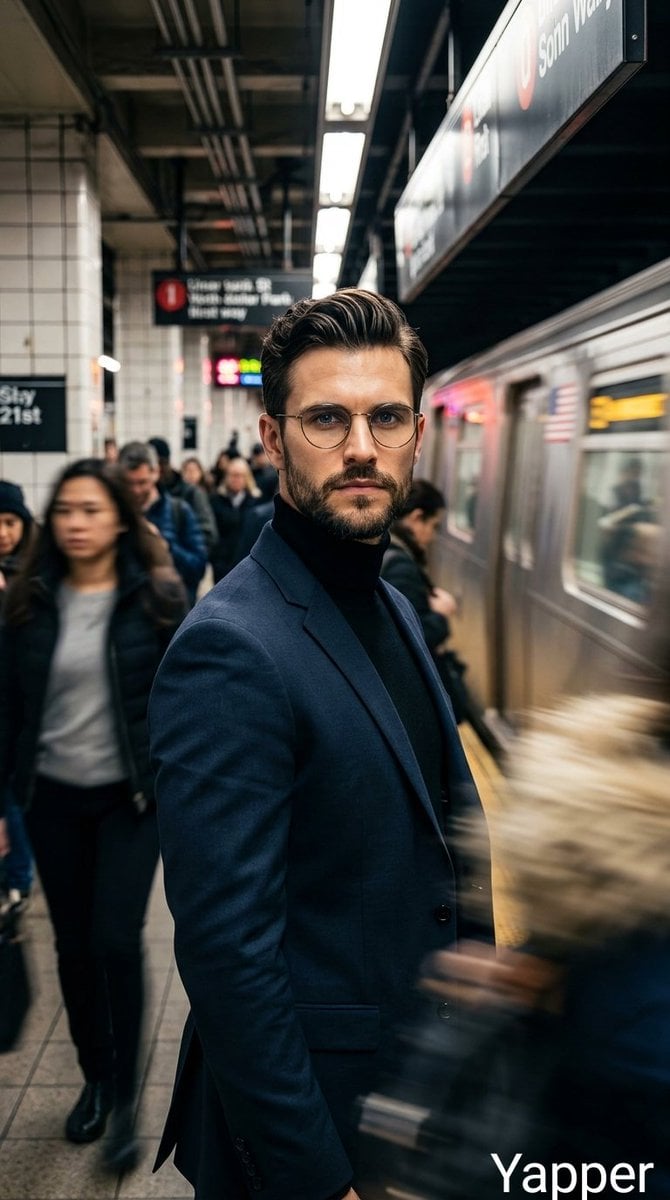
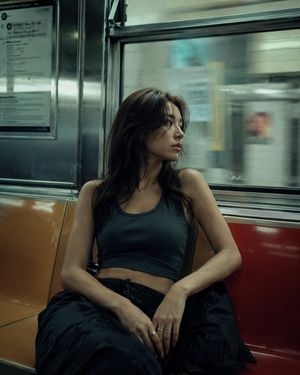
A photorealistic vertical breaking-news image of Sakura Haruno appearing as a dimensional traveler on a crowded Manhattan subway.
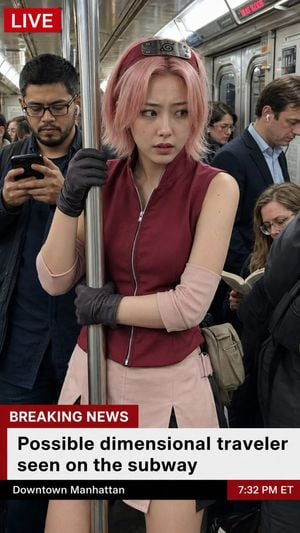
Create a photorealistic vertical smartphone news screenshot of {argument name="character name" default="Sakura Haruno"} from Naruto appearing as a real person on a crowded New York City subway. She is centered in the frame, standing in the aisle and gripping a shiny metal subway pole with one black-gloved hand while her other gloved arm crosses her body. She has short messy {argument name="hair color" default="pale pink"} hair, a maroon Leaf Village forehead protector worn like a headband with the metal plate visible, a sleeveless burgundy zip-front ninja-style vest, pale pink arm warmers, dark gloves, and a pale pink skirt with side slits. Her expression is uneasy and alert, looking off to the side as if she has just realized she is in the wrong world. Surround her with realistic commuters: exactly four prominent nearby passengers are visible — a man on the left with glasses looking at a phone, a suited man on the right wearing one earbud and looking down, a seated woman on the lower right reading a book, and a partially visible person in a dark jacket at the far right foreground. The subway car should look authentic, metallic, cramped, fluorescent-lit, with overhead route signage and stainless-steel doors and poles; use shallow documentary realism, natural skin texture, subtle motion stillness, and a candid street-photo/news-broadcast feel. Add a TV news overlay that makes the image look like live breaking news. In the top-left corner place a red rectangular box with bold white text: "LIVE". At the bottom, create a layered lower-third graphic: a red label reading "BREAKING NEWS", beneath it a large white headline panel with bold black text reading {argument name="headline text" default="Possible dimensional traveler seen on the subway"}, and a black location/time strip below reading {argument name="location text" default="Downtown Manhattan"} on the left and a red time box on the right reading {argument name="time text" default="7:32 PM ET"}. Keep the headline large and legible, in a clean broadcast sans-serif font. Composition should be 9:16 vertical, realistic camera perspective from chest height, slightly wide-angle, with the character occupying the center and the news graphics partially covering her lower body. Do not make it look like anime or cosplay studio photography; it should feel like a real live news capture of an impossible anime character crossing into our world.
Choose the primary action to open PicX Studio with the available template settings. Review the model and format, personalize the creative direction, and generate when ready.
Yes. You can change the subject, setting, lighting, mood, format, and available model controls before creating your image.
This template is free to open and customize. Generation usage is shown in PicX Studio before you create.
Start with GPT Image 2, which is the model associated with this template. You can compare another compatible model for a different finish.
Follow a topic to a crawlable collection of related PicX Studio templates.