
Dimensional Traveler in NYC Subway News Shot
Generates a photorealistic live-news subway scene featuring a Demon Slayer-inspired girl crossing into the real world.
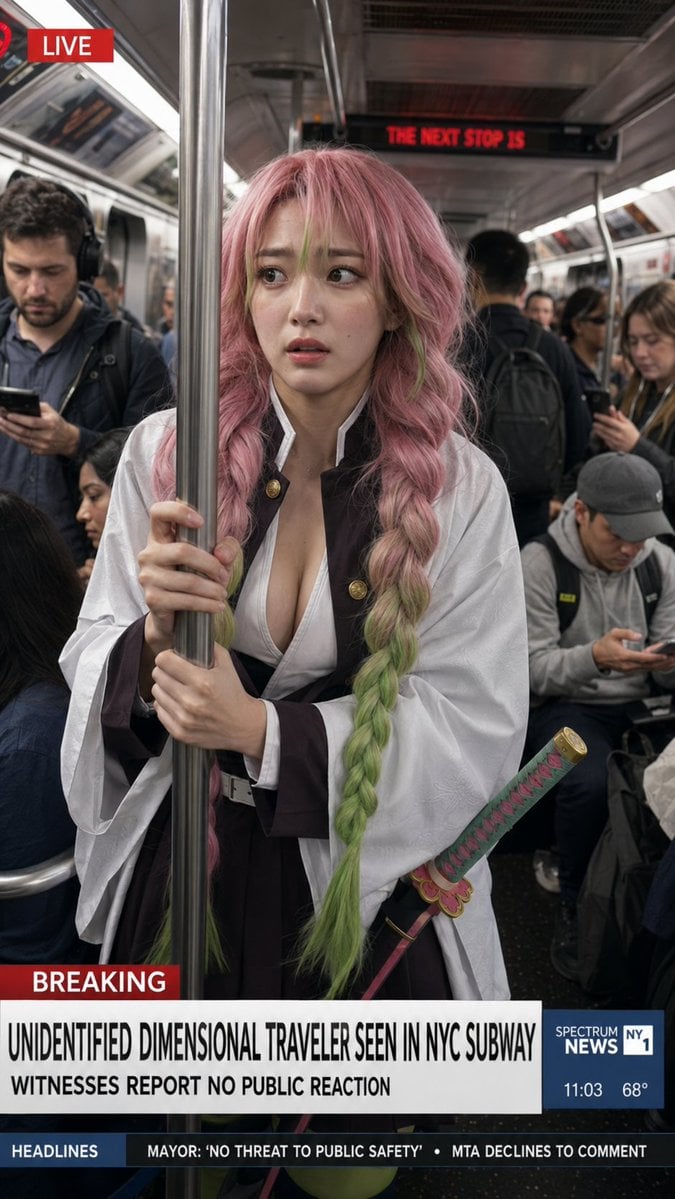
- Prompt included
- Model and format preset
- Premium template
The prompt behind this image
Copy the exact prompt behind Dimensional Traveler in NYC Subway News Shot, or open it in the studio and make it yours.
Create a vertical photorealistic live TV news screenshot set inside a crowded New York City subway car, as if captured by a news camera. Center frame: {argument name="character name" default="Mitsuri Kanroji"}, a young anime-inspired woman rendered as a realistic human, standing in the aisle and gripping a shiny stainless-steel subway pole with both hands. She has very long thick twin braids, {argument name="hair color" default="pastel pink hair fading into lime green at the ends"}, soft anxious eyes, and a slightly worried expression as she looks off to the side. She wears a Demon Slayer-style uniform with a white haori over a dark brown/black outfit, open white chest wrap, wide sleeves, belt, and a decorative katana at her hip with a pink-and-green wrapped handle and ornate guard. Surround her with ordinary commuters who appear completely indifferent: exactly 6 clearly visible passengers include one man on the left looking at his phone with headphones, one seated woman partly visible lower left, one standing man in the background with a backpack facing away, one woman on the right looking down at her phone, one seated man in a gray cap looking at his phone, and one partially visible passenger behind the main subject. The subway interior should have metal poles, fluorescent strip lights, ad panels, dark speckled floor, and a red LED sign in the rear reading “THE NEXT STOP IS”. Add realistic broadcast graphics: top-left red label with a small red circular live icon and the word “LIVE”; lower-third red tag “BREAKING”; main headline in bold condensed black uppercase on white: {argument name="headline text" default="UNIDENTIFIED DIMENSIONAL TRAVELER SEEN IN NYC SUBWAY"}; subheadline beneath it: {argument name="subheadline text" default="WITNESSES REPORT NO PUBLIC REACTION"}; right blue news box reading “SPECTRUM NEWS NY1” with “11:03” and “68°”; bottom ticker bar with exactly 2 headline items: “MAYOR: ‘NO THREAT TO PUBLIC SAFETY’” and “MTA DECLINES TO COMMENT”. Use gritty documentary realism, natural subway lighting, shallow depth of field, subtle motion blur in background commuters, accurate skin texture and fabric detail, a believable viral news still composition, no watermark, no extra text.
How to use Dimensional Traveler in NYC Subway News Shot in 3 steps
- 1Upload ImagePNG, JPG or paste
Add your photo
Upload the photo the template builds on. The prompt, model and format are already set.
- 2…a portrait of your subject in softgolden-hour light, 85mm…
Personalize
Edit the subject and creative details for your destination.
- 3Generate
Generate
Press Generate — your image is created in PicX Studio, so you can compare it with the original and refine one variable at a time.
More like this
Templates with the same subject, style or setup. Open one to see its prompt.
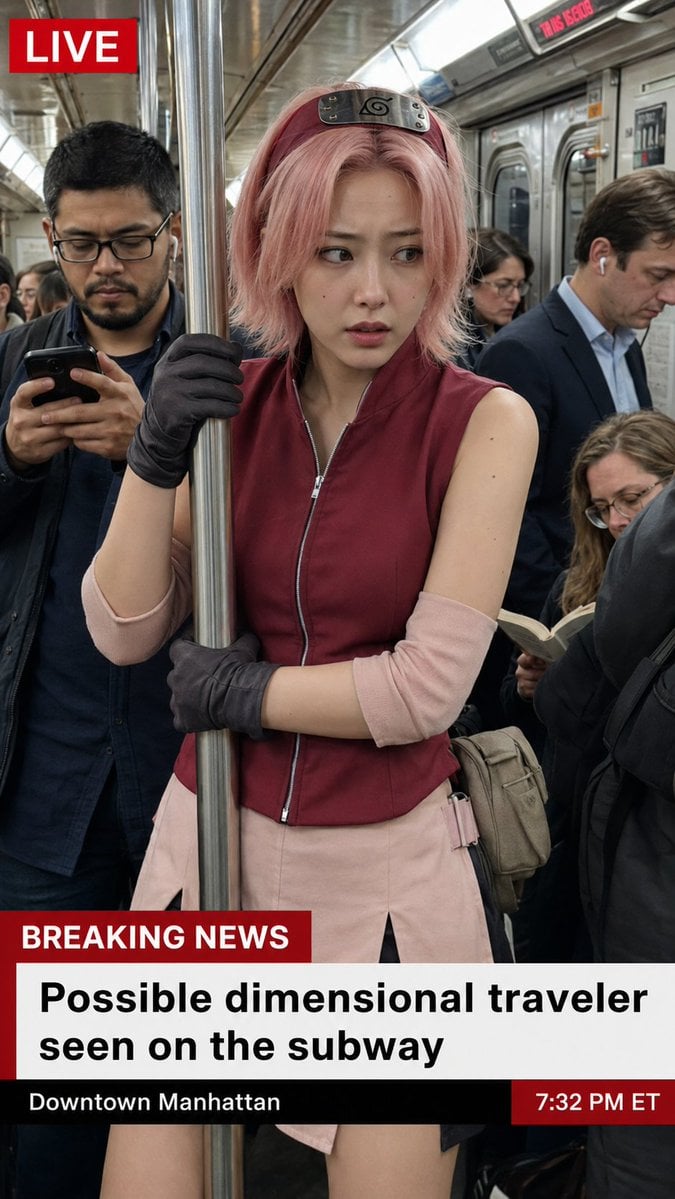
Live News Subway Sakura

Subway Platform Quiet Introspective Portrait
Subway Platform Quiet Introspective Portrait

Elf Capital Dimensional Cityscape
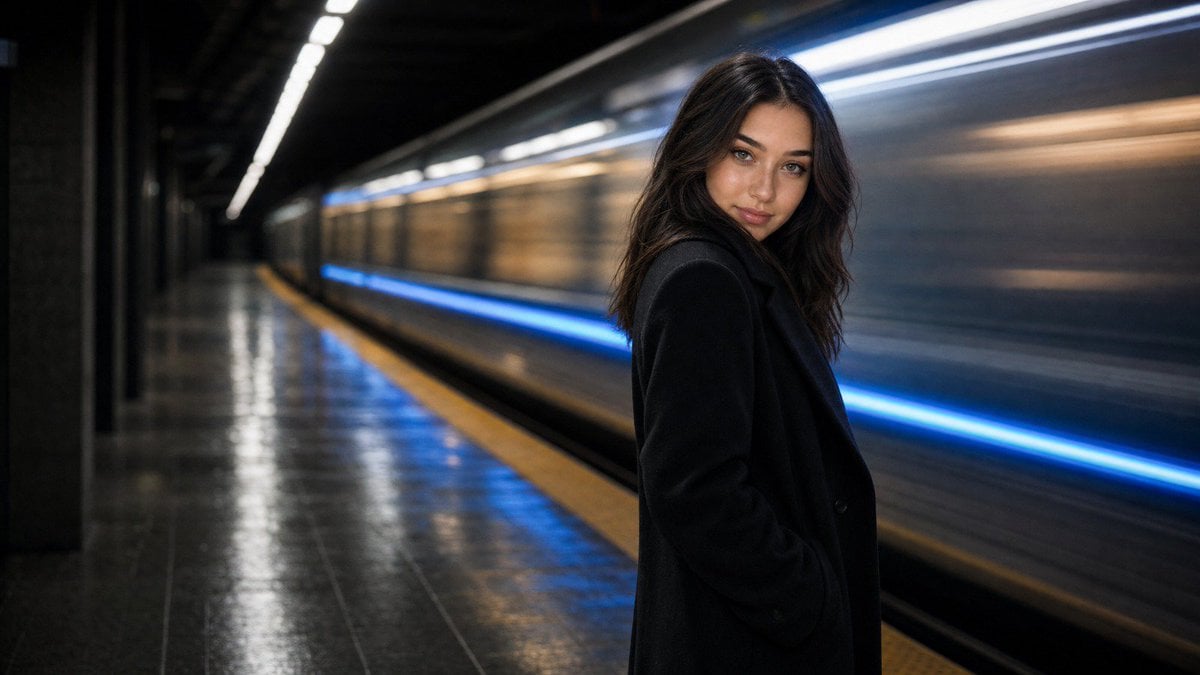
Cinematic Subway Editorial Portrait
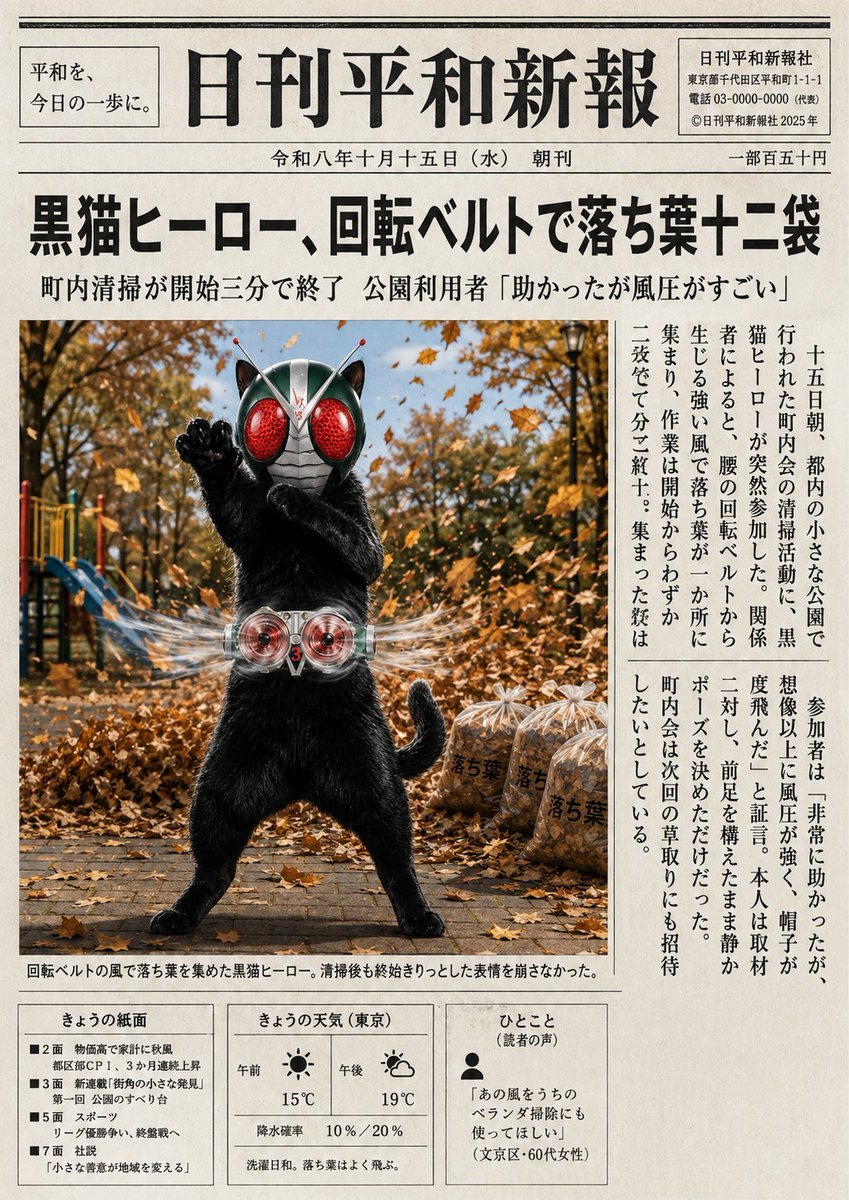
Japanese Newspaper Cat Hero Front Page

Tiny Traveler Mango Beach Collage
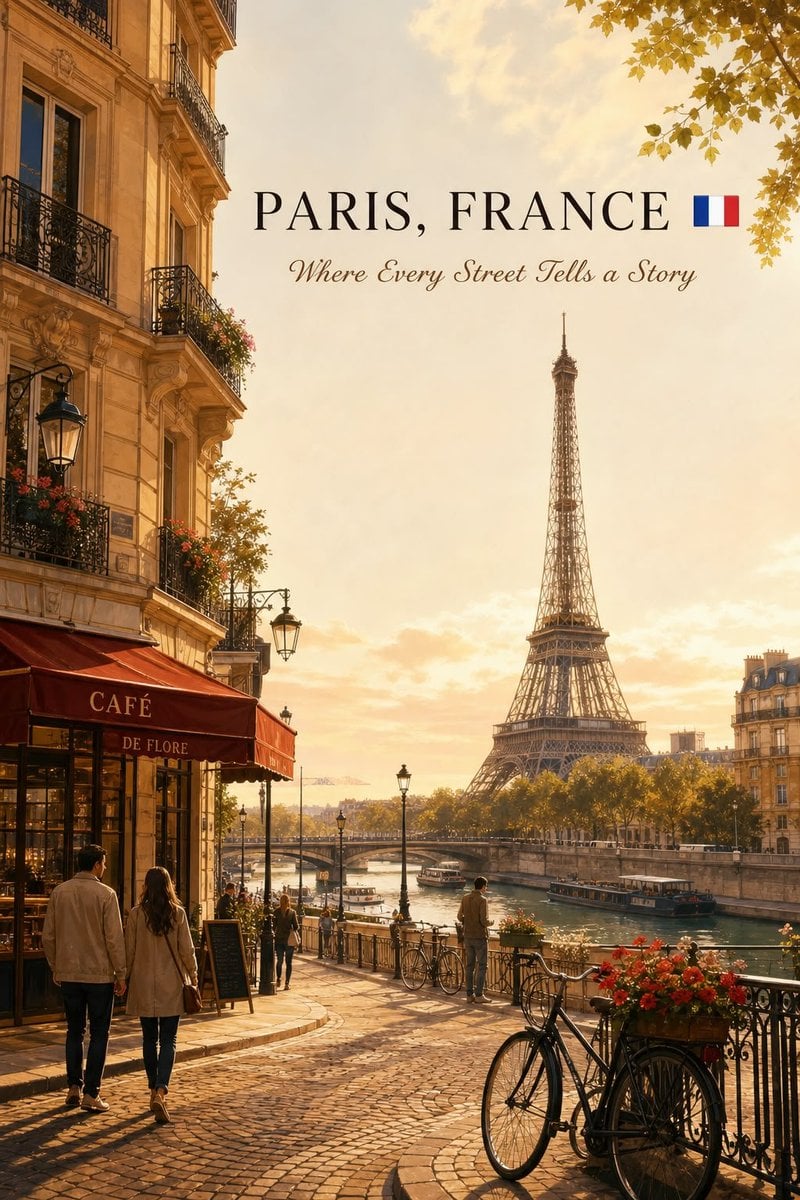
Cinematic Editorial NYC Travel Poster
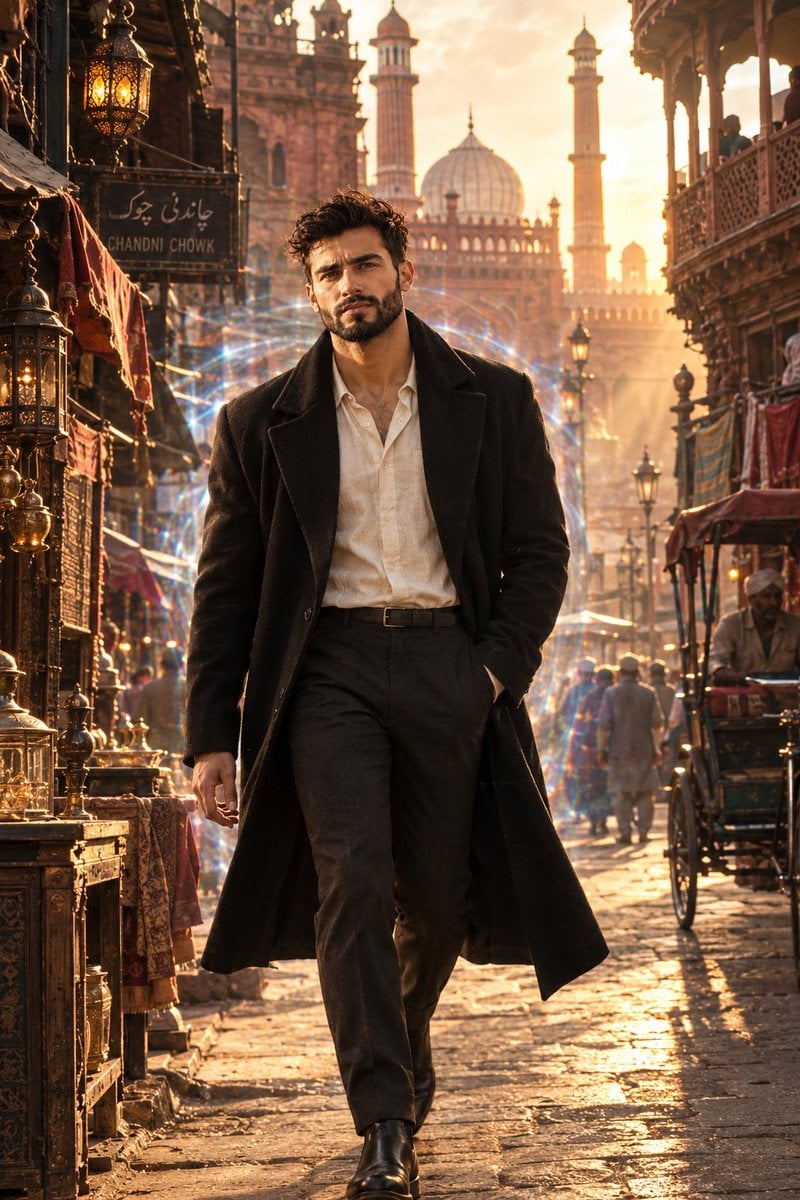
Cinematic Time Traveler in Old Delhi
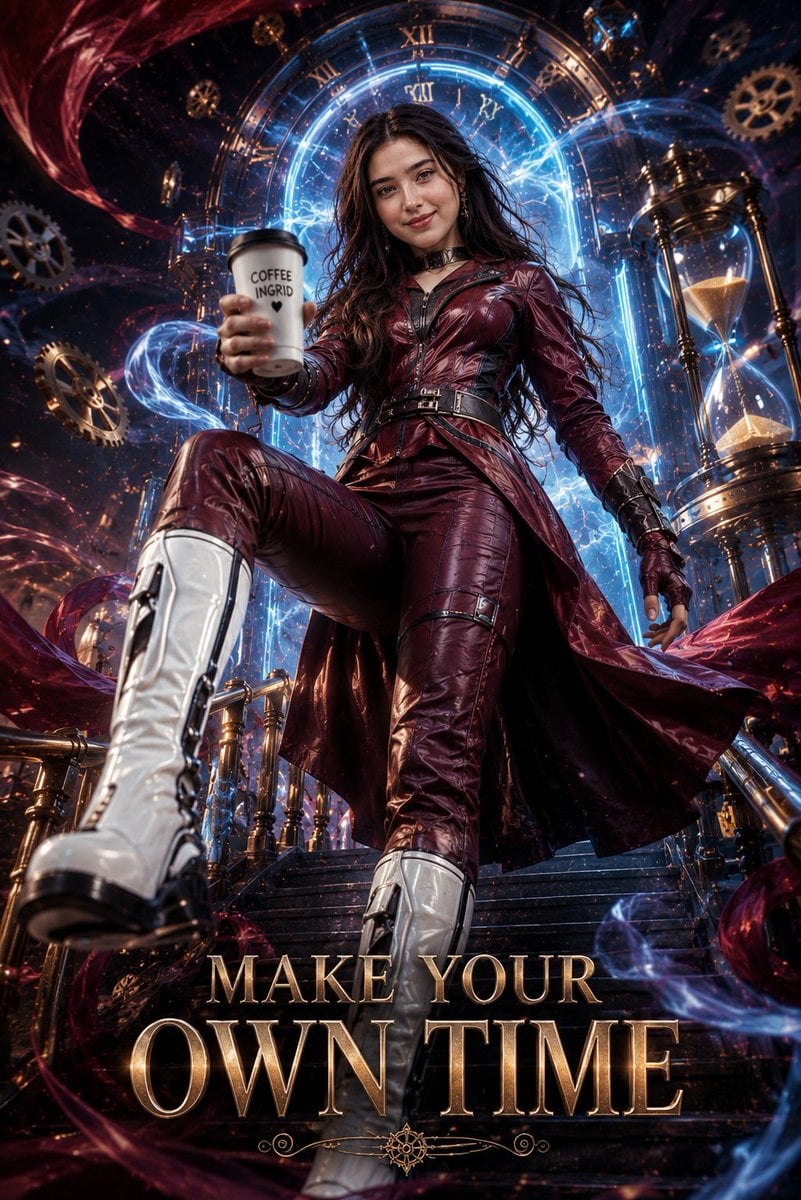
Cinematic Futuristic Time Traveler Poster
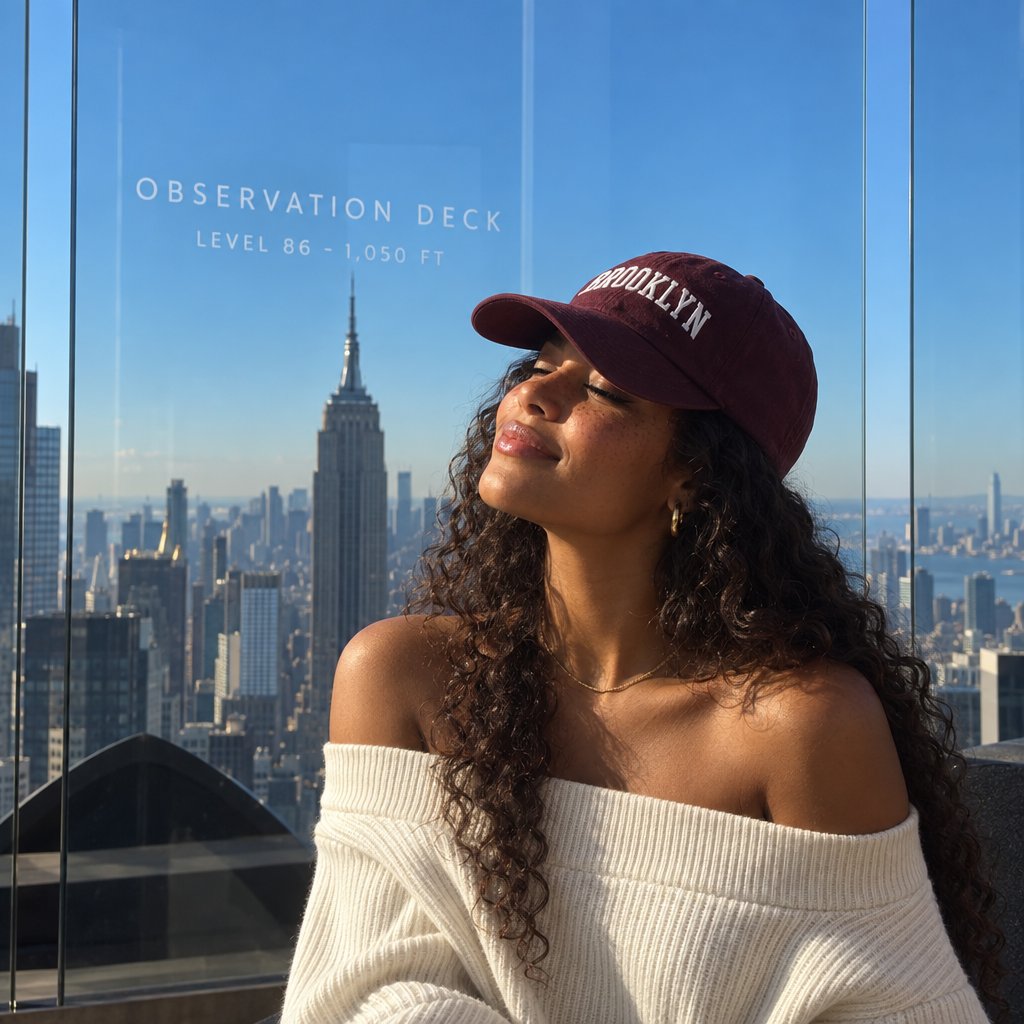
NYC Observation Deck Portrait
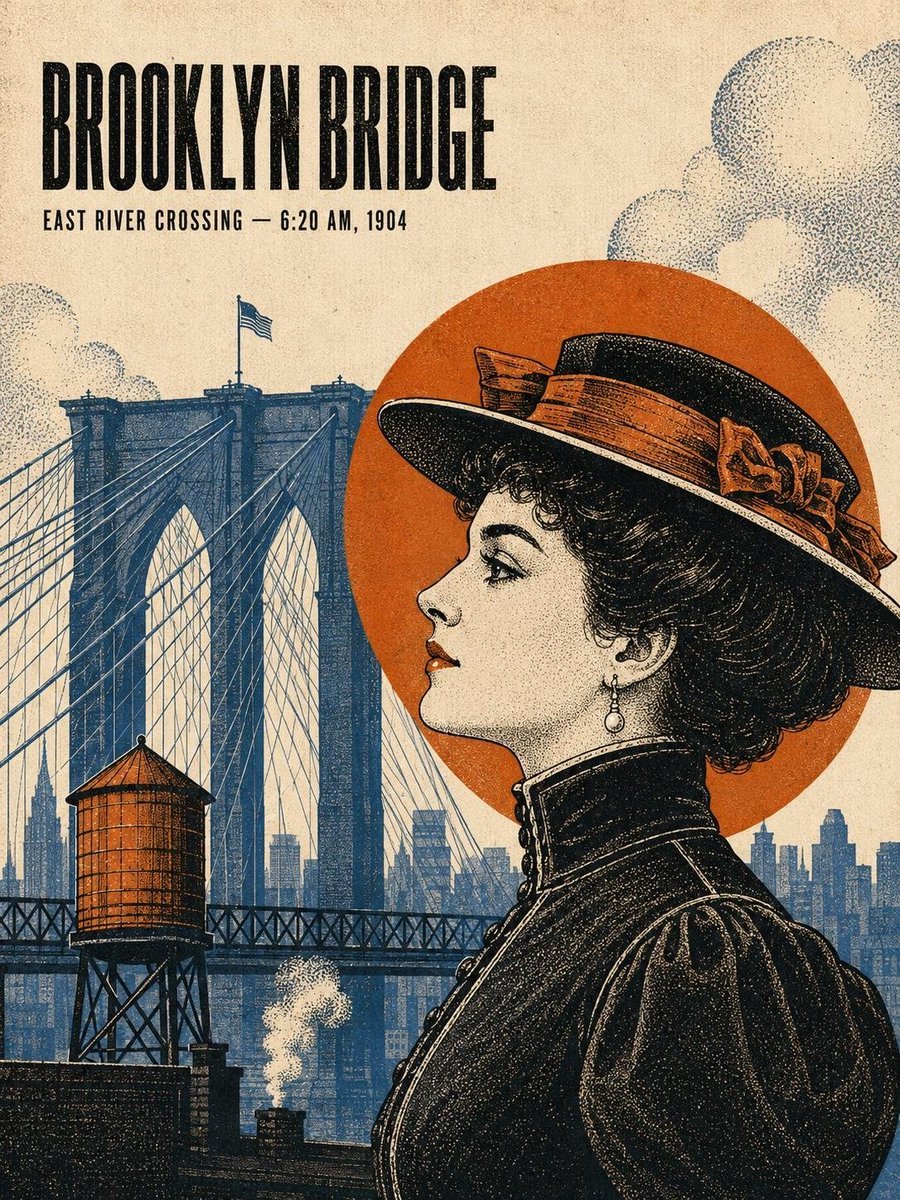
Vintage Art Deco NYC Travel Poster
Make it yours
Dimensional Traveler in NYC Subway News Shot works as-is. These are the safest ways to change it without losing the look.
Change one field
Copy a single group, rewrite it, and generate again so you can see what that field is doing.
Keep the frame, change the subject
Hold the composition and light of Dimensional Traveler in NYC Subway News Shot, then swap wardrobe, props or the person for a new take.
| If the result… | Why | Fix |
|---|---|---|
| The result drifts from the preview | Too many fields changed at once. | Reuse Dimensional Traveler in NYC Subway News Shot as-is first, then change one group — subject, light, or setting. |
| The model over-stylizes the scene | The prose prompt leaves finish and camera underspecified. | Add one camera or lighting sentence and stay on GPT Image 2. |
More GPT Image 2 templates
Other prompts made for GPT Image 2.

Six VTuber Japanese Logo Sheet

Realistic Portrait of Woman and Deer

The Vista Modular Condo Poster

AI Model Routing Comparison Infographic

2.5D Anime Art Board

Isometric Productivity Desk Scene

New York Double Exposure Poster

Four-Panel AI Landscape Comparison

Japanese Tatami Lifestyle Magazine Cover

NESCAFÉ Coffee Map Poster
More image prompts
Fresh picks from across the catalog.
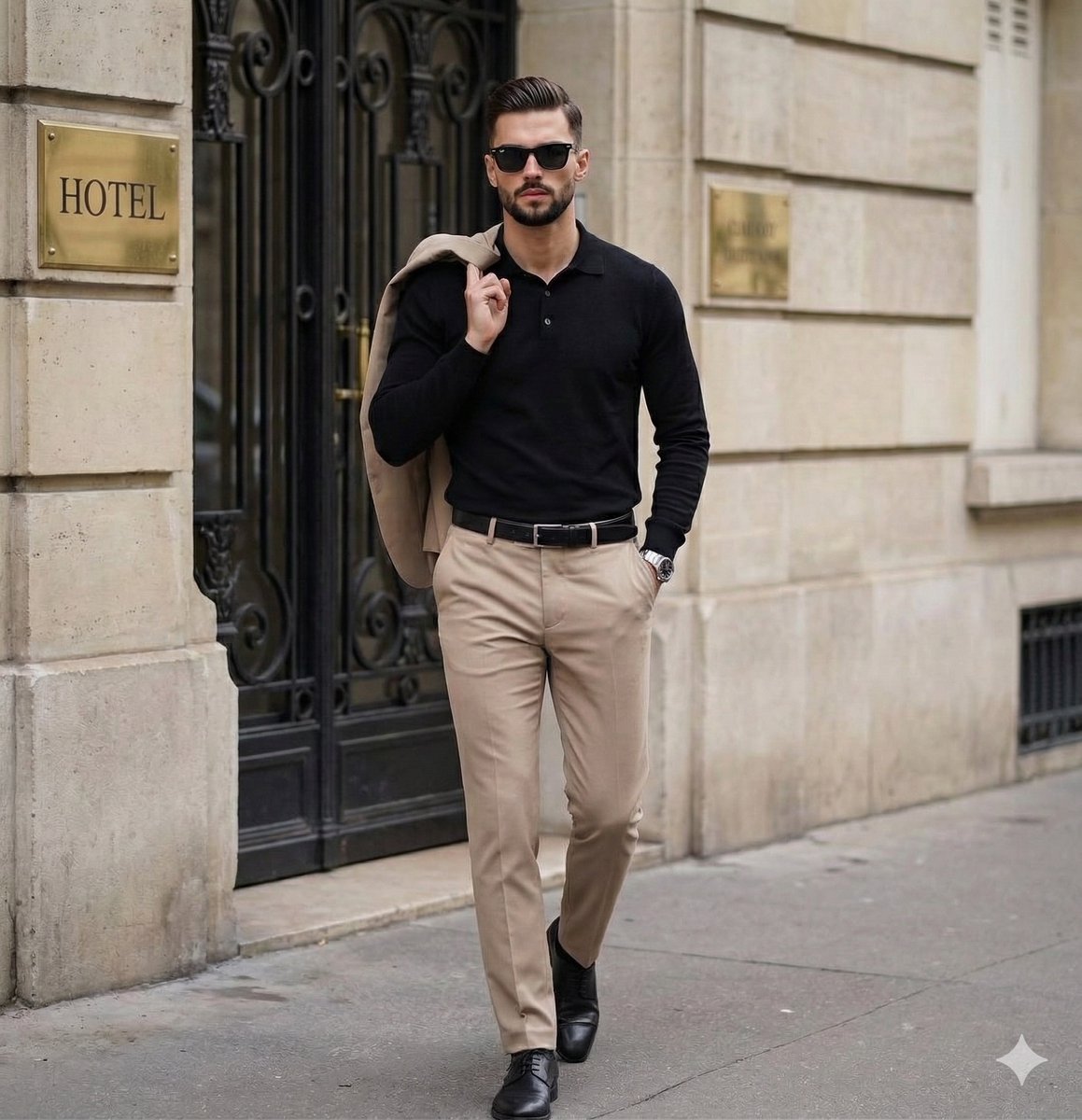
Sophisticated Men's Street Style Editorial

Anime VTuber Live Stream Overlay
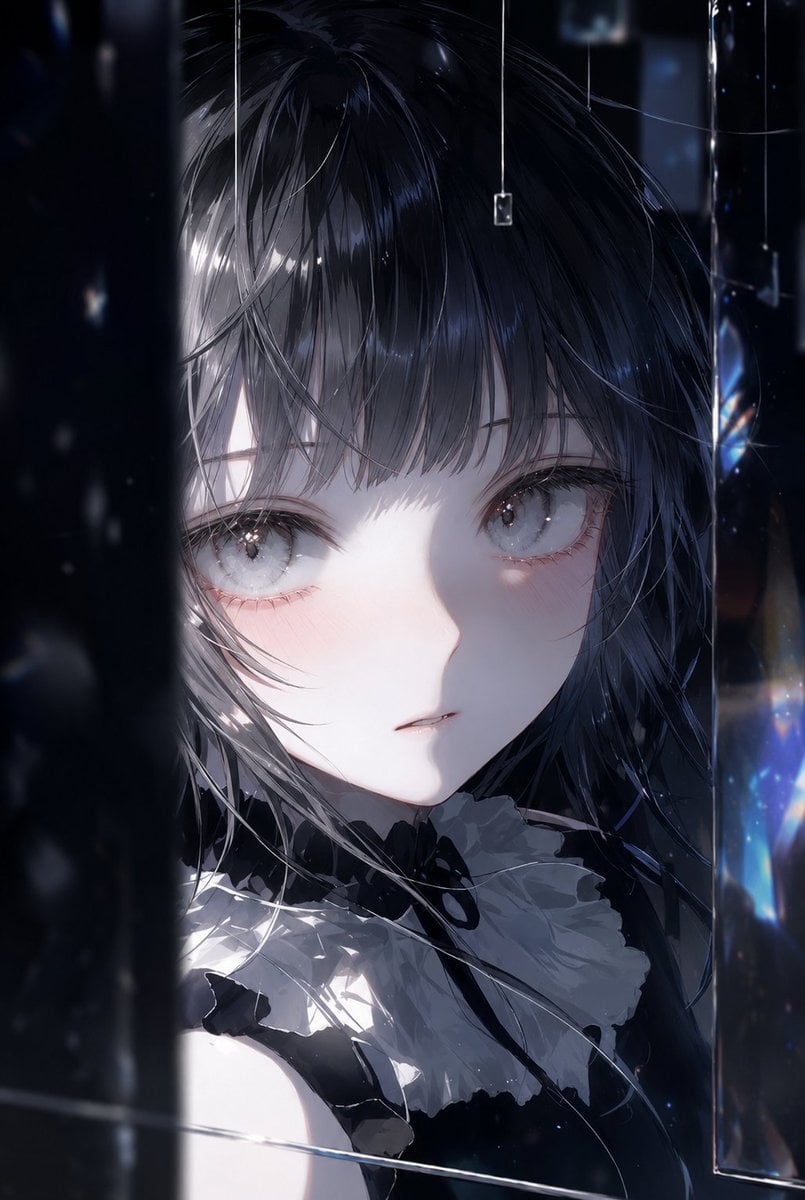
Illustration Refinement and Quality Upgrade
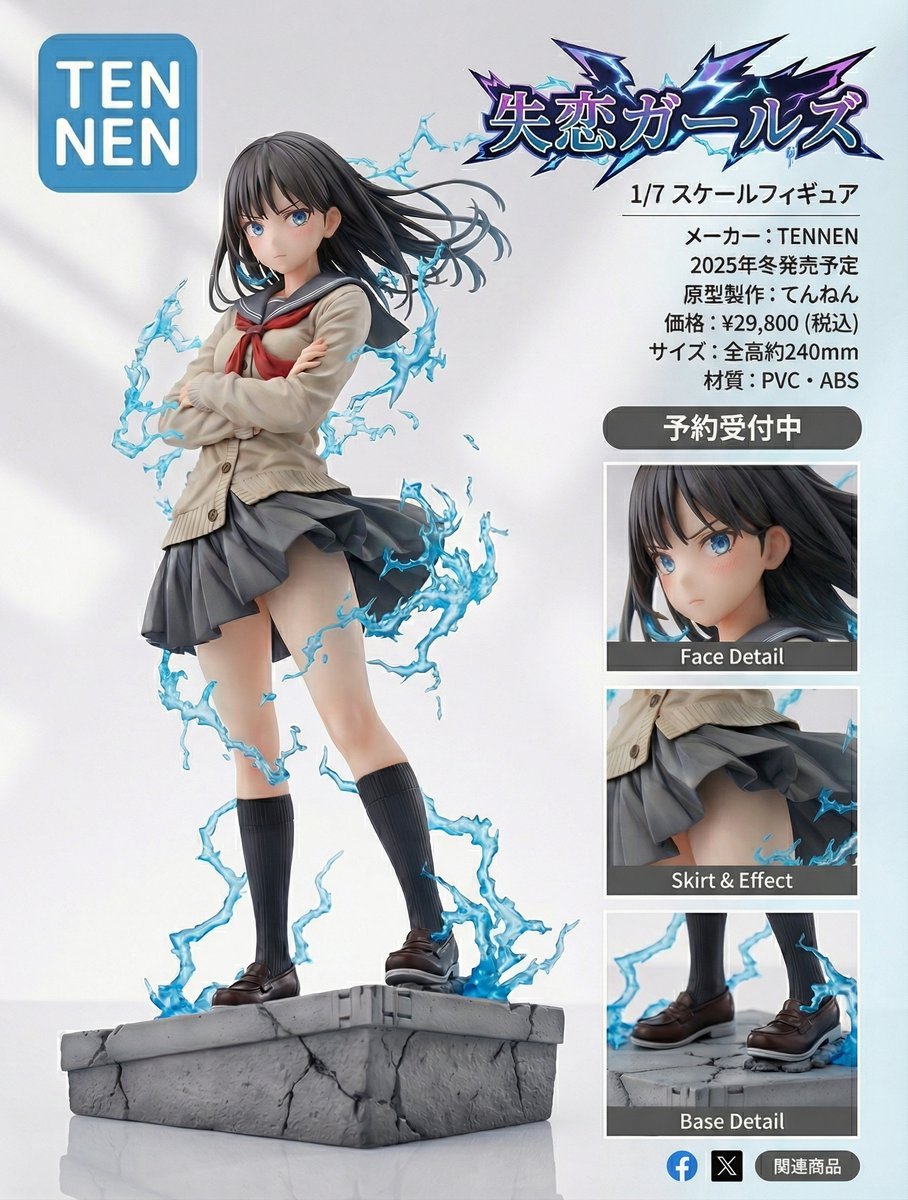
Figure-style product page design for a heartbreak girl figure
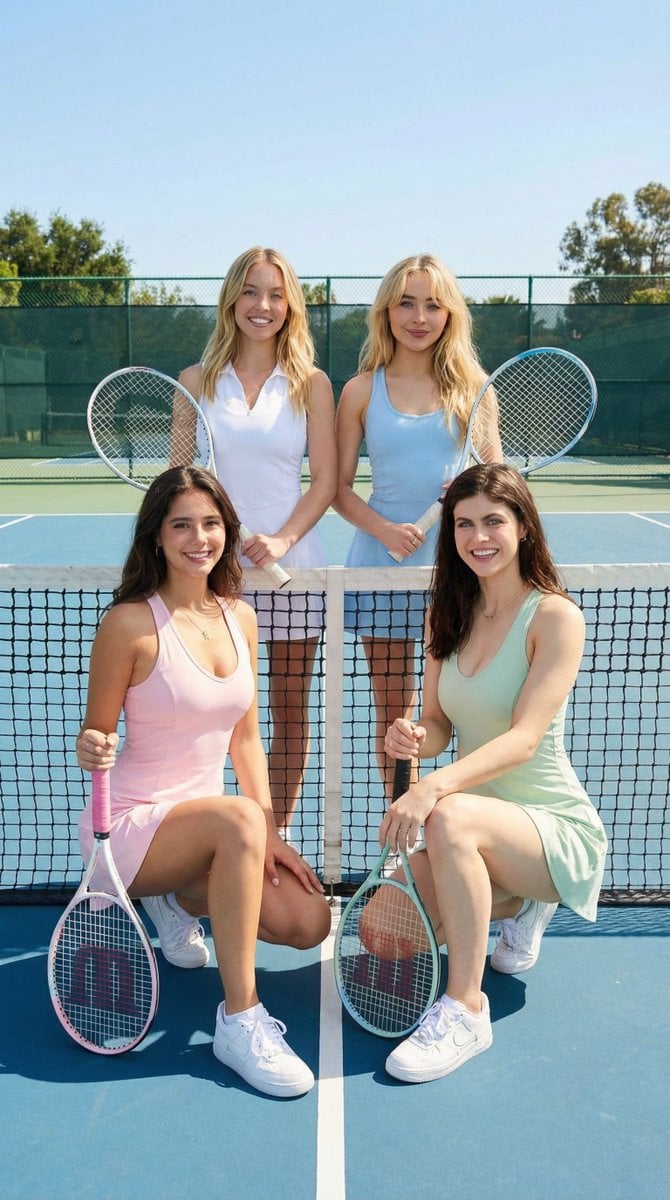
Ultra-Realistic Tennis Aesthetic Group Shot Prompt
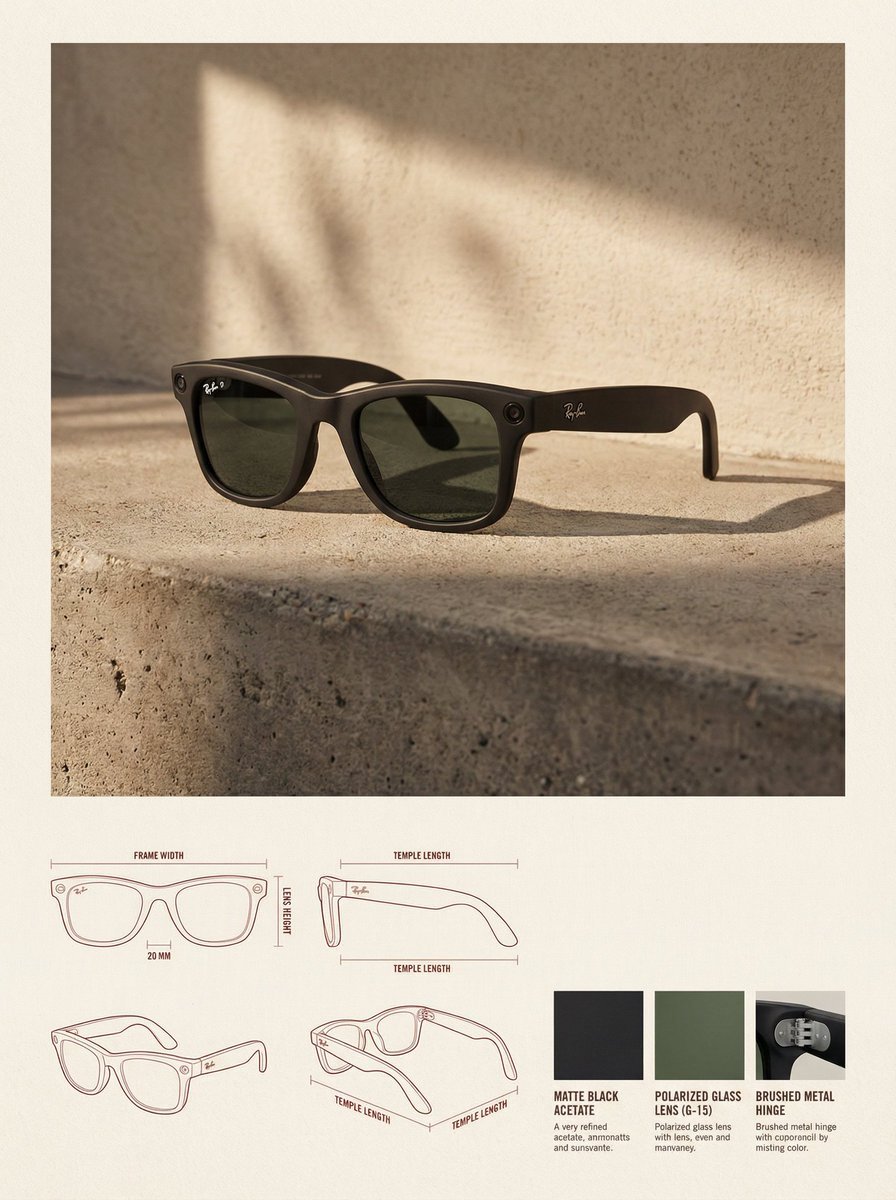
High-End Product Catalog Style Prompt (Nano Banana Pro)
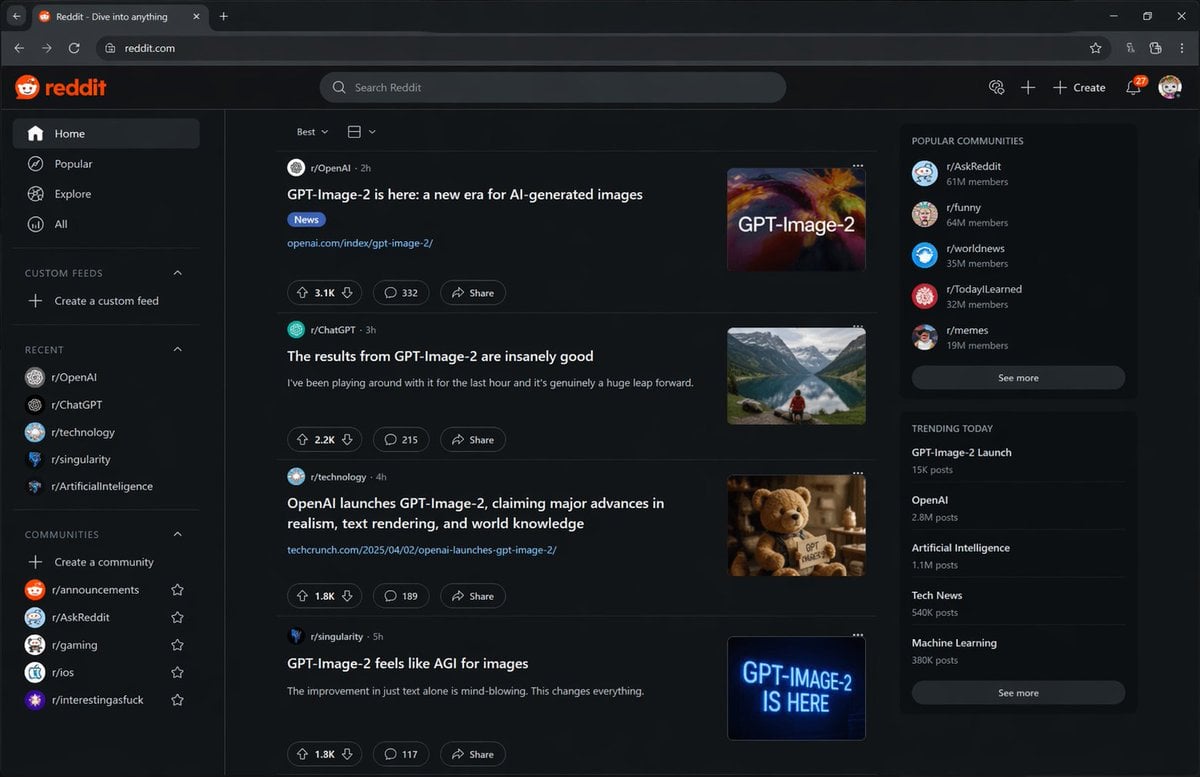
Hypothetical News Homepage
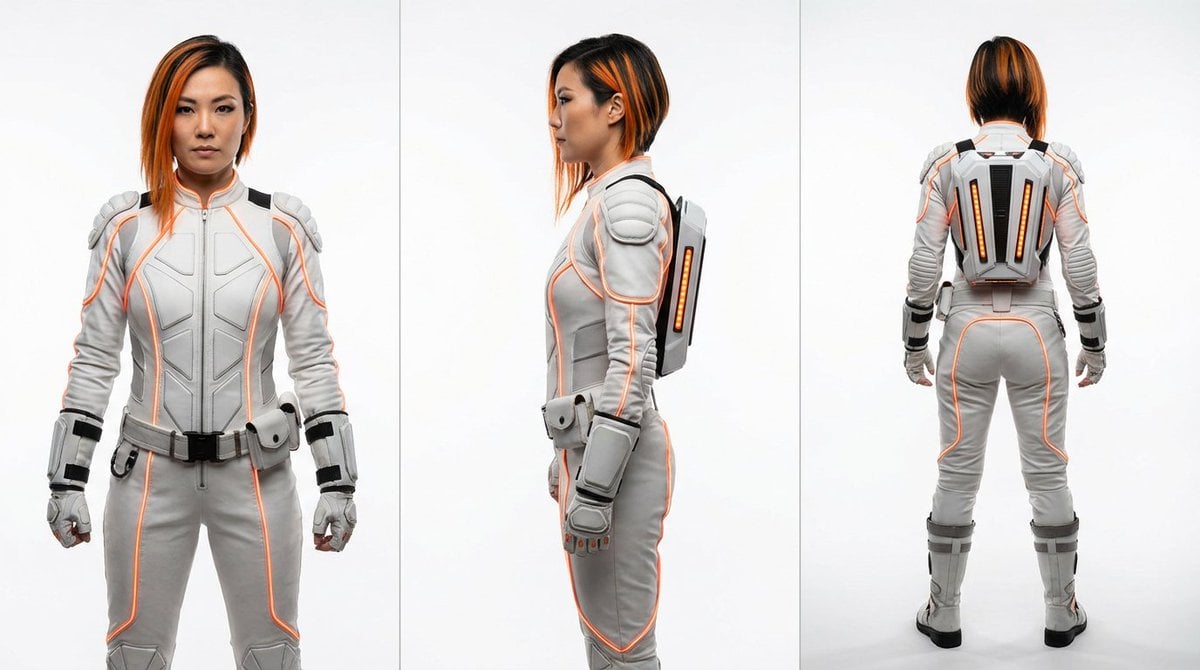
Sci-Fi Punk Japanese Woman View
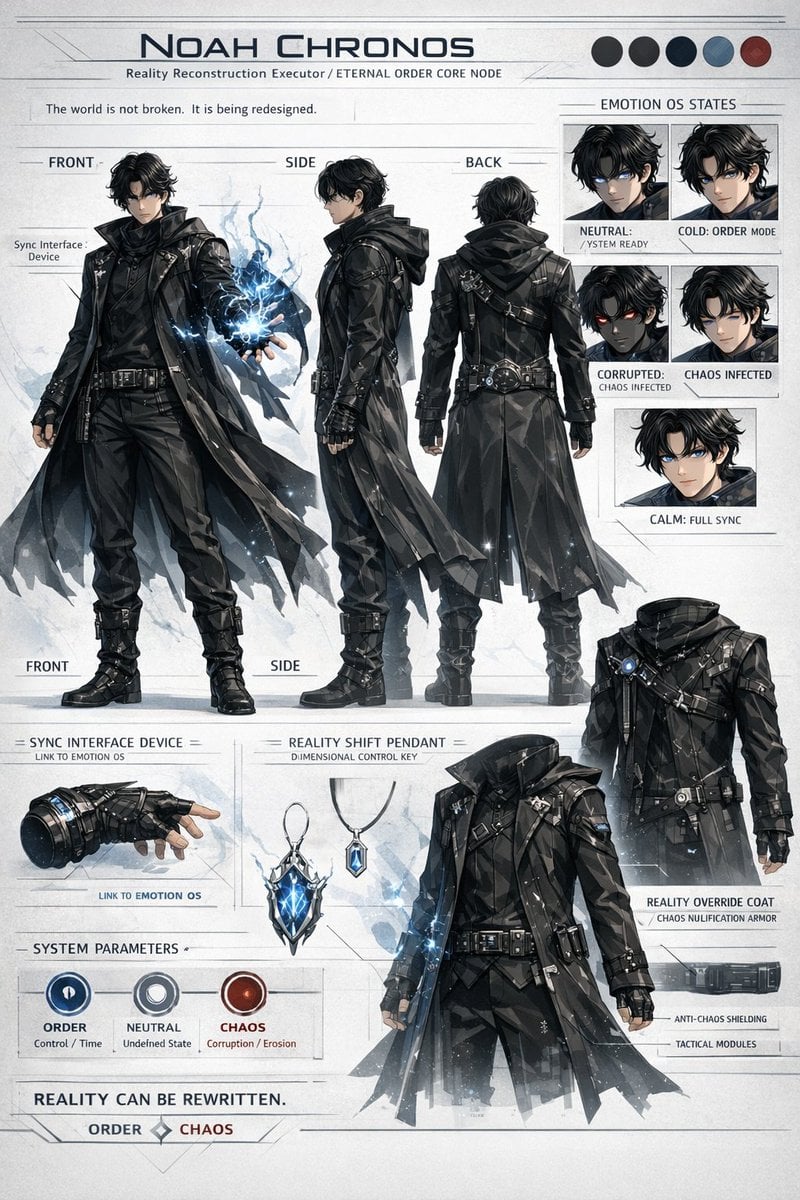
Sci-Fi Tactical Character Reference Sheet
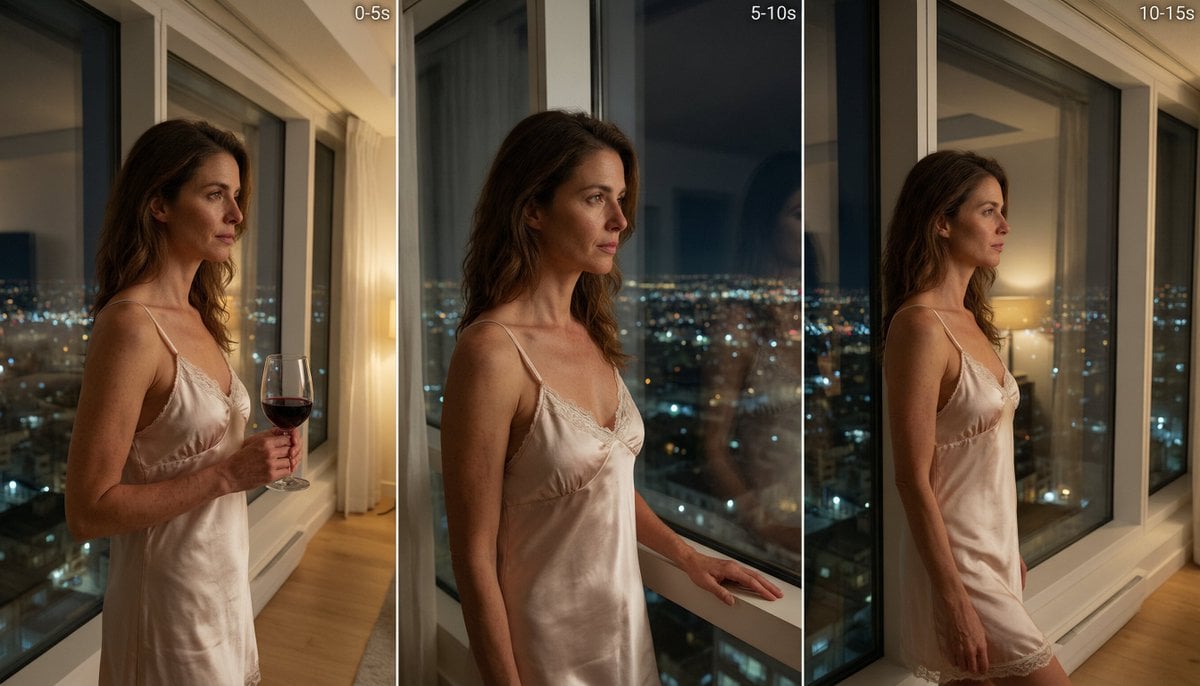
Cinematic Night Window Triptych
Browse template categories
Dimensional Traveler in NYC Subway News Shot questions
How do I use the Dimensional Traveler in NYC Subway News Shot template?
Add your photo if the template asks for one, edit the prompt if you like — the template's model and format are already selected — and press Generate. Your version opens in PicX Studio.
Can I customize the Dimensional Traveler in NYC Subway News Shot template?
Yes. You can change the subject, setting, lighting, mood, format, and available model controls before creating your image.
Is the Dimensional Traveler in NYC Subway News Shot template free?
Opening and editing this template is free. Generating uses credits, shown on the Generate button when you are signed in.
Which AI model should I use?
Start with GPT Image 2, which is the model associated with this template. You can compare another compatible model for a different finish.
Looking for something else? Browse all templates.

Your photo, any look
Thousands of ready templates for every top image and video model, from one credit balance.