
Vintage Art Deco NYC Travel Poster
A creative prompt for generating early 20th-century style travel posters featuring New York City landmarks and Art Deco aesthetics.
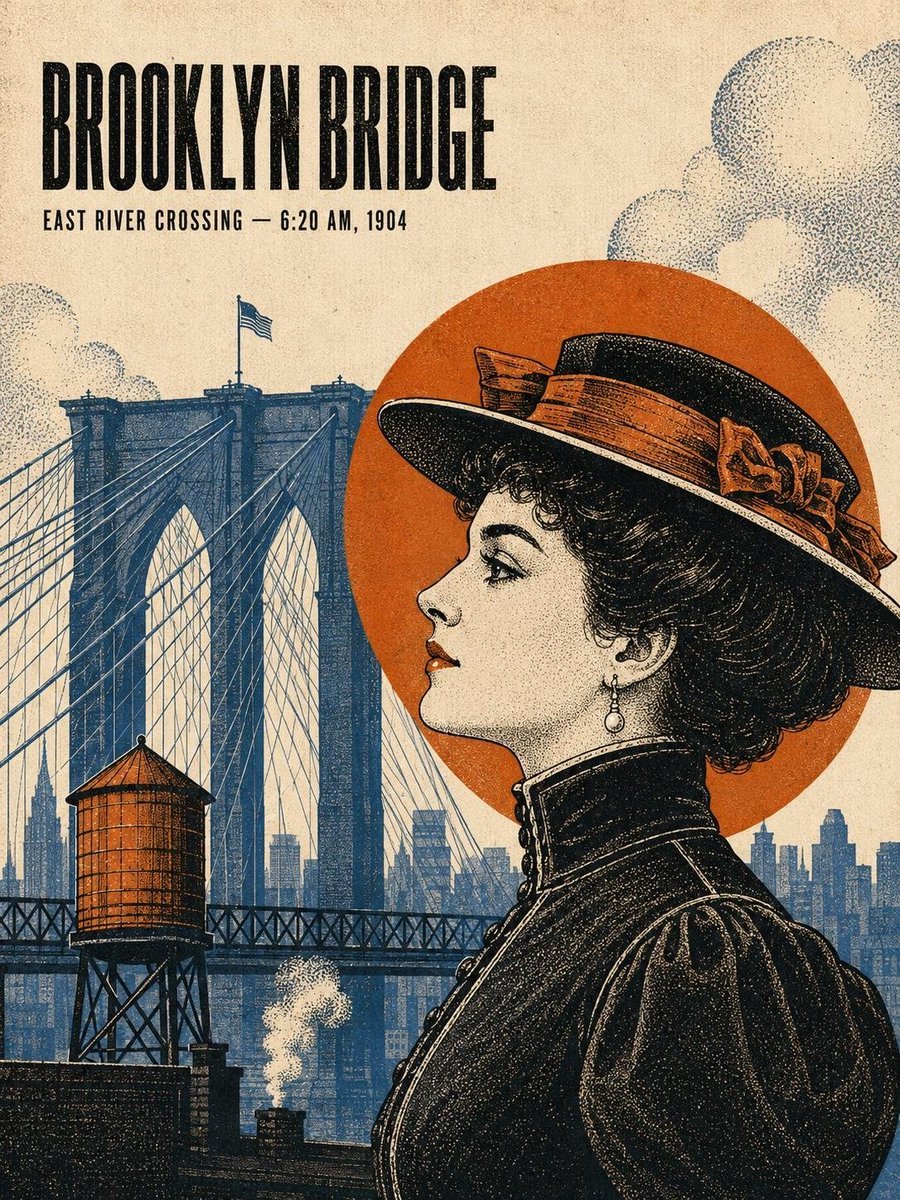
- Prompt included
- Model and format preset
- Free template
The prompt behind this image
Copy the exact prompt behind Vintage Art Deco NYC Travel Poster, or open it in the studio and make it yours.
Create a sophisticated vintage New York City travel poster inspired by early 20th-century American editorial illustration and Art Deco advertising. Feature a {argument name="subject" default="glamorous woman in period fashion"} as the main subject, rendered in detailed engraved linework and vintage halftone printing. She wears an elegant 1900s–1930s-inspired outfit with a dramatic wide-brim hat, gloves, earrings, tailored coat or dress, and refined accessories. Pose her in profile or three-quarter view, looking thoughtfully toward a famous New York landmark. Place a recognizable {argument name="landmark" default="NYC landmark"} prominently in the background — Brooklyn Bridge, Chrysler Building, Flatiron Building, or Empire State Building — surrounded by an atmospheric historical Manhattan skyline. Add period details such as elevated railways, water towers, vintage automobiles, horse-drawn carriages, street lamps, observation telescopes, steam rising from rooftops, and subtle architectural details appropriate to the era. Use a limited {argument name="color palette" default="retro color palette: warm parchment/cream paper, charcoal black, muted navy blue, burnt orange, ochre gold, deep burgundy, and dusty brown"}. Add large geometric Art Deco shapes, circular sun halos, diagonal rays, architectural framing, fine stippled shading, crosshatching, distressed ink, paper grain, faded printing, and authentic screen-print imperfections. Typography should feel like a genuine 1920s–1930s travel advertisement: large bold condensed uppercase serif/sans-serif title at the top, a smaller location and historical time beneath it, and tasteful decorative text elements around the composition.
How to use Vintage Art Deco NYC Travel Poster in 3 steps
- 1
Open
The prompt is already in the box next to the preview, with the template's model and format selected.
- 2…a portrait of your subject in softgolden-hour light, 85mm…
Personalize
Edit the subject and creative details for your destination.
- 3Generate
Generate
Press Generate — your image is created in PicX Studio, so you can compare it with the original and refine one variable at a time.
More like this
Templates with the same subject, style or setup. Open one to see its prompt.

Japan Travel Brochure Poster

Premium Vintage Travel Poster Landscape
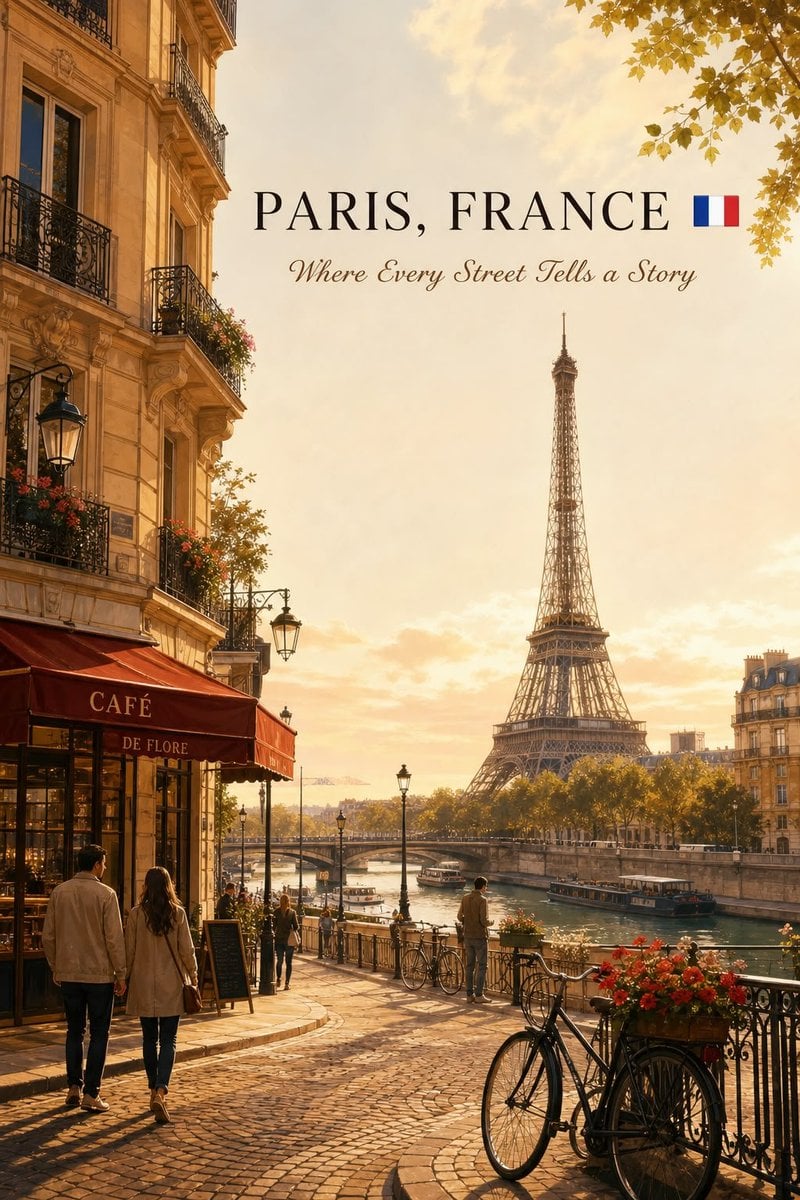
Cinematic Editorial NYC Travel Poster

Vintage Patagonia Travel Poster
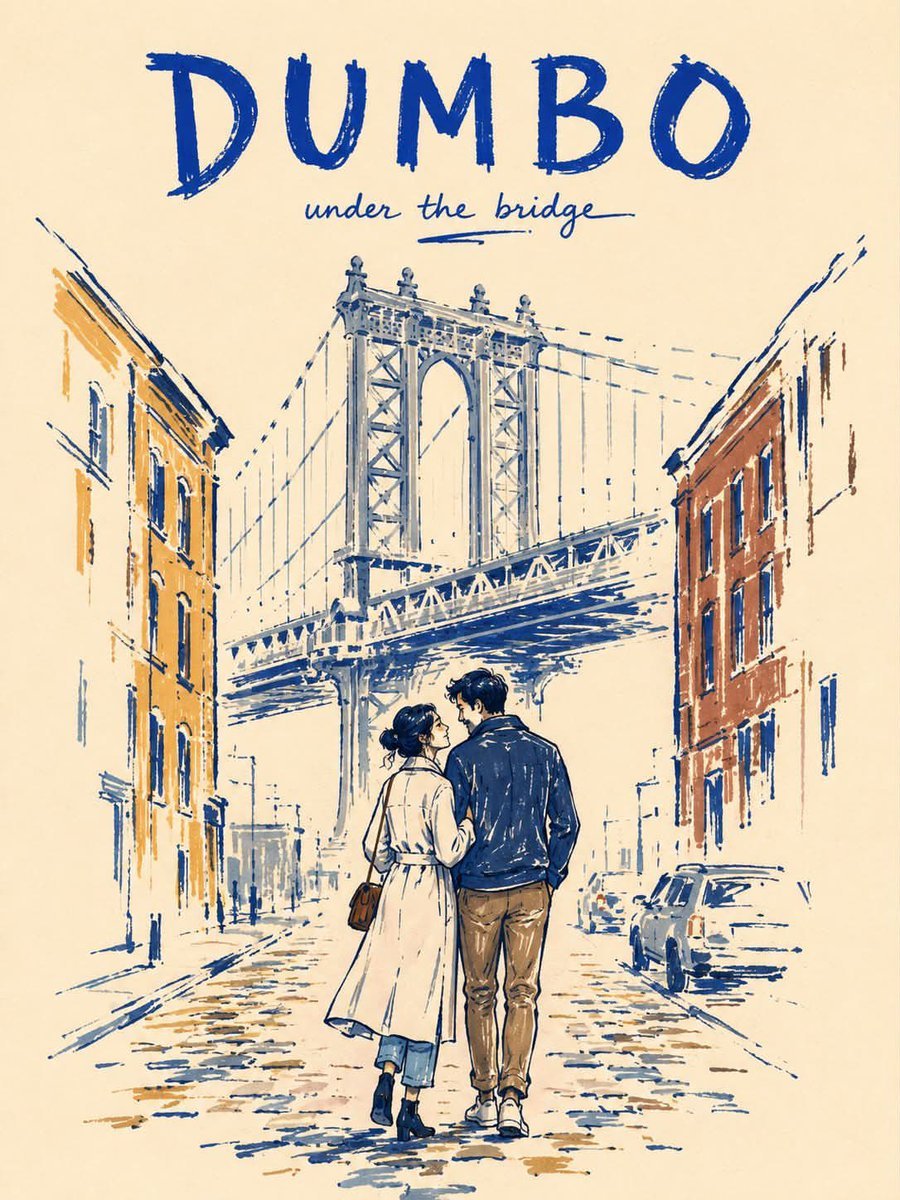
Minimalist Marker Pen NYC Travel Poster

Paper Cut Vintage Travel Poster
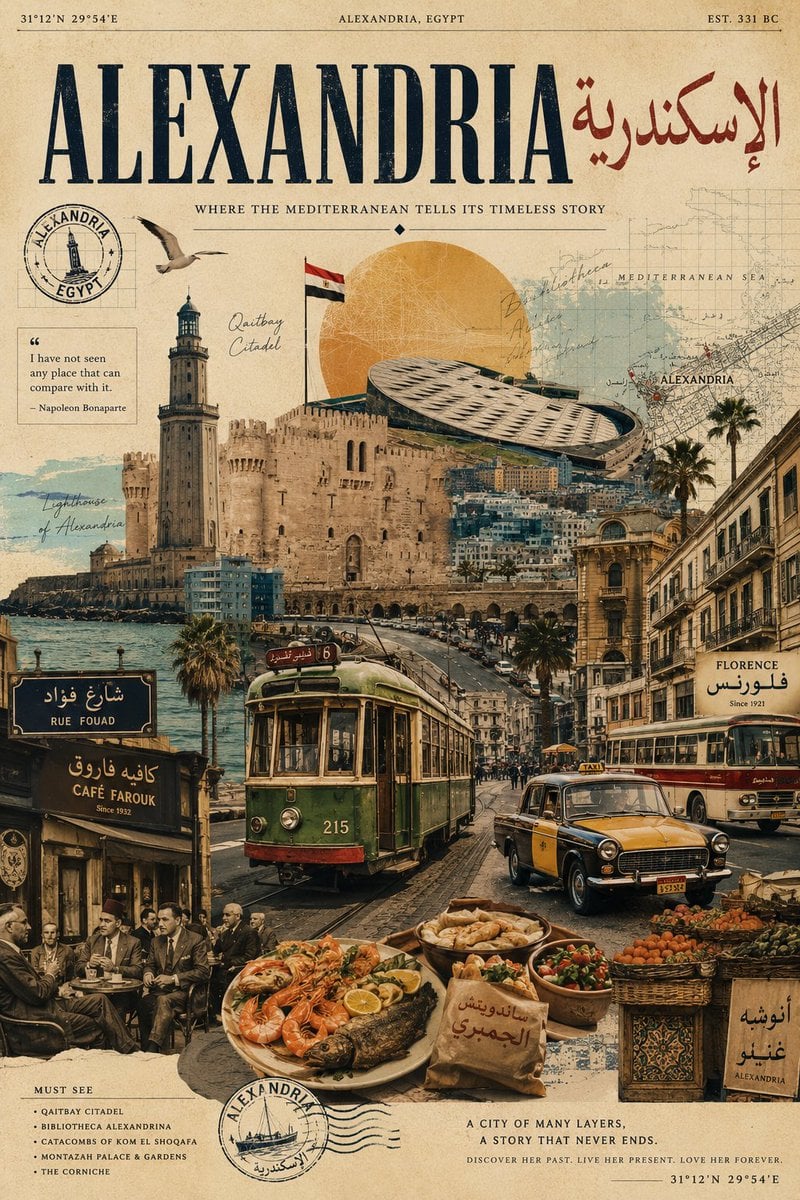
Vintage Alexandria Travel Poster
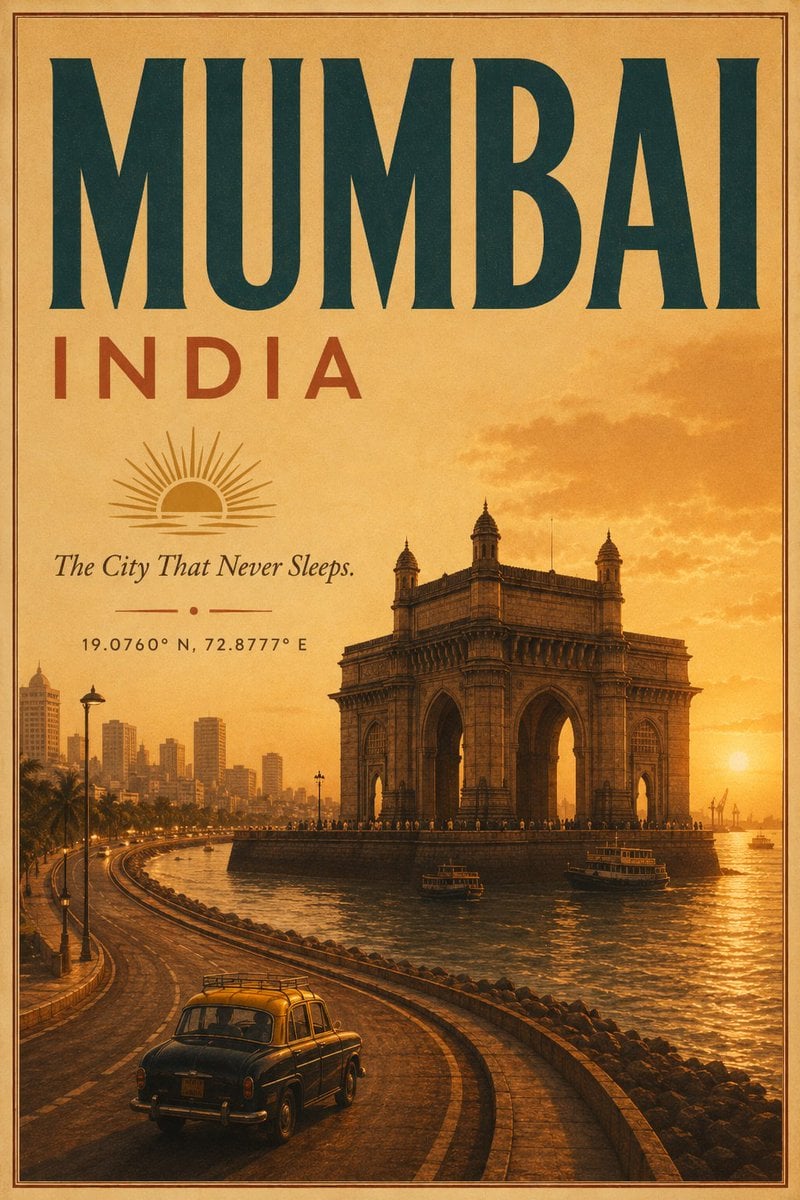
Vintage Mumbai Travel Poster
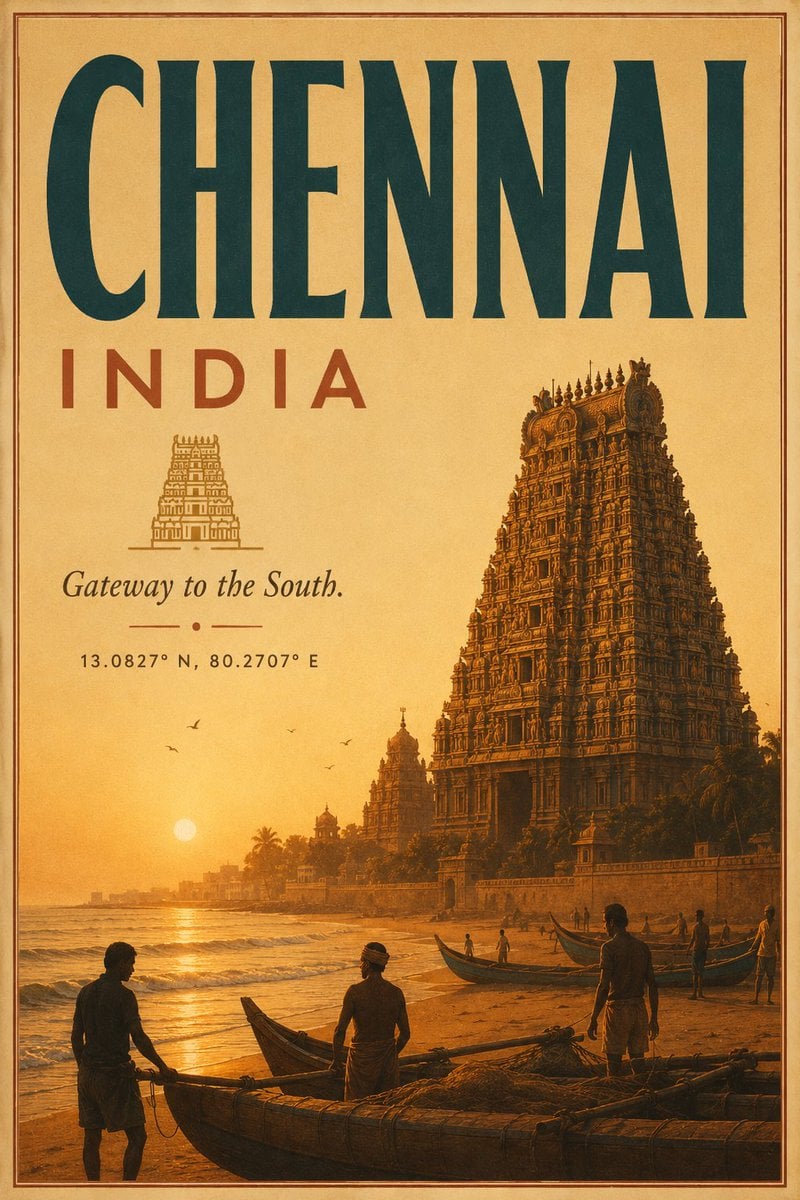
Vintage Chennai Travel Poster
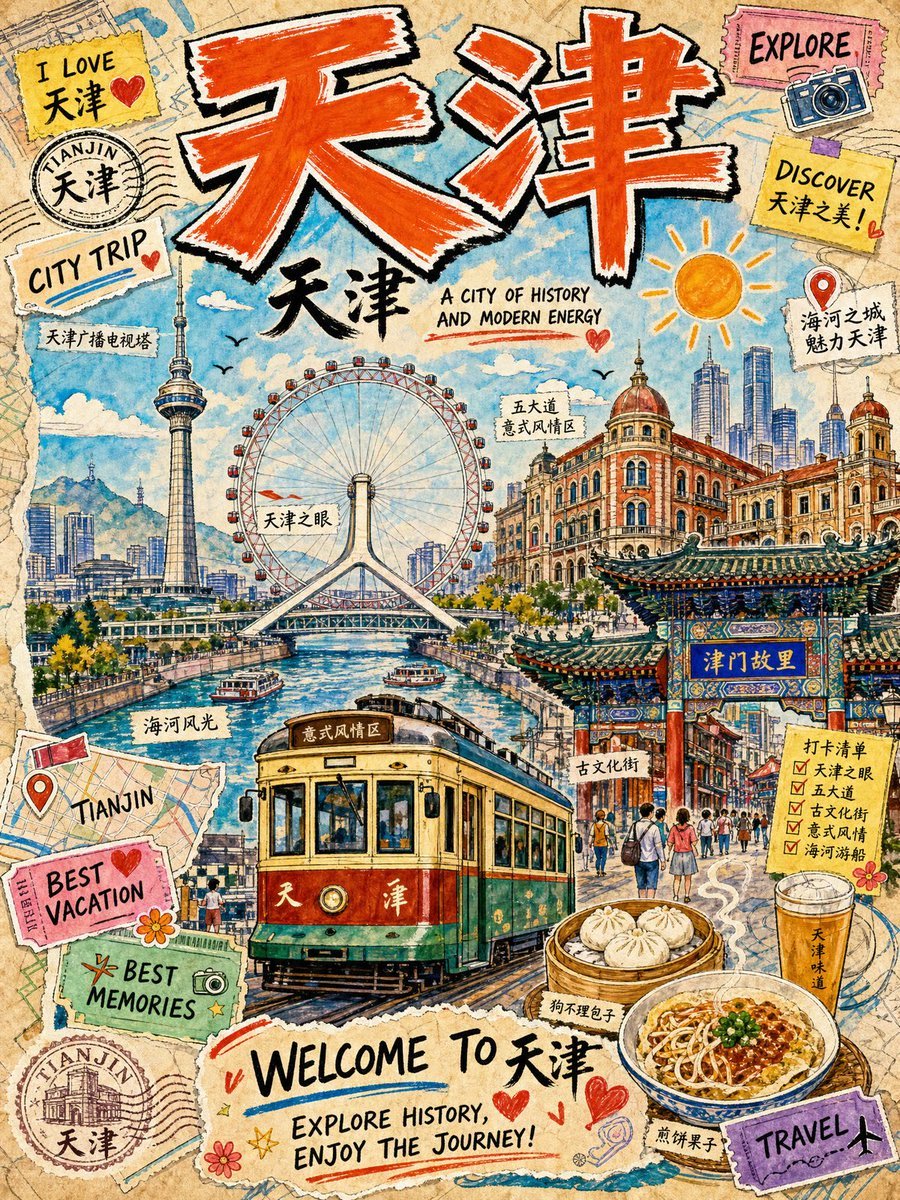
Vintage Tianjin Travel Poster

City Posters by Nano Banana Pro

Sunday Afternoon, 1988
Make it yours
Vintage Art Deco NYC Travel Poster works as-is. These are the safest ways to change it without losing the look.
Change one field
Copy a single group, rewrite it, and generate again so you can see what that field is doing.
Keep the frame, change the subject
Hold the composition and light of Vintage Art Deco NYC Travel Poster, then swap wardrobe, props or the person for a new take.
| If the result… | Why | Fix |
|---|---|---|
| The result drifts from the preview | Too many fields changed at once. | Reuse Vintage Art Deco NYC Travel Poster as-is first, then change one group — subject, light, or setting. |
| The model over-stylizes the scene | The prose prompt leaves finish and camera underspecified. | Add one camera or lighting sentence and stay on GPT Image 2. |
More GPT Image 2 templates
Other prompts made for GPT Image 2.

Six VTuber Japanese Logo Sheet

Realistic Portrait of Woman and Deer

The Vista Modular Condo Poster

AI Model Routing Comparison Infographic

2.5D Anime Art Board

Isometric Productivity Desk Scene

New York Double Exposure Poster

Four-Panel AI Landscape Comparison

Japanese Tatami Lifestyle Magazine Cover

NESCAFÉ Coffee Map Poster
More image prompts
Fresh picks from across the catalog.

Ultra-Realistic Divine Goddess Fantasy Portrait
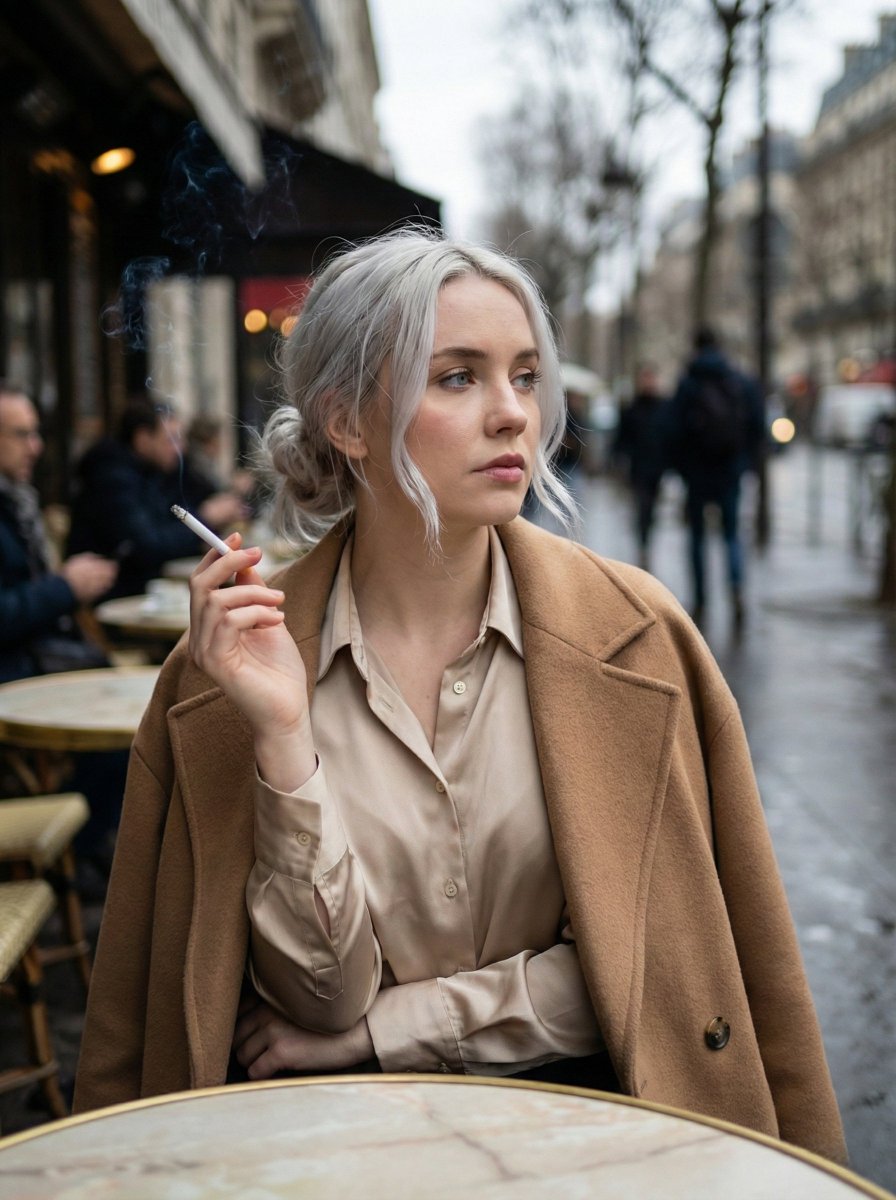
Moody Parisian Cafe Portrait Prompt

Professional Male Editorial Fashion Portrait
Surreal Resin-Split Portrait

Legendary Portuguese Footballer Portrait
Snowy Sky with Handwritten Japanese Text
Fantasy Duck Alliance Goods Catalog
Panel Manga: Anonymous and Mask
Minimalist Literary Novel Cover

Censored Teal Fashion Portrait
Browse template categories
Vintage Art Deco NYC Travel Poster questions
How do I use the Vintage Art Deco NYC Travel Poster template?
Add your photo if the template asks for one, edit the prompt if you like — the template's model and format are already selected — and press Generate. Your version opens in PicX Studio.
Can I customize the Vintage Art Deco NYC Travel Poster template?
Yes. You can change the subject, setting, lighting, mood, format, and available model controls before creating your image.
Is the Vintage Art Deco NYC Travel Poster template free?
Opening and editing this template is free. Generating uses credits, shown on the Generate button when you are signed in.
Which AI model should I use?
Start with GPT Image 2, which is the model associated with this template. You can compare another compatible model for a different finish.
Looking for something else? Browse all templates.

Your photo, any look
Thousands of ready templates for every top image and video model, from one credit balance.