
High-End Product Catalog Style Prompt (Nano Banana Pro)
A detailed image generation prompt for Nano Banana Pro focused on creating a high-end, architectural product catalog layout.
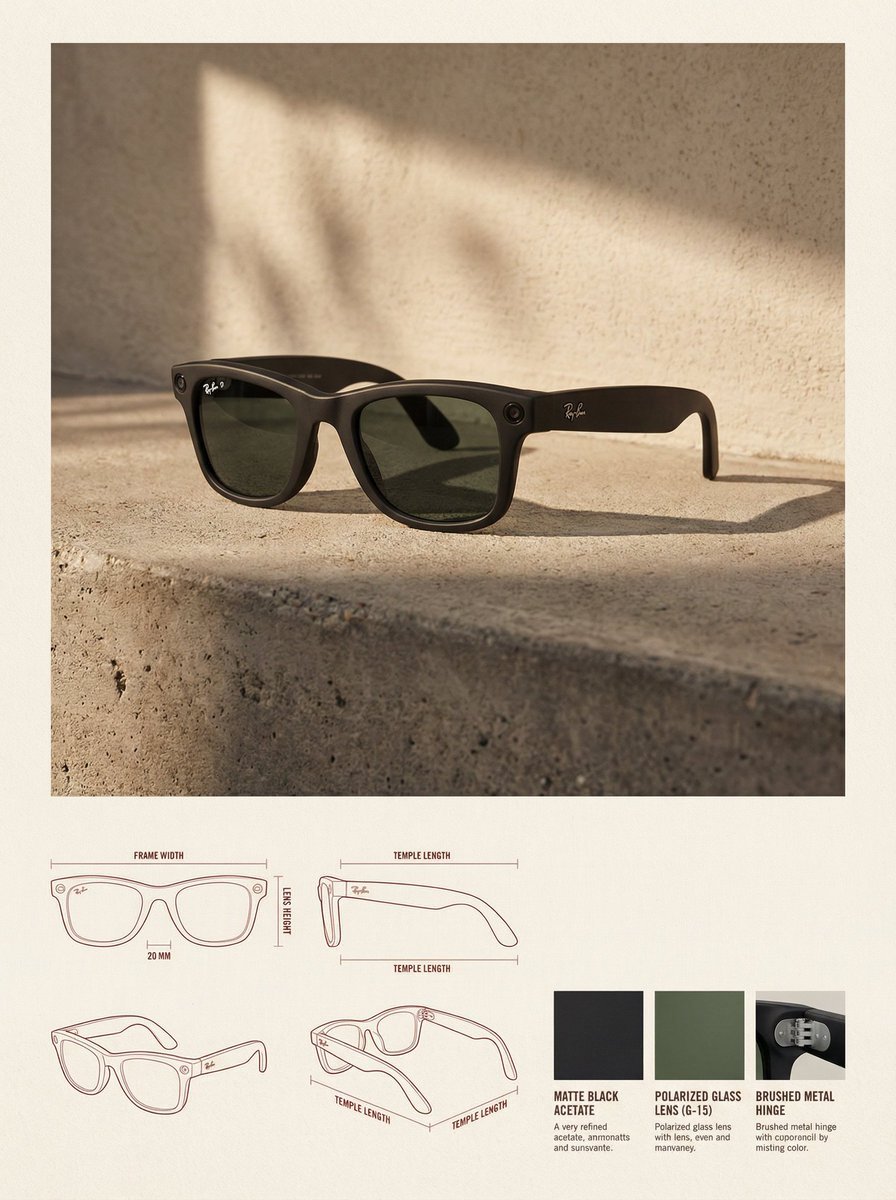
- Prompt included
- Model and format preset
- Free template
The prompt behind this image
Copy the exact prompt behind High-End Product Catalog Style Prompt (Nano Banana Pro), or open it in the studio and make it yours.
✓ 参考图像:使用上传的图像作为产品形式、比例、材料和整体身份的精确视觉参考。不要重新设计或重新解释产品。 ✓ 布局:竖向3:4画布,背景为温暖中性纸质表面,上部为生活方式英雄区域,下部为技术规格区。 ✓ 上部分:产品图像置于顶部中心,占据主导位置,周围有充足留白。 ✓ 环境设置:极简主义建筑室内,自然侧光照明,柔和高对比阴影,混凝土地面,纹理灰泥墙。 ✓ 渲染风格:编辑性生活摄影,高度写实,温暖柔和的高端色彩分级。 ✓ 下部分:技术规格面板采用模块化网格布局。左下为建筑线条图(正视图、侧视图、四分之三俯视图),柔和红色或棕褐色细线条,最少标注。 ✓ 右下:3-4个材料样本,来自产品实际材料(织物、皮革、金属、木材、塑料)。 ✓ 排版:极简编辑风格,柔和黑色或深棕色,无大标题。 ✓ 整体风格:设计目录/产品设计日志,建筑感、高端、平静。避免杂乱、大胆色彩、重品牌、过度装饰。 ✓ 约束:不改变产品设计,不虚构材料,除非参考中有否则不添加徽标,在图纸中不使用透视失真。
How to use High-End Product Catalog Style Prompt (Nano Banana Pro) in 3 steps
- 1
Open
The prompt is already in the box next to the preview, with the template's model and format selected.
- 2…a portrait of your subject in softgolden-hour light, 85mm…
Personalize
Edit the subject and creative details for your destination.
- 3Generate
Generate
Press Generate — your image is created in PicX Studio, so you can compare it with the original and refine one variable at a time.
More like this
Templates with the same subject, style or setup. Open one to see its prompt.
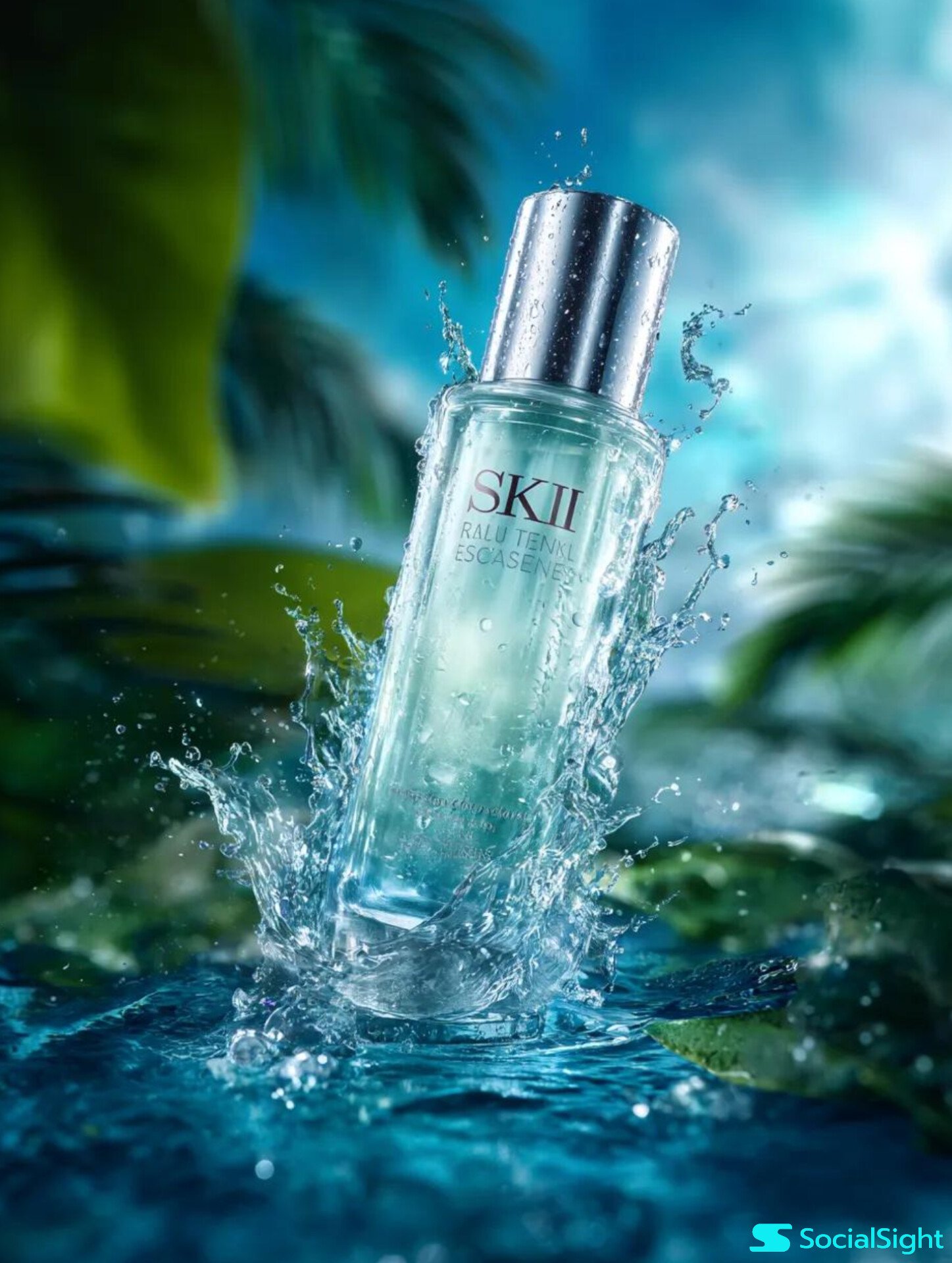
Cosmetic Tube Product — Nano Banana 2
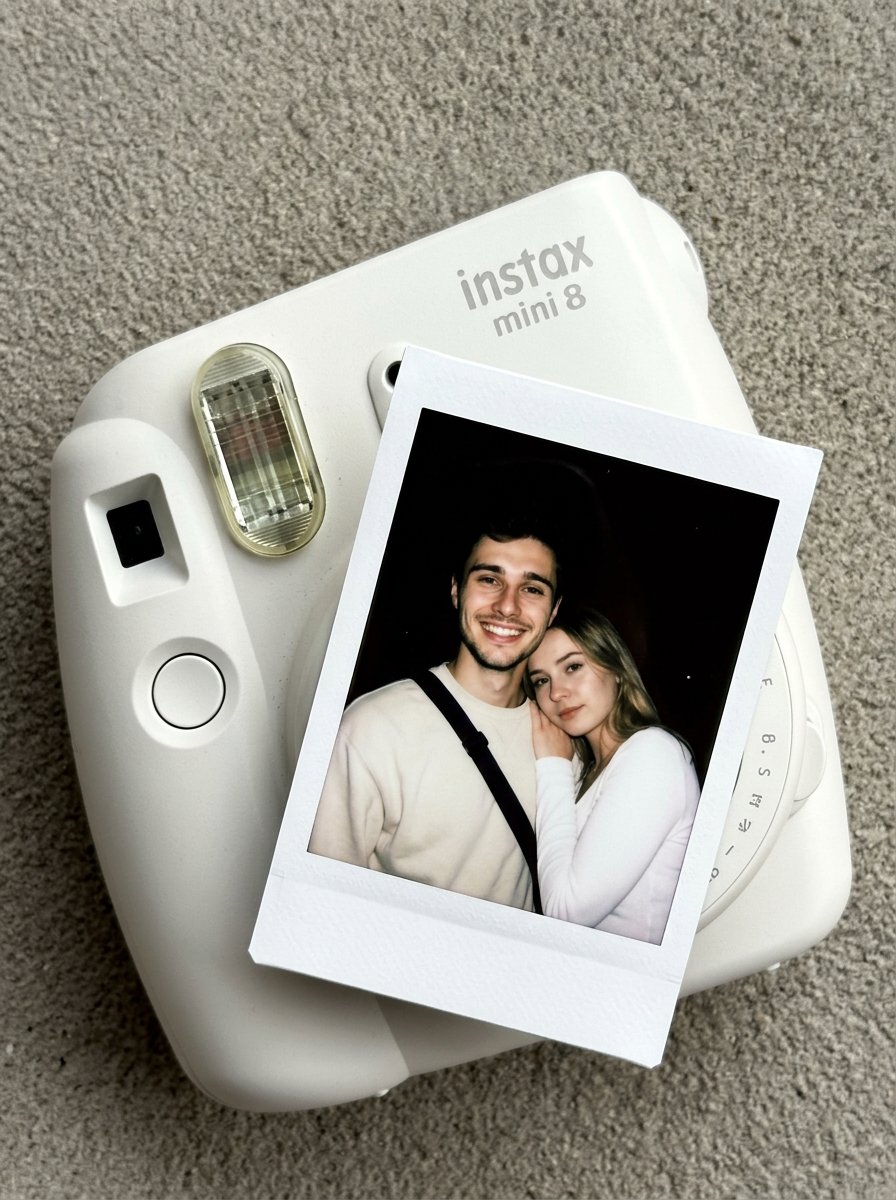
Nano Banana Pro Instax Mini 8
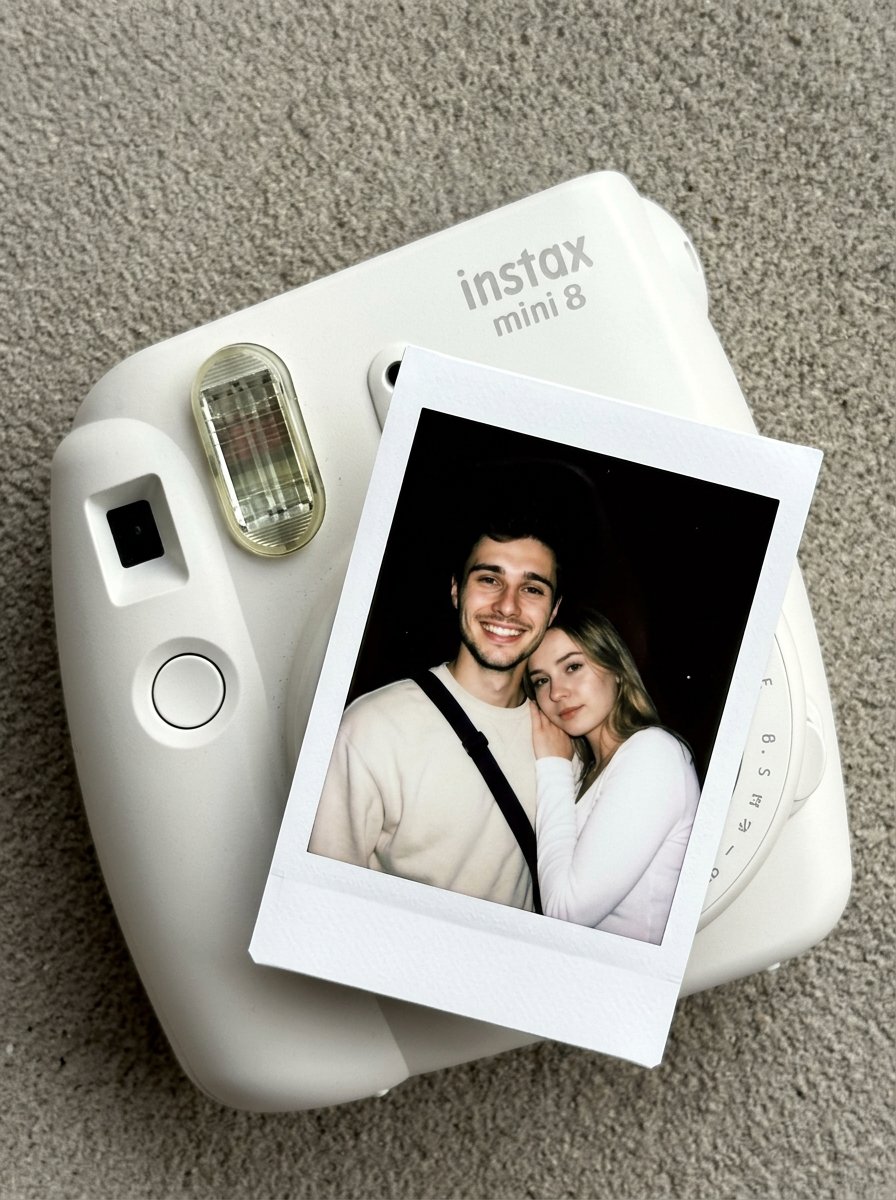
02 Instax Camera Product — Nano Banana 2

Trendy Cafe Drink Promo Poster

High-End Studio Fashion Portrait Prompt for Nano Banana 2
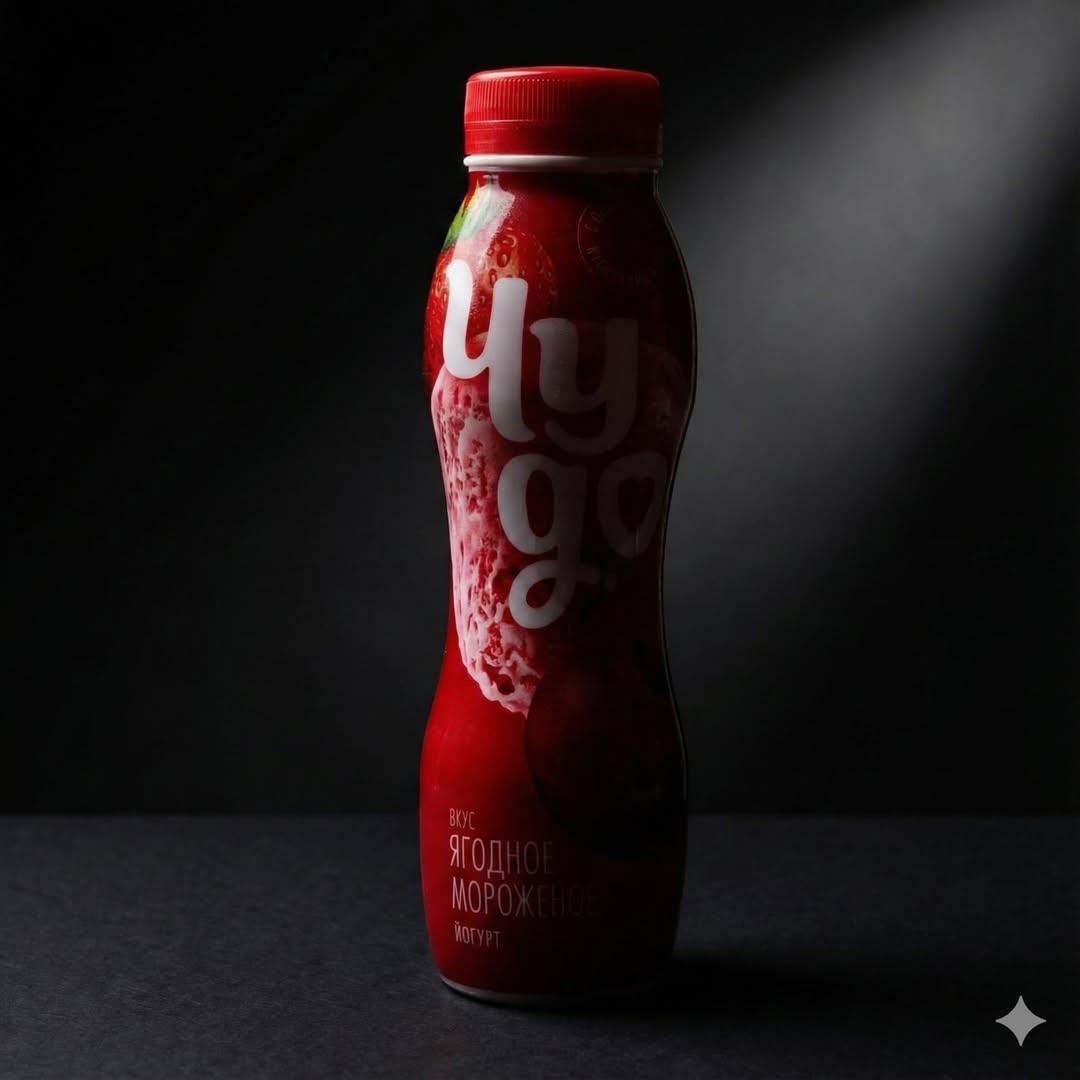
Low-Key Product Photography Prompt for Gemini Nano Banana Pro
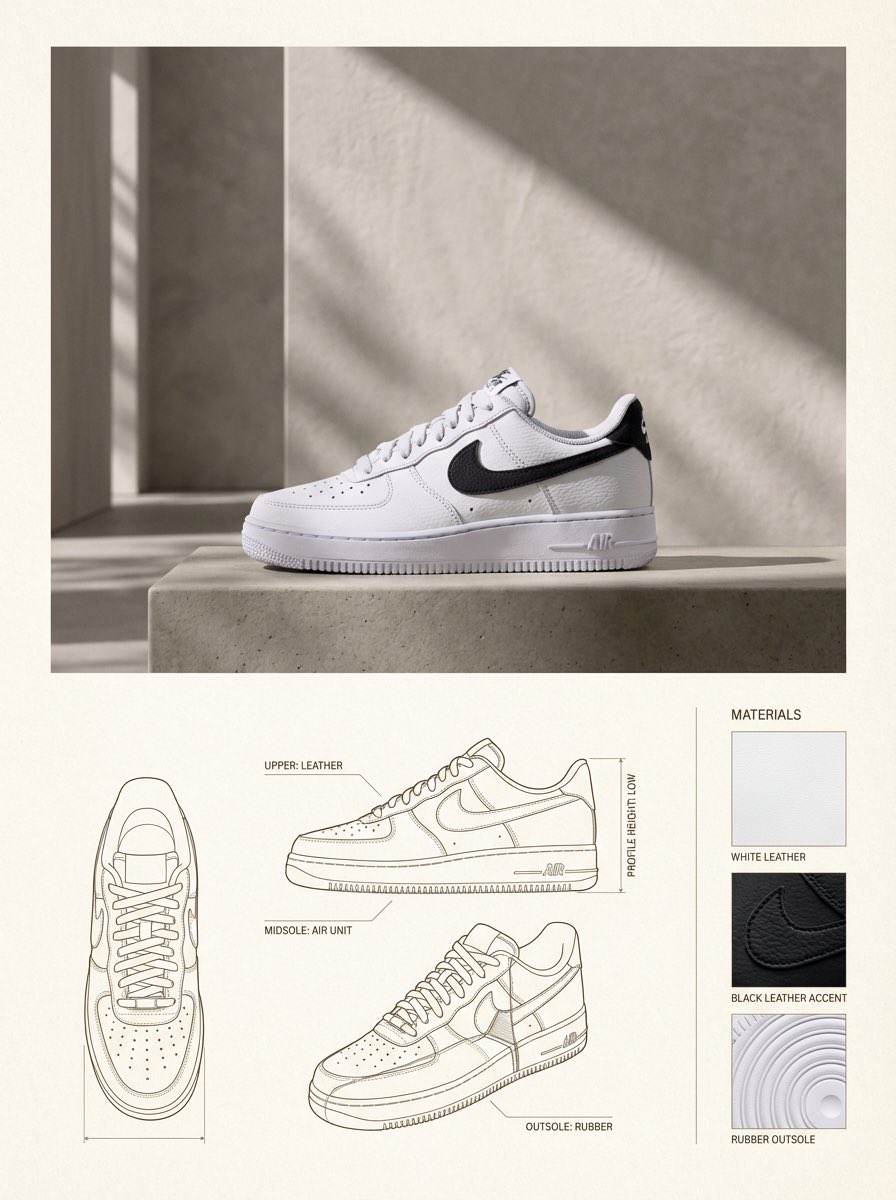
Product Design Catalog Layout

A k.pop idol on the stage with mic
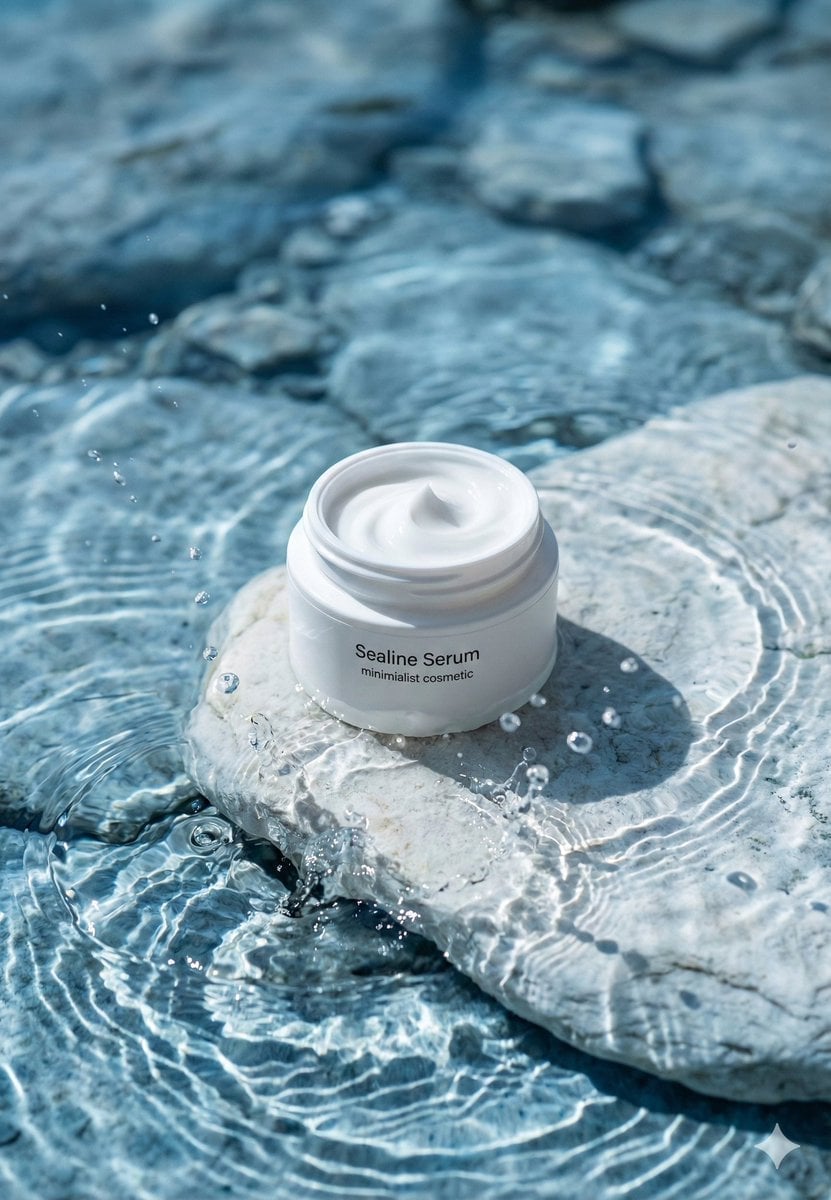
Minimalist Skincare Product Water Stone Still
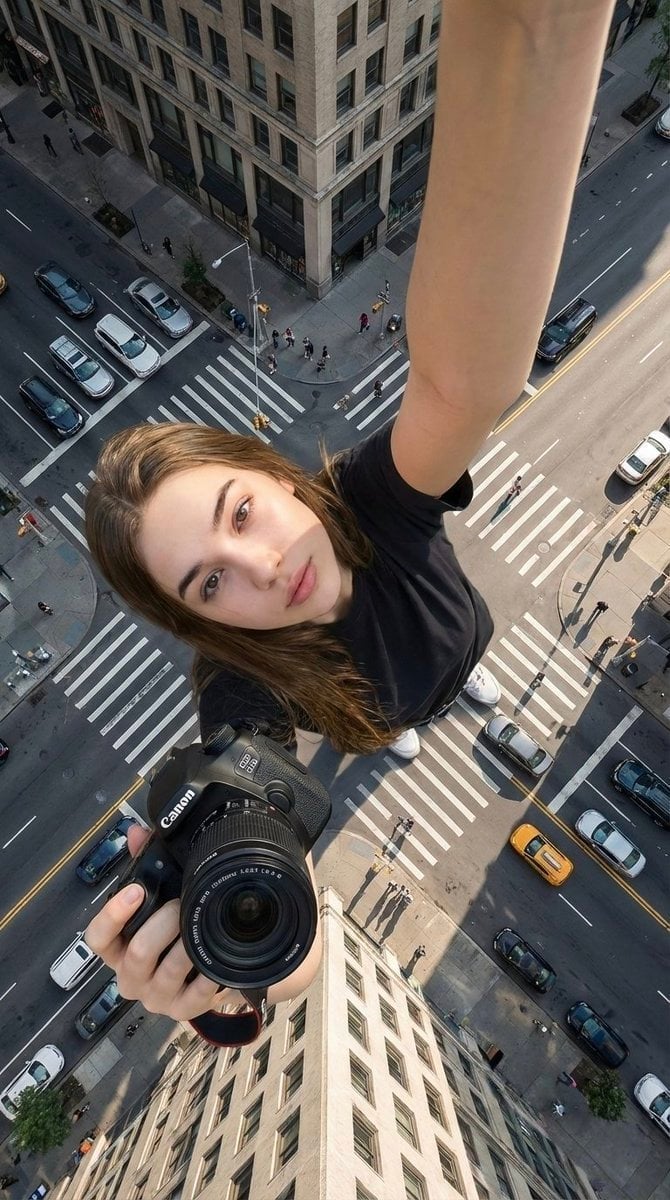
Giant Forced Perspective Street Product Selfie
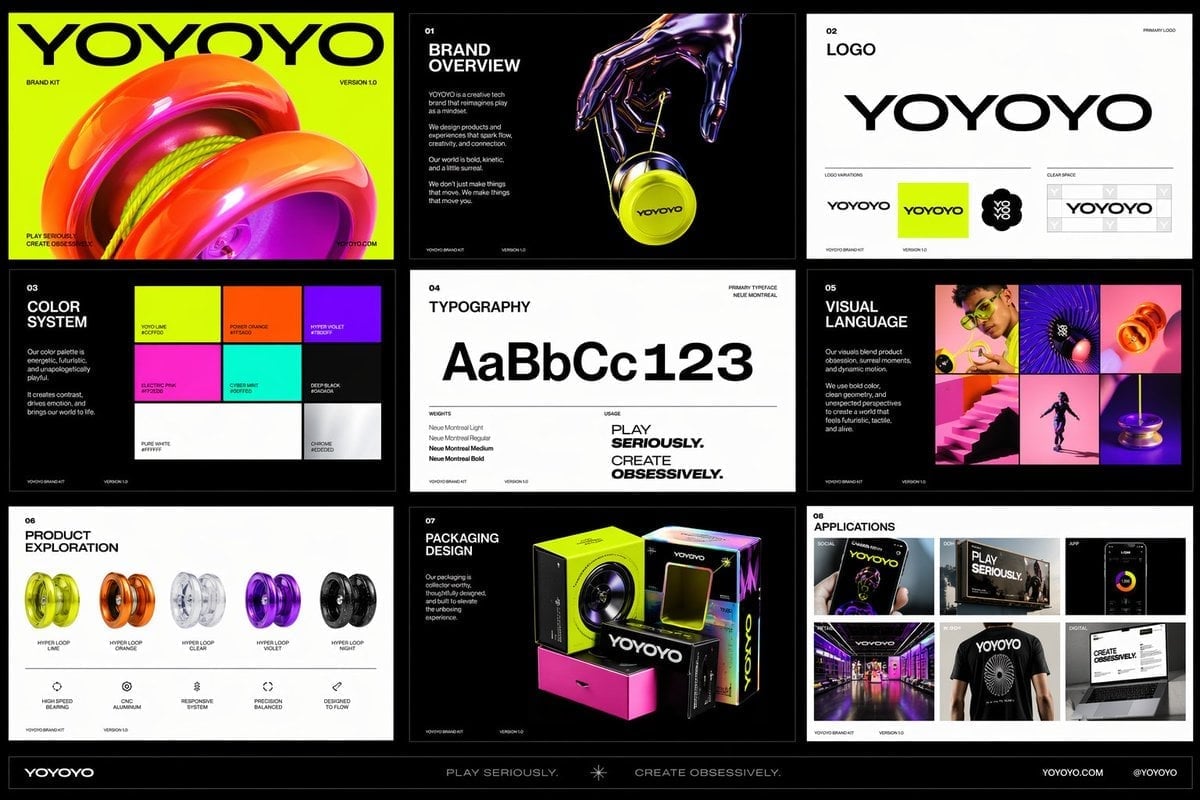
Playful Futuristic Brand Kit Board
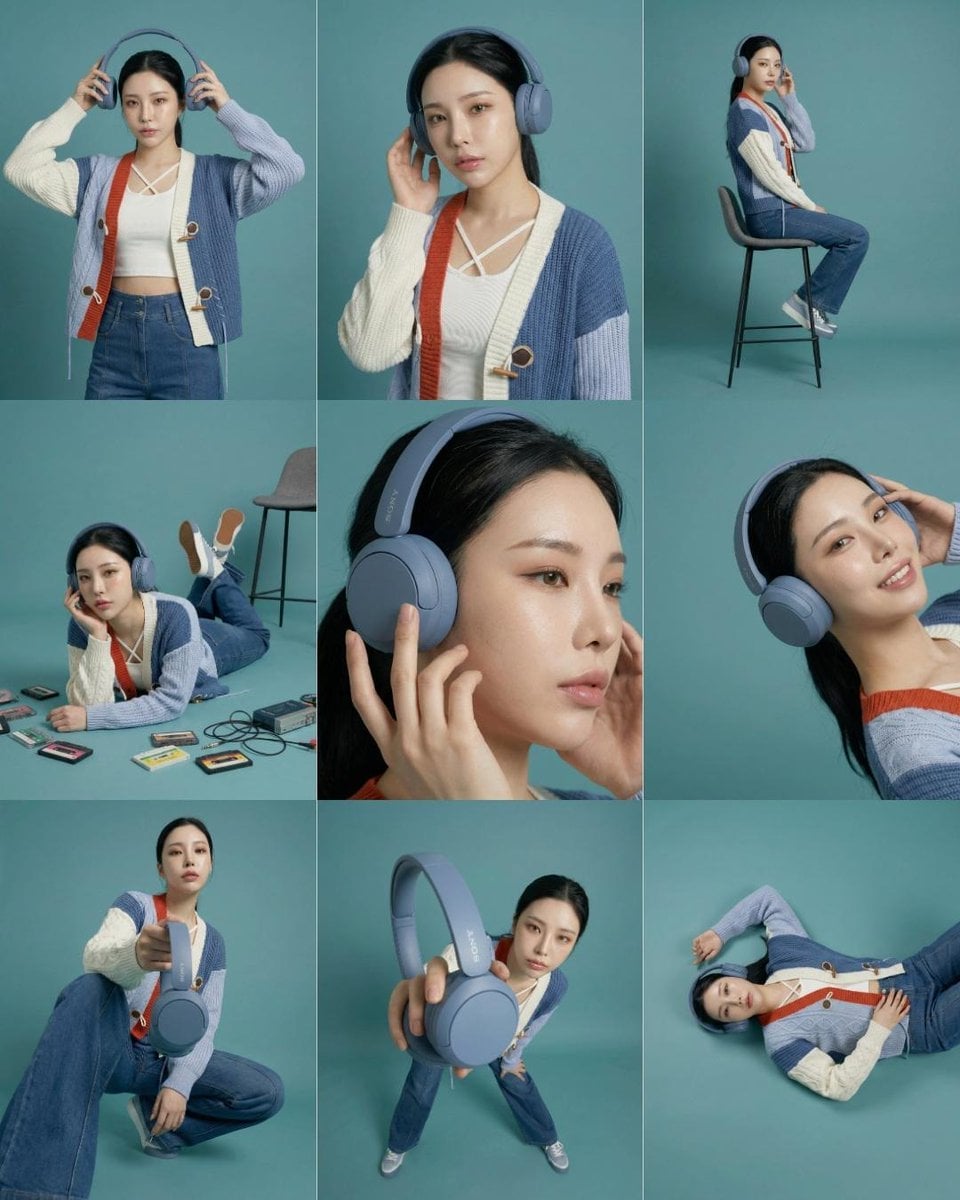
Headphones Lifestyle Nine Panel Grid
Make it yours
High-End Product Catalog Style Prompt (Nano Banana Pro) works as-is. These are the safest ways to change it without losing the look.
Change one field
Copy a single group, rewrite it, and generate again so you can see what that field is doing.
Keep the frame, change the subject
Hold the composition and light of High-End Product Catalog Style Prompt (Nano Banana Pro), then swap wardrobe, props or the person for a new take.
| If the result… | Why | Fix |
|---|---|---|
| The result drifts from the preview | Too many fields changed at once. | Reuse High-End Product Catalog Style Prompt (Nano Banana Pro) as-is first, then change one group — subject, light, or setting. |
| The model over-stylizes the scene | The prose prompt leaves finish and camera underspecified. | Add one camera or lighting sentence and stay on Nano Banana 2. |
More Nano Banana 2 templates
Other prompts made for Nano Banana 2.

Photorealistic Leaf Shaped Like a Dragon

K-Pop Idol Portrait Grid for Rapid Selection

Poetic Rain Forest Portrait During Golden Hour

Urban Street Portrait with Cartoon Inner Self Duo

Candid Nighttime Photo with Cat Prompt

High-Concept 3D Diorama Generation Prompt

Cinematic Futuristic Studio Portrait Template

Skincare Editorial Photography Collage Prompt

Hyper-Realistic Commercial Product Photography (Splash Effect)

Hyper-Realistic Nightclub Portrait Prompt
More image prompts
Fresh picks from across the catalog.
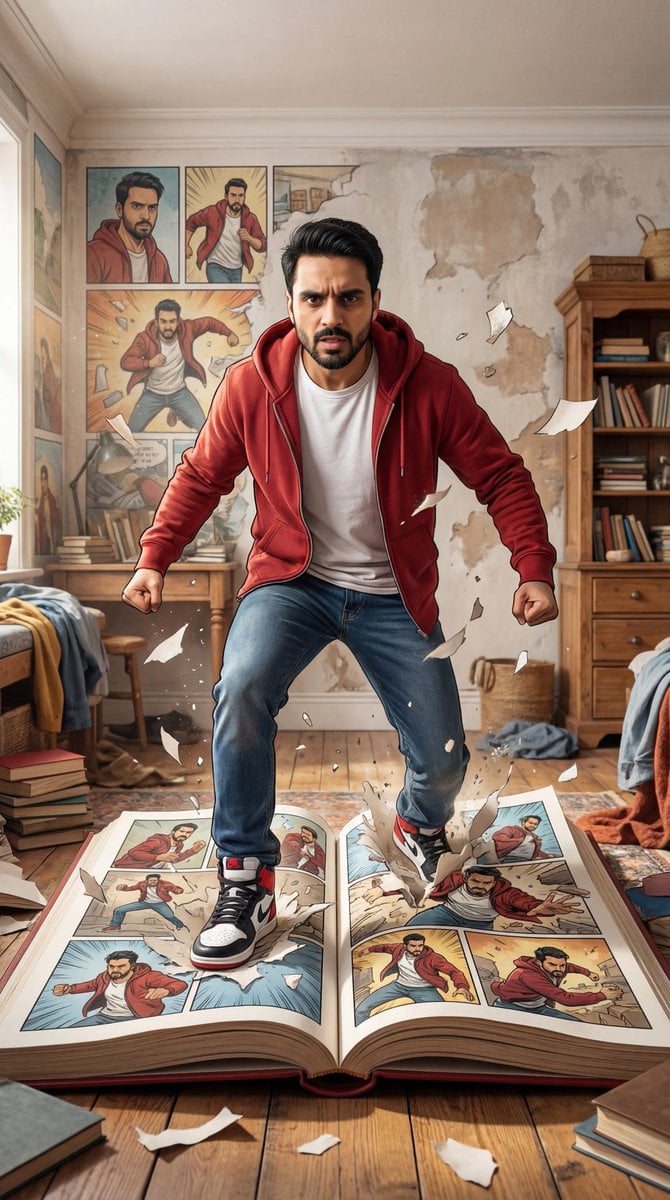
Character Breaking Out of a Comic Book
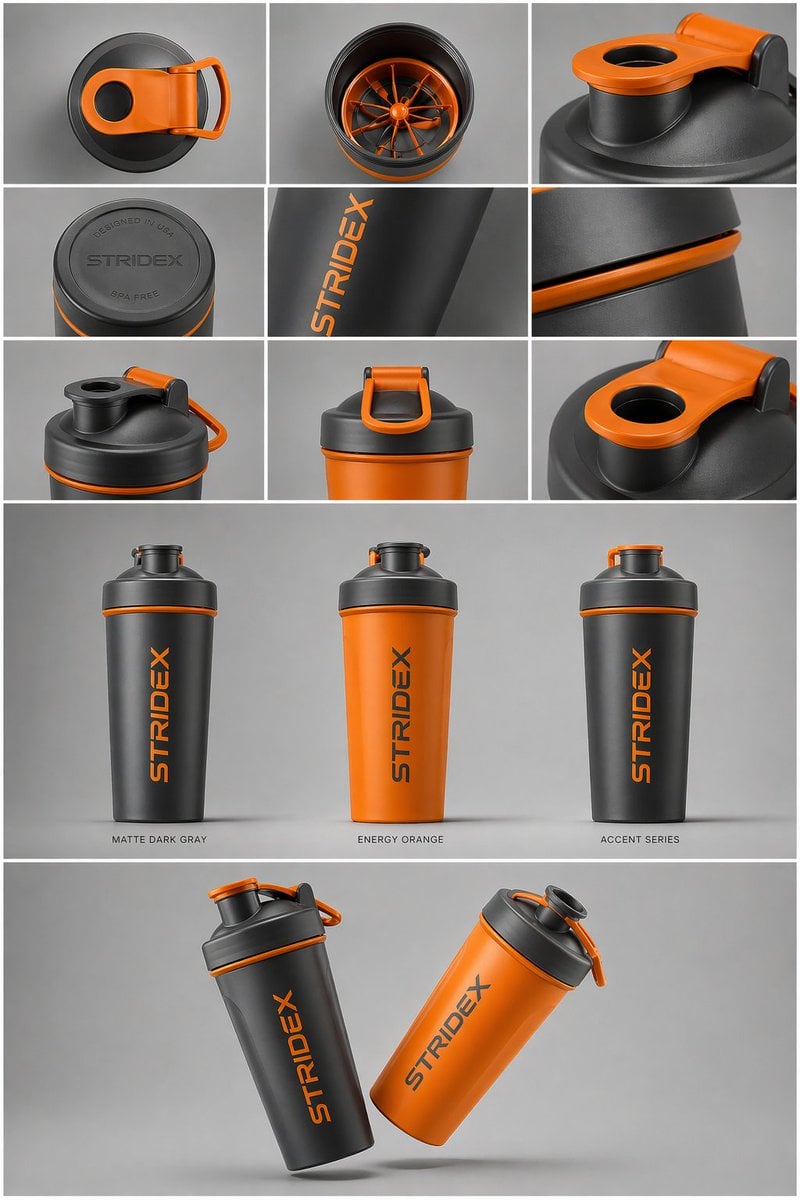
Gpt2 E Commerce Main Image Industrial Design Presentation Sheet

Santa's Switch Prank Multi-Angle Grid
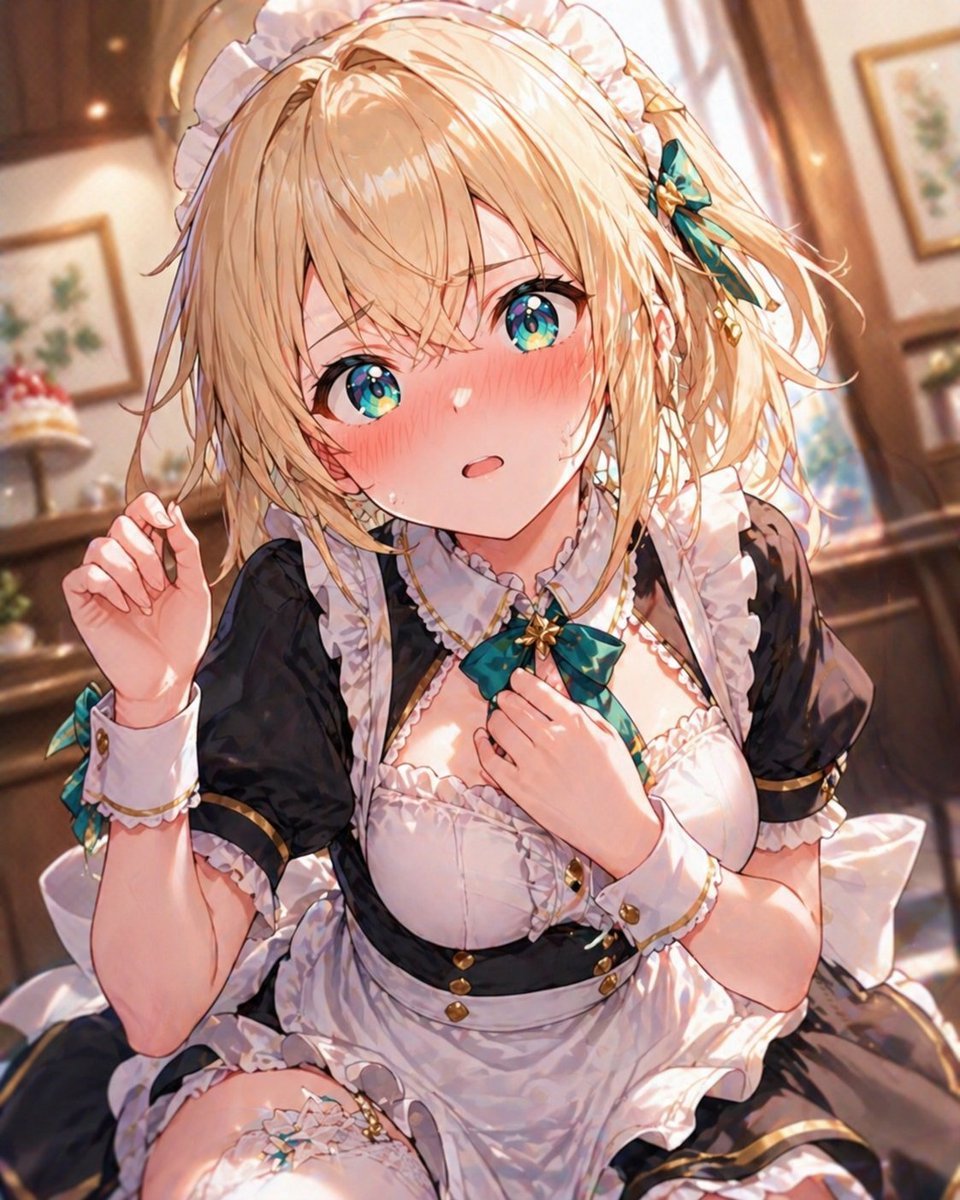
Blonde Maid in Warm Cafe
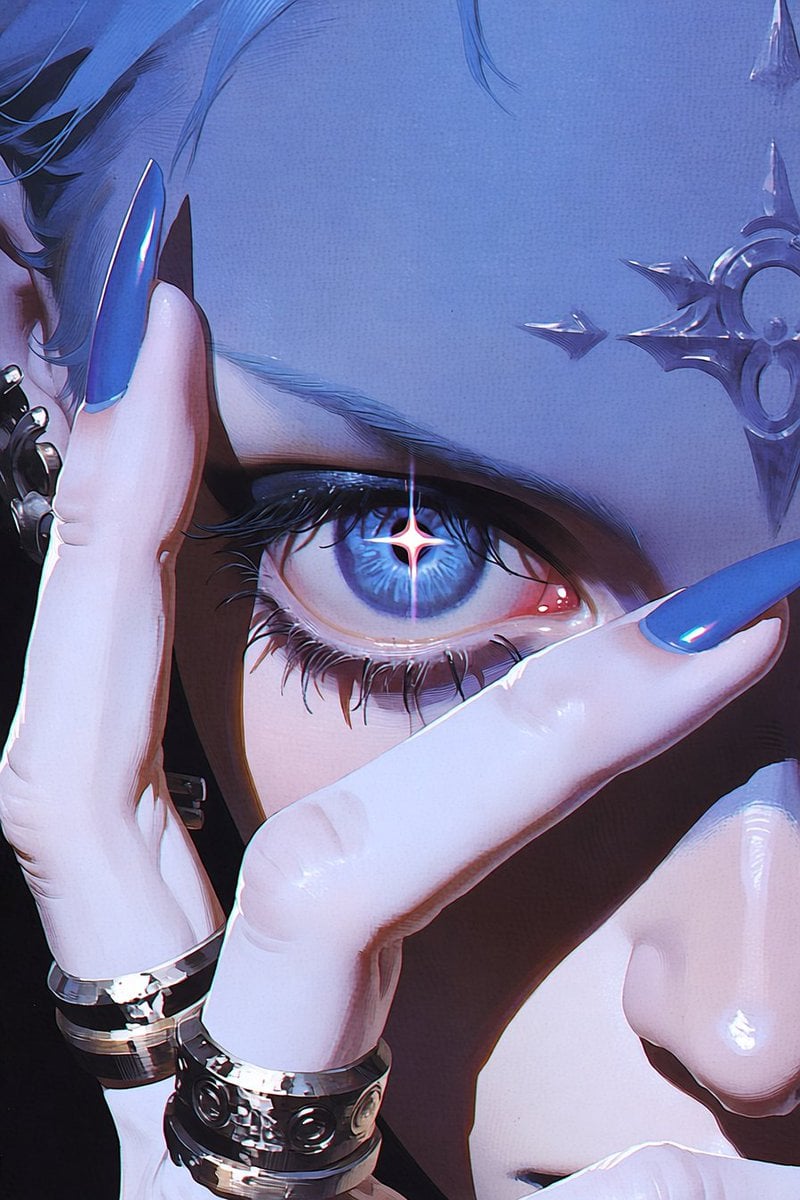
Anime Character to Photorealistic Portrait Conversion
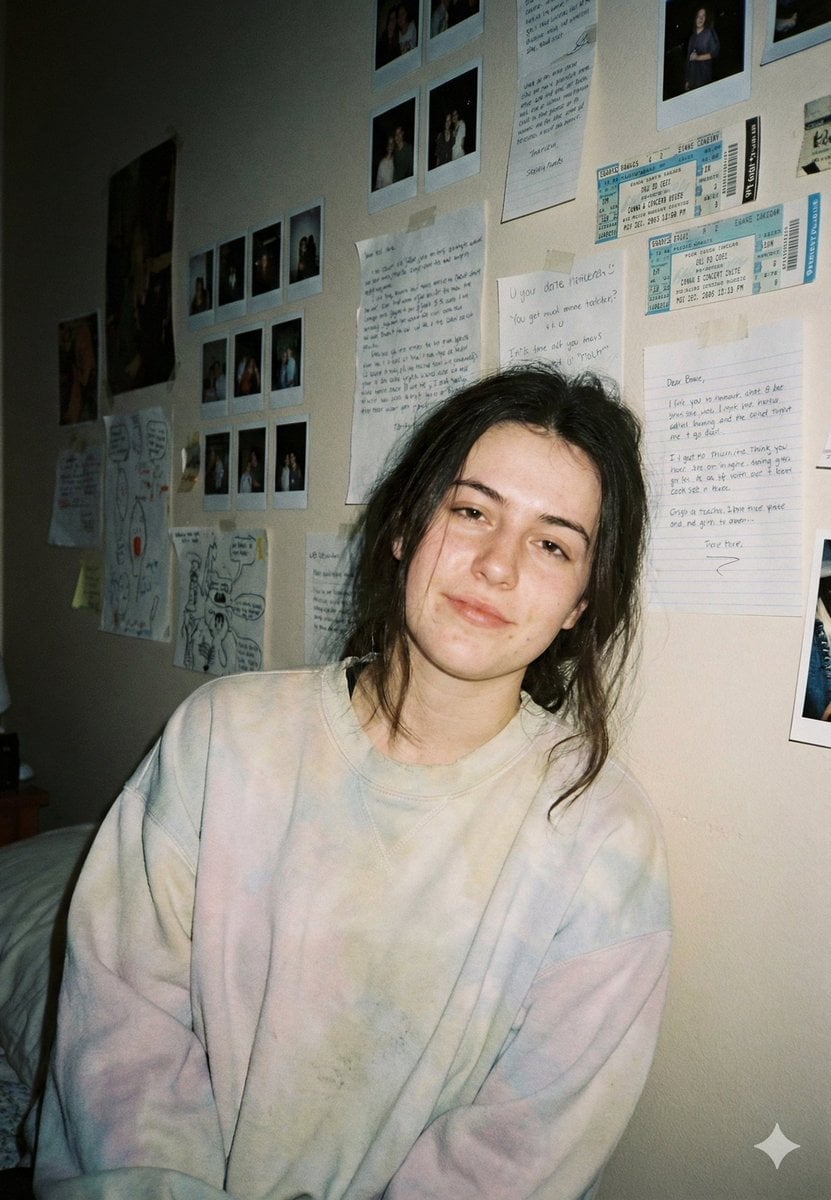
Nostalgic Film Point-and-Shoot Portrait
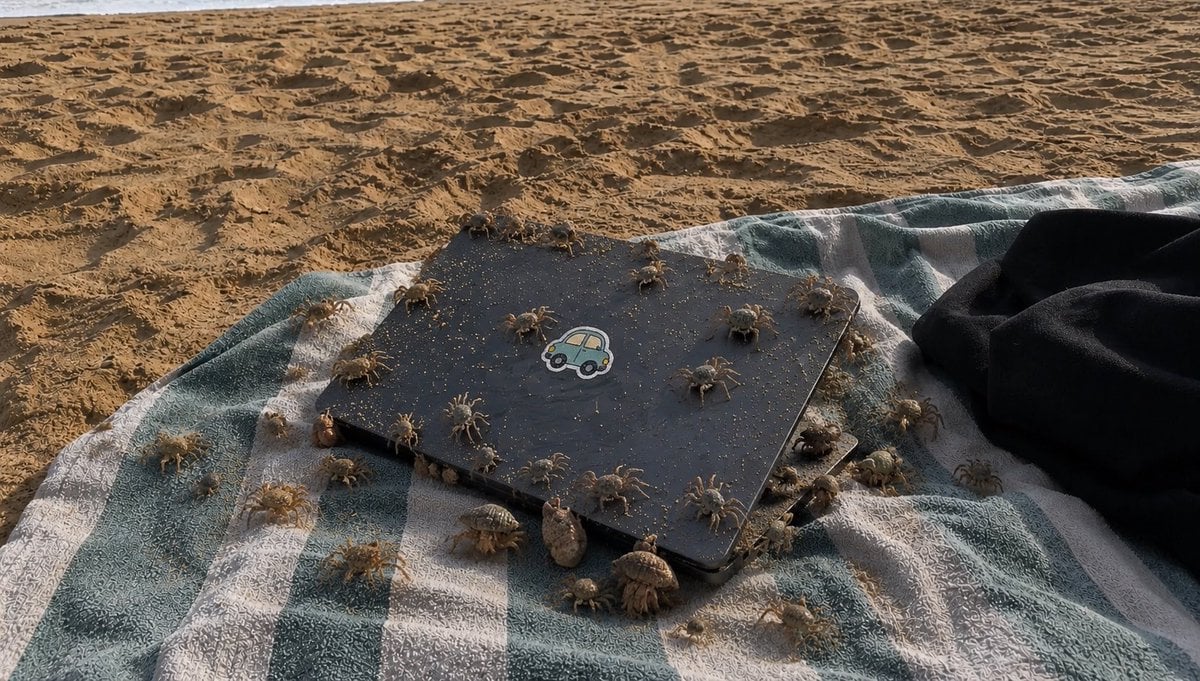
Crowded Crab Beach Laptop Scene
Miss Fortune Realistic Selfie Prompt
Three-View Hooded Fantasy Dress Sheet
Dreamy Surreal Pre-Wedding Dance under Aurora Borealis
Browse template categories
High-End Product Catalog Style Prompt (Nano Banana Pro) questions
How do I use the High-End Product Catalog Style Prompt (Nano Banana Pro) template?
Add your photo if the template asks for one, edit the prompt if you like — the template's model and format are already selected — and press Generate. Your version opens in PicX Studio.
Can I customize the High-End Product Catalog Style Prompt (Nano Banana Pro) template?
Yes. You can change the subject, setting, lighting, mood, format, and available model controls before creating your image.
Is the High-End Product Catalog Style Prompt (Nano Banana Pro) template free?
Opening and editing this template is free. Generating uses credits, shown on the Generate button when you are signed in.
Which AI model should I use?
Start with Nano Banana 2, which is the model associated with this template. You can compare another compatible model for a different finish.
Looking for something else? Browse all templates.

Your photo, any look
Thousands of ready templates for every top image and video model, from one credit balance.