
Tiny Traveler Mango Beach Collage
Generates a six-panel surreal tropical collage featuring a tiny character interacting with giant mango-themed objects for playful social media visuals.
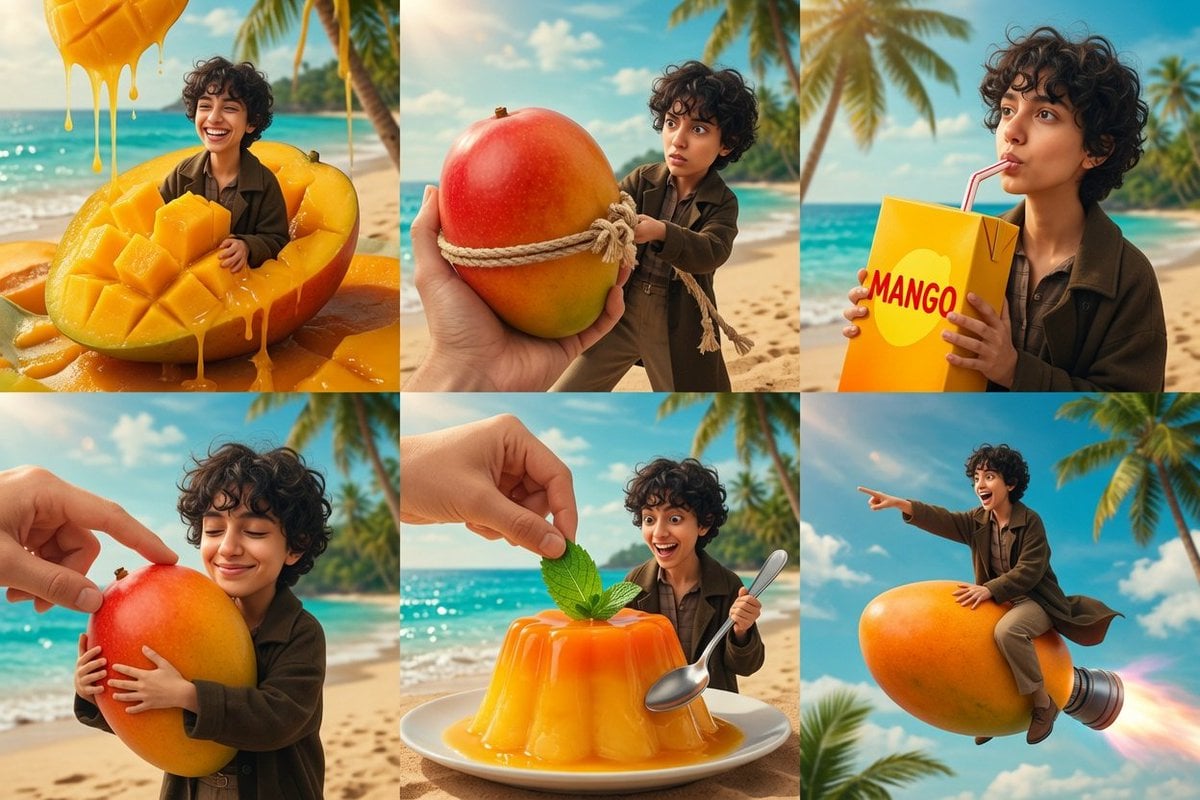
- Prompt included
- Model and format preset
- Free template
The prompt behind this image
Copy the exact prompt behind Tiny Traveler Mango Beach Collage, or open it in the studio and make it yours.
Goal: Create a whimsical six-panel surreal photo-real comic collage about a tiny curly-haired traveler and giant mangoes on a tropical beach. Canvas: Wide 3:2 horizontal image divided into exactly 6 equal rectangular panels in a clean 3-column by 2-row grid, with thin invisible or minimal seams. Bright tropical daylight, turquoise ocean, sandy beach, palm trees, blue sky, warm cinematic color grading, shallow depth of field, glossy high-detail food textures. Main subject: A small young adult with {argument name="hair style" default="short dark curly hair"}, expressive face, tan/light-brown skin, wearing {argument name="outfit" default="an oversized dark olive-brown jacket, dark shirt, beige pants, and brown shoes"}. Keep the same character consistent in all panels, scaled tiny compared with the giant mango objects. Panel count and contents: Use exactly 6 distinct scenes. 1. Top-left: The character laughs joyfully while sitting inside a gigantic sliced mango half filled with cubed mango flesh; thick golden mango juice pours from above and drips over the fruit, glossy and sticky. 2. Top-middle: A giant whole red-yellow mango is held close to the viewer by a large human hand; the mango is wrapped with coarse rope, and the tiny character pulls the rope with a surprised determined expression on the beach. 3. Top-right: Close-up of the character sipping from a tall orange-yellow juice carton labeled {argument name="carton text" default="MANGO"} in large red letters, using a pink straw, with palm trees and ocean behind. 4. Bottom-left: A large human hand reaches in from the upper left and presses a fingertip onto the top of a huge mango that the tiny character hugs affectionately with closed eyes and a content smile. 5. Bottom-middle: A glossy orange mango gelatin dessert on a white plate sits on the sand; a hand places a green mint leaf garnish on top, while the excited tiny character stands behind it holding a spoon. 6. Bottom-right: The character rides a giant mango like a rocket through the sky above the beach, pointing forward and smiling; a metallic rocket nozzle is attached to the back of the mango with a bright pink-orange flame trail. Visual style: Hyper-realistic yet playful miniature scale illusion, crisp commercial photography, saturated mango orange and ocean turquoise palette, soft sunlight, detailed reflections, realistic hands, realistic fruit fibers and syrup, cinematic fantasy advertising aesthetic. Constraints: No extra panels, no captions except the single carton word, no watermark, no borders or logos, preserve consistent beach environment and character identity across all six panels.
How to use Tiny Traveler Mango Beach Collage in 3 steps
- 1Upload ImagePNG, JPG or paste
Add your photo
Upload the photo the template builds on. The prompt, model and format are already set.
- 2…a portrait of your subject in softgolden-hour light, 85mm…
Personalize
Edit the subject and creative details for your destination.
- 3Generate
Generate
Press Generate — your image is created in PicX Studio, so you can compare it with the original and refine one variable at a time.
More like this
Templates with the same subject, style or setup. Open one to see its prompt.
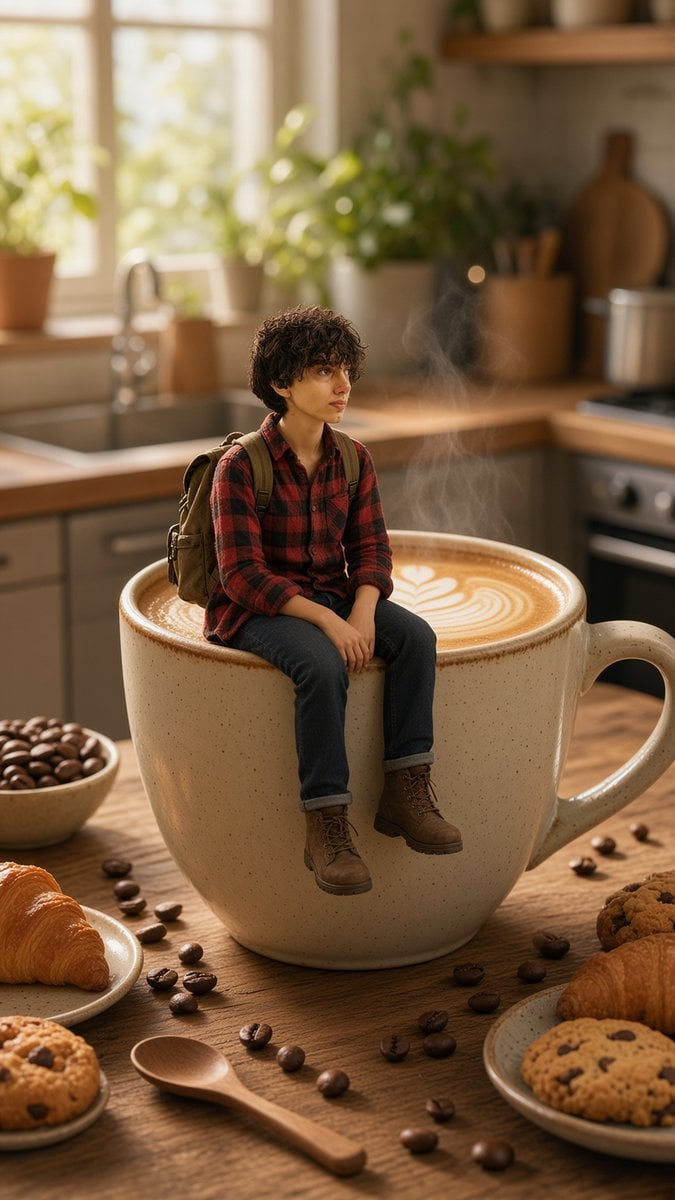
Tiny Traveler on Giant Latte
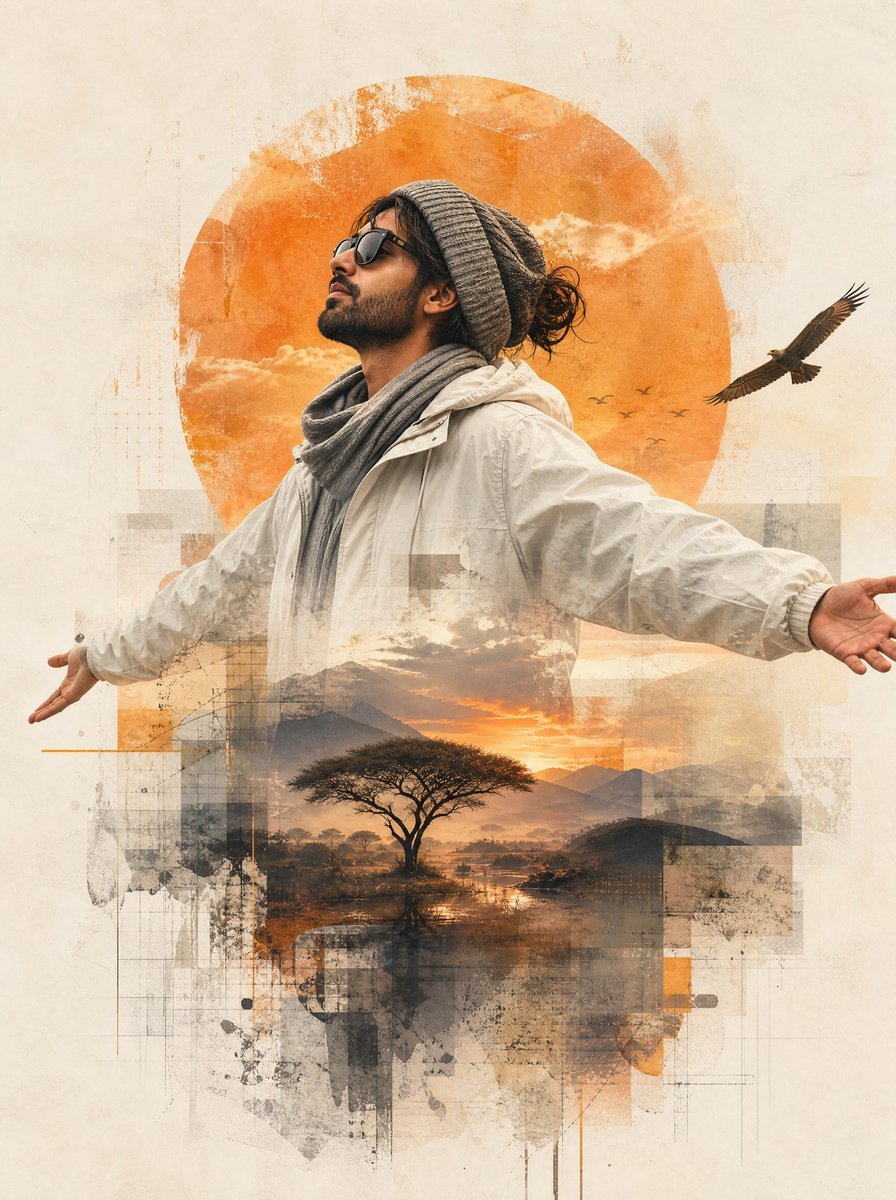
Mixed-Media Traveler Collage Portrait

Pastel Anime Summer Beach Collage

Paper Cut Finale Fireworks

Paper Cut Garden Maze

Paper Cut Rooftop Concert

Paper Cut Bicycle Coast

Paper Cut Castle Gate

Paper Cut Kitchen Chaos

Paper Cut Carnival Ride

Paper Cut Rainy Bus Stop

Paper Cut Space Dock
Make it yours
Tiny Traveler Mango Beach Collage works as-is. These are the safest ways to change it without losing the look.
Change one field
Copy a single group, rewrite it, and generate again so you can see what that field is doing.
Keep the frame, change the subject
Hold the composition and light of Tiny Traveler Mango Beach Collage, then swap wardrobe, props or the person for a new take.
| If the result… | Why | Fix |
|---|---|---|
| The result drifts from the preview | Too many fields changed at once. | Reuse Tiny Traveler Mango Beach Collage as-is first, then change one group — subject, light, or setting. |
| The model over-stylizes the scene | The prose prompt leaves finish and camera underspecified. | Add one camera or lighting sentence and stay on GPT Image 2. |
More GPT Image 2 templates
Other prompts made for GPT Image 2.

Six VTuber Japanese Logo Sheet

Realistic Portrait of Woman and Deer

The Vista Modular Condo Poster

AI Model Routing Comparison Infographic

2.5D Anime Art Board

Isometric Productivity Desk Scene

New York Double Exposure Poster

Four-Panel AI Landscape Comparison

Japanese Tatami Lifestyle Magazine Cover

NESCAFÉ Coffee Map Poster
More image prompts
Fresh picks from across the catalog.
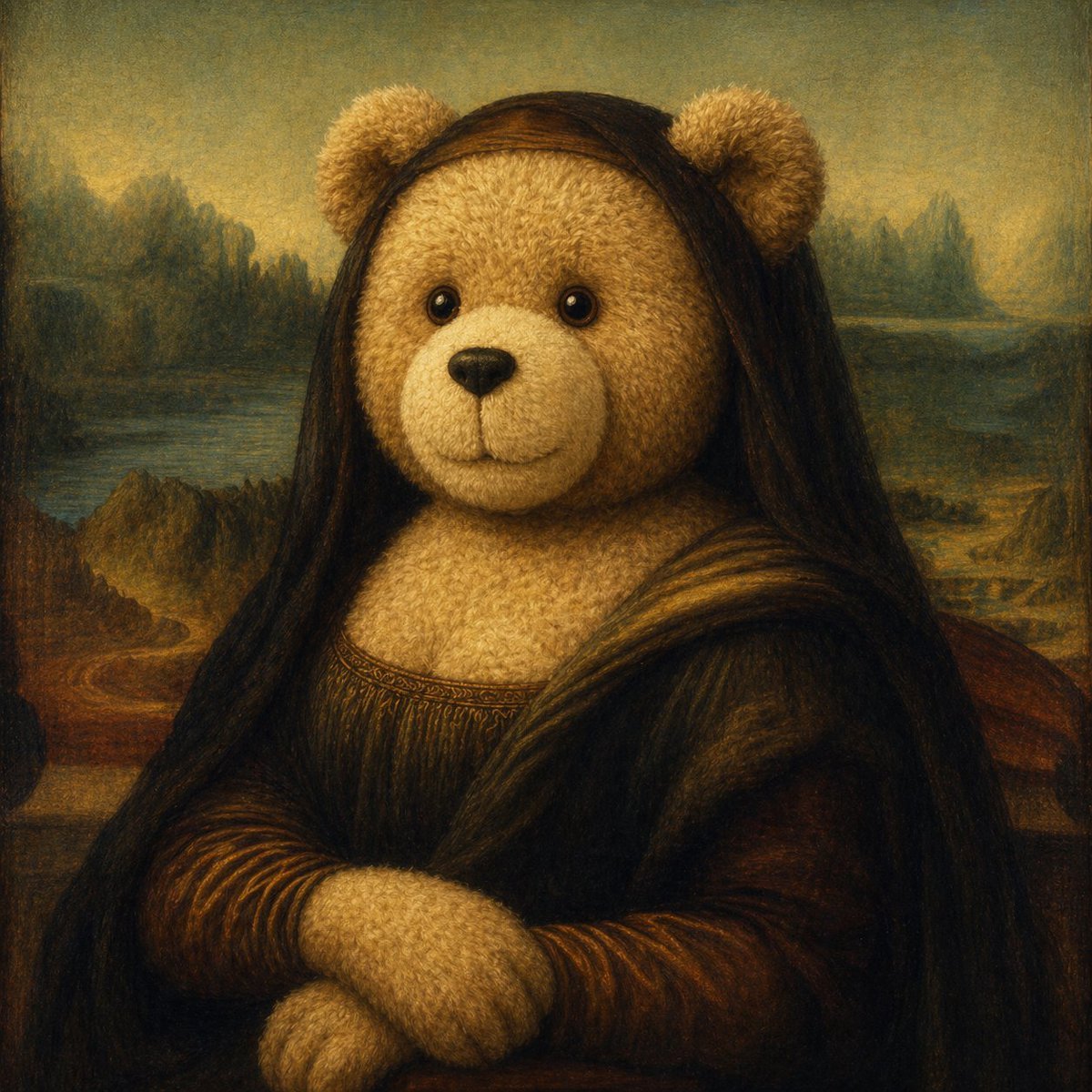
Teddy Bear Mona Lisa Hybrid
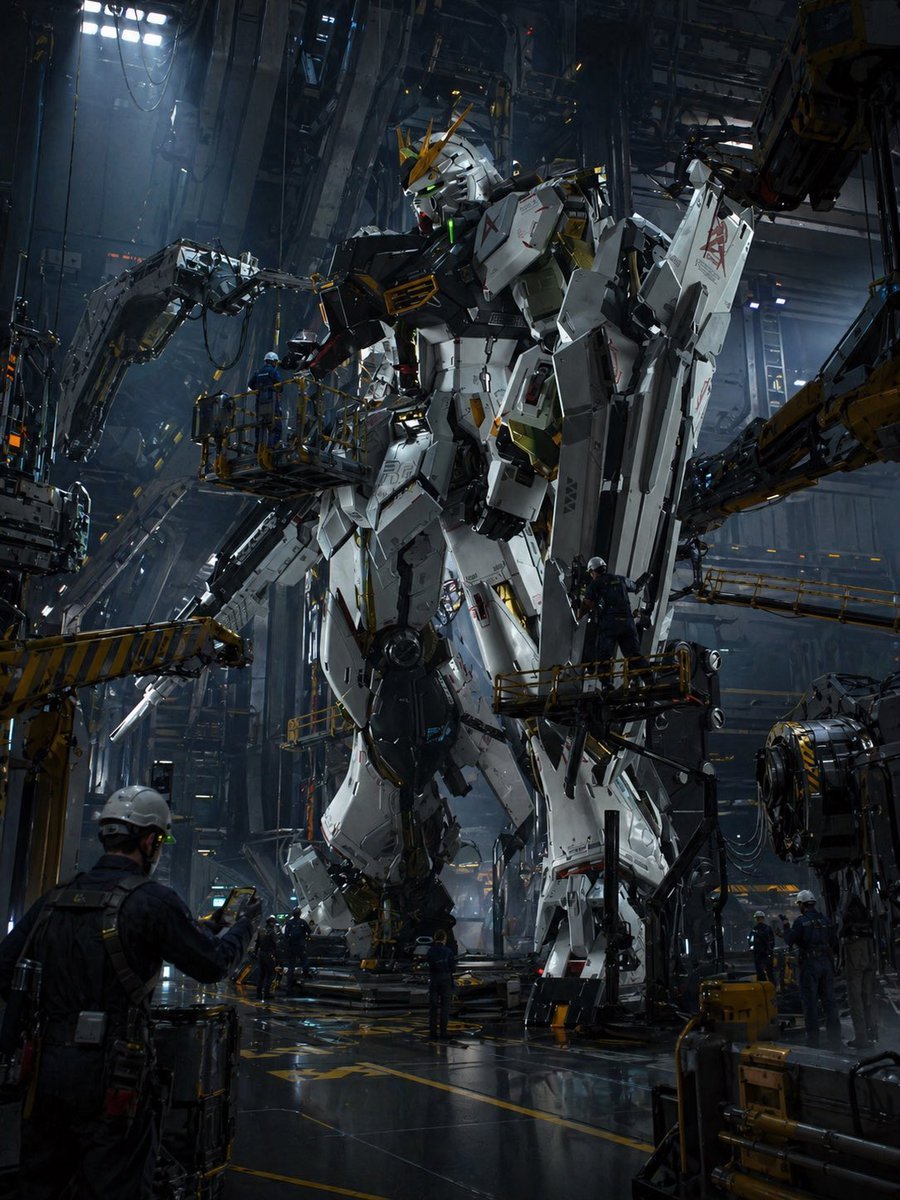
Gundam Maintenance Scene Transformation
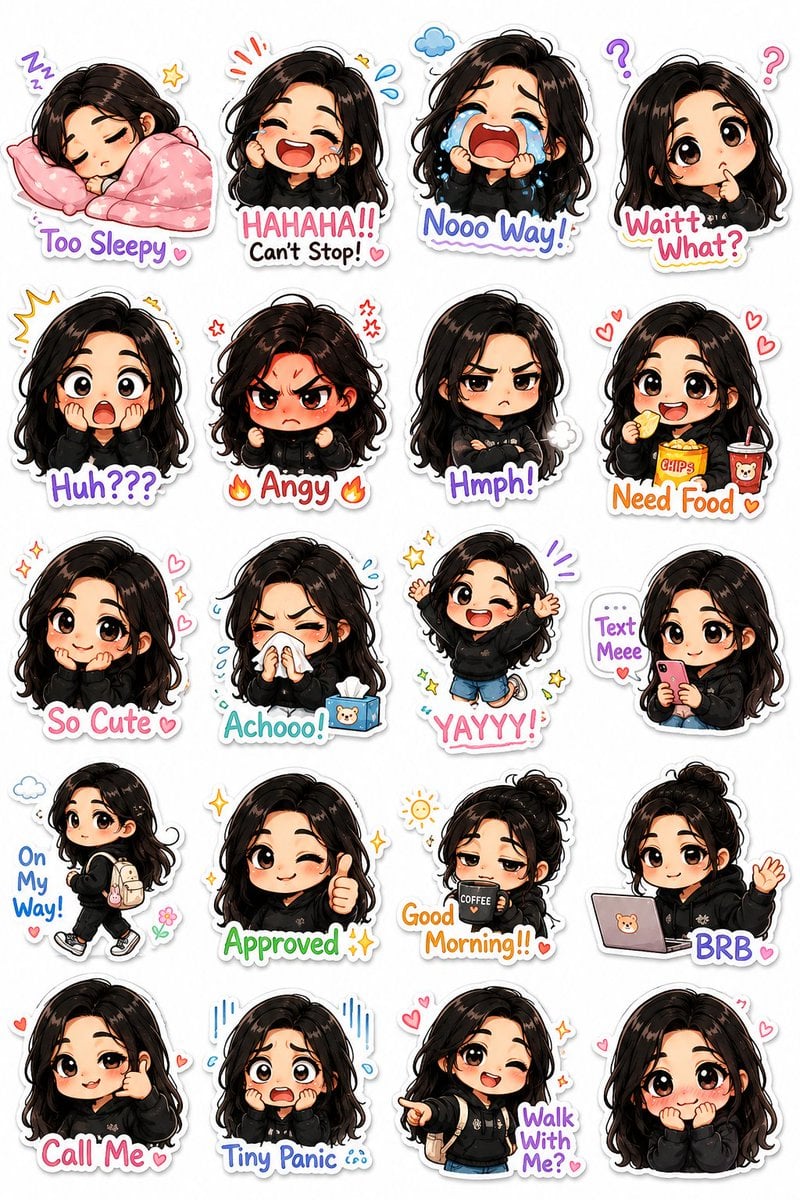
Kawaii Chibi Sticker Pack Creator
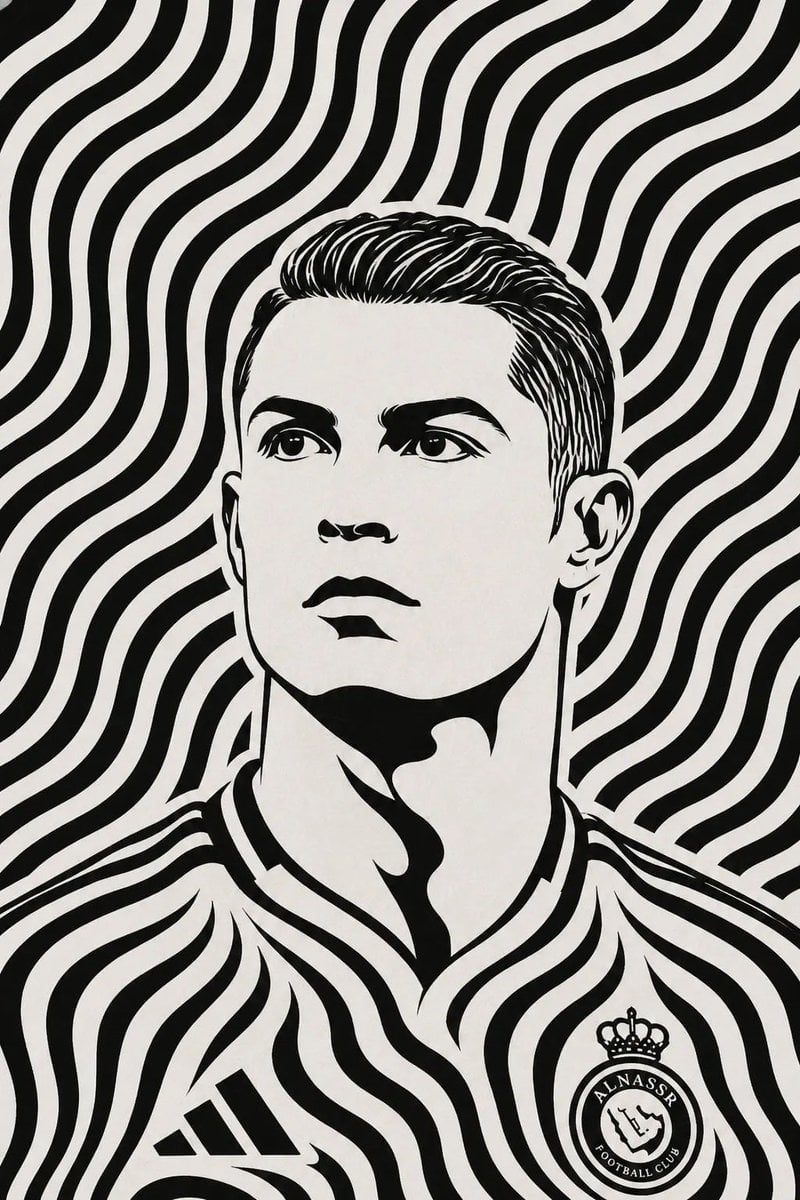
Black and White Optical Illusion Portrait
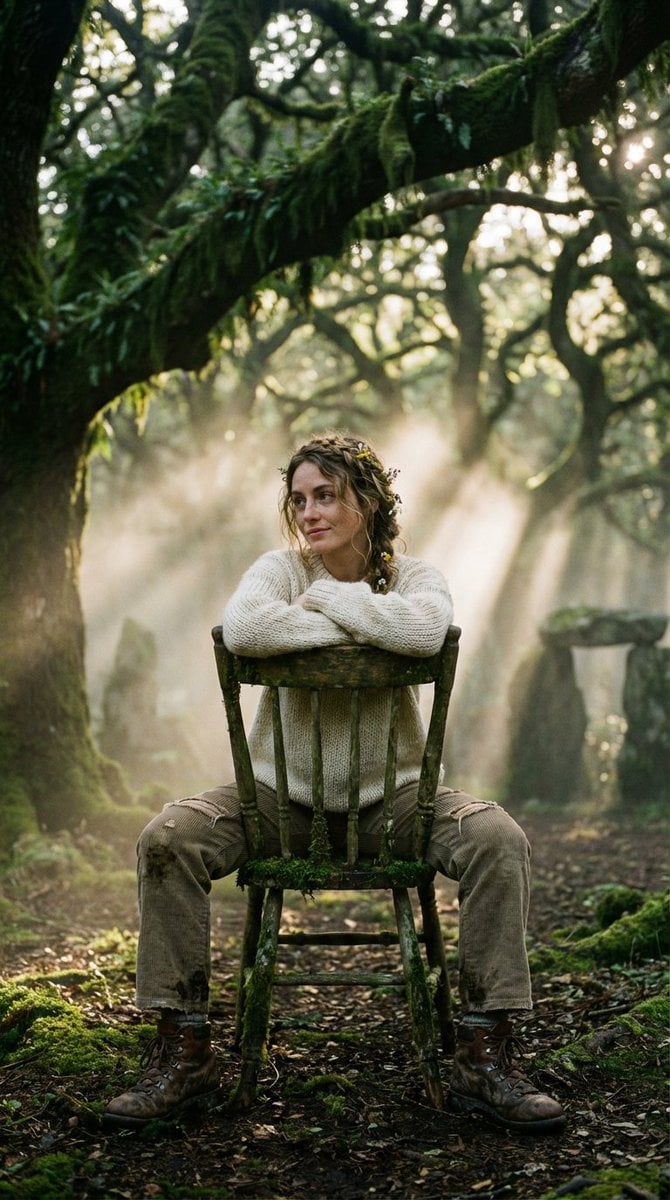
Bohemian Forest Portrait (Analog Film Style)
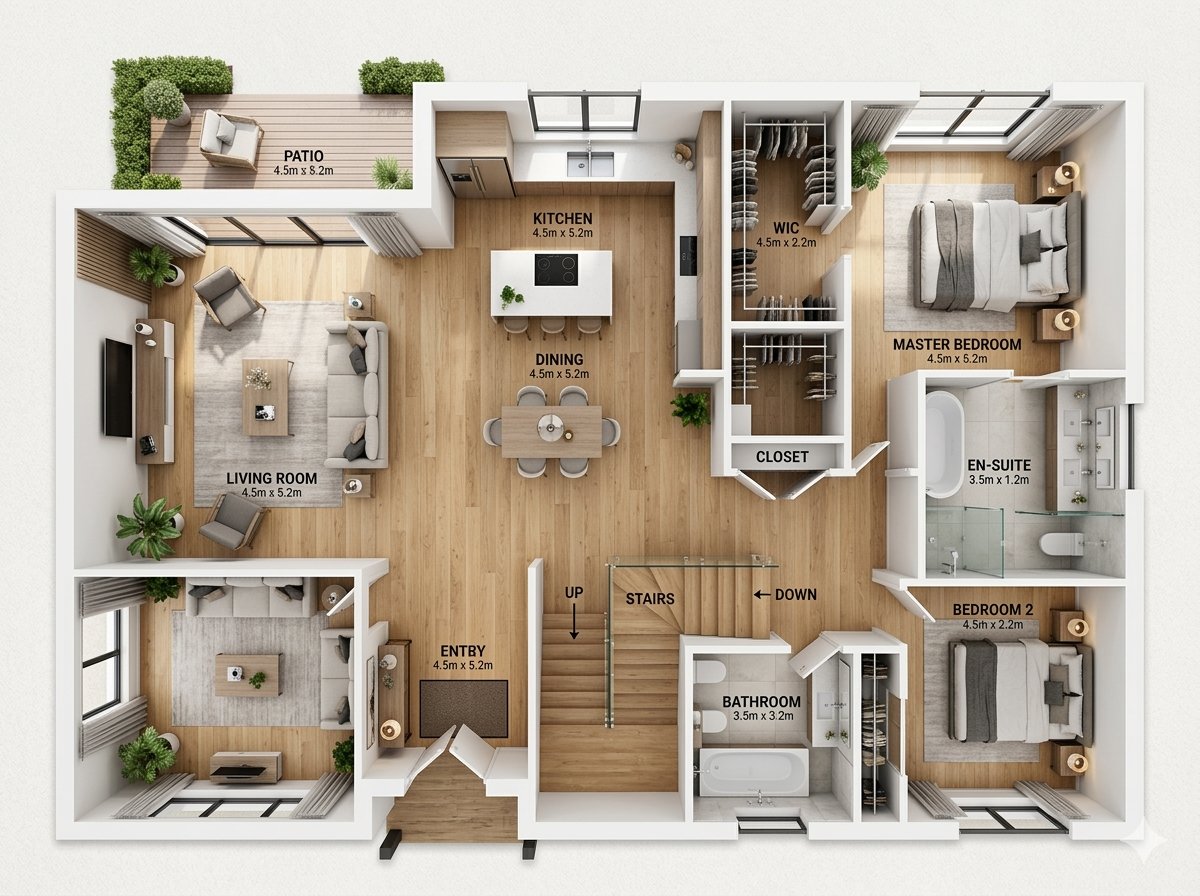
Modern Home Interior Architectural Blueprint Prompt
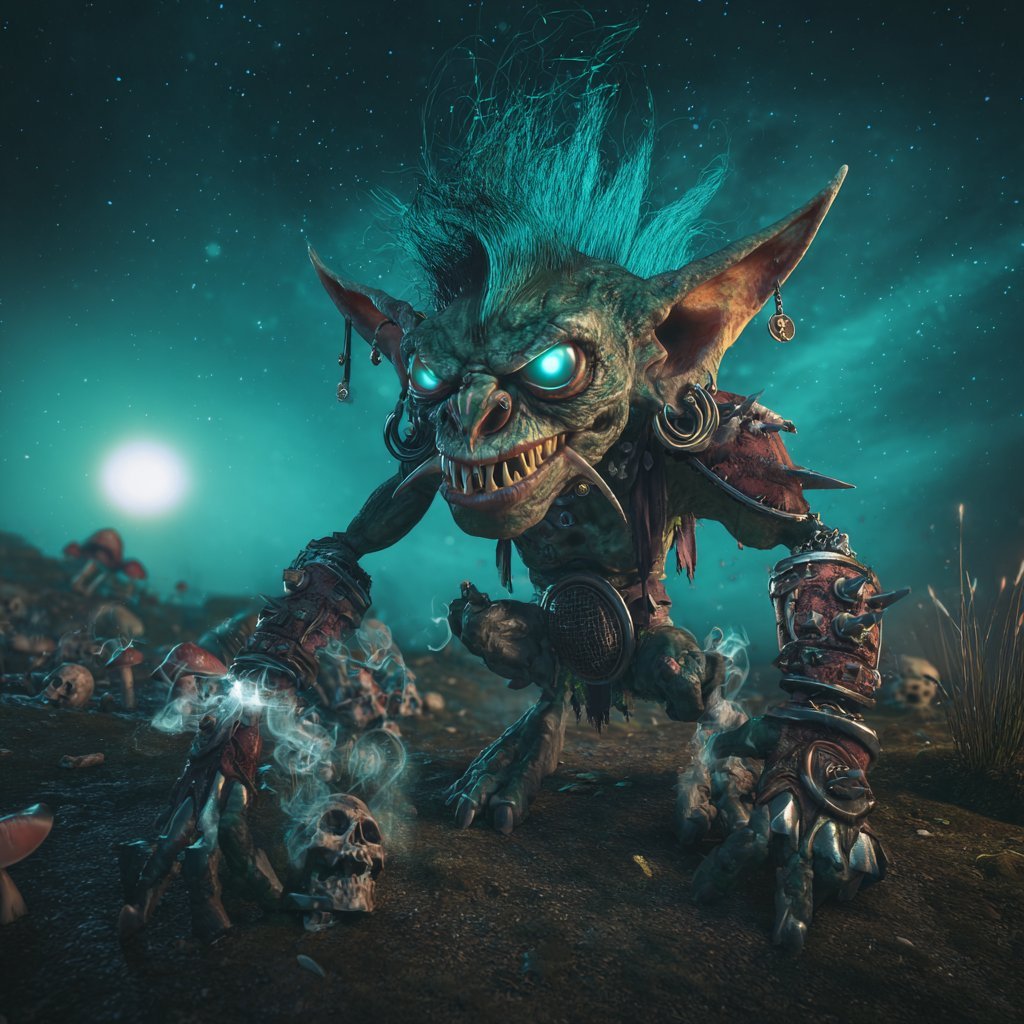
Cinematic Teal Goblin Warrior
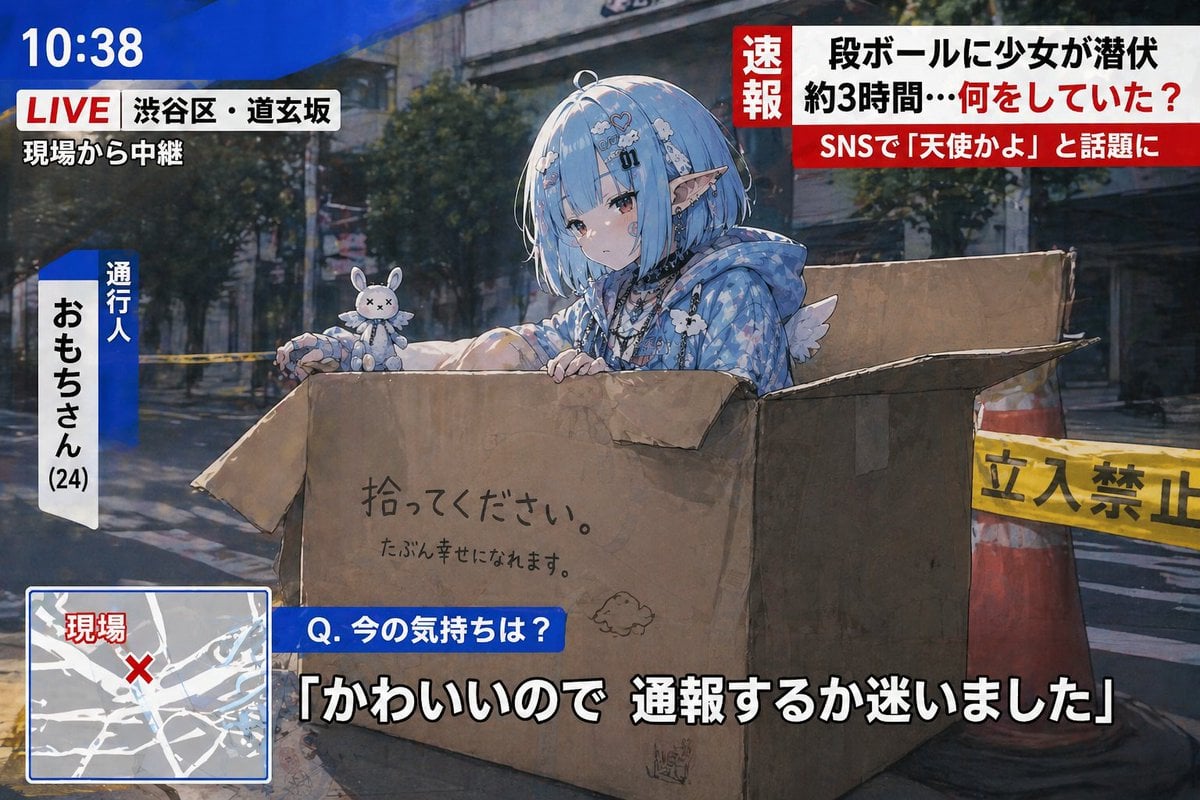
Breaking News Style Character Art
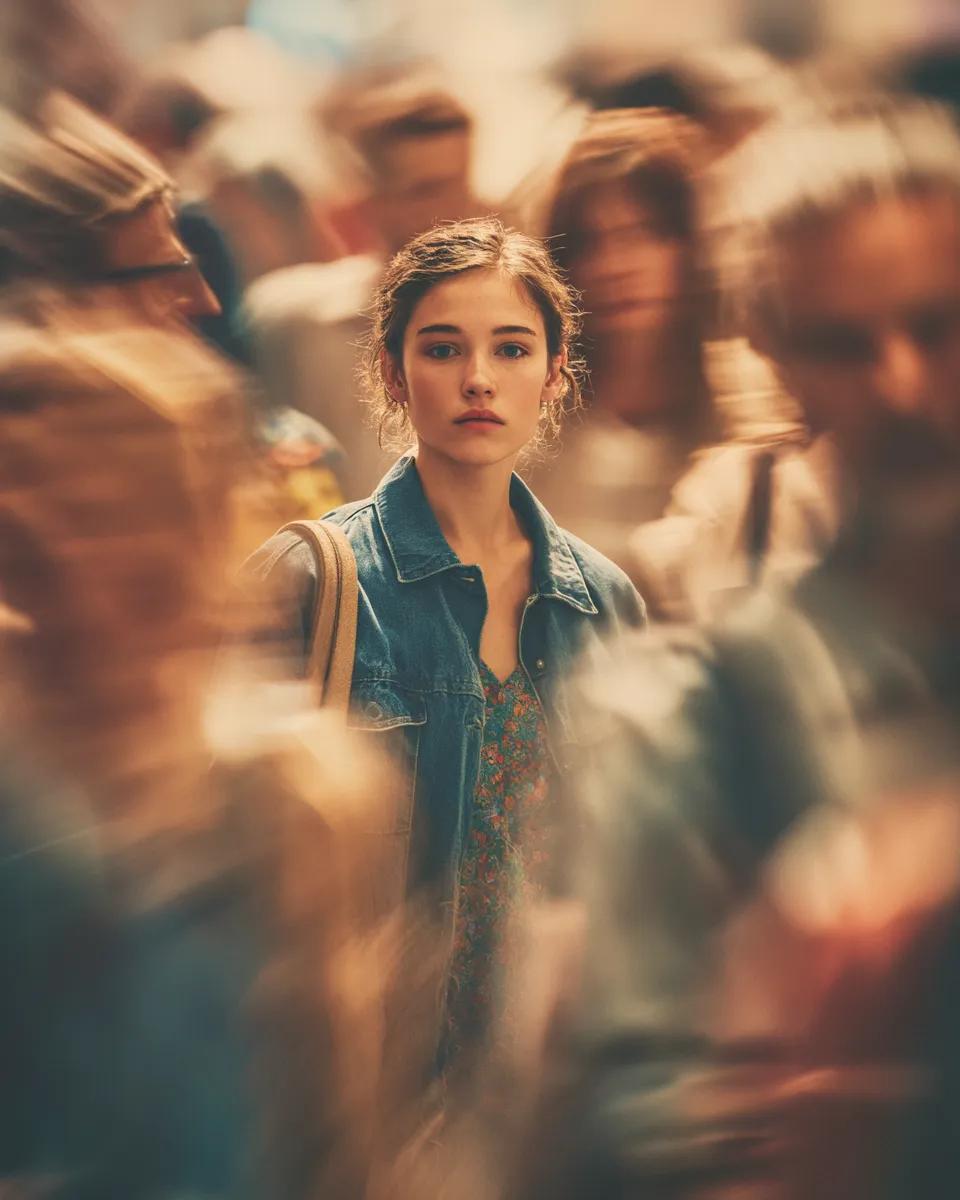
Cinematic Portrait with Motion Blur Crowd
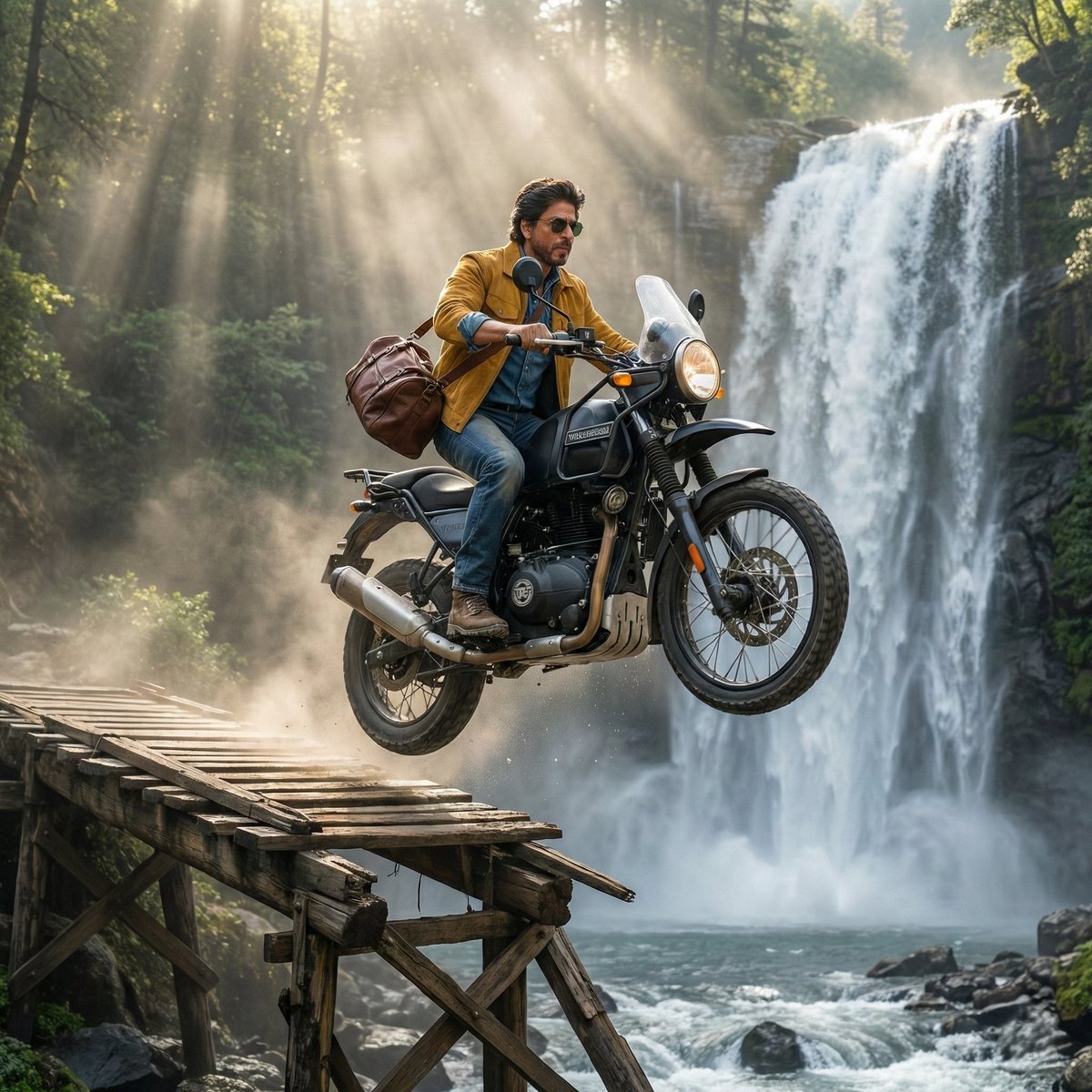
SRK Motorcycle Jump Action Shot Prompt
Browse template categories
Tiny Traveler Mango Beach Collage questions
How do I use the Tiny Traveler Mango Beach Collage template?
Add your photo if the template asks for one, edit the prompt if you like — the template's model and format are already selected — and press Generate. Your version opens in PicX Studio.
Can I customize the Tiny Traveler Mango Beach Collage template?
Yes. You can change the subject, setting, lighting, mood, format, and available model controls before creating your image.
Is the Tiny Traveler Mango Beach Collage template free?
Opening and editing this template is free. Generating uses credits, shown on the Generate button when you are signed in.
Which AI model should I use?
Start with GPT Image 2, which is the model associated with this template. You can compare another compatible model for a different finish.
Looking for something else? Browse all templates.

Your photo, any look
Thousands of ready templates for every top image and video model, from one credit balance.