
Mixed-Media Traveler Collage Portrait
Generates a premium editorial double-exposure portrait of a peaceful traveler blended with a sunset landscape and abstract collage textures.
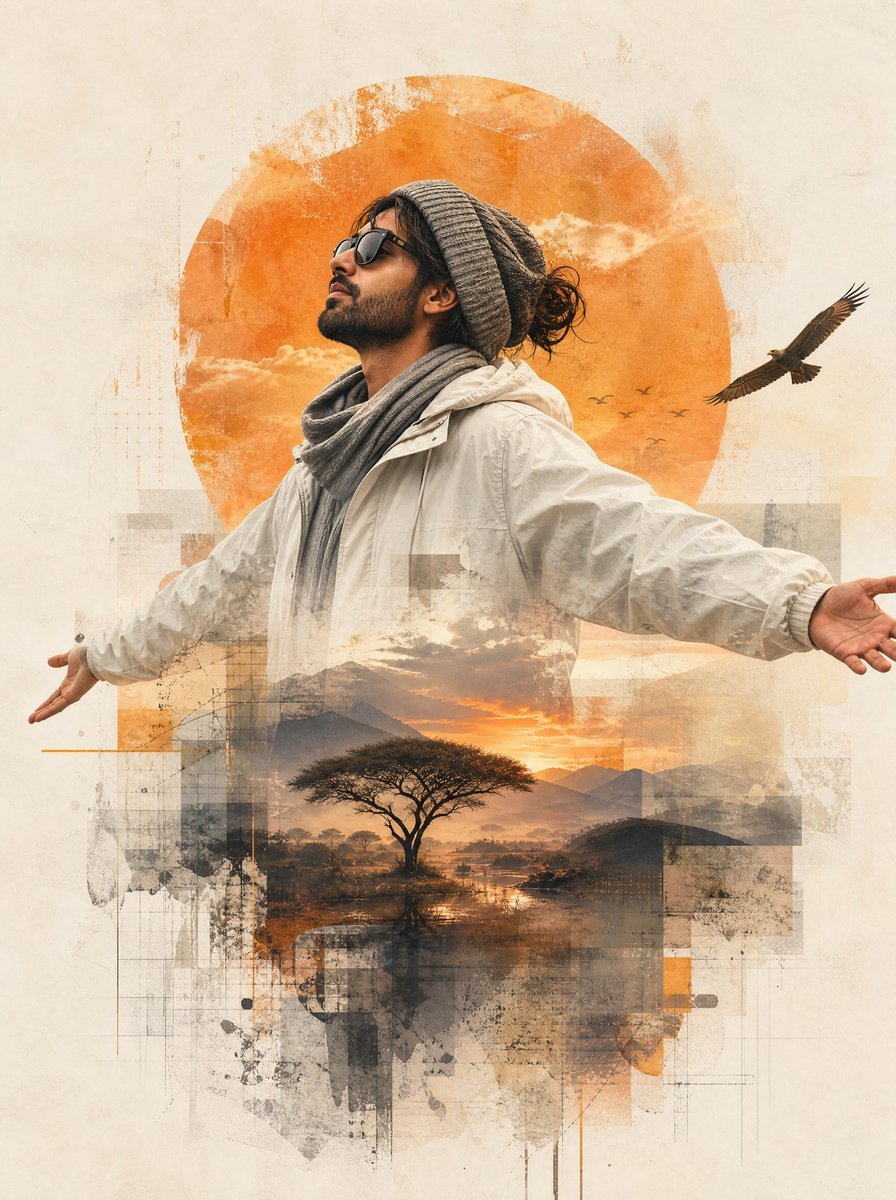
- Prompt included
- Model and format preset
- Free template
The prompt behind this image
Copy the exact prompt behind Mixed-Media Traveler Collage Portrait, or open it in the studio and make it yours.
Create a premium contemporary mixed-media editorial collage portrait of {argument name="character description" default="a young male traveler"} standing in a peaceful open posture with both arms extended wide. Show him from the waist up, facing left in profile, chin lifted toward the sky, eyes hidden behind dark sunglasses, expressing liberation, gratitude, hope, and inner peace. He has medium-tan skin, a short beard, loose dark hair tied in a small messy bun, and wears a gray knitted beanie, a thick gray scarf, and a light cream-white travel jacket with soft folds. Use a vertical portrait canvas with generous cream parchment-like negative space and a refined magazine-cover composition. Behind his head place one large weathered orange sun disk filled with subtle cloudy sky texture. On the right side of the sun, include exactly 1 large flying eagle and exactly 5 tiny distant bird silhouettes. Blend the lower half of the traveler into a double-exposure landscape: exactly 1 acacia-like tree centered in the lower torso area, reflective water beneath it, distant mountains, warm sunset clouds, and orange-gold light. Surround the figure and landscape with translucent layered rectangles, faint architectural grid lines, ink splatters, grunge brush textures, paper scratches, and semi-transparent beige, gray, charcoal, and burnt-orange collage blocks. The style should feel like a high-end travel editorial poster combining photorealistic portraiture, painterly textures, double exposure, and abstract geometric collage. Use warm earthy tones: {argument name="accent color" default="burnt orange"}, cream, taupe, gray, charcoal, and soft sunset gold. No text, no logo, no watermark, no border; keep the subject crisp while the collage edges fade organically into the background.
How to use Mixed-Media Traveler Collage Portrait in 3 steps
- 1Upload ImagePNG, JPG or paste
Add your photo
Upload the photo the template builds on. The prompt, model and format are already set.
- 2…a portrait of your subject in softgolden-hour light, 85mm…
Personalize
Edit the subject and creative details for your destination.
- 3Generate
Generate
Press Generate — your image is created in PicX Studio, so you can compare it with the original and refine one variable at a time.
More like this
Templates with the same subject, style or setup. Open one to see its prompt.
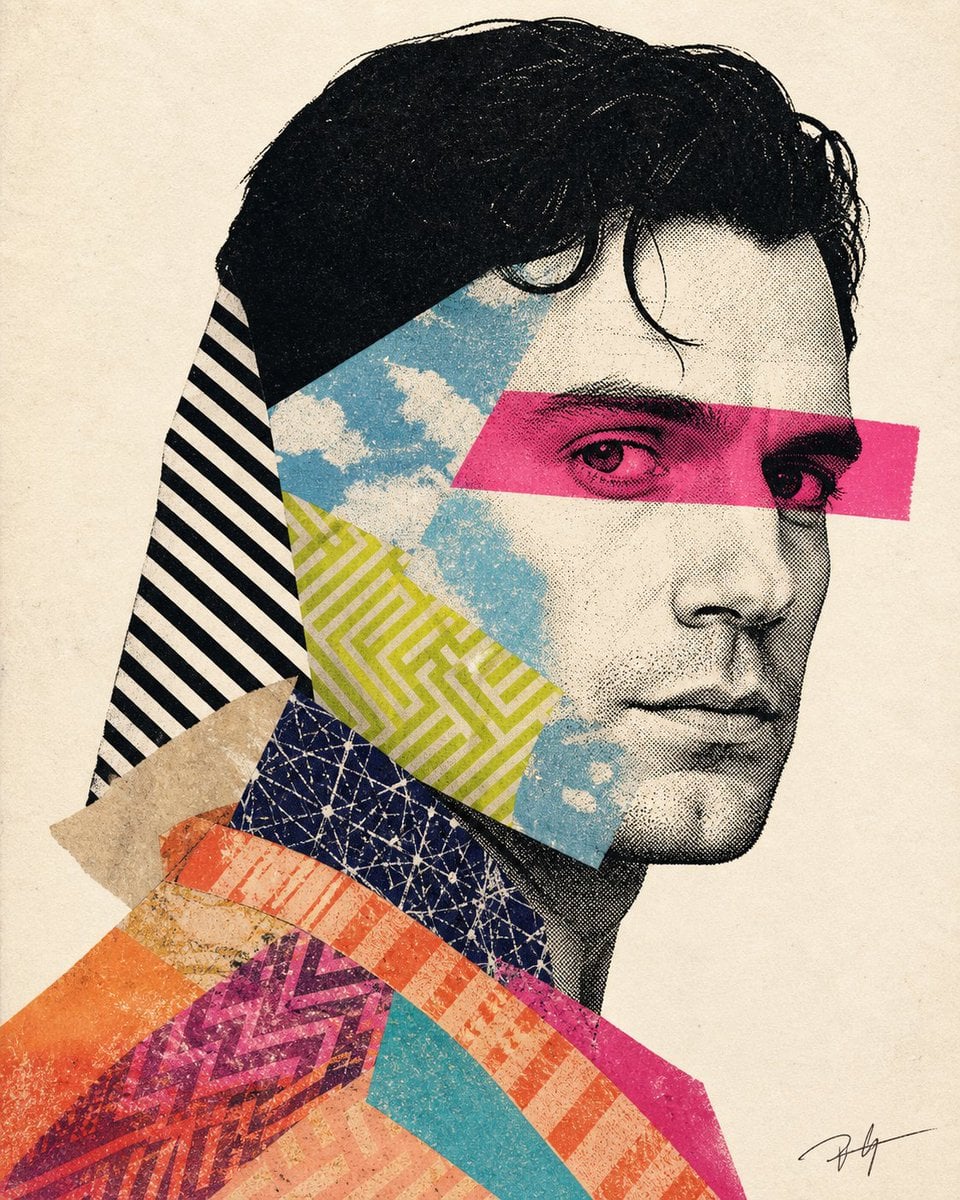
Mixed-media collage portrait illustration
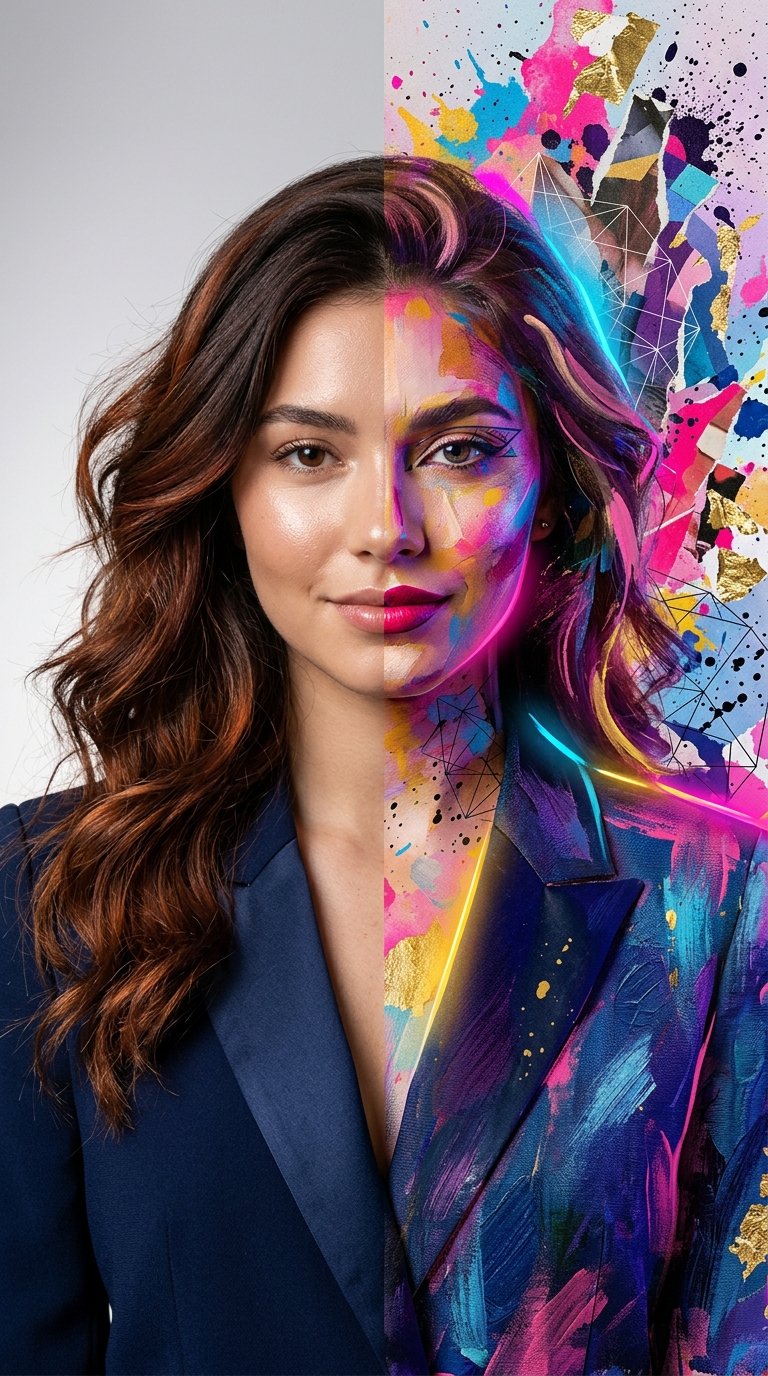
Split Portrait - Mixed Media
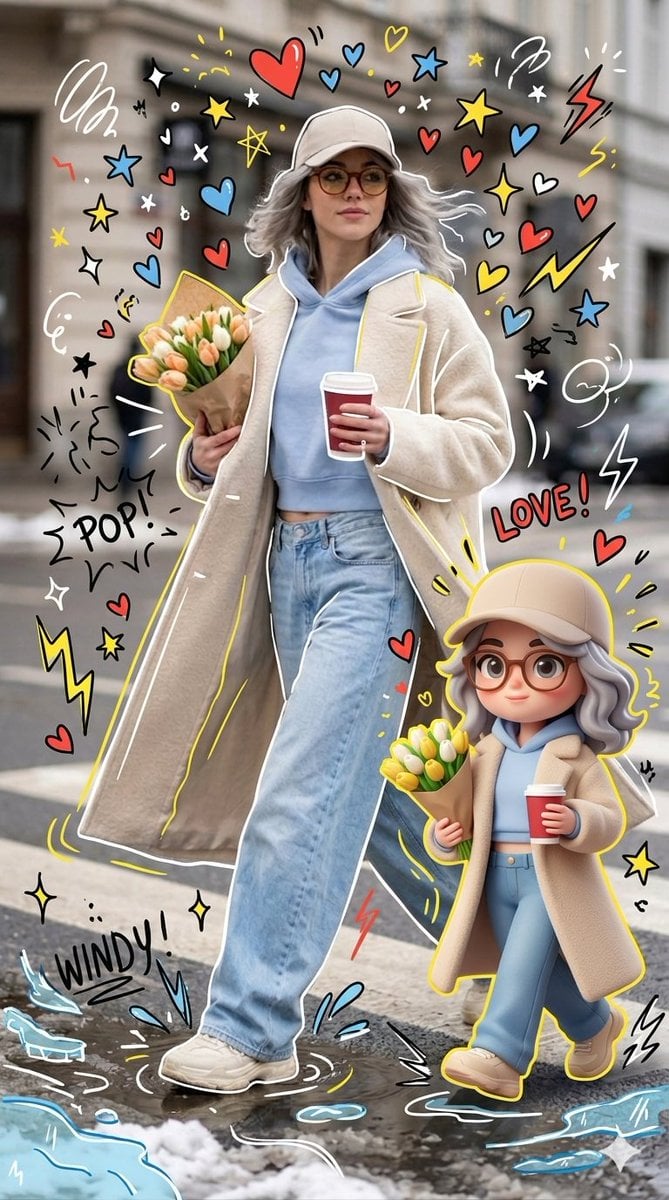
Mixed-media Chibi portrait
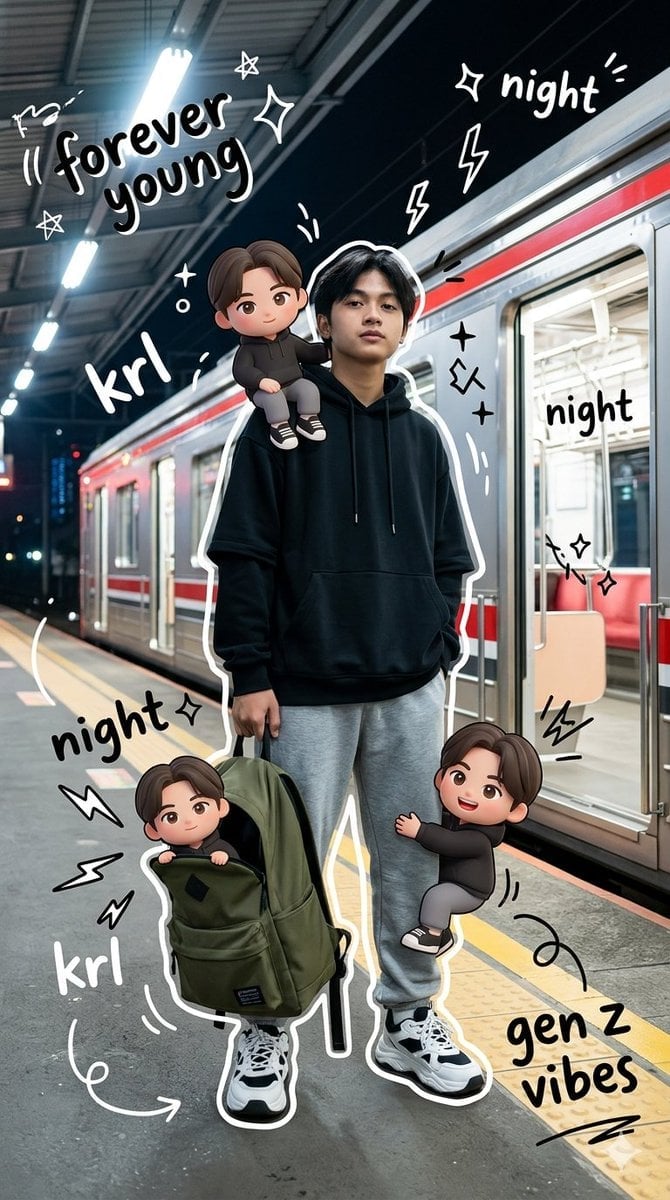
Gen Z Mixed-Media Portrait with Chibi Effects
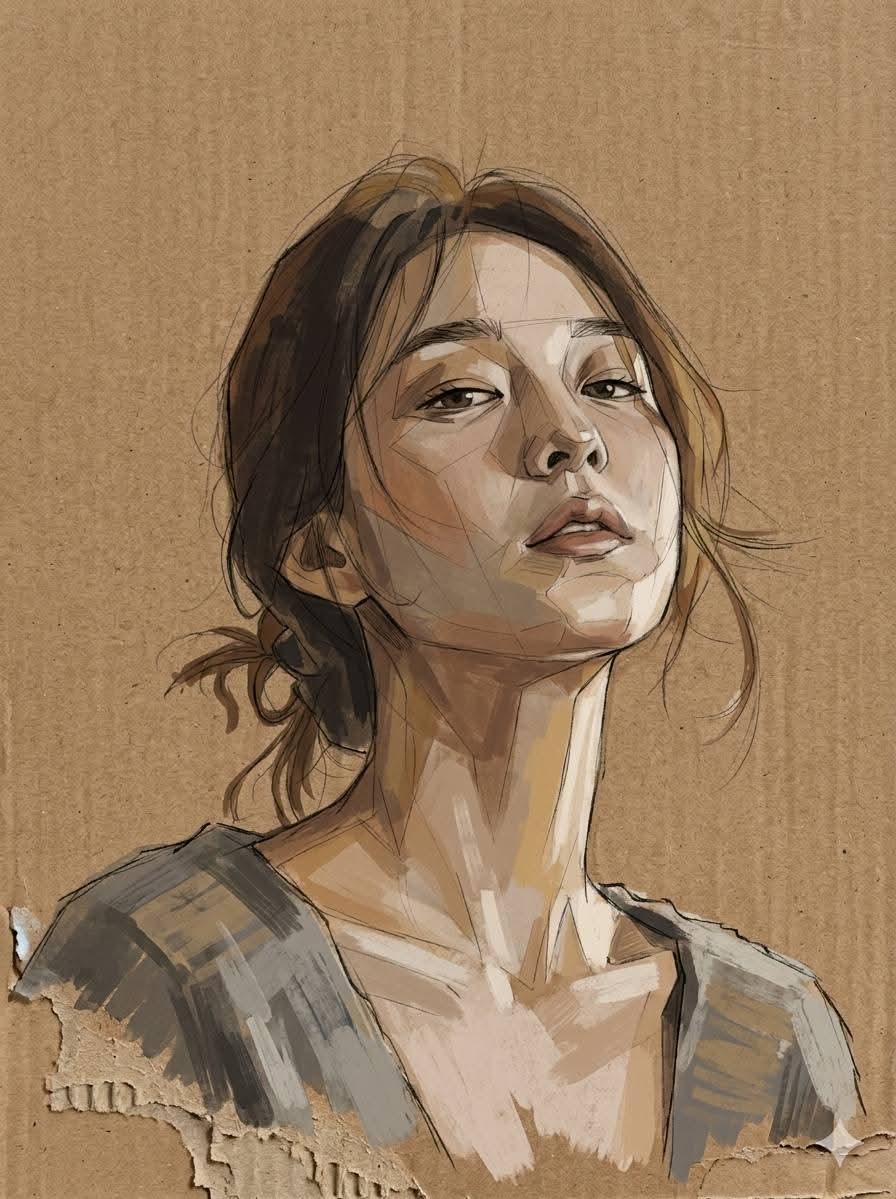
Cardboard Mixed Media Portrait
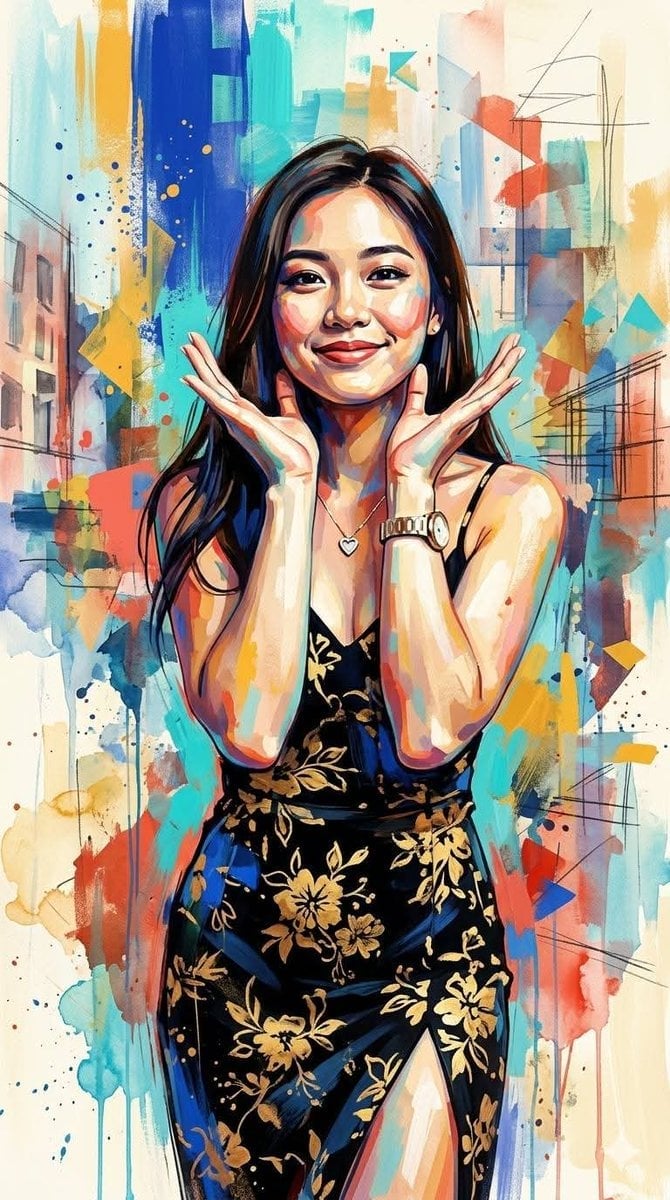
Contemporary Mixed-Media Abstract Portrait
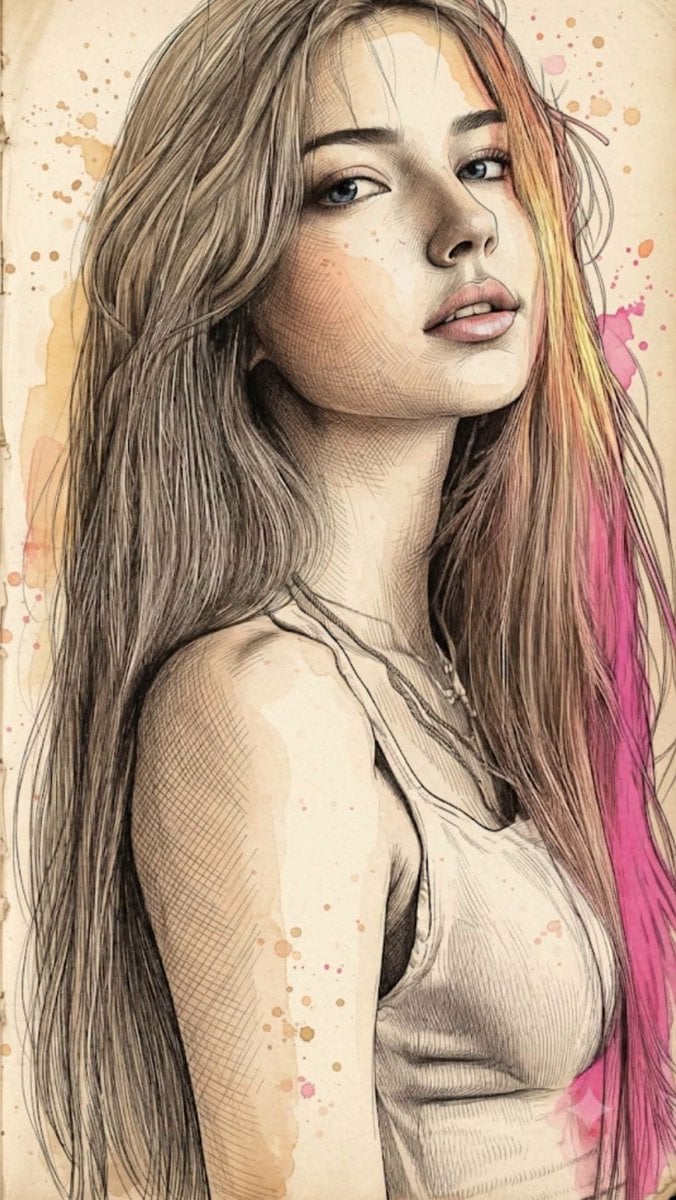
Fine Art Mixed-Media Portrait Illustration
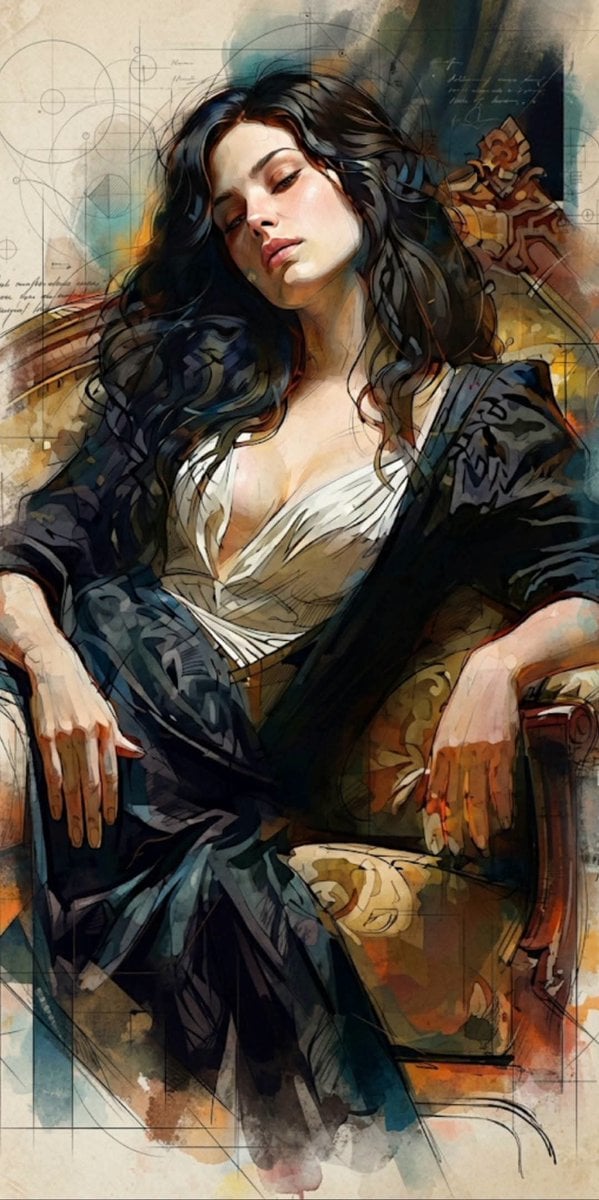
Mixed Media Cinematic Portrait Illustration
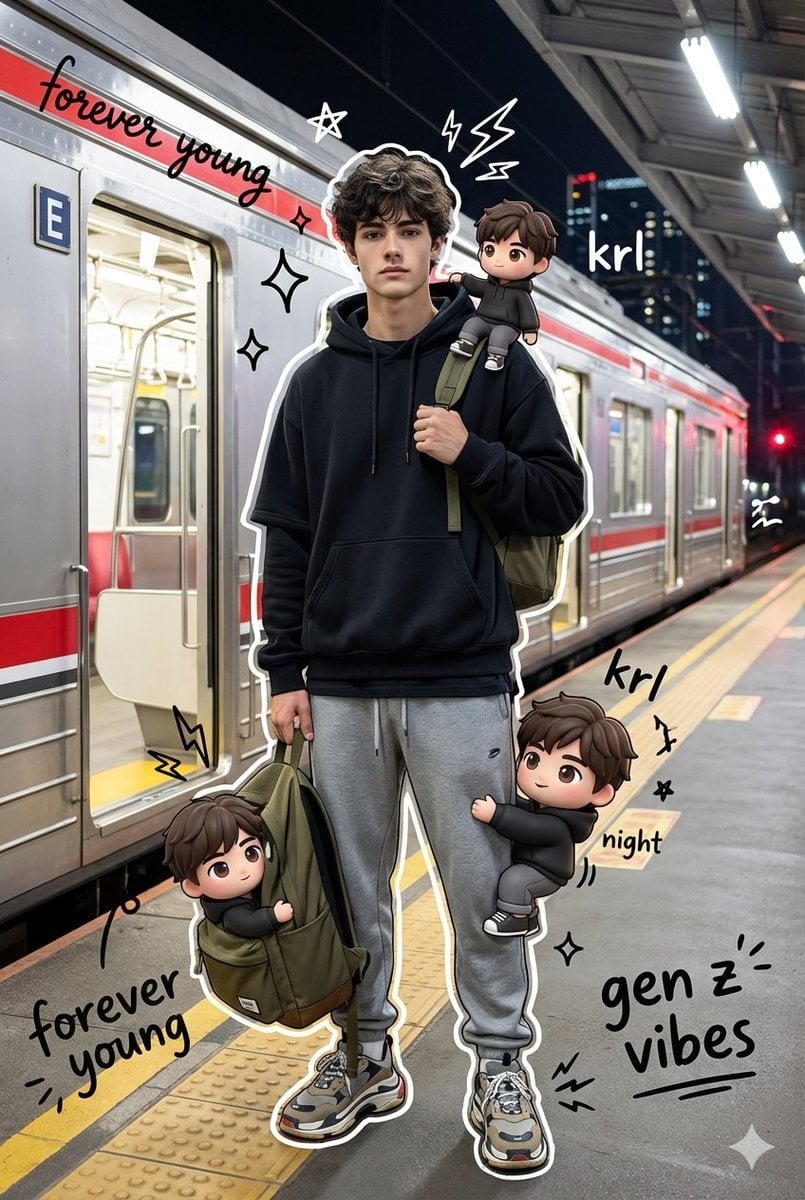
Mixed Media Chibi Streetwear Portrait
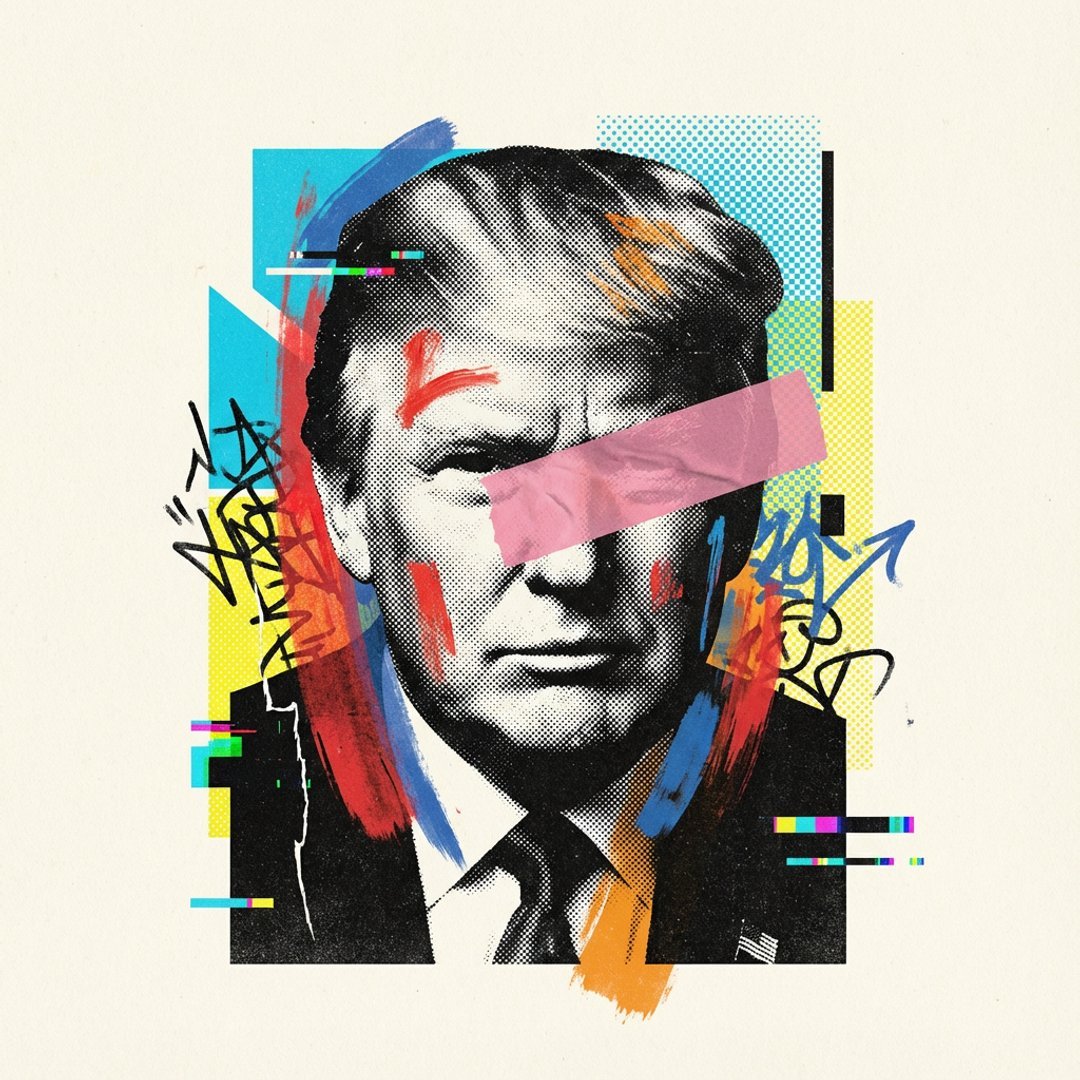
Avant-Garde Mixed Media Risograph Collage
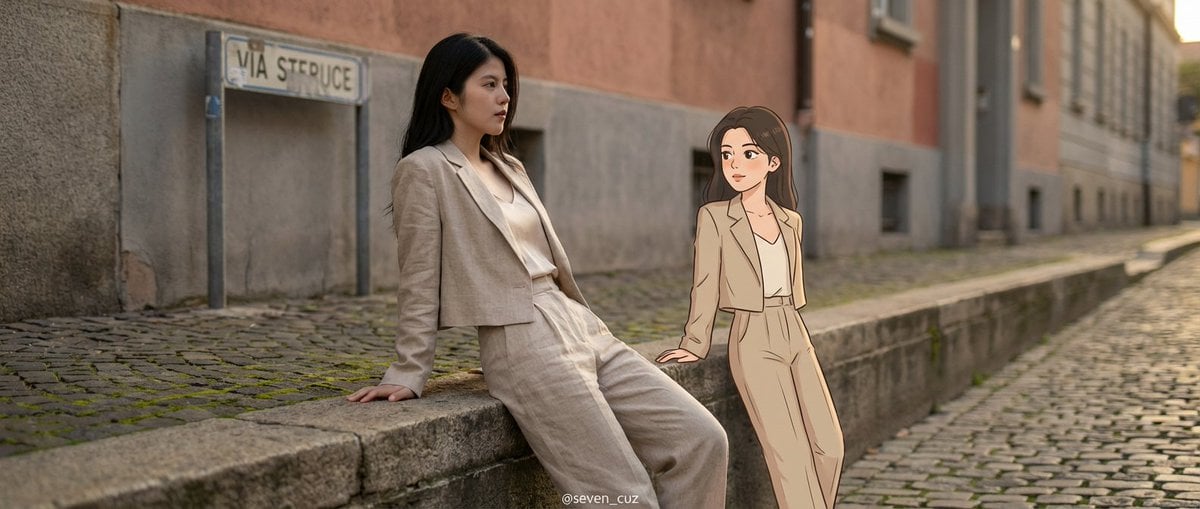
Mixed-Media Crossover Portrait (Real and Cartoon)
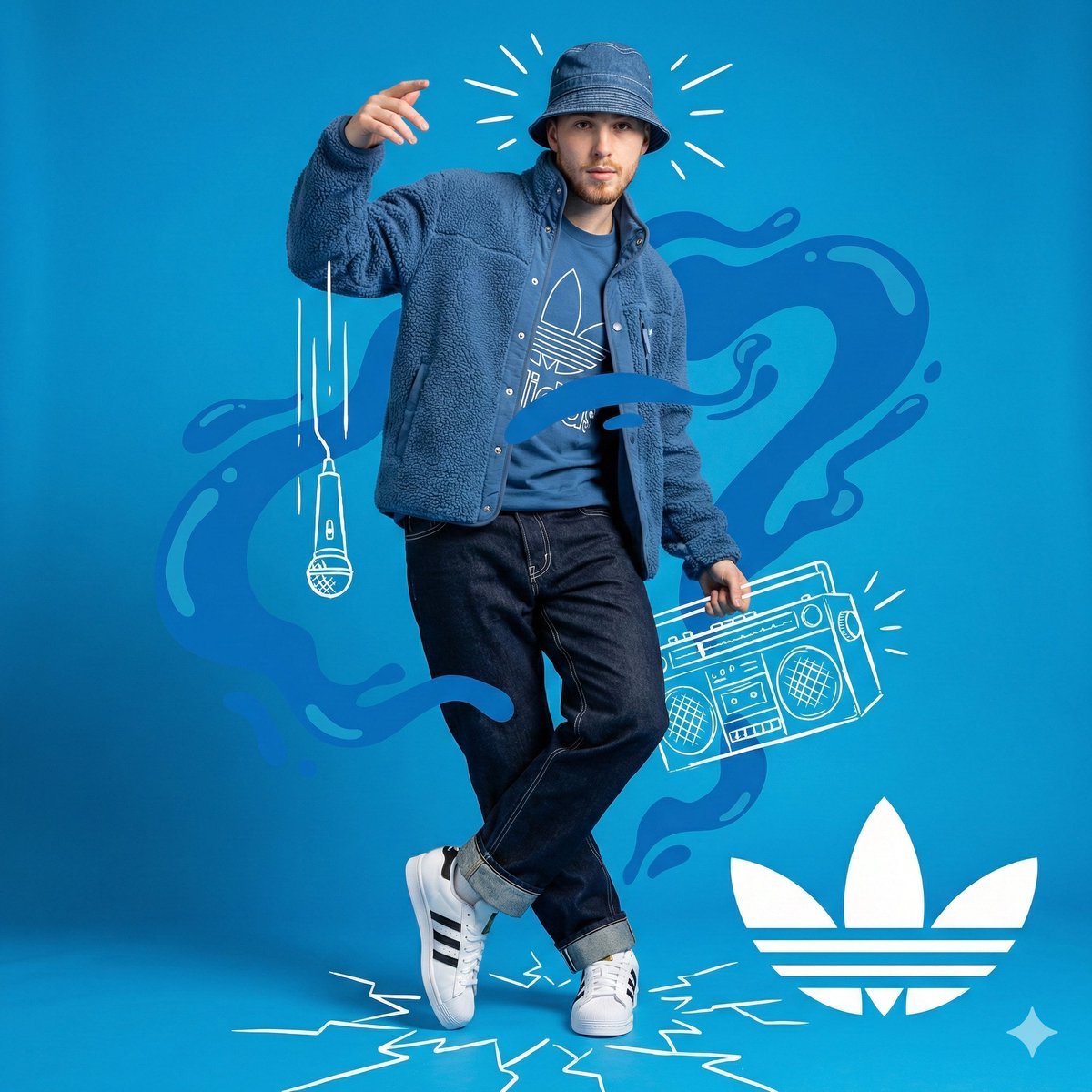
Mixed Media Studio Portrait with Vector Graphics Overlay
Make it yours
Mixed-Media Traveler Collage Portrait works as-is. These are the safest ways to change it without losing the look.
Change one field
Copy a single group, rewrite it, and generate again so you can see what that field is doing.
Keep the frame, change the subject
Hold the composition and light of Mixed-Media Traveler Collage Portrait, then swap wardrobe, props or the person for a new take.
| If the result… | Why | Fix |
|---|---|---|
| The result drifts from the preview | Too many fields changed at once. | Reuse Mixed-Media Traveler Collage Portrait as-is first, then change one group — subject, light, or setting. |
| The model over-stylizes the scene | The prose prompt leaves finish and camera underspecified. | Add one camera or lighting sentence and stay on GPT Image 2. |
More GPT Image 2 templates
Other prompts made for GPT Image 2.

Six VTuber Japanese Logo Sheet

Realistic Portrait of Woman and Deer

The Vista Modular Condo Poster

AI Model Routing Comparison Infographic

2.5D Anime Art Board

Isometric Productivity Desk Scene

New York Double Exposure Poster

Four-Panel AI Landscape Comparison

Japanese Tatami Lifestyle Magazine Cover

NESCAFÉ Coffee Map Poster
More image prompts
Fresh picks from across the catalog.
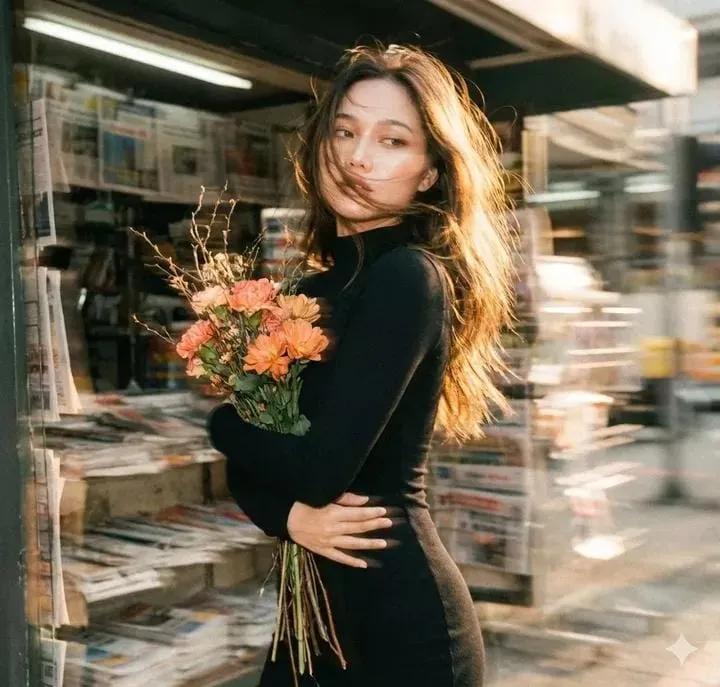
Vintage Film Motion Portrait
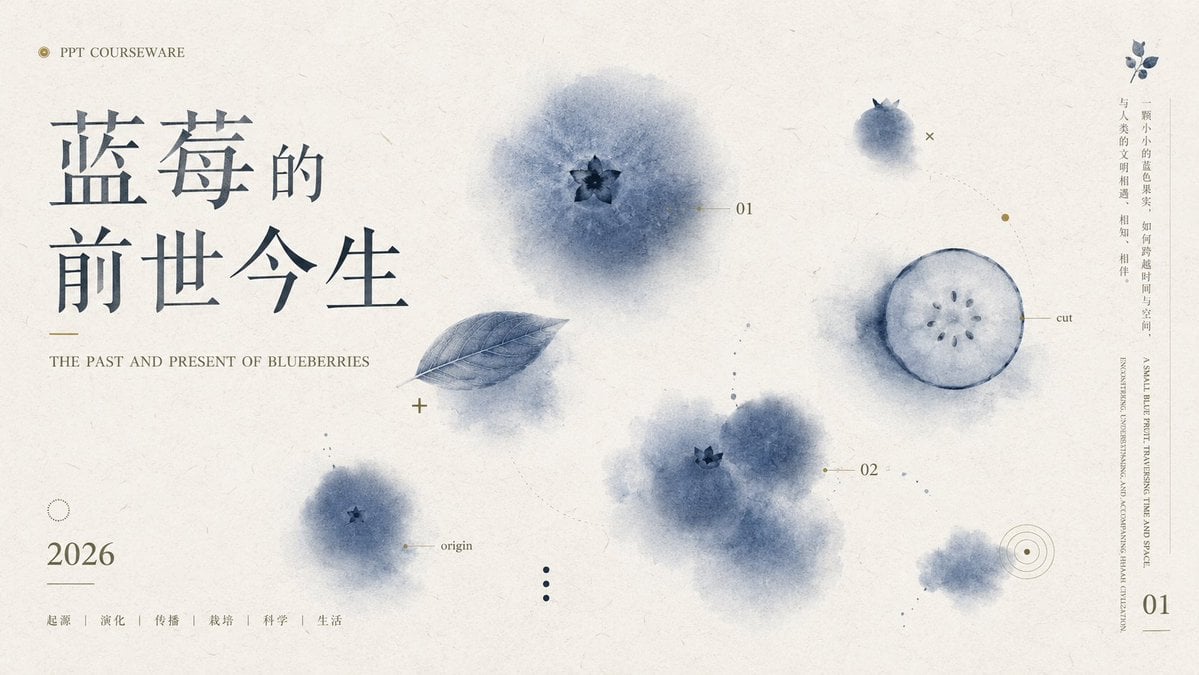
Blueberry Courseware Cover Slide
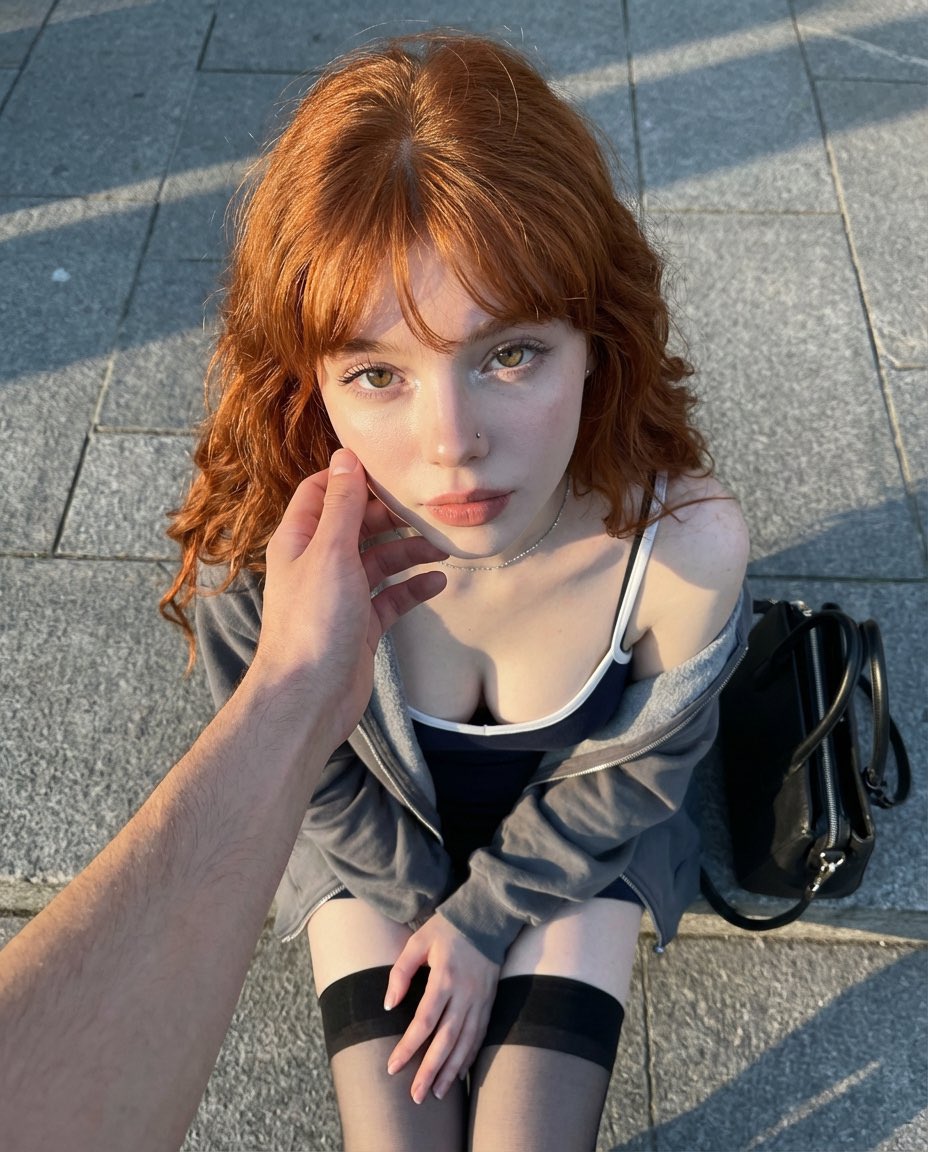
Top-Down Outdoor Portrait at Golden Hour
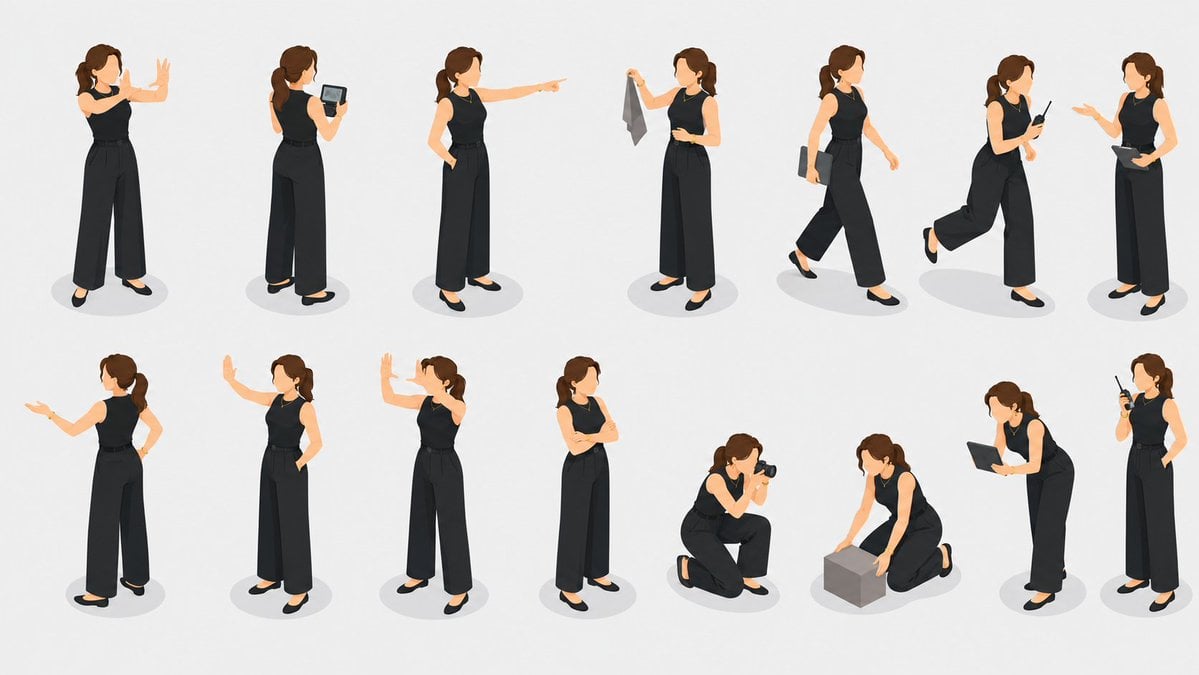
Isometric Businesswoman Pose Sheet
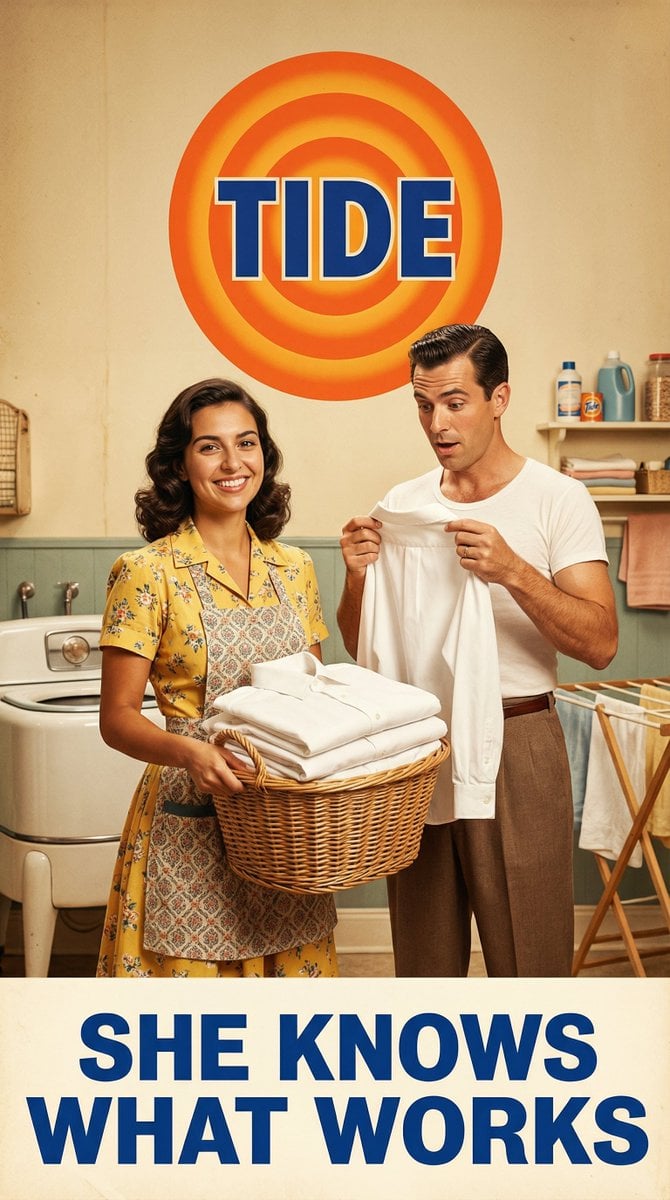
Vintage 1950s Detergent Ad Recreation Prompt
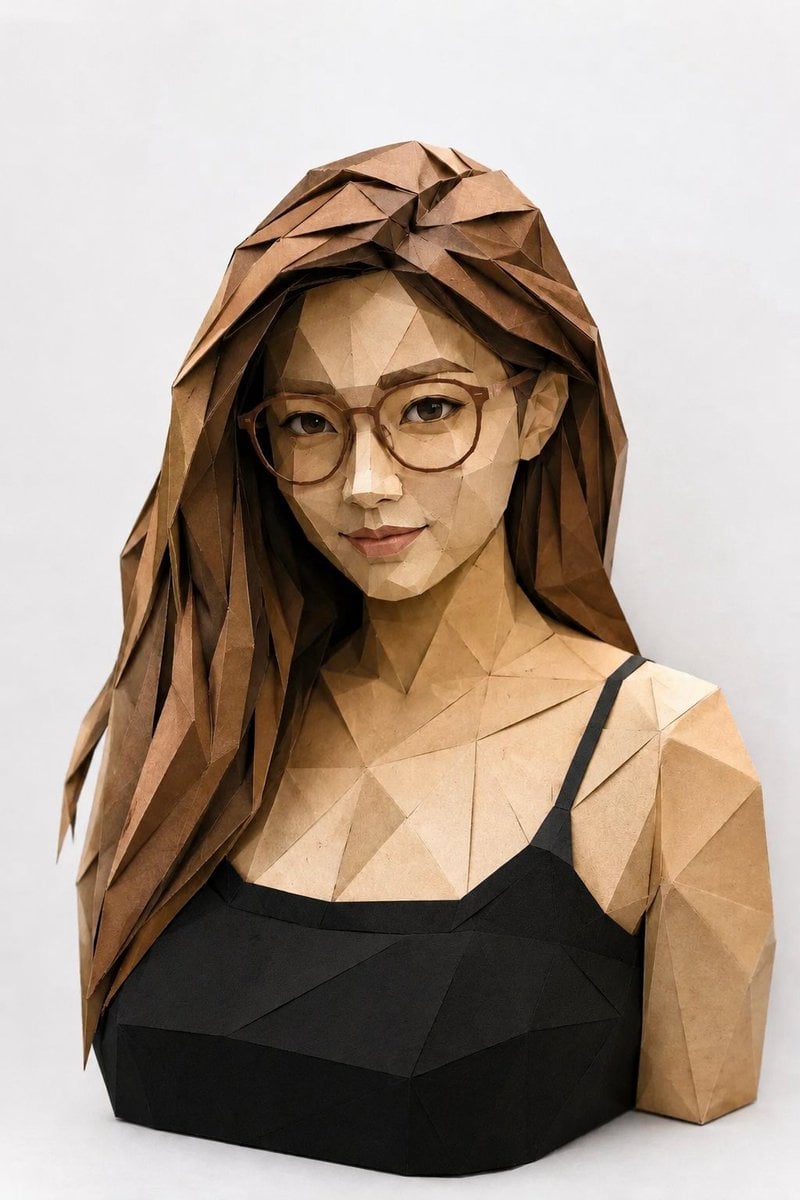
Low-Poly Origami Papercraft Portrait
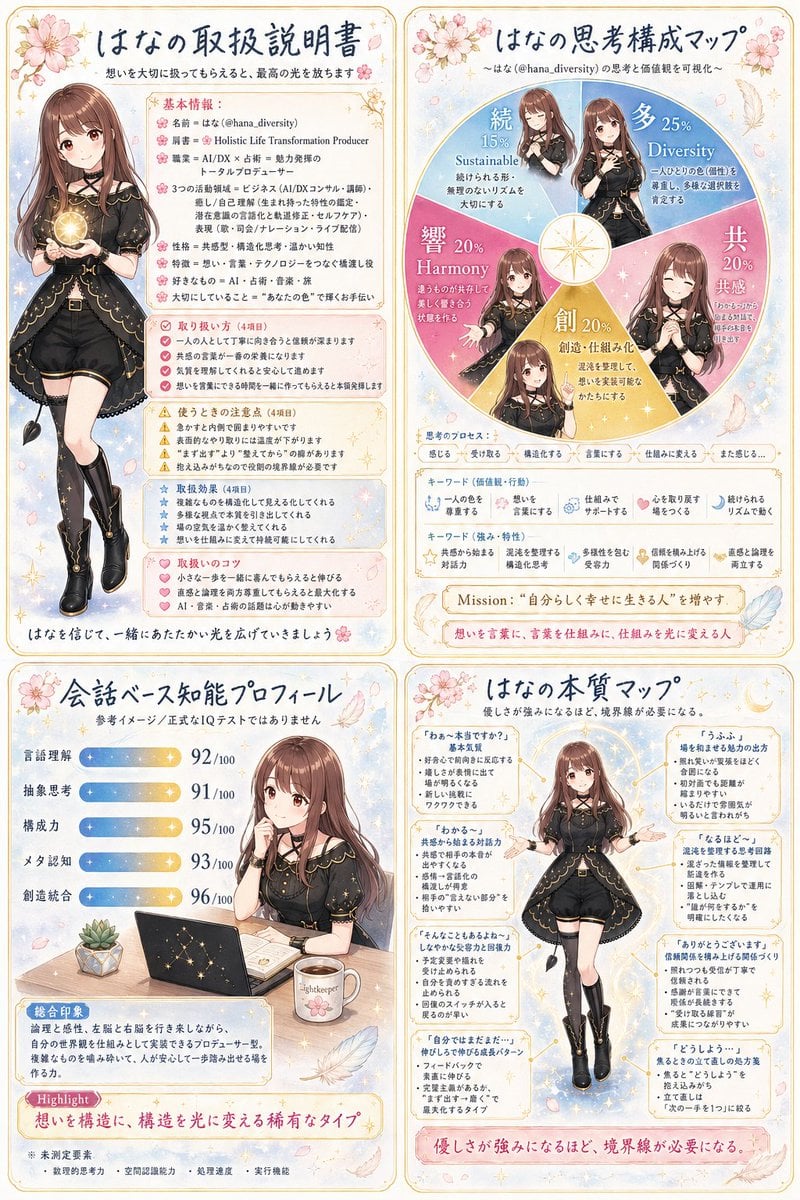
Anime Personality Infographic Poster
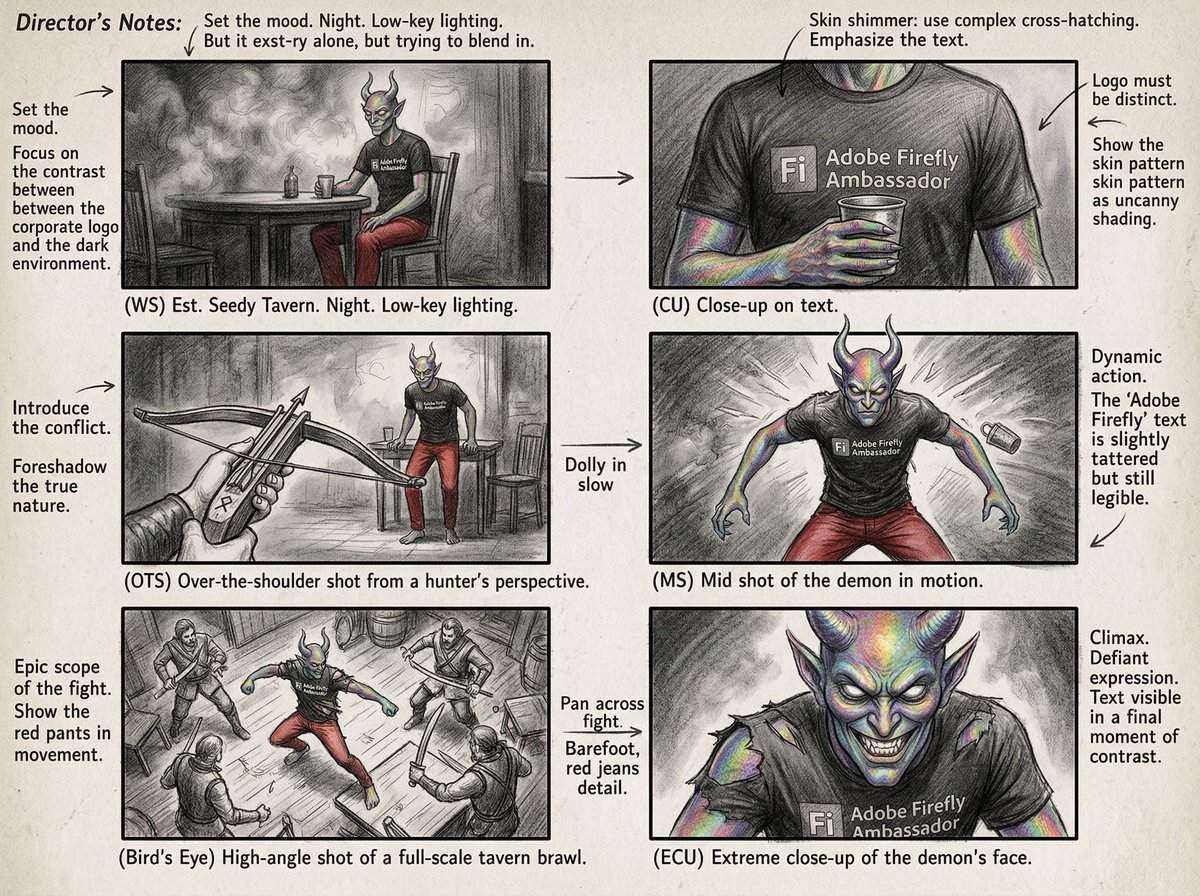
Six-Panel Cinematic Storyboard Sketch
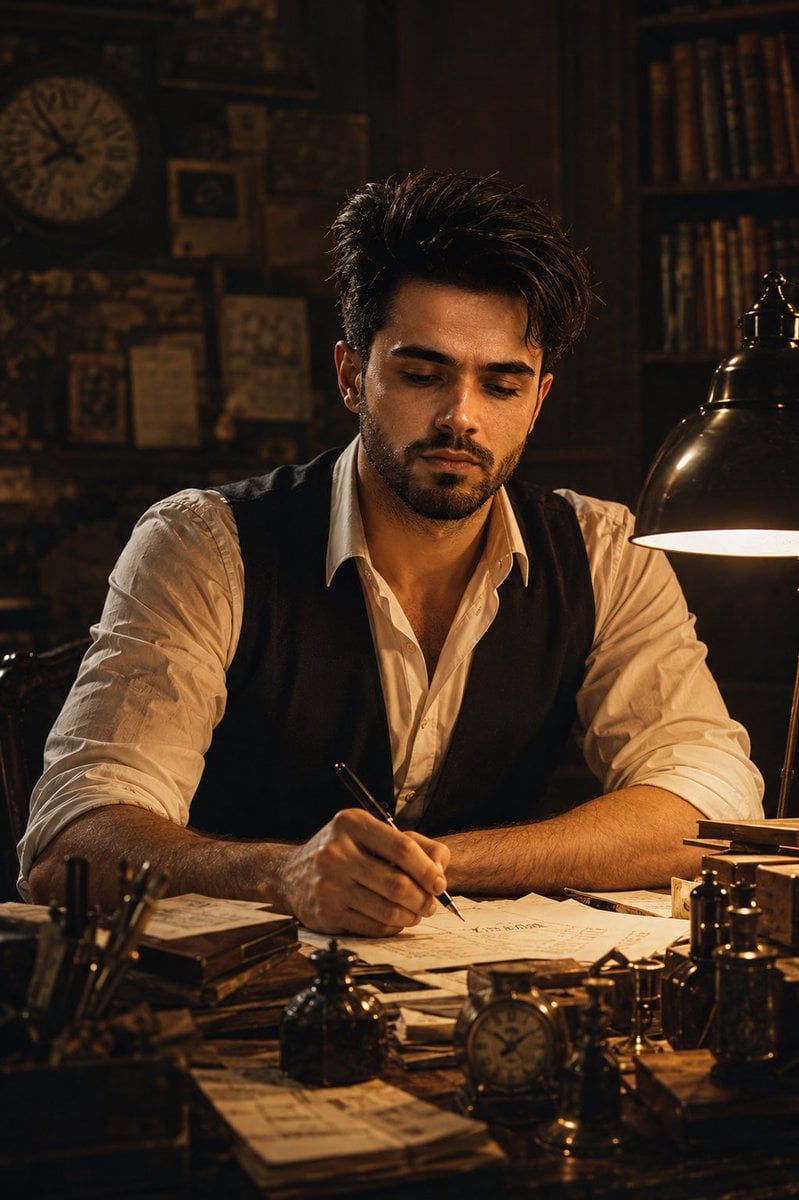
Vintage Writer Cinematic Portrait
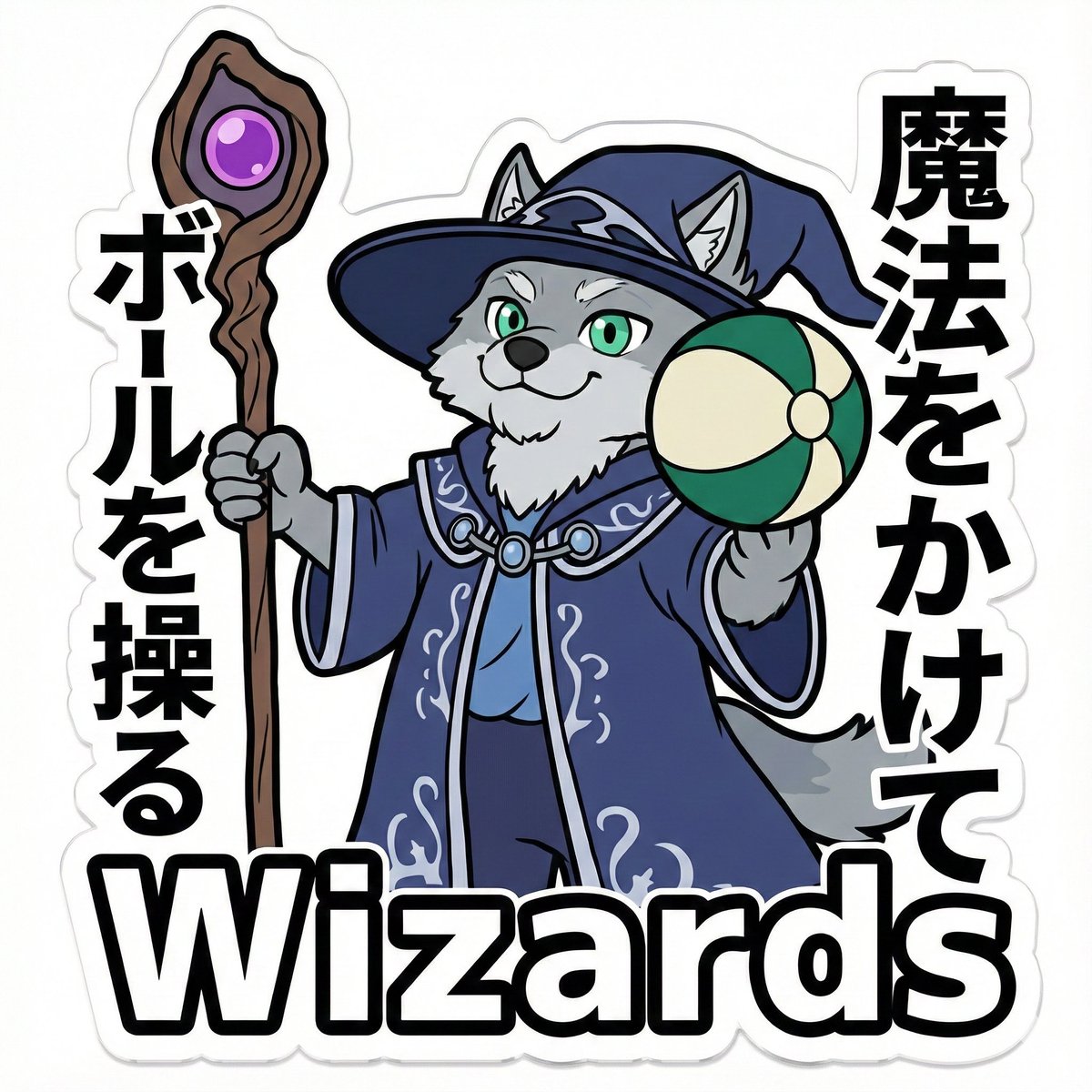
Die-Cut Sticker Illustration Prompt with Japanese Text
Browse template categories
Mixed-Media Traveler Collage Portrait questions
How do I use the Mixed-Media Traveler Collage Portrait template?
Add your photo if the template asks for one, edit the prompt if you like — the template's model and format are already selected — and press Generate. Your version opens in PicX Studio.
Can I customize the Mixed-Media Traveler Collage Portrait template?
Yes. You can change the subject, setting, lighting, mood, format, and available model controls before creating your image.
Is the Mixed-Media Traveler Collage Portrait template free?
Opening and editing this template is free. Generating uses credits, shown on the Generate button when you are signed in.
Which AI model should I use?
Start with GPT Image 2, which is the model associated with this template. You can compare another compatible model for a different finish.
Looking for something else? Browse all templates.

Your photo, any look
Thousands of ready templates for every top image and video model, from one credit balance.