
Cinematic Subway Editorial Portrait
A comprehensive prompt for creating high-end fashion editorial shots set in a moody subway station at night, featuring motion blur and cinematic lighting while preserving the subject's identity.
- Prompt included
- Model and format preset
- Free template
The prompt behind this image
Copy the exact prompt behind Cinematic Subway Editorial Portrait, or open it in the studio and make it yours.
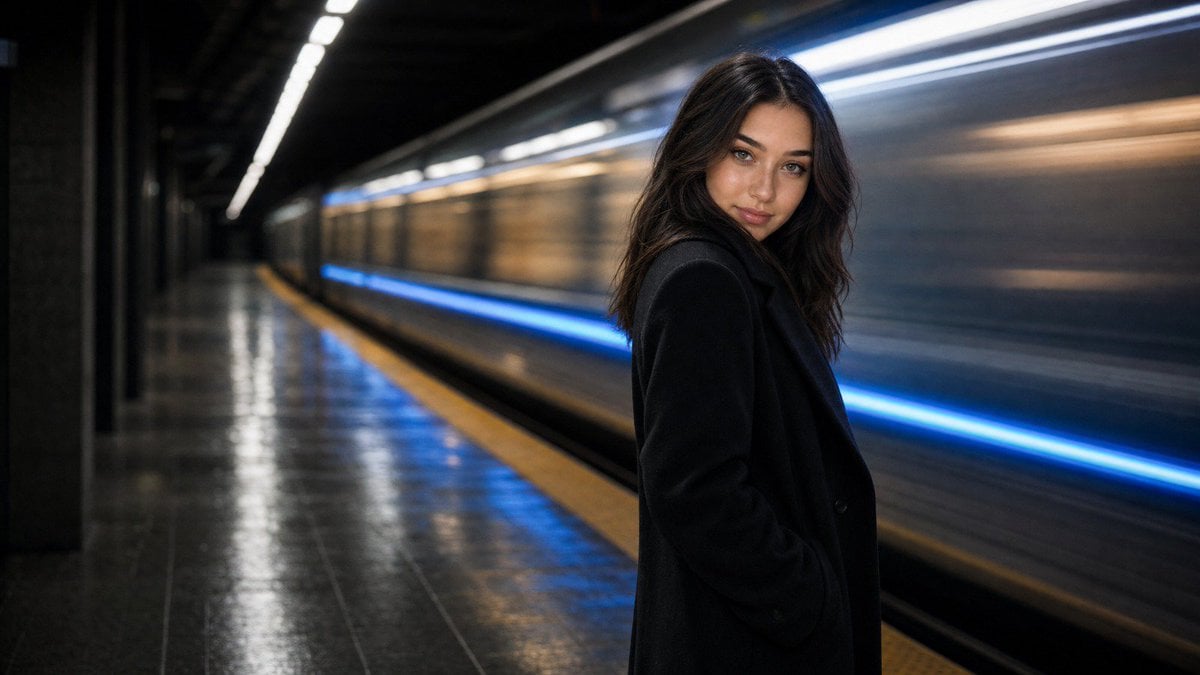
Using the attached photo as the identity reference, create a photorealistic, cinematic editorial portrait of this exact same person standing on a modern underground subway platform at night, in the style of a high-end street fashion photograph. Keep the exact same face, facial structure, skin tone, eye color, eyebrows, nose, lips, hairstyle, hair color, facial hair, glasses if present, age and body build as in the attached photo, so the person is instantly recognizable. Only the clothing, setting and photographic style change. Wardrobe adapts to the person: if male, a long black wool overcoat over a black turtleneck or crew-neck sweater, dark tailored trousers, clean minimal look. If female, a long black wool overcoat over a black fitted turtleneck, dark straight trousers, minimal jewelry, hair styled naturally. All clothing is opaque, closed and fully covering, with real wool texture, soft creases and a slightly turned-up collar. Pose and expression: standing near the platform edge, body turned about 30 degrees away from the camera, head turned back toward the lens, one hand relaxed in the coat pocket, the other hanging naturally. Calm, confident, slightly serious expression, direct eye contact with the camera, lips relaxed, chin slightly lowered. Three-quarter body framing from mid-thigh up, the person positioned on the right third of the frame. Setting: a clean modern subway station with a long concrete platform, dark grey tiled floor with a yellow tactile safety strip along the edge, dark walls, cool white ceiling strip lights receding into the distance on the left. Behind the person a subway train is passing at speed, rendered as a long-exposure motion blur: horizontal streaks of silver-grey metal and warm-lit windows, with a bright electric-blue LED light strip along the train body smearing into a glowing horizontal line. Wet reflections on the platform floor pick up the blue and warm light. Camera and light: shot on a full-frame camera with a 35mm lens at f/2.8, slow shutter around 1/8 second so the train is blurred while the person remains perfectly sharp and still, eye-level camera, slight low angle. Lighting is low-key: cool white overhead station light as key from above, blue rim light from the train streak on one side of the face and coat, warm amber fill from platform lamps on the other side. Deep soft shadows, natural skin texture with pores, crisp catchlights in the eyes. Style: cinematic night editorial, high contrast with rich blacks, subtle film grain, palette of 60% deep charcoal and black, 30% cool steel-blue and electric-blue light, 10% warm amber accents. Looks like a real photograph from a fashion campaign shot on location in a metro station.
How to use Cinematic Subway Editorial Portrait in 3 steps
- 1Upload ImagePNG, JPG or paste
Add your photo
Upload the photo the template builds on. The prompt, model and format are already set.
- 2…a portrait of your subject in softgolden-hour light, 85mm…
Personalize
Edit the subject and creative details for your destination.
- 3Generate
Generate
Press Generate — your image is created in PicX Studio, so you can compare it with the original and refine one variable at a time.
More like this
Templates with the same subject, style or setup. Open one to see its prompt.
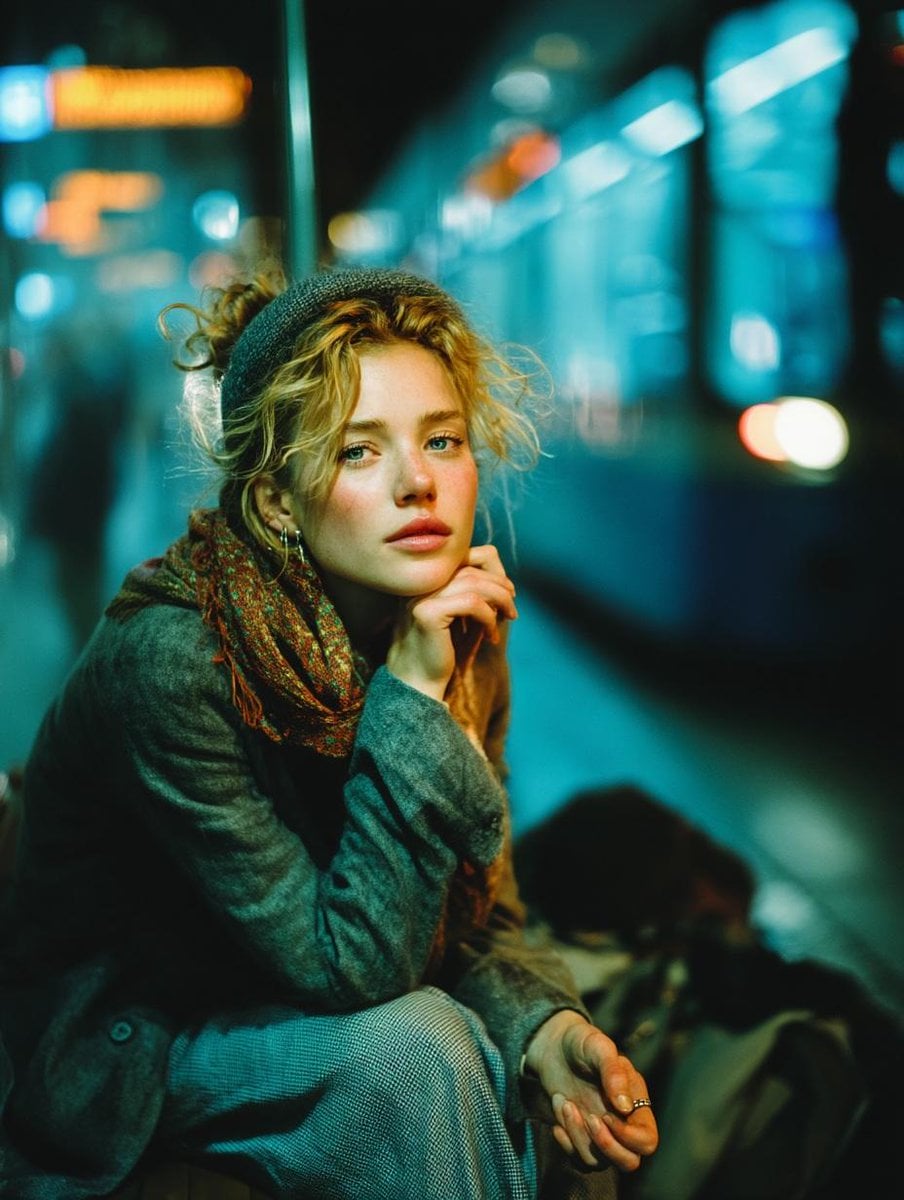
Subway Platform Quiet Introspective Portrait
Subway Platform Quiet Introspective Portrait
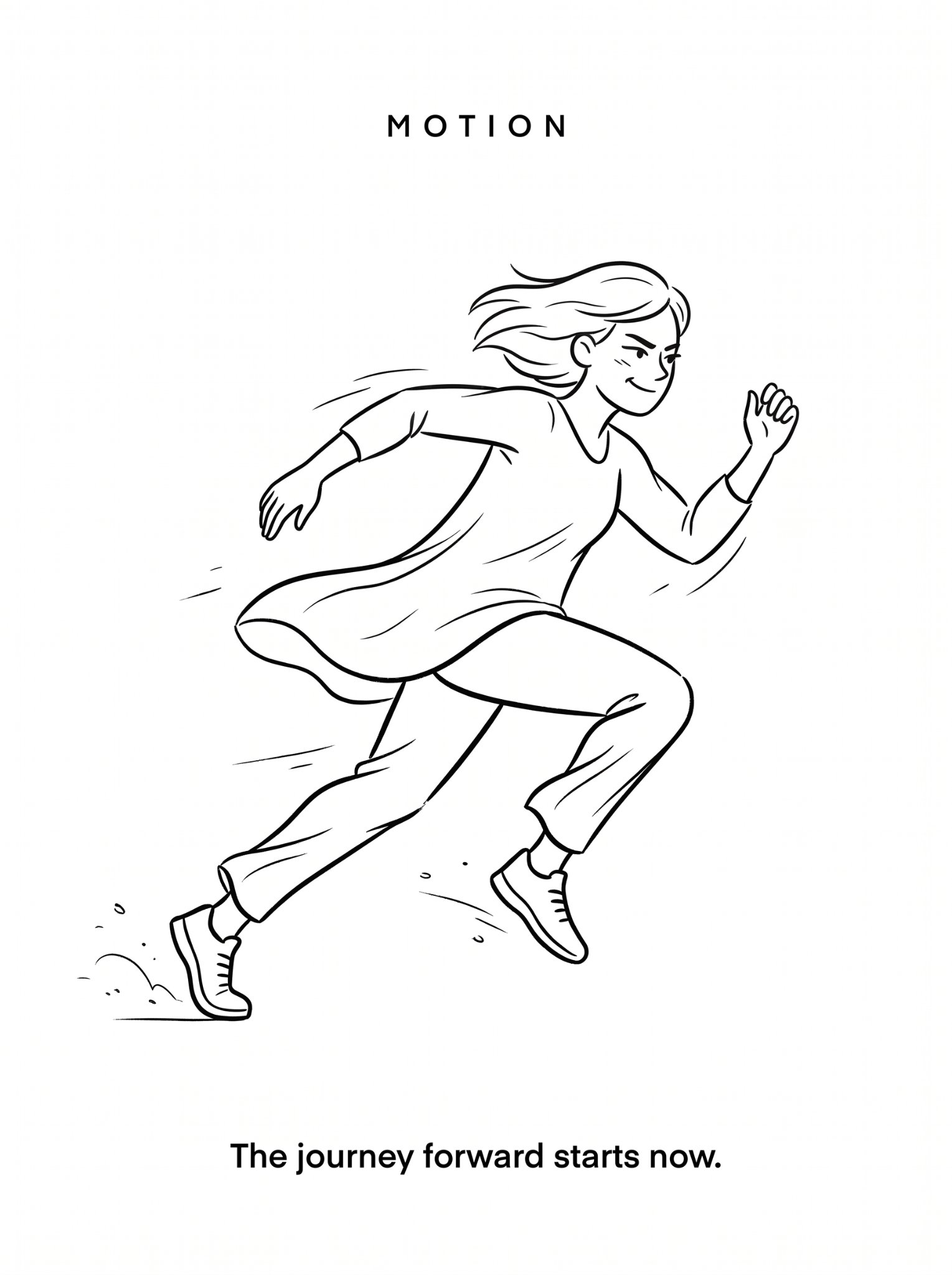
untitled

Caution Tape Fashion — Industrial Editorial

Couture Fashion Editorial Woman and Drag

Nano Banana 2 Editorial Fashion Portrait

Found Photograph: Us, 1970

80s Couple Studio Portrait

80s Bollywood Star

80s Golden Hour Cinema

Me in 1985

1985 Studio Portrait
Make it yours
Cinematic Subway Editorial Portrait works as-is. These are the safest ways to change it without losing the look.
Change one field
Copy a single group, rewrite it, and generate again so you can see what that field is doing.
Keep the frame, change the subject
Hold the composition and light of Cinematic Subway Editorial Portrait, then swap wardrobe, props or the person for a new take.
| If the result… | Why | Fix |
|---|---|---|
| The result drifts from the preview | Too many fields changed at once. | Reuse Cinematic Subway Editorial Portrait as-is first, then change one group — subject, light, or setting. |
| The model over-stylizes the scene | The prose prompt leaves finish and camera underspecified. | Add one camera or lighting sentence and stay on GPT Image 2. |
More GPT Image 2 templates
Other prompts made for GPT Image 2.

Six VTuber Japanese Logo Sheet

Realistic Portrait of Woman and Deer

The Vista Modular Condo Poster

AI Model Routing Comparison Infographic

2.5D Anime Art Board

Isometric Productivity Desk Scene

New York Double Exposure Poster

Four-Panel AI Landscape Comparison

Japanese Tatami Lifestyle Magazine Cover

NESCAFÉ Coffee Map Poster
More image prompts
Fresh picks from across the catalog.
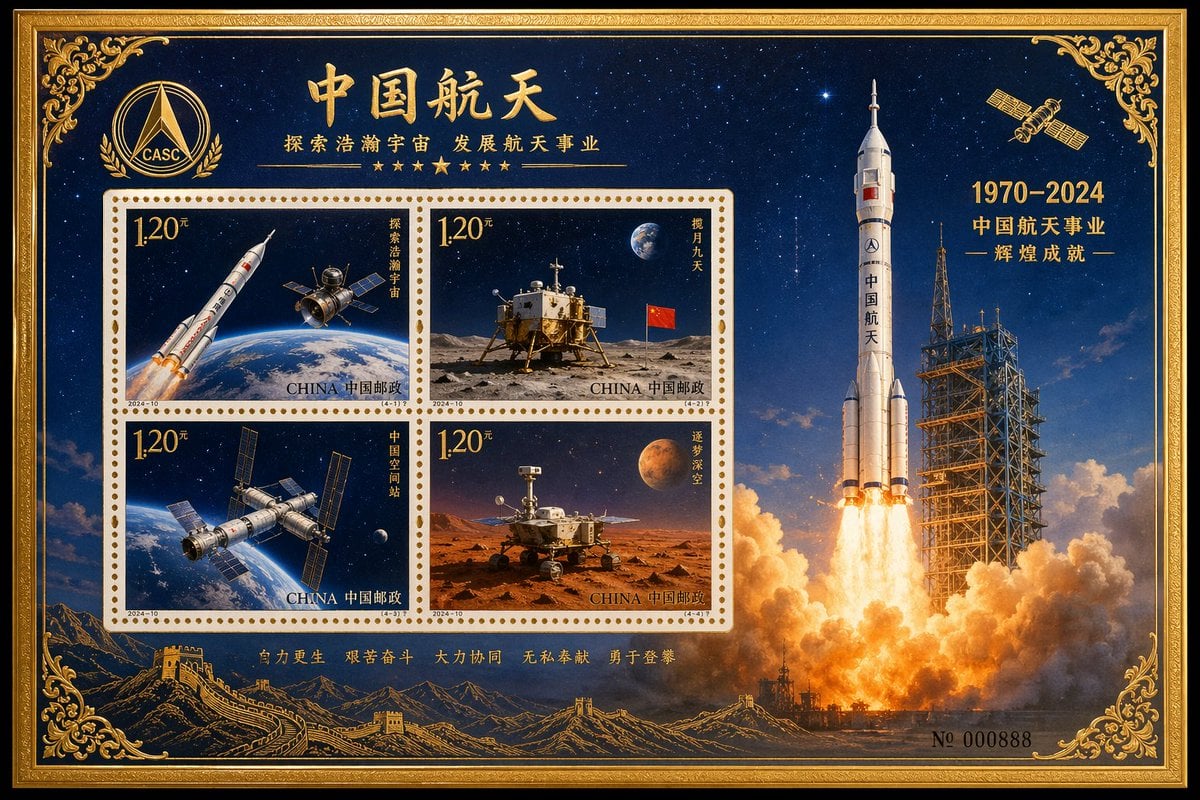
Commemorative Postage Stamp Sheet
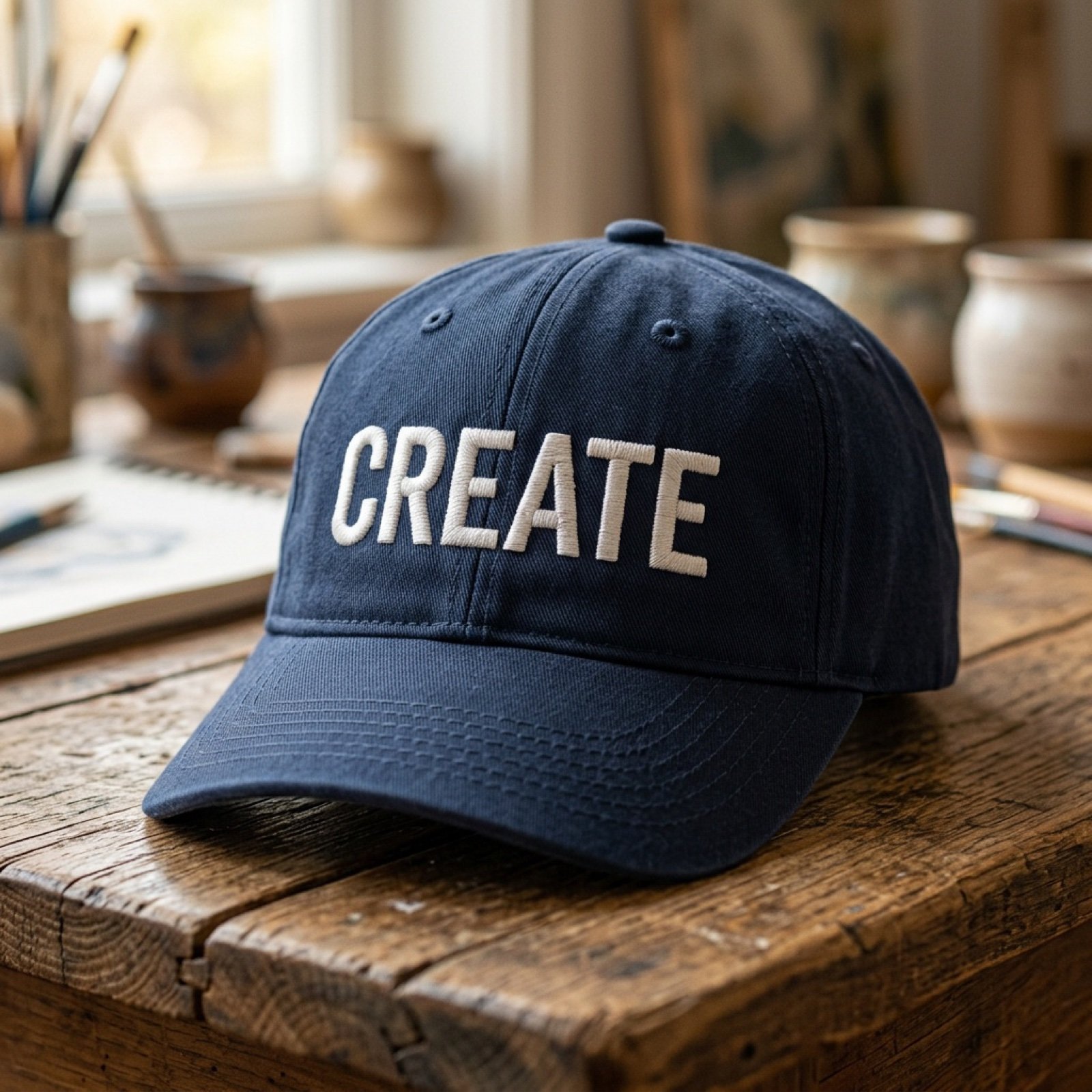
Add baseball hat with embroidered text

Cute Futuristic Platformer Scene
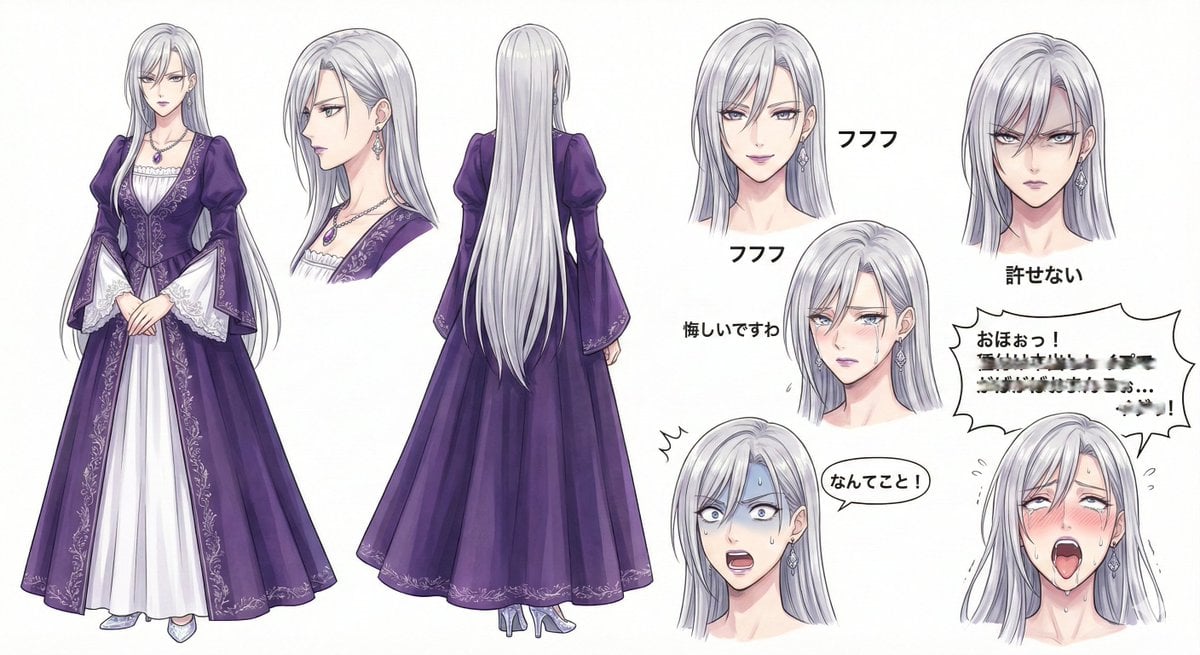
Character Design Sheet for a Villainess
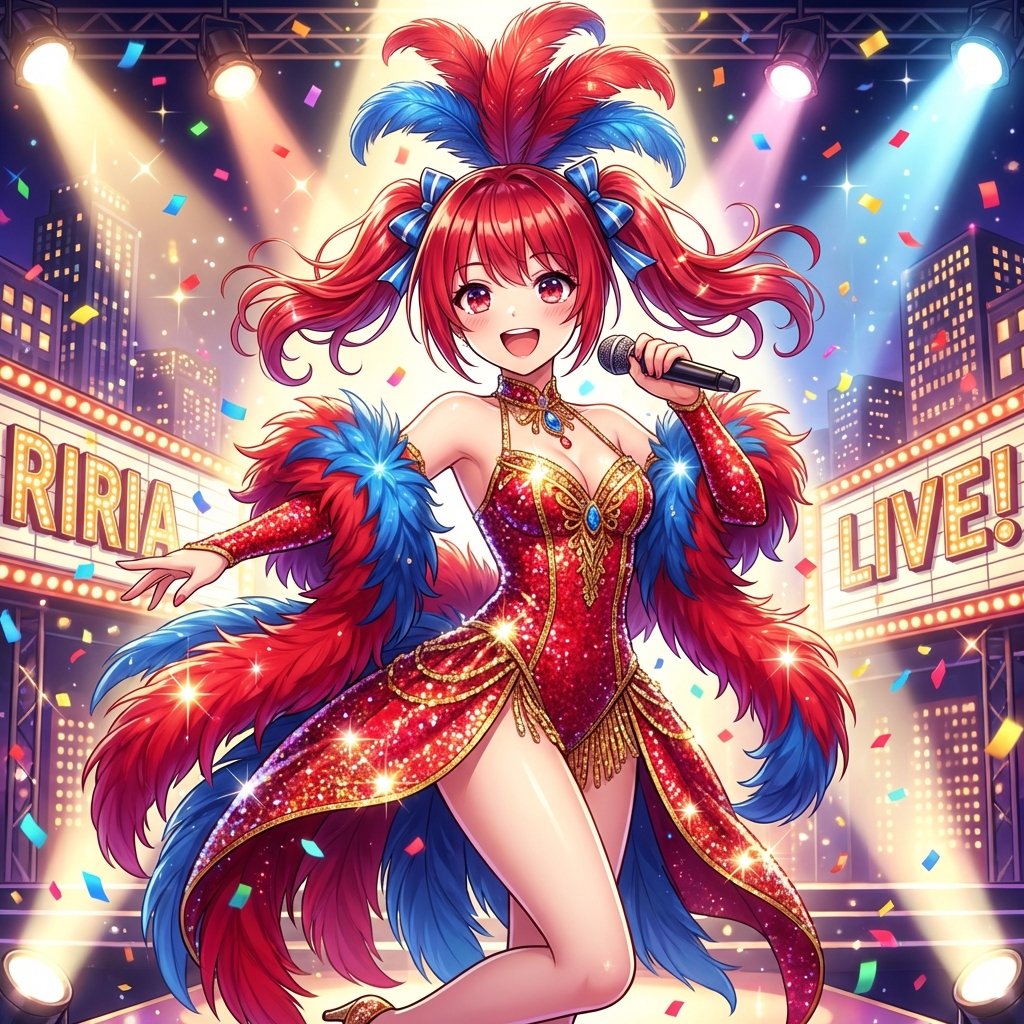
Musical Movie Star Conversion
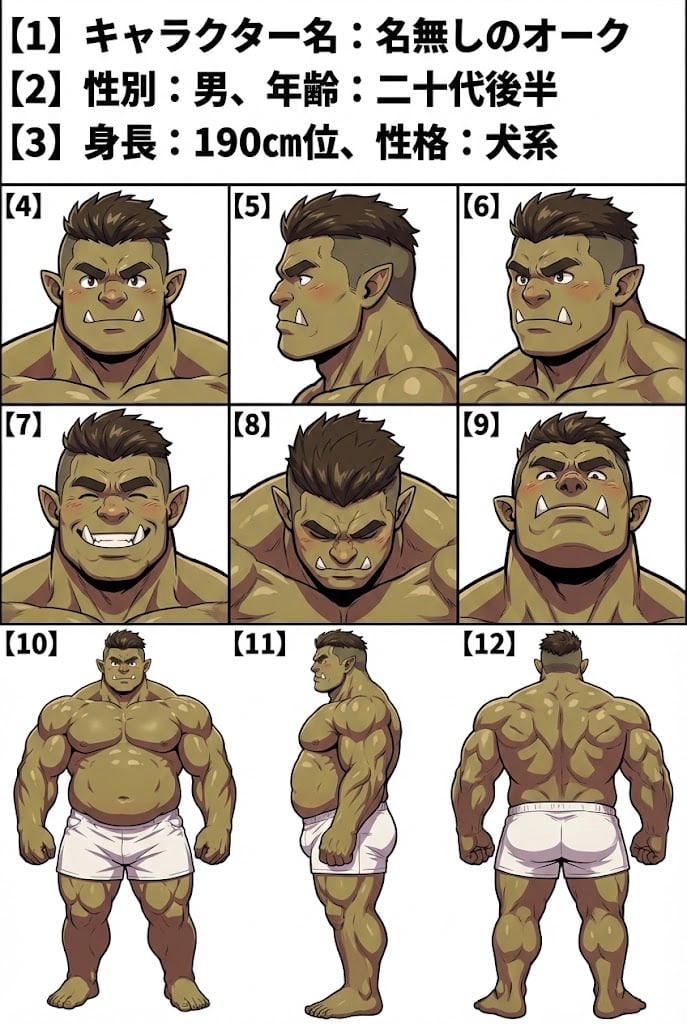
Character Sheet Prompt for Nano Banana
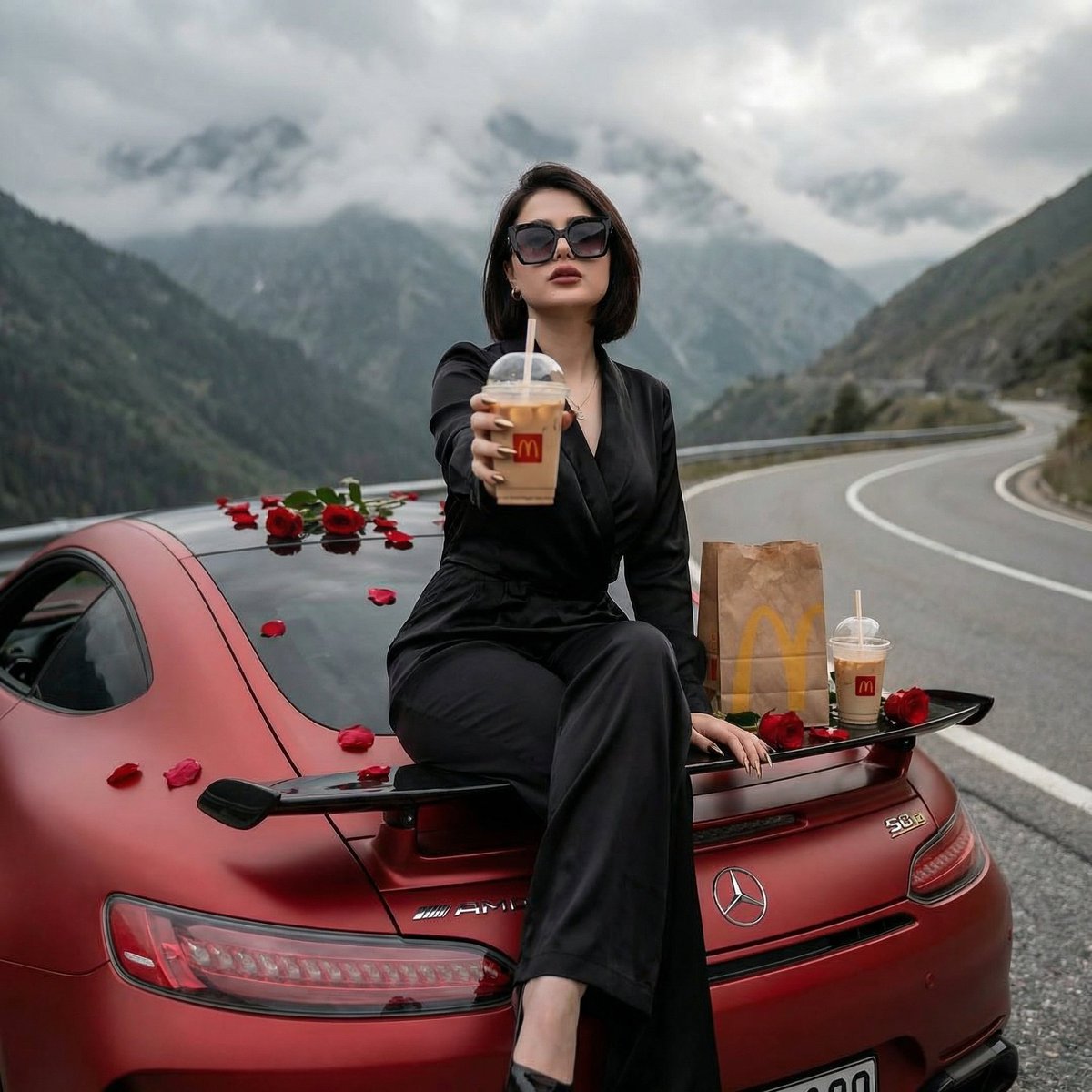
Luxury Ride and Mountain Vibes Editorial
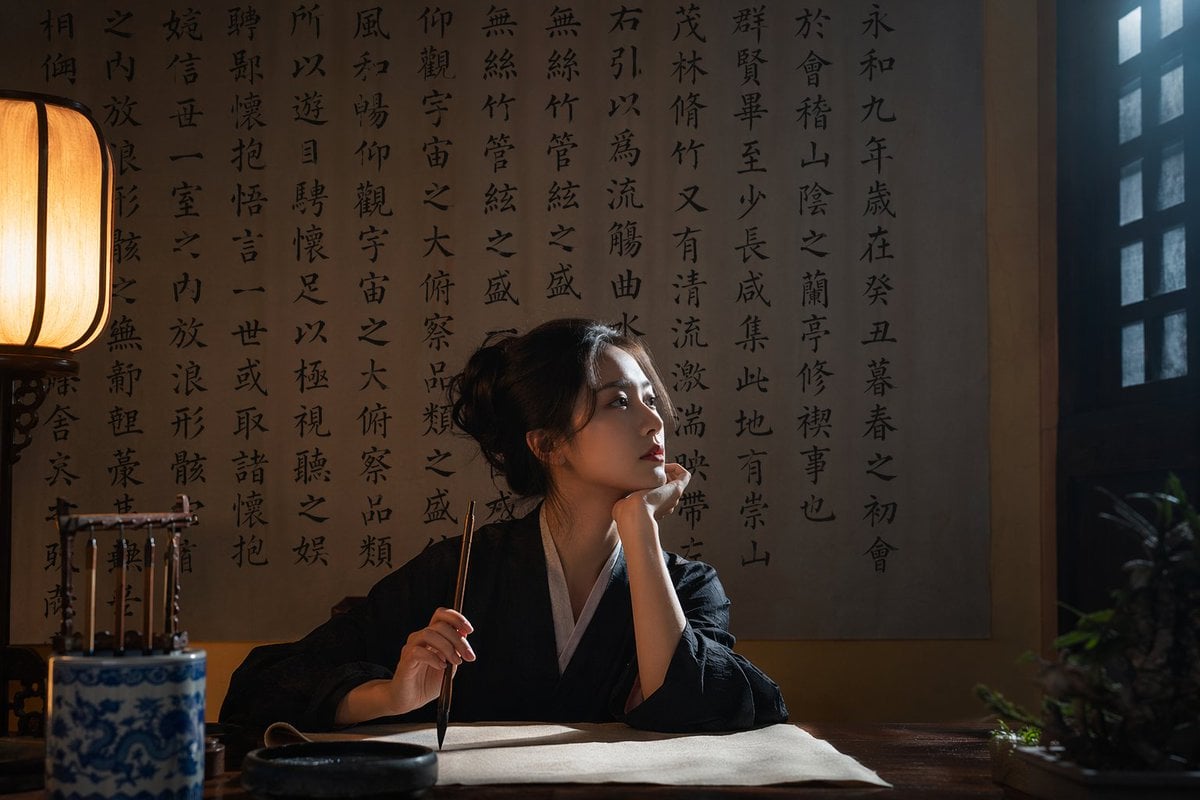
Cinematic Calligraphy Portrait

Watercolor Spring Greeting Card Portrait
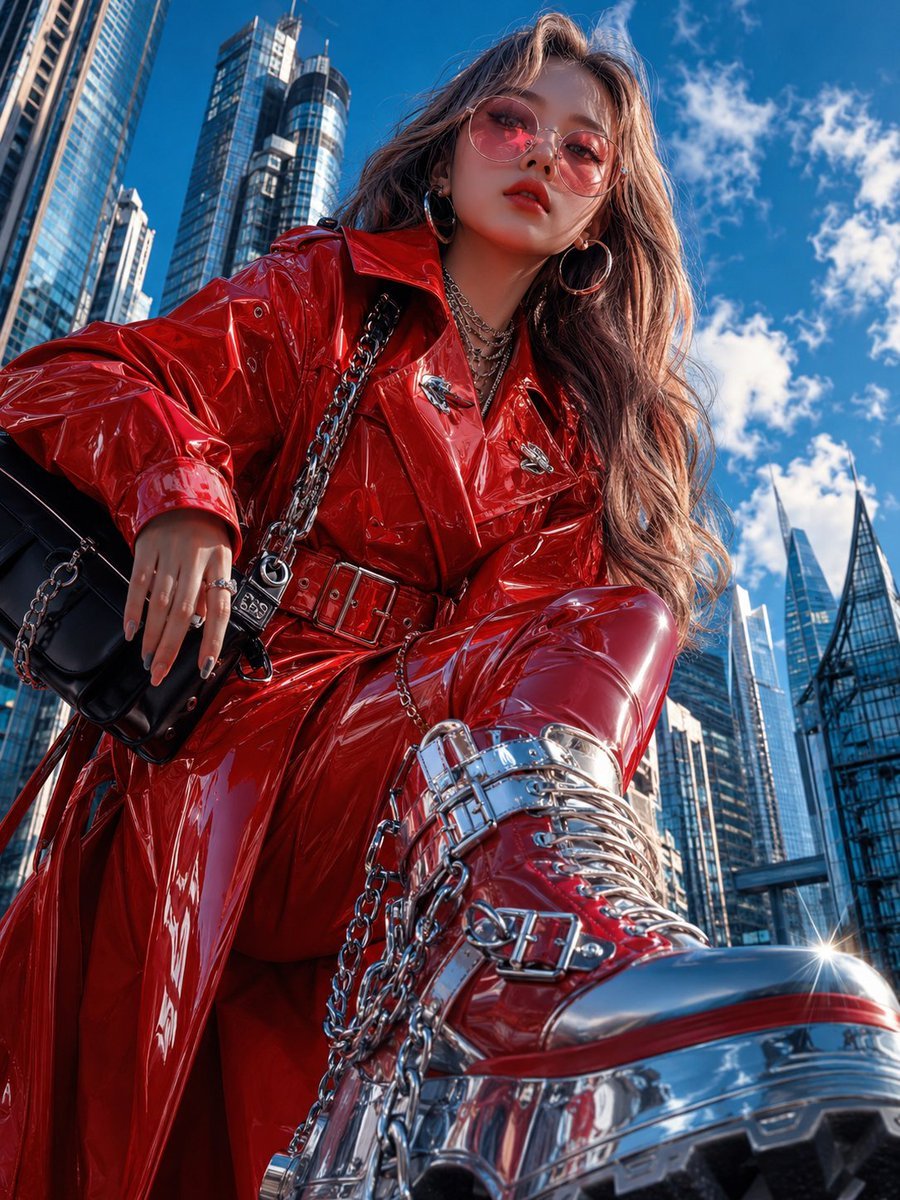
Cyberpunk High-Fashion Editorial
Browse template categories
Cinematic Subway Editorial Portrait questions
How do I use the Cinematic Subway Editorial Portrait template?
Add your photo if the template asks for one, edit the prompt if you like — the template's model and format are already selected — and press Generate. Your version opens in PicX Studio.
Can I customize the Cinematic Subway Editorial Portrait template?
Yes. You can change the subject, setting, lighting, mood, format, and available model controls before creating your image.
Is the Cinematic Subway Editorial Portrait template free?
Opening and editing this template is free. Generating uses credits, shown on the Generate button when you are signed in.
Which AI model should I use?
Start with GPT Image 2, which is the model associated with this template. You can compare another compatible model for a different finish.
Looking for something else? Browse all templates.

Your photo, any look
Thousands of ready templates for every top image and video model, from one credit balance.