
Rainy Subway Betrayal Scene
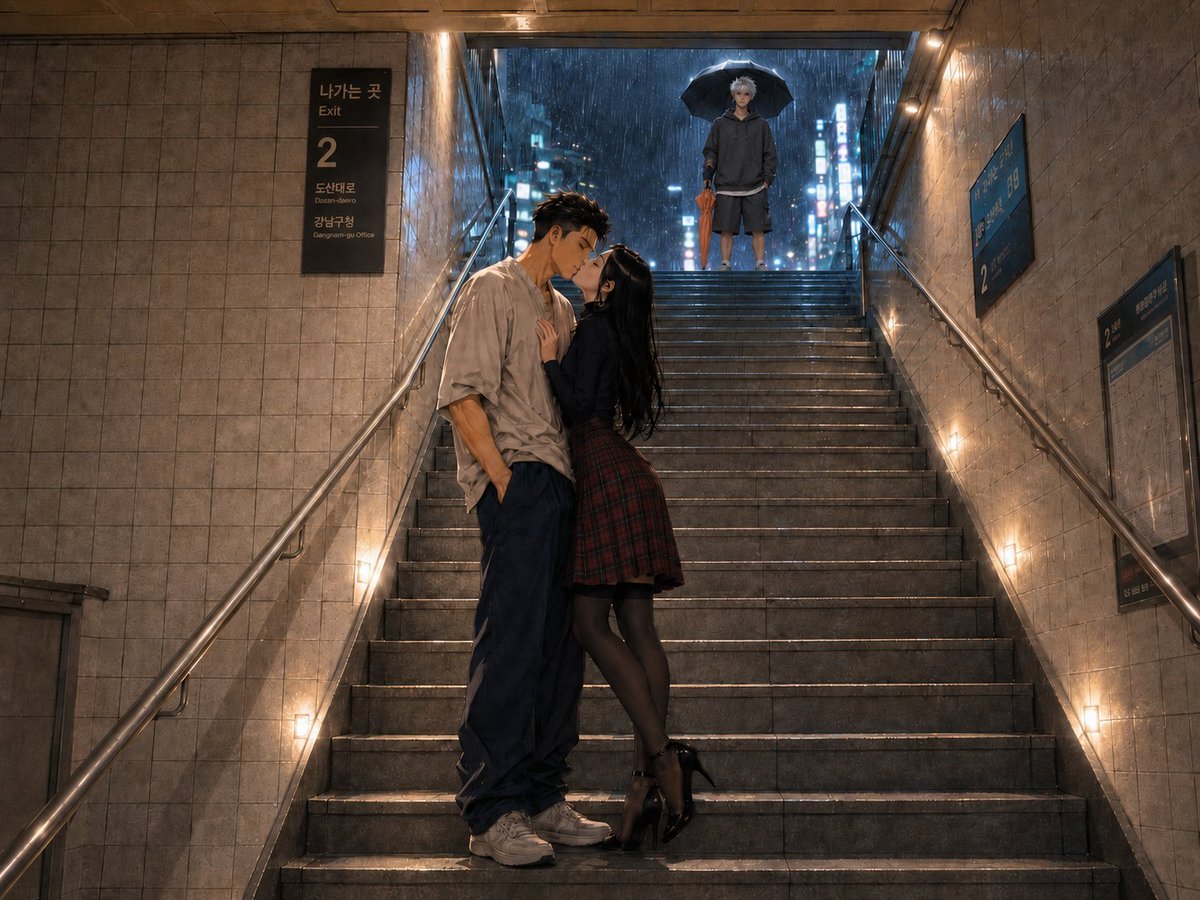
A cinematic prompt for generating a moody rainy Korean subway stairwell scene with a kissing couple and a lonely observer.
- Prompt included
- Model and format preset
- Premium template
The prompt behind this image
Copy the exact prompt behind Rainy Subway Betrayal Scene, or open it in the studio and make it yours.
Create a cinematic photorealistic anime-to-live-action scene in a Korean subway exit stairwell at night during heavy rain. The image shows exactly three characters: a young man and young woman kissing halfway down the stairs in the foreground, and a solitary young man standing at the top landing under a black umbrella in the background. The foreground man has short dark tousled hair with shaved sides, a loose wrinkled beige button-up shirt with sleeves rolled, oversized dark navy pants, and white sneakers; one hand is in his pocket as he leans down into the kiss. The foreground woman has long black hair, a fitted black top or jacket, a red plaid pleated skirt, sheer black tights, and glossy black high heels; she presses one hand to his chest while leaning upward. The background observer has pale silver hair, a dark oversized hoodie, dark shorts, and sneakers, holding the umbrella above him while facing the couple with a quiet, lonely expression. Set the scene on a wide gray stone staircase with metal handrails on both sides, beige tiled subway walls, warm wall lights along the steps, and wet reflective stair treads. At the top opening, show a rainy neon-lit city street with blue and pink blurred signs and visible rainfall. Add Korean subway signage: a black sign on the left reading “Exit” and a large “2”, with smaller Korean destination text, plus blue station information boards on the right wall. Use a dramatic symmetrical composition looking upward along the stairs, with the kissing couple slightly left of center and the observer centered at the top. Lighting should mix warm tunnel lamps with cool rainy city glow, creating a moody romantic noir atmosphere about betrayal, invisibility, and heartbreak. Ultra-detailed, cinematic depth of field, realistic textures, wet reflections, 16:9 horizontal frame. Customize as needed with {argument name="foreground man outfit" default="loose wrinkled beige button-up shirt, oversized dark navy pants, white sneakers"}, {argument name="foreground woman outfit" default="black top, red plaid pleated skirt, sheer black tights, glossy black high heels"}, {argument name="observer appearance" default="pale silver-haired young man in a dark oversized hoodie and shorts holding a black umbrella"}, {argument name="subway exit number" default="2"}, and {argument name="mood" default="lonely romantic betrayal in the rain"}.
How to use Rainy Subway Betrayal Scene in 3 steps
- 1Upload ImagePNG, JPG or paste
Add your photo
Upload the photo the template builds on. The prompt, model and format are already set.
- 2…a portrait of your subject in softgolden-hour light, 85mm…
Personalize
Edit the subject and creative details for your destination.
- 3Generate
Generate
Press Generate — your image is created in PicX Studio, so you can compare it with the original and refine one variable at a time.
More like this
Templates with the same subject, style or setup. Open one to see its prompt.
Subway Platform Quiet Introspective Portrait
Subway Platform Quiet Introspective Portrait
Cinematic Subway Editorial Portrait
Rainy Cottage Garden With Sheep
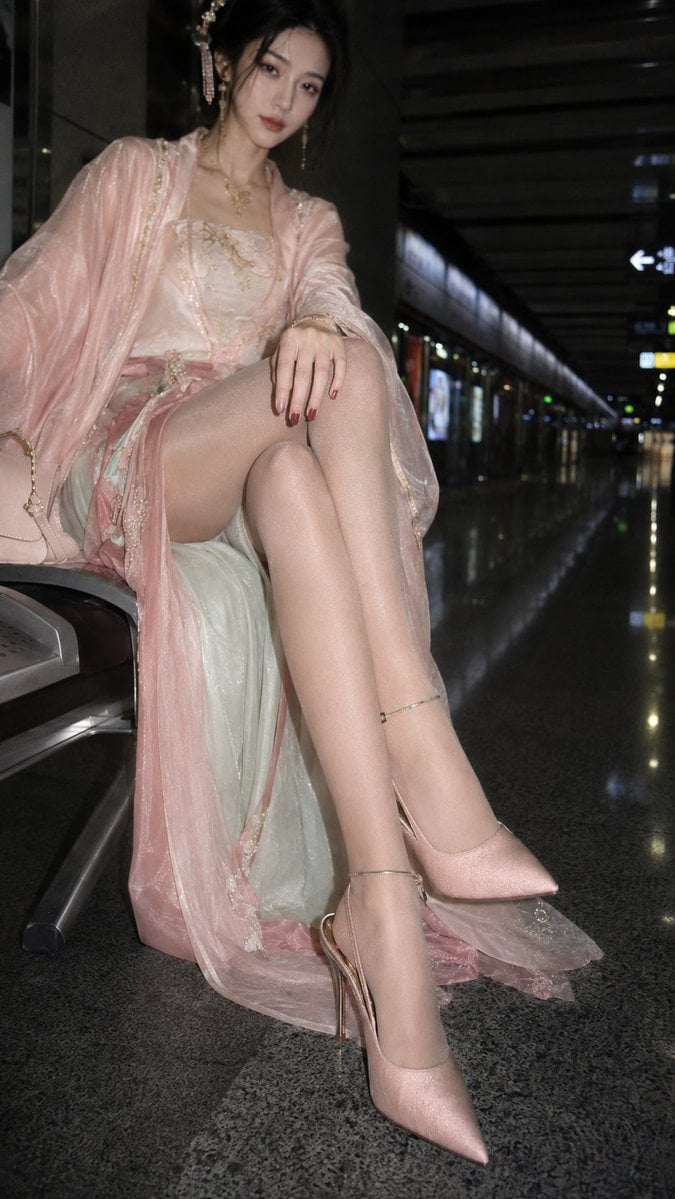
Hanfu Fashion Portrait in Subway
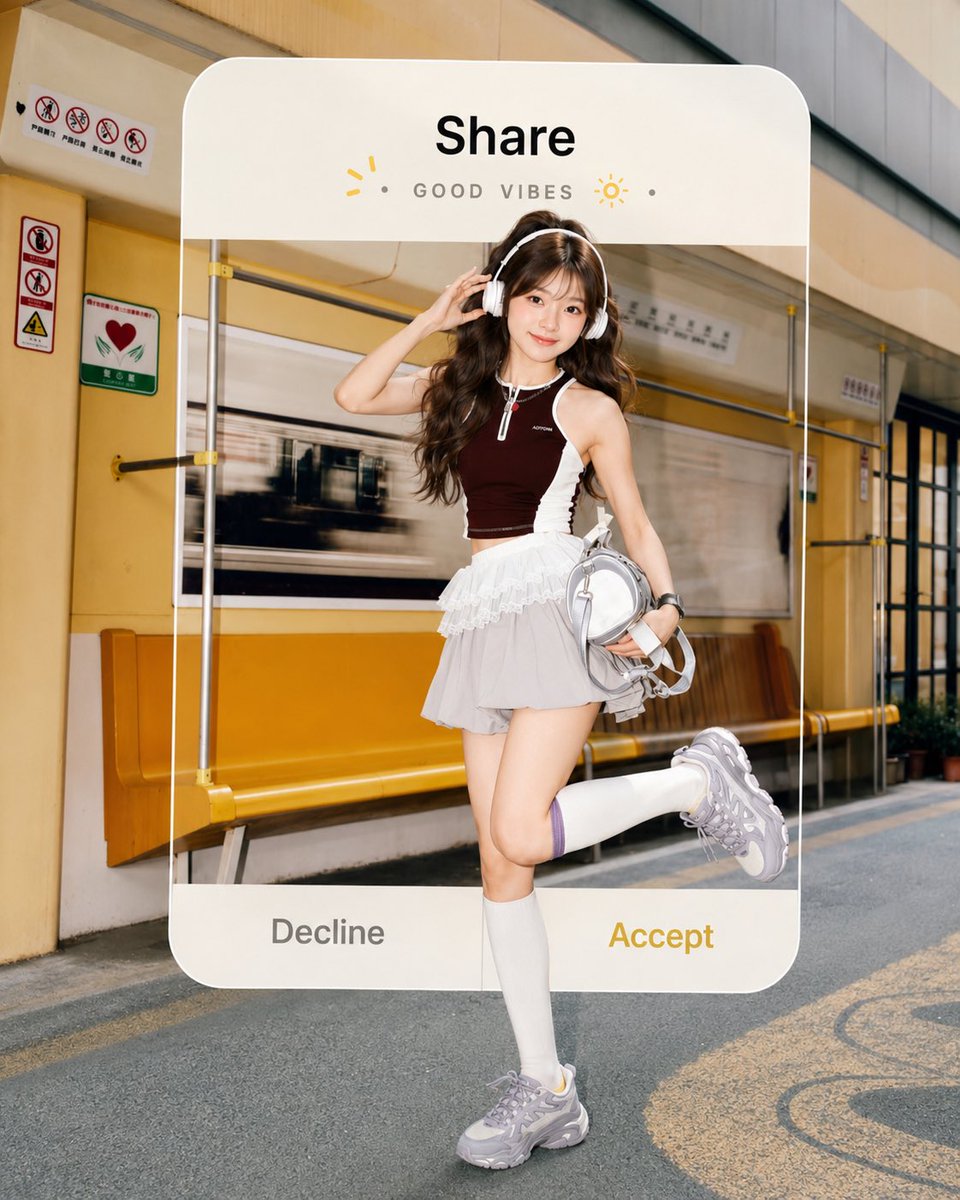
Subway Good Vibes App Card Portrait
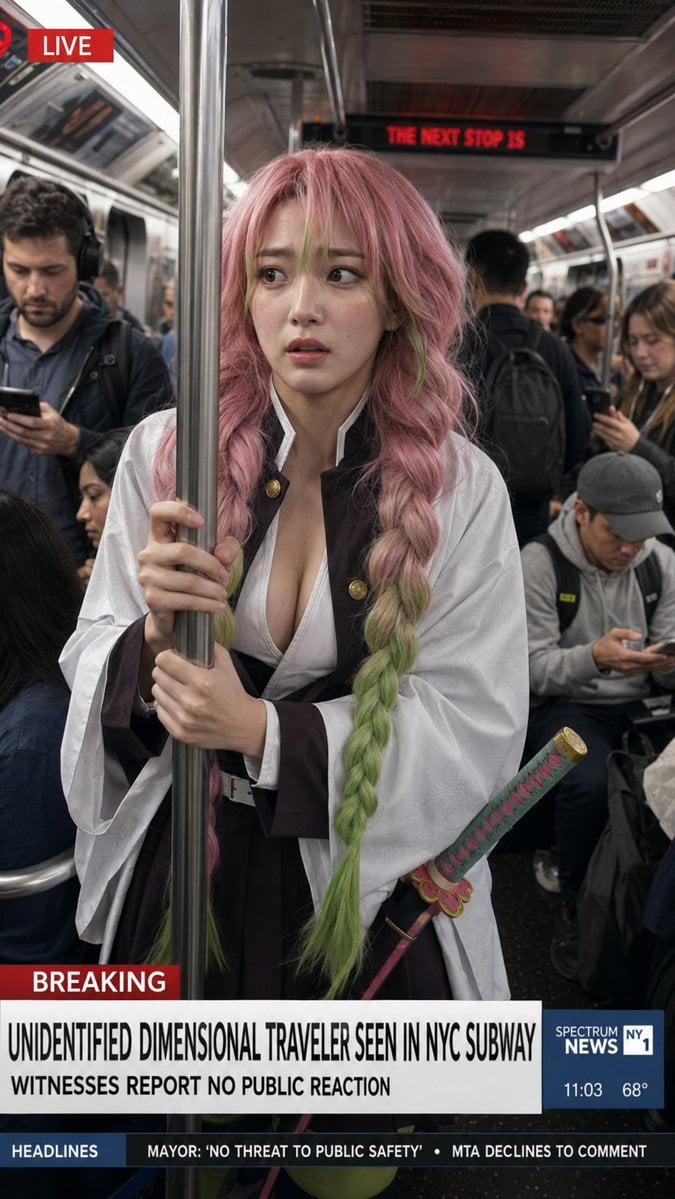
Dimensional Traveler in NYC Subway News Shot
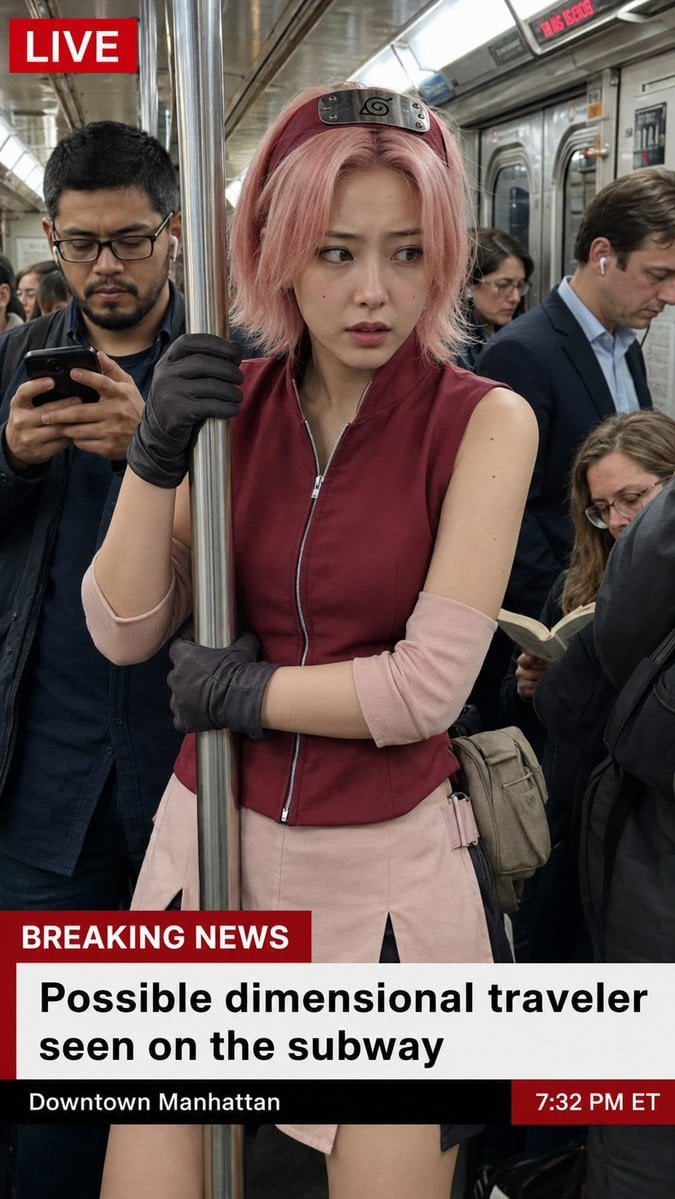
Live News Subway Sakura
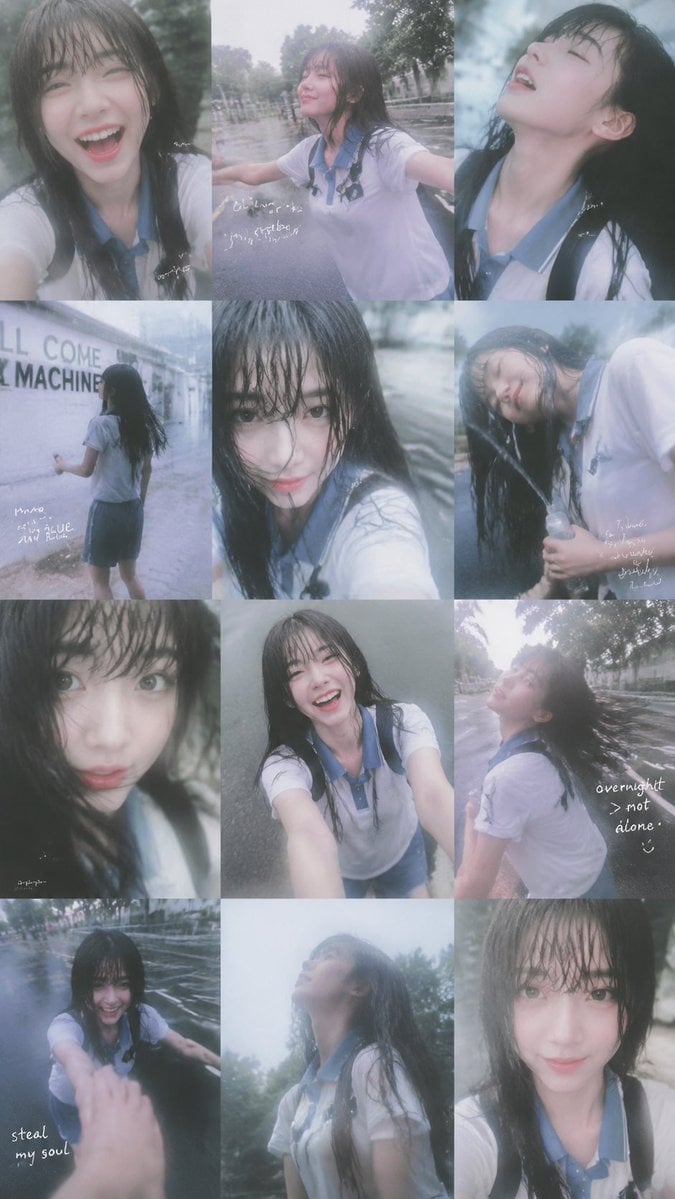
Rainy Schoolgirl Photo Diary Collage

Rainy Monsoon Fashion Collage
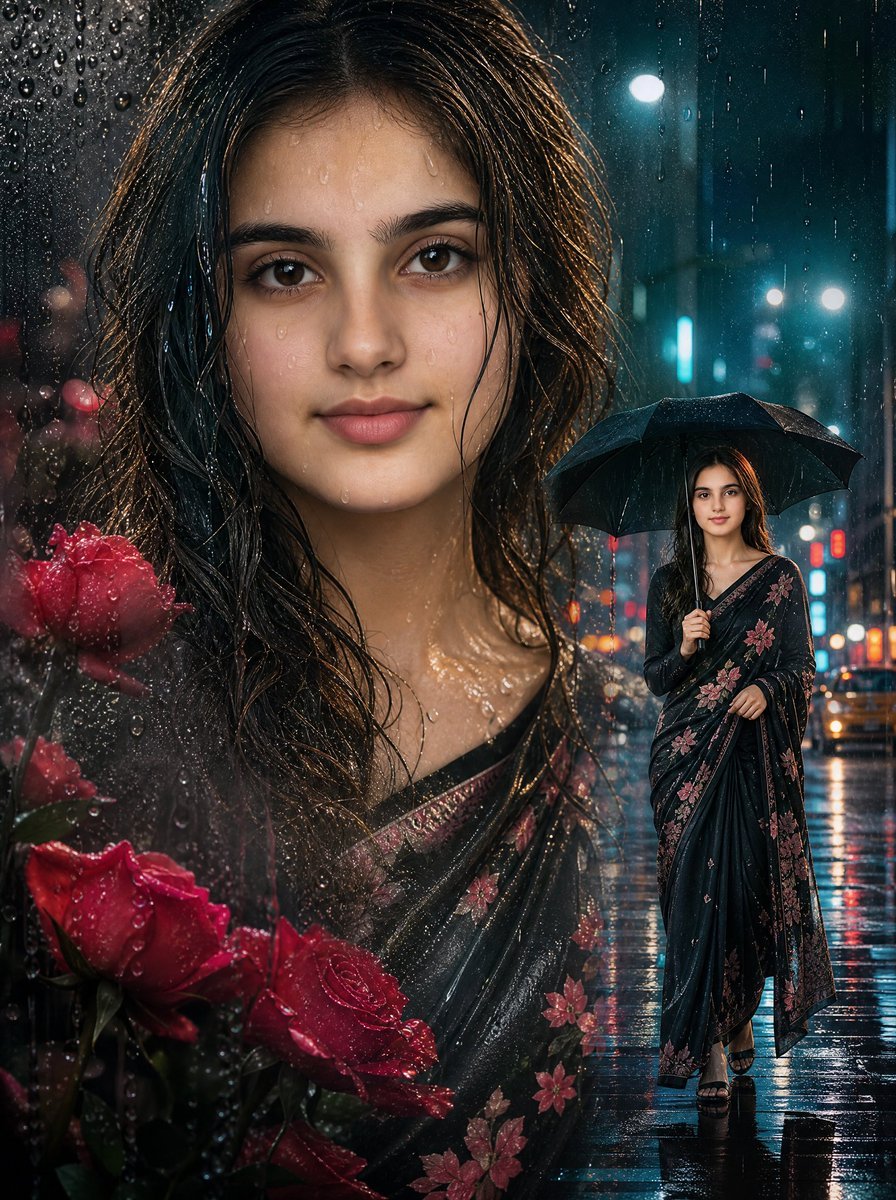
Rainy Double Exposure Movie Poster
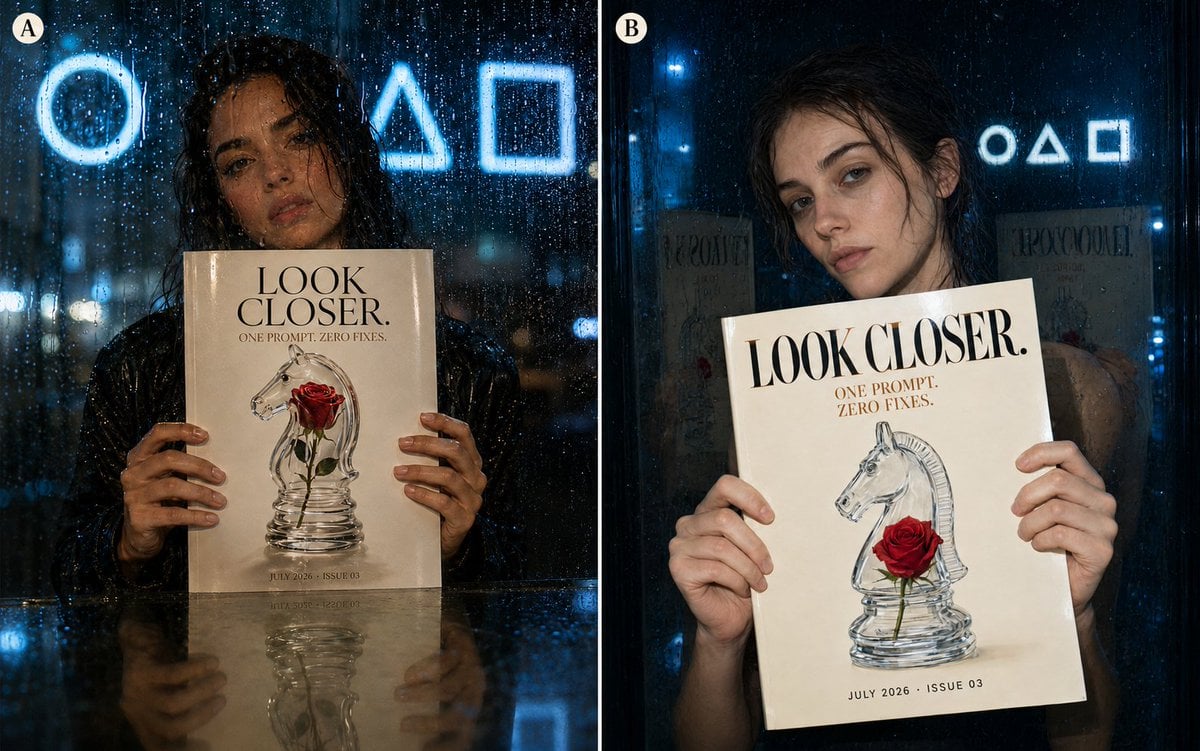
Rainy Night Fashion Comparison
Make it yours
Rainy Subway Betrayal Scene works as-is. These are the safest ways to change it without losing the look.
Change one field
Copy a single group, rewrite it, and generate again so you can see what that field is doing.
Keep the frame, change the subject
Hold the composition and light of Rainy Subway Betrayal Scene, then swap wardrobe, props or the person for a new take.
| If the result… | Why | Fix |
|---|---|---|
| The result drifts from the preview | Too many fields changed at once. | Reuse Rainy Subway Betrayal Scene as-is first, then change one group — subject, light, or setting. |
| The model over-stylizes the scene | The prose prompt leaves finish and camera underspecified. | Add one camera or lighting sentence and stay on GPT Image 2. |
More GPT Image 2 templates
Other prompts made for GPT Image 2.

Six VTuber Japanese Logo Sheet

Realistic Portrait of Woman and Deer

The Vista Modular Condo Poster

AI Model Routing Comparison Infographic

2.5D Anime Art Board

Isometric Productivity Desk Scene

New York Double Exposure Poster

Four-Panel AI Landscape Comparison

Japanese Tatami Lifestyle Magazine Cover

NESCAFÉ Coffee Map Poster
More image prompts
Fresh picks from across the catalog.
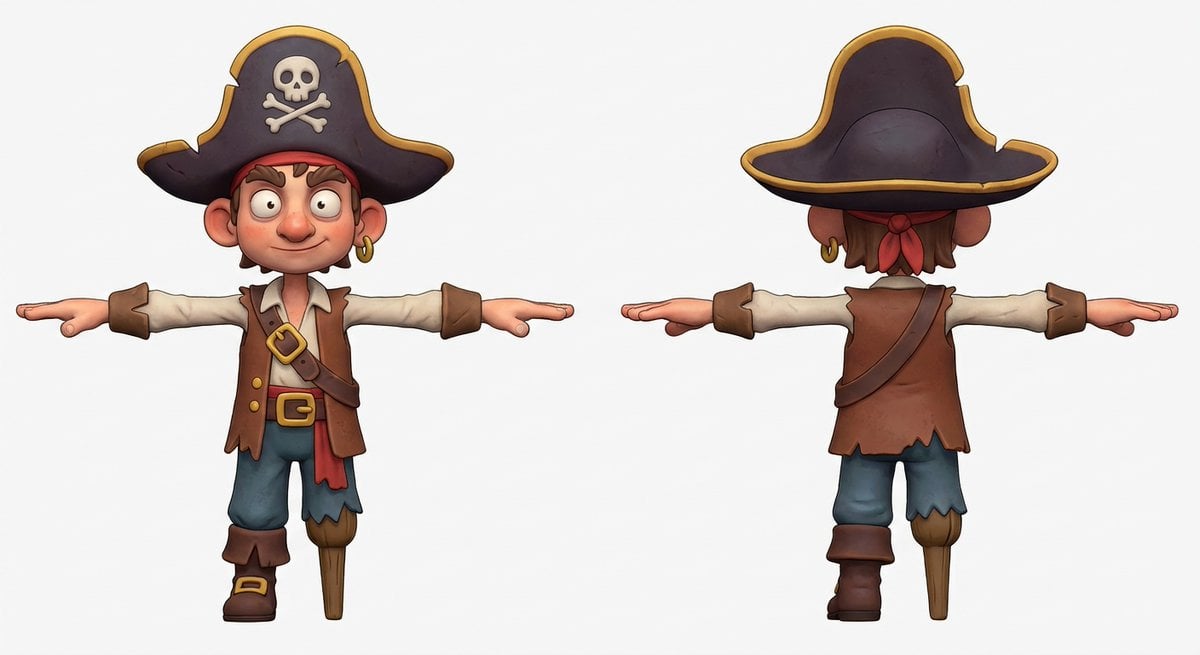
3D Pirate Character in T-Pose for Modeling
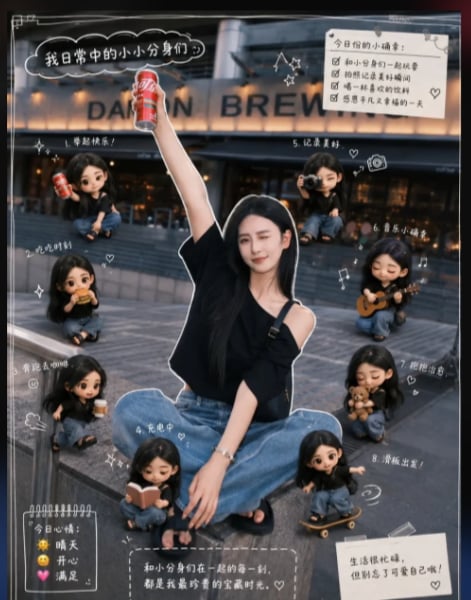
Mini Clone Cafe Selfie Composite
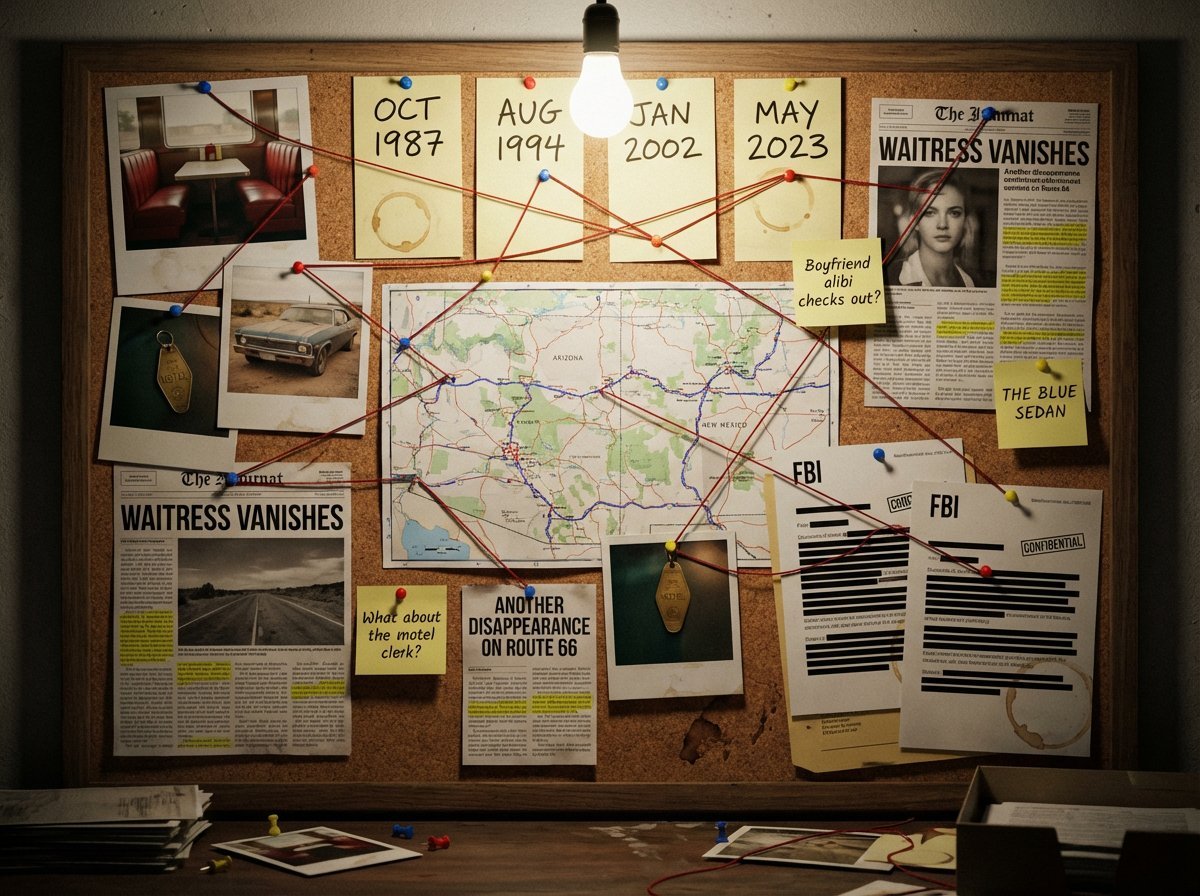
Noir Detective Evidence Board Visualization
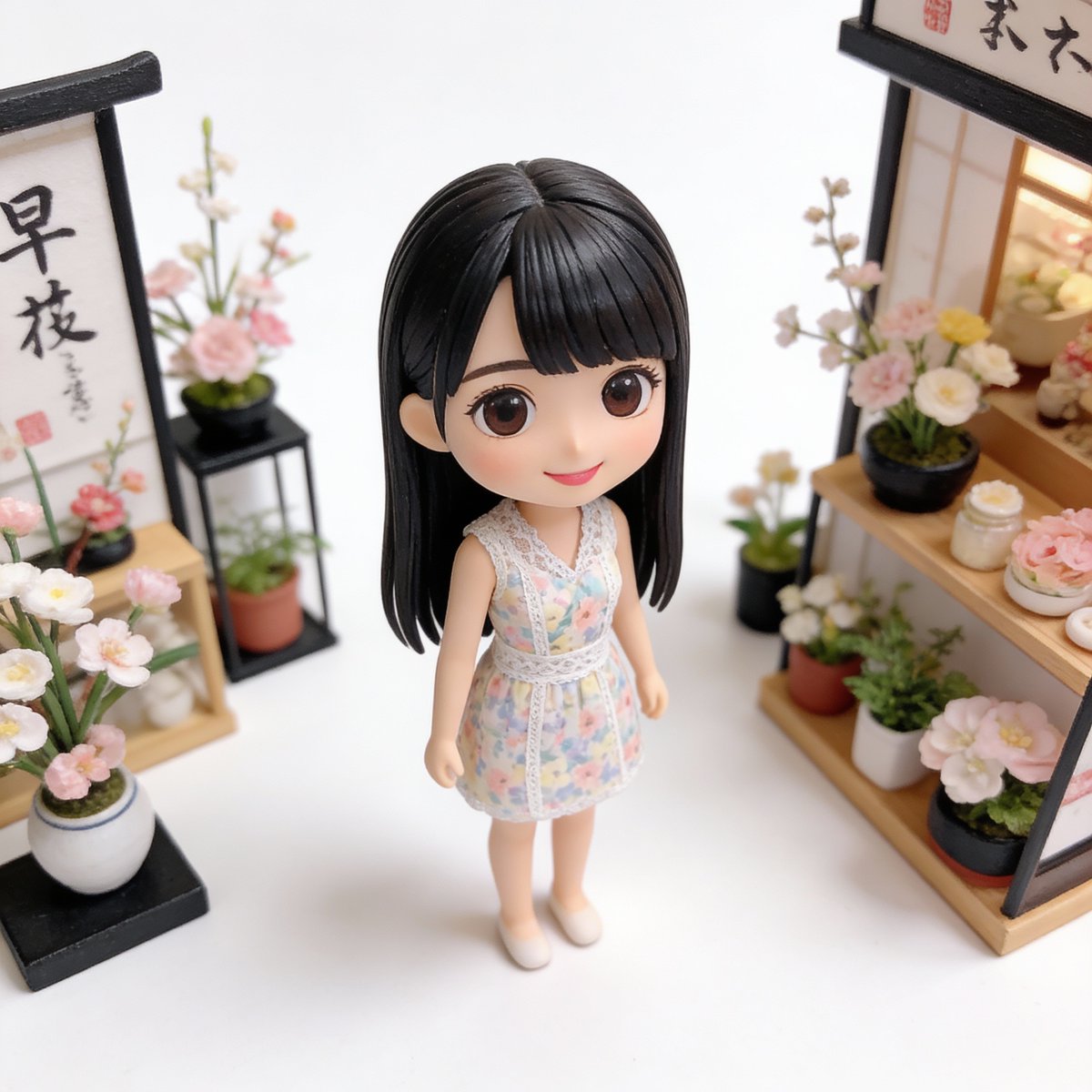
Isometric Miniature Figurine of a Character in a Japanese Flower Shop
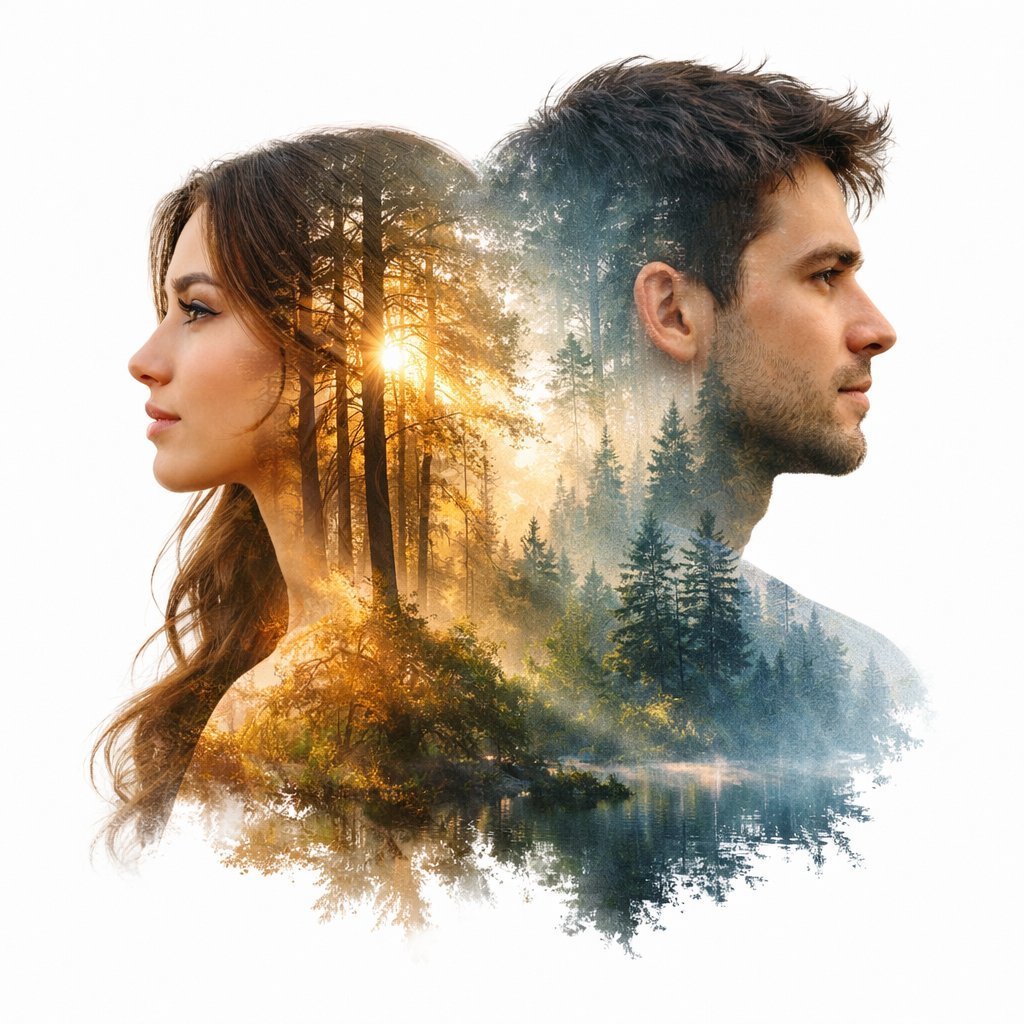
Cinematic Double-Exposure Portrait of Contrast and Connection
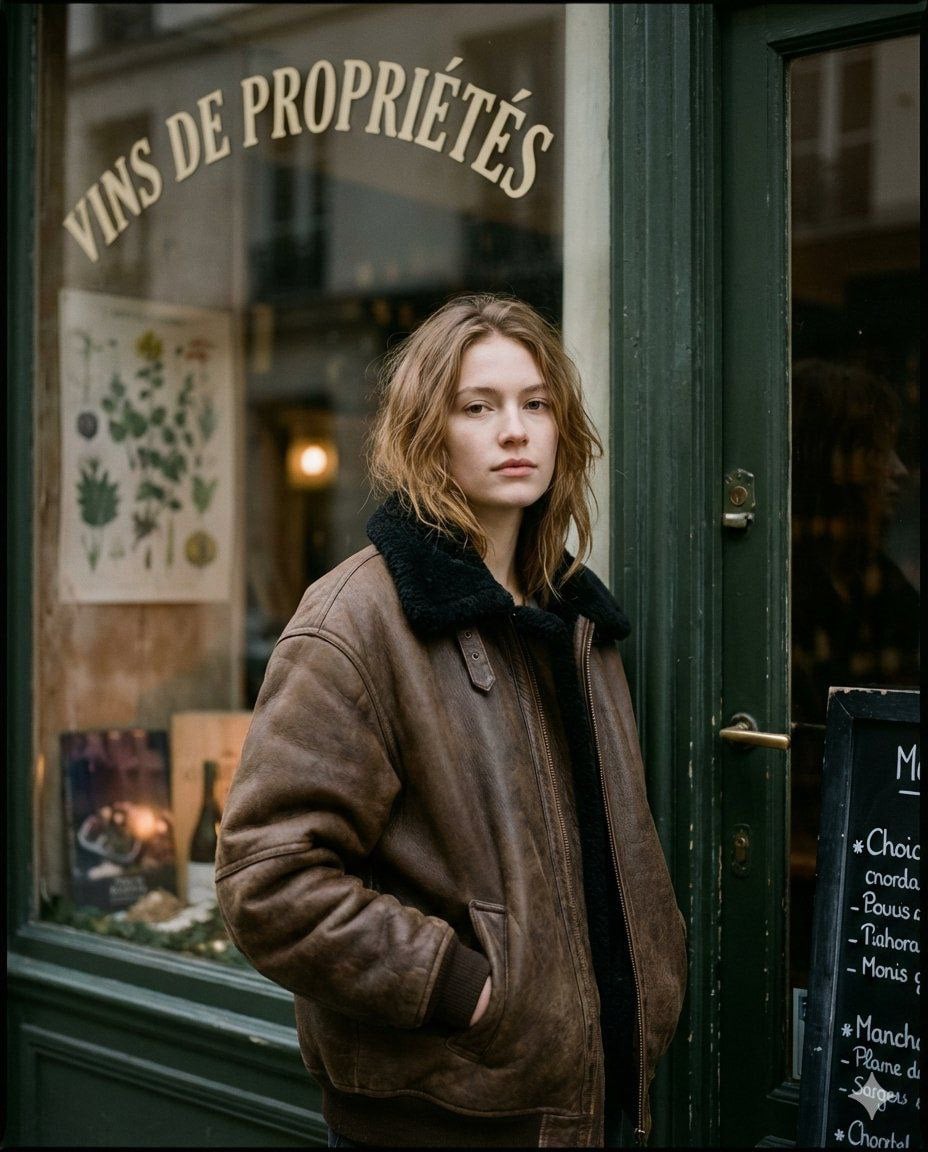
Moody Paris Street Editorial Portrait
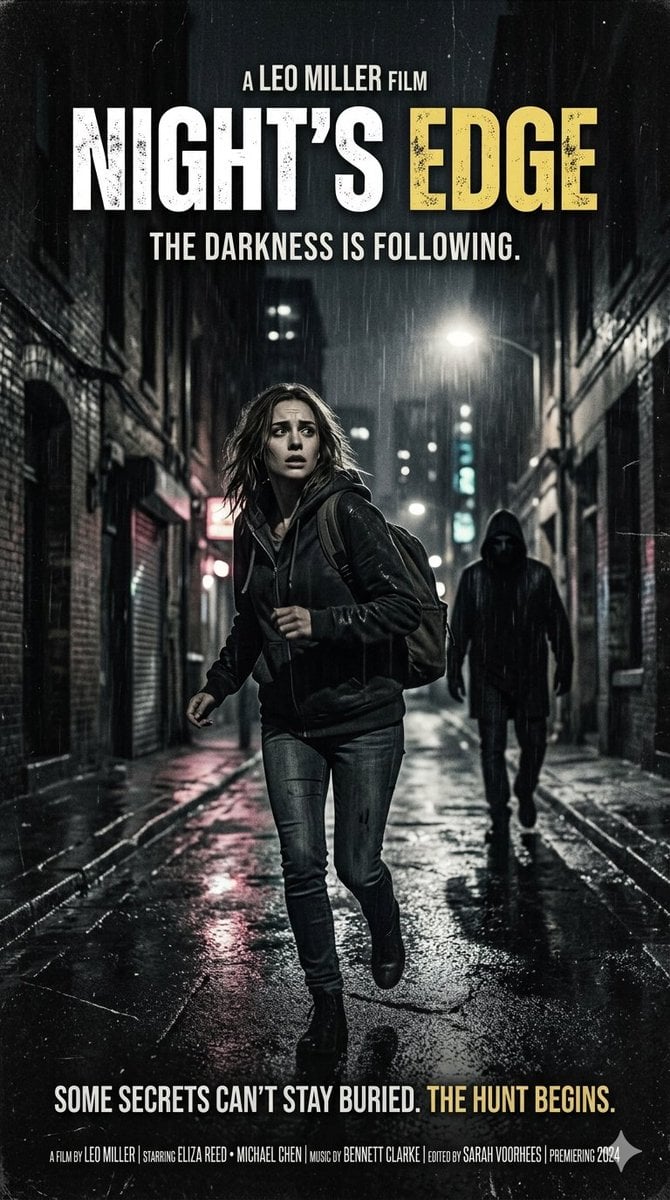
Neo-noir psychological thriller movie poster

Luxury Work-From-Home Aesthetic Portrait
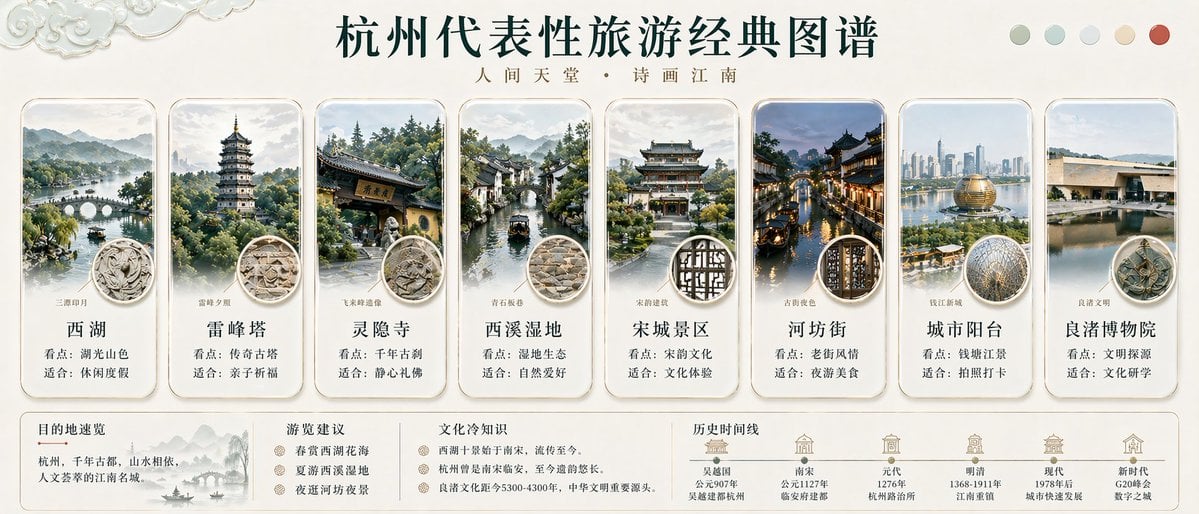
Hangzhou Travel Infographic Poster
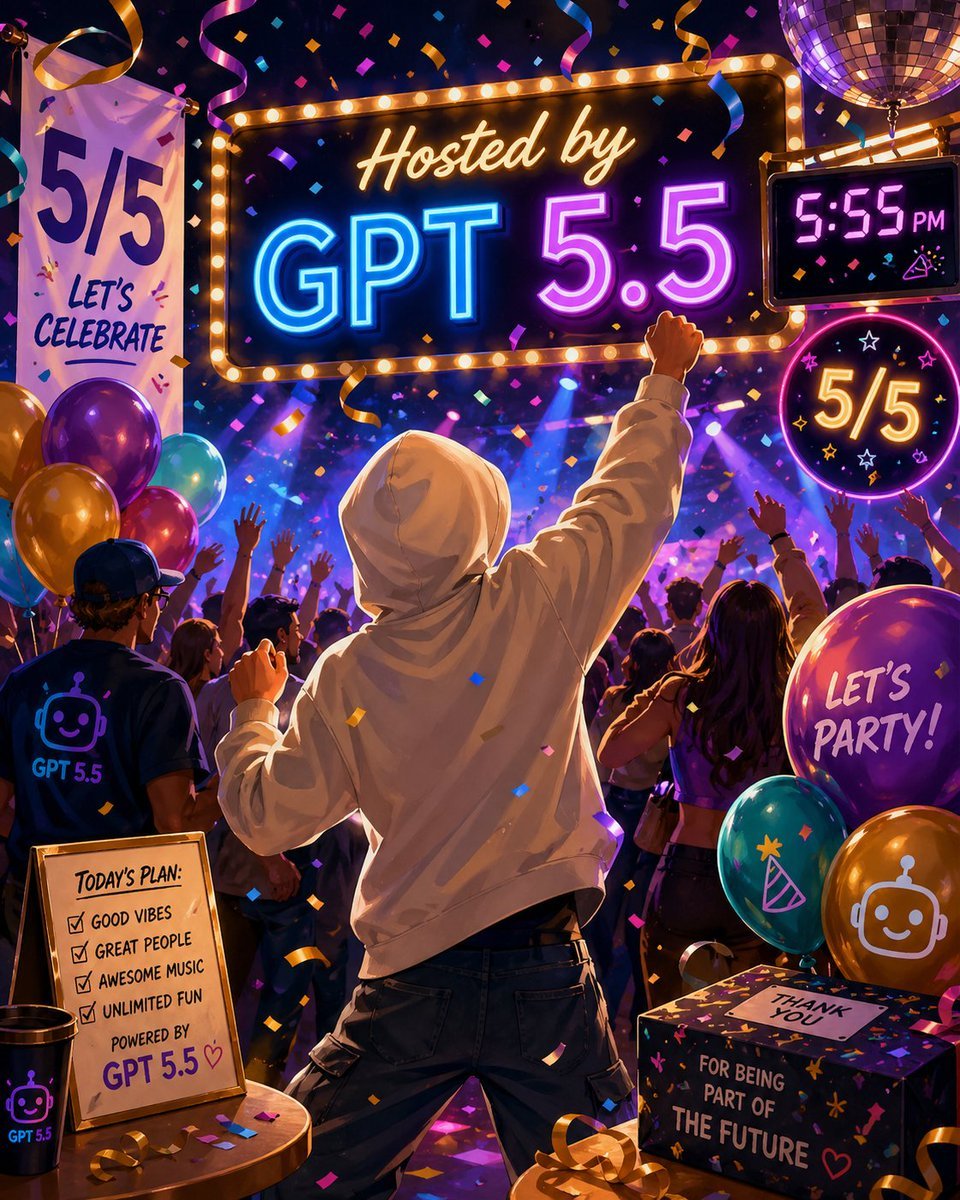
Neon GPT 5.5 Celebration Party
Browse template categories
Rainy Subway Betrayal Scene questions
How do I use the Rainy Subway Betrayal Scene template?
Add your photo if the template asks for one, edit the prompt if you like — the template's model and format are already selected — and press Generate. Your version opens in PicX Studio.
Can I customize the Rainy Subway Betrayal Scene template?
Yes. You can change the subject, setting, lighting, mood, format, and available model controls before creating your image.
Is the Rainy Subway Betrayal Scene template free?
Opening and editing this template is free. Generating uses credits, shown on the Generate button when you are signed in.
Which AI model should I use?
Start with GPT Image 2, which is the model associated with this template. You can compare another compatible model for a different finish.
Looking for something else? Browse all templates.

Your photo, any look
Thousands of ready templates for every top image and video model, from one credit balance.