
Surreal Cosmetic Alchemist Portrait Prompt
A highly structured JSON prompt for generating a hyper-realistic, symmetrical medium shot of a 'Restless Creator' in a surreal, gravity-defying alchemist's laboratory, emphasizing texture, clinical lighting, and…
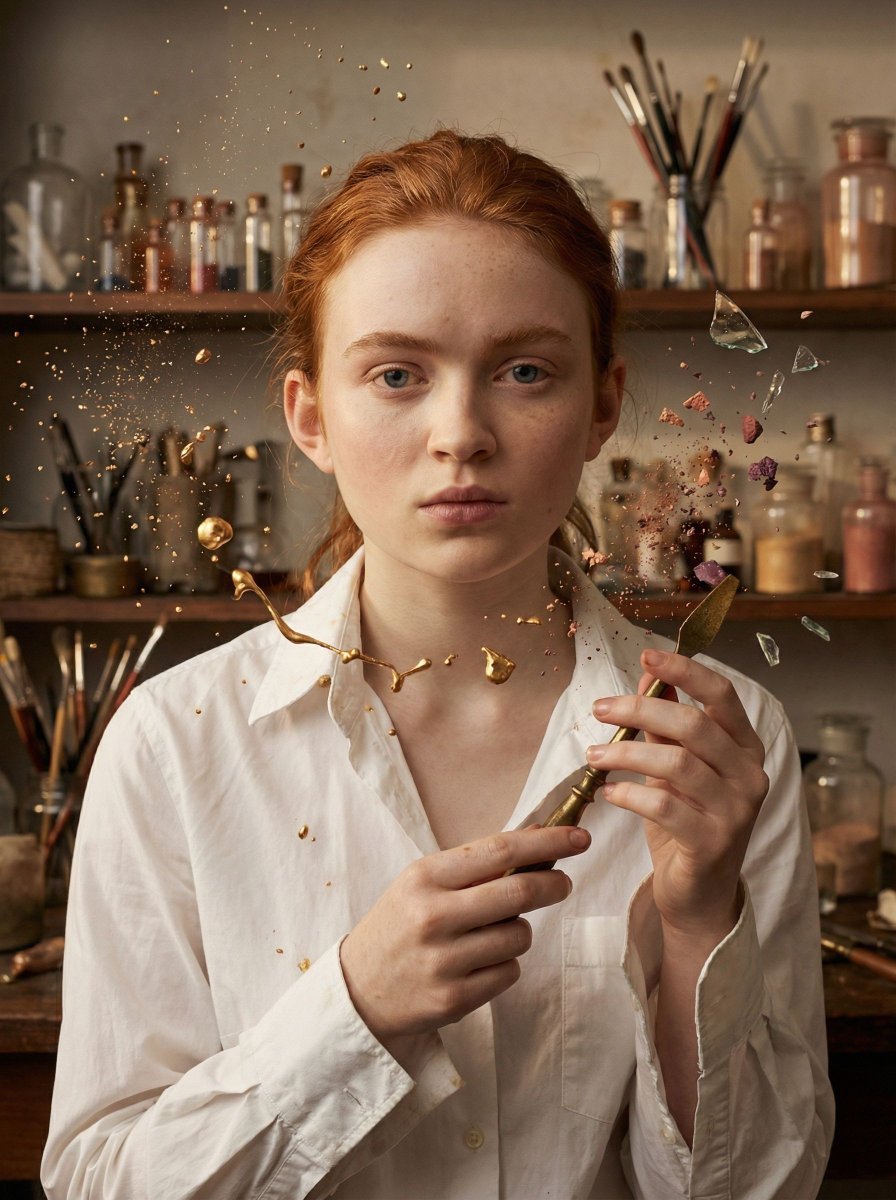
- Prompt included
- Model and format preset
- Free template
The prompt behind this image
Copy the exact prompt behind Surreal Cosmetic Alchemist Portrait Prompt, or open it in the studio and make it yours.
{ "vibe_title_en": "Gravity-Defying Alchemist Atelier", "master_prompt": "A hyper-realistic, centered medium shot of The Protagonist portrayed as a Restless Creator in a surreal, densely cluttered Cosmetic Alchemist's Laboratory. The composition is perfectly symmetrical. The subject stares forward with intense, ritualistic focus, hair slightly messy, wearing a deconstructed white couture shirt with sleeves rolled up, exuding raw energy. The environment is aggressively busy and textured: floor-to-ceiling apothecary shelves overflowing with thousands of glass vials, antique brushes, and spilling pigments. SURREAL ELEMENT: The clutter is experiencing a localized gravity failure; droplets of liquid gold, shards of mirrors, and clouds of setting powder are frozen in mid-air around the subject, captured as if they are high-end practical effects. Lighting is clinical and symmetrical: dual large soft-boxes from both sides creating even, shadow-less, porcelain skin tones. Shot on Phase One XF IQ4, 80mm lens, f/8 for depth, focusing on the tactile texture of the floating powder and the hyper-real skin pores. Cinematic color grading with rich ambers, dusty rose, and clinical whites.", "meta": { "intent": "Visual Storytelling", "priorities": "Surrealism, Texture, Symmetrical Composition", "device_profile": "High-End Studio Monitor" }, "frame": { "aspect": "4:5", "composition": "Centered Power-Mid, Absolute Horizontal Symmetry", "layout": "Subject in center third, surrounded by dense framing elements", "camera_angle": "Eye Level", "tilt_roll_degrees": "0" }, "subject": { "gender": "Female", "identity": "The Protagonist / The Alchemist", "demographics": "Universal Adult", "face": "Neutral but intense focus, minimal makeup, pore-visible texture", "hair": "Slightly messy, pushed back or tied loosely, practical", "body": "Shoulders square to camera, chest-up", "expression": "Piercing gaze, lips slightly parted as if breathing out", "pose": "Symmetrical stance, arms potentially interacting with floating objects" }, "wardrobe_accessories": { "garments": [ { "item": "Deconstructed Couture Shirt", "material": "Crisp Cotton Poplin", "color": "Stark White", "fit": "Oversized but tailored, sleeves rolled up" } ], "accessories": [ { "item": "Protective Eye Gear (Optional/On Head)", "color": "Brass/Glass", "material": "Antique Metal", "brand_style": "Steampunk Avant-Garde" } ] }, "environment": { "setting": "Surreal Cosmetic Laboratory / Apothecary", "surfaces": "Aged wood shelves, glass vials, spilling powder, floating liquid", "depth": "Deep but cluttered background, bokeh on distant shelves", "atmosphere": "Dusty, magical, suspended in time, high humidity", "lens_interaction": "Particles of powder catching the light in
How to use Surreal Cosmetic Alchemist Portrait Prompt in 3 steps
- 1
Open
The prompt is already in the box next to the preview, with the template's model and format selected.
- 2…a portrait of your subject in softgolden-hour light, 85mm…
Personalize
Edit the subject and creative details for your destination.
- 3Generate
Generate
Press Generate — your image is created in PicX Studio, so you can compare it with the original and refine one variable at a time.
More like this
Templates with the same subject, style or setup. Open one to see its prompt.

Found Photograph: Us, 1970

80s Couple Studio Portrait

80s Bollywood Star

80s Golden Hour Cinema

Me in 1985

1985 Studio Portrait
Avant-Garde Botanical Alchemist Portrait

Hyper-Realistic Minecraft POV Portrait

Rooftop Fisheye — Cat-Ear Balaclava at Golden Hour

Surreal Cat Astronaut — Humanoid Face Freefall
Surreal Birch Bark Portrait Prompt
Surreal Cosmetic Ballroom Advertisement
Make it yours
Surreal Cosmetic Alchemist Portrait Prompt works as-is. These are the safest ways to change it without losing the look.
Change one field
Copy a single group, rewrite it, and generate again so you can see what that field is doing.
Keep the frame, change the subject
Hold the composition and light of Surreal Cosmetic Alchemist Portrait Prompt, then swap wardrobe, props or the person for a new take.
| If the result… | Why | Fix |
|---|---|---|
| The result drifts from the preview | Too many fields changed at once. | Reuse Surreal Cosmetic Alchemist Portrait Prompt as-is first, then change one group — subject, light, or setting. |
| The model over-stylizes the scene | The prose prompt leaves finish and camera underspecified. | Add one camera or lighting sentence and stay on Nano Banana 2. |
More Nano Banana 2 templates
Other prompts made for Nano Banana 2.

Photorealistic Leaf Shaped Like a Dragon

K-Pop Idol Portrait Grid for Rapid Selection

Poetic Rain Forest Portrait During Golden Hour

Urban Street Portrait with Cartoon Inner Self Duo

Candid Nighttime Photo with Cat Prompt

High-Concept 3D Diorama Generation Prompt

Cinematic Futuristic Studio Portrait Template

Skincare Editorial Photography Collage Prompt

Hyper-Realistic Commercial Product Photography (Splash Effect)

Hyper-Realistic Nightclub Portrait Prompt
More image prompts
Fresh picks from across the catalog.
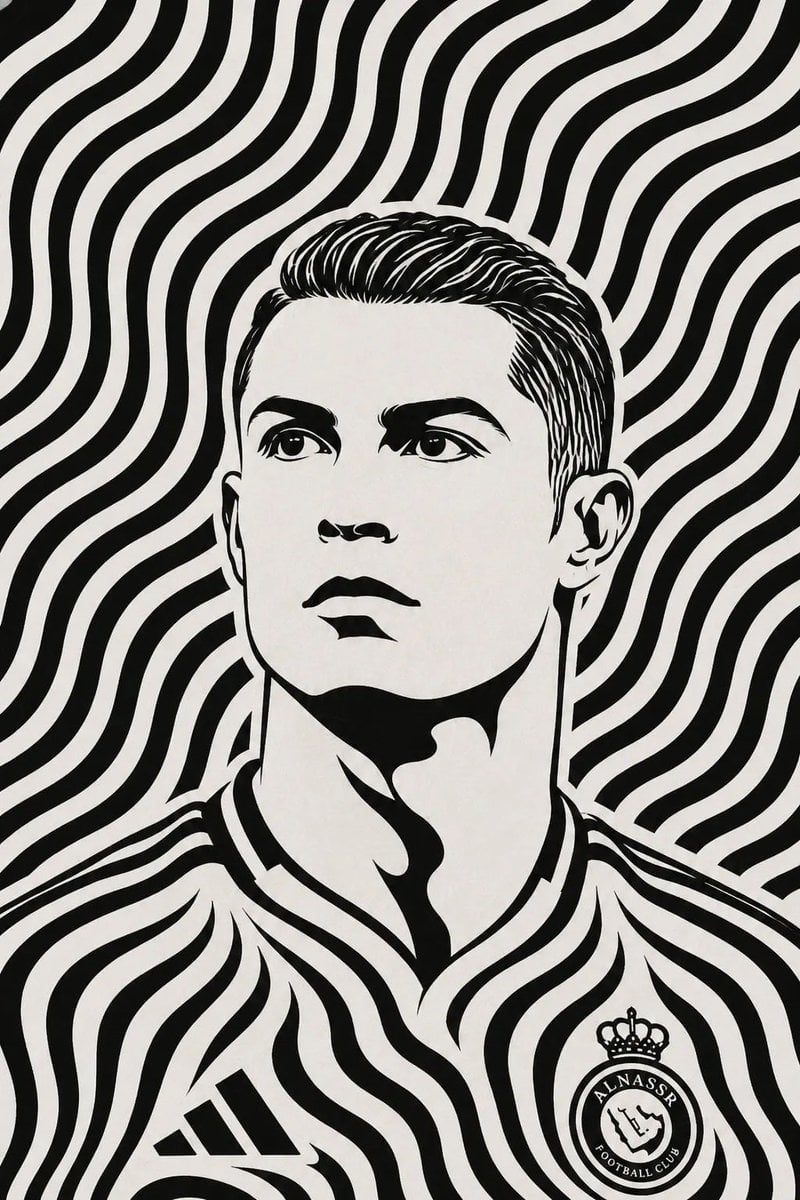
Black and White Optical Illusion Portrait

Elegant beauty in luxury lounge
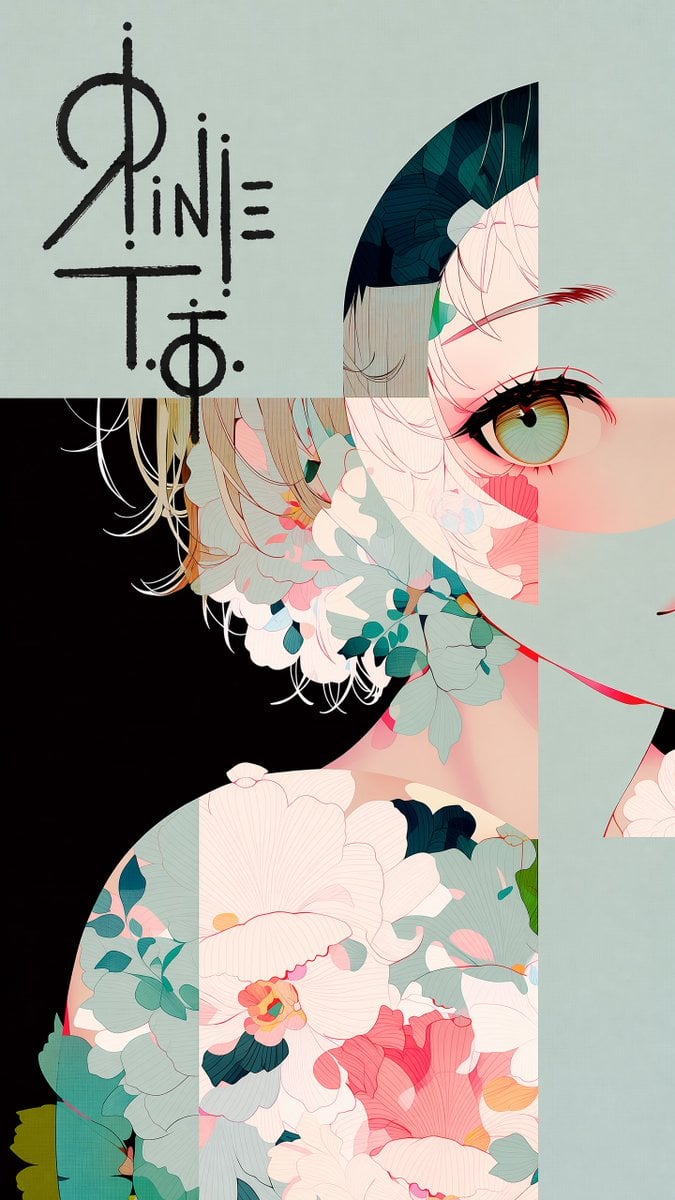
Logo Integration and Marker Overlay
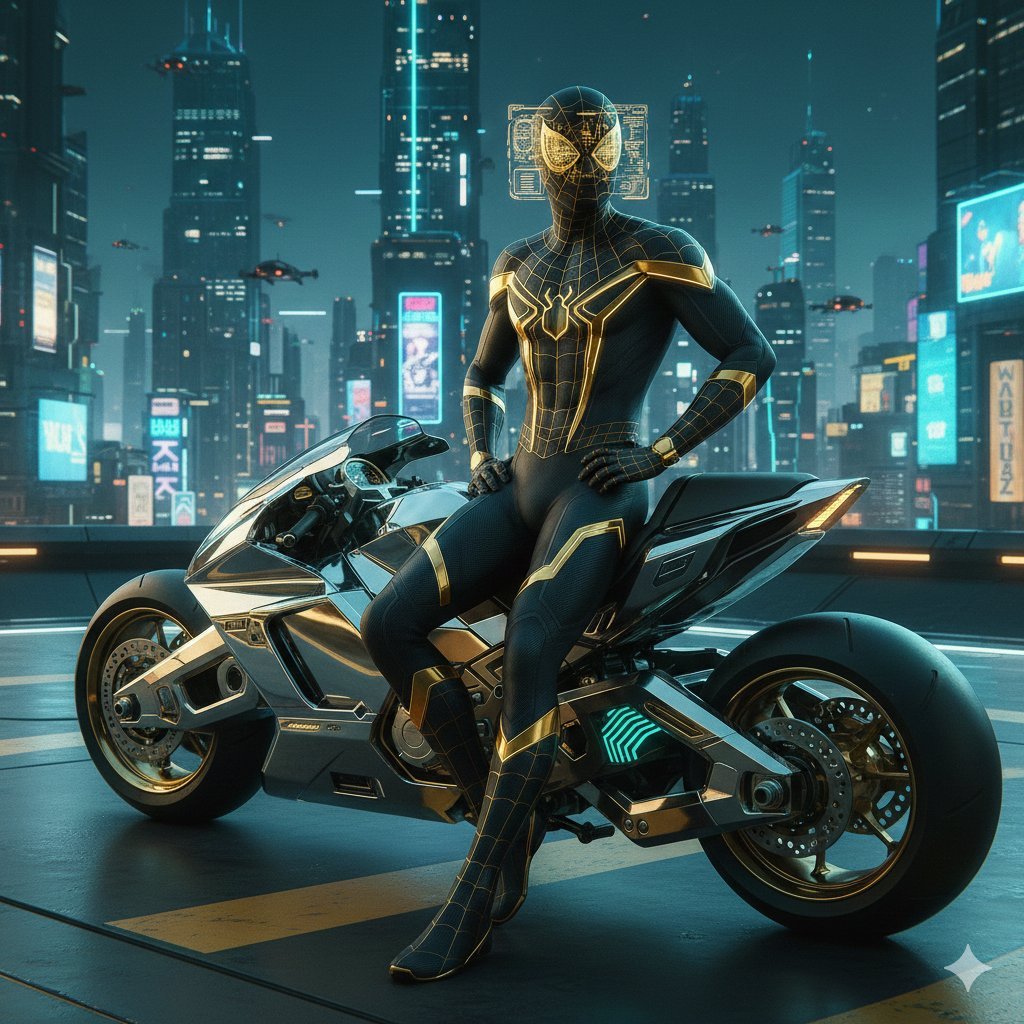
Cyberpunk Spider-Man in Matte Black and Gold
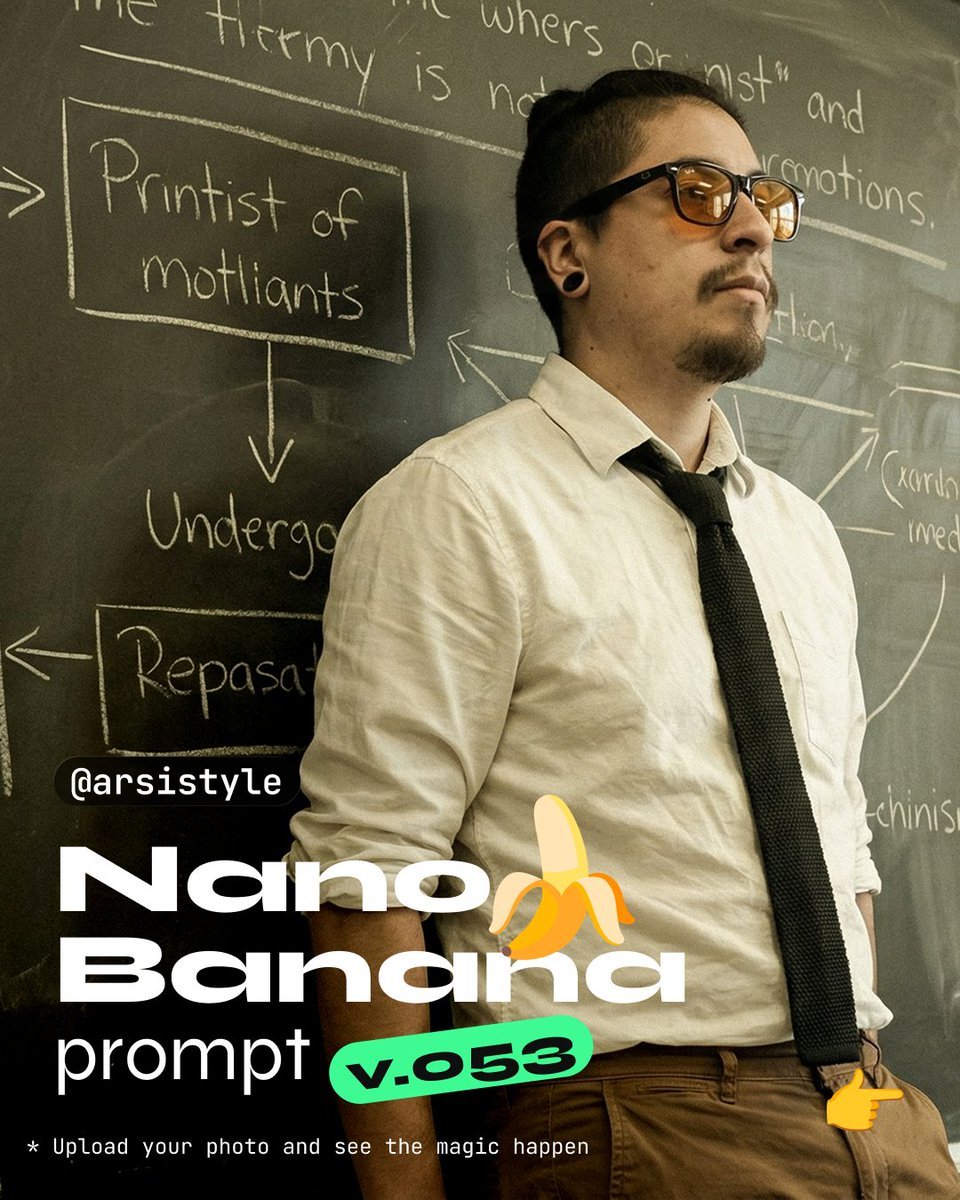
Cinematic Medium Shot with Chalkboard Background Prompt
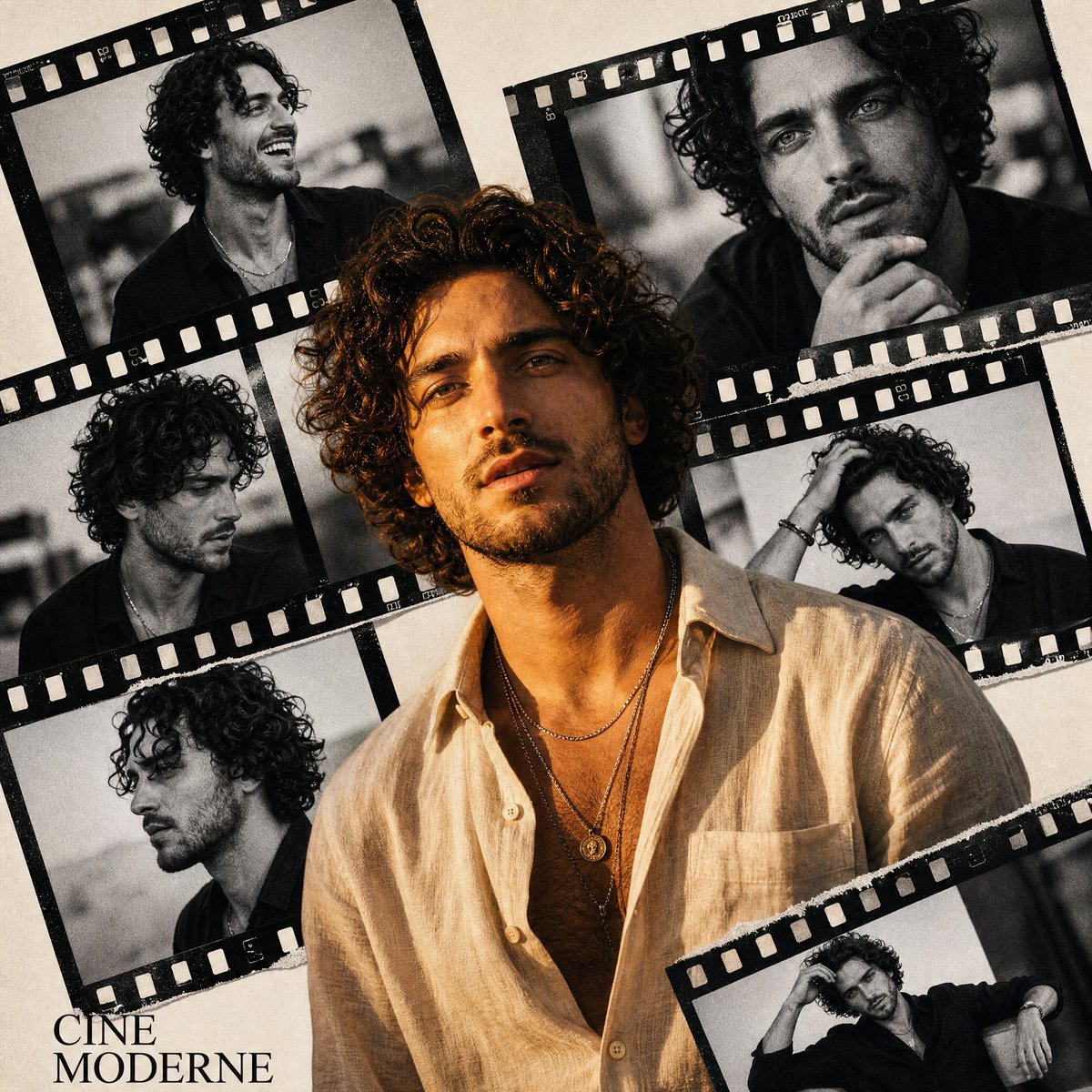
Retro Cinema Portrait Collage
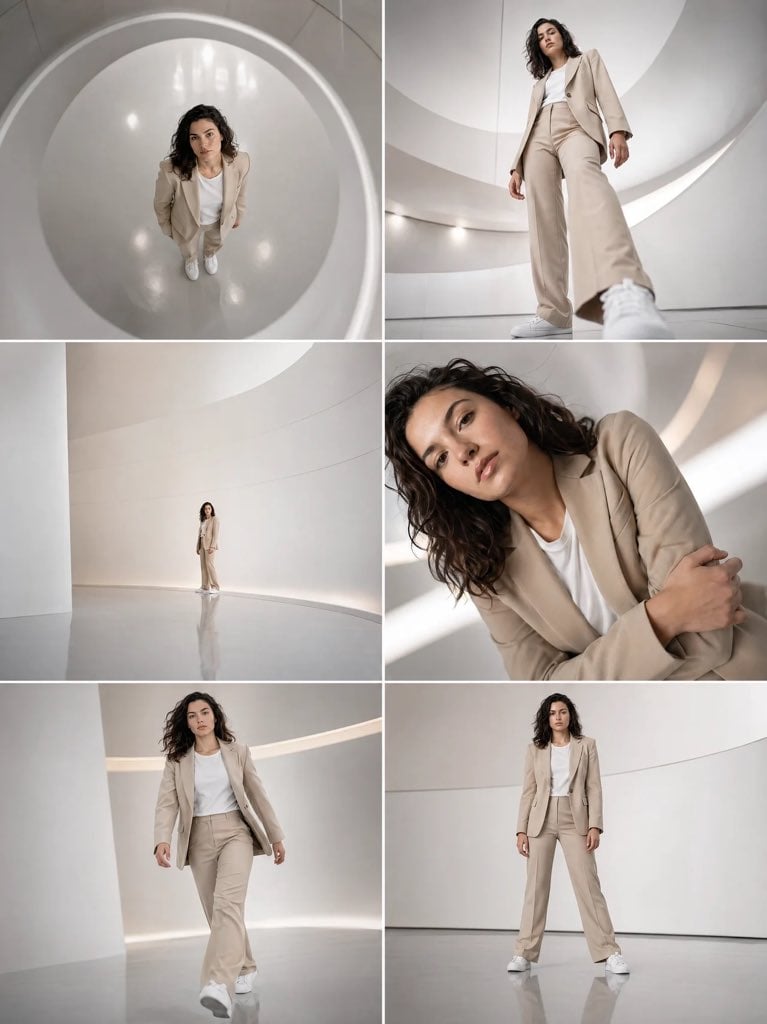
Futuristic Beige Suit Editorial Collage
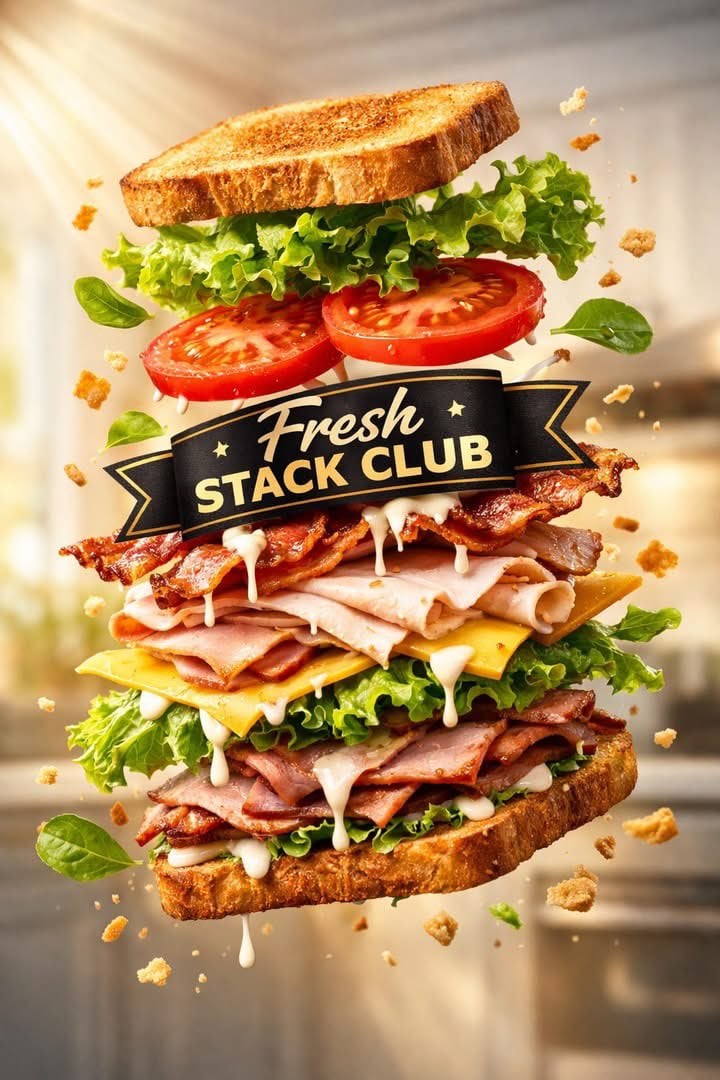
Exploded Tilt View Sandwich Product Photography
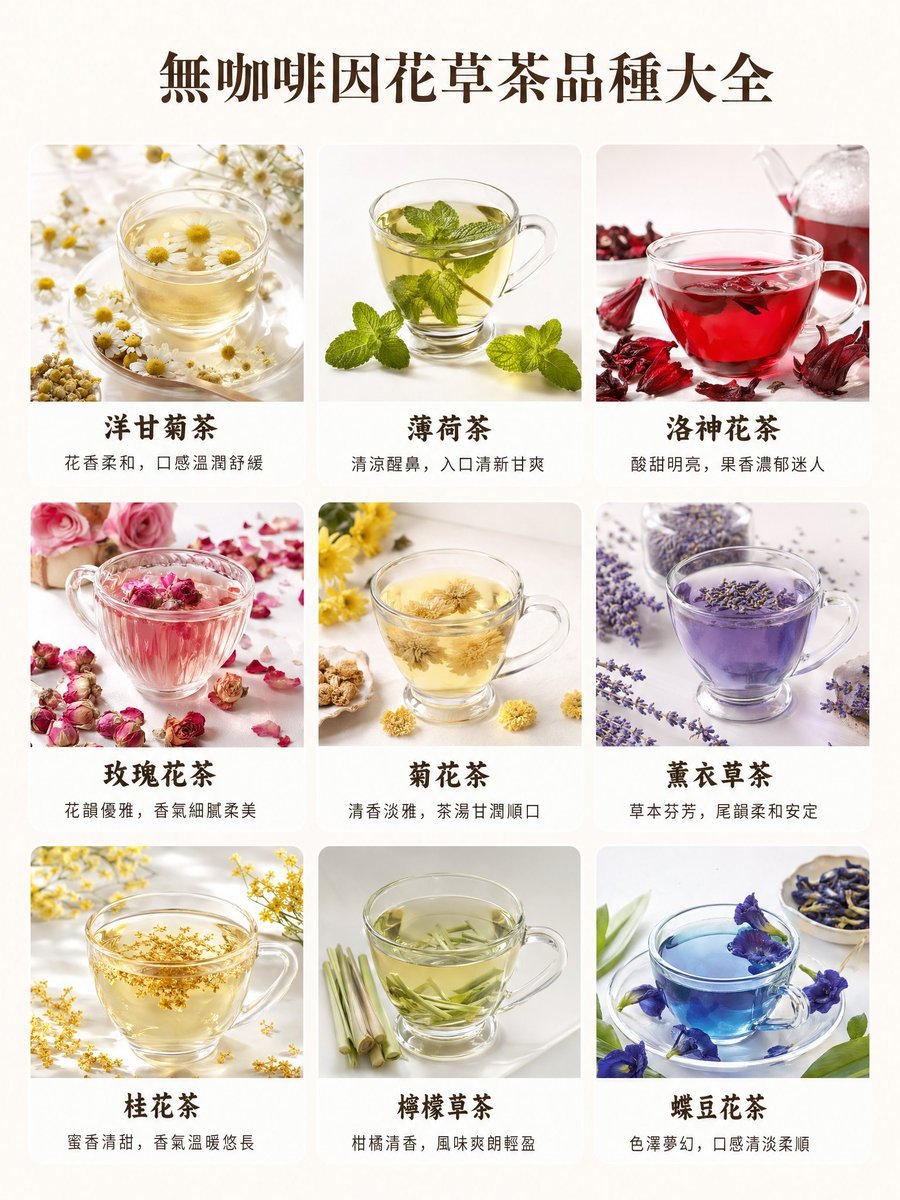
Caffeine-Free Herbal Tea Chart
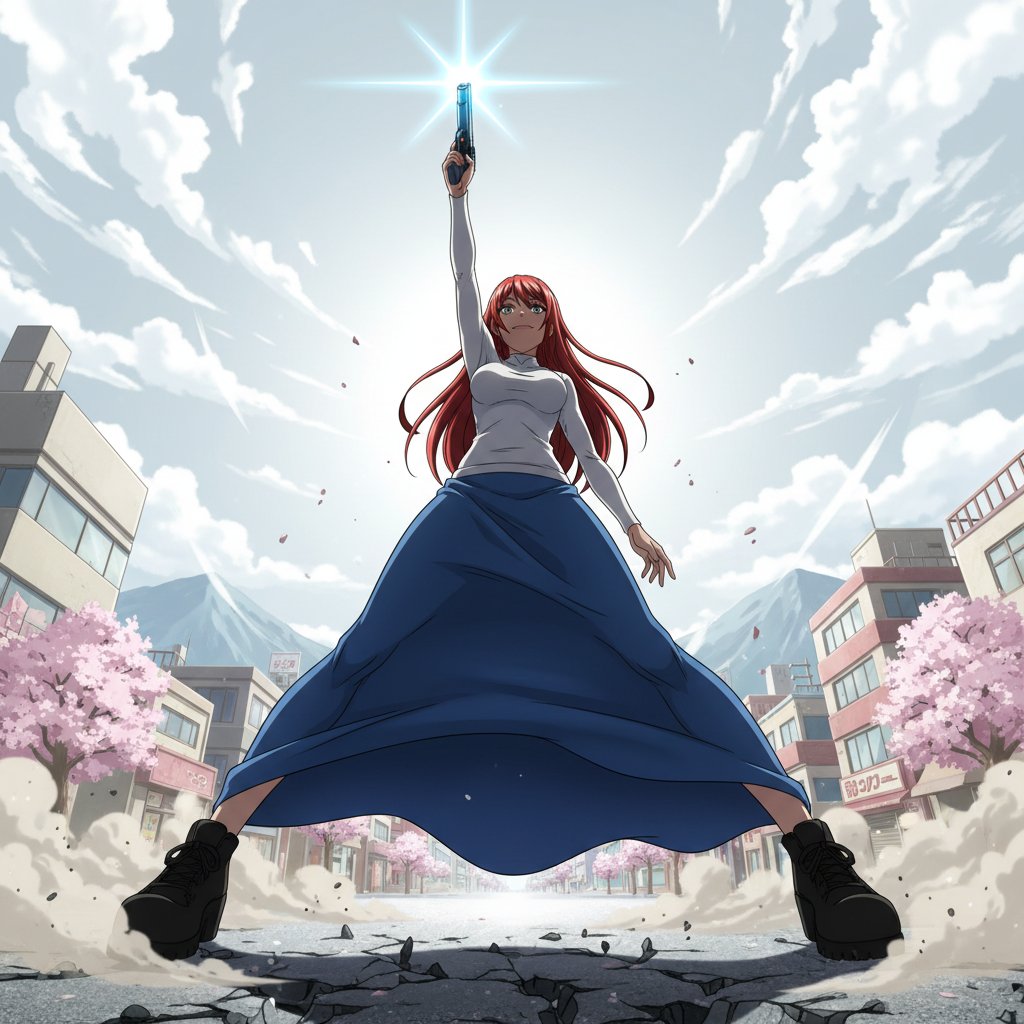
Nano Banana Prompt for Heroic Low-Angle Pose with Beam Weapon
Browse template categories
Surreal Cosmetic Alchemist Portrait Prompt questions
How do I use the Surreal Cosmetic Alchemist Portrait Prompt template?
Add your photo if the template asks for one, edit the prompt if you like — the template's model and format are already selected — and press Generate. Your version opens in PicX Studio.
Can I customize the Surreal Cosmetic Alchemist Portrait Prompt template?
Yes. You can change the subject, setting, lighting, mood, format, and available model controls before creating your image.
Is the Surreal Cosmetic Alchemist Portrait Prompt template free?
Opening and editing this template is free. Generating uses credits, shown on the Generate button when you are signed in.
Which AI model should I use?
Start with Nano Banana 2, which is the model associated with this template. You can compare another compatible model for a different finish.
Looking for something else? Browse all templates.

Your photo, any look
Thousands of ready templates for every top image and video model, from one credit balance.