
Isometric 3D Diorama of Product Evolution Prompt
A complex, multi-step system instruction prompt designed to generate a hyper-realistic, isometric 3D diorama illustrating the evolution of a product (like bread or whiskey) across three phases (Source, Industry…
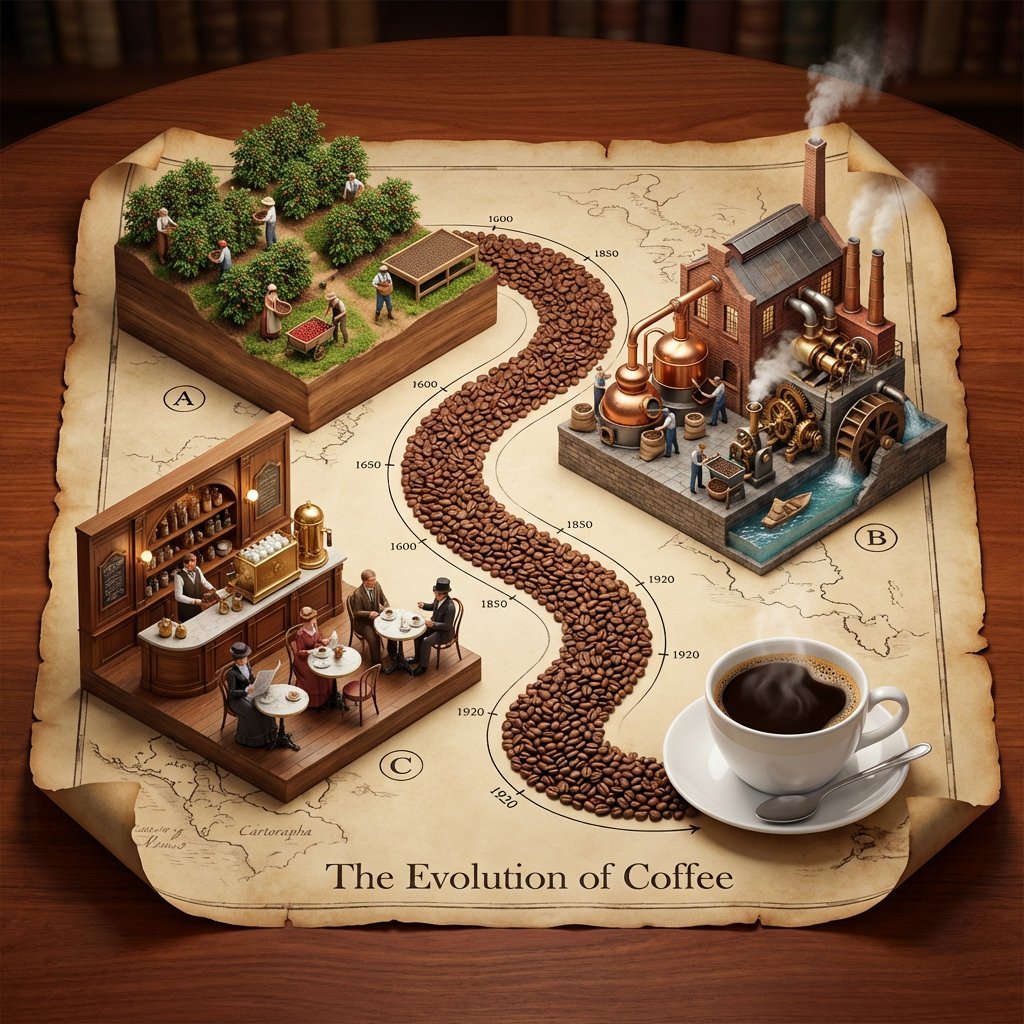
- Prompt included
- Model and format preset
- Free template
The prompt behind this image
Copy the exact prompt behind Isometric 3D Diorama of Product Evolution Prompt, or open it in the studio and make it yours.
Input Variable: [INSERT TOPIC] (e.g., The History of Bread, The Making of Whiskey, The Story of Silk, The Evolution of Paper) System Instruction: Generate a hyper-realistic, isometric 3D diorama displayed on an unrolled antique map. Use the following logic to procedurally generate the scene: 1. Deconstruction: Analyze the Input: Break the topic into 3 Phases of Production (From Nature to Consumption). The Material Path: Identify the raw unit of the topic (e.g., Coffee Beans, Wheat Grains, Silk Cocoons, Wood Chips). This material will form the physical "Road" connecting the scenes. 2. Container (The Chart): The Object: A large, textured Parchment Scroll with curled edges, unrolled on a rich Mahogany wooden table. The Layout: An "S-Curve" Path winds through the center of the scroll, connecting three distinct raised platforms. The Timeline: Delicate black ink timeline markers (dates like 1600, 1850, 1920) run alongside the path. 3. Vignettes (The Production Line): CRITICAL: Do not generate Sci-Fi. Stick to Historic and Modern Classic aesthetics. Top Left - The Source): Concept: The Agricultural or Raw Origin. Visuals: Rows of crops, a mine, or a forest growing directly out of a wooden block base. Figures: Tiny farmers or laborers in period-appropriate rustic clothing harvesting the raw material. Top Right - The Industry): Concept: The Processing and Refinement (Industrial Revolution Era). Visuals: A factory or mill with Copper Stills, Brass Gears, Smokestacks, or Water Wheels . Figures: Workers operating machinery, steam rising from vents. Bottom Left - The Experience): Concept: The Final Consumption (The "Golden Age"). Visuals: A warm, inviting interior. A Victorian Pub, a Parisian Cafe, a Tailor Shop, or a Library. Figures: Patrons enjoying the finished product in a social setting. 4. The "Hero" Object (Bottom Right): Instead of a fourth building, the path ends at a Life-Sized "Hero" Object sitting on the paper. (e.g., A perfect porcelain Cup of Coffee, A Loaf of Sourdough, A Crystal Whiskey Tumbler). 5. Visual Syntax: The Path: The road connecting the buildings is NOT dirt or asphalt. It is a River of the Raw Material (e.g., A road paved with Coffee Beans or Wheat grains). Typography: An elegant Serif Header at the bottom: "The Evolution of [Input]". Lighting: Warm, indoor "Library" lighting. Soft shadows, rich wood tones, no harsh neons. Output: ONE image, 1:1 Aspect Ratio, Isometric Diorama, "Anno 1800" Strategy Game Aesthetic, High Texture,
How to use Isometric 3D Diorama of Product Evolution Prompt in 3 steps
- 1
Open
The prompt is already in the box next to the preview, with the template's model and format selected.
- 2…a portrait of your subject in softgolden-hour light, 85mm…
Personalize
Edit the subject and creative details for your destination.
- 3Generate
Generate
Press Generate — your image is created in PicX Studio, so you can compare it with the original and refine one variable at a time.
More like this
Templates with the same subject, style or setup. Open one to see its prompt.

Isometric Process Educational Diorama

Isometric Brand Store Diorama
Isometric Evolution Timeline Diorama
Clean isometric miniature 3D diorama visualizing the evolution
Isometric Pixel Art Evolution Museum

Cozy Isometric Bathroom Miniature Diorama

Isometric Productivity Desk Scene

Layered Paper Cut Forest Diorama

A k.pop idol on the stage with mic

Soft Handcrafted Paper-Cut Layered Illustration

Trendy Cafe Drink Promo Poster

Minimalist Skincare Product Water Stone Still
Make it yours
Isometric 3D Diorama of Product Evolution Prompt works as-is. These are the safest ways to change it without losing the look.
Change one field
Copy a single group, rewrite it, and generate again so you can see what that field is doing.
Keep the frame, change the subject
Hold the composition and light of Isometric 3D Diorama of Product Evolution Prompt, then swap wardrobe, props or the person for a new take.
| If the result… | Why | Fix |
|---|---|---|
| The result drifts from the preview | Too many fields changed at once. | Reuse Isometric 3D Diorama of Product Evolution Prompt as-is first, then change one group — subject, light, or setting. |
| The model over-stylizes the scene | The prose prompt leaves finish and camera underspecified. | Add one camera or lighting sentence and stay on Nano Banana 2. |
More Nano Banana 2 templates
Other prompts made for Nano Banana 2.

Photorealistic Leaf Shaped Like a Dragon

K-Pop Idol Portrait Grid for Rapid Selection

Poetic Rain Forest Portrait During Golden Hour

Urban Street Portrait with Cartoon Inner Self Duo

Candid Nighttime Photo with Cat Prompt

High-Concept 3D Diorama Generation Prompt

Cinematic Futuristic Studio Portrait Template

Skincare Editorial Photography Collage Prompt

Hyper-Realistic Commercial Product Photography (Splash Effect)

Hyper-Realistic Nightclub Portrait Prompt
More image prompts
Fresh picks from across the catalog.
Abstract Eastern Zen Landscape with Time-Slice Lighting
AI Art Experiment: Speech Bubbles and Hand-Drawn Text
SynClub Anime Character QR Poster
Cherry Blossom Street Kanji Poster
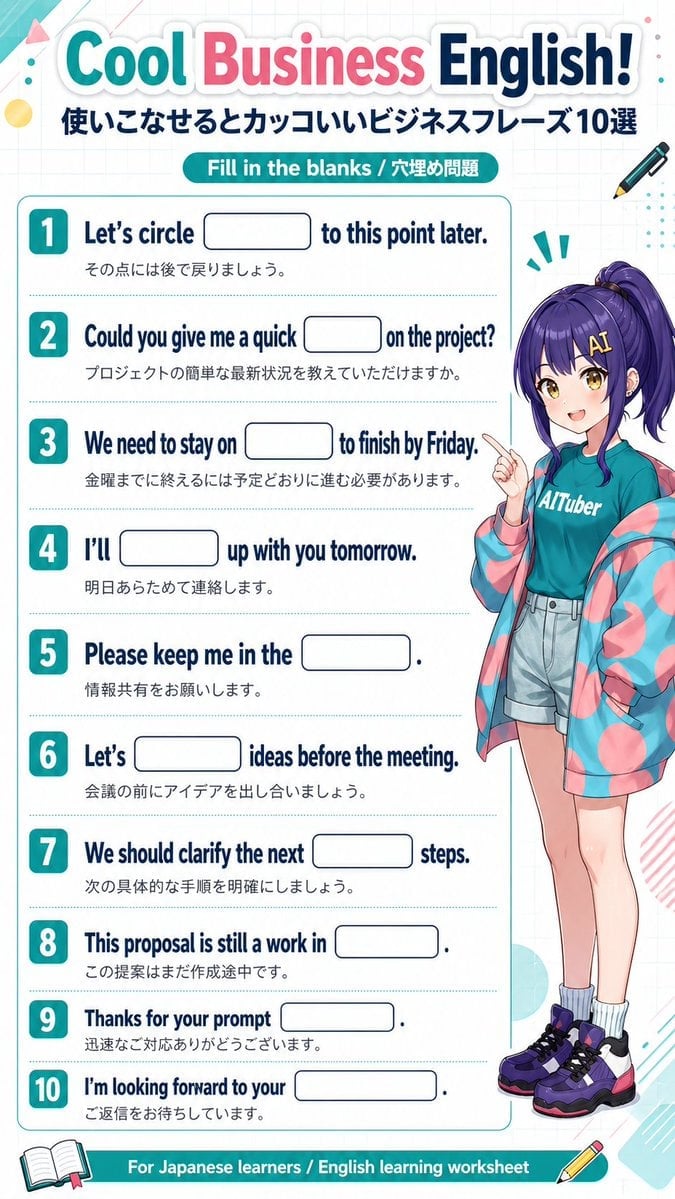
Anime Business English Worksheet
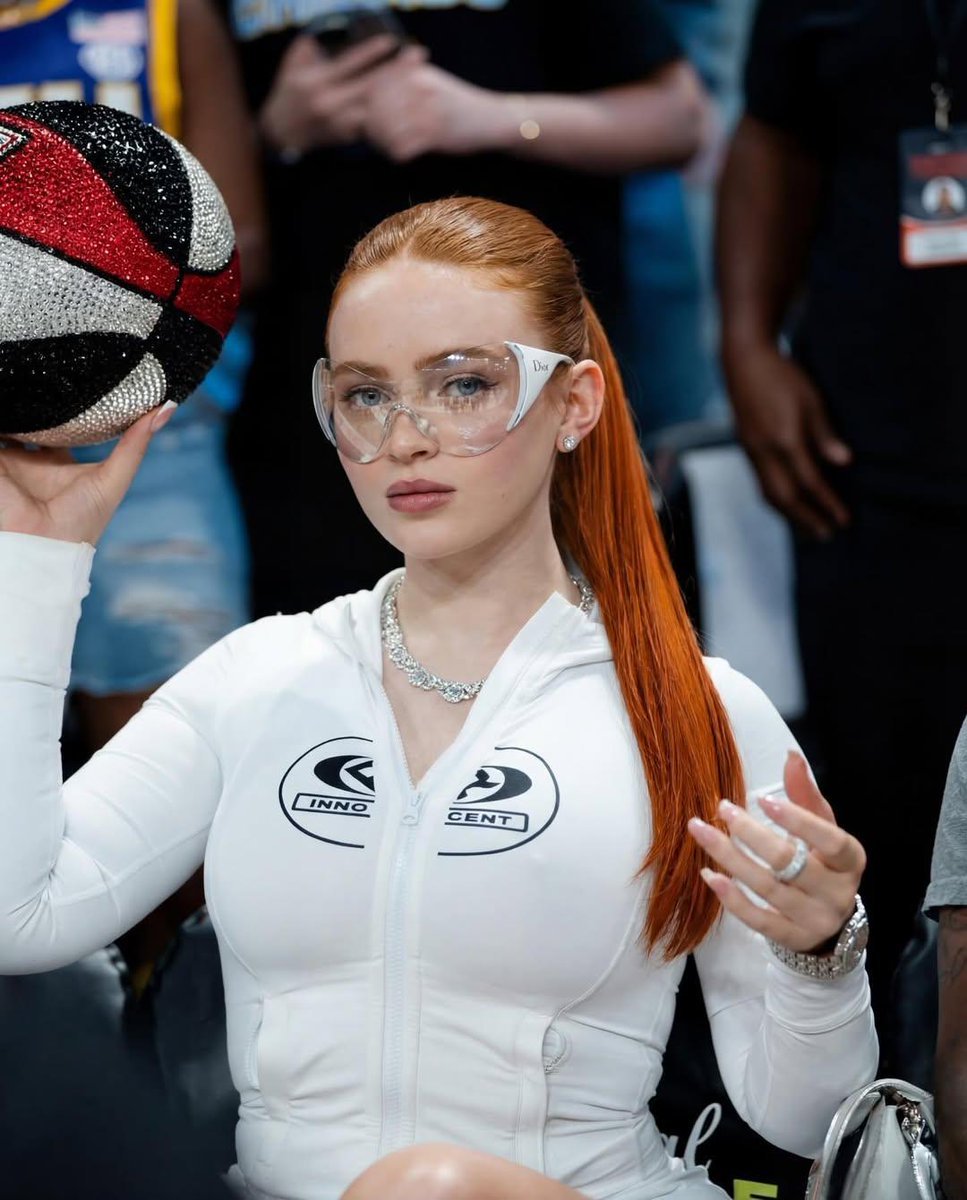
Cinematic Medium Shot of a Woman with a Luxury Basketball

X Ozayrr Irl Chatgpt Image 2 Vs Google

Retro and Modern Name Poster Prompts
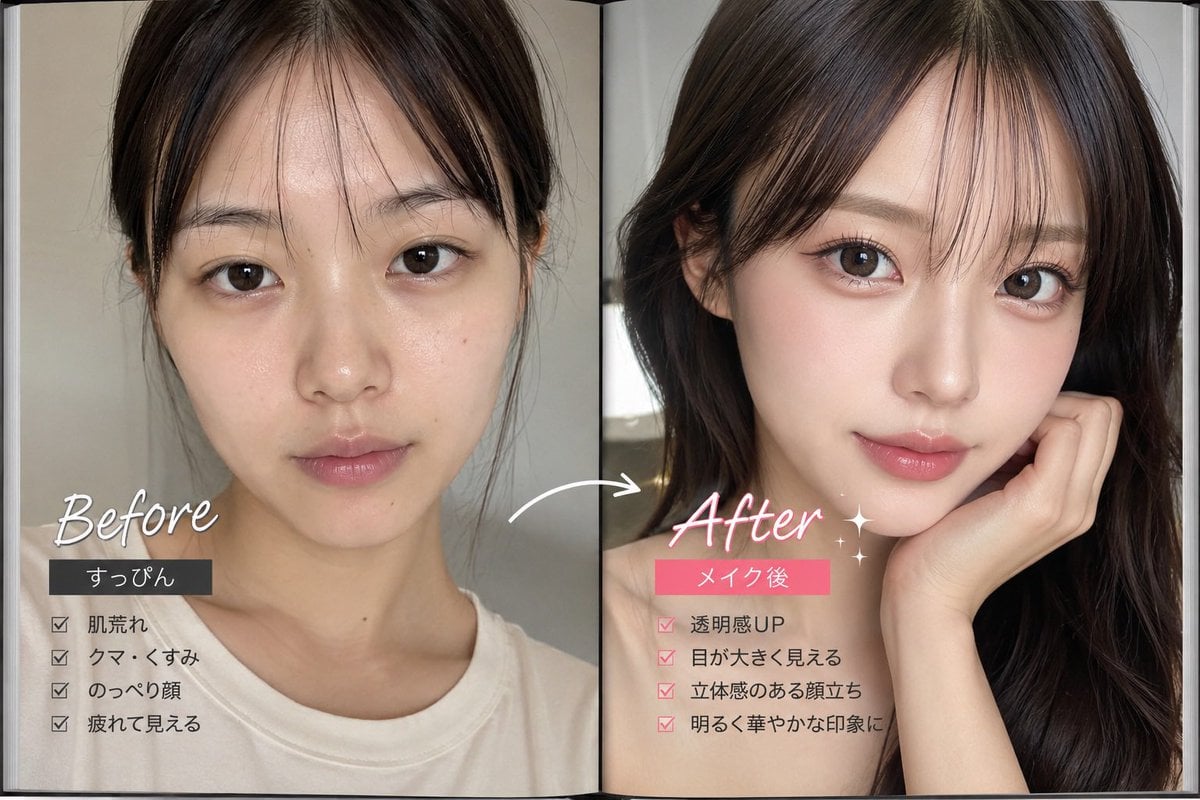
Makeup Before After Magazine Spread

Anime Movie Poster for a Paramecium Character
Browse template categories
Isometric 3D Diorama of Product Evolution Prompt questions
How do I use the Isometric 3D Diorama of Product Evolution Prompt template?
Add your photo if the template asks for one, edit the prompt if you like — the template's model and format are already selected — and press Generate. Your version opens in PicX Studio.
Can I customize the Isometric 3D Diorama of Product Evolution Prompt template?
Yes. You can change the subject, setting, lighting, mood, format, and available model controls before creating your image.
Is the Isometric 3D Diorama of Product Evolution Prompt template free?
Opening and editing this template is free. Generating uses credits, shown on the Generate button when you are signed in.
Which AI model should I use?
Start with Nano Banana 2, which is the model associated with this template. You can compare another compatible model for a different finish.
Looking for something else? Browse all templates.

Your photo, any look
Thousands of ready templates for every top image and video model, from one credit balance.