
Makeup Before After Magazine Spread
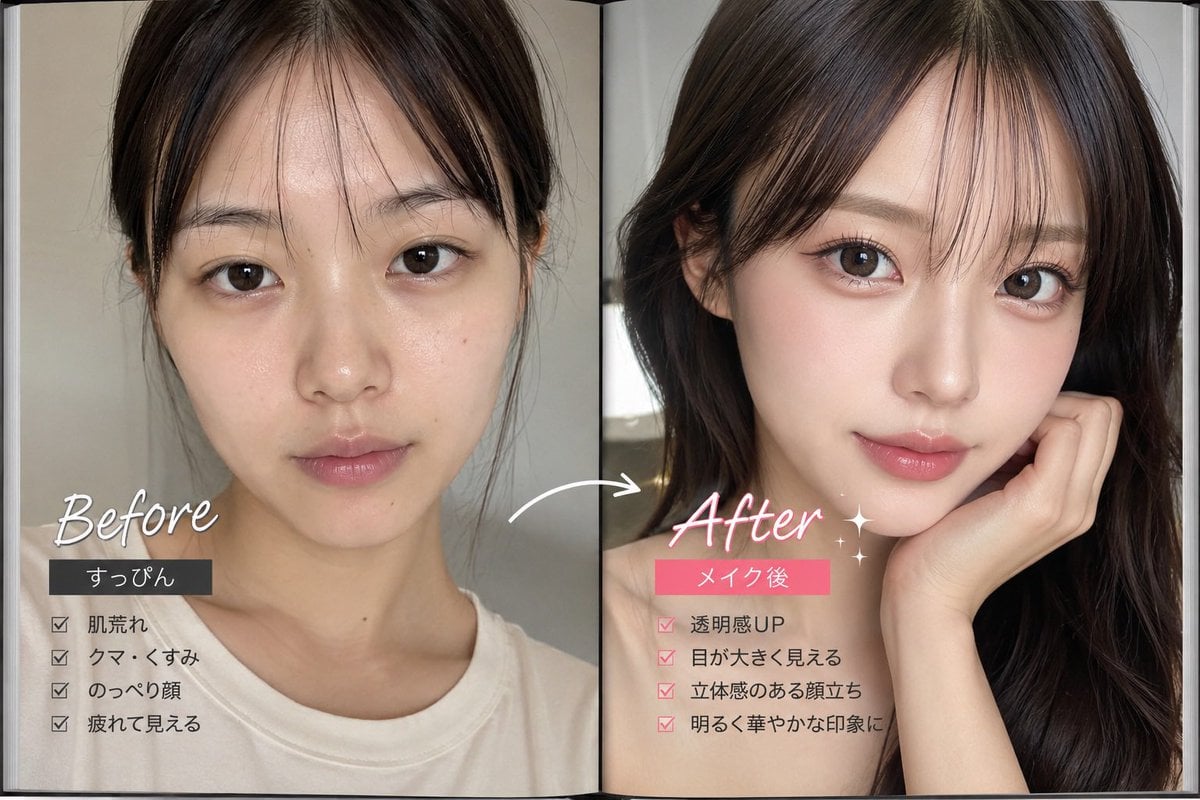
Generates a photorealistic two-page Japanese beauty makeover comparison with labeled before and after portraits, checklist benefits, and editorial magazine styling.
- Prompt included
- Model and format preset
- Free template
The prompt behind this image
Copy the exact prompt behind Makeup Before After Magazine Spread, or open it in the studio and make it yours.
- Type
- photorealistic beauty before-and-after magazine spread
- Format
- open two-page booklet layout with a visible center fold, glossy editorial print texture, vertical split comparison
- Subject › Description
- young Japanese woman shown from shoulders up in two side-by-side portraits, face intentionally hidden by large opaque skin-tone rectangular privacy blocks covering the facial area on both pages
- Subject › Hair
- dark brown to black medium-long hair; messy tied-back or plain hair on the left, styled glossy loose waves on the right
- Subject › Clothing
- casual white crewneck T-shirt on the left, bare shoulder or off-shoulder styling on the right
- Subject › Pose
- front-facing crop on the left; elegant beauty pose on the right with one hand touching the cheek and hair framing the face
- Layout › Sections › 0 › Title
- Before
- Layout › Sections › 0 › Position
- left page
- Layout › Sections › 0 › Count
- 1
- Layout › Sections › 0 › Visual Style
- muted beige-gray indoor lighting, natural unstyled look, soft realistic phone-photo quality
- Layout › Sections › 0 › Headline
- {argument name="before headline text" default="Before"}
- Layout › Sections › 0 › Tag Label
- {argument name="before tag label" default="すっぴん"}
- Layout › Sections › 0 › Checklist Count
- 4
- Layout › Sections › 0 › Checklist Labels
- 肌荒れ, クマ・くすみ, のっぺり顔, 疲れて見える
- Layout › Sections › 1 › Title
- After
- Layout › Sections › 1 › Position
- right page
- Layout › Sections › 1 › Count
- 1
- Layout › Sections › 1 › Visual Style
- brighter flattering beauty lighting, polished makeup transformation feeling, glamorous dark hair, clean editorial look
- Layout › Sections › 1 › Headline
- {argument name="after headline text" default="After"}
- Layout › Sections › 1 › Tag Label
- {argument name="after tag label" default="メイク後"}
- Layout › Sections › 1 › Checklist Count
- 4
- Layout › Sections › 1 › Checklist Labels
- 透明感UP, 目が大きく見える, 立体感のある顔立ち, 明るく華やかな印象に
- Layout › Comparison Elements › Arrow Count
- 1
- Layout › Comparison Elements › Arrow Description
- white curved arrow pointing from the left before portrait toward the right after portrait across the center fold
Raw JSON
{"type":"photorealistic beauty before-and-after magazine spread","format":"open two-page booklet layout with a visible center fold, glossy editorial print texture, vertical split comparison","subject":{"description":"young Japanese woman shown from shoulders up in two side-by-side portraits, face intentionally hidden by large opaque skin-tone rectangular privacy blocks covering the facial area on both pages","hair":"dark brown to black medium-long hair; messy tied-back or plain hair on the left, styled glossy loose waves on the right","clothing":"casual white crewneck T-shirt on the left, bare shoulder or off-shoulder styling on the right","pose":"front-facing crop on the left; elegant beauty pose on the right with one hand touching the cheek and hair framing the face"},"layout":{"sections":[{"title":"Before","position":"left page","count":1,"visual_style":"muted beige-gray indoor lighting, natural unstyled look, soft realistic phone-photo quality","headline":"{argument name=\"before headline text\" default=\"Before\"}","tag_label":"{argument name=\"before tag label\" default=\"すっぴん\"}","checklist_count":4,"checklist_labels":["肌荒れ","クマ・くすみ","のっぺり顔","疲れて見える"]},{"title":"After","position":"right page","count":1,"visual_style":"brighter flattering beauty lighting, polished makeup transformation feeling, glamorous dark hair, clean editorial look","headline":"{argument name=\"after headline text\" default=\"After\"}","tag_label":"{argument name=\"after tag label\" default=\"メイク後\"}","checklist_count":4,"checklist_labels":["透明感UP","目が大きく見える","立体感のある顔立ち","明るく華やかな印象に"]}],"comparison_elements":{"arrow_count":1,"arrow_description":"white curved arrow pointing from the left before portrait toward the right after portrait across the center fold","decorations":"small sparkle accents near the after label, handwritten white script for Before and pink-white script for After","label_boxes":"black rectangular label box under Before, bright pink rectangular label box under After","checkmarks":"four black checkmarks on the left and four pink checkmarks on the right"}},"style":{"camera":"close-up portrait crop, realistic skin and hair detail, shallow depth of field","color_palette":"warm beige, soft gray, white, black, pink accent color","typography":"mix of handwritten cursive English headlines and clean Japanese sans-serif checklist text","mood":"social-media beauty transformation, cosmetic makeover advertisement, polished yet casual"},"rendering_instructions":"Create a single image, landscape aspect ratio, showing the complete open booklet with both pages visible. Keep all Japanese checklist text readable. Do not add extra panels or extra checklist items. Maintain the privacy rectangles over both faces as flat opaque blocks."}How to use Makeup Before After Magazine Spread in 3 steps
- 1Upload ImagePNG, JPG or paste
Add your photo
Upload the photo the template builds on. The prompt, model and format are already set.
- 2…a portrait of your subject in softgolden-hour light, 85mm…
Personalize
Edit the subject and creative details for your destination.
- 3Generate
Generate
Press Generate — your image is created in PicX Studio, so you can compare it with the original and refine one variable at a time.
More like this
Templates with the same subject, style or setup. Open one to see its prompt.
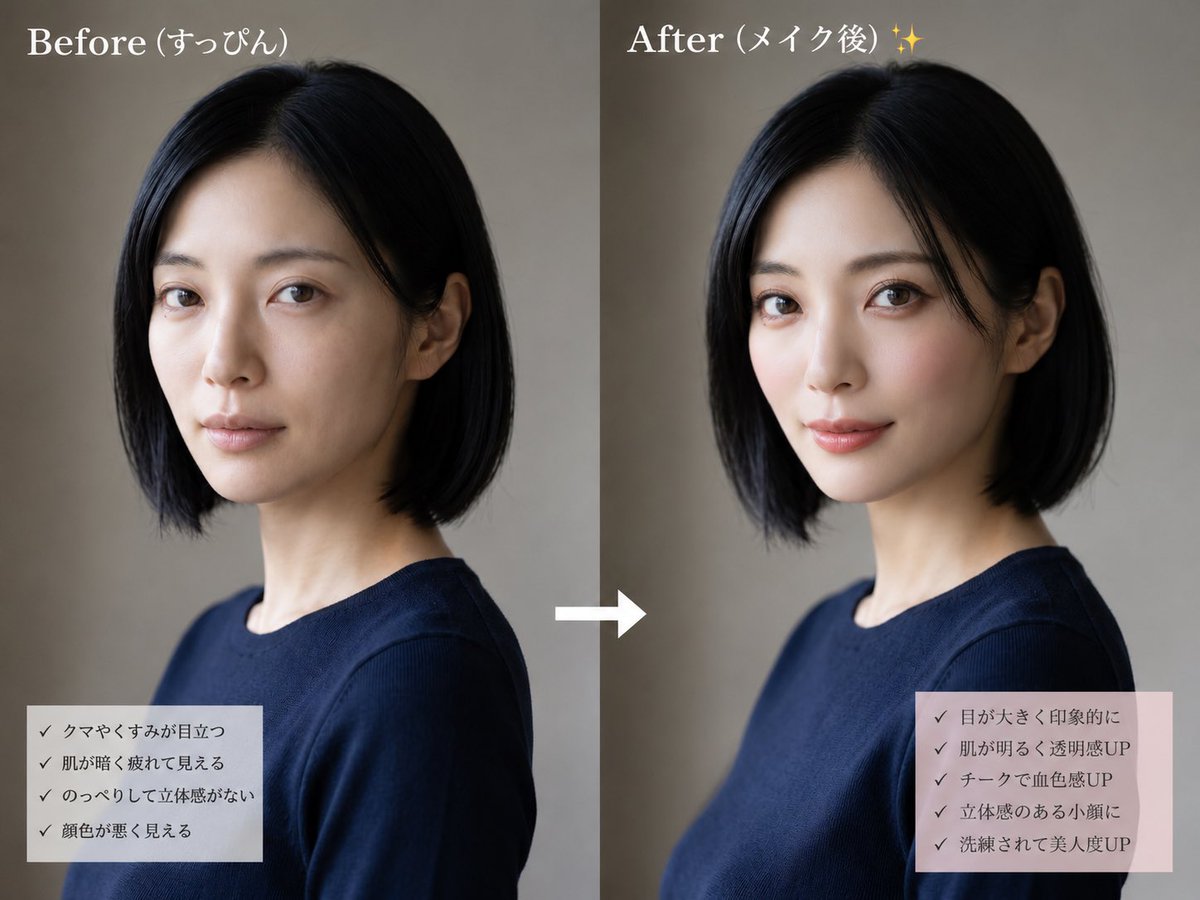
Before and After Makeup Comparison
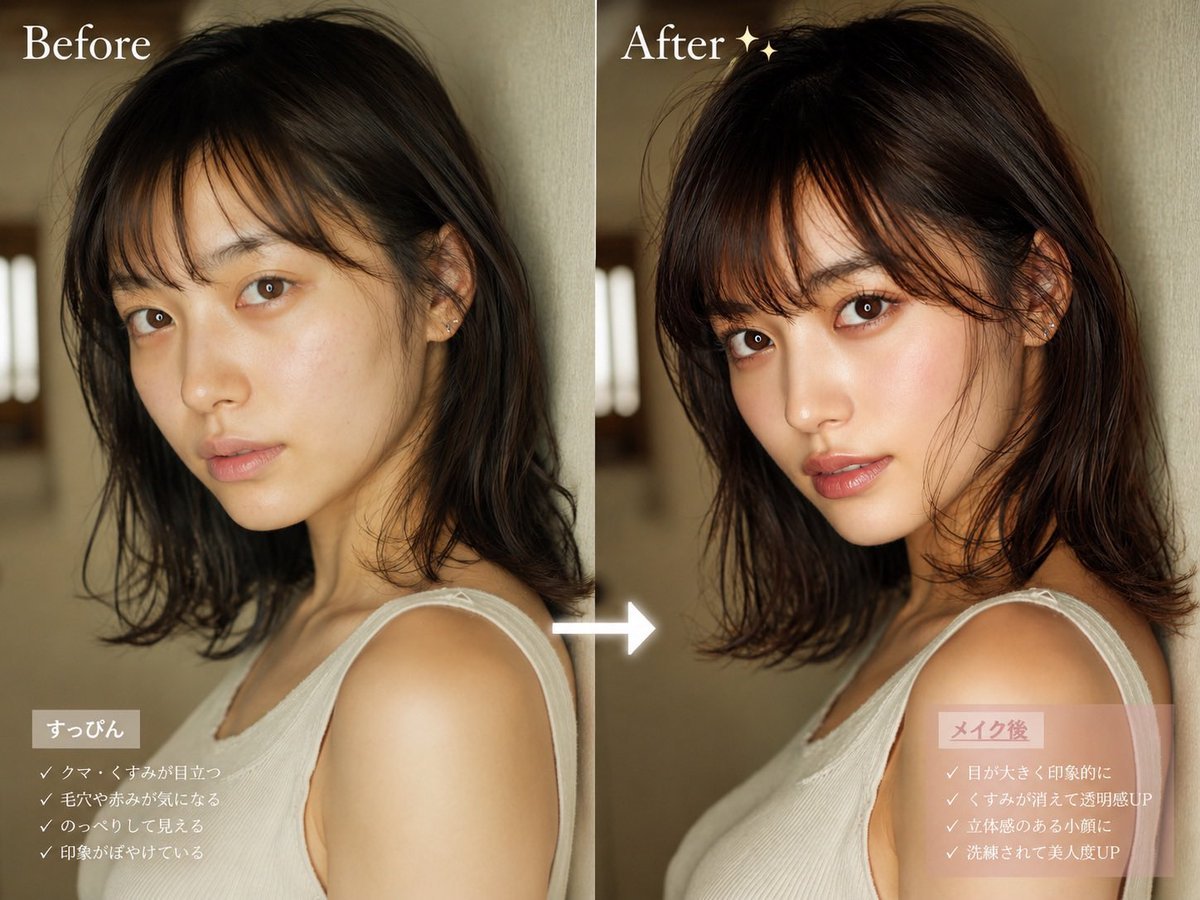
Before After Makeup Transformation
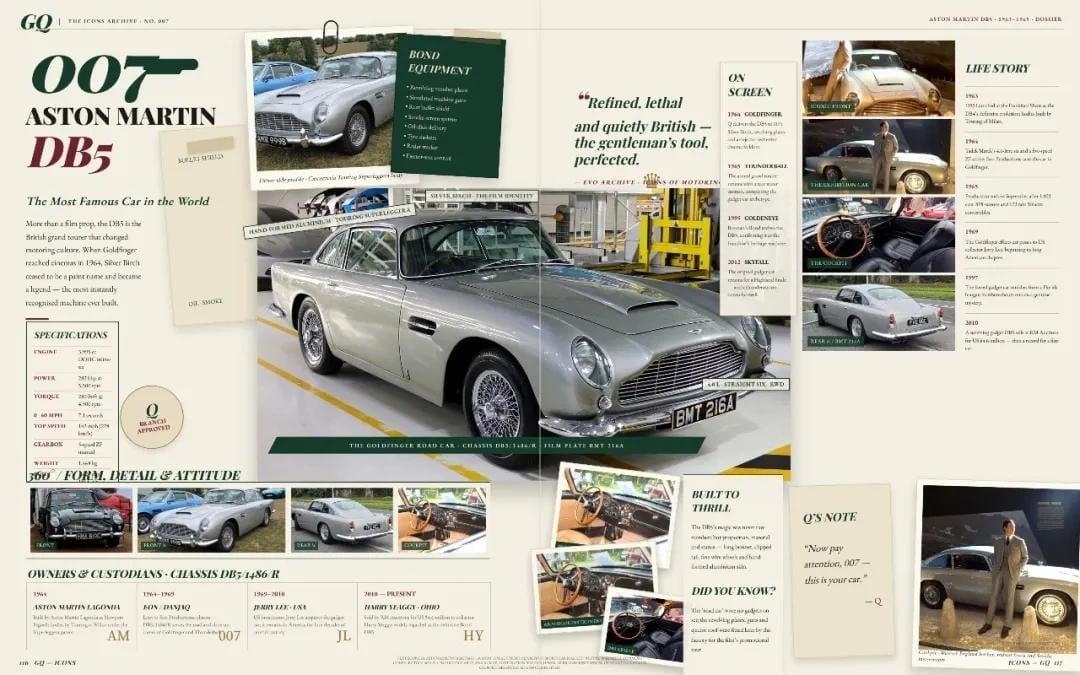
Vintage Aston Martin DB5 Magazine Spread

Open Magazine Luxury Fashion Editorial Layout

Monochrome Halftone Editorial Fashion Poster

Korean Model Floating Magazine Pages Campaign

Blue Hour Editorial Fashion Portrait
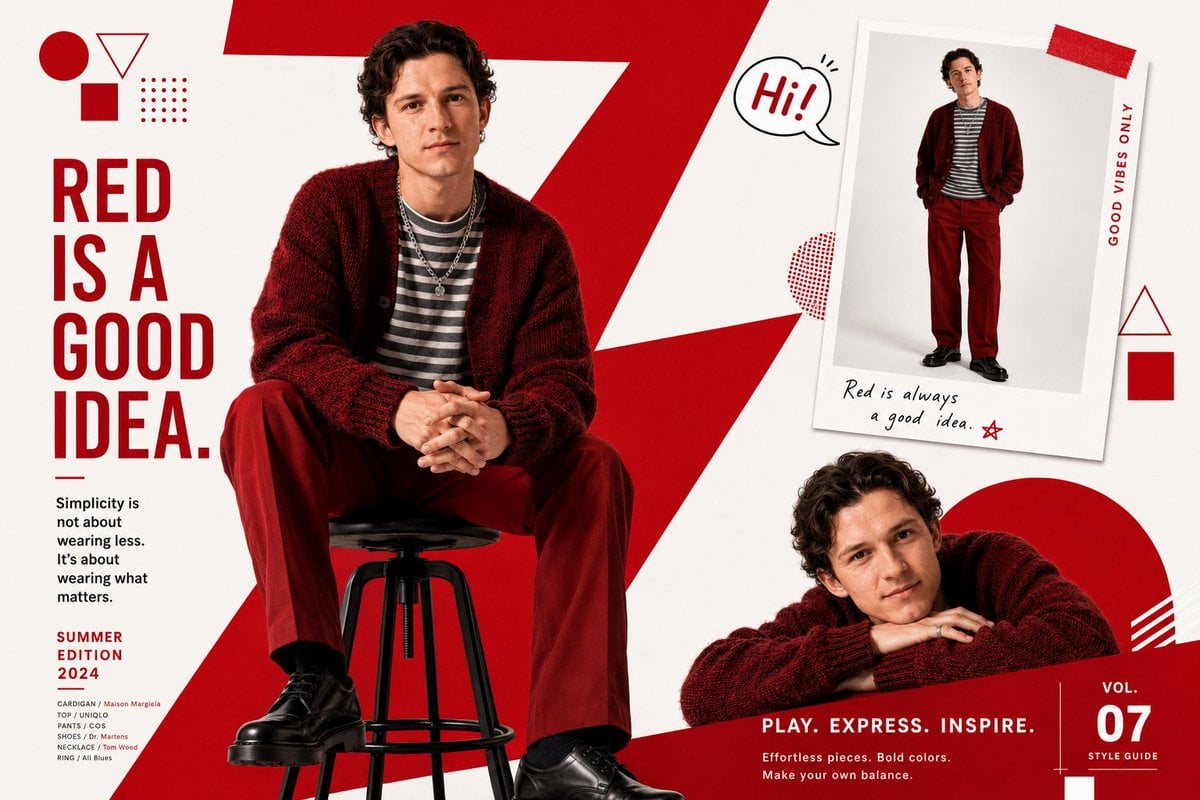
Fashion Magazine Editorial Spread
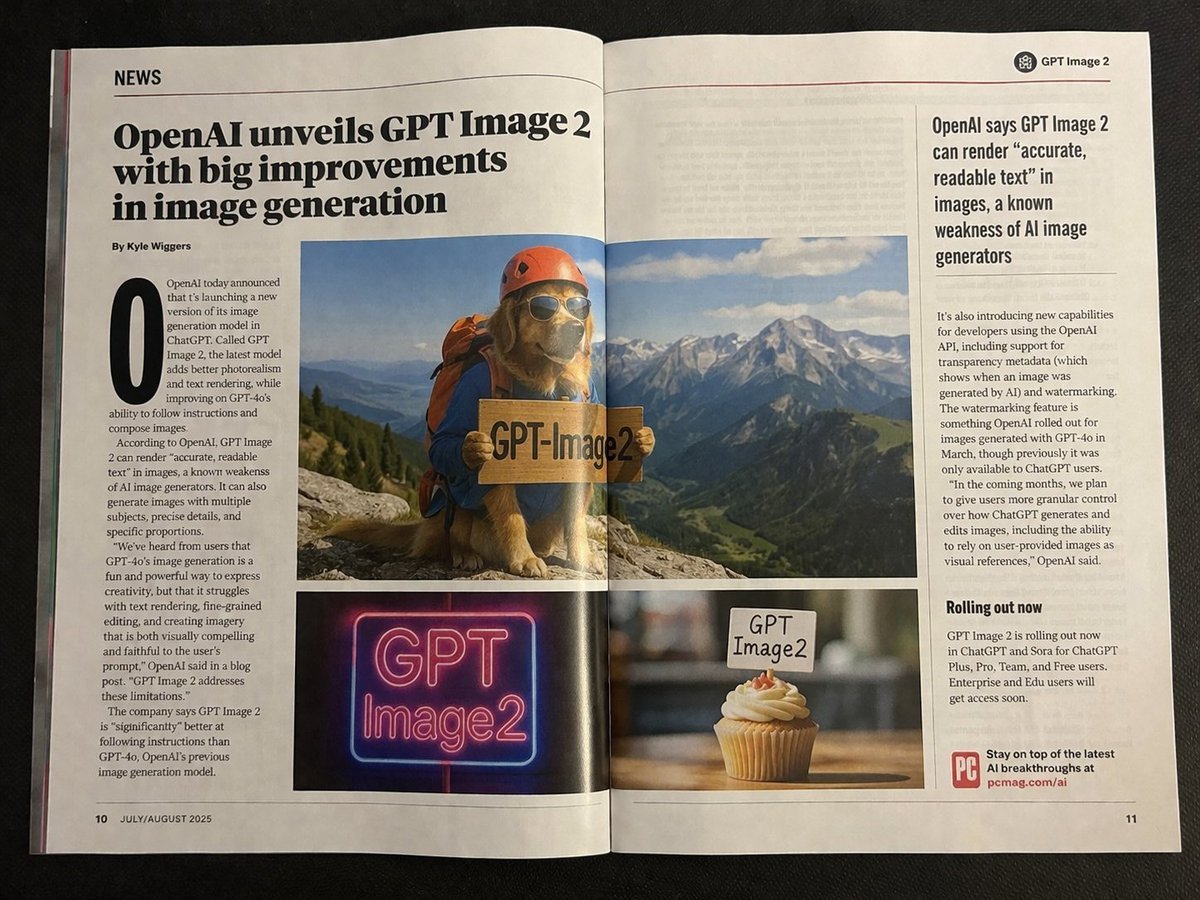
Authentic Magazine Spread Photography
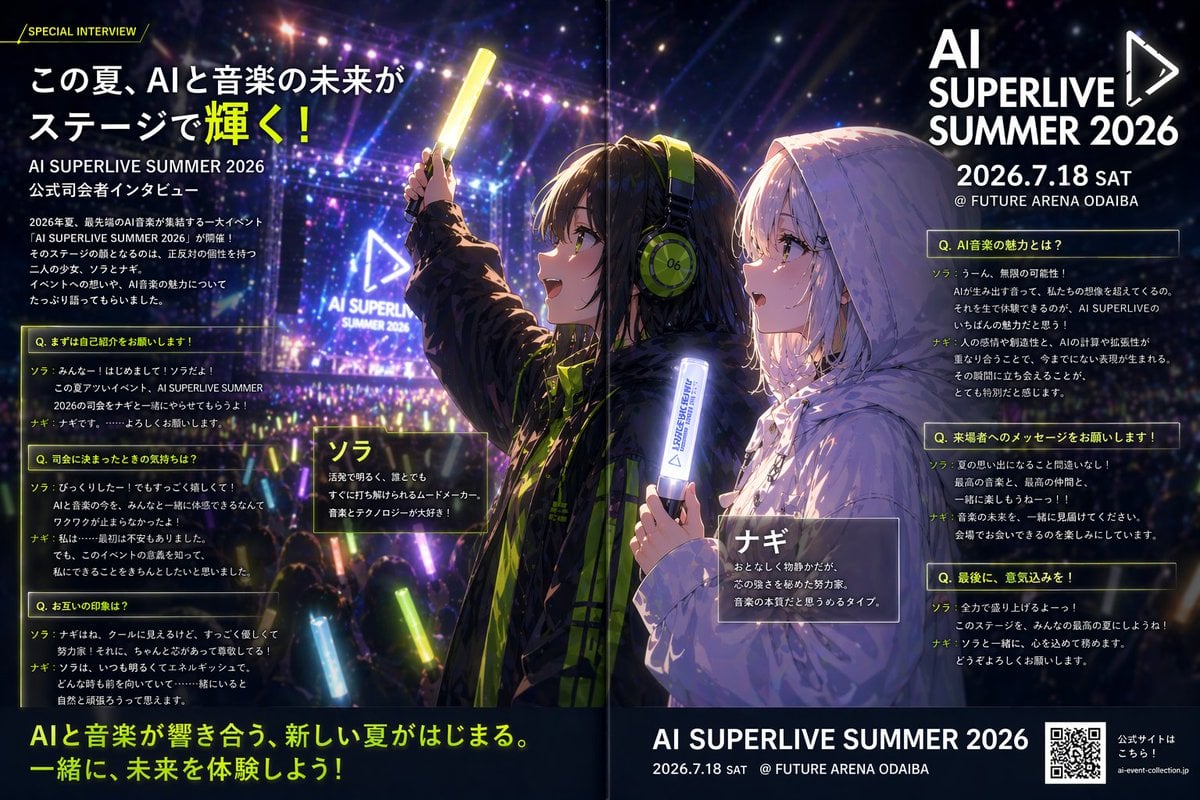
Anime Concert Interview Magazine Spread
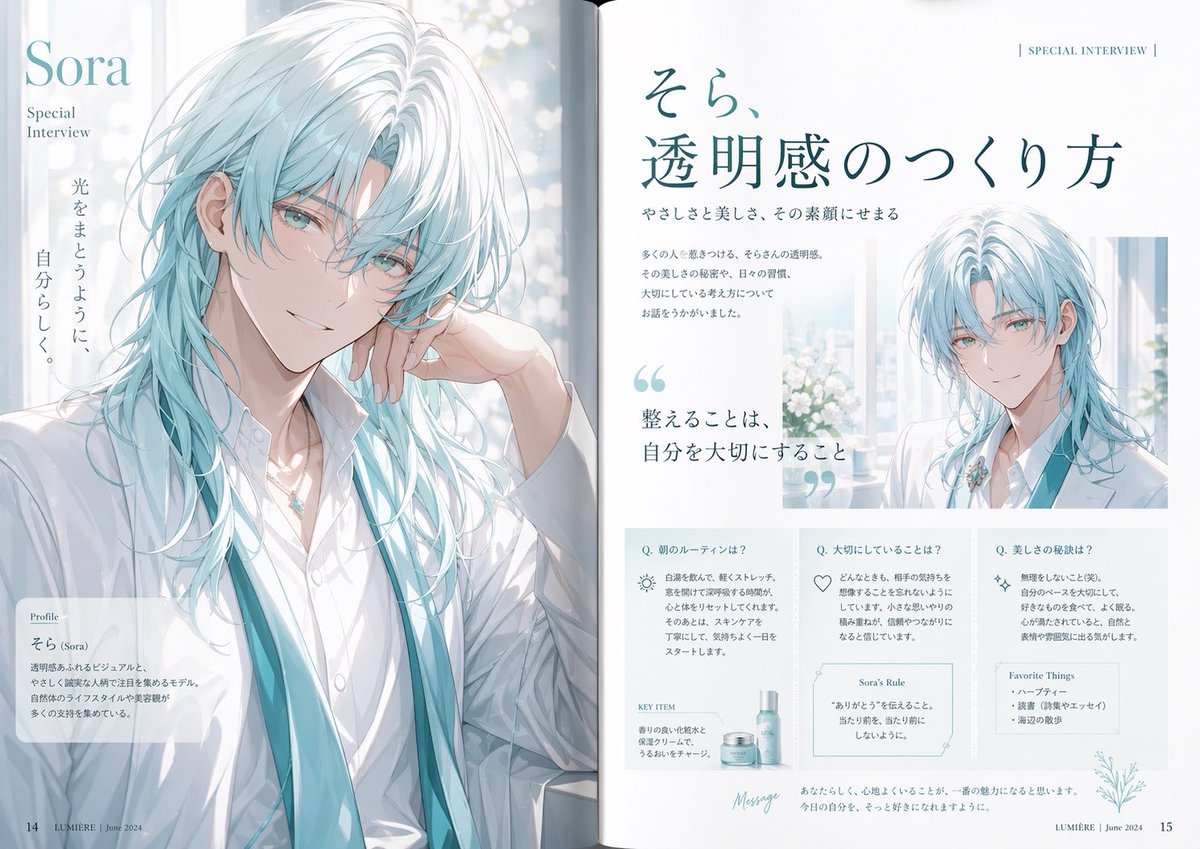
Anime Magazine Interview Spread
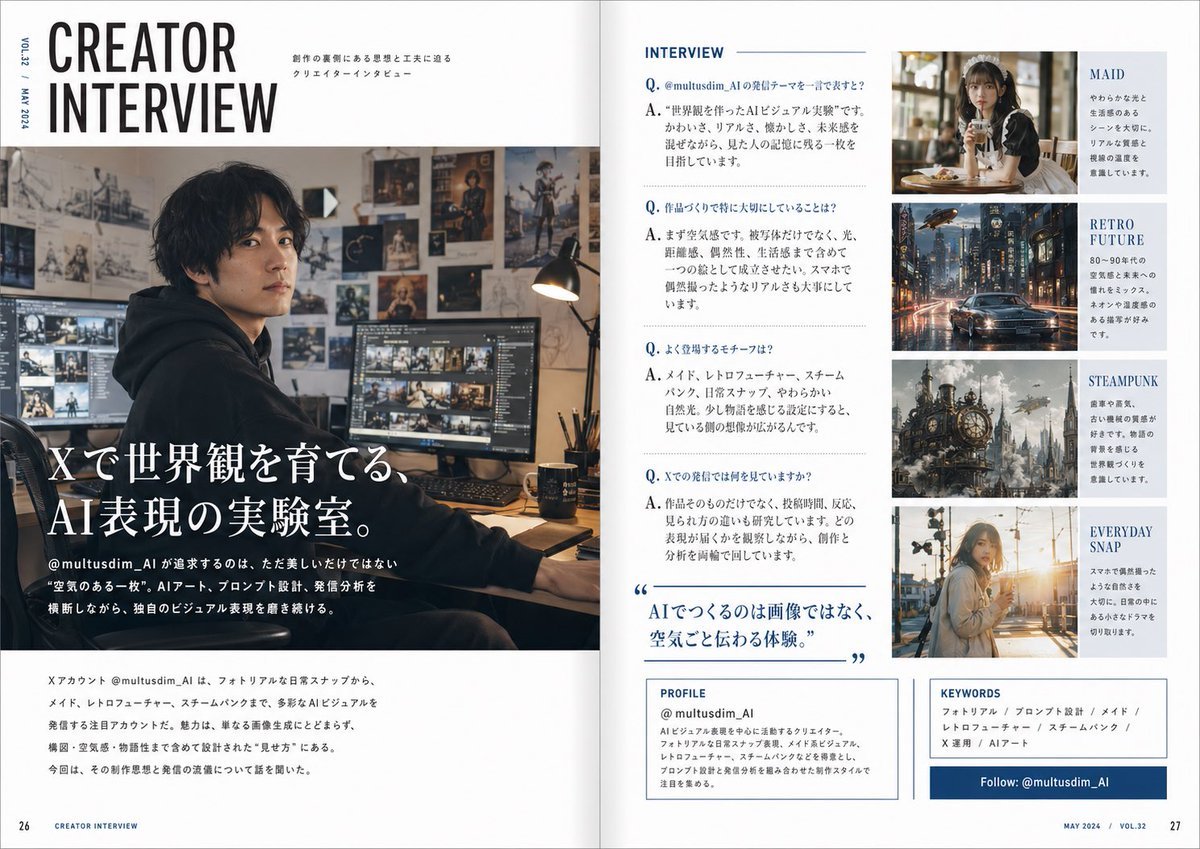
Japanese Creator Interview Magazine Spread
Make it yours
Makeup Before After Magazine Spread works as-is. These are the safest ways to change it without losing the look.
Change one field
Copy a single group, rewrite it, and generate again so you can see what that field is doing.
Keep the frame, change the subject
Hold the composition and light of Makeup Before After Magazine Spread, then swap wardrobe, props or the person for a new take.
| If the result… | Why | Fix |
|---|---|---|
| The result drifts from the preview | Too many fields changed at once. | Reuse Makeup Before After Magazine Spread as-is first, then change one group — subject, light, or setting. |
| GPT Image 2 ignores part of the JSON | Some models flatten or skip nested keys. | Keep the same values and paste them as a short paragraph instead. |
More GPT Image 2 templates
Other prompts made for GPT Image 2.

Six VTuber Japanese Logo Sheet

Realistic Portrait of Woman and Deer

The Vista Modular Condo Poster

AI Model Routing Comparison Infographic

2.5D Anime Art Board

Isometric Productivity Desk Scene

New York Double Exposure Poster

Four-Panel AI Landscape Comparison

Japanese Tatami Lifestyle Magazine Cover

NESCAFÉ Coffee Map Poster
More image prompts
Fresh picks from across the catalog.
Pastel Retro Seaside Car
Triptych Fast-Food Ad Poster
LINE Sticker Generation Prompt
High Fashion Editorial: Woman Lying on Asphalt by Porsche
Candid iPhone Portrait in Dim Stairwell
Natural Japanese Woman at Beach
High-Fidelity Archival Photo Restoration
Conceptual Object Feasibility Image Prompt
Elegant Indian Lehenga Fashion Photography Prompt
High-Fashion Editorial Portrait Prompt
Browse template categories
Makeup Before After Magazine Spread questions
How do I use the Makeup Before After Magazine Spread template?
Add your photo if the template asks for one, edit the prompt if you like — the template's model and format are already selected — and press Generate. Your version opens in PicX Studio.
Can I customize the Makeup Before After Magazine Spread template?
Yes. You can change the subject, setting, lighting, mood, format, and available model controls before creating your image.
Is the Makeup Before After Magazine Spread template free?
Opening and editing this template is free. Generating uses credits, shown on the Generate button when you are signed in.
Which AI model should I use?
Start with GPT Image 2, which is the model associated with this template. You can compare another compatible model for a different finish.
Looking for something else? Browse all templates.

Your photo, any look
Thousands of ready templates for every top image and video model, from one credit balance.