
Handheld VTuber Desk Photo
A realistic desk photo showing a handheld device with a chibi avatar in front of a blurred VTuber monitor, useful for tech or AI-avatar behind-the-scenes visuals.
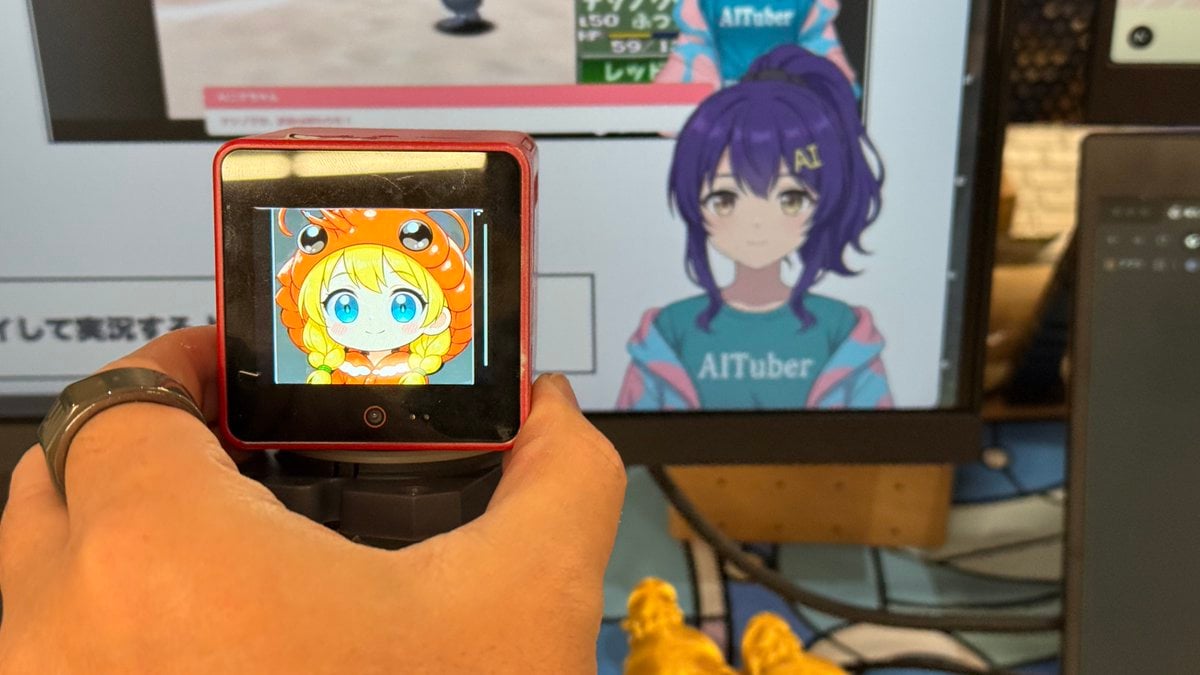
- Prompt included
- Model and format preset
- Free template
The prompt behind this image
Copy the exact prompt behind Handheld VTuber Desk Photo, or open it in the studio and make it yours.
Create a realistic casual smartphone-style photo of a tech desk setup, shot in landscape orientation with shallow depth of field. In the foreground, a left hand wearing a dark ring grips a small red handheld camera or action-camera-like device mounted on a black handle; its glossy black front screen displays a cute chibi anime avatar with {argument name="avatar hair color" default="blonde"} twin braids, huge blue eyes, rosy cheeks, and an orange crab or lobster hood with cartoon eyes and little horns. Behind it, slightly out of focus, show a large computer monitor displaying a VTuber-style anime character with {argument name="VTuber hair color" default="purple"} hair and a teal shirt reading {argument name="shirt text" default="AITuber"}; the character's face is obscured by a square blur censor block. Count exactly 2 visible screens: 1 small handheld device screen in the foreground and 1 large monitor in the background. Include 1 partially visible laptop or dark device edge on the far right, 1 desk surface with cables, and 2 small yellow figurines or objects near the bottom center. Use warm indoor lighting, natural camera noise, realistic reflections, slight motion blur, and an informal behind-the-scenes office or studio atmosphere.
How to use Handheld VTuber Desk Photo in 3 steps
- 1Upload ImagePNG, JPG or paste
Add your photo
Upload the photo the template builds on. The prompt, model and format are already set.
- 2…a portrait of your subject in softgolden-hour light, 85mm…
Personalize
Edit the subject and creative details for your destination.
- 3Generate
Generate
Press Generate — your image is created in PicX Studio, so you can compare it with the original and refine one variable at a time.
More like this
Templates with the same subject, style or setup. Open one to see its prompt.
Pastel Anime Nail Artist at Desk
Anime VTuber Livestream Screenshot
Futuristic VTuber Debut Poster

Six VTuber Japanese Logo Sheet
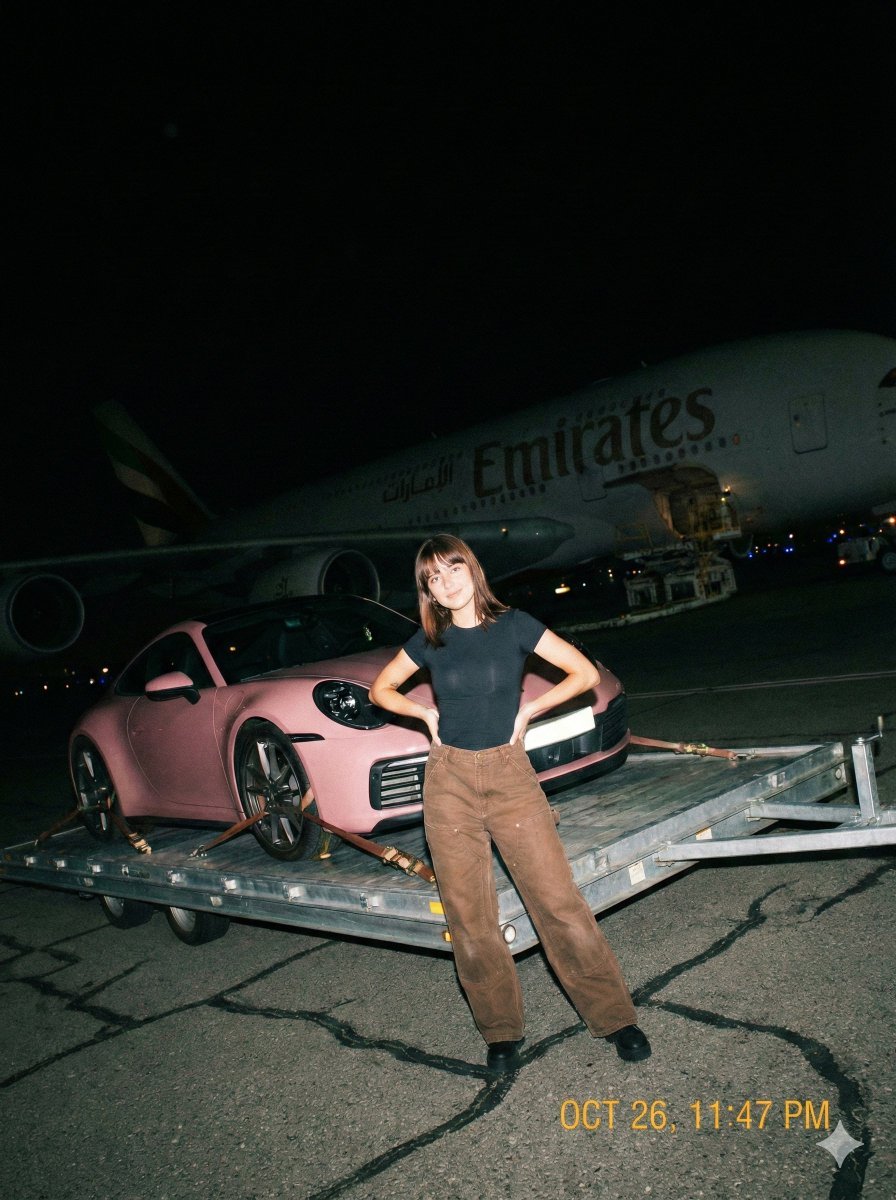
A gritty, handheld iPhone photo taken at night on an airport tarmac
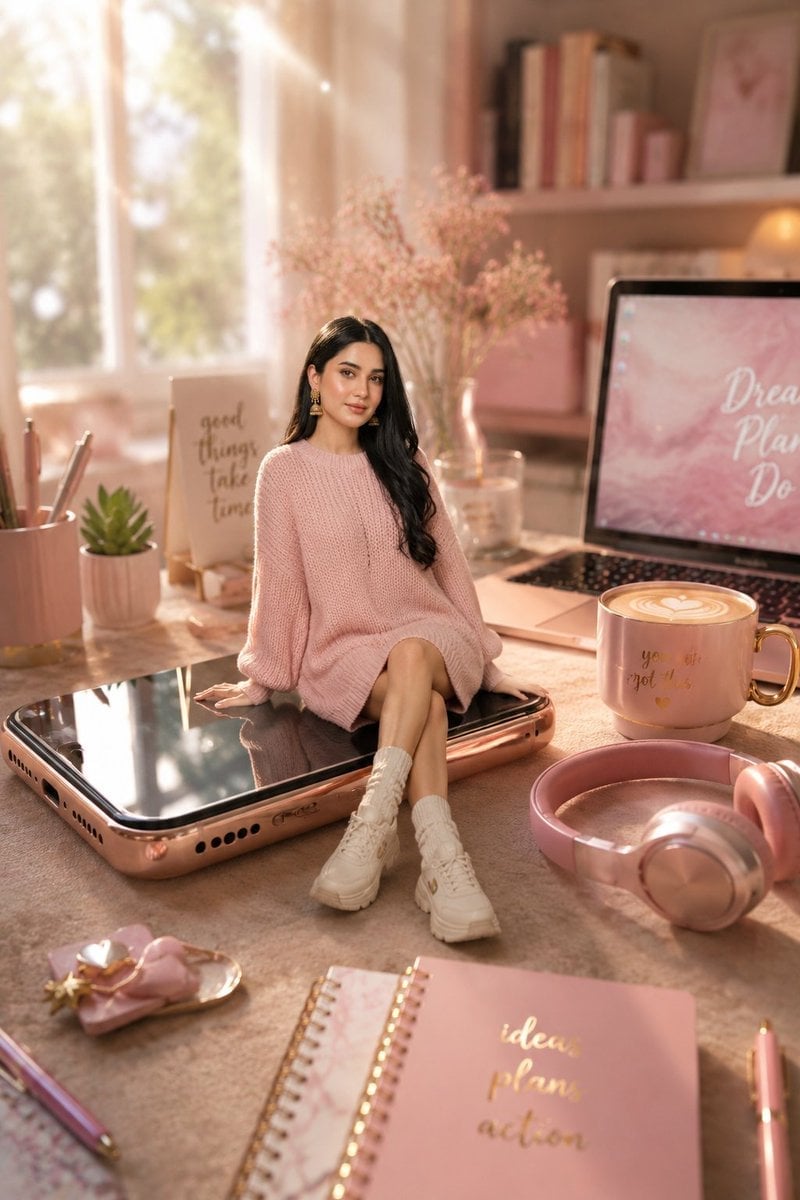
Miniature Girl on Giant Smartphone Desk
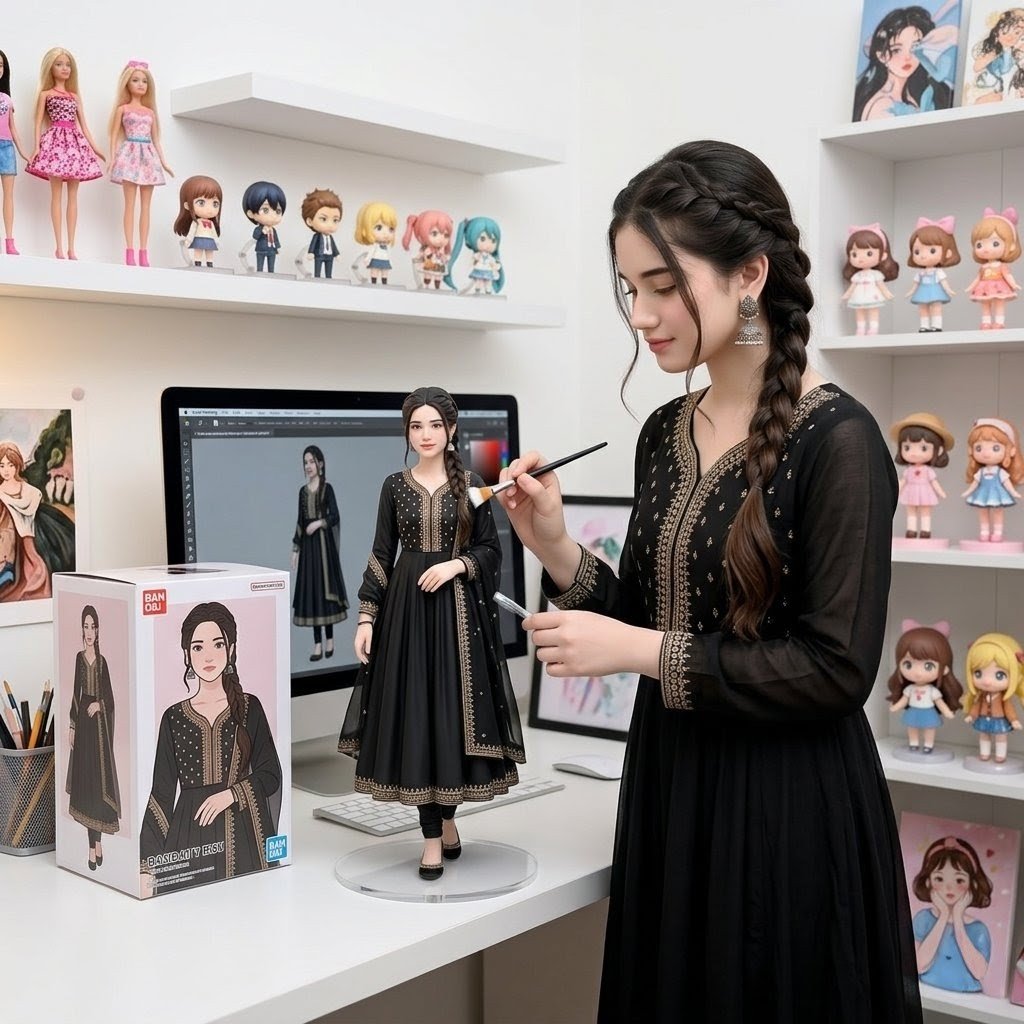
Custom Figurine on Creator Desk
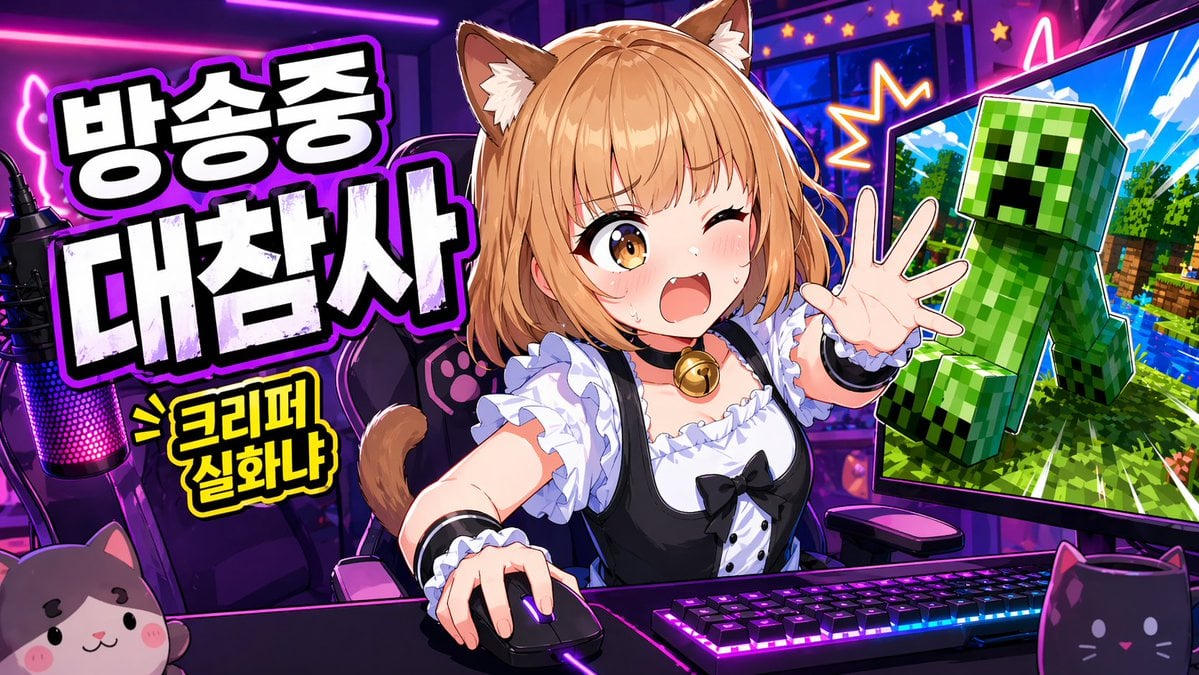
Anime VTuber Gaming Thumbnail

Isometric Productivity Desk Scene
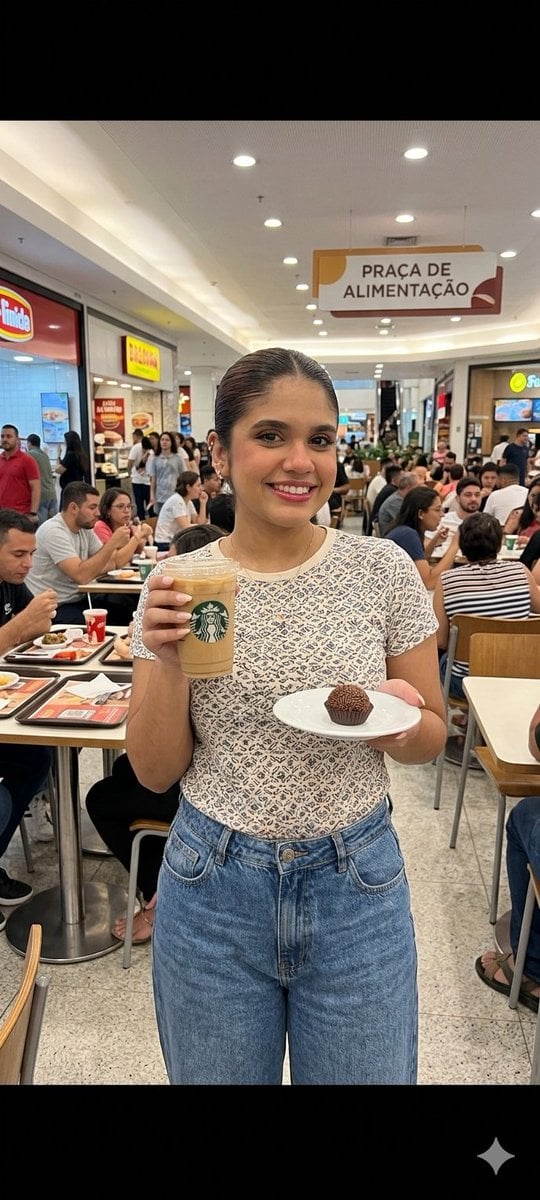
Candid Handheld iPhone Style Mall Photography
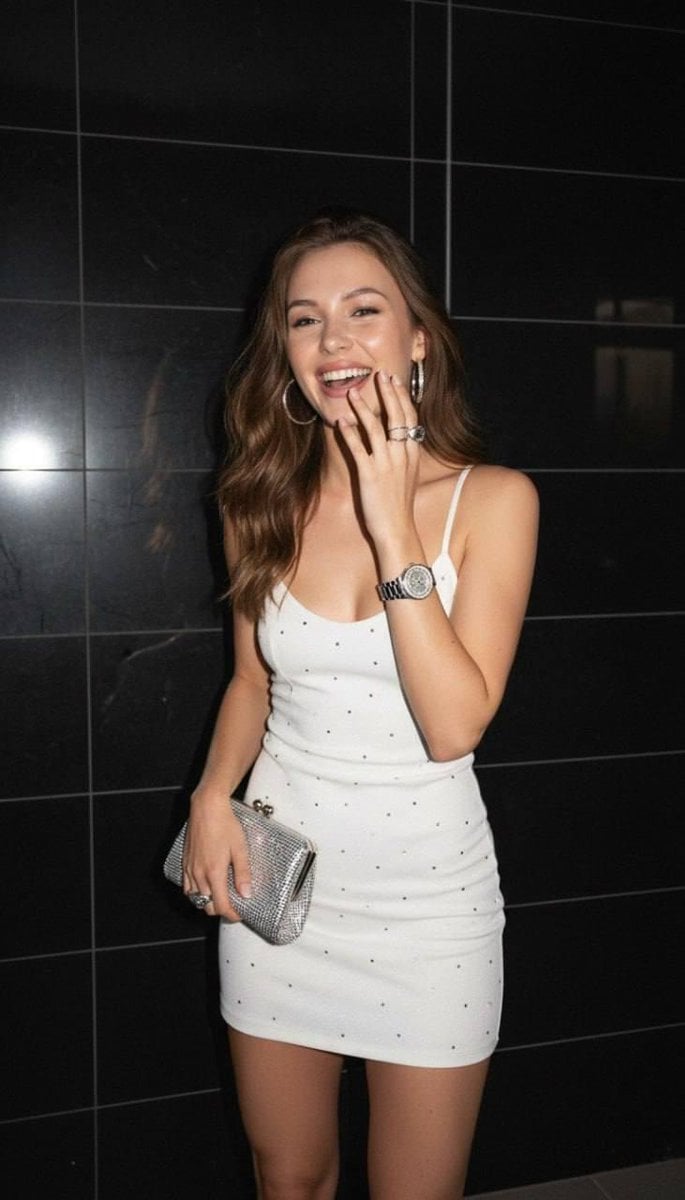
2000s Handheld Flash Snapshot

Sealing Wax Letter Desk
Make it yours
Handheld VTuber Desk Photo works as-is. These are the safest ways to change it without losing the look.
Change one field
Copy a single group, rewrite it, and generate again so you can see what that field is doing.
Keep the frame, change the subject
Hold the composition and light of Handheld VTuber Desk Photo, then swap wardrobe, props or the person for a new take.
| If the result… | Why | Fix |
|---|---|---|
| The result drifts from the preview | Too many fields changed at once. | Reuse Handheld VTuber Desk Photo as-is first, then change one group — subject, light, or setting. |
| The model over-stylizes the scene | The prose prompt leaves finish and camera underspecified. | Add one camera or lighting sentence and stay on GPT Image 2. |
More GPT Image 2 templates
Other prompts made for GPT Image 2.

Realistic Portrait of Woman and Deer

The Vista Modular Condo Poster

AI Model Routing Comparison Infographic

2.5D Anime Art Board

New York Double Exposure Poster

Four-Panel AI Landscape Comparison

Japanese Tatami Lifestyle Magazine Cover

NESCAFÉ Coffee Map Poster

Brutalist Cogito Chinese Typography Poster

Cinematic Luxury Terrace Portrait
More image prompts
Fresh picks from across the catalog.
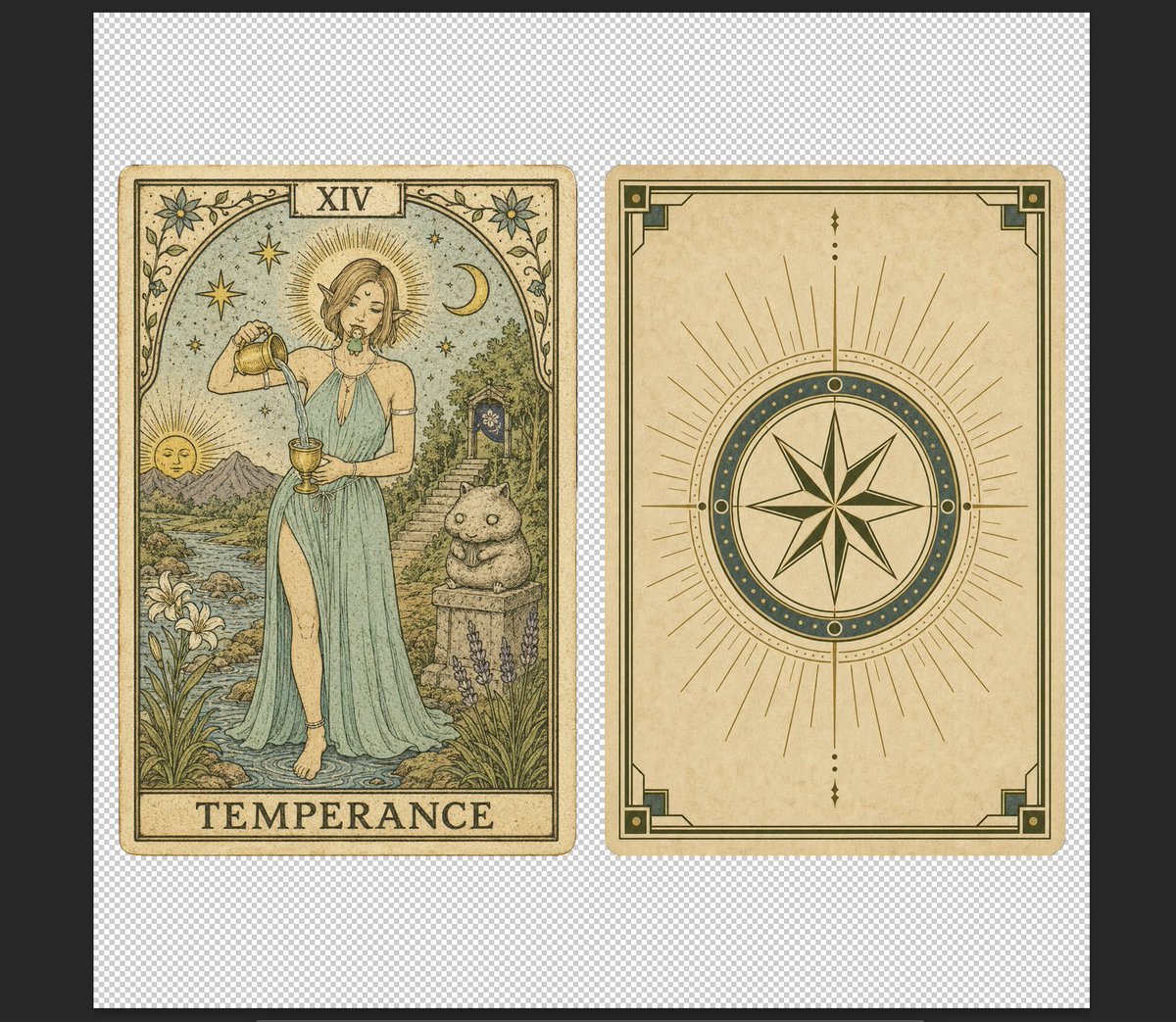
Vintage Temperance Tarot Card Pair
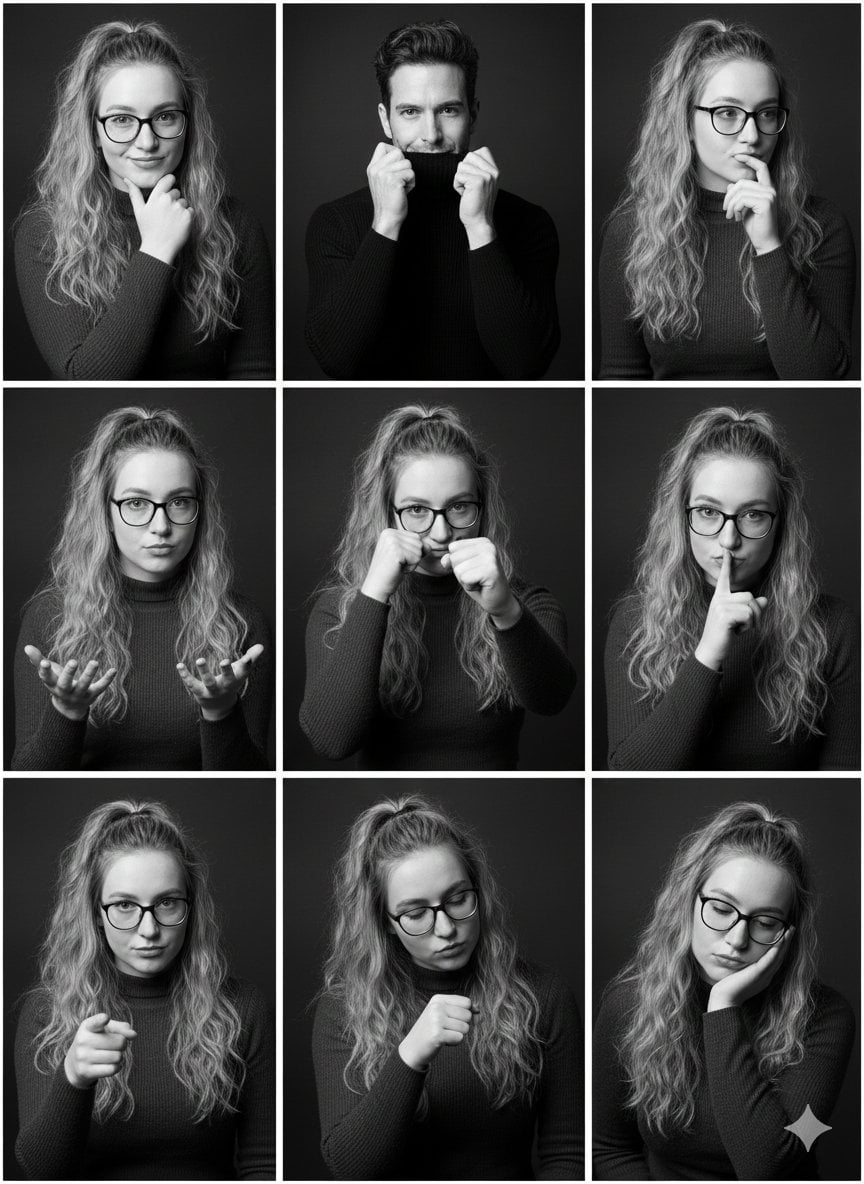
Black and White Studio Portrait Collage (3x3 Grid)
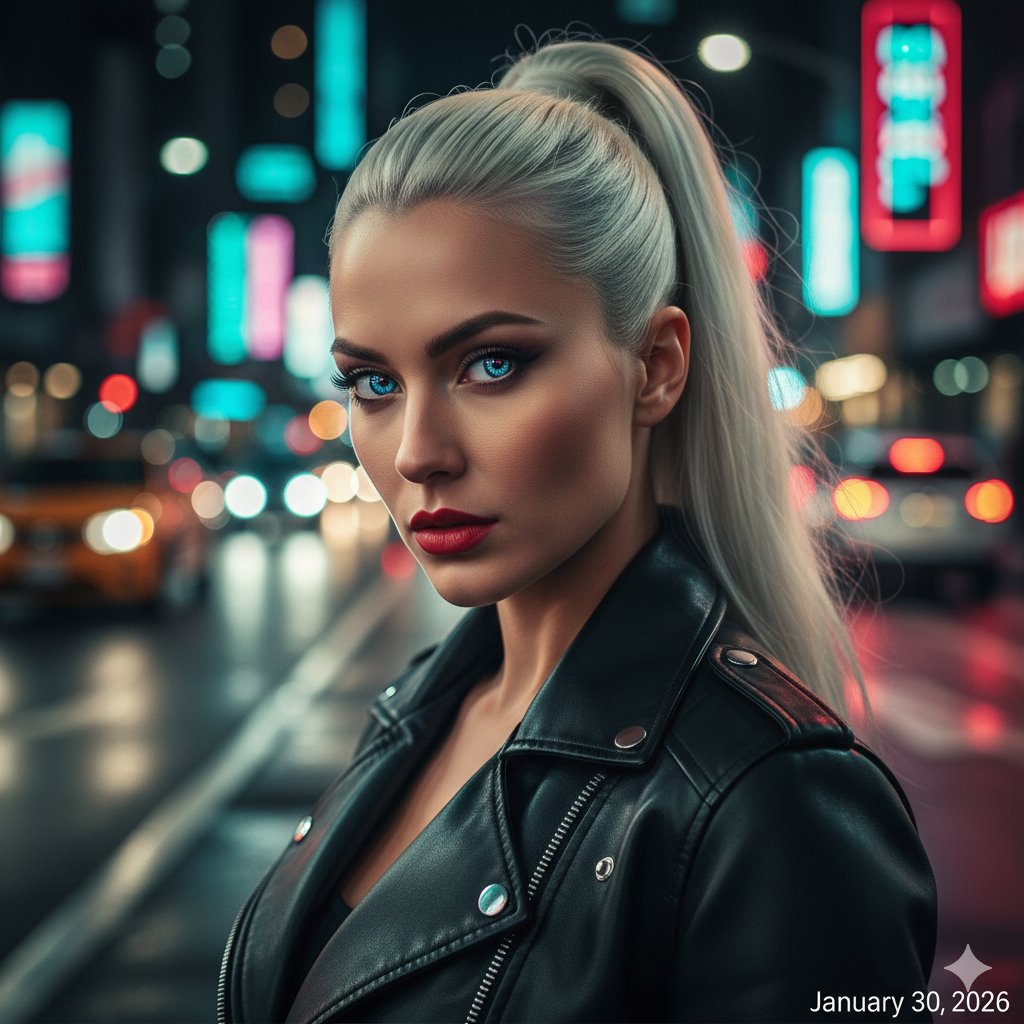
Neon City Street Style Editorial Prompt
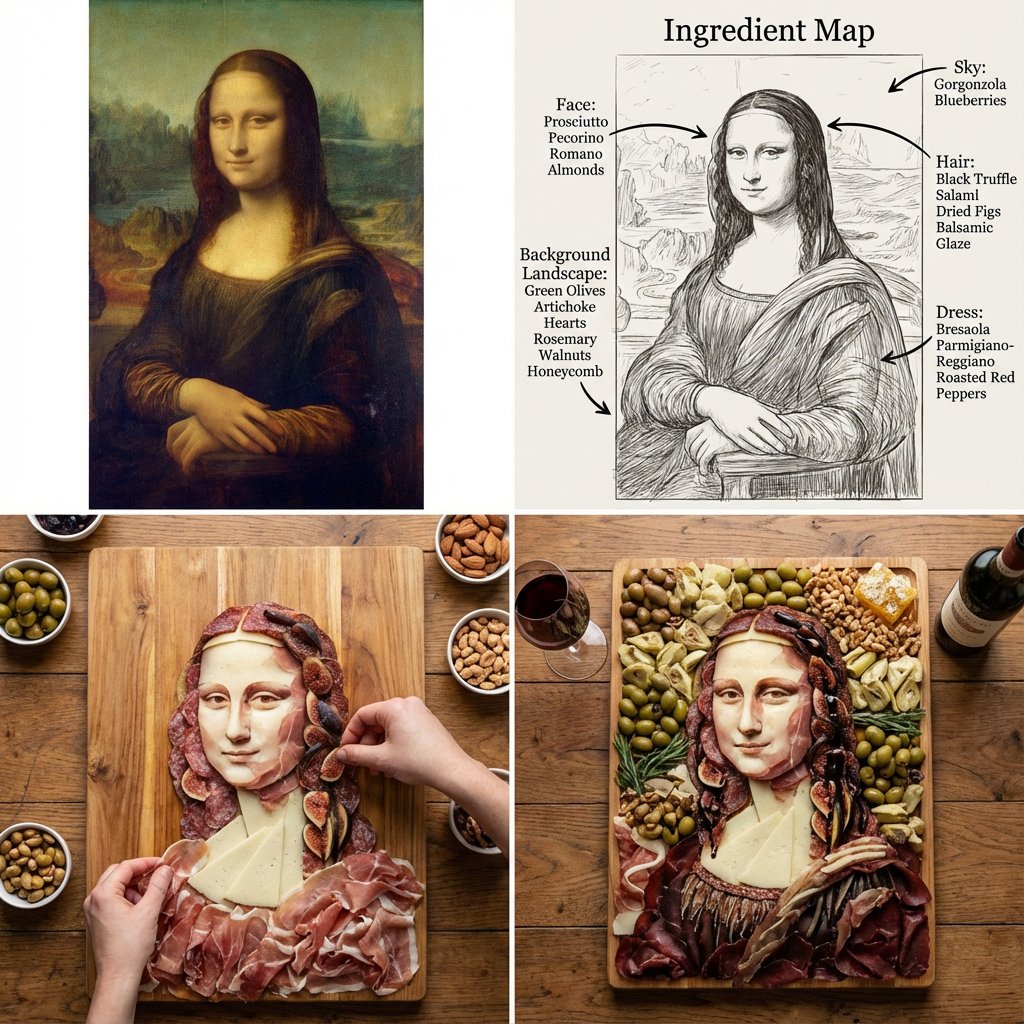
Masterpiece Painting Reimagined as a Charcuterie Platter
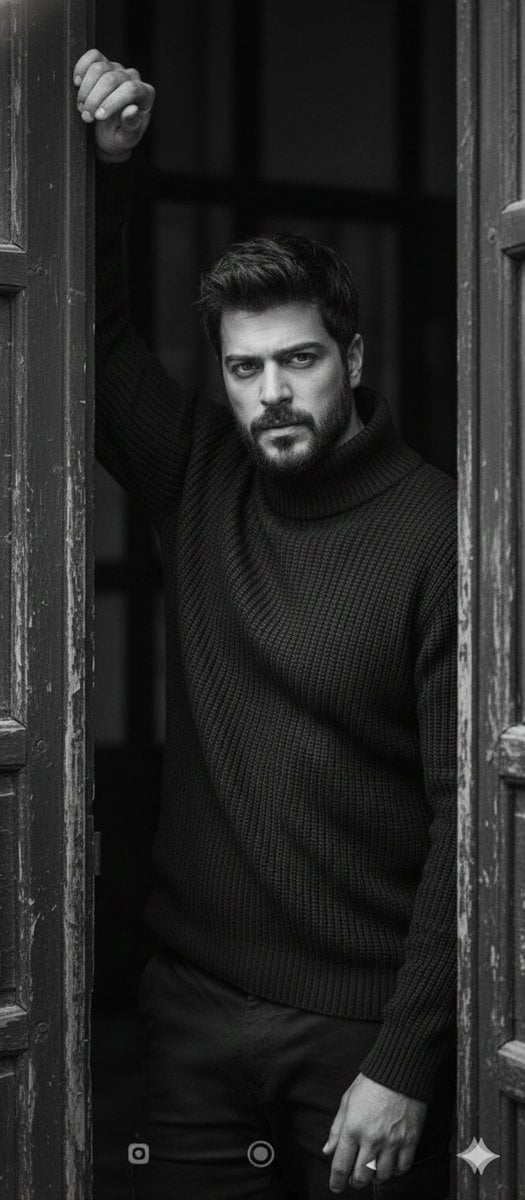
Black and White Fine-Art Doorway Portrait
Nano Banana - Pont Alexandre III Kiss
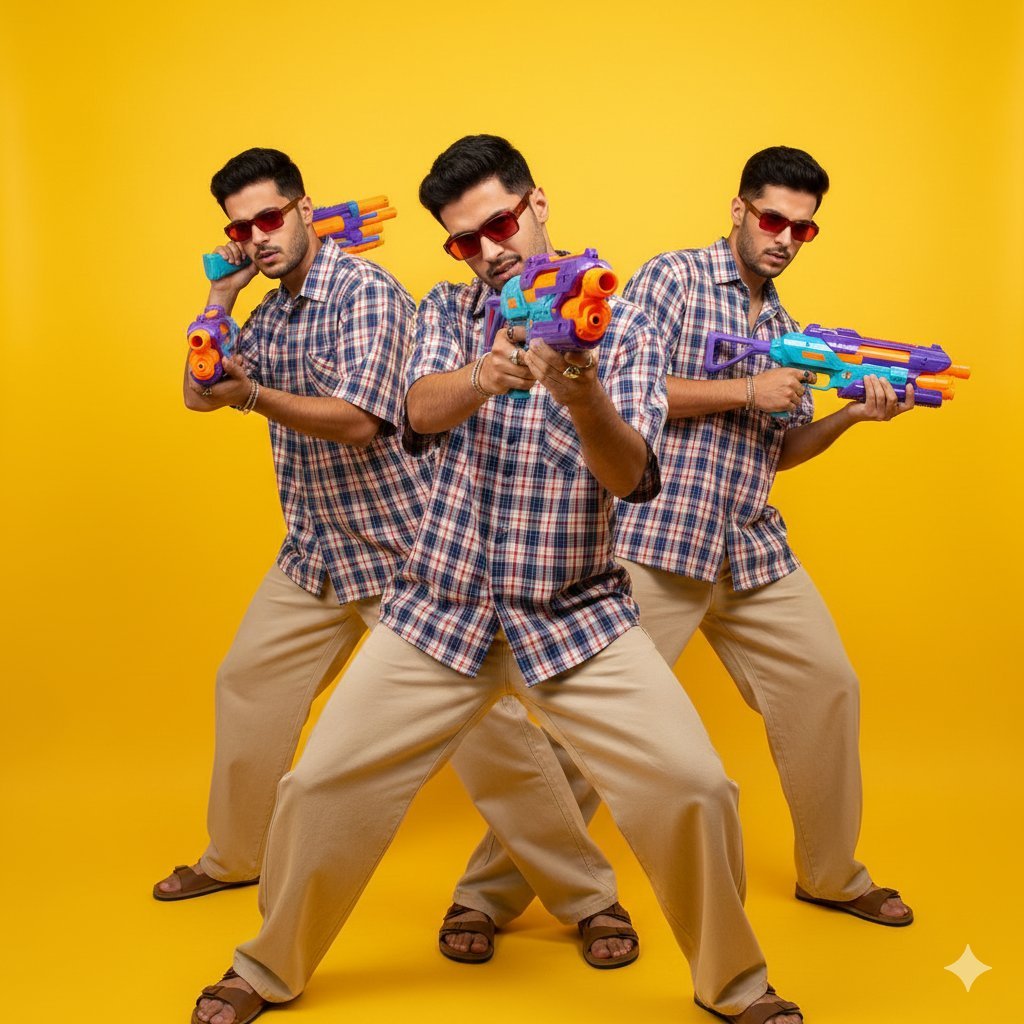
Pop-Art Triple Exposure Fashion Editorial Prompt
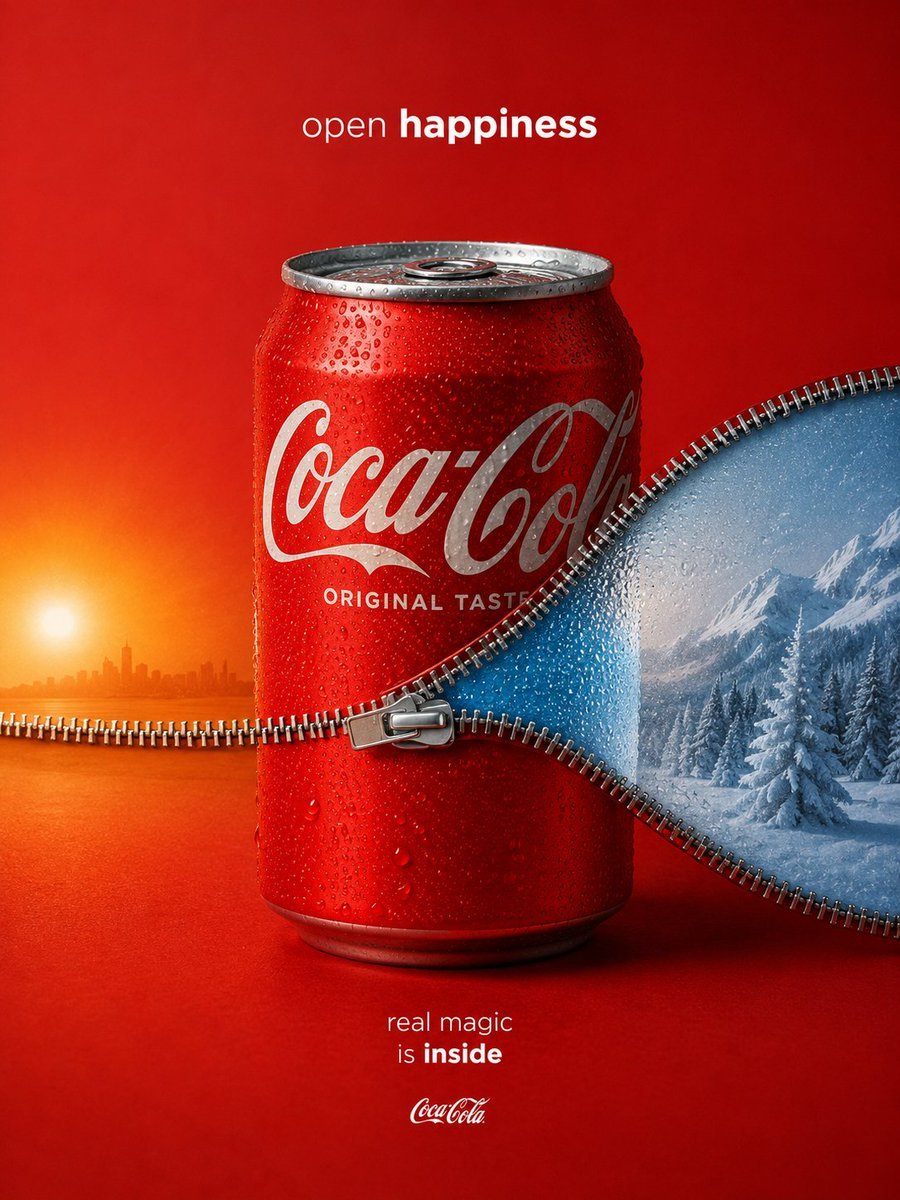
Zippered Coca-Cola World Ad

Futuristic Energy Drink Ad Poster
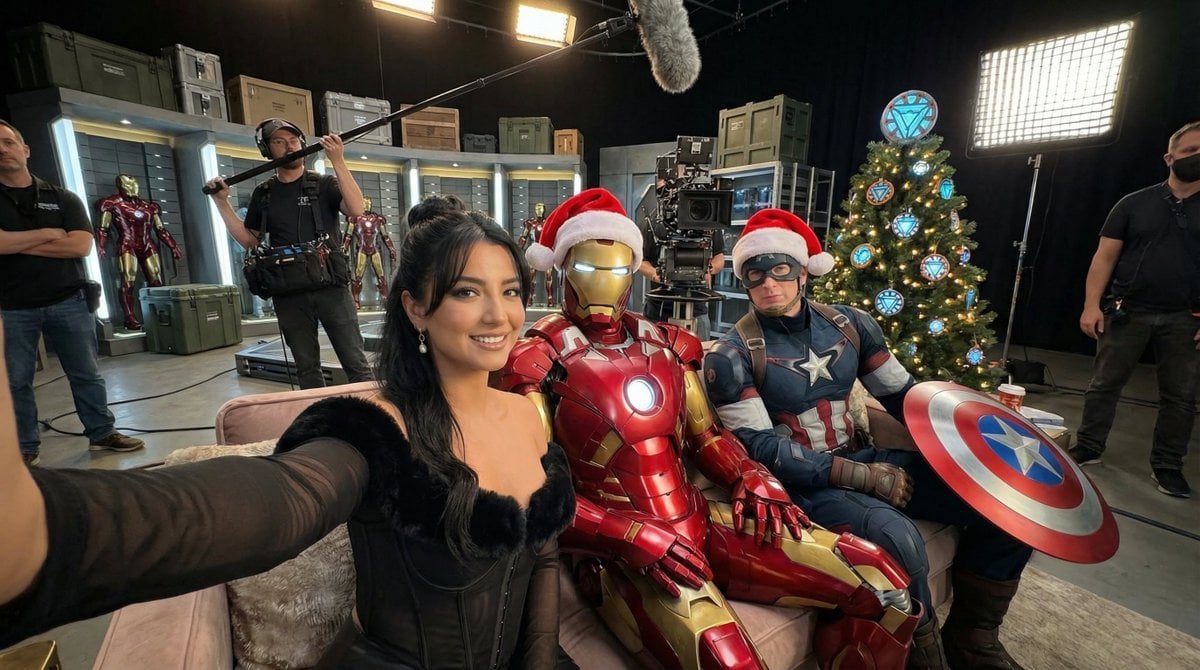
Ultra-Photoreal BTS Superhero Selfie
Browse template categories
Handheld VTuber Desk Photo questions
How do I use the Handheld VTuber Desk Photo template?
Add your photo if the template asks for one, edit the prompt if you like — the template's model and format are already selected — and press Generate. Your version opens in PicX Studio.
Can I customize the Handheld VTuber Desk Photo template?
Yes. You can change the subject, setting, lighting, mood, format, and available model controls before creating your image.
Is the Handheld VTuber Desk Photo template free?
Opening and editing this template is free. Generating uses credits, shown on the Generate button when you are signed in.
Which AI model should I use?
Start with GPT Image 2, which is the model associated with this template. You can compare another compatible model for a different finish.
Looking for something else? Browse all templates.

Your photo, any look
Thousands of ready templates for every top image and video model, from one credit balance.