
Candid Handheld iPhone Style Mall Photography
An authentic, unposed prompt designed to mimic the look of a casual smartphone photo.
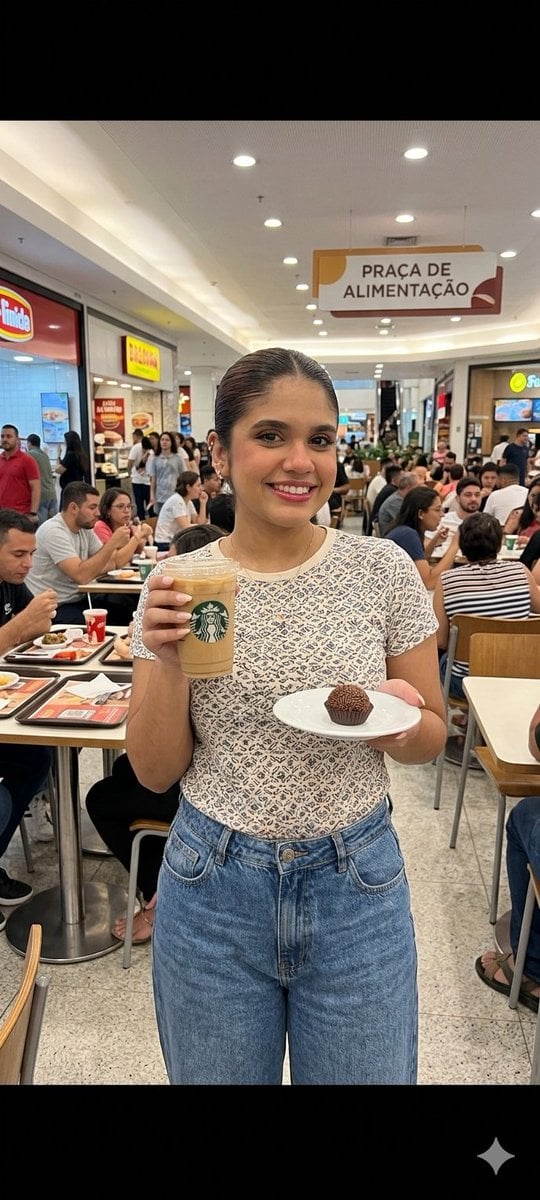
- Prompt included
- Model and format preset
- Free template
The prompt behind this image
Copy the exact prompt behind Candid Handheld iPhone Style Mall Photography, or open it in the studio and make it yours.
Casual candid iPhone style photograph of a young person sitting comfortably inside a busy {argument name="location" default="Brazilian shopping mall food court"} during the afternoon, holding a {argument name="drink" default="Starbucks cup"} in one hand and a dessert tray in the other, creating a relaxed everyday lifestyle atmosphere. The person is dressed in {argument name="clothing" default="simple casual clothing like an oversized hoodie, loose jeans, everyday sneakers"}, and minimal accessories, looking natural instead of overly styled. Their posture feels authentic and unposed, like someone casually taking a quick break between shopping or meeting friends. Expression should feel calm, soft, and spontaneous with natural body language. The food court environment should feel lively and realistic with multiple people sitting at tables in the background, families eating, teenagers talking, workers carrying trays, and small details that make the mall feel genuinely active and naturally crowded. Include recognizable Brazilian mall architecture and atmosphere with modern seating arrangements, polished floors, colorful food signs, and mixed fast food restaurants around the area. Trays, napkins, partially eaten meals, shopping bags, and drink cups scattered naturally across nearby tables should help create a believable environment. Camera perspective should feel like an authentic handheld iPhone photo taken casually by a friend at eye level, with slightly imperfect composition and mildly messy framing. Avoid cinematic perfection. Keep the framing natural with a little asymmetry and casual cropping, like a real spontaneous social media photo. Lighting should combine warm indoor mall lighting with cooler ambient tones coming from storefronts and ceiling lights, creating realistic mixed color temperatures. Include soft natural shadows, subtle reflections on tables, and slight overexposure in some highlights to mimic smartphone photography realism. Add realistic smartphone image qualities like slight grain, tiny motion softness, mild blur in background movement, realistic skin texture, and balanced but imperfect exposure. Colors should appear true to life rather than heavily filtered, with natural tones and believable contrast. The Starbucks cup and dessert should feel casually integrated into the moment instead of staged product placement. Overall mood should capture an ordinary but aesthetically pleasing slice of daily life in a Brazilian mall food court, emphasizing authenticity, spontaneity, and relatable modern lifestyle energy.
How to use Candid Handheld iPhone Style Mall Photography in 3 steps
- 1
Open
The prompt is already in the box next to the preview, with the template's model and format selected.
- 2…a portrait of your subject in softgolden-hour light, 85mm…
Personalize
Edit the subject and creative details for your destination.
- 3Generate
Generate
Press Generate — your image is created in PicX Studio, so you can compare it with the original and refine one variable at a time.
More like this
Templates with the same subject, style or setup. Open one to see its prompt.
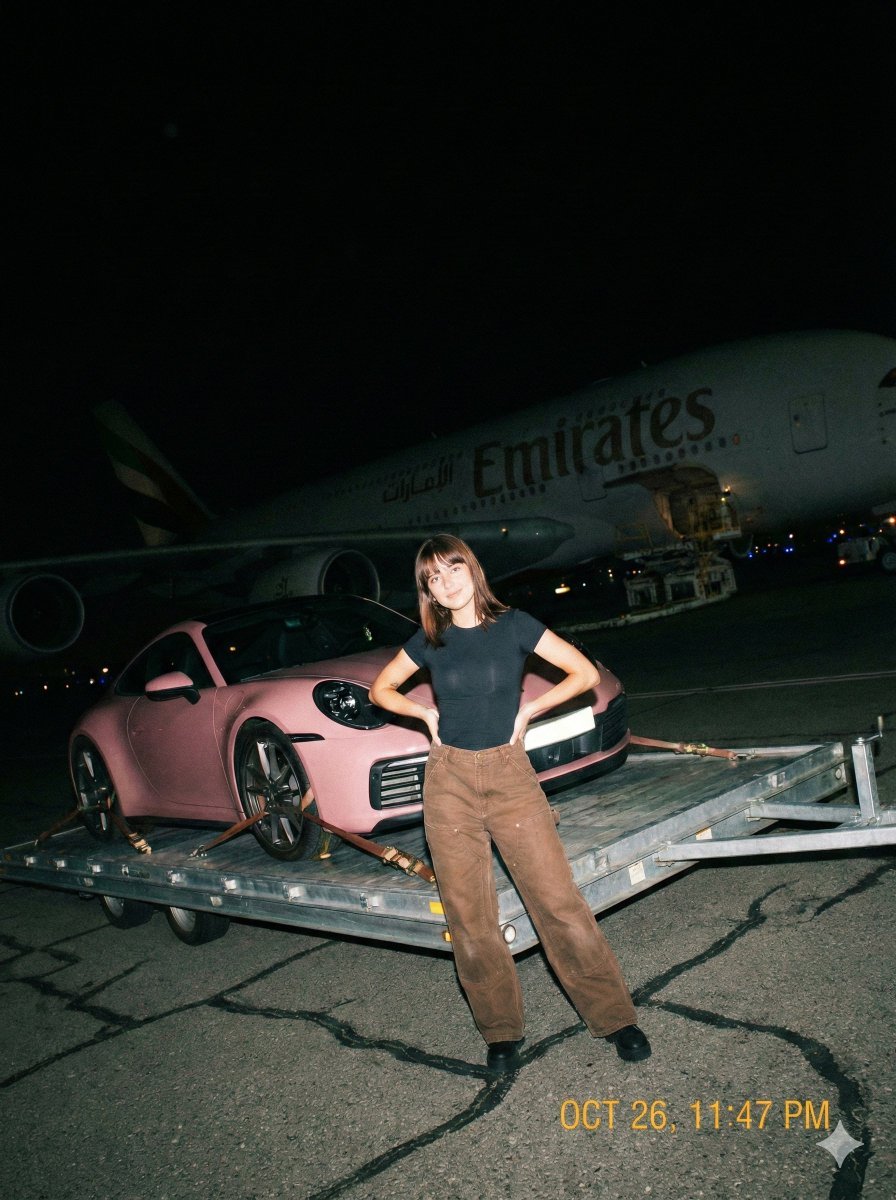
A gritty, handheld iPhone photo taken at night on an airport tarmac

A 3x3 grid storyboard contact sheet comprised of nine candid, cinematic
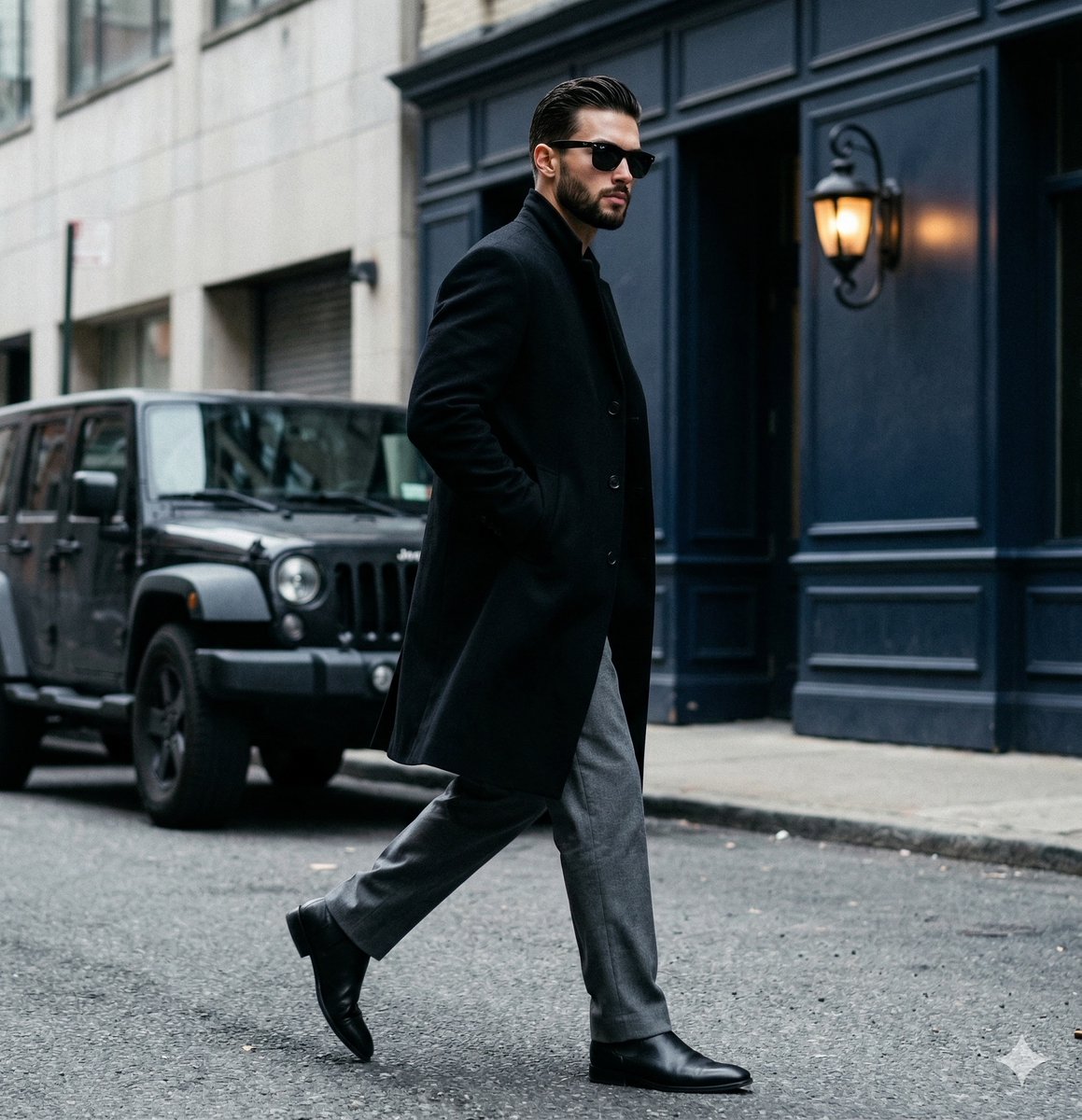
A candid paparazzi-style street photography shot of a handsome man
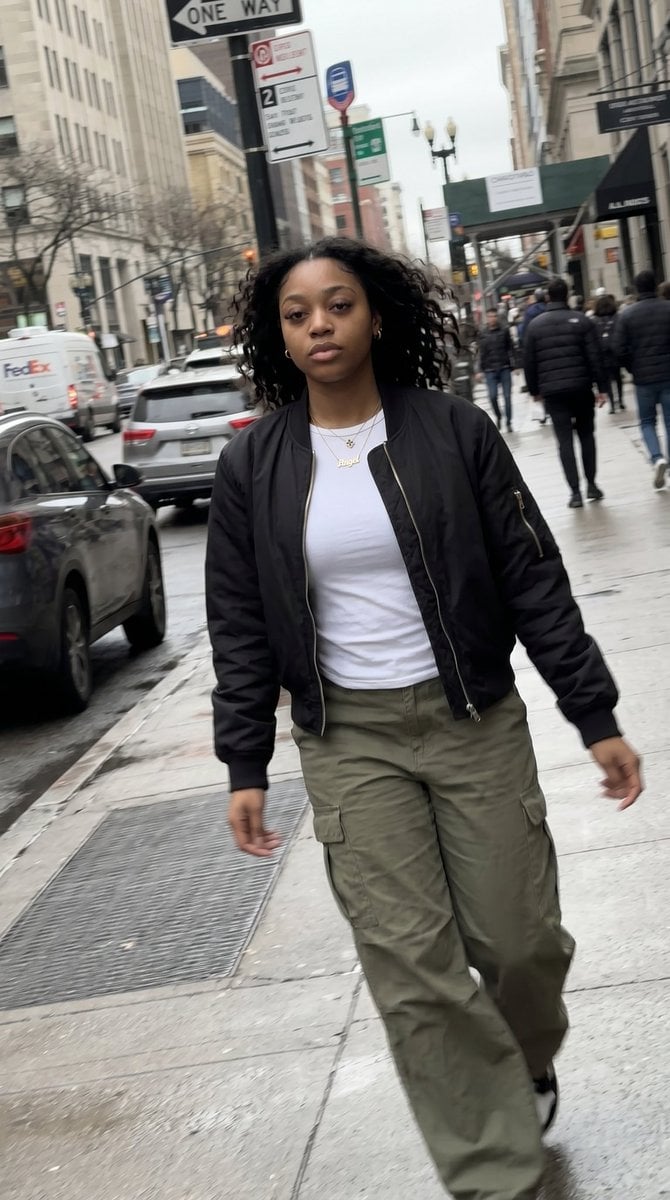
Candid iPhone Streetwear Photography
Realistic iPhone Candid Photography

Sunday Afternoon, 1988

Our Song was on a Cassette

The Date After College

80s College Gate
Candid Night Driveway iPhone Photo

Mirror Selfie Chibi Characters Pixar Style

Flower Petal Sunglasses Couture Portrait
Make it yours
Candid Handheld iPhone Style Mall Photography works as-is. These are the safest ways to change it without losing the look.
Change one field
Copy a single group, rewrite it, and generate again so you can see what that field is doing.
Keep the frame, change the subject
Hold the composition and light of Candid Handheld iPhone Style Mall Photography, then swap wardrobe, props or the person for a new take.
| If the result… | Why | Fix |
|---|---|---|
| The result drifts from the preview | Too many fields changed at once. | Reuse Candid Handheld iPhone Style Mall Photography as-is first, then change one group — subject, light, or setting. |
| The model over-stylizes the scene | The prose prompt leaves finish and camera underspecified. | Add one camera or lighting sentence and stay on Nano Banana 2. |
More Nano Banana 2 templates
Other prompts made for Nano Banana 2.

Photorealistic Leaf Shaped Like a Dragon

K-Pop Idol Portrait Grid for Rapid Selection

Poetic Rain Forest Portrait During Golden Hour

Urban Street Portrait with Cartoon Inner Self Duo

Candid Nighttime Photo with Cat Prompt

High-Concept 3D Diorama Generation Prompt

Cinematic Futuristic Studio Portrait Template

Skincare Editorial Photography Collage Prompt

Hyper-Realistic Commercial Product Photography (Splash Effect)

Hyper-Realistic Nightclub Portrait Prompt
More image prompts
Fresh picks from across the catalog.
Candid Street Photography with Documentary Realism

Soft Pastel Anime Girl Full Body
Luxury Streetwear Fashion Editorial

Infographic from pasted text
Image Editing Prompts: Removing and Replacing People
Pixar Sticker Sheet Generation Prompt
High Fashion Pictorial with Motion Blur
Cinematic Rain Fashion Transformation (Image-to-Image)
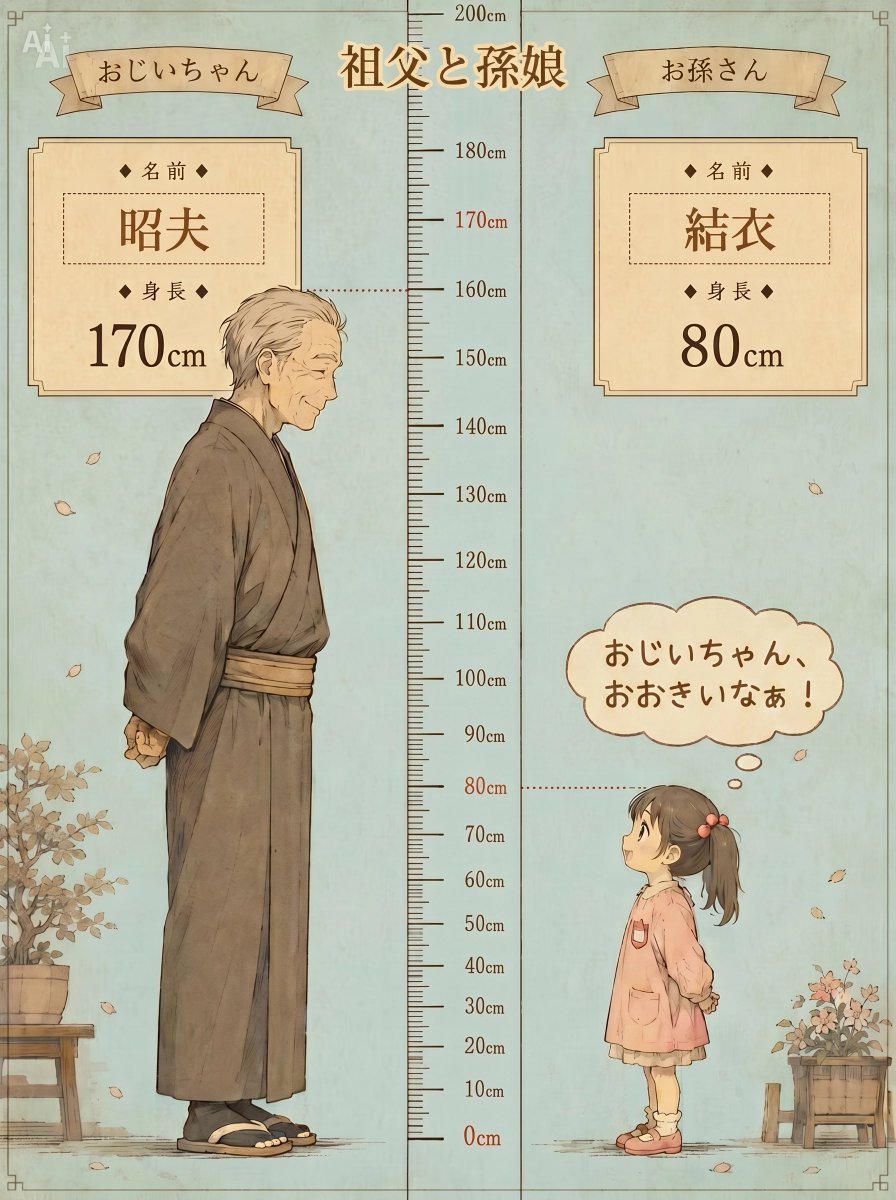
Grandfather and Granddaughter Height Chart

Chrono-Holiday Artisan: Christmas Card Re-render by Era
Browse template categories
Candid Handheld iPhone Style Mall Photography questions
How do I use the Candid Handheld iPhone Style Mall Photography template?
Add your photo if the template asks for one, edit the prompt if you like — the template's model and format are already selected — and press Generate. Your version opens in PicX Studio.
Can I customize the Candid Handheld iPhone Style Mall Photography template?
Yes. You can change the subject, setting, lighting, mood, format, and available model controls before creating your image.
Is the Candid Handheld iPhone Style Mall Photography template free?
Opening and editing this template is free. Generating uses credits, shown on the Generate button when you are signed in.
Which AI model should I use?
Start with Nano Banana 2, which is the model associated with this template. You can compare another compatible model for a different finish.
Looking for something else? Browse all templates.

Your photo, any look
Thousands of ready templates for every top image and video model, from one credit balance.